
Powerful system information utility designed for software and hardware display, featuring reports and multiple kinds of benchmarks for advanced users #Hardware detection #System information #Computer benchmark #Hardware #Benchmark #Detection

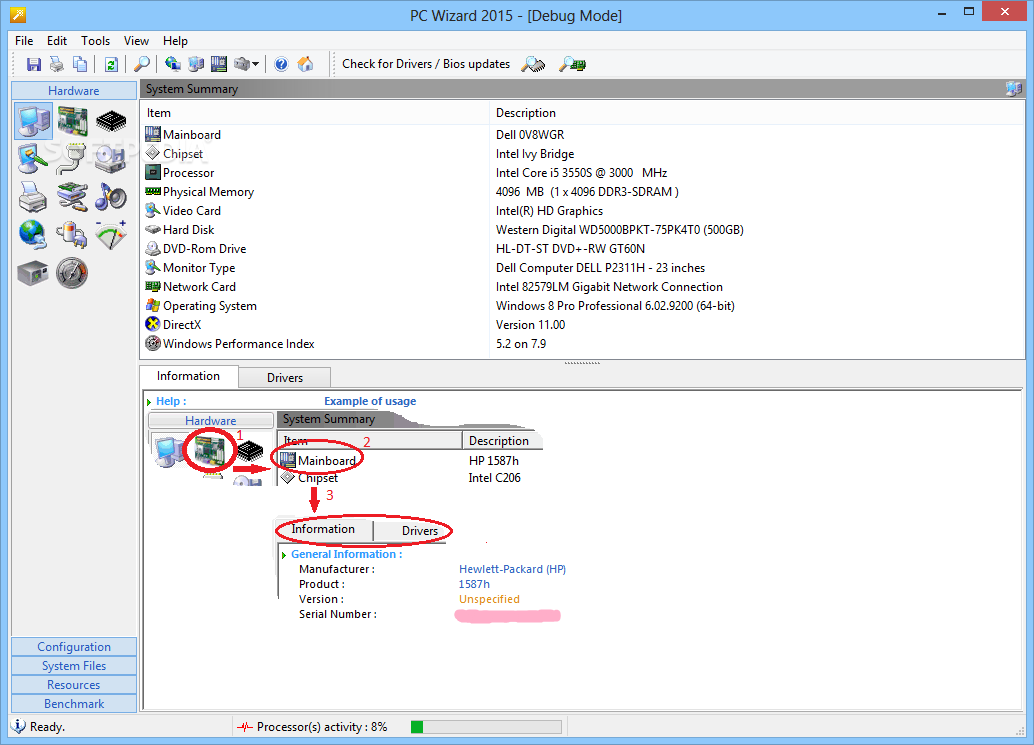
PC Wizard is an advanced application designed to monitor and display the hardware and software configuration of your computer. It also provides several handy benchmarks, reports and other useful features, mainly catering to power users.
Setting up PC Wizard does not take a long time. By default, it installs all components and users may exclude the web update tool and benchmarks. Since it is ad-supported, the app offers to install third-party utilities that it does not actually require to work properly; they can be excluded from setup.
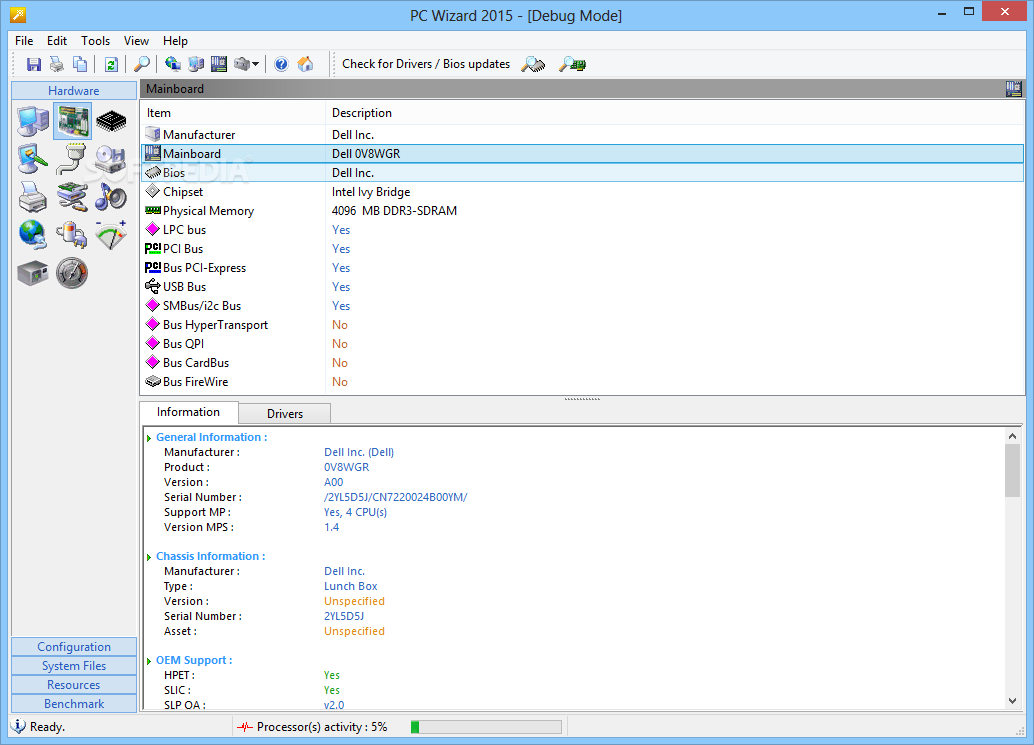
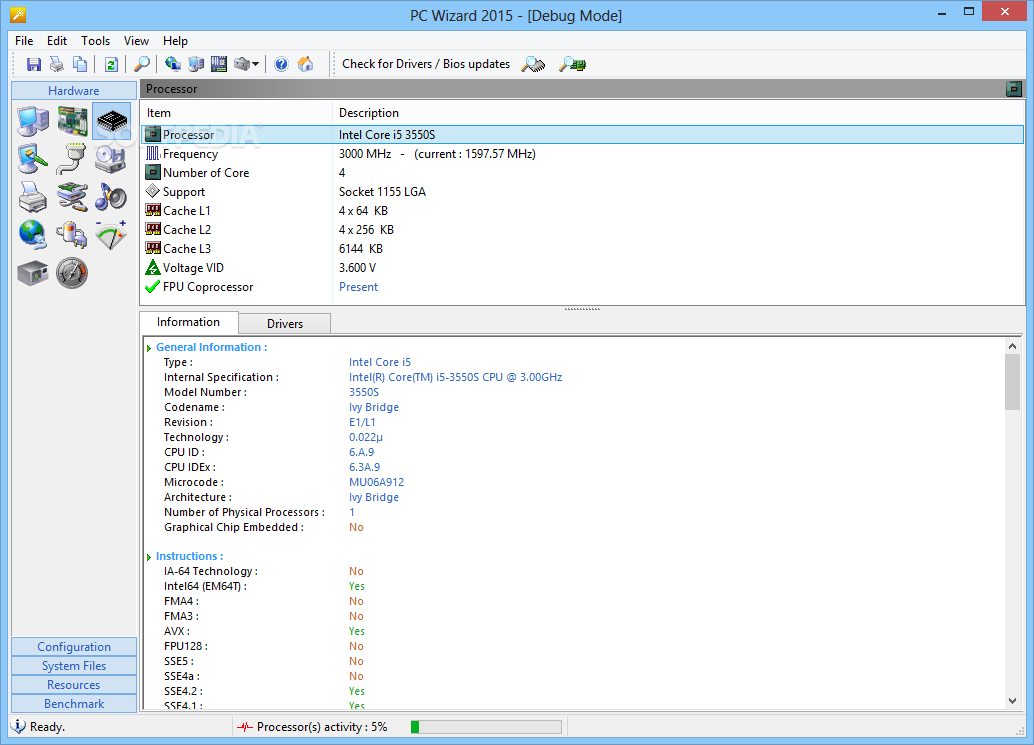
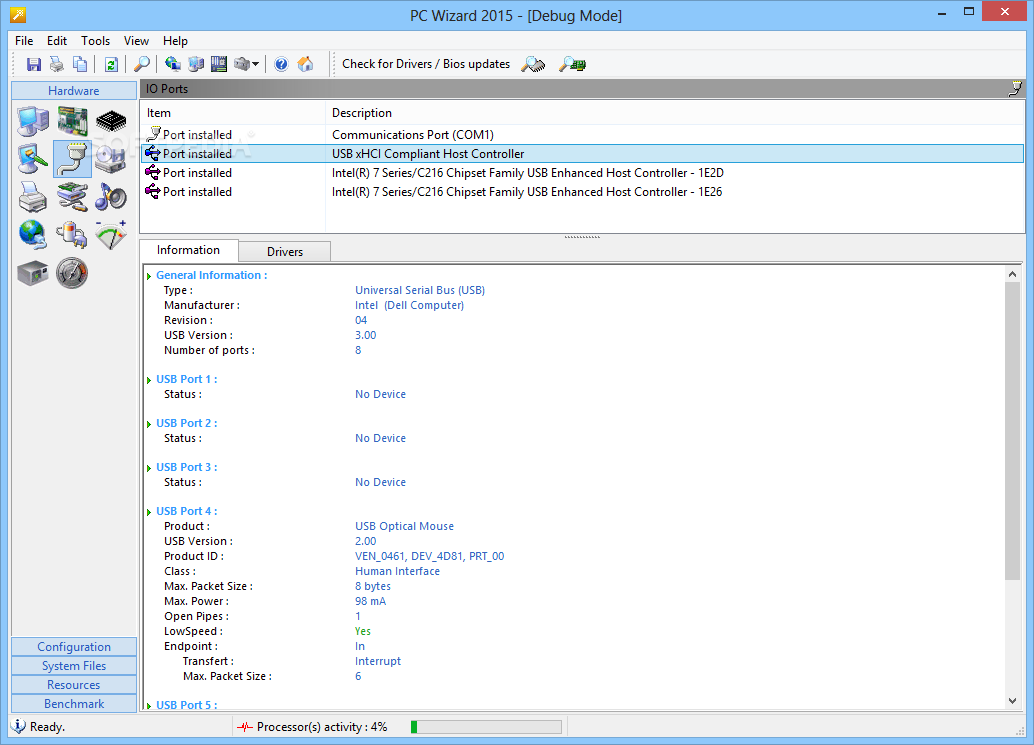
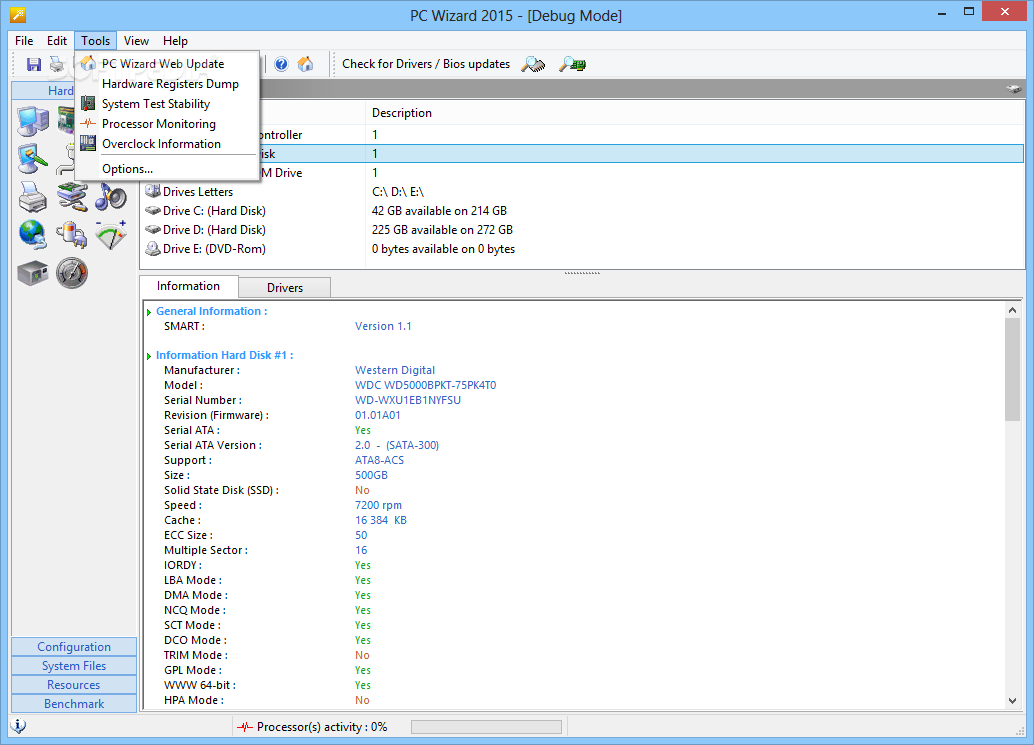
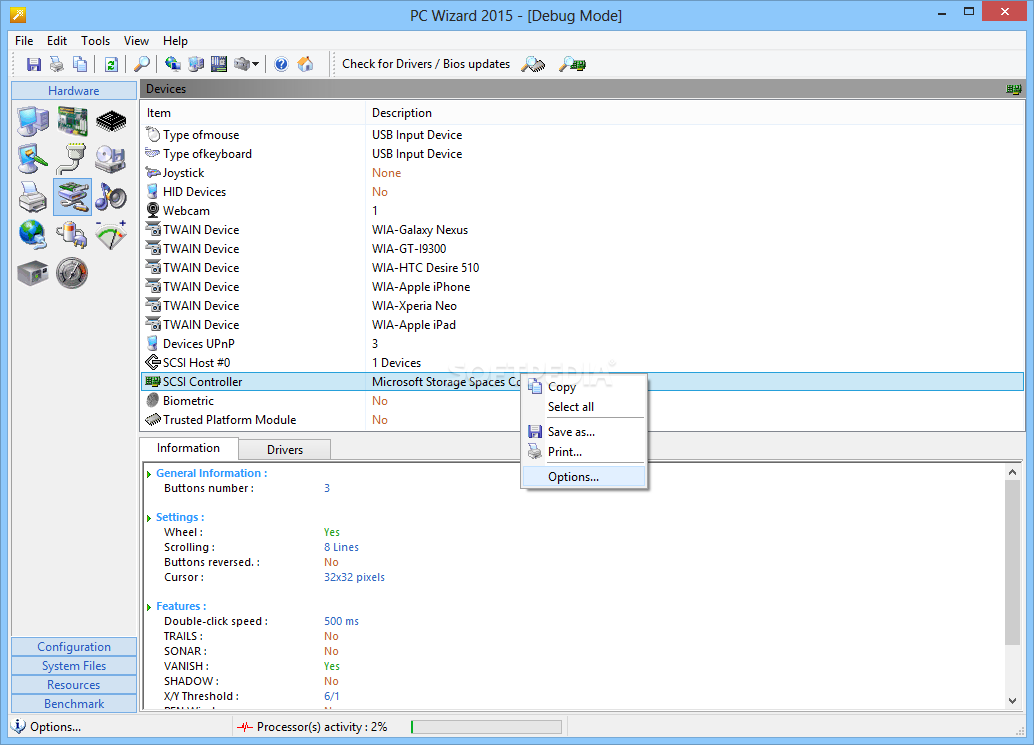
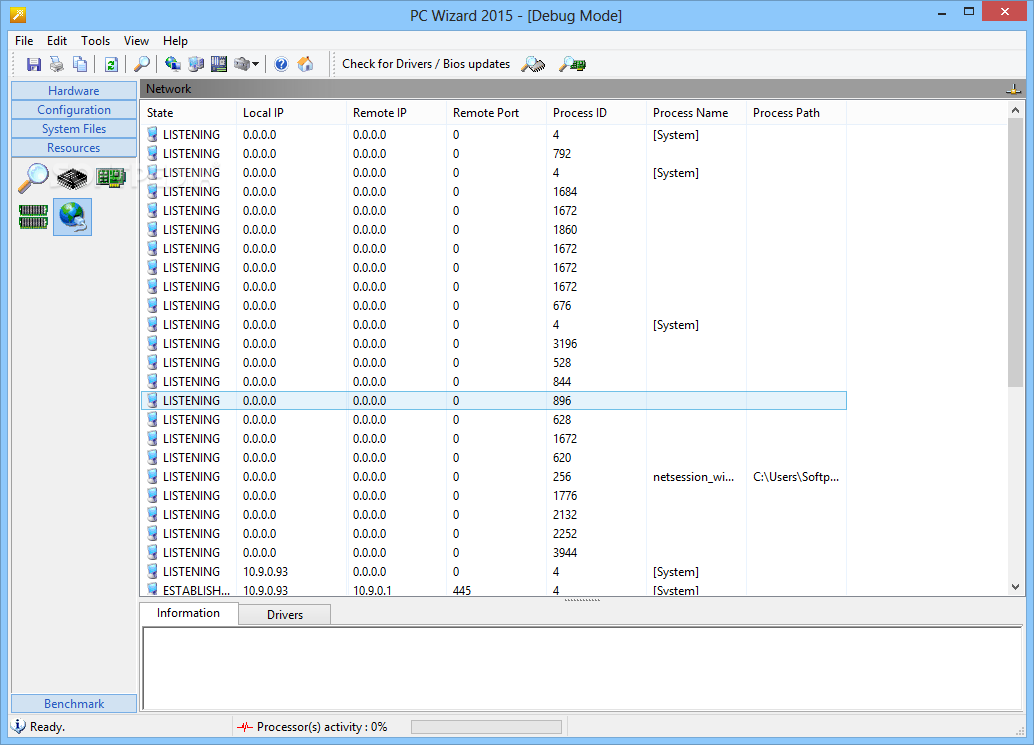
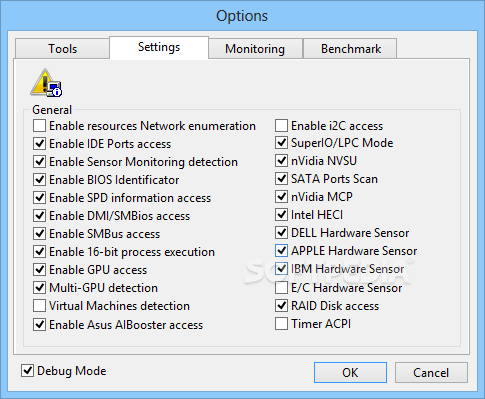
At startup, the app creates an icon in the system tray area, where it gets sent on minimize. It also displays CPU and GFX information on the upper right corner of the screen. The main window is clear-cut, keeping the system summary and details regarding the mainboard, processor, video, I/O ports, drives, printers, devices, multimedia, network, power status, voltage, temperature, fans, power supply monitoring and Windows Hardware Experience index information neatly organized into separate areas.
A large amount of data can be examined, such as touch support, installed ports, drive sizes, total shares and computers in the local network, processor voltage, graphics card and core temperatures, along with S.M.A.R.T. attributes. Selected entries can be copied to the Clipboard or all data with detailed or just drivers information can be saved to external files.
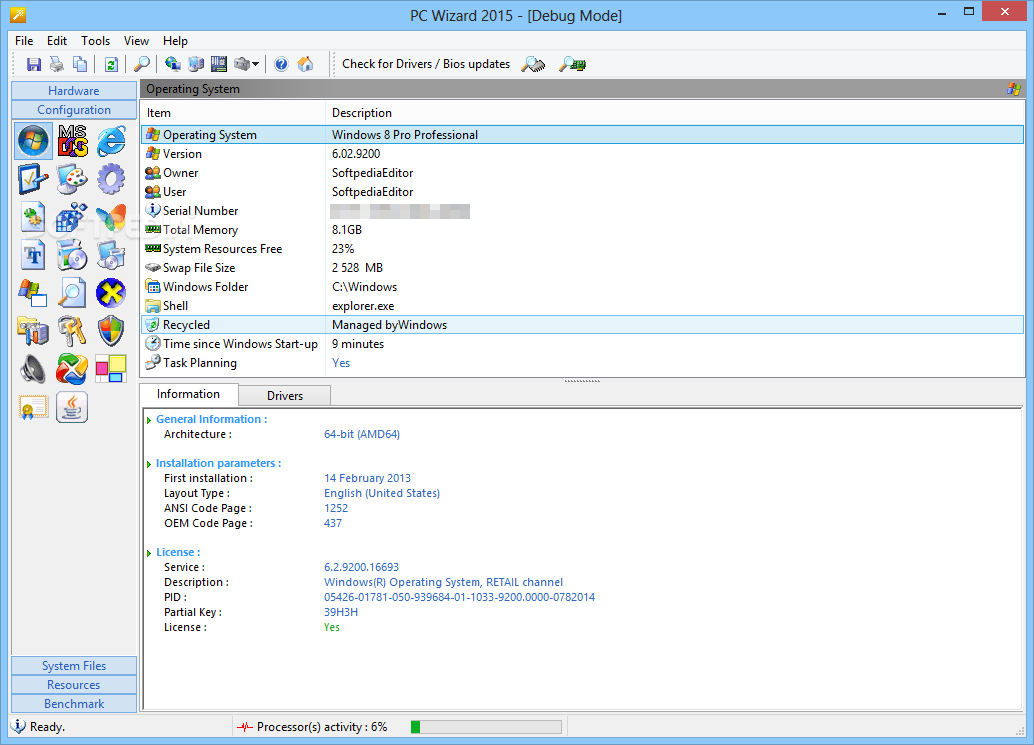
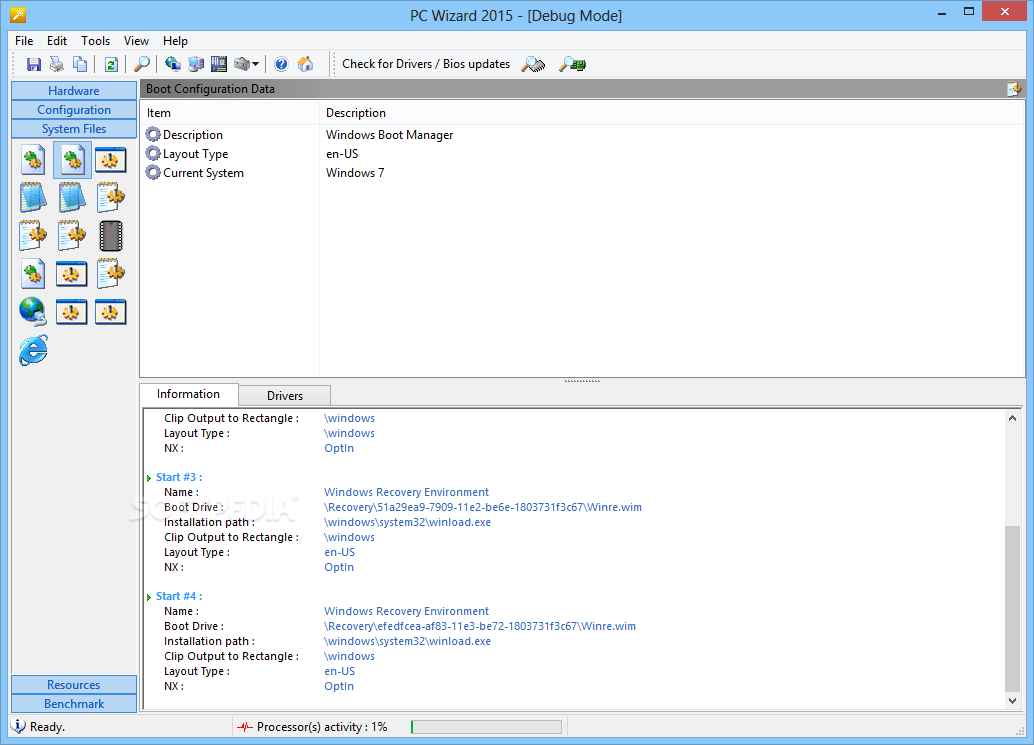
Additional info can be investigated when it comes to general operating system details (e.g. system uptime), DOS, web browsers (e.g. Java Runtime version), control panel applets, desktop elements (e.g. time zone, regional settings), threads and processes, DLLs, OLE objects, Microsoft applications, fonts, Windows updates and patches, and so on. Once again, data can be copied or compiled into reports.
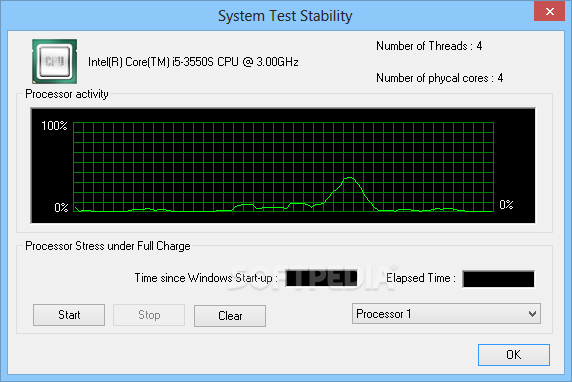
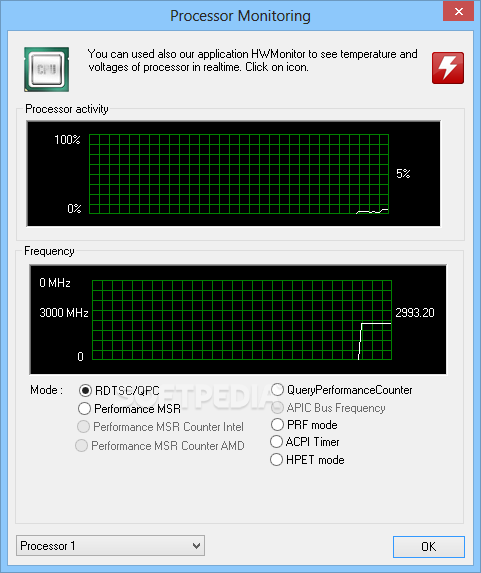
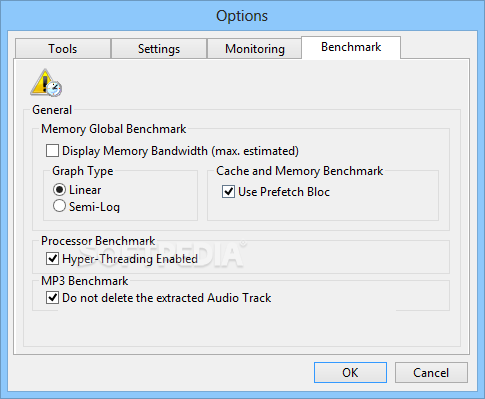
PC Wizard can test Windows to obtain an overall performance rating or evaluate global performance, the processor, multiple threads, cache and memory, global or latency memory, video / DirectX 3D, hard disk, DVD-ROM, removable disks, MP3 compression, or CUDA. It is possible to find out overclocking details, analyze processor monitoring graphs, save the hardware registers to file, as well as access Device Manager without leaving the interface.
The tool has a good response time and did not hang, crash or pop up error messages in our tests. It sports an impressive range of benchmarks and shows many useful details concerning various hardware and software components. However, it showed some inaccurate information in our tests, such as the default web browser. We must also take into account that PC Wizard has not been updated for a while.
Download Hubs
PC Wizard is part of these download collections: Hardware Inventory
PC Wizard 2015 2.14
 Softpedia Editor's Pick
add to watchlist
add to download basket
send us an update
REPORT
Softpedia Editor's Pick
add to watchlist
add to download basket
send us an update
REPORT
- portable version
- Portable PC Wizard
- runs on:
- Windows All
- file size:
- 4.7 MB
- filename:
- pc-wizard_2014.2.14-setup.exe




- main category:
- System
- developer:
- visit homepage
ShareX

Context Menu Manager

4k Video Downloader

Bitdefender Antivirus Free

calibre

Microsoft Teams

Windows Sandbox Launcher

IrfanView

Zoom Client

7-Zip

- IrfanView
- Zoom Client
- 7-Zip
- ShareX
- Context Menu Manager
- 4k Video Downloader
- Bitdefender Antivirus Free
- calibre
- Microsoft Teams
- Windows Sandbox Launcher