
Create and open file archives quickly and safely using this free and open-source utility that boasts an intuitive user interface. #File Archiver #Compress File #File Compressor #Archiver #Compressor #ZIP

While Windows' built-in archive extraction capabilities may suffice for many users, there are more advanced and useful archive formats than the default ZIP supported by the operating system. As a result, an entire category of applications was sparked in the race for offering the best user experience for an affordable price.
One such application is the archiving utility named Peazip, an alternative to already-established giants of the industry such as WinRAR. Thanks to its open-source license, user-friendly interface and handy archiving tools, Peazip may be the best choice for those who do not want to deal with paid services.
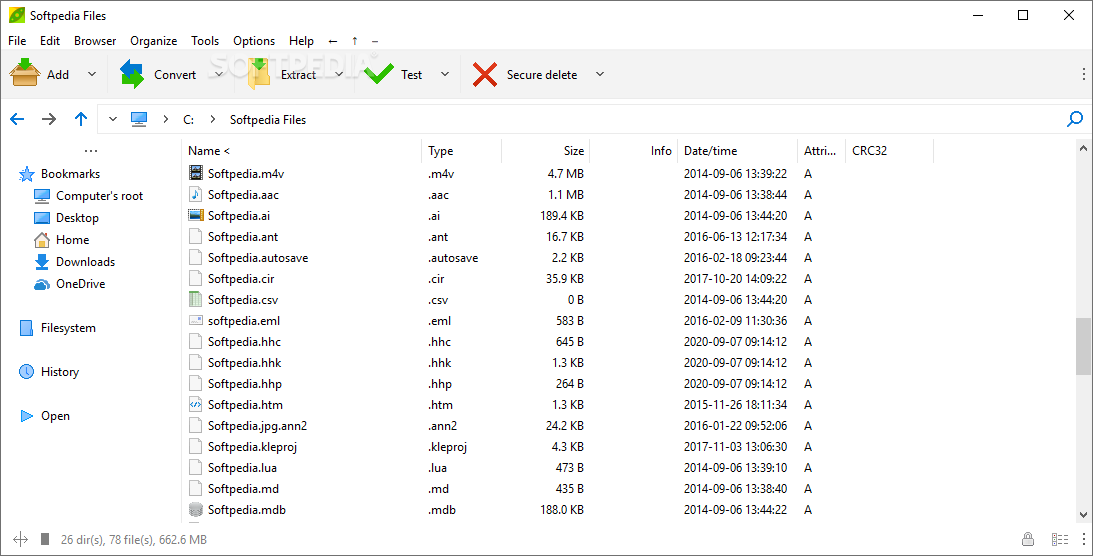
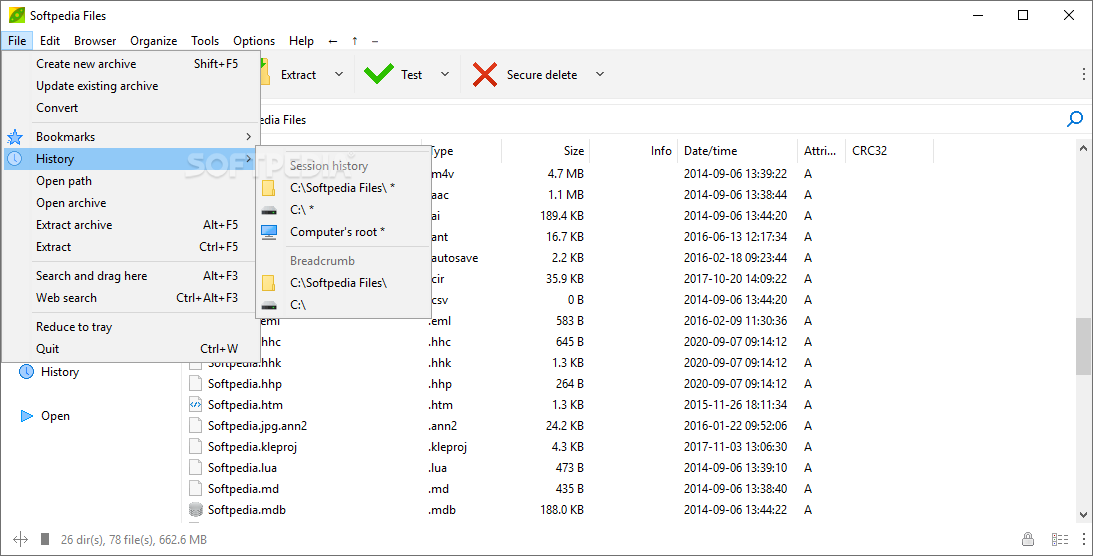
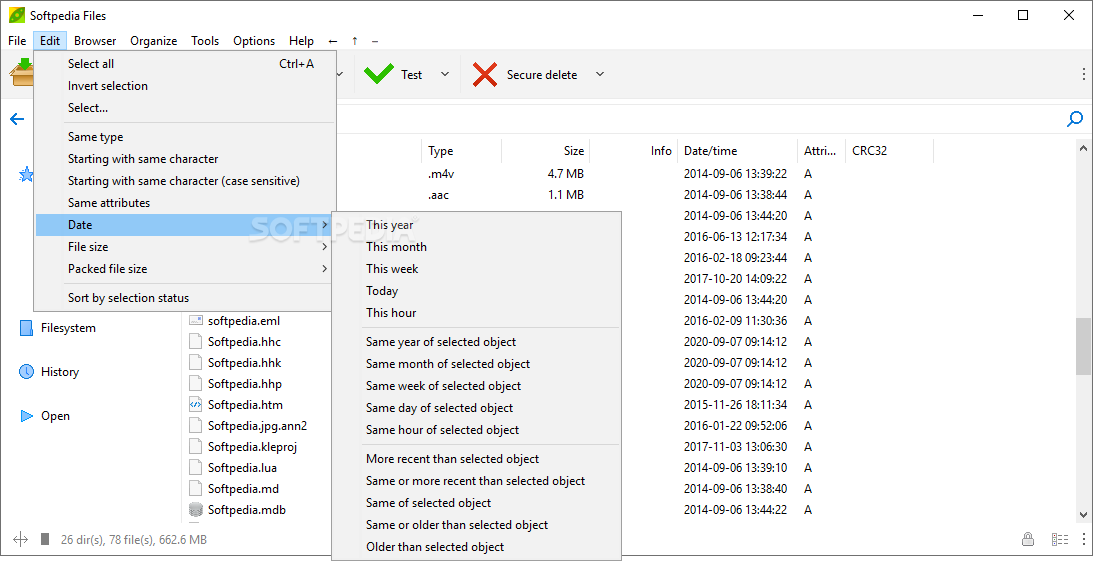
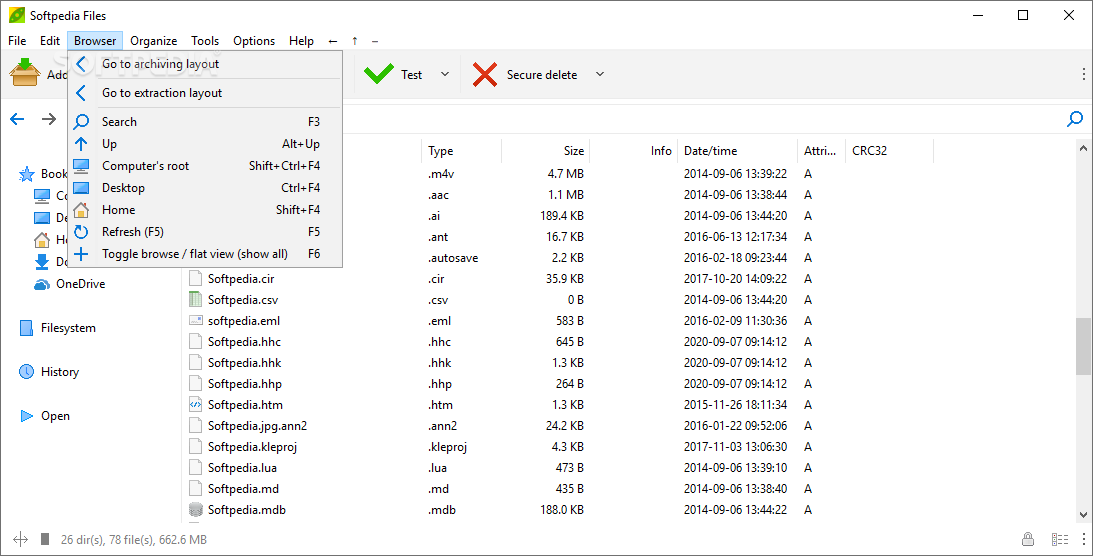
Upon booting, the application displays an aesthetically-pleasing design resembling Microsoft’s built-in file explorer, meaning that new users will feel right at home navigating the layout. The top ribbon provides quick access to the most advanced features supported by the app.
The toolbar underneath shows large clickable buttons with the basic functions of creating, converting, extracting, testing and deleting archives. The left side contains a tree-style menu listing the most frequently visited folders, while the right side displays the files contained in the archives selected by the user.
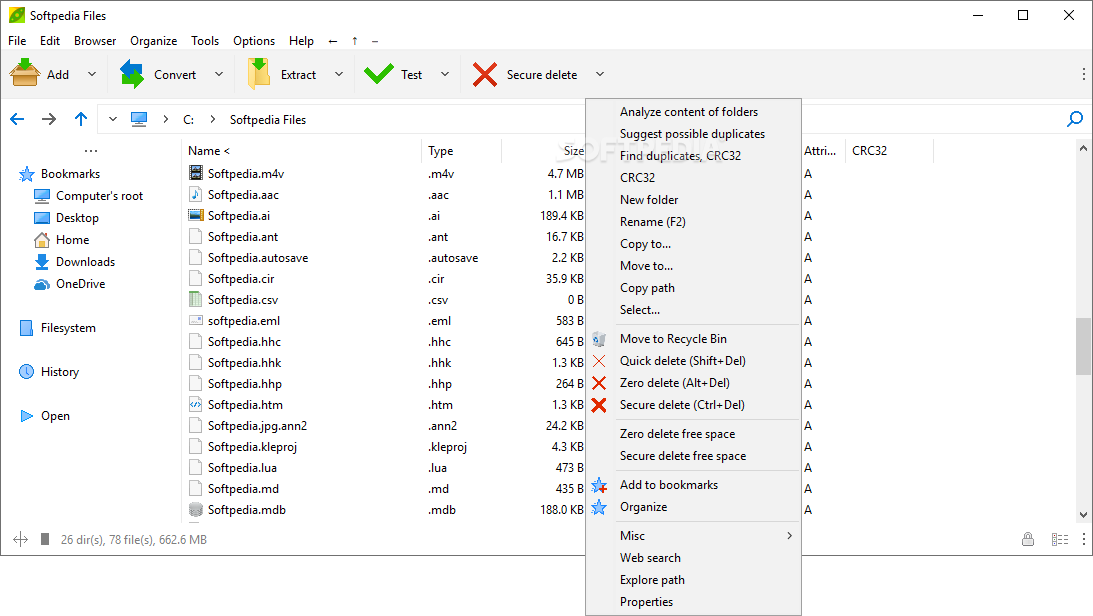
Files can be added to an archive or extracted from an existing one using the Peazip commands nested within the native context menu. Archives can then be encrypted in formats such as 7Z, ZIP, PEA, TAR and many others. Advanced functions that can applied to archive filenames include encoding, searching using a variety of engines online, saving their computer path as a text file for easy copying and pasting, or scanning the contents using Microsoft’s Windows Defender.
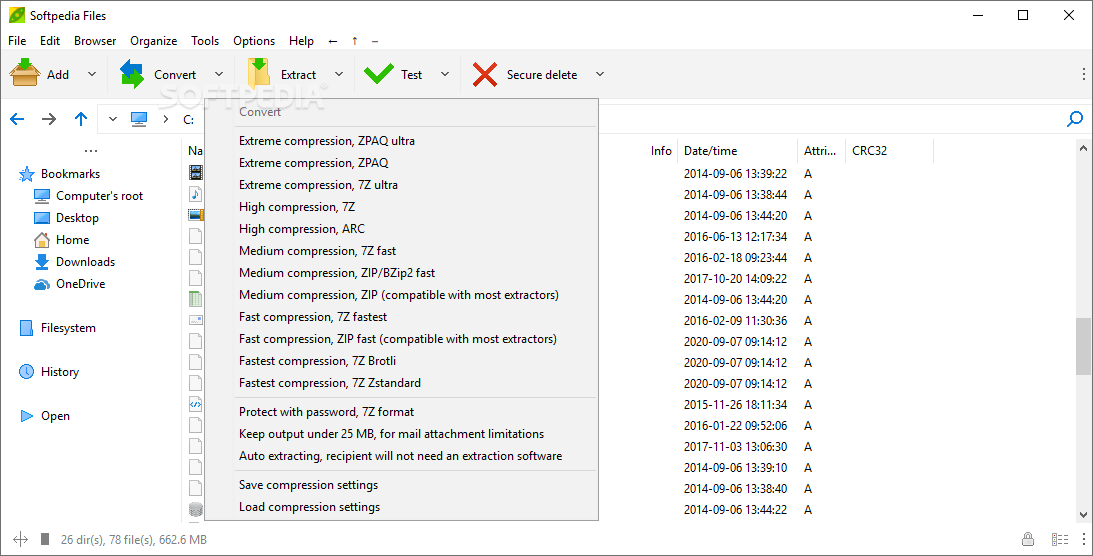
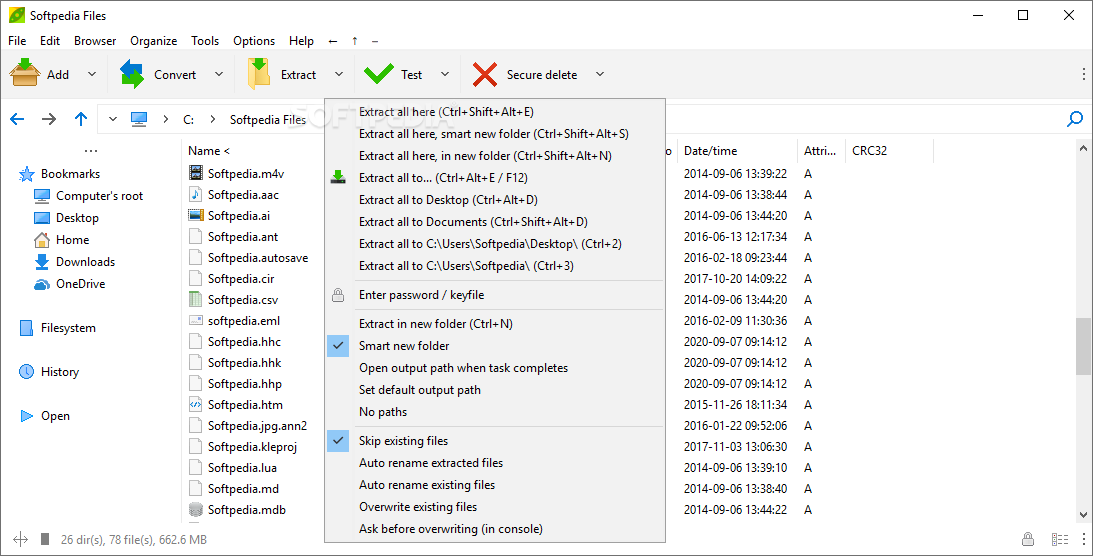
Compression types vary from Fast to Extreme, extracting files can be done on the fly to the archive’s original folder or subfolders, default output paths can be set manually by the user, and support for renaming existing files automatically is also present within the app’s context menu.
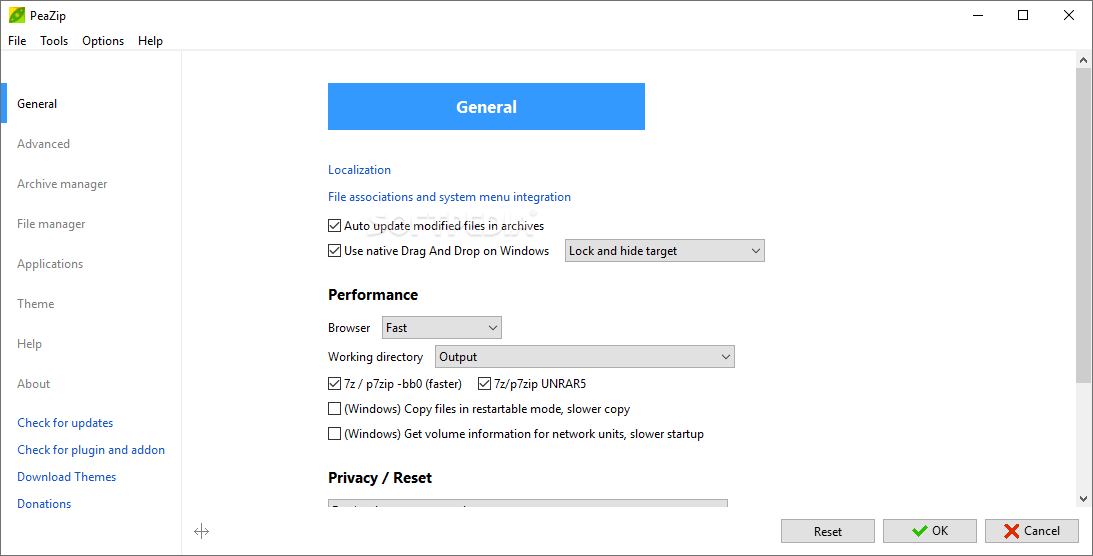
For users who want an alternative to paid proprietary applications, Peazip may be one of the best open-source utilities with all the features one would need for handling virtually all operations related to archiving, including custom theme support and a clean interface compatible with Windows’ design language.
Download Hubs
PeaZip is part of these download collections: Open RAR, Open ZIP, Create tar, Create 7z
PeaZip 9.7.1
 Softpedia Editor's Pick
add to watchlist
add to download basket
send us an update
REPORT
Softpedia Editor's Pick
add to watchlist
add to download basket
send us an update
REPORT
- PRICE: Free
- portable version
- PeaZip Portable
- runs on:
-
Windows 11
Windows 10 32/64 bit
Windows 8 32/64 bit
Windows 7 32/64 bit
Windows Vista 32/64 bit
Windows XP 32/64 bit
Windows 2K - file size:
- 8.4 MB
- filename:
- peazip-9.7.1.WINDOWS.exe




- main category:
- Compression tools
- developer:
- visit homepage
7-Zip

calibre

Bitdefender Antivirus Free

ShareX

Zoom Client

Microsoft Teams

4k Video Downloader

Windows Sandbox Launcher

Context Menu Manager

IrfanView

- Windows Sandbox Launcher
- Context Menu Manager
- IrfanView
- 7-Zip
- calibre
- Bitdefender Antivirus Free
- ShareX
- Zoom Client
- Microsoft Teams
- 4k Video Downloader