
Edit your pictures either from the computer or taking a screenshot, use various tweak functions, include an abundance of effects, and more. #Take screenshot #Image editor #Webcam capture #Capture #Edit #Screenshot

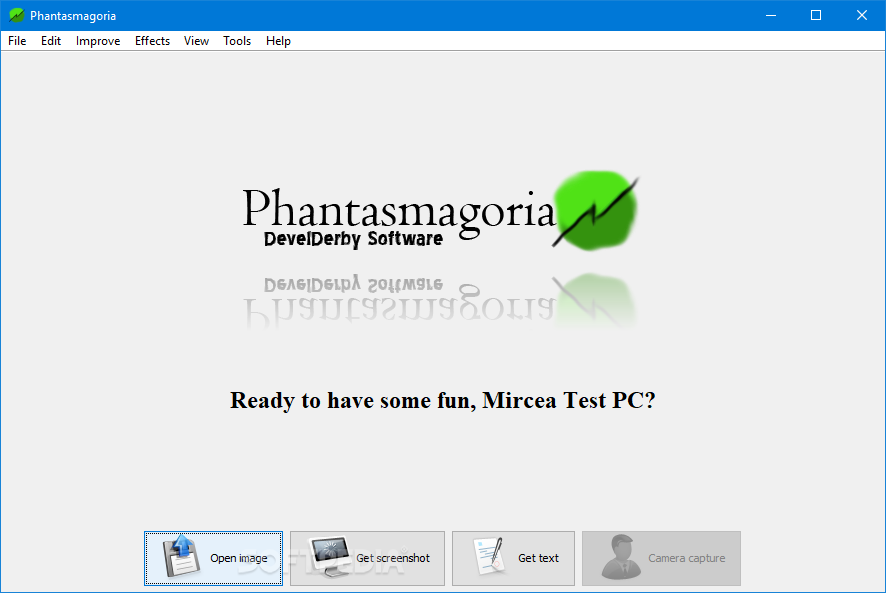
Phantasmagoria is a software app that enables you to capture the screen or camera, as well as to make several image adjustments. It supports numerous formats, including BMP, GIF, JPG, PNG, TGA and TIF.
The interface of the program is clean and intuitive. Pictures can be imported by using either the file browser or 'drag and drop' function. Unfortunately, you cannot process multiple items at the same time.
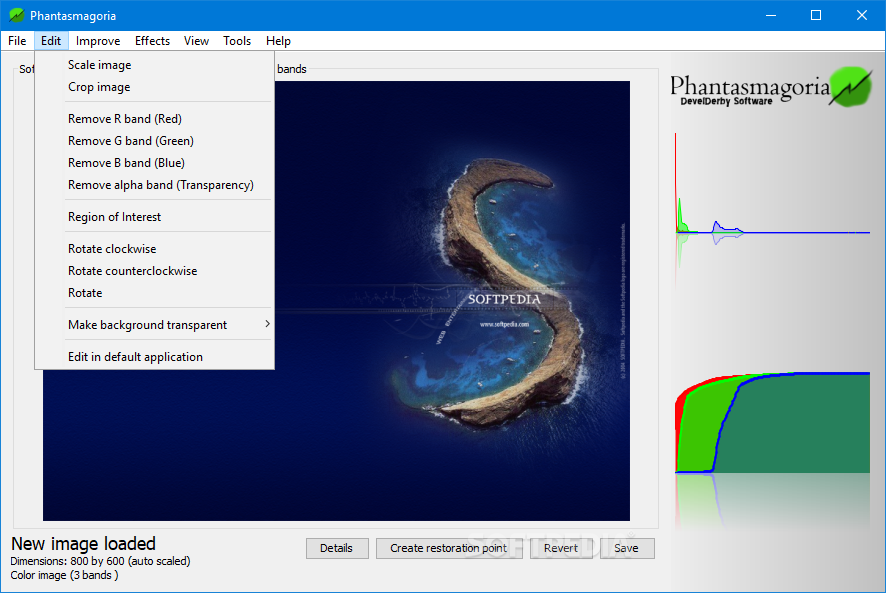
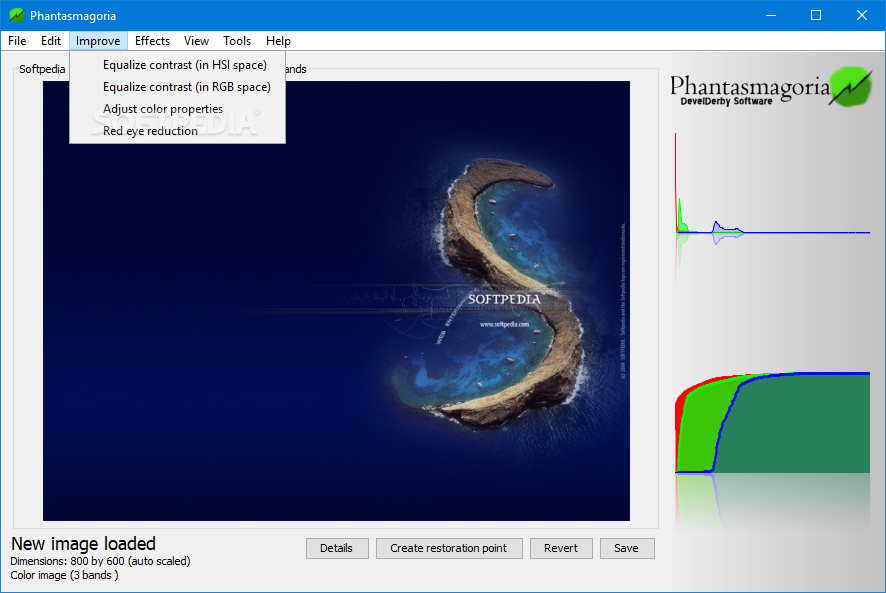
You can scale, crop and rotate pictures, make the background transparent, equalize the contrast, remove the red eye effect and adjust color properties (hue, saturation, intensity).
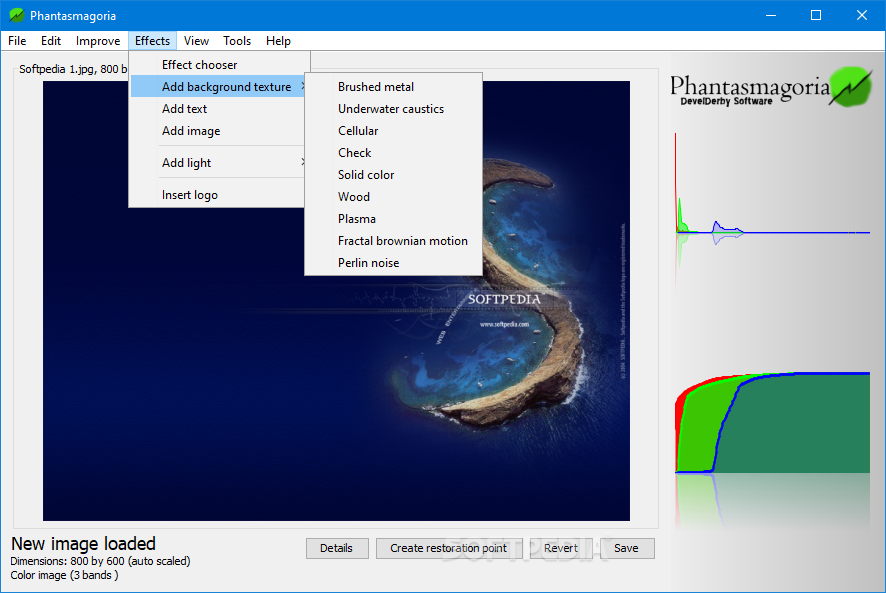
But you can also add a background texture, text, light and other images, insert the developer's logo, as well as apply several effects (e.g. cartoon, postmodern, sketch).
Phantasmagoria allows you to configure text settings (e.g. font style and size, processing effects), edit a picture in the default image editing tool, and switch to full screen mode. It includes native support for Twitter, thus allowing you to microblog while editing pictures.
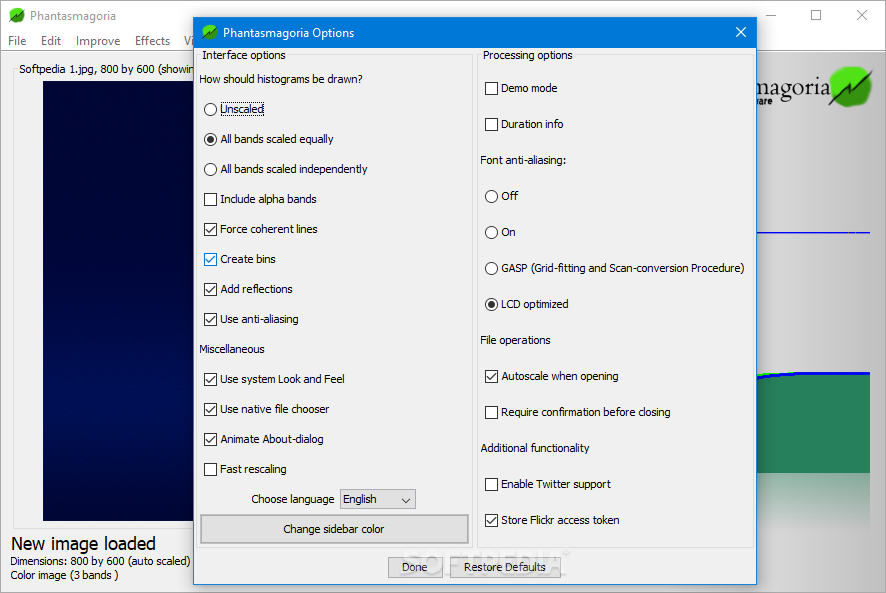
From the 'Options' screen, you can tick the settings to include alpha bands, create bins, add reflections, enable font anti-aliasing, autoscale pictures when opened, and to store the Flickr access token. Properties can be restored to their default values.
Phantasmagoria supports multiple languages for the interface, has a good response time, includes user documentation and needs a pretty high amount of system resources to work properly. No errors have occurred during our tests.
Unfortunately, Phantasmagoria does not provide configurable settings for capturing the screen. For example, you cannot grab a particular window or region, or include the mouse cursor in the snapshot.
Taking everything into consideration, we can state that Phantasmagoria is a practical graphics editor overall. It can run on more than Windows since it relies on Java, lets you import local files or a screenshot, and contains a decent variety of functions, tools, and effects to work with.
Phantasmagoria 1.00
add to watchlist add to download basket send us an update REPORT- runs on:
-
Windows 10 32/64 bit
Windows 2003
Windows 8 32/64 bit
Windows 7 32/64 bit
Windows Vista
Windows XP
Windows 2K - file size:
- 3.4 MB
- filename:
- PhantasmagoriaSetup.exe
- main category:
- Multimedia
- developer:
Context Menu Manager

7-Zip

ShareX

Zoom Client

Windows Sandbox Launcher

Bitdefender Antivirus Free

calibre

Microsoft Teams

IrfanView

4k Video Downloader

- Microsoft Teams
- IrfanView
- 4k Video Downloader
- Context Menu Manager
- 7-Zip
- ShareX
- Zoom Client
- Windows Sandbox Launcher
- Bitdefender Antivirus Free
- calibre