
Use this powerful GSM management workstation to fully synchronize your Samsung mobile phone with your PC and manage multimedia files, messages and more #Phone Explorer #Samsung Navigator #Transfer Music #Samsung #Mobile #Synchronize

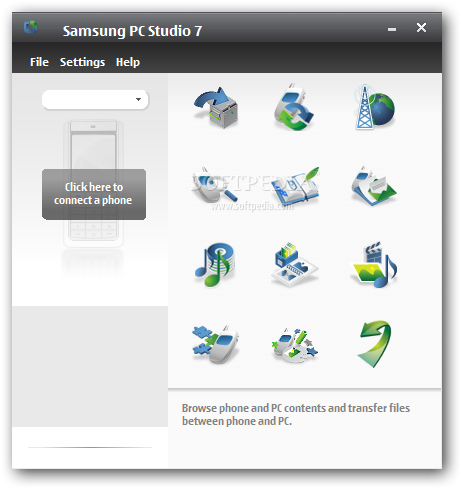
Samsung is one of the top 5 mobile phone manufactures in the world. Rest assured that not all of these mobile phones are smartphones and, as any respectable manufacturer, Samsung has developed management applications for users owning GSM mobile phones.
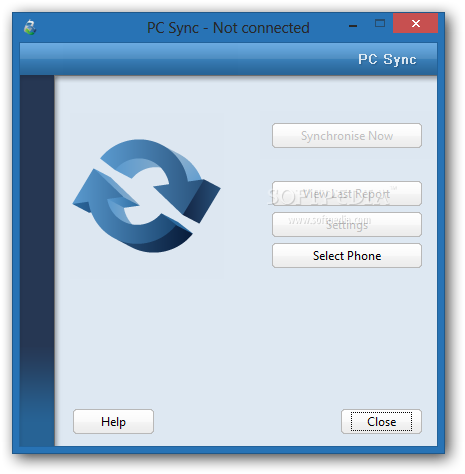
No matter if you want to synchronize contacts, calendar items or emails, transfer files or back up your data and even create and send text messages, Samsung PC Studio is the official program to use. It supports synchronization with most email clients out there, including Microsoft Outlook, Outlook Express, Lotus Notes and Lotus Organizer, so it allows you to easily transfer your contacts between mobile phone and computer.
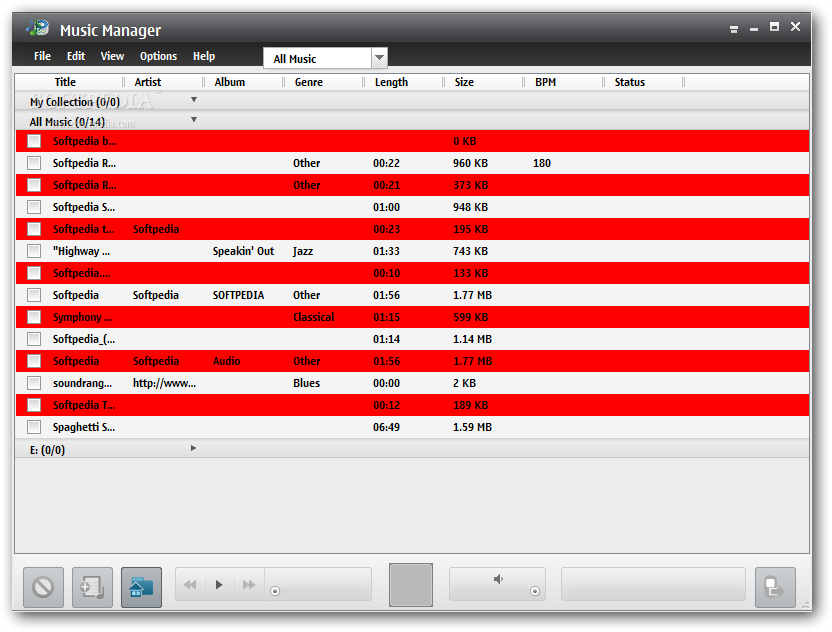
Samsung PC Studio is also a great and handy tool if you intend to install Java or Symbian apps on your phone. Just drag and drop the file you wish to copy on your handset and you’re ready to go. You can also rip audio CDs, create music files and copy music files directly on your mobile phone within a few clicks.
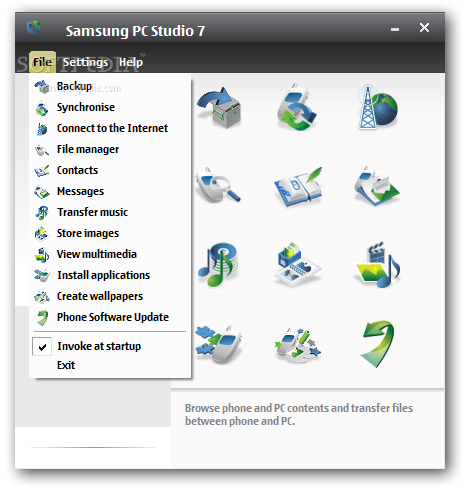
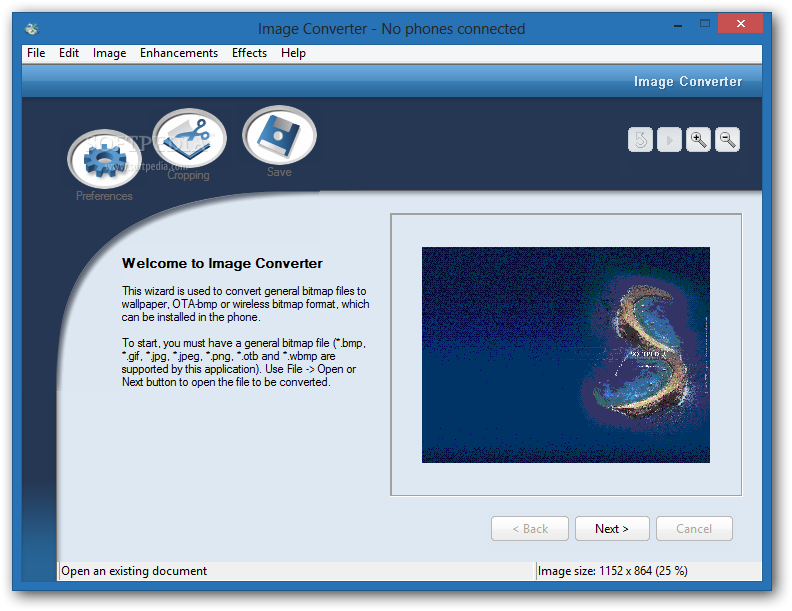
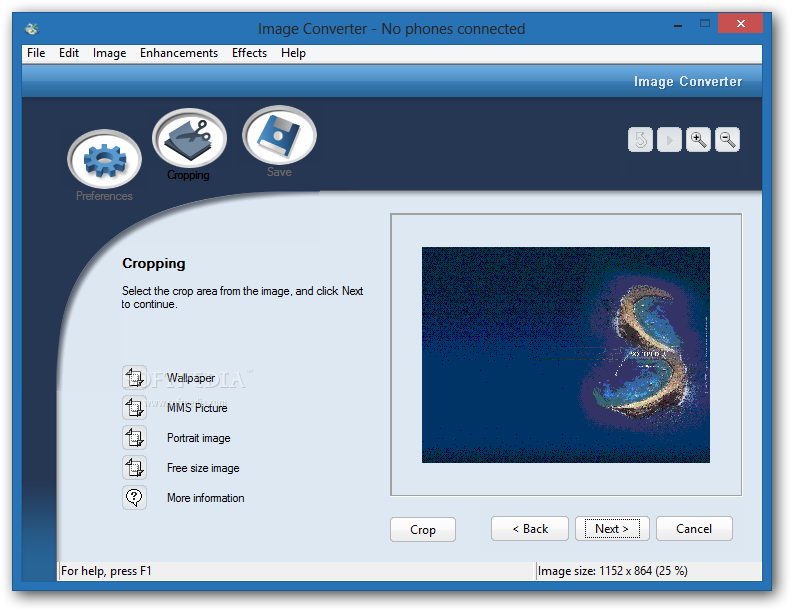
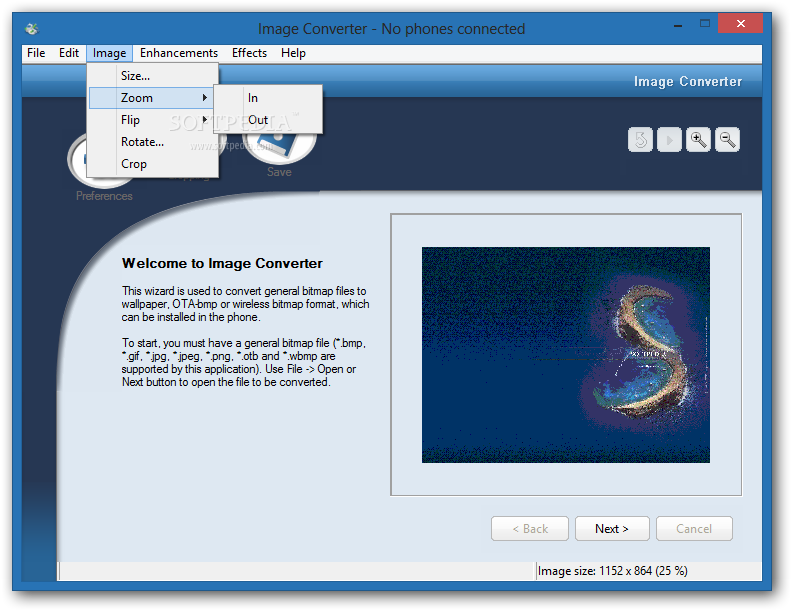
Unfortunately, the interface lacks the ease-of-use by laying icons in front of your eyes with no descriptive text. That expands the time span needed to get familiar with the application and this brings nothing but frustration from the user's point of view. All functions are also listed under the “File” menu, but still, this isn’t the best interface a phone manager could receive.
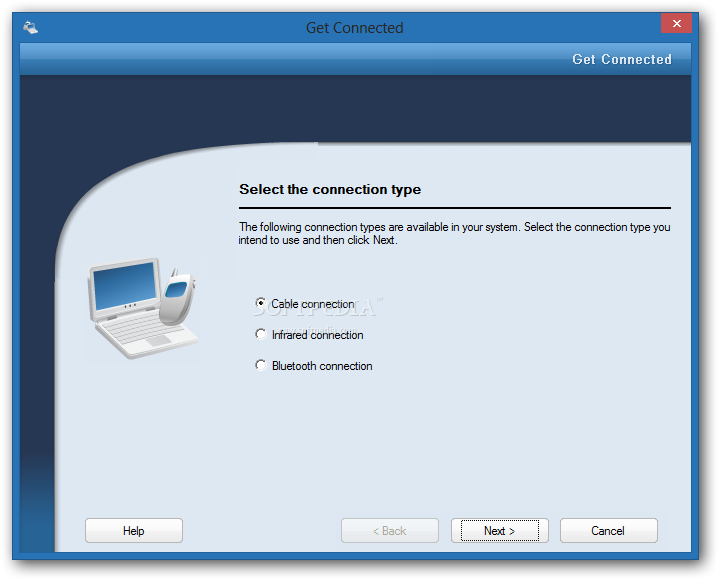
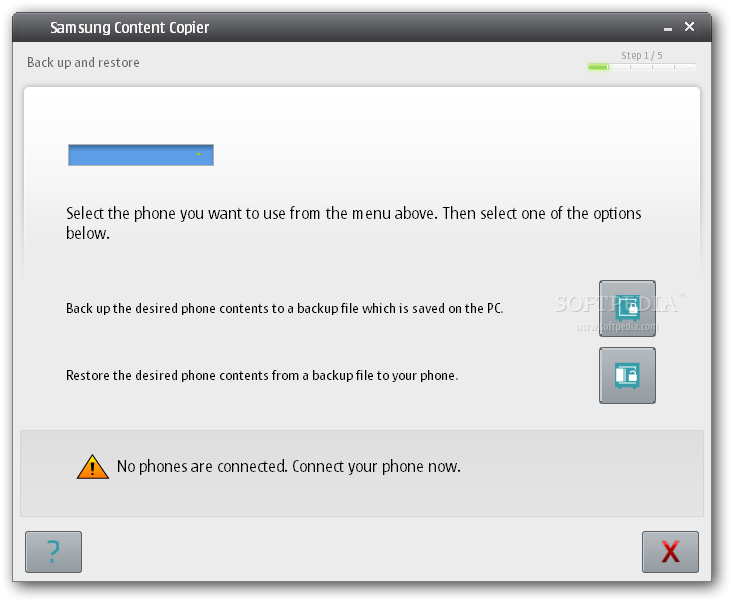
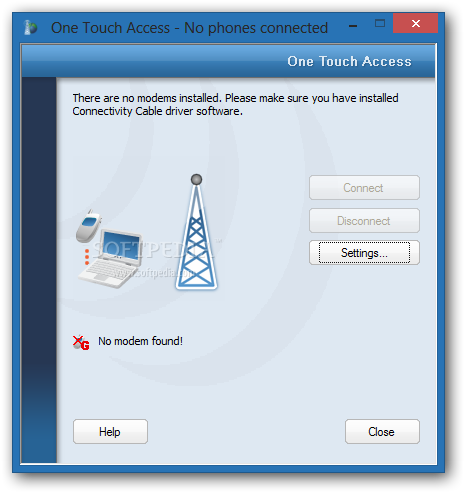
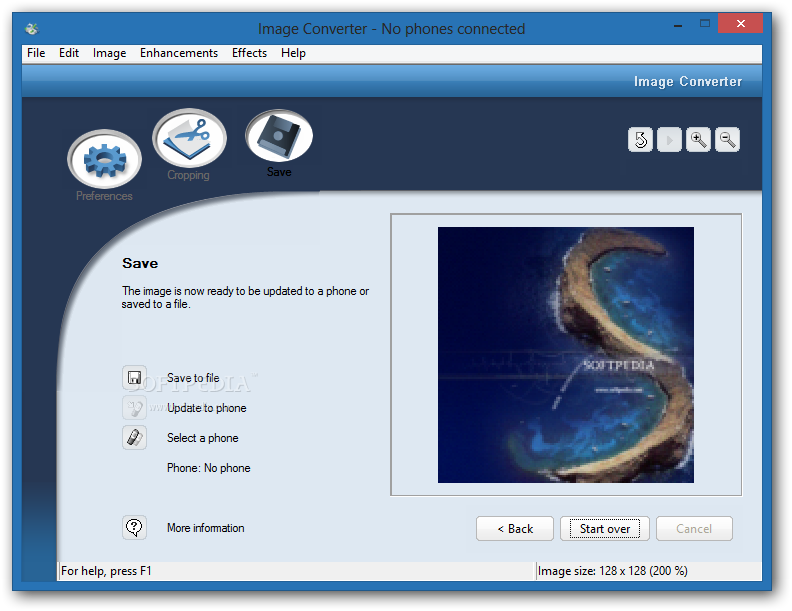
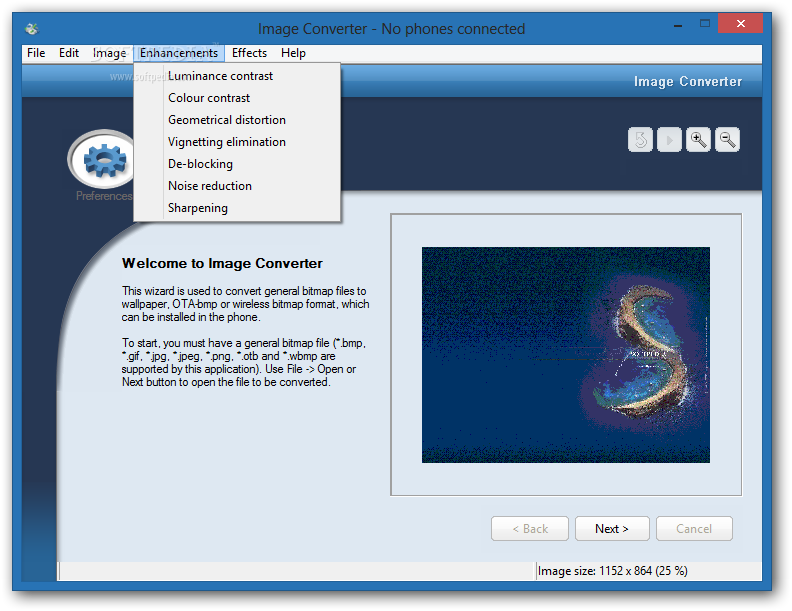
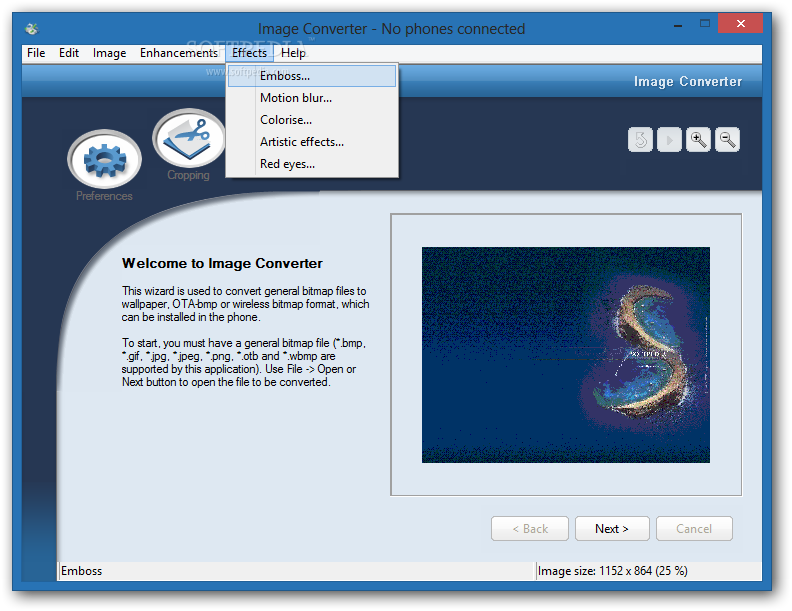
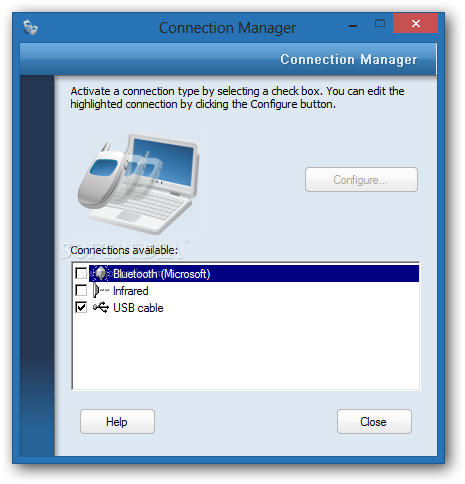
Just like many other mobile phone suites out there, Samsung’s lets you connect the device to your PC using an USB cable, an infrared port, Bluetooth or a serial cable. You can easily create backups of your phone's data for safe keeping or to transfer it to another phone, connect your PC to the Internet using your handset, play and convert multimedia files and also create wallpapers for your Samsung phone.
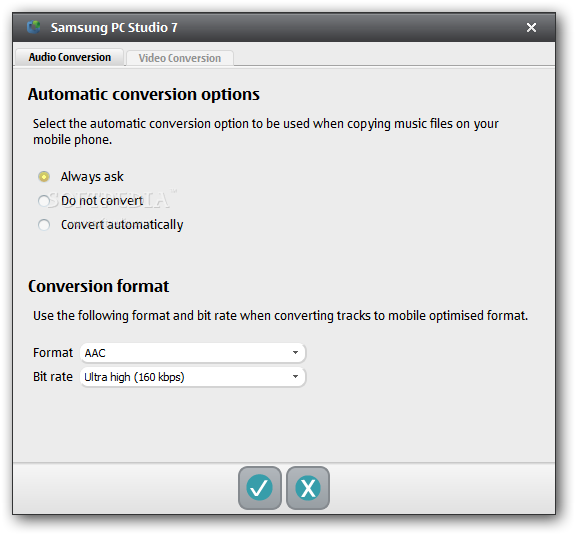
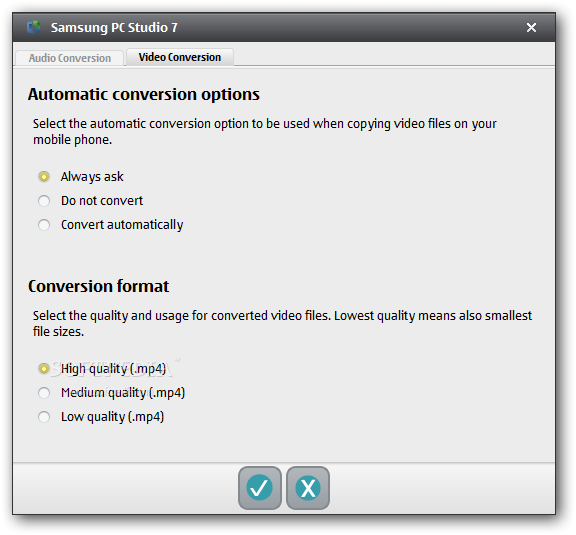
Samsung PC Studio's Settings window refer to 'Automatic conversion options' and Audio / Video conversion formats. You can choose from AAC and M4A as the default audio format and High / Medium or Low quality MP4 container files for the video side.
While not being the perfect app overall, Samsung PC Studio takes the edge off its competitors by providing the complete set of tools needed for the job. Nonetheless, if you are the owner of a Samsung GSM mobile phone, then this is a must-have.
Download Hubs
Samsung PC Studio is part of these download collections: Mobile Phone Managers
Samsung PC Studio 7.2.24.9
add to watchlist add to download basket send us an update REPORT- runs on:
-
Windows 2003
Windows 8 32/64 bit
Windows 7 32/64 bit
Windows Vista
Windows XP
Windows 2K - file size:
- 54.3 MB
- filename:
- Samsung_PC_Studio_7.2.24.9.exe
- main category:
- Internet
- developer:
Context Menu Manager

4k Video Downloader

calibre

ShareX

Zoom Client

Microsoft Teams

IrfanView

Windows Sandbox Launcher

Bitdefender Antivirus Free

7-Zip

- Windows Sandbox Launcher
- Bitdefender Antivirus Free
- 7-Zip
- Context Menu Manager
- 4k Video Downloader
- calibre
- ShareX
- Zoom Client
- Microsoft Teams
- IrfanView