

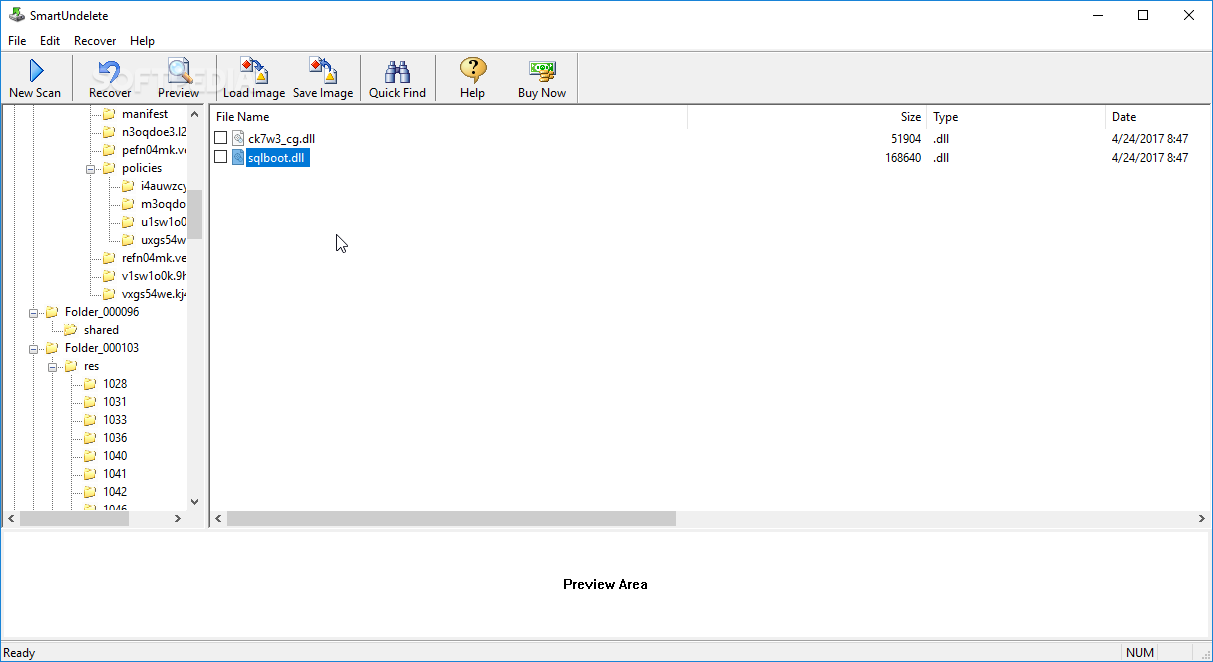
Storage devices can wear off in time, leading to inaccessible locations, or even lost files. Luckily, you can use Smart Undelete, a program designed to help you recover files which have been lost or deleted from your computer. It can be seamlessly handled, even by less experienced users.
Before the application is put to good use, make sure your computer is fitted with .NET Framework. The interface of the application is plain and easy to work with, providing quick access to operations through the upper toolbar, and providing generous and organized navigation space to analyze and select items you wish to recover.
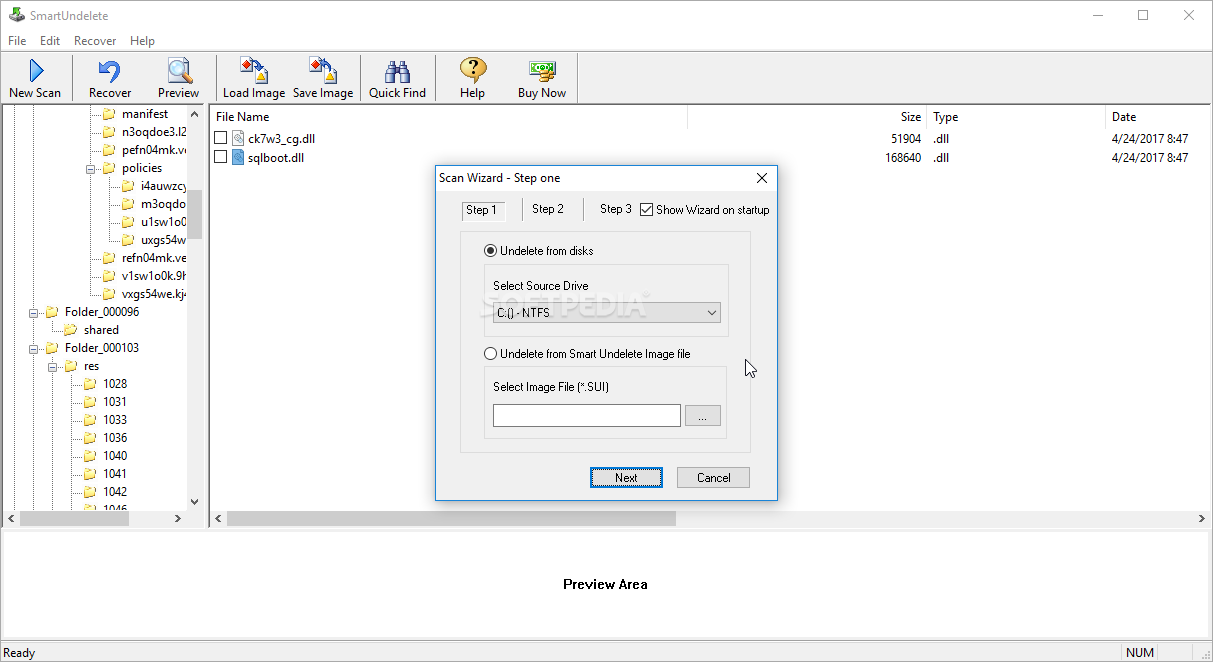
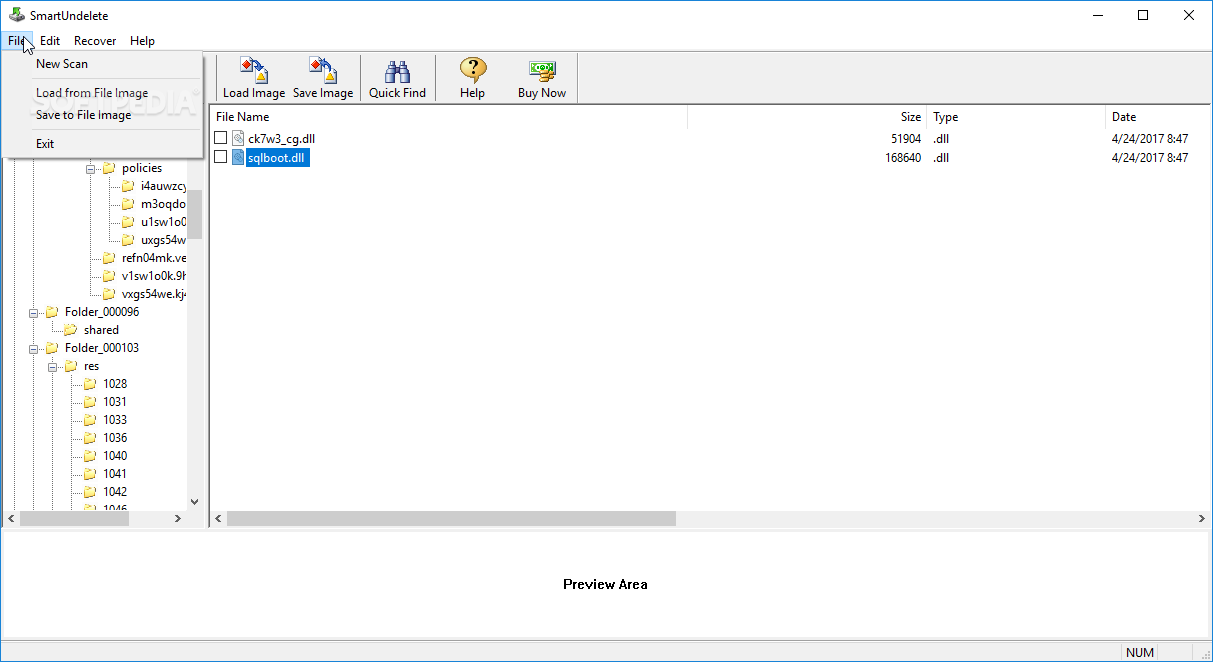
You can get started by selecting the source drive to scan. Alternatively, you can retrieve content from an image file (SUI format). All scan-related operations are handled through a wizard-driven process to quickly get you up and running.
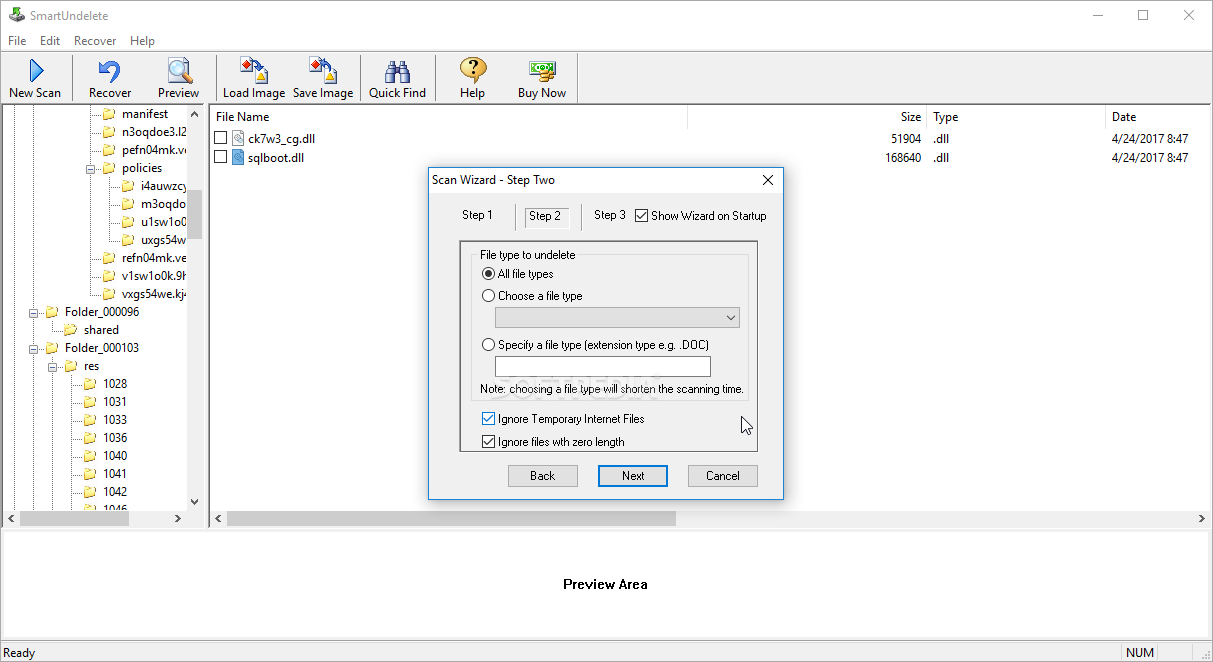
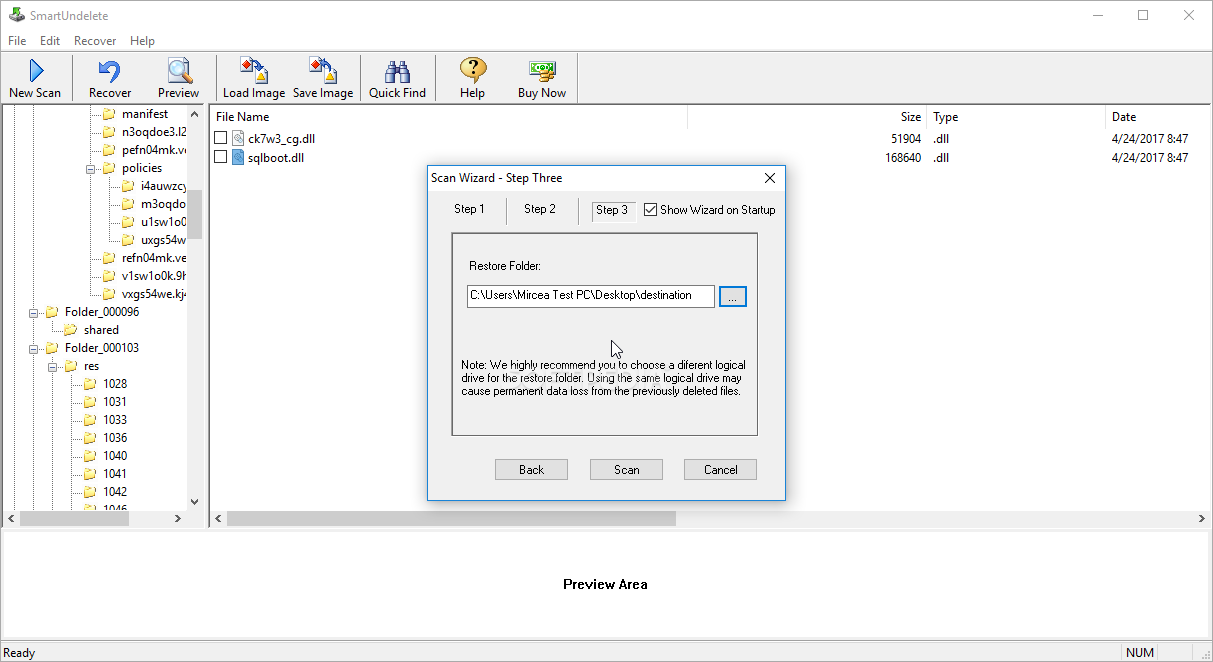
Smart Undelete is able to recover all files from a specific drive. Otherwise, you can pick a specific one, as well as make the app ignore temporary Internet files and zero-length files. In the last step, you can specify the output directory for recovered items.
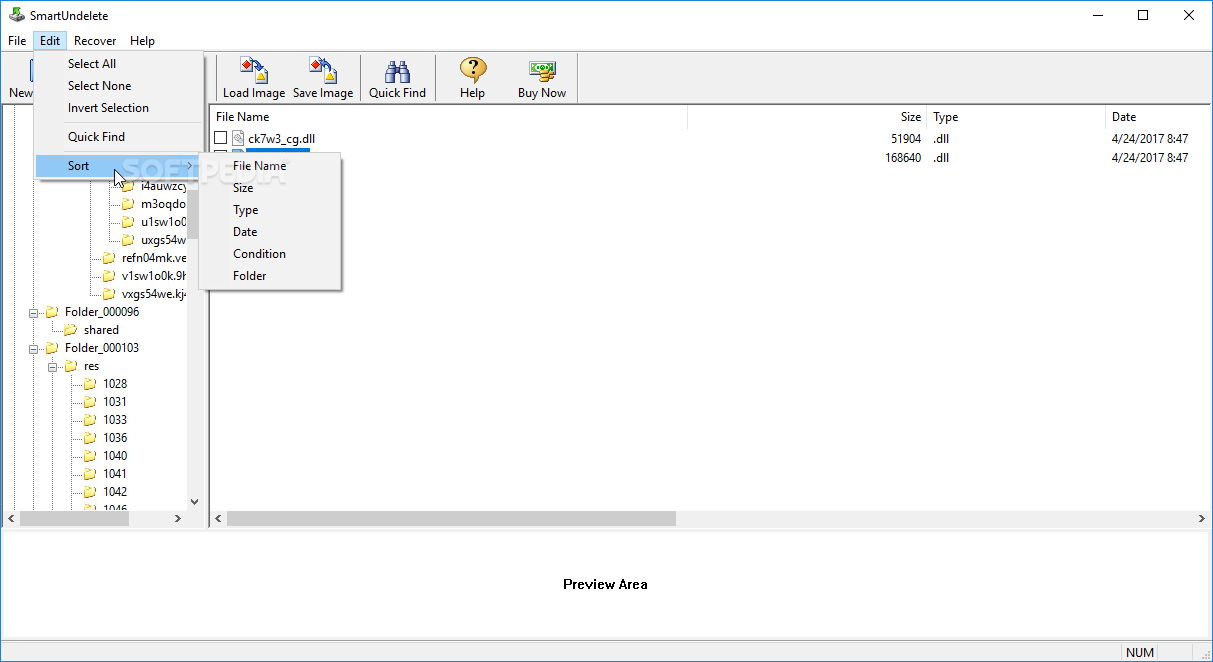
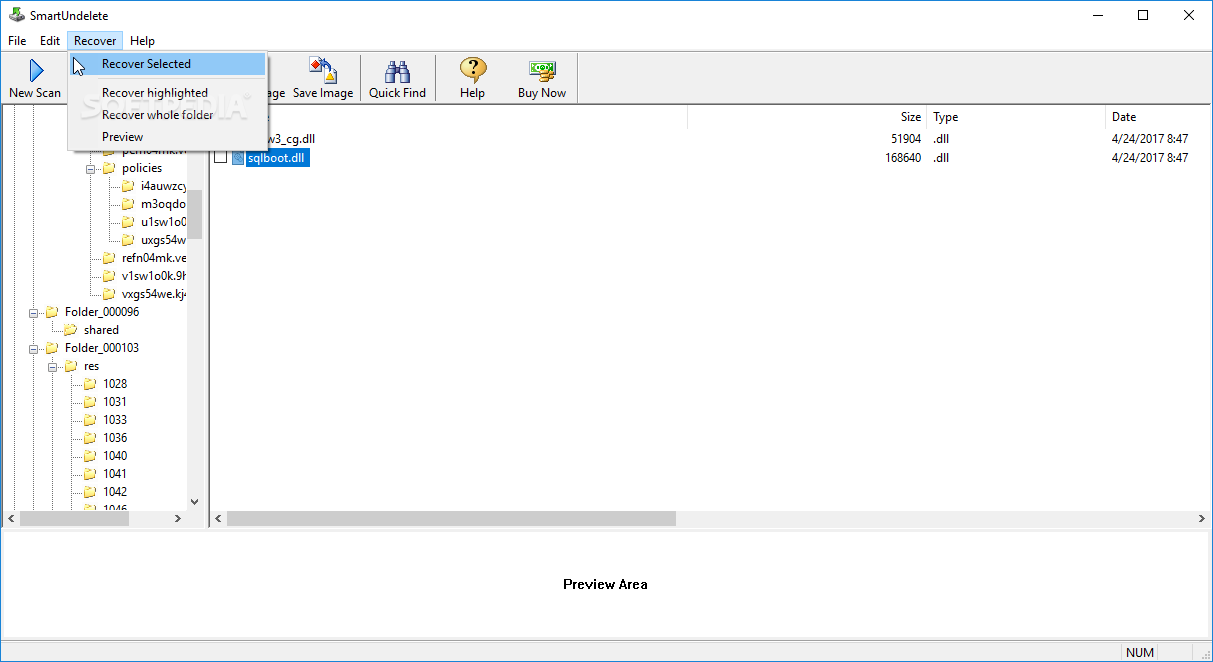
Once the scanning procedure is done, Smart Undelete creates the original folder structure which contains the files available for recovery. Other features provided by the tool allow you to use a search function, preview content, as well as sort items (e.g. by name, size, type).
The straightforward software application uses a very low amount of CPU and system memory, has a good response time, finishes a scan job in reasonable time (according to the size of your drives) and includes user documentation. We have not come across any issues during our tests; Smart Undelete did not freeze, crash or pop up error dialogs. No recent updates have been made to the app.
Filed under
- Latest version:
Smart Undelete 2.9
- runs on:
- Windows All
- file size:
- 524 KB
- filename:
- smart-undelete-setup.exe
- main category:
- System
- developer:
- visit homepage
Bitdefender Antivirus Free

Windows Sandbox Launcher

Context Menu Manager

7-Zip

4k Video Downloader

calibre

ShareX

Microsoft Teams

Zoom Client

IrfanView

- Microsoft Teams
- Zoom Client
- IrfanView
- Bitdefender Antivirus Free
- Windows Sandbox Launcher
- Context Menu Manager
- 7-Zip
- 4k Video Downloader
- calibre
- ShareX