
Fight back spam and keep your inbox clean by configuring powerful filters and sending back messages automatically while using Outlook Express / Windows Mail #Spam filter #Filter spam #Spam blocker #Spam #Filter #E-mail
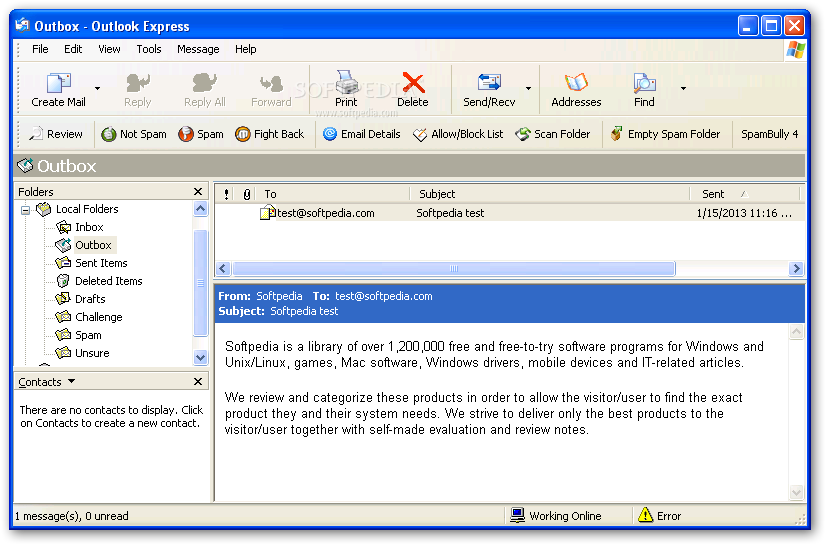
Modern methods of communication heavily rely on an active Internet connection, especially if we are to talk about emails. There are an abundance of services, which can also be reached by desktop clients, providing enhanced security. But for an even better online life, you might want to try out SpamBully for Outlook Express / Windows Mail to keep your inbox clean and secure.
For starters, you need to know that this particular edition of SpamBully is dedicated to the Outlook Express / Windows Mail client, so only download and install it if necessary. The email client in question must be installed on your computer for this program to work, because it integrates itself in the client as an addon.
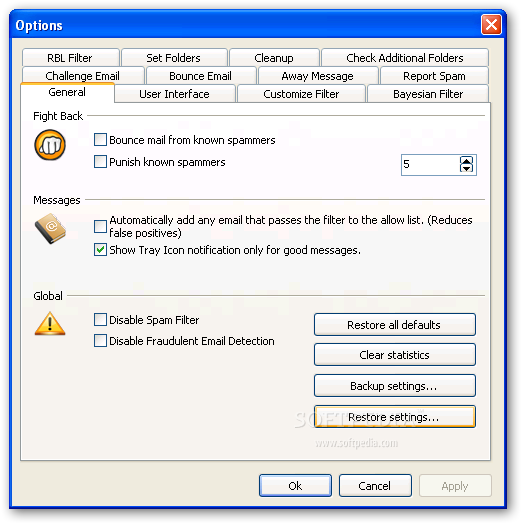
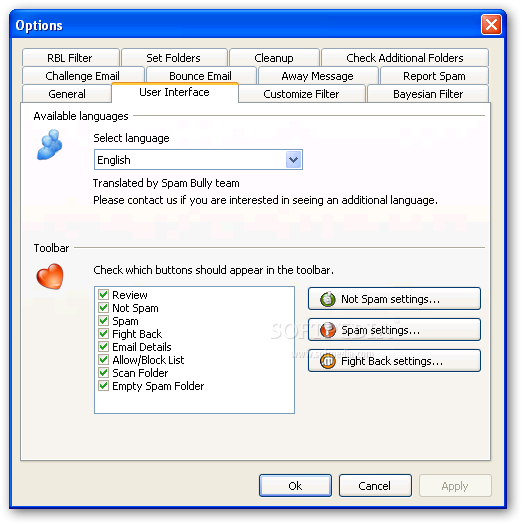
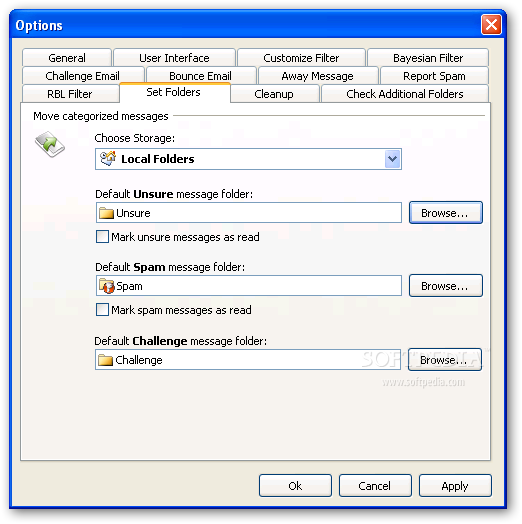
Once installed, you’re able to access its features directly from the email client next time you launch it, without the need to restart the computer. Functions are found in an upper toolbar. By default, the wizard automatically runs on first launch so that it can attempt to configure folder structures in your account. Configuration can also be done manually from the options panel.
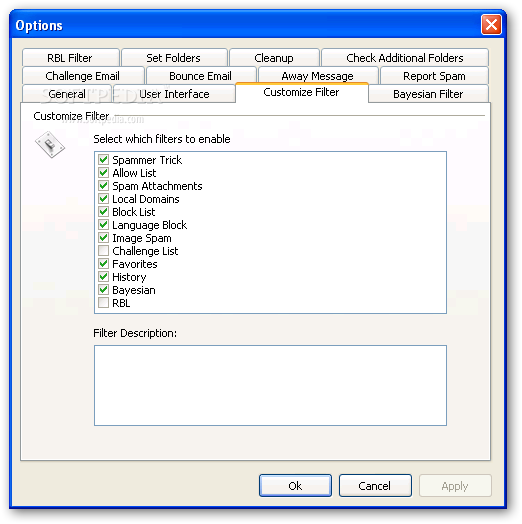
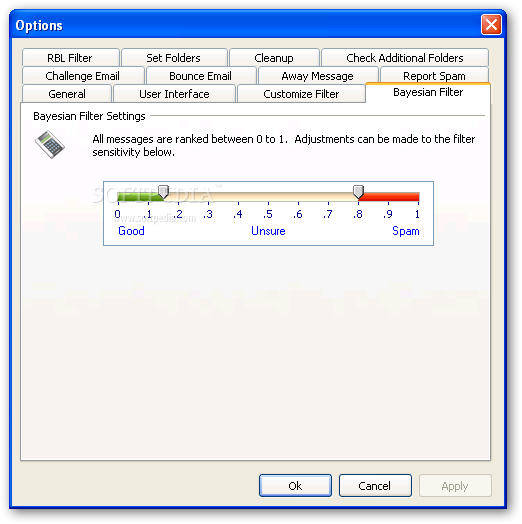
The application attempts to keep your inbox a cleaner place by automatically filtering incoming messages based on trust. It already comes with a decent list of domains to ignore, and you can manually choose items to filter as spam. More than this, the application can be trained to learn the good and the bad types of senders based on your actions.
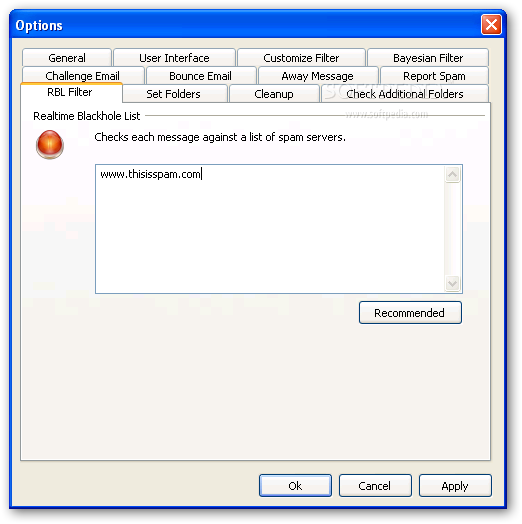
Although the application can handle basic situations on its own, you can take matters into your own hands for advanced configuration, especially if you feel like you’re the target of email bullying. A blacklist can be created with items to ignore, as well as the option to fight back pesky attackers.
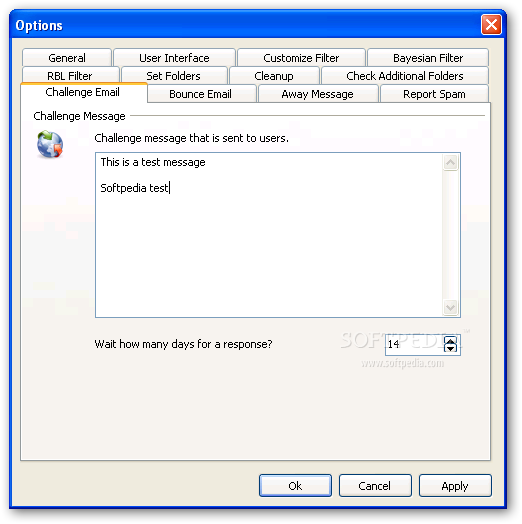
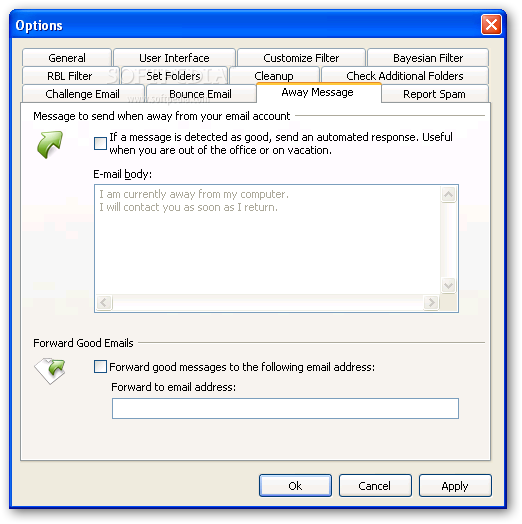
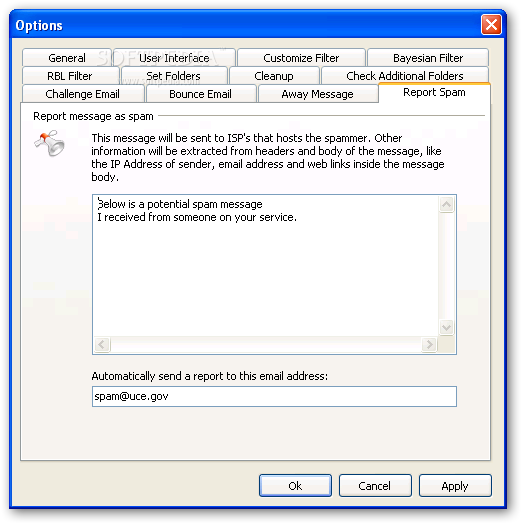
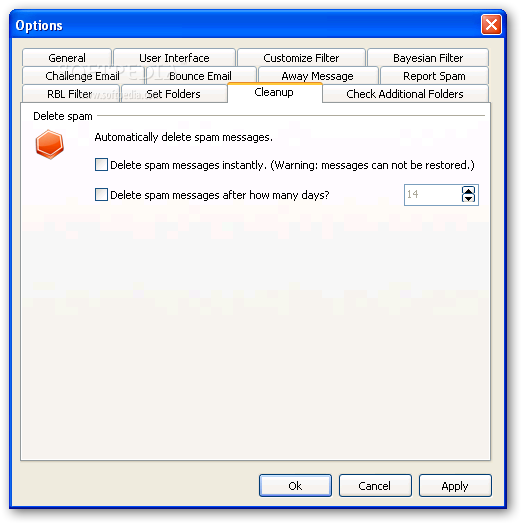
Trusted folders can be customized, as well as action to take in particular scenarios. Moreover, the application can automatically reply to different types of spam messages, both for when you flag a message as spam and when you fight back.
Taking everything into consideration, we can state that SpamBully for Outlook Express / Windows Mail is sure to be a reliable email enforcer, at least if you still rely on Outlook Express / Windows Mail for virtual correspondence. It’s ready to fight spam by default, but also comes with a heavy set of configurations.
SpamBully for Outlook Express / Windows Mail 4.4.0.13
 Softpedia Editor's Pick
add to watchlist
add to download basket
send us an update
REPORT
Softpedia Editor's Pick
add to watchlist
add to download basket
send us an update
REPORT
- runs on:
- Windows XP
- file size:
- 7.8 MB
- filename:
- spambully4oe.exe

- main category:
- Internet
- developer:
- visit homepage
ShareX

Windows Sandbox Launcher

Context Menu Manager

Microsoft Teams

Bitdefender Antivirus Free

calibre

Zoom Client

4k Video Downloader

7-Zip

IrfanView

- 4k Video Downloader
- 7-Zip
- IrfanView
- ShareX
- Windows Sandbox Launcher
- Context Menu Manager
- Microsoft Teams
- Bitdefender Antivirus Free
- calibre
- Zoom Client