
Powerful spam annihilator that is able to distinguish between bad and good email messages, while offering support for a comprehensive suite of features, such as custom rules, various filters and plugins #Examine emails #Delete messages #Unwanted mail #Examine #Delete #Filter

Spamihilator is a lightweight software application whose purpose is to help you get rid of spam messages with the aid of a smart technique that identifies unwanted advertising messages before they even hit your inbox.
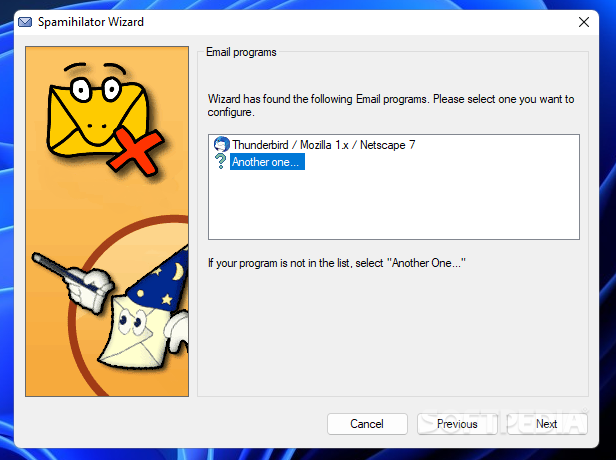
The program makes use of a built-in wizard that offers step-by-step guidance throughout the entire process, so even rookies can learn to tweak the parameters in no time.
Spamihilator works with various email clients, such as Outlook, Outlook Express, Eudora, Thunderbird, IncrediMail, Pegasus Mail, Phoenix Mail or Opera. Plus, it supports both IMAP and POP3 email accounts.
The configuration wizard automatically detects the email programs installed on your computer and makes all the necessary settings for you. You actually need to confirm the detected email account and press a few next buttons. It is recommended to close all email clients before you proceed with the configuration process.
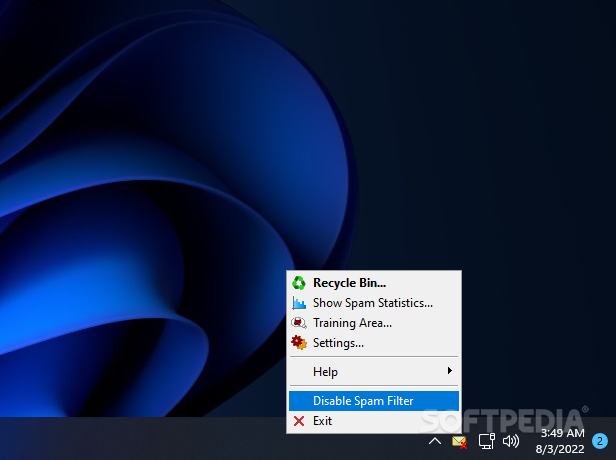
As soon as you finish with setting up your email client, you can find the application running in the system tray. A right click on the utility’s icon reveals a set of features which can be quickly accessed, such as open the Recycle Bin, show spam statistics (graphs), open the Training Area, disable the spam filter, check an online help manual, and configure a rich suite of features.
The Training Area is the place where you are given the freedom to classify emails as good or bad. Plus, it includes a built-in learning algorithm which helps the application distinguish the spam messages from the good ones.
Email messages that are identified as spam do not reach your inbox. They are sent to the Recycle Bin, the place where you can restore the emails in case you miss several items.
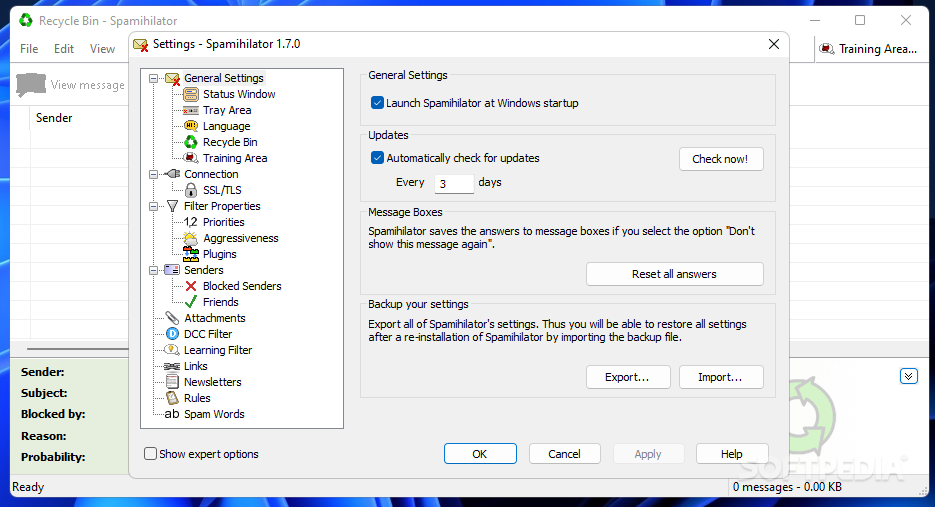
Spamihilator gives you the possibility to launch the app at Windows startup, automatically check for program updates, and back up your settings so you can easily restore them in case you want to reinstall the utility.
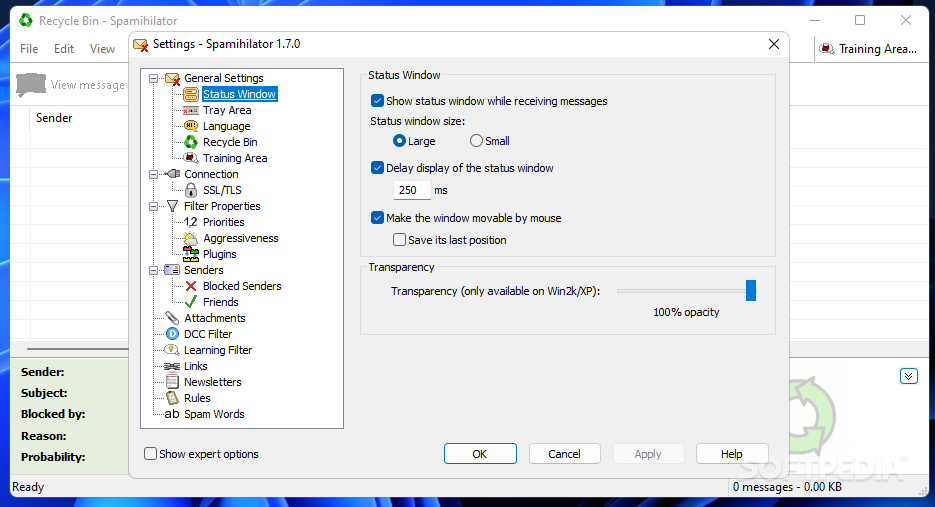
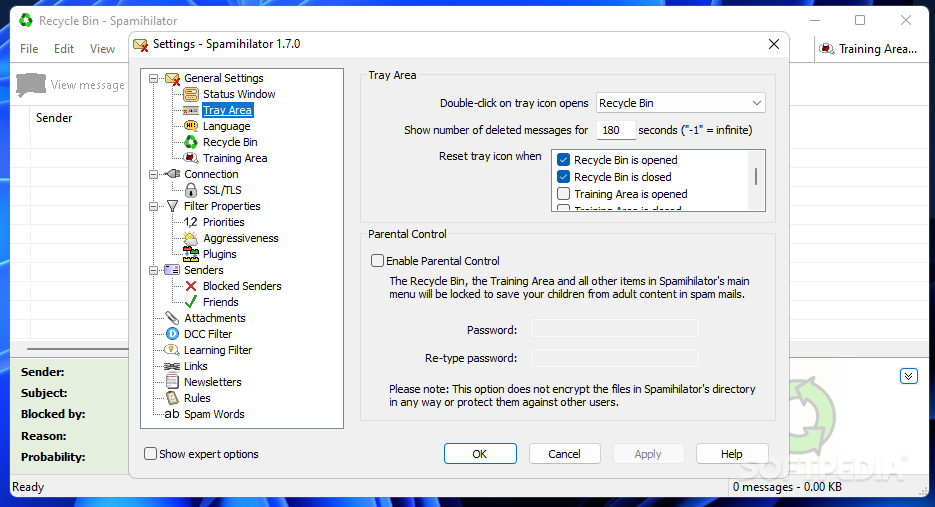
What’s more, you are allowed to alter the status window (adjust its size and transparency), configure tray area actions (e.g. double click on the program’s icon opens up the Recycle Bin or Training Area, show number of deleted messages), tweak parental control options by password-protecting the access to the Recycle Bin, Training Area and all other items from the menu (so your children cannot gain access to adult content), and keep messages in the Recycle Bin for a custom number of days.
You can configure the Training Area by storing messages for a user-defined number of days, pre-mark all spam and/or non-spam mail, show messages from your friends and blocked senders in the Training Area.
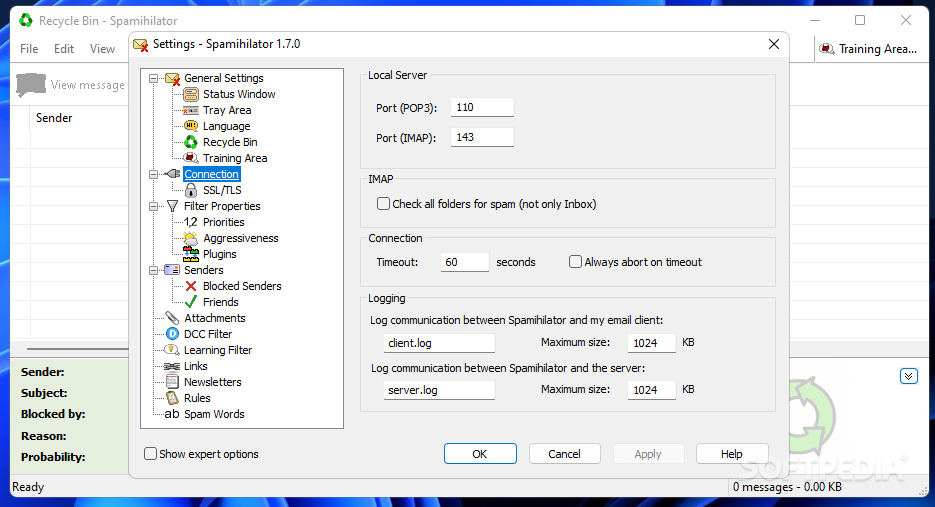
When it comes to connection options, the tool lets you set up the local server (port numbers for the POP3 and IMAP), check all folders for spam, enter the timeout, enable logs, and manage SSL/TLS connections.
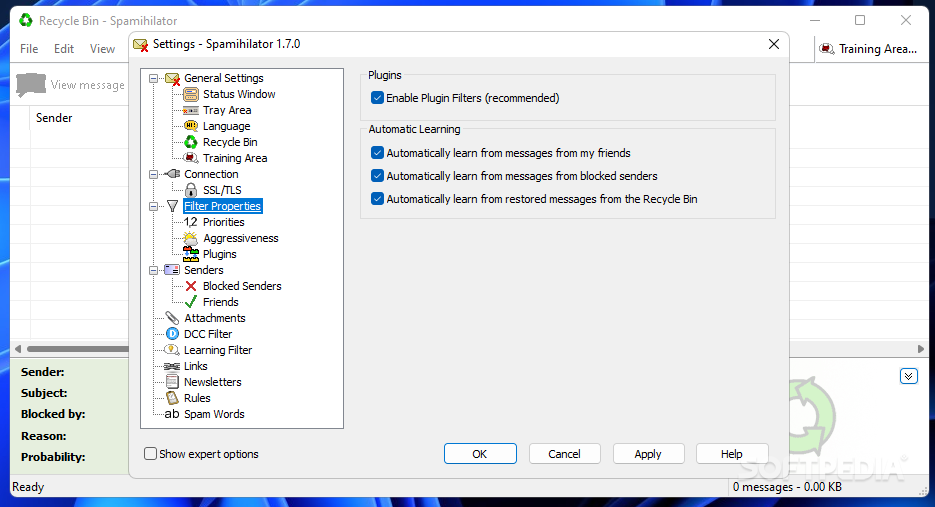
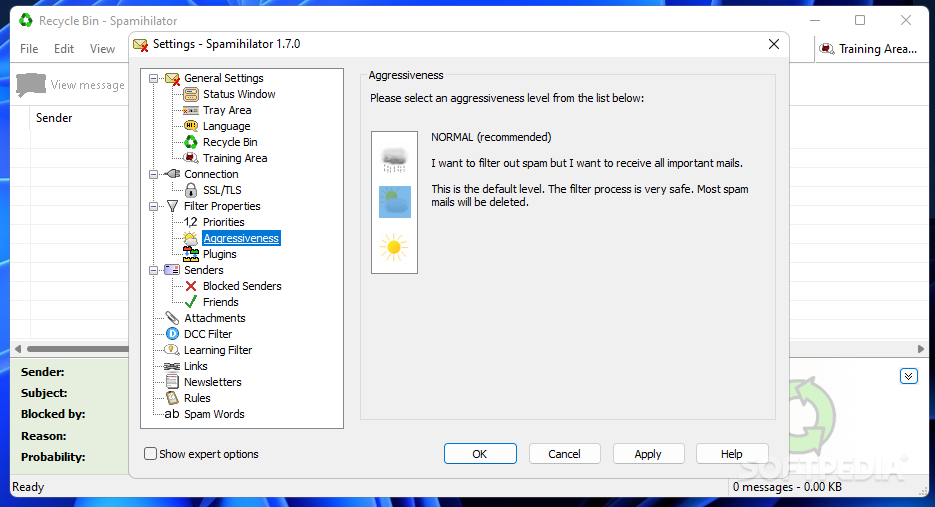
You can make the program automatically learn from messages from your friends, blocked senders and restored messages from the Recycle Bin, choose an aggressiveness level to filter out spam, enable or disable plugins (e.g. attachment, image, learning or link filters), and set up priorities for filters.
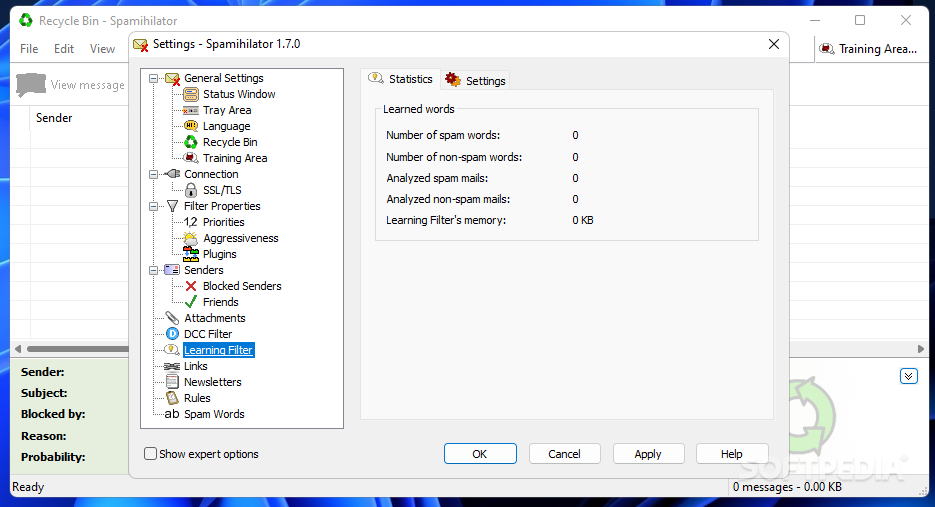
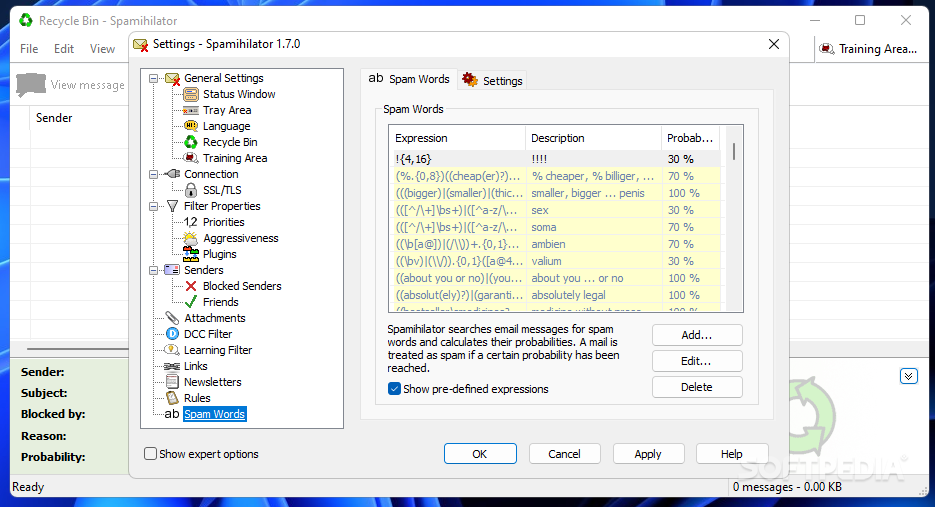
It helps you configure the list of your friends, check out a list with blocked senders (the messages are always kept in the Recycle Bin), block attachments by file extensions, consider a mail spam if it was received by a custom number of users, view statistics about the learned words (e.g. number of spam and non-spam words, analyzed spam mails), limit the Spamihilator’s memory to a custom value, mark messages as spam based on a user-defined list with links, set up rules for managing spam, and build up a list with spam words.
Spamihilator comes with a handy suite of features for helping you filter out junk mails. The best part about it is that the spam cleaning process is carried out in the background, so you can continue with your work and leave the tool do the job for you.
Download Hubs
Spamihilator is part of these download collections: Spam Blocker
What's new in Spamihilator 1.7.0.0:
- Improved compatibility with mail accounts from Web.de and GMX
- Support for newer encryption algorithms
- Updated certificate for encrypted connections between your mail client and Spamihilator
Spamihilator 1.7.0.0
add to watchlist add to download basket send us an update REPORT- PRICE: Free
- portable version
- Spamihilator Portable
- runs on:
-
Windows 11
Windows 10 32/64 bit - file size:
- 3.1 MB
- filename:
- Spamihilator-win32-1.7.0.exe

- main category:
- Internet
- developer:
- visit homepage
Zoom Client

Microsoft Teams

7-Zip

calibre

Windows Sandbox Launcher

ShareX

Bitdefender Antivirus Free

Context Menu Manager

IrfanView

4k Video Downloader

- Context Menu Manager
- IrfanView
- 4k Video Downloader
- Zoom Client
- Microsoft Teams
- 7-Zip
- calibre
- Windows Sandbox Launcher
- ShareX
- Bitdefender Antivirus Free
