
Store passwords and bookmarks in a secure place, create encrypted folders and place your data in the cloud with this practical application. #Digital Safe #Encrypt File #Password manager #Safe #Privacy #Encryption
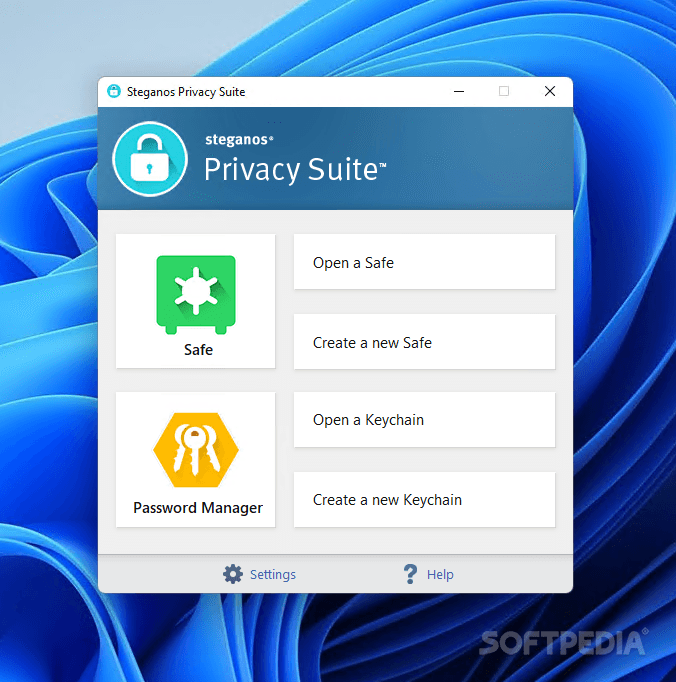
Steganos Privacy Suite is a useful collection of tools designed to keep your private data safe from unauthorized access. As the name implies it applies the principles of steganography in order to encrypt and hide sensitive information.
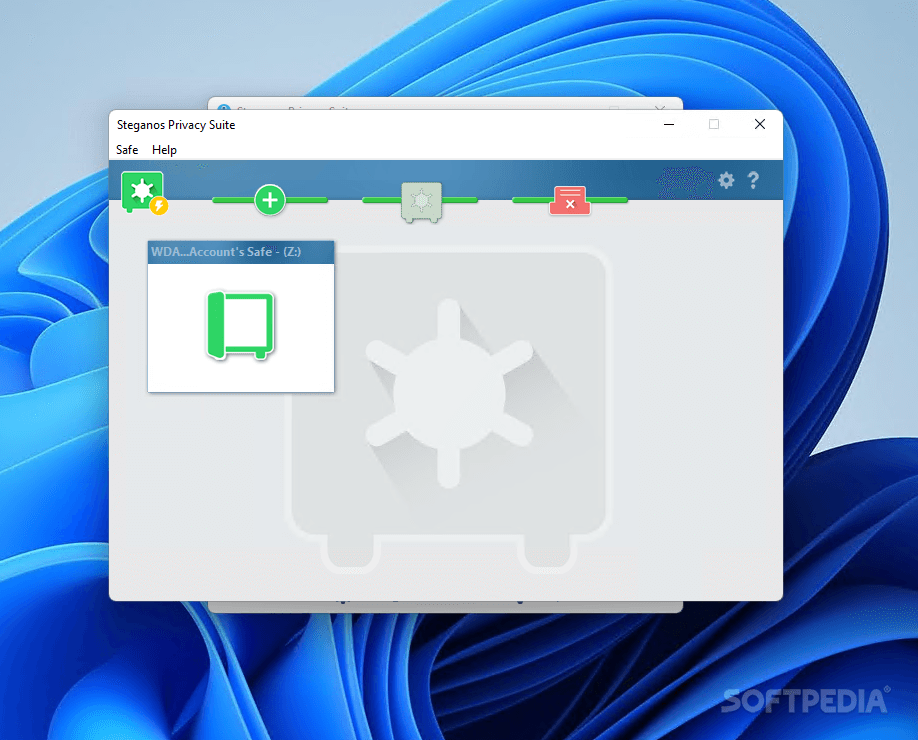
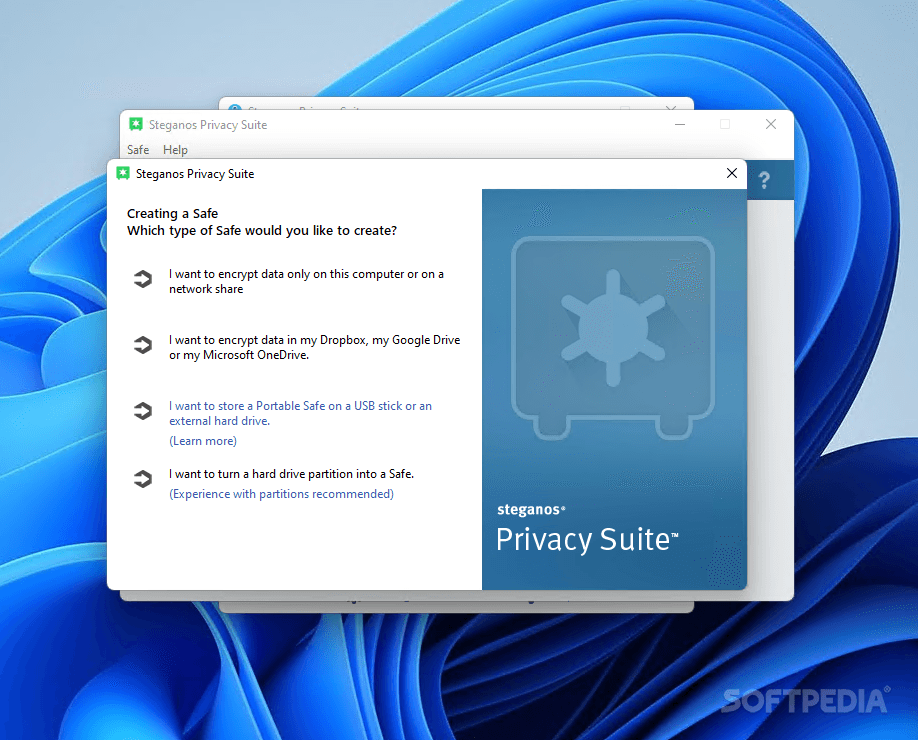
The main feature of the application is the ability to create a secure location in order to store your sensitive files. The safe can be hidden by attaching it to a media file and you can mount it automatically as a local drive in order to quickly access the files.
In order to protect its content, the safe allows you to set a password and create a secret safe that uses a different password. This additional security measure intends to protect important information if your safe password is cracked.
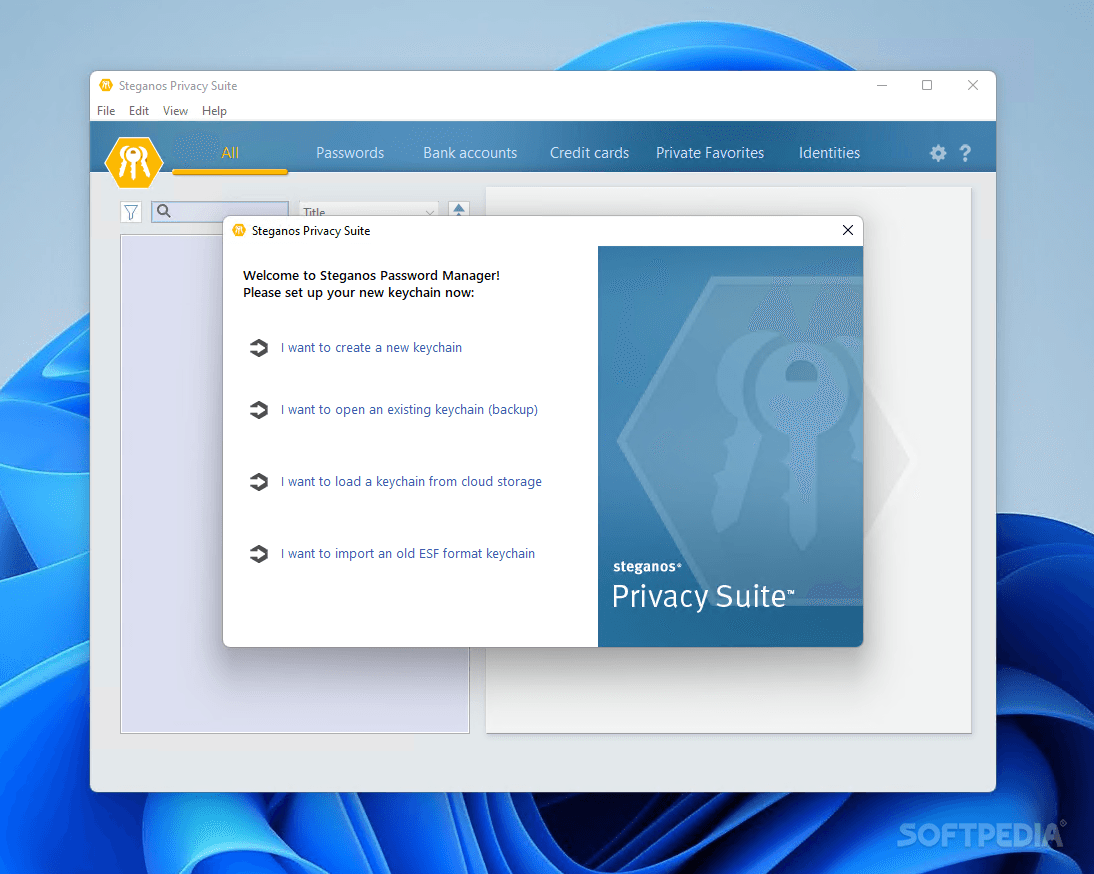
The Passwords Manager is a useful tool for storing important passwords, credit card information and bookmarks. This module uses a different password and enables you to automatically open the webpage that requires the login data. In order to fill the login fields you need to drag and drop the items from the desktop widget.
Other useful features include the ability to clean the traceable items from your browser and other system location. For instance you can delete the browser history, the Windows temporary files and the list of recently opened files from Explorer or Microsoft Office.
If you need to permanently delete a file or a folder, the Shredder can help you eliminate any trace of the file from your computer. It also allows you to clean the free space and to schedule the operation in order to clean certain hard drives.
Overall, the Steganos Privacy Suite can be useful for the users who want to remove traceable items and to store files or passwords in a secure location.
What's new in Steganos Privacy Suite 22.4.7 Revision 13655:
- Refreshed Password Manager icons
- New 'Steganos' menu
- Bugfix: Search is no longer slow
- Bugfix: Adressed a possible sync slowdown
Steganos Privacy Suite 22.4.7 Revision 13655
add to watchlist add to download basket send us an update REPORT- runs on:
-
Windows 11
Windows 10 32/64 bit - file size:
- 74.9 MB
- filename:
- sss22int.exe
- main category:
- Security
- developer:
- visit homepage
4k Video Downloader

Bitdefender Antivirus Free

ShareX

IrfanView

Microsoft Teams

calibre

Context Menu Manager

Windows Sandbox Launcher

7-Zip

Zoom Client

- Windows Sandbox Launcher
- 7-Zip
- Zoom Client
- 4k Video Downloader
- Bitdefender Antivirus Free
- ShareX
- IrfanView
- Microsoft Teams
- calibre
- Context Menu Manager