
Intuitive password manager that provides users with several security-enhancing facilities to keep their sensitive data safe: your logins, memos, bookmarks, and identities are all taken care of #Password manager #Remember password #Form filler #Password #Filler #Passphrase

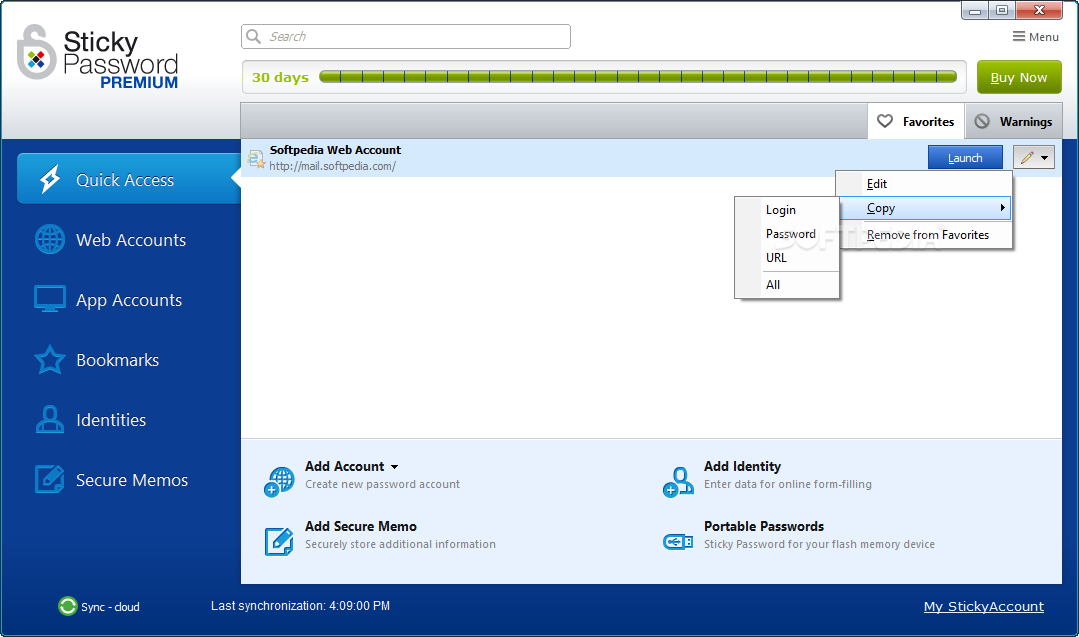
More and more users rely on password managers to store their sensitive data: you essentially only have to remember one password to access your data, and that's that. Couple that with the fact that password generator utilities are built into most of these tools, and you have quite a formidable package.
Sticky Password Premium provides such facilities to its users and then some. Notably, users can store their notes, passwords, identities, and take them anywhere: whether it is via a browser extension, a mobile app, or on the user's Windows or macOS device, your data is always with you.
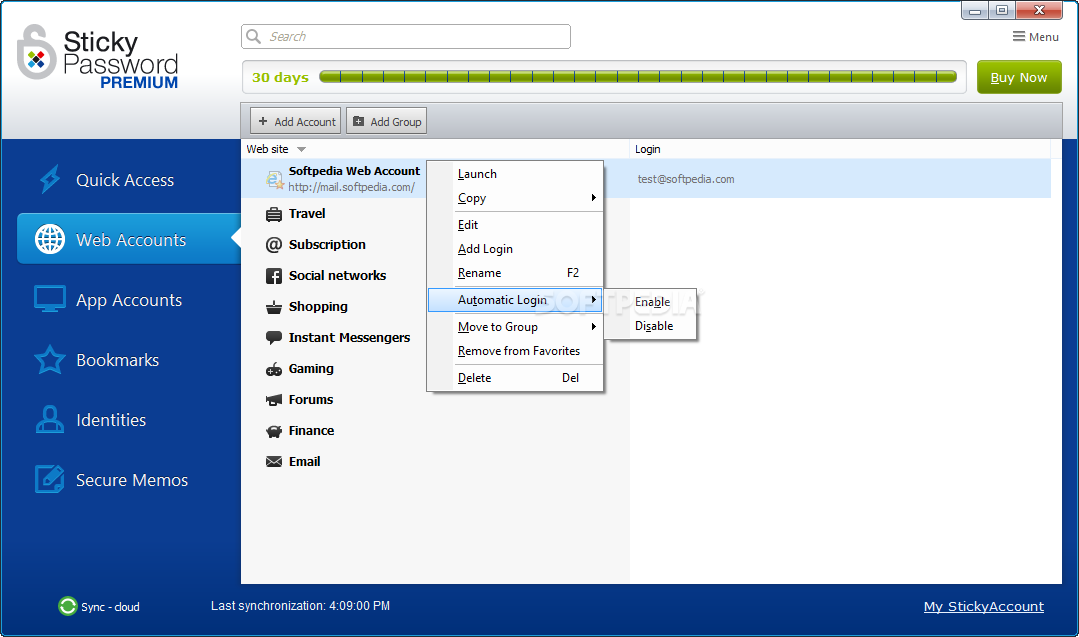
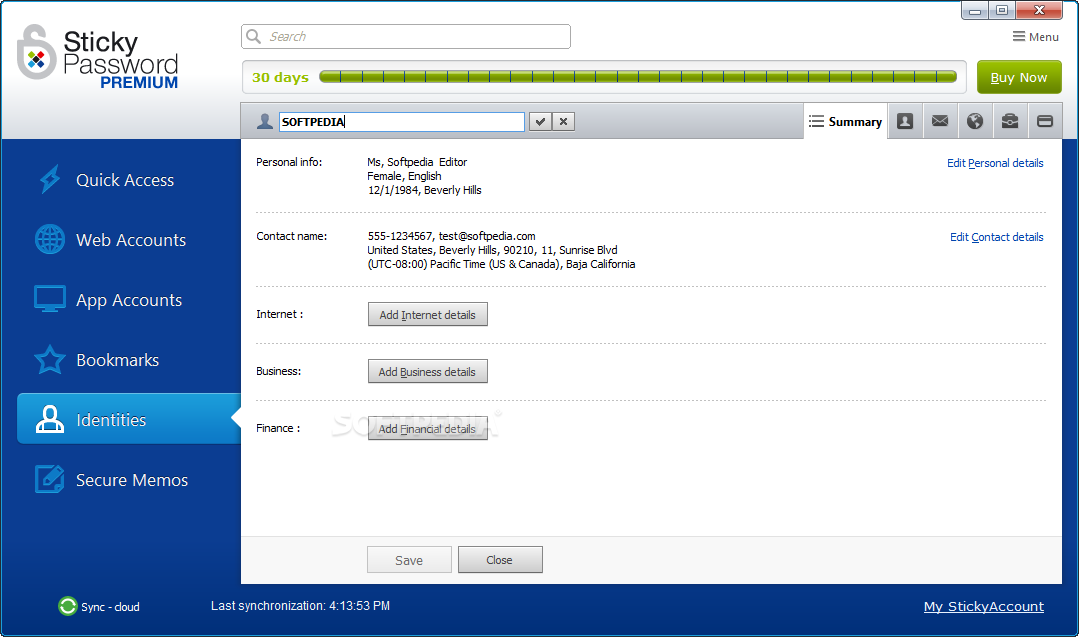
The password managers of today don't exactly provide much to write home about — there's only so much you can innovate, after all. Reliability and convenience is thus the name of the game nowadays: if it works well, and provides a set of tools that are always within reach, it's worth considering. That's the case here: the interface is compact, yet it manages to put all of its numerous commands in view for you.
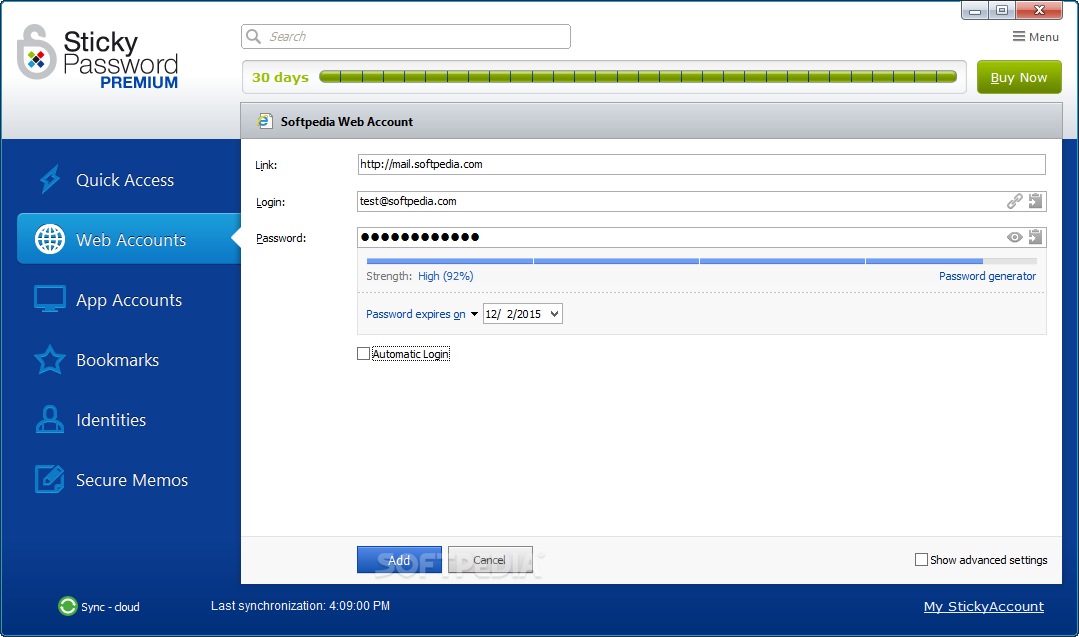
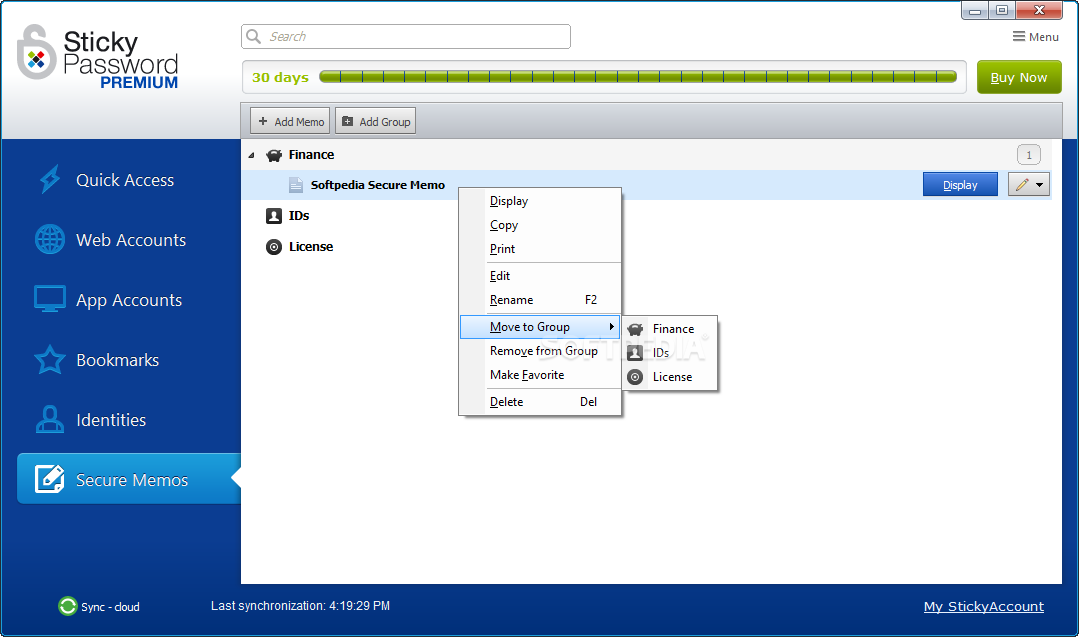
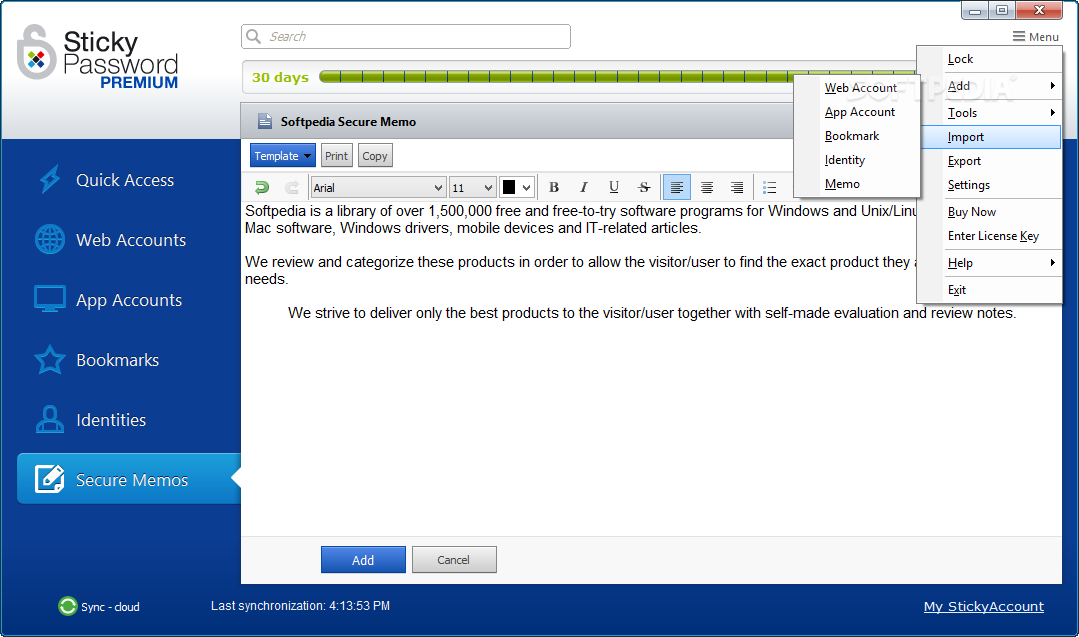
Want to add an account? Choose whether it is a web or app account, and insert its data. You can add comments on it, set an expiry date for the password, and tie the account to a specific page of a website. The same applies for memos, identities, and bookmarks: they're always within arm's reach, and the info is always backed up to the cloud.
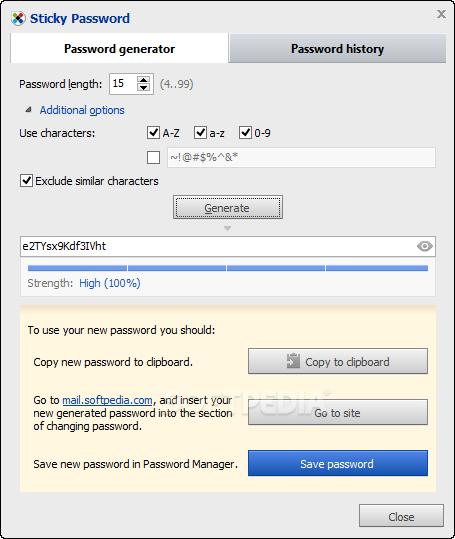
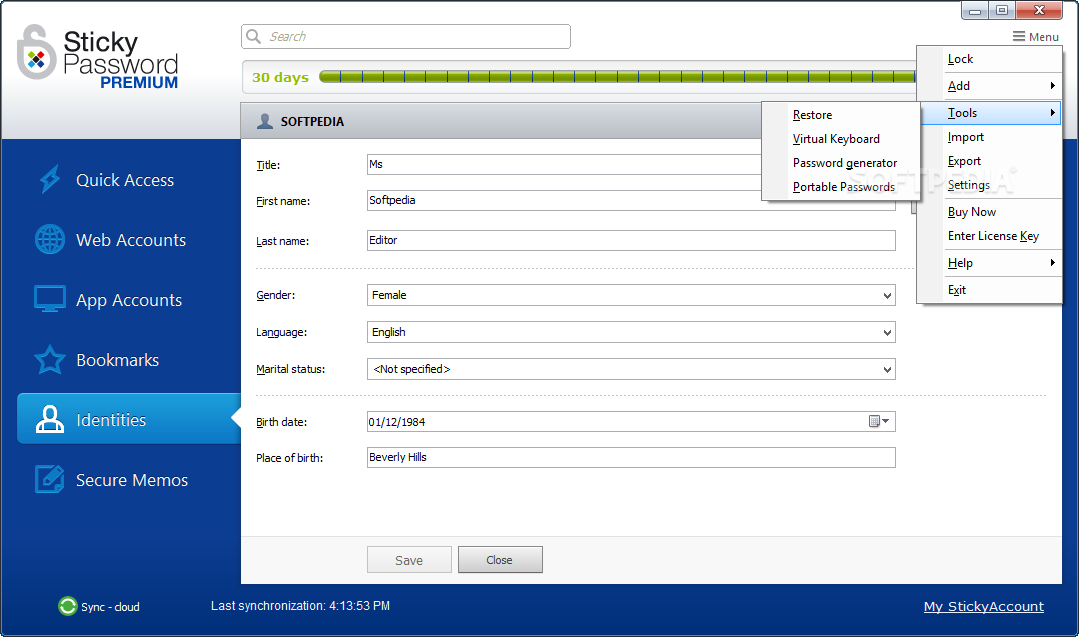
To help users manage their accounts more efficiently, the software scans your passwords to determine if they are unsafe, old, or reused. In the event that some of your passwords are deemed unsafe, you can always use the password generator to create something for you.
Portable Passwords is an especially handy feature if you frequently work on multiple computers. The program can create a portable copy, which can be stored on a USB drive, and it allows one to access their data via that device. This is all risk-free, and is a nice alternative to have if you don't want to rely on the cloud.
Sticky Password Premium is a versatile, intuitive, and most of all, convenient to use password manager, which makes it worthy of your consideration.
Download Hubs
Sticky Password Premium is part of these download collections: Password Managers, Create Passwords
What's new in Sticky Password Premium 8.8.5.1789:
- Improved stability and performance
Sticky Password Premium 8.8.5.1789
 Softpedia Editor's Pick
add to watchlist
add to download basket
send us an update
REPORT
Softpedia Editor's Pick
add to watchlist
add to download basket
send us an update
REPORT
- runs on:
-
Windows 11
Windows 10 32/64 bit
Windows 8 32/64 bit
Windows 7 32/64 bit
Windows Vista 32/64 bit
Windows XP 32/64 bit - file size:
- 34.7 MB
- main category:
- Security
- developer:
- visit homepage
7-Zip

Windows Sandbox Launcher

4k Video Downloader

Microsoft Teams

Bitdefender Antivirus Free

IrfanView

Zoom Client

Context Menu Manager

calibre

ShareX

- Context Menu Manager
- calibre
- ShareX
- 7-Zip
- Windows Sandbox Launcher
- 4k Video Downloader
- Microsoft Teams
- Bitdefender Antivirus Free
- IrfanView
- Zoom Client
