
Optimize your computer's memory by freeing wasted memory back to the PC by using this user-friendly and intuitive software solution #Maintain memory #Memory manager #RAM manager #RAM #Optimize #Manager

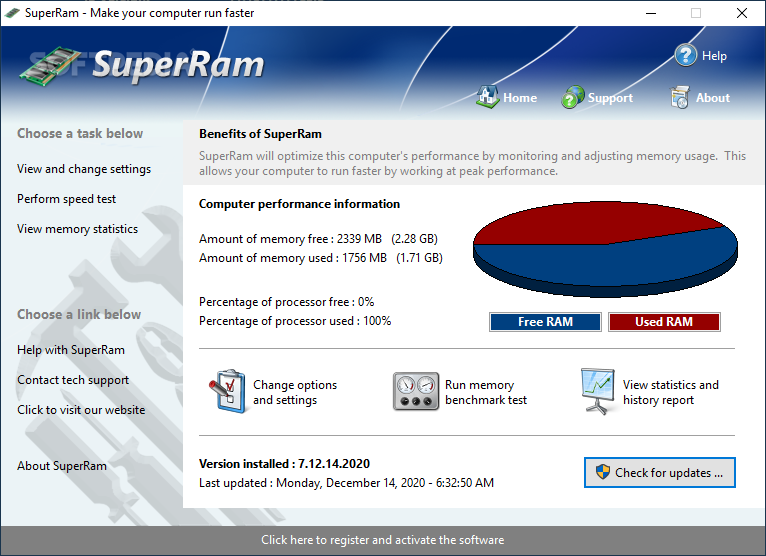
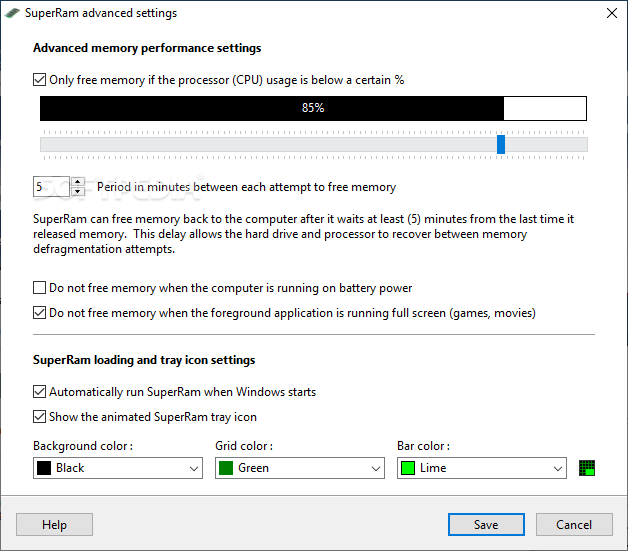
SuperRam was designed to boost computer performance by adjusting memory usage, either automatically or manually.
The application features a professional yet easy to use interface that not only provides an important amount of information regarding computer performance, but it also enables you to take advantage of SuperRam's features quickly.
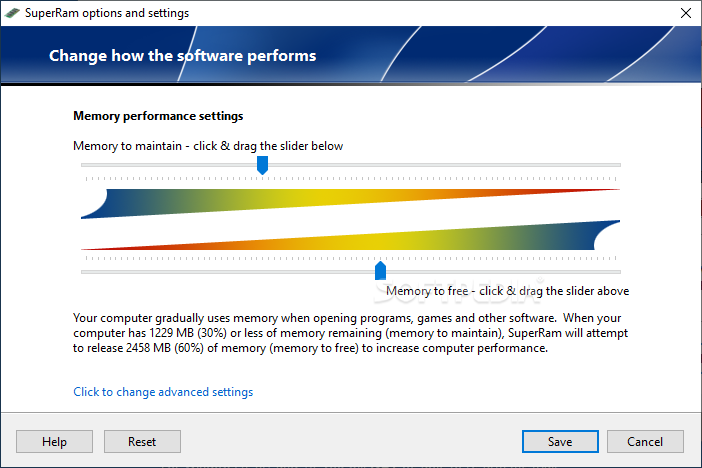
Basically, the program offers three different tasks, as follows: set up the application and the way it monitors / optimizes memory, perform a speed test or access the statistics.
Setting up SuperRam is easy as pie because the application displays two different sliders to adjust memory to maintain and memory to free.
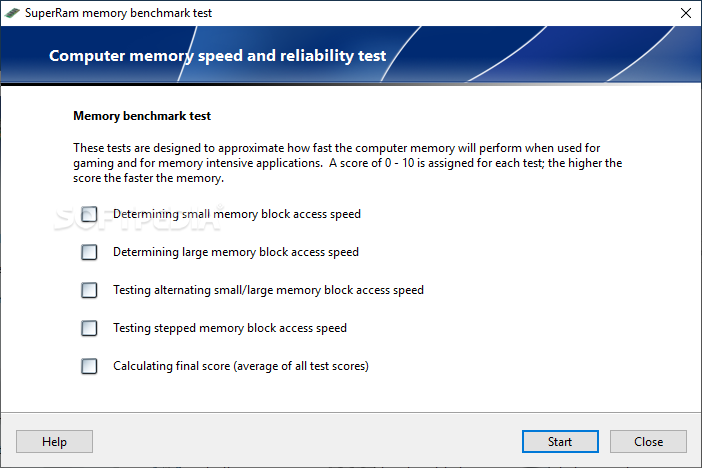
As for the speed test, SuperRam tries to determine the small and large memory block access speed, it tests alternating small / large memory block access speed, as well as stepped memory block access speed and, in the end, calculates the final score.
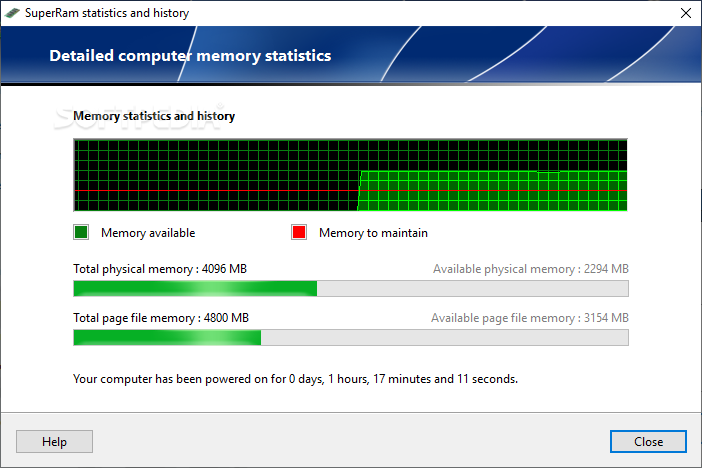
Last but not least, SuperRam shows memory statistics and history, with detailed figures on total and available physical memory and page file memory.
As said, the application also makes it possible to adjust memory usage manually, so it's enough to right click the program icon in the System Tray and hit the “Free memory now” option.
SuperRam doesn't slow down the computer when running in the background, and it has a truly positive effect on the performance of your system whenever it takes care of the memory.
All things considered, it's no doubt SuperRam is a handy tool that quietly sits in the System Tray while optimizing system memory.
Download Hubs
SuperRam is part of these download collections: Tweak Memory
What's new in SuperRam 7.3.7.2022:
- Fixed false positive virus warnings the installer and application would present with some antivirus software.
SuperRam 7.3.7.2022
add to watchlist add to download basket send us an update REPORT- runs on:
-
Windows 11
Windows 10 32/64 bit
Windows Server 2012
Windows 2008 32/64 bit
Windows 2003
Windows 8 32/64 bit
Windows 7 32/64 bit
Windows Vista 32/64 bit
Windows XP 32/64 bit - file size:
- 9.1 MB
- main category:
- Tweak
- developer:
- visit homepage
Context Menu Manager

4k Video Downloader

ShareX

Windows Sandbox Launcher

Bitdefender Antivirus Free

calibre

Microsoft Teams

Zoom Client

7-Zip

IrfanView

- Zoom Client
- 7-Zip
- IrfanView
- Context Menu Manager
- 4k Video Downloader
- ShareX
- Windows Sandbox Launcher
- Bitdefender Antivirus Free
- calibre
- Microsoft Teams