
Advanced and user-friendly software that helps you back up and recover your files while offering support for encryption and scheduled tasks. #Clone drive #Make backup #Schedule backup #Backup #Clone #Image

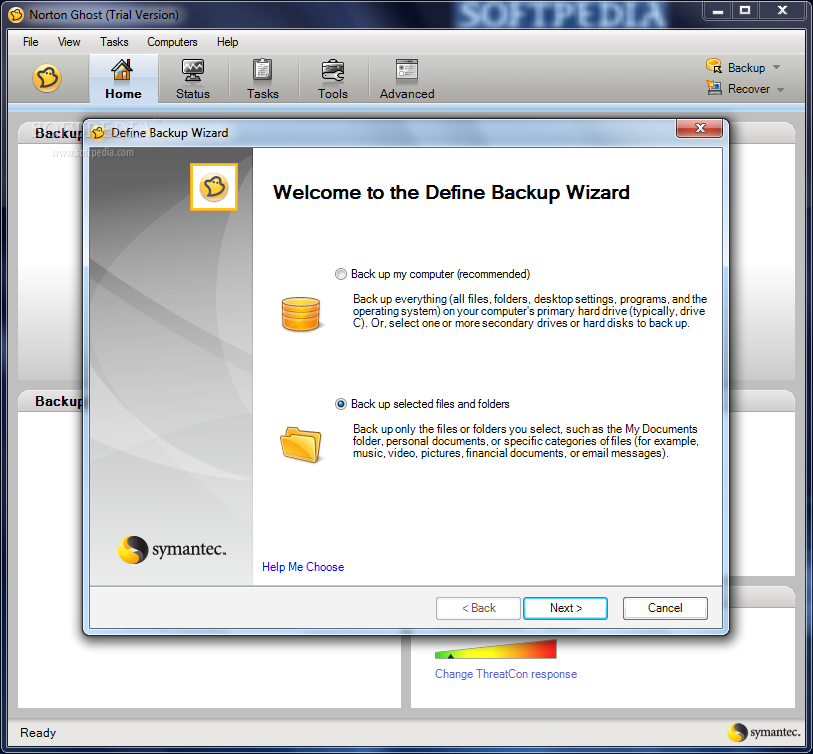
Norton Ghost is a tool from Symantec which provides one's files and folders with a high level of protection, through advanced back-up and recovery.
Installation can be done in standard mode (recommended for all users), or custom one (recommended for advanced users).
The full package contains the backup and recovery service, a recovery point browser, the user interface, CD and DVD support, and LiveUpdate. It is advisable to restart the computer as many times as it requires, to ensure proper functioning of the software.
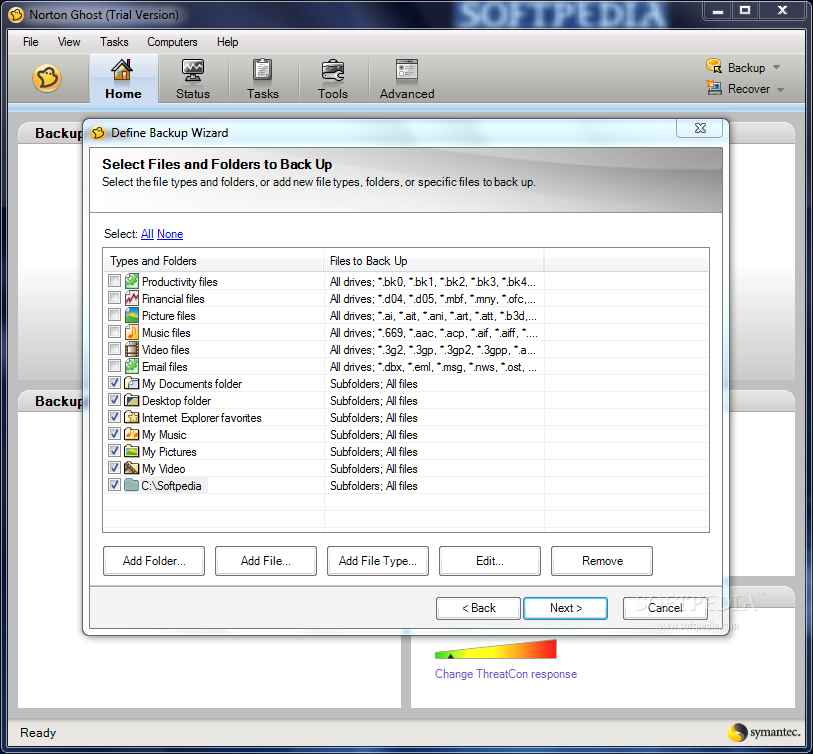
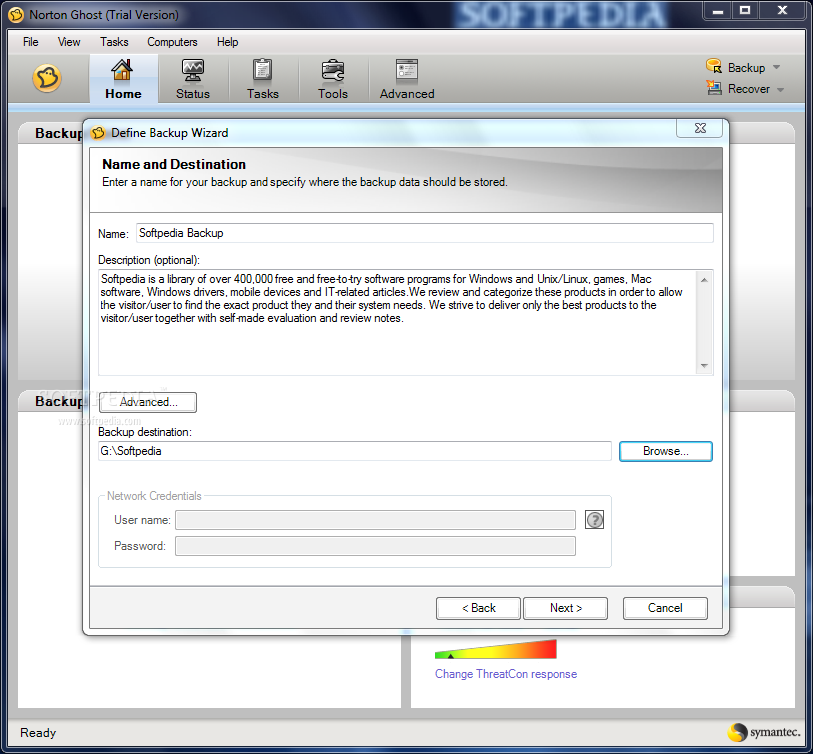
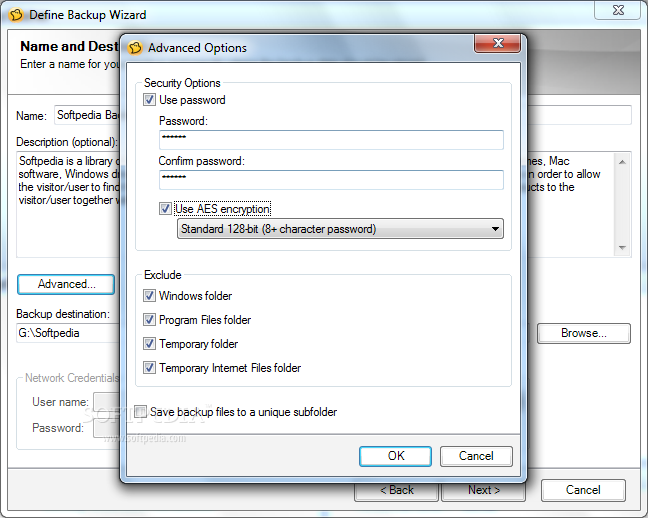
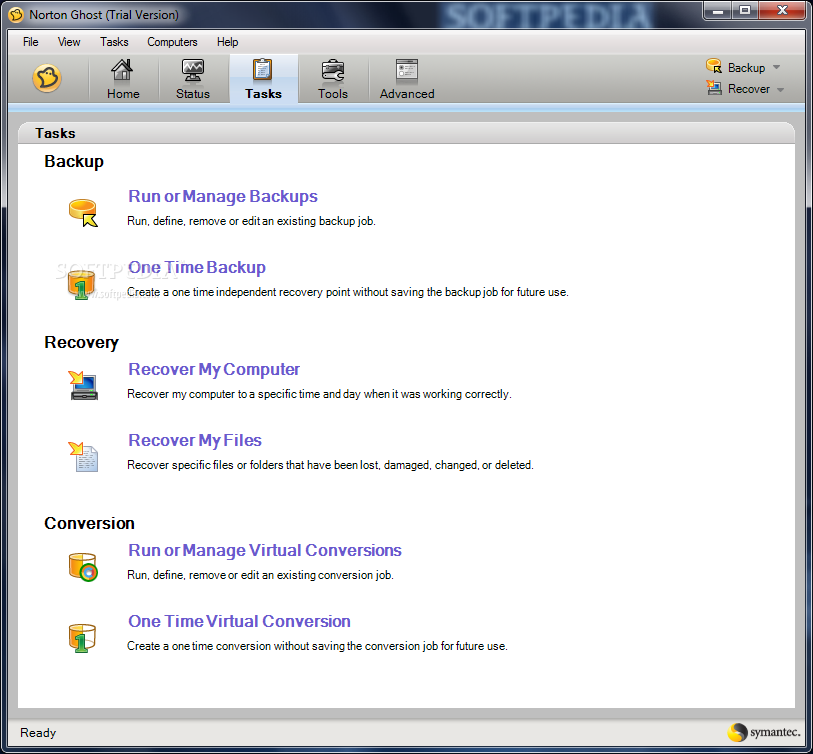
When creating a new backup task, users are required to choose the source and destination locations, assign a name to the backup, and even protect it with a password and encrypt its contents. Users can choose to schedule the backup task for a later time or on a frequent basis.
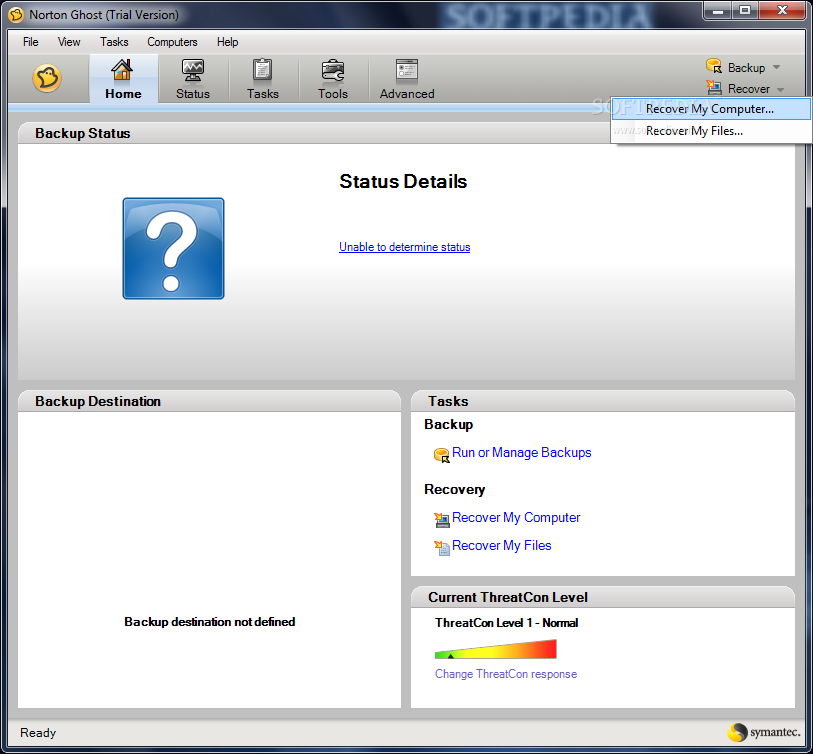
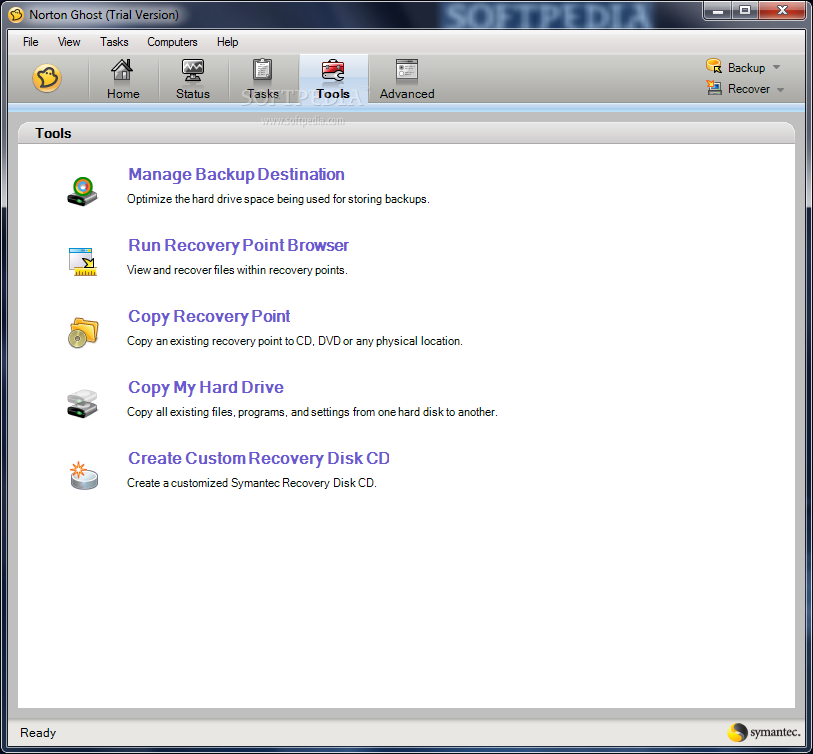
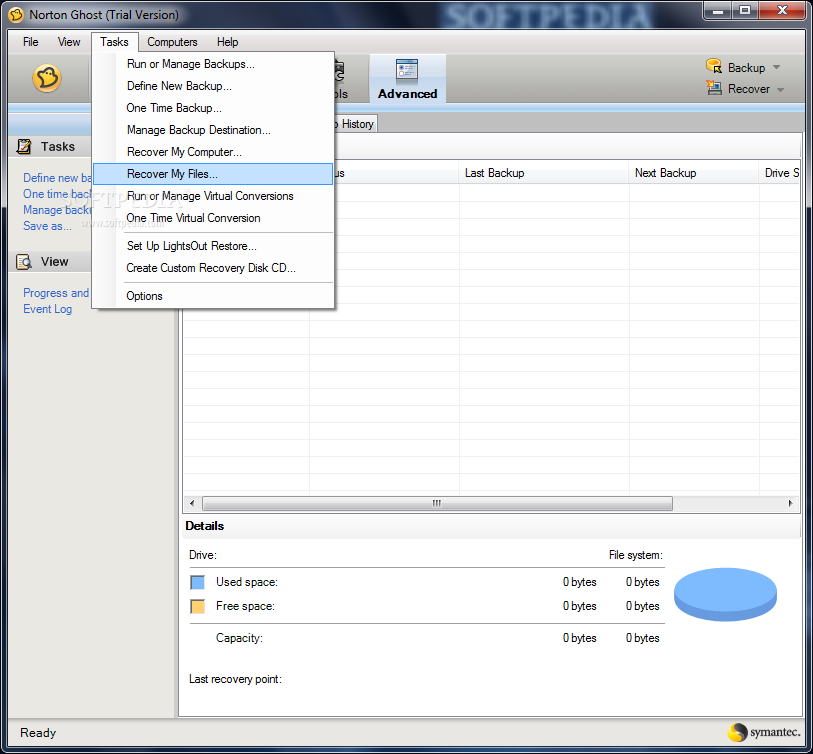
The interface is simple and eye-catching. There are several tabs, and each of them displays a different type of information: the existing recovery points, the created backup schedule, the task management section, the additional tools and the backup history.
Norton Ghost emphasizes the need for the users to create a restore point as the initial backup task, and users are advised to go along with the instructions. This way, if anything should go wrong, it is easy to restore the PC to a previous state when it was working correctly. Alternatively, one can copy the recovery point to a DVD or CD, or even explore files located within the backup.
One of the functions provided by Norton Ghost allows users to optimize the hard-disk that is to be used as the destination location, to make sure there is enough space.
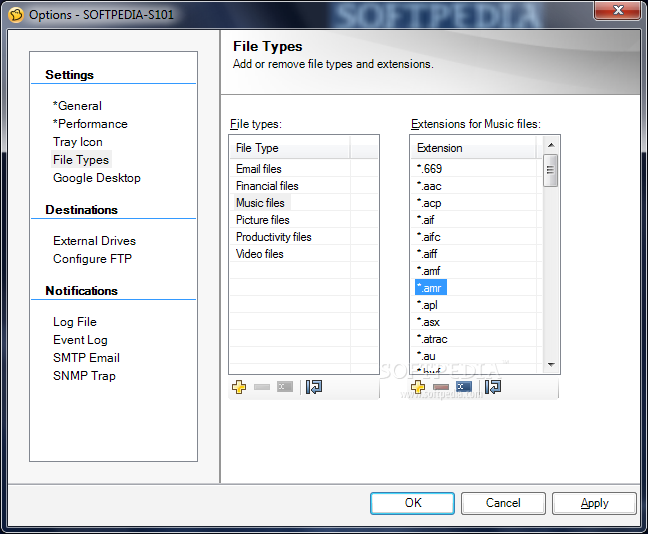
To conclude, Norton Ghost is a reliable solution for computer users who spend a great of time working on their computers, and need to constantly back up all their data or only specific file formats (emails, songs, videos or photos).
Download Hubs
Norton Ghost is part of these download collections: Create Backup, Make Backup
What's new in Norton Ghost 15.0.0.35659:
- Norton Ghost now includes support for the following virtual platforms:
- VMware ESX 3.5i and 4.0i
- VMware ESX 3.5 and 4.0
Norton Ghost 15.0.0.35659
 Softpedia Editor's Pick
add to watchlist
add to download basket
send us an update
REPORT
Softpedia Editor's Pick
add to watchlist
add to download basket
send us an update
REPORT
- runs on:
-
Windows 7 32/64 bit
Windows Vista 32/64 bit
Windows XP 32/64 bit - file size:
- 119 MB
- filename:
- NGH150_AllWin_EnglishTryBuy30.exe
- main category:
- System
- developer:
- visit homepage
Windows Sandbox Launcher

Bitdefender Antivirus Free

Context Menu Manager

4k Video Downloader

Microsoft Teams

7-Zip

IrfanView

Zoom Client

ShareX

calibre

- Zoom Client
- ShareX
- calibre
- Windows Sandbox Launcher
- Bitdefender Antivirus Free
- Context Menu Manager
- 4k Video Downloader
- Microsoft Teams
- 7-Zip
- IrfanView