
Straightforward e-mail client which supports a long list of protocols and several accounts, and lets you schedule messages, use biometric authentication, check your spelling and generate QR codes #Send email #POP3 client #Email client #Email #Client #POP3

Email clients come in all shapes and sizes these days, either bundled in suites, as standalone software, or even provided as online services. This can sometimes make choosing the right solution for you, a tricky endeavor.
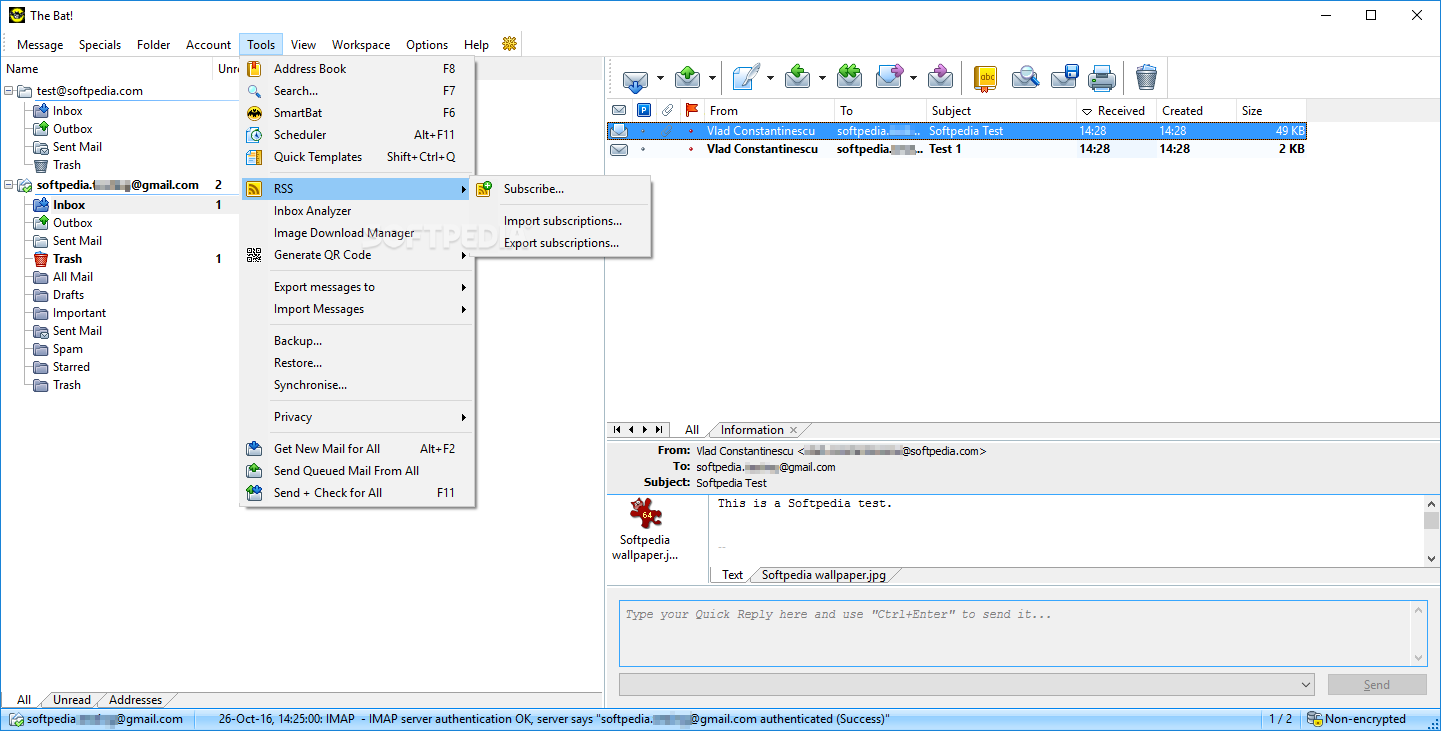
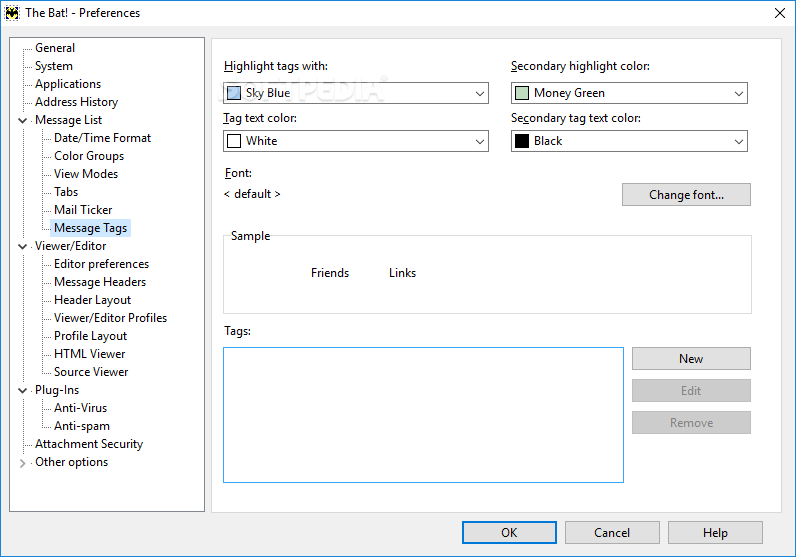
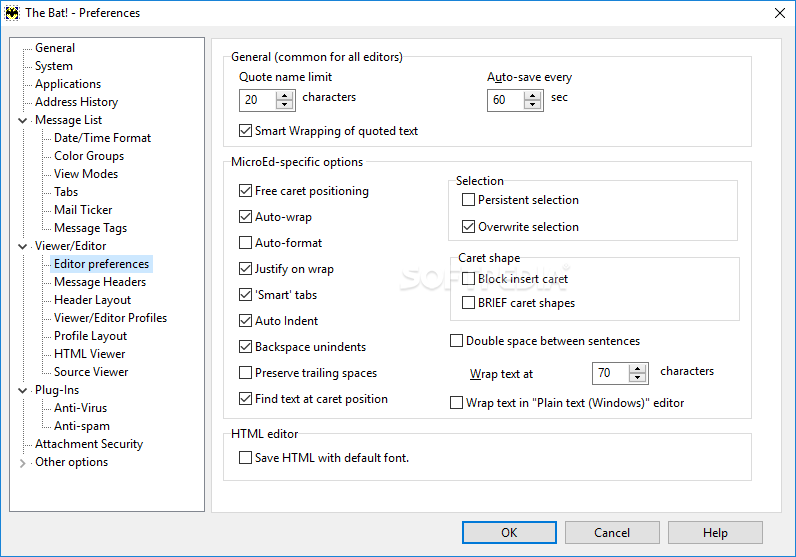
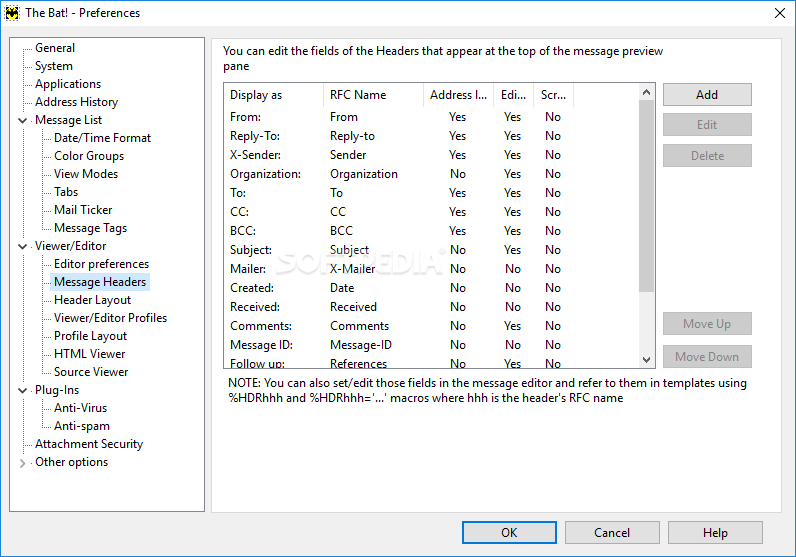
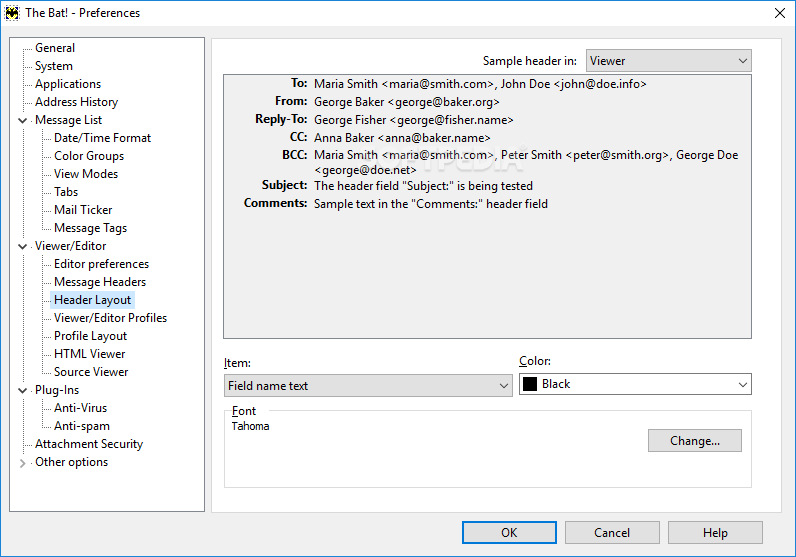
Aiming at offering a "Jack of all Trades" approach, The Bat! Professional Edition is an email client that was designed in order to provide a balanced approach in terms of functionality, with numerous tools and features intended to offer a versatile approach to the entire email endeavor, and with a strong sense of security to it.
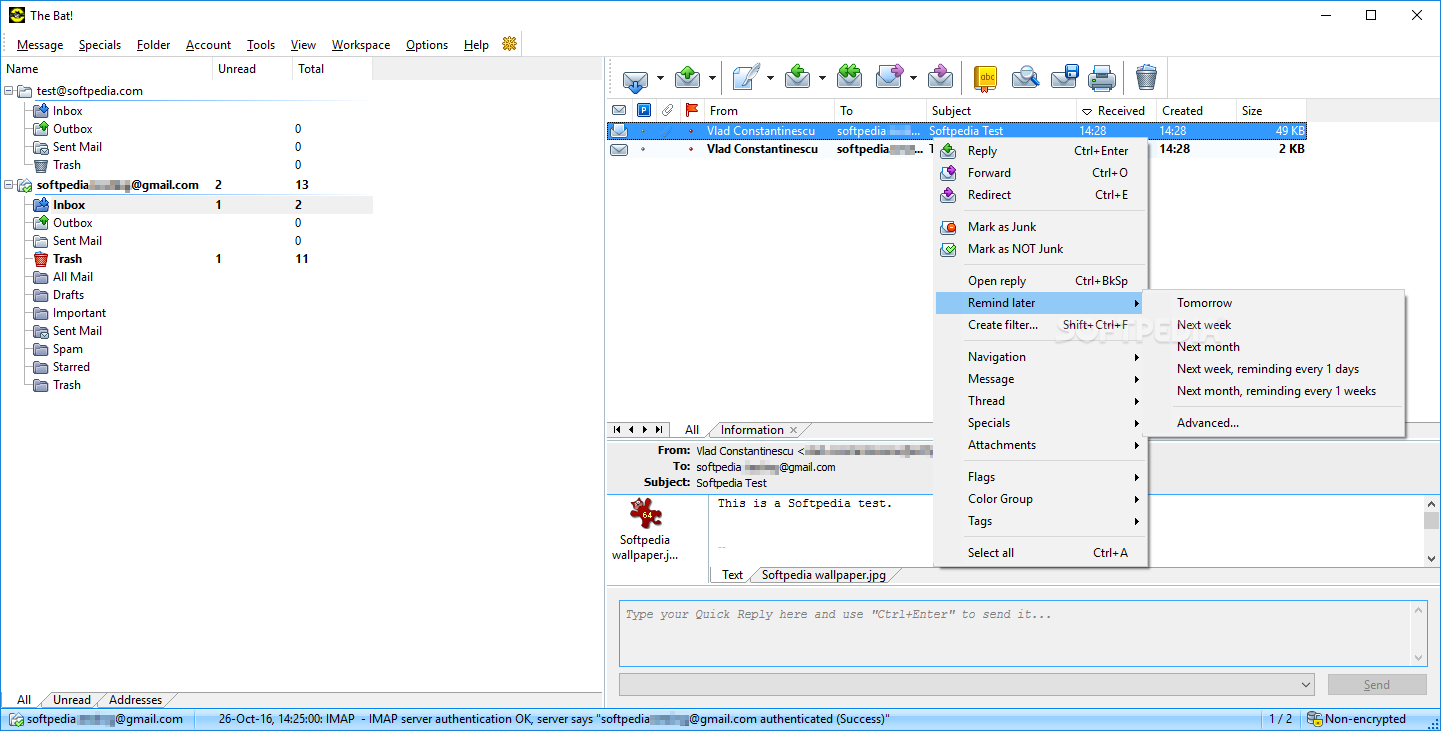
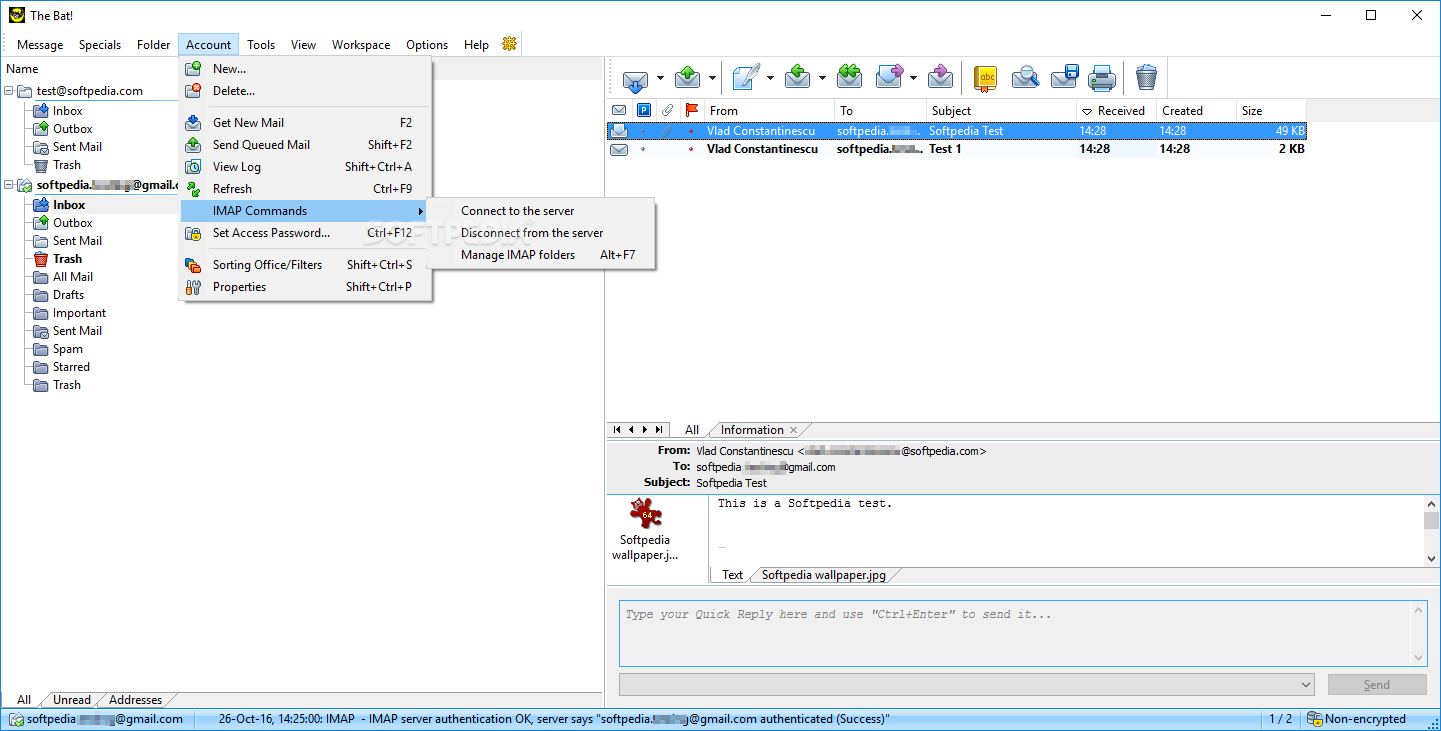
Just as its other versions from RITLabs, The Bat! Professional Edition also shares a very clear design, which emphasizes accessibility and it does so in a very classic manner, very much akin to online email platforms.
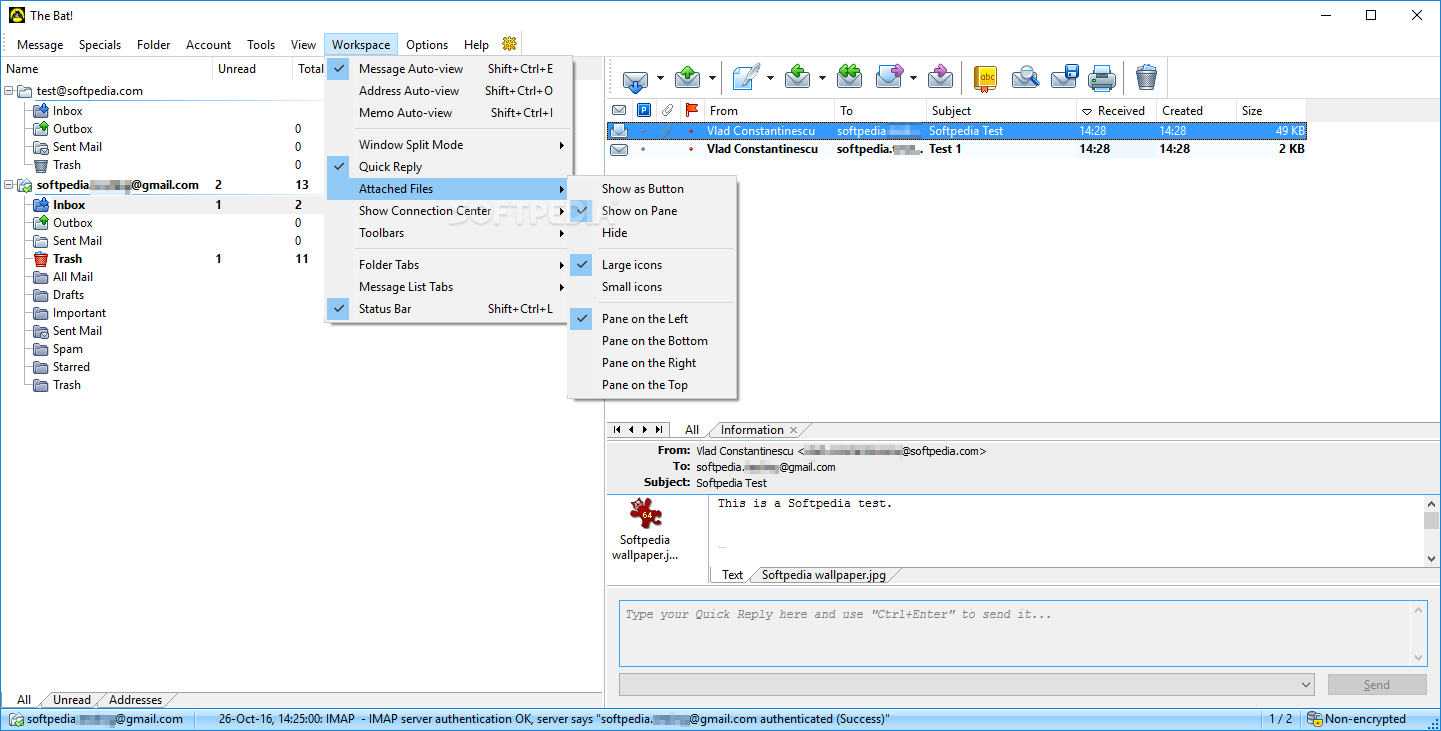
If you’re accustomed to working with a classic email client, transitioning to this app will be a breeze. It features a multi-section layout, which accommodates a lot of data at a single glance.
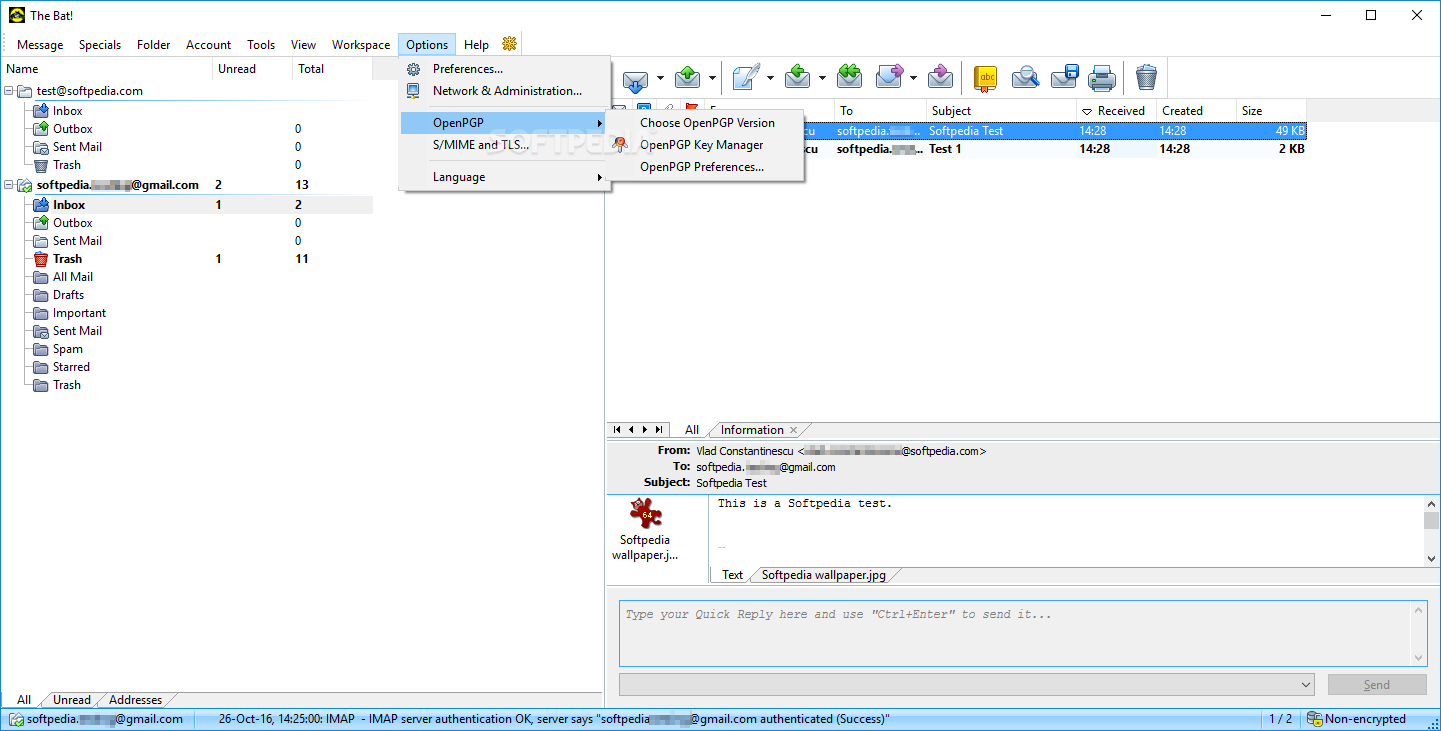
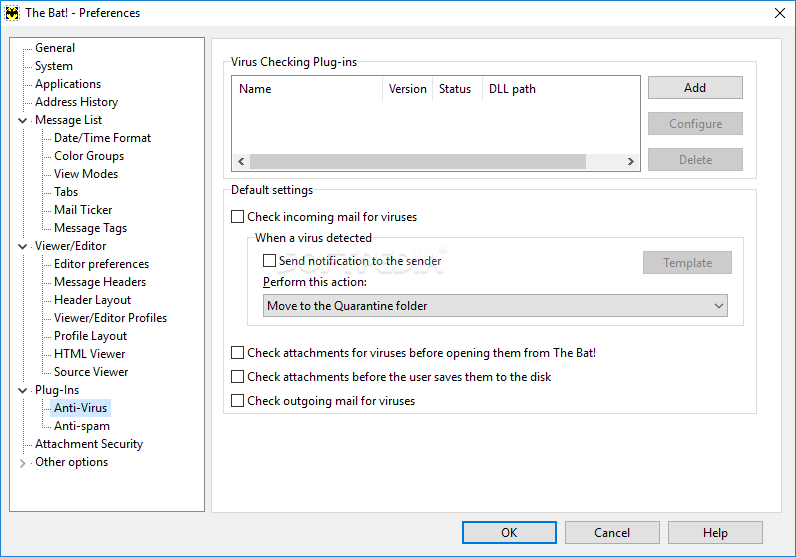
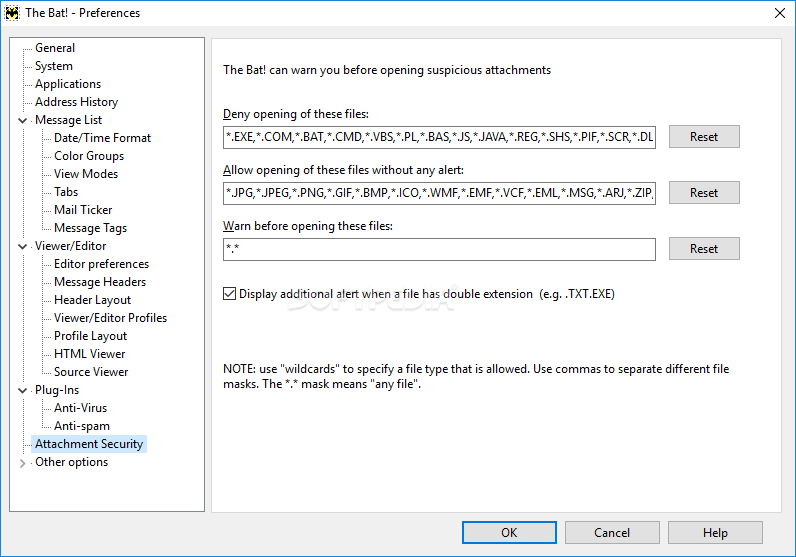
Many features that differentiate this edition of The Bat! from others, such as Home, is its emphasis on offering enhanced protection and security, through a multitude of features, such as biometric authentication and processing the information through multiple encryption streams.
Users have the option of keeping their sensitive information saved on their local drives and rely on E2EE end-to-end encryption when sending messages.
This application can prove to be a reliable choice for those seeking a versatile email client, which offers a straightforward approach and addresses a very wide range of aspects, offering enhanced protection for their sensitive data.
Download Hubs
The Bat! Professional Edition is part of these download collections: Email Clients
What's new in The Bat! Professional Edition 11.1.0.2 Beta:
- Added the "Open with" option to the attachments popup menu
The Bat! Professional Edition 11.1 / 11.1.0.2 Beta
 Softpedia Editor's Pick
add to watchlist
add to download basket
send us an update
REPORT
Softpedia Editor's Pick
add to watchlist
add to download basket
send us an update
REPORT
- portable version
- The Bat! Voyager
- runs on:
-
Windows 11
Windows 10 32/64 bit
Windows 8 32/64 bit
Windows 7 32/64 bit - file size:
- 164 MB
- filename:
- thebat_32_11-1.msi
- main category:
- Internet
- developer:
- visit homepage
7-Zip

Microsoft Teams

4k Video Downloader

Context Menu Manager

calibre

Bitdefender Antivirus Free

IrfanView

Windows Sandbox Launcher

Zoom Client

ShareX

- Windows Sandbox Launcher
- Zoom Client
- ShareX
- 7-Zip
- Microsoft Teams
- 4k Video Downloader
- Context Menu Manager
- calibre
- Bitdefender Antivirus Free
- IrfanView