
Compare any number of binary, text or folder elements for a quick and easy reorganization progress on one or multiple functioning machines #Text Compare #File manager #Folder Compare #Compare #Binary #Merger

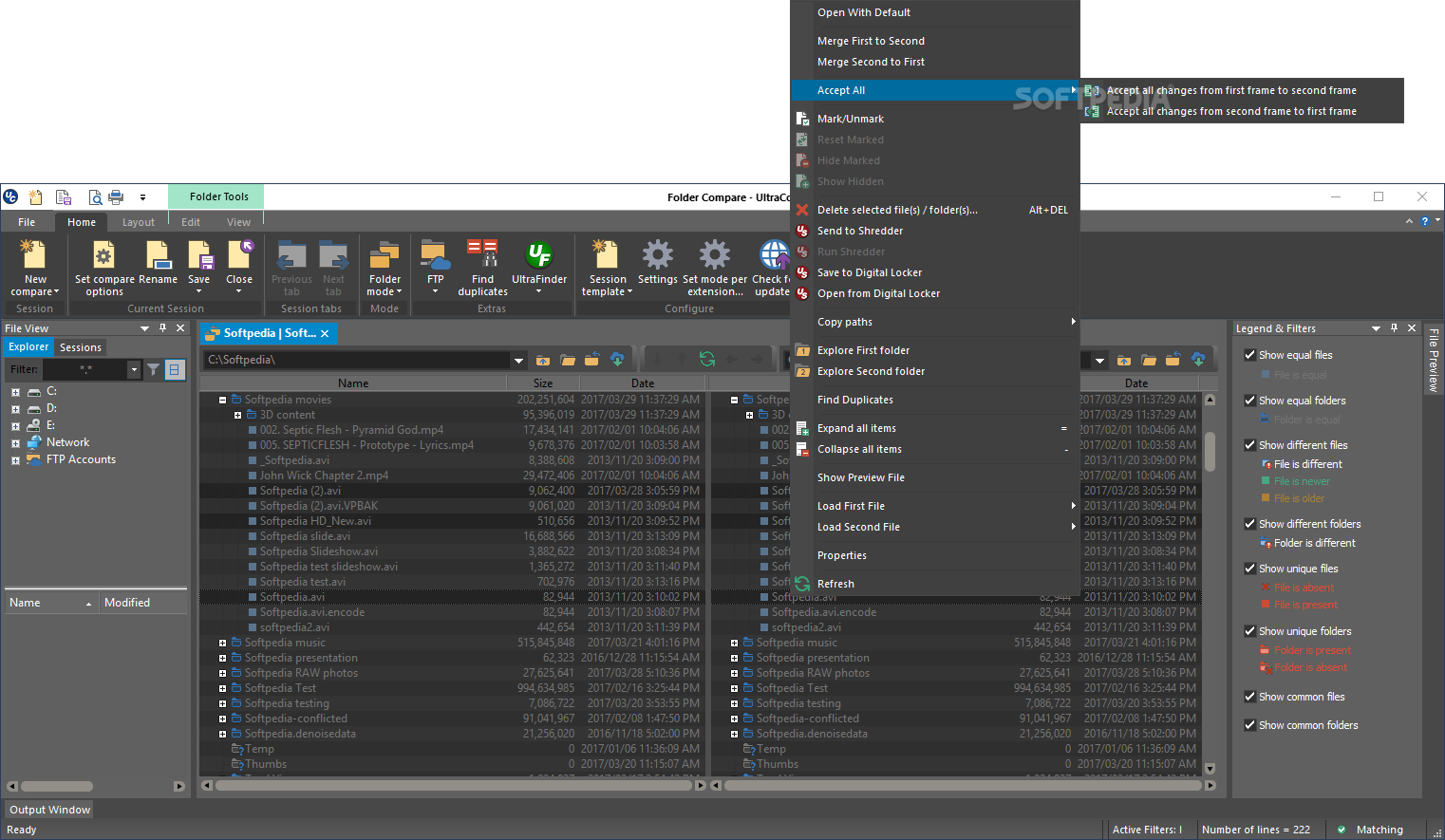
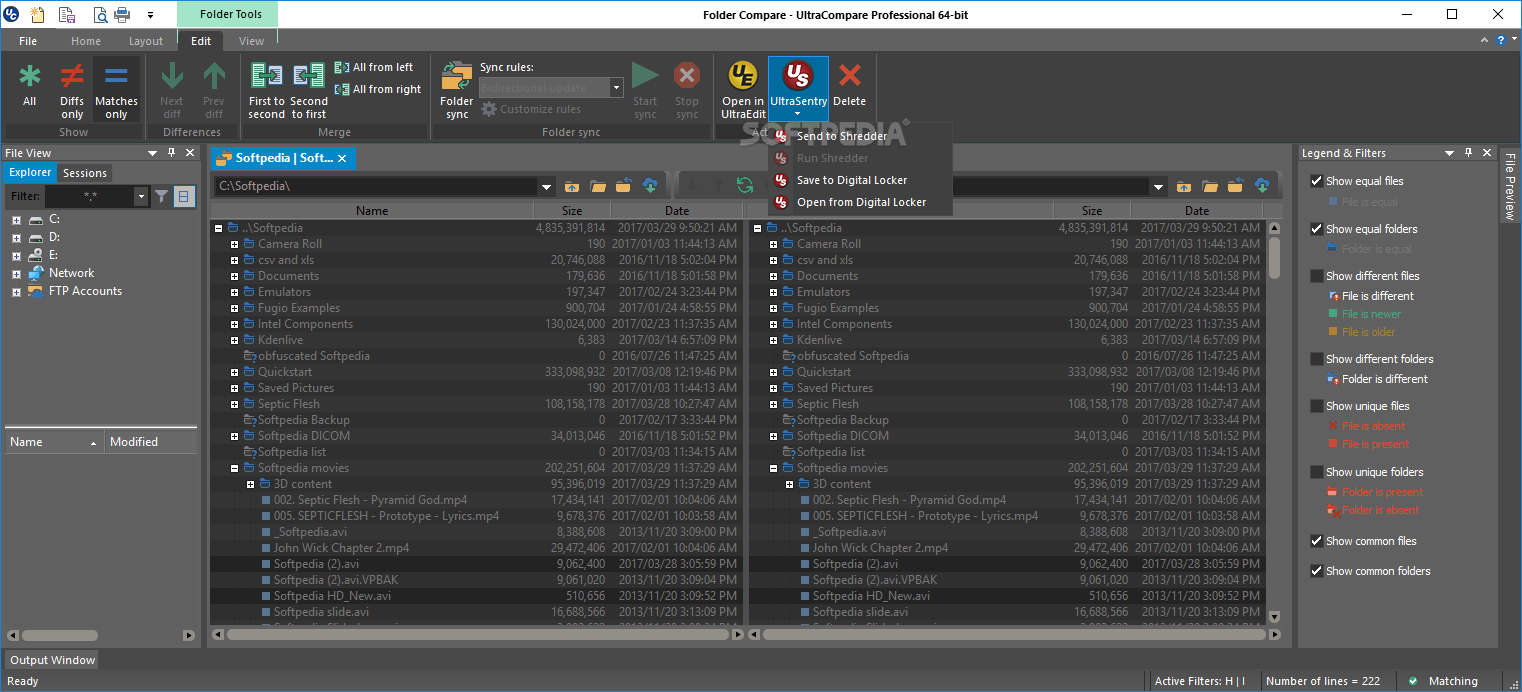
UltraCompare Professional offers users the opportunity to compare entities within a virtual computer system at a binary, text, or folder level. With that said, it also offers extra perks for managing said compared files for further tidying your machine up.
I found the program to be helpful in situations where duplicate folders or files had too many elements to go through manually.
First things first. The application will definitely surprise you with its more than adequate interface. I was surprised myself that the developer managed to mix aesthetics and functionality so well. There are plenty of aspects to take into account, once the program is fully initiated, but the first will always remain the same.
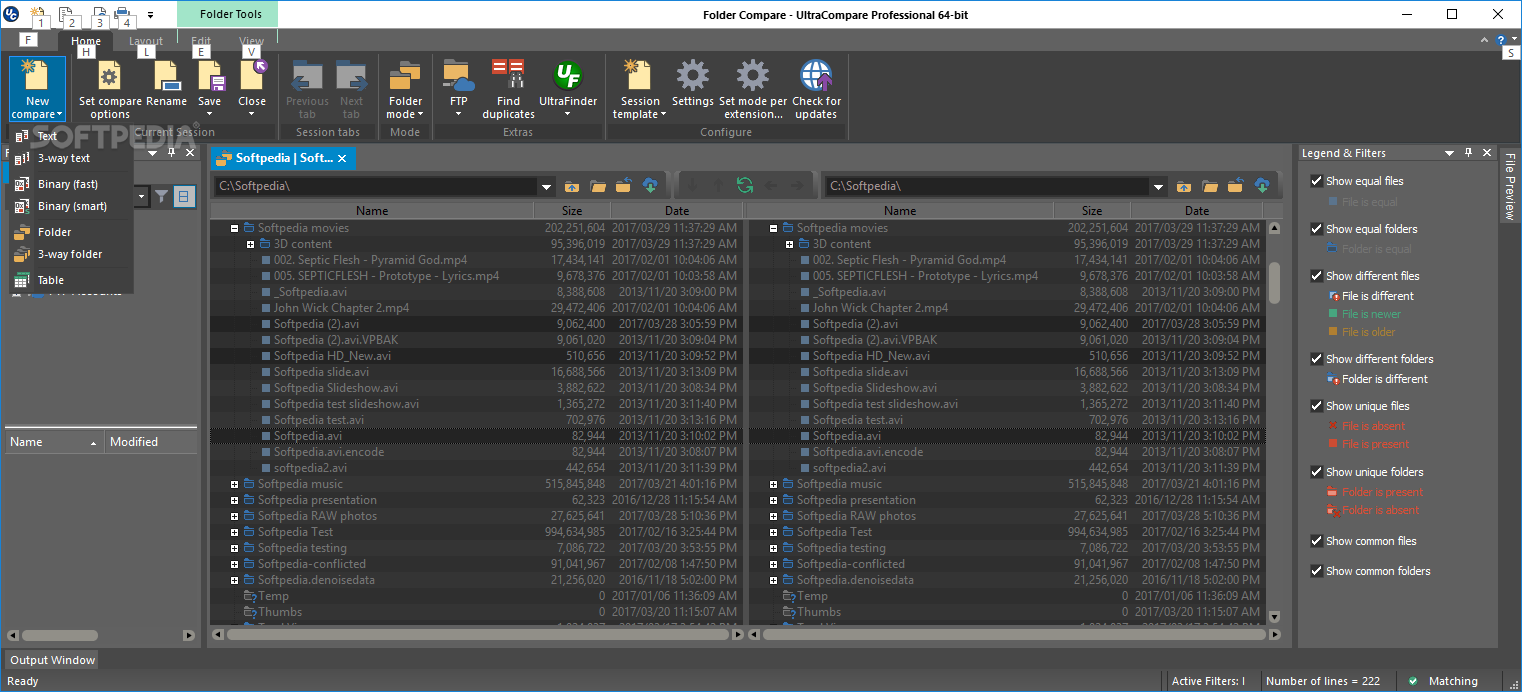
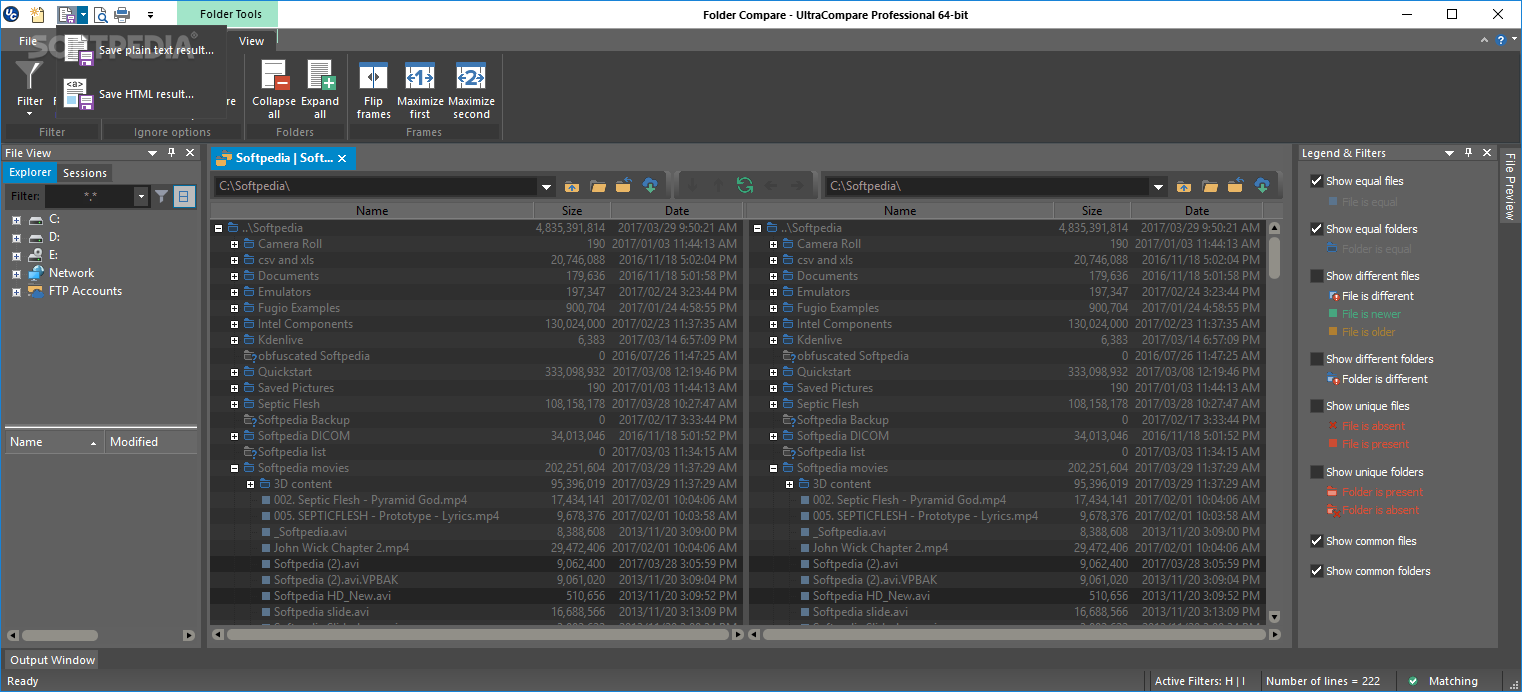
You must find the two sources you want to compare. Make sure you do this by simply importing them through the application's easy-to-navigate menus. Once this is done, your true journey begins, with the app displaying many possibilities after analyzing your submitted sources.
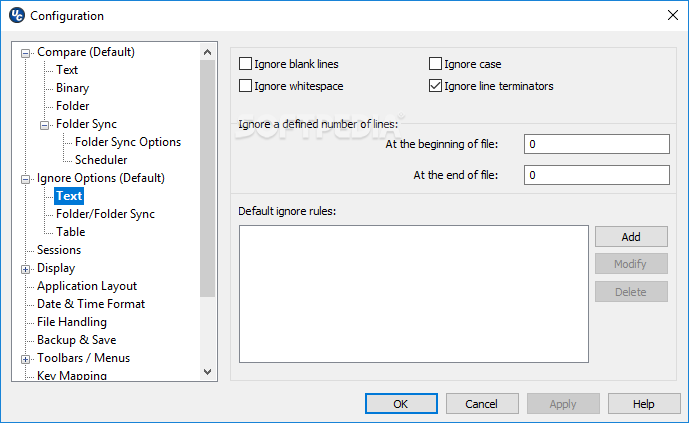
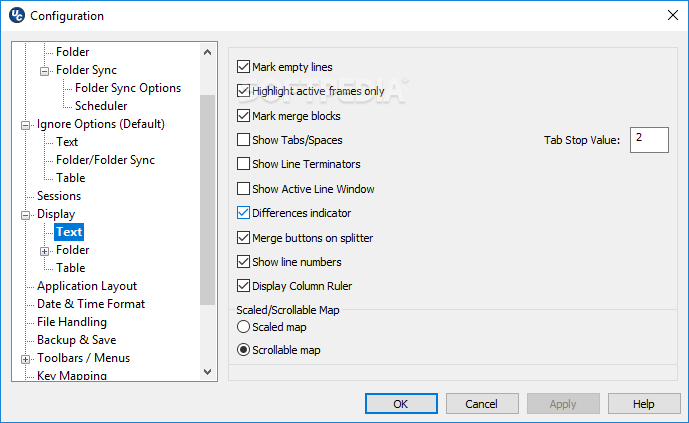
When the program is finally prepared for executing comparison tasks, you will notice a sidebar with a plethora of options. From here you can identify elements that are the same in both folders, show only different files using specific color coding techniques for easy spotting, have unique files pop out, or simply have the program work on bringing out common files and folders.
UltraCompare Professional is definitely on the pro side, and I'm not saying this just because the term is included in its name.
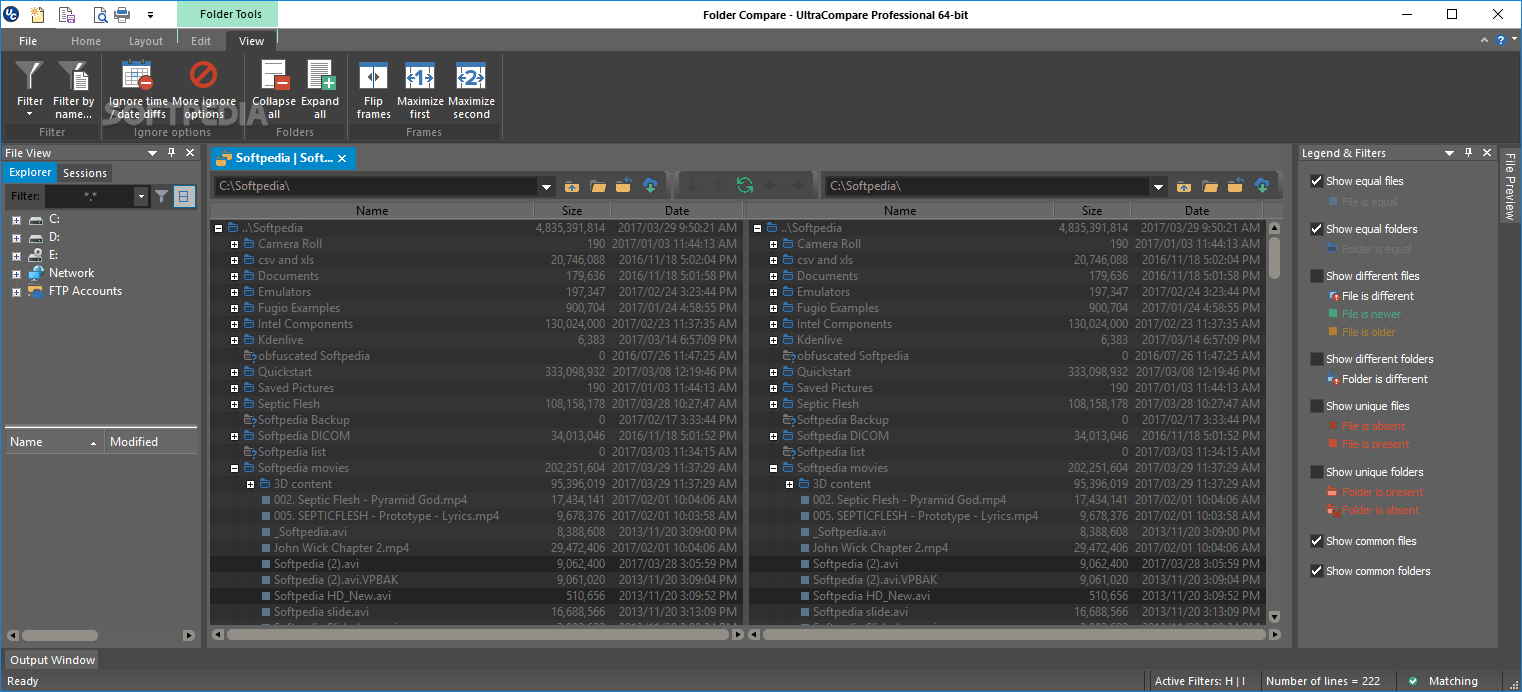
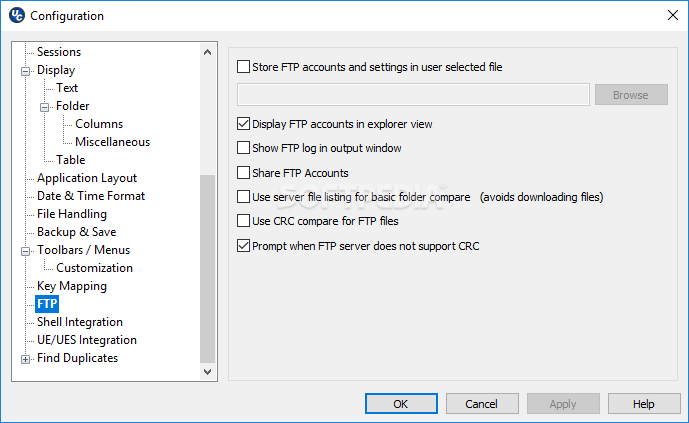
With FTP access, filtering option display, multiple-way comparison, and table analysis support, I'm inclined to think that one must be extremely fussy not to like this program or find it useful in whatever projects or goals they have set. Most importantly, this is not an unwelcoming application, seeing as it manages to work with any type of user out there.
Download Hubs
UltraCompare Professional is part of these download collections: Compare Texts
UltraCompare Professional 23.1.0.28
add to watchlist add to download basket send us an update REPORT- runs on:
-
Windows 11
Windows 10 32/64 bit
Windows 8 32/64 bit
Windows 7 32/64 bit
Windows Vista 32/64 bit - file size:
- 40.4 MB
- filename:
- uc_english.exe


- main category:
- Office tools
- developer:
- visit homepage
Windows Sandbox Launcher

Bitdefender Antivirus Free

IrfanView

Zoom Client

calibre

4k Video Downloader

7-Zip

ShareX

Context Menu Manager

Microsoft Teams

- ShareX
- Context Menu Manager
- Microsoft Teams
- Windows Sandbox Launcher
- Bitdefender Antivirus Free
- IrfanView
- Zoom Client
- calibre
- 4k Video Downloader
- 7-Zip