
Clear-cut program that supports a long list of extensions, lets you view and edit them, and can create an entry in the Windows context menu #Photo viewer #File Viewer #Image Viewer #View #Viewer #Editor

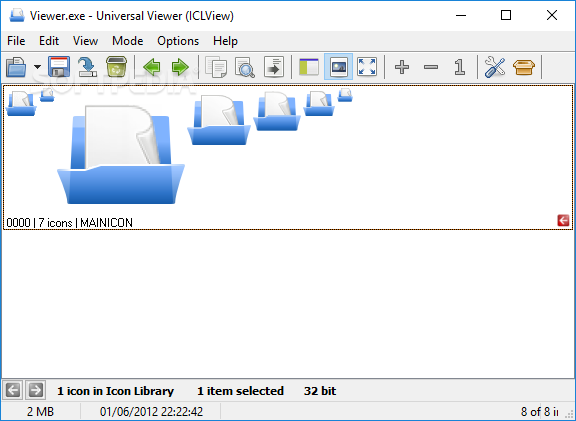
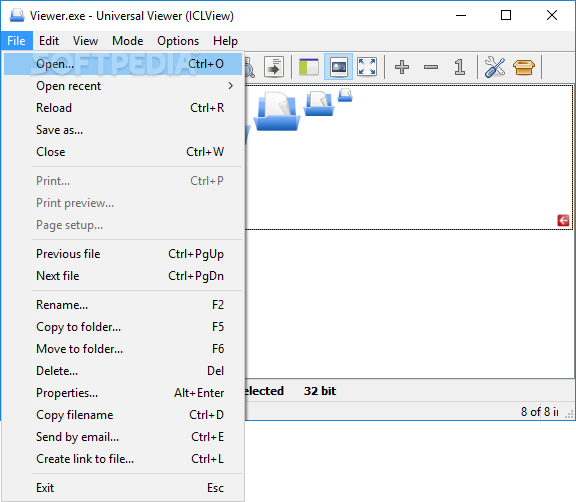
This application is a universal file viewer that supports a very wide array of file formats, including text, images, audio and video, webpages, binary and HEX.
While it is able to juggle with all these formats, Universal Viewer comes with a very user-friendly interface and, in case you still need assistance, there's a detailed help file to lend you a hand.
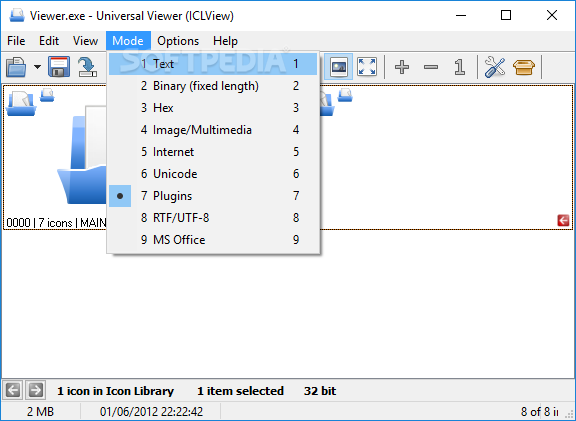
The program is able to deal with BMP, JPG, GIF, PNG, TGA and other picture formats, but also with MP3, MIDI, MPG, WMV and AVI files. It has no problem to open documents, text files, binary, Hex and Unicode, which means it can be used to view the majority of files on your system.
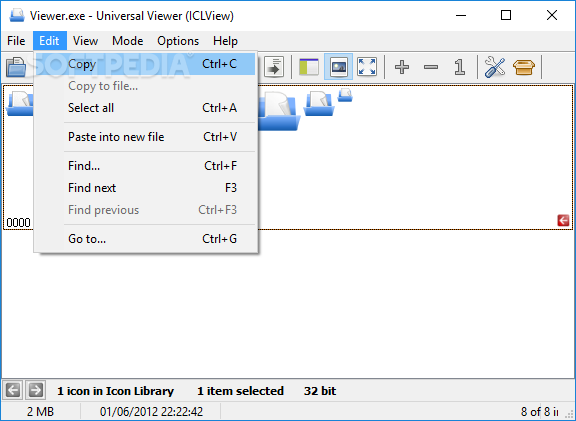
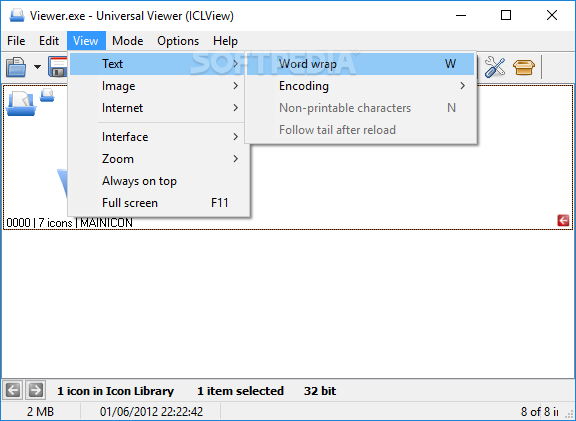
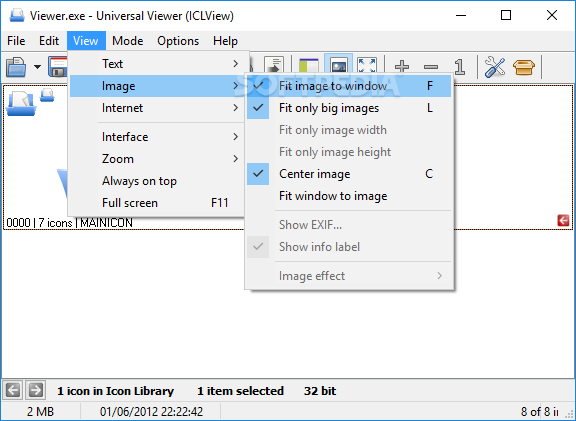
In addition to that, it provides a set of utilities for every single format is can use. To be more precise, you can view the EXIF of an opened image, rotate or flip it, apply a negative or a grayscale effect or you can set the program to fit the opened picture to the size of the window.
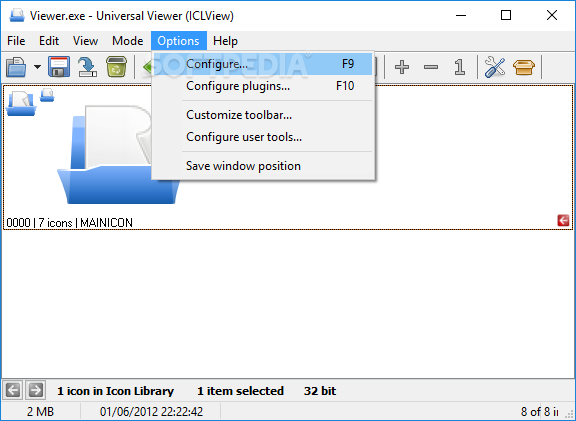
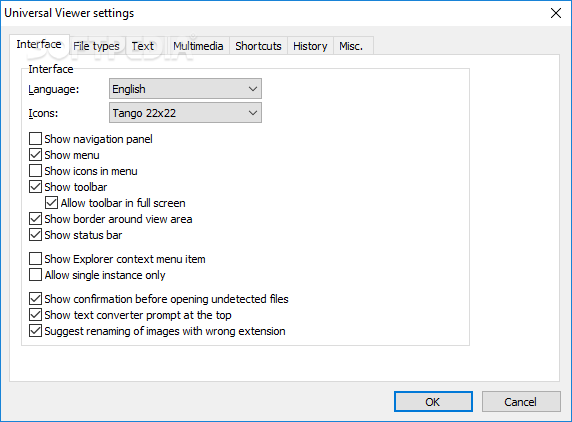
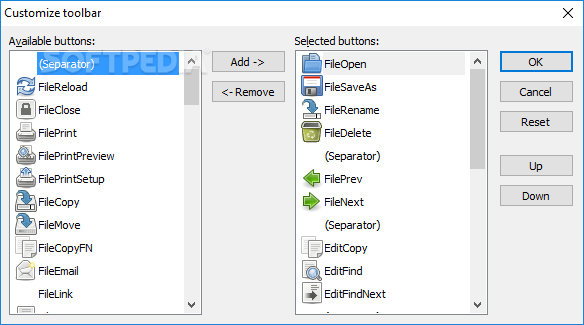
The configuration menu is gigantic and includes all kinds of options, starting with interface settings and ending with the way it manages text and multimedia files. You can set up shortcuts and enable history to save recent file lists.
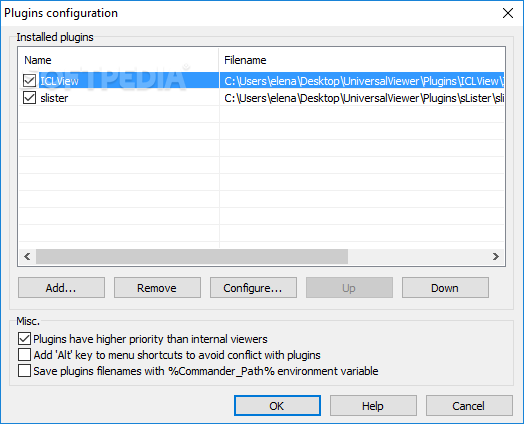
Those who want even more features can always rely on plug-ins because Universal Viewer comes with support in this regard, which allows you to implement new tools, as well as to configure them on the go.
Last but not least, Universal Viewer places an entry in the Windows Context Menu to open the supported formats on the go just by right-clicking on a file.
All things considered, Universal Viewer is a simple way to work with multiple file formats at the same time from a user-friendly and pleasant interface. It does not affect the computer’s performance as the resource requirements are quite insignificant.
All jobs are completed in a timely fashion and the app did not hang or pop up any errors during our tests. If by any chance you want to avoid the installation process altogether, you should know a portable edition can also be used, called Portable Universal Viewer.
Download Hubs
Universal Viewer is part of these download collections: Open EMF, Open Docx, View MHT, PNG Viewer
What's new in Universal Viewer 5.7.3.0:
- Added: HTML pages are detected also by signatures "
Universal Viewer 5.7.3.0
add to watchlist add to download basket send us an update REPORT- runs on:
- Windows All
- file size:
- 4.5 MB
- filename:
- UniversalViewer.exe
- main category:
- Multimedia
- developer:
- visit homepage
IrfanView

Microsoft Teams

calibre

Context Menu Manager

ShareX

Bitdefender Antivirus Free

Windows Sandbox Launcher

4k Video Downloader

7-Zip

Zoom Client

- 4k Video Downloader
- 7-Zip
- Zoom Client
- IrfanView
- Microsoft Teams
- calibre
- Context Menu Manager
- ShareX
- Bitdefender Antivirus Free
- Windows Sandbox Launcher