
Browse the web in style, with various skins to choose from, as well as a whole range of features, including pop-up blocker, audio noise reduction, and more #Internet explorer #Internet browser #Browse the Internet #Browser #Browse #Explorer
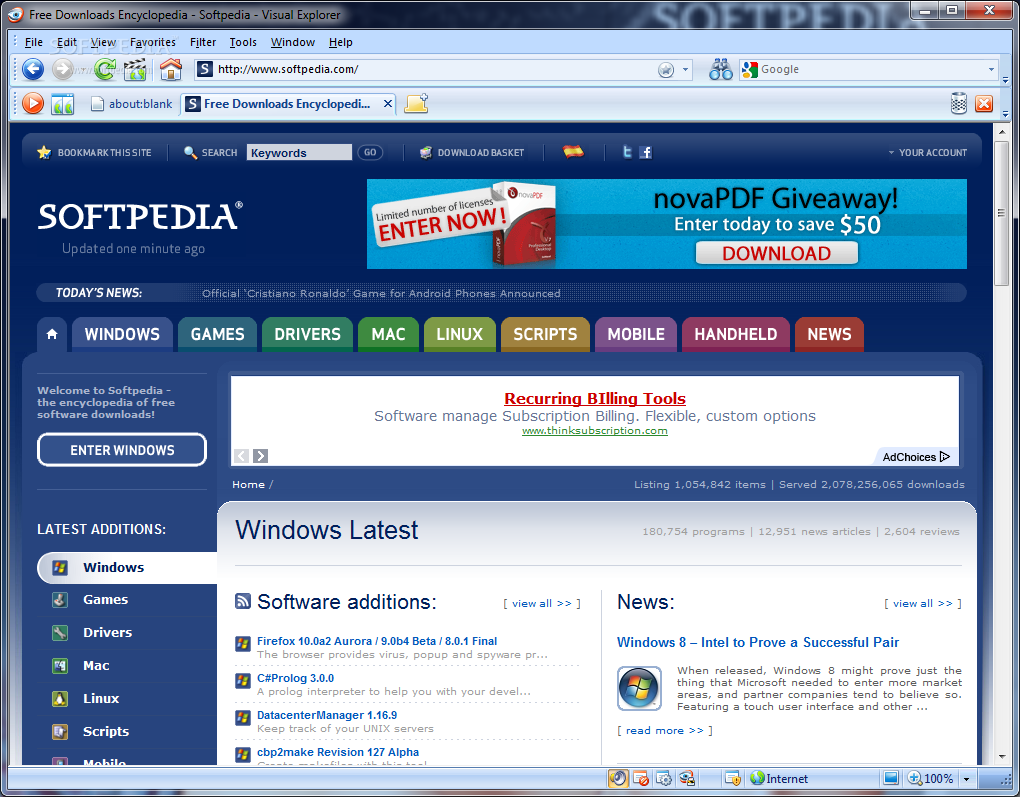
Web browsers represent the main way of accessing the information superhighway. There are plenty of choices at your disposal, and they don’t necessarily need to be fitted with tons of features to meet your demands. A well-balance of speed and basic navigation controls might be enough, and Visual Explorer wants to provide this and a bit more.
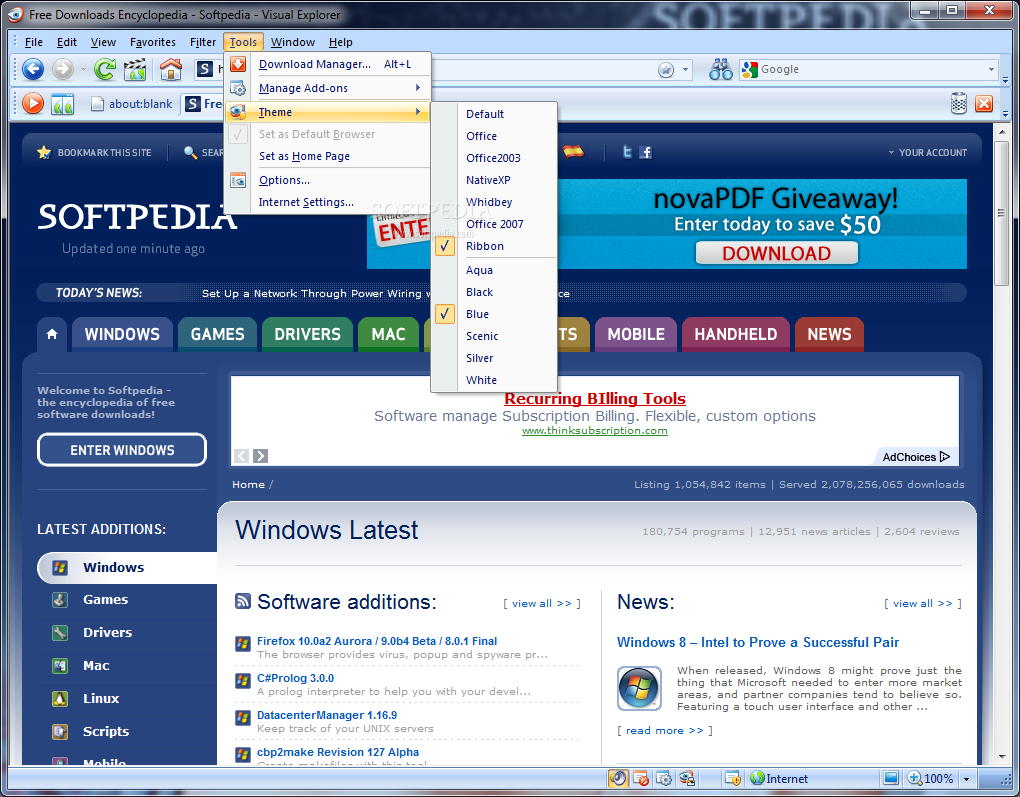
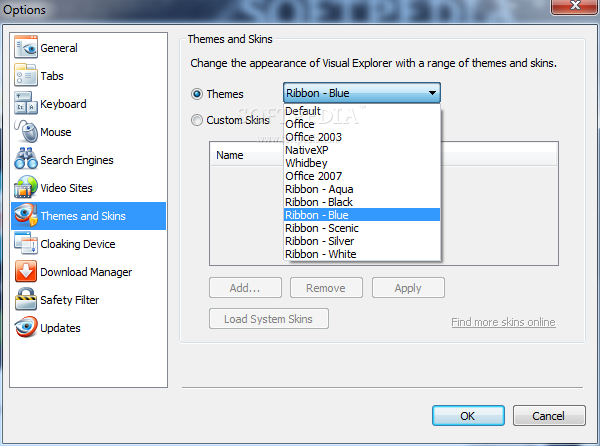
Setup doesn’t keep you busy for a long while, with the last step also offering to launch the application for you. You’re asked whether or not to make it your default browser, and where to import settings from, but only Internet Explorer is among your choices. You can pick from various visual styles to make it blend with your environment.
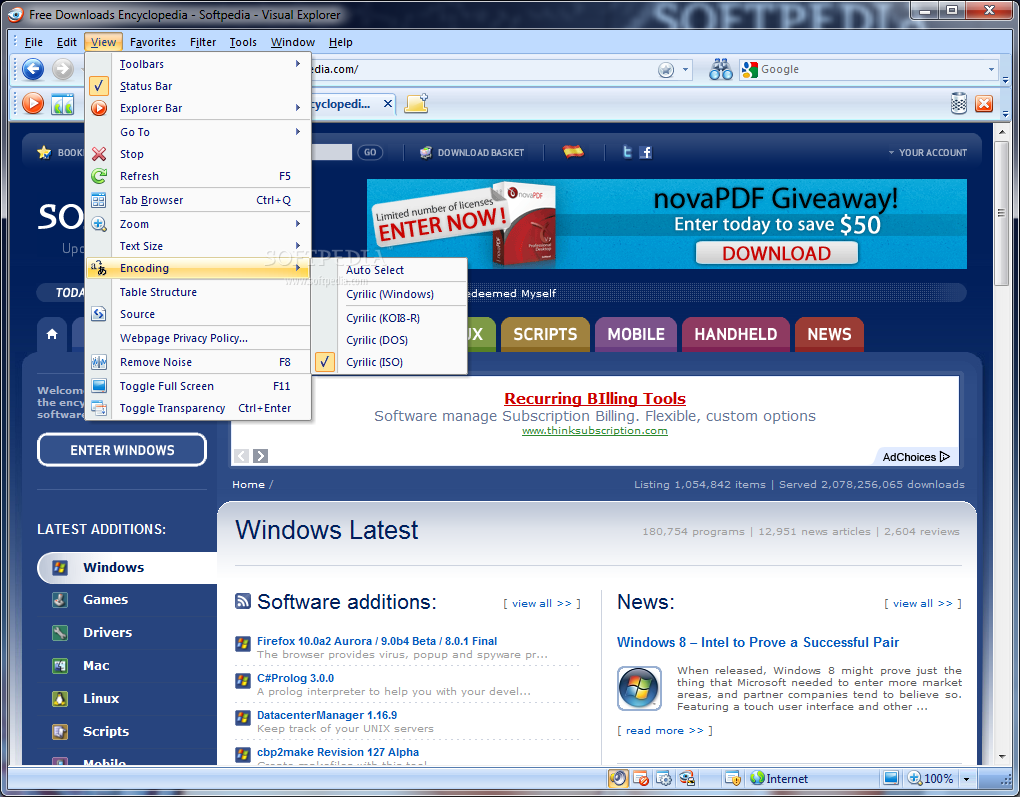
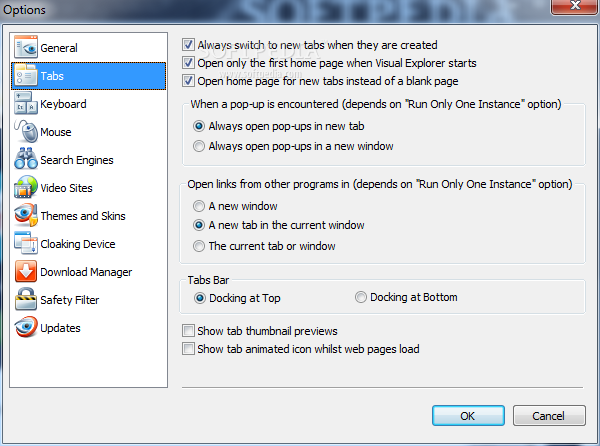
The general layout is sure to make accommodation a walk in the park, since common browser elements are found in the upper toolbar, such as URL and search fields, navigation controls, a configurable home button, the file menu bar, as well as the tabs bar, letting you stay on multiple pages at a time, and even arrange them in a specific order.
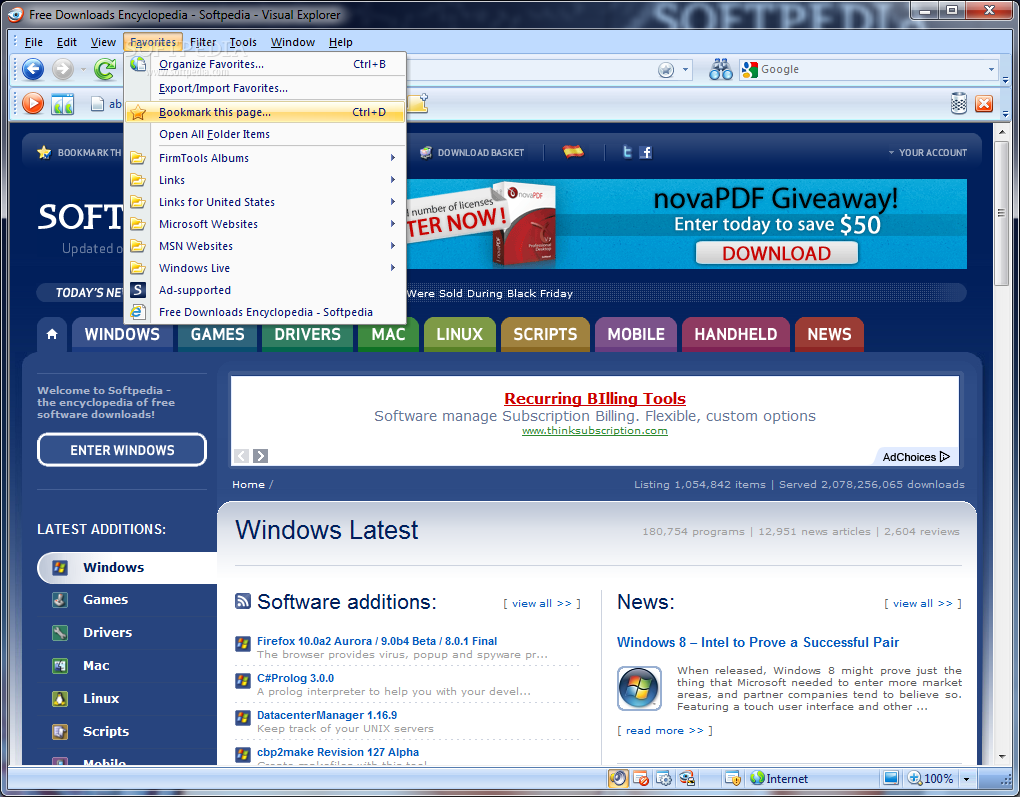
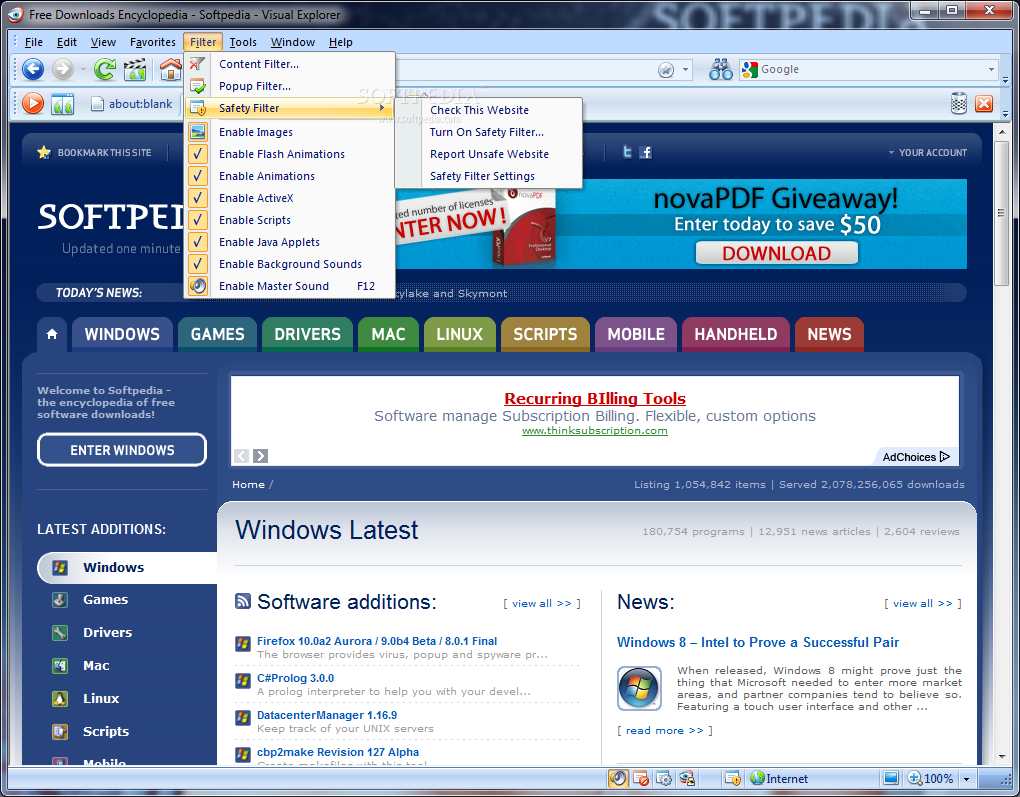
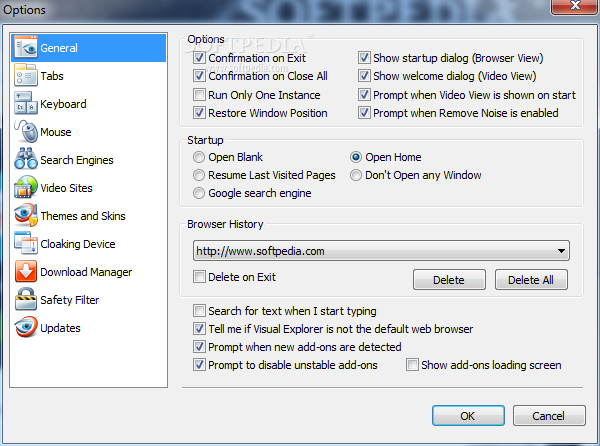
The application aims to enhance security over the web through different algorithms, including a pop-up blocker. You can save and manage bookmarks, and even enable the dedicated toolbar. All the way down to the status bar, you find page status, as well sa different security and accessibility settings, as well as a quick launch function for the options panel.
Speed doesn’t cause any frustrations, as long as your connection is in order. Modern content is properly displayed, although you might be asked to upgrade or switch to a new browser when landing on specific pages. The only downside to the whole operation is stability, and there are high chances the browser stops responding in the middle of a session, even with one active tab.
Visual Explorer comes with good intentions, and does manage to provide a promising set of features. Accommodation is nothing to worry about, while extra tools and functions make the whole experience worthwhile, at least if you can ignore the times when it might just stop working at all.
Visual Explorer 3.2 Build 3.2.0.0.1
add to watchlist add to download basket send us an update REPORT- runs on:
- Windows All
- file size:
- 12 MB
- filename:
- Vexplorer_3.2_Setup.exe



- main category:
- Internet
- developer:
- visit homepage
Bitdefender Antivirus Free

Context Menu Manager

calibre

Microsoft Teams

7-Zip

4k Video Downloader

Windows Sandbox Launcher

Zoom Client

ShareX

IrfanView

- Zoom Client
- ShareX
- IrfanView
- Bitdefender Antivirus Free
- Context Menu Manager
- calibre
- Microsoft Teams
- 7-Zip
- 4k Video Downloader
- Windows Sandbox Launcher