
Manage a large variety of compressed and archived files or folders by relying on this streamlined and user-friendly software solution. #File archiver #Compress file #Archive manager #Archiver #Archive #Compression

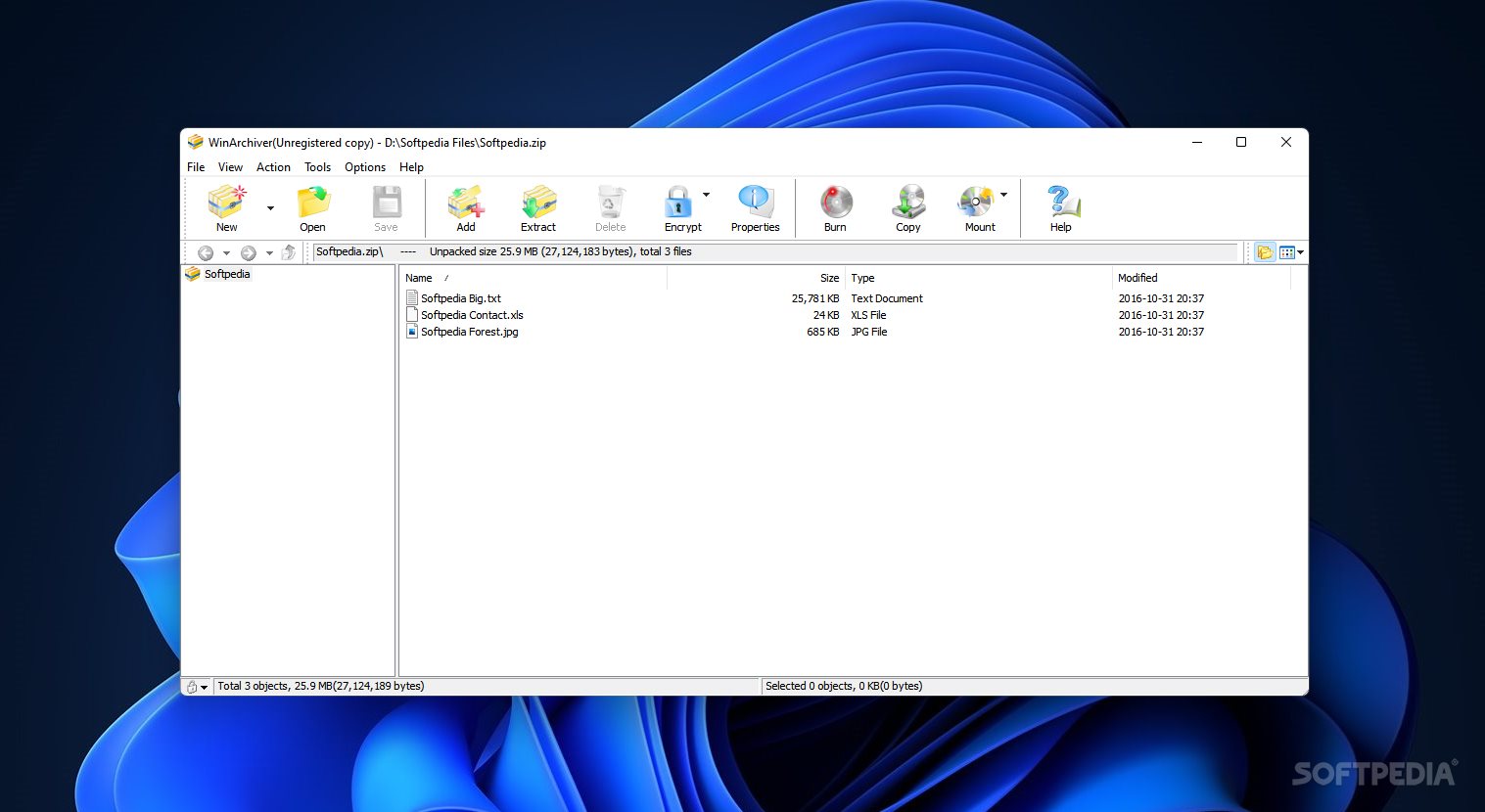
WinArchiver is a software tool that supports file compression and archive extraction. It can work with plenty of files types, such as ZIP, RAR, ISO, 7Z, CAB, TAR and GZIP.
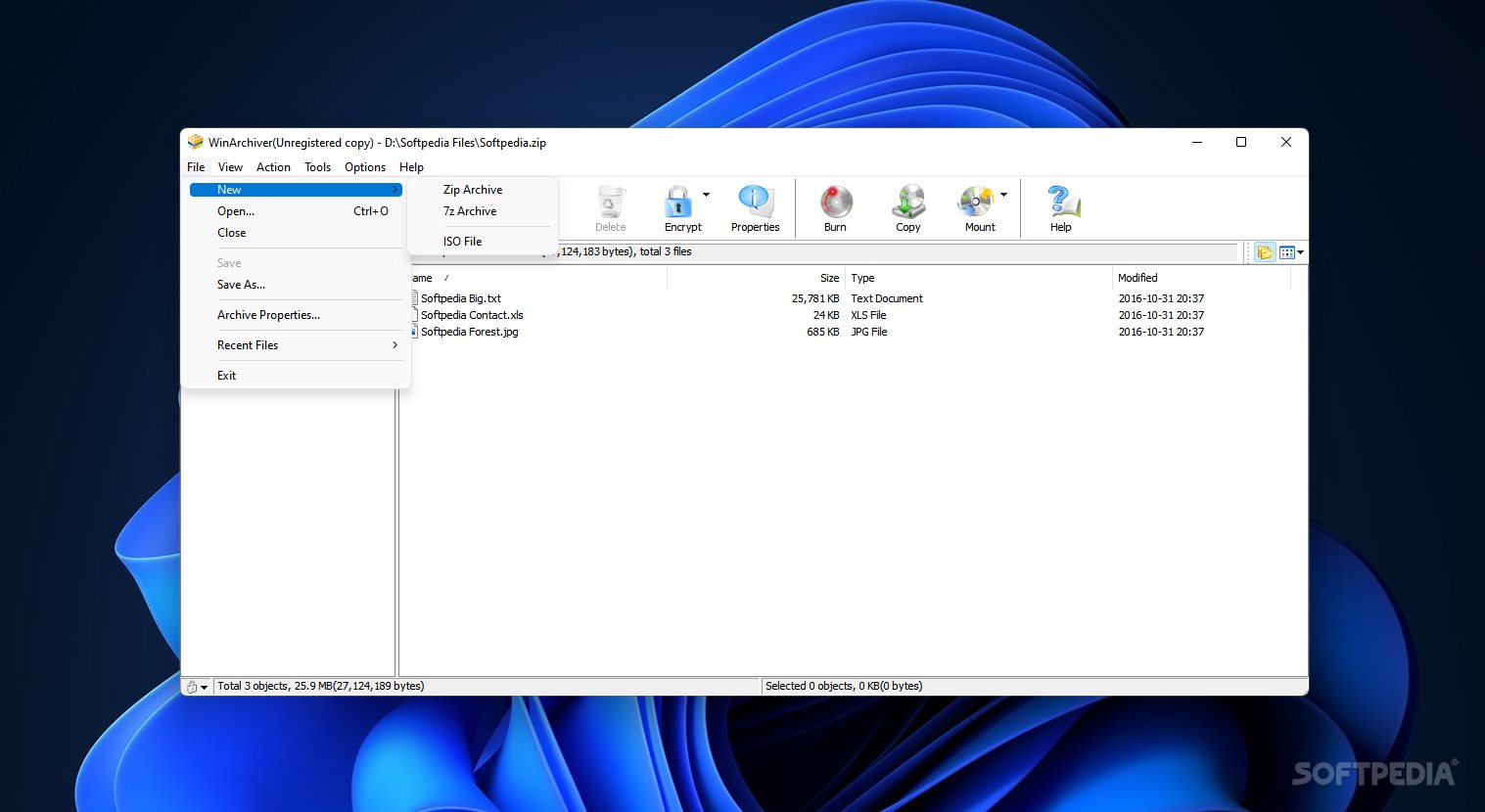
The interface of the application is clean and intuitive. You can create a new ZIP, 7Z or mountable archive, ISO image or extended disc image file, and import files by using the file browser or "drag and drop" functionality.
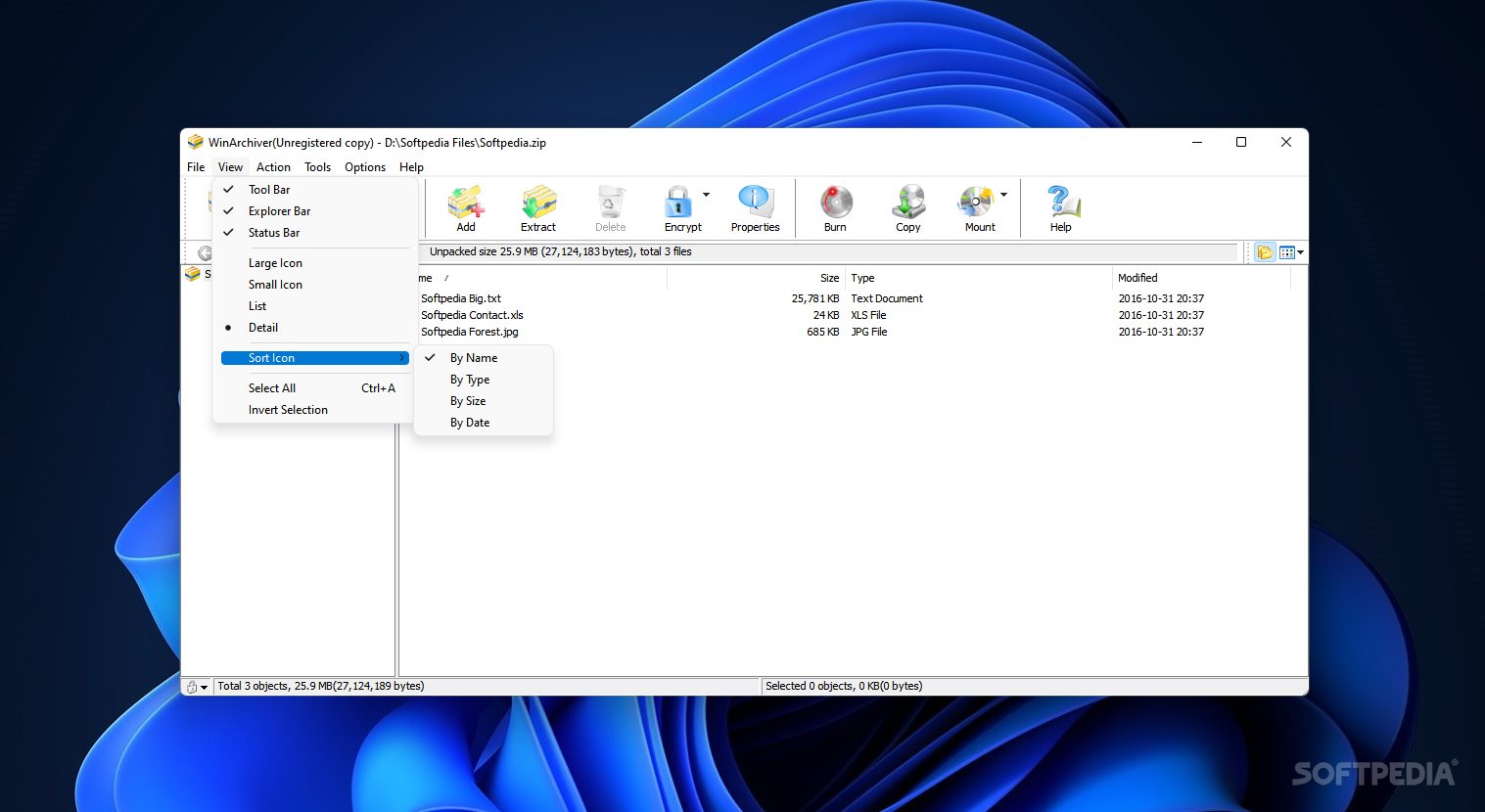
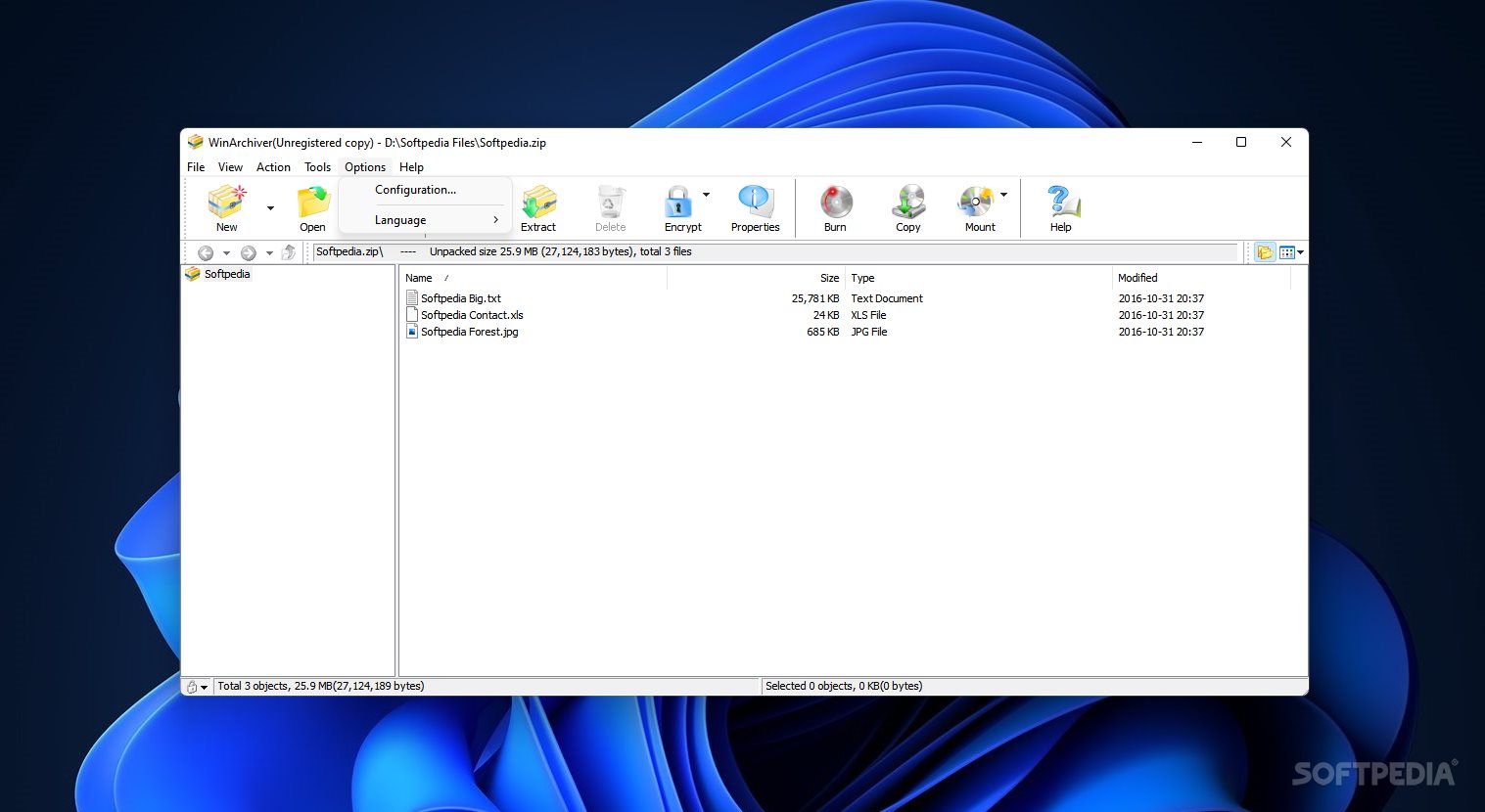
The file list shows the name, size, type and date of modification for each item. It is possible to view archive properties when it comes to the type, total files and size, packed size, and ratio.
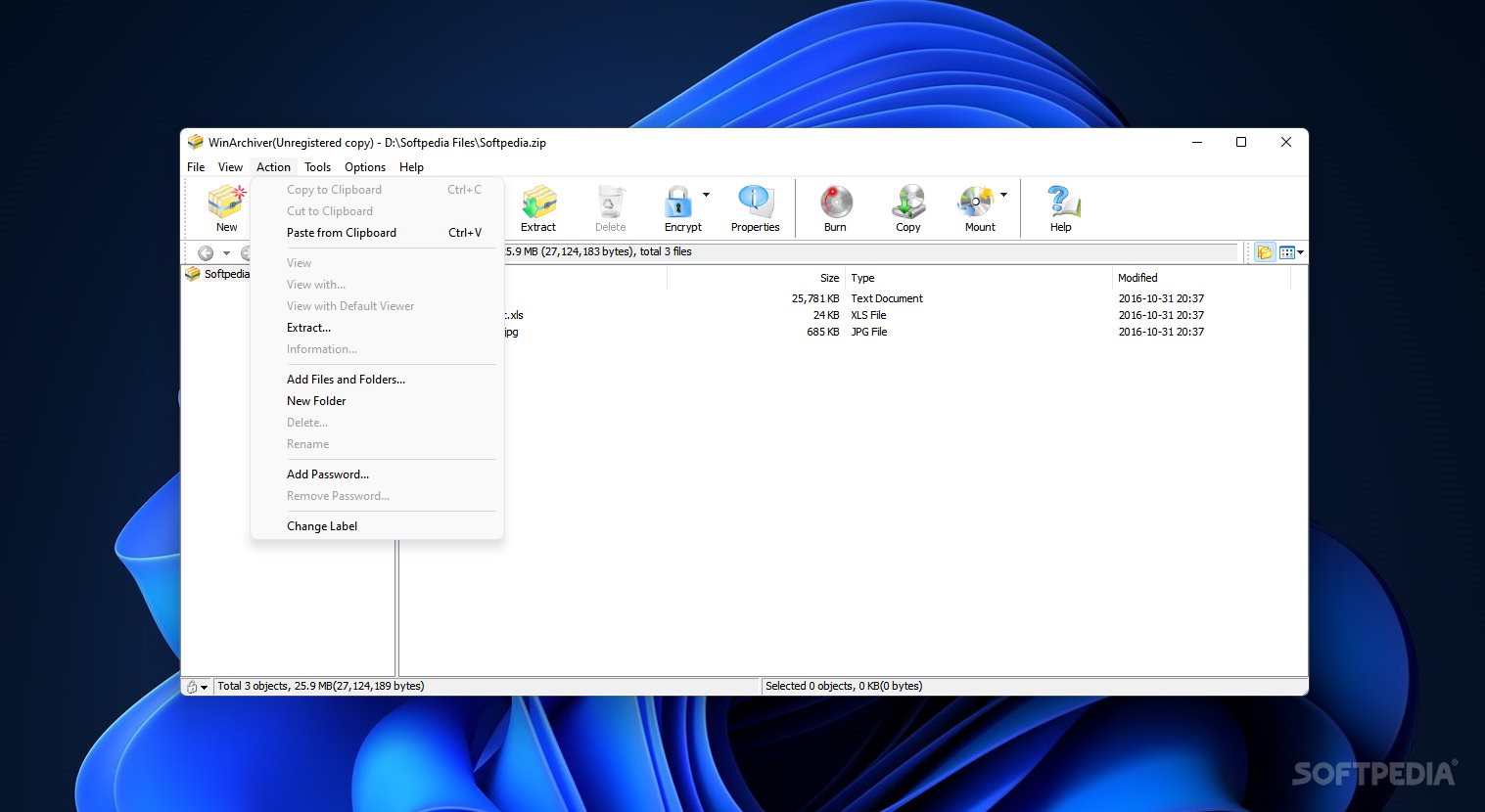
But you can also select the compression level, enable password protection, make WinArchiver split the archive to multiple volumes, and insert comments (e.g. load from file).
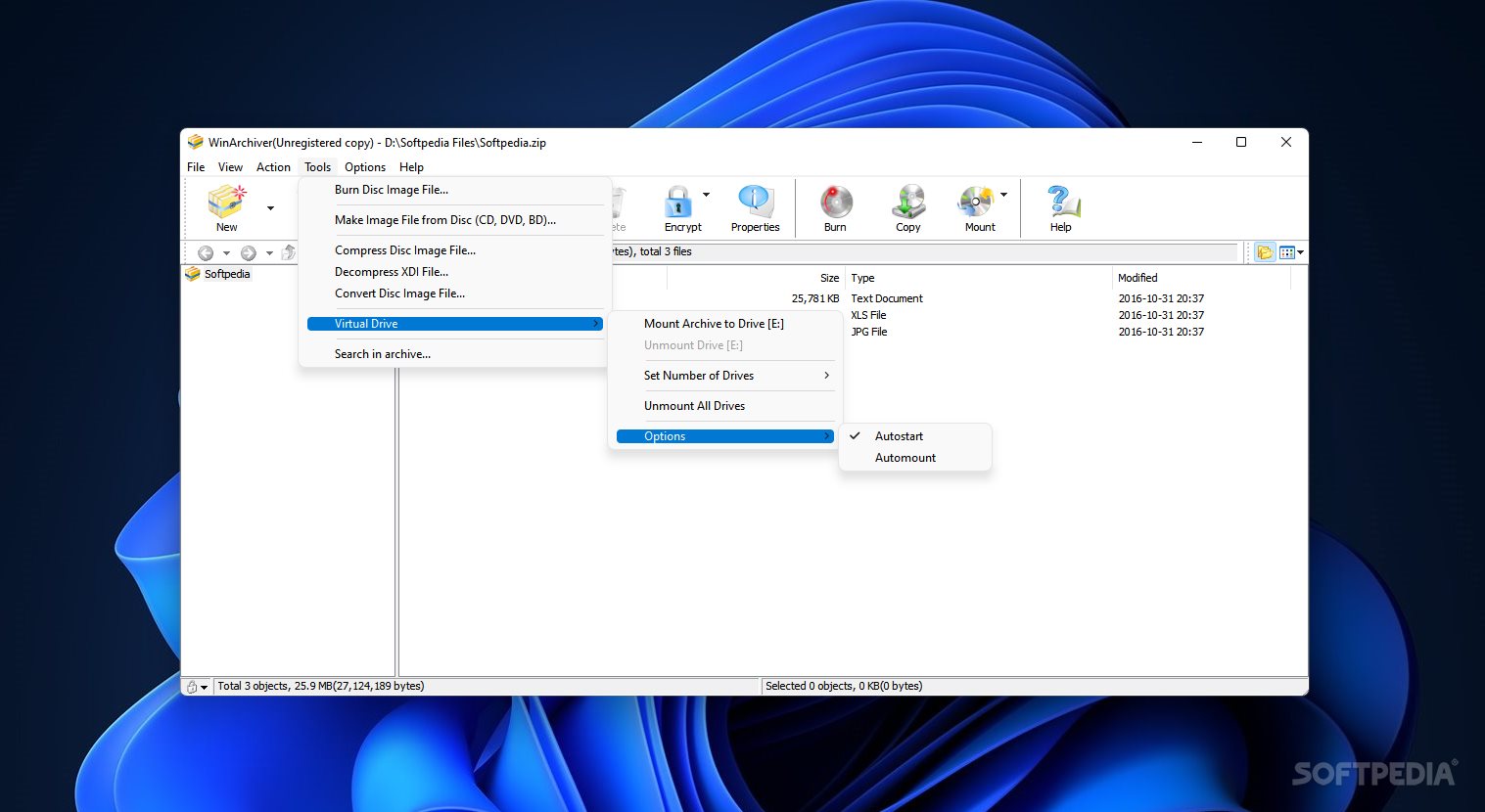
Additional tools of WinArchiver let you burn a disc image file and set properties (e.g. verify written data, eject disc after burning), create an image file from disc (CD, DVD, BD), compress a disc image file, decompress an XDI image file, convert a disc image file, as well as search within an archive.
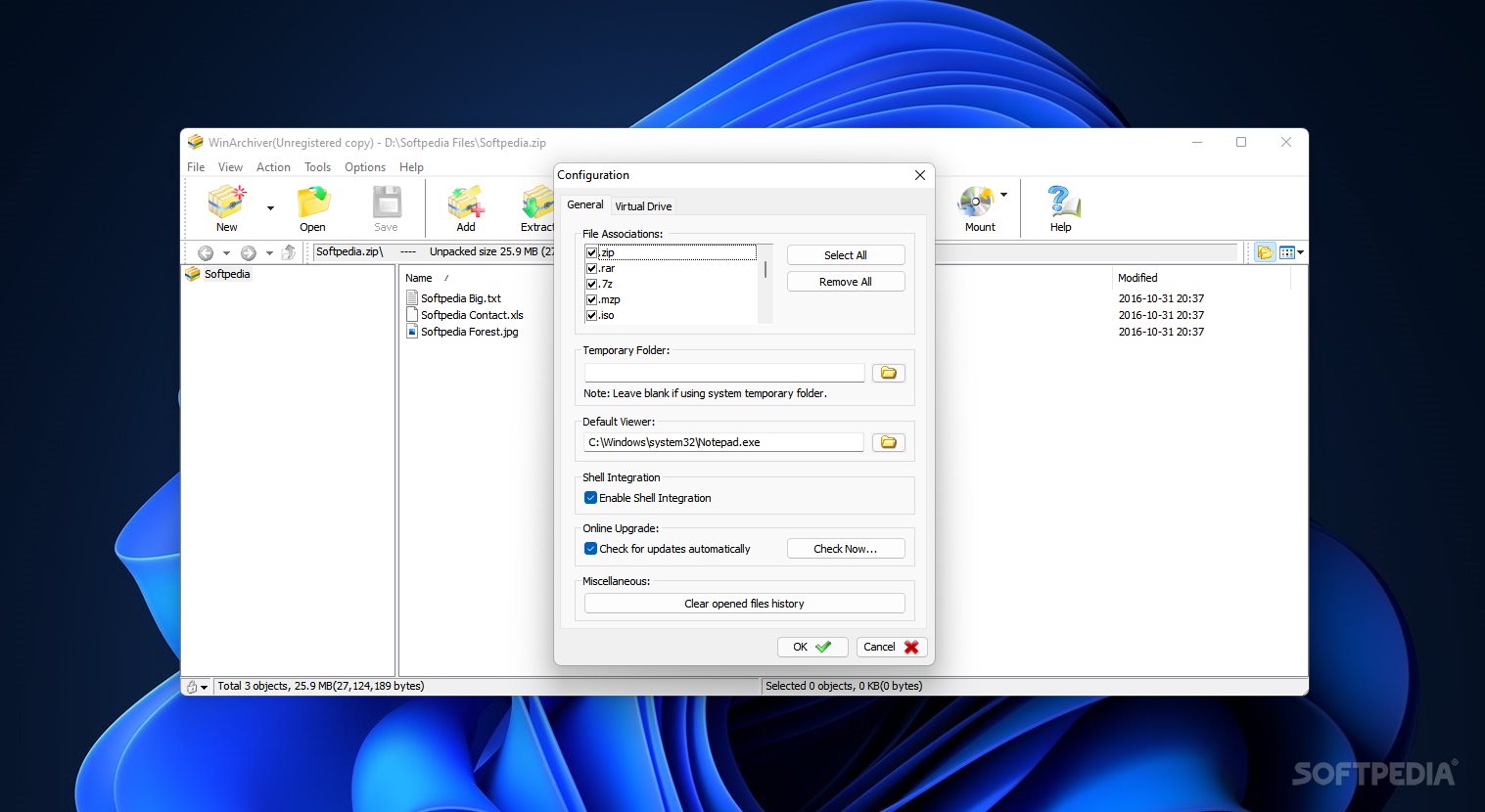
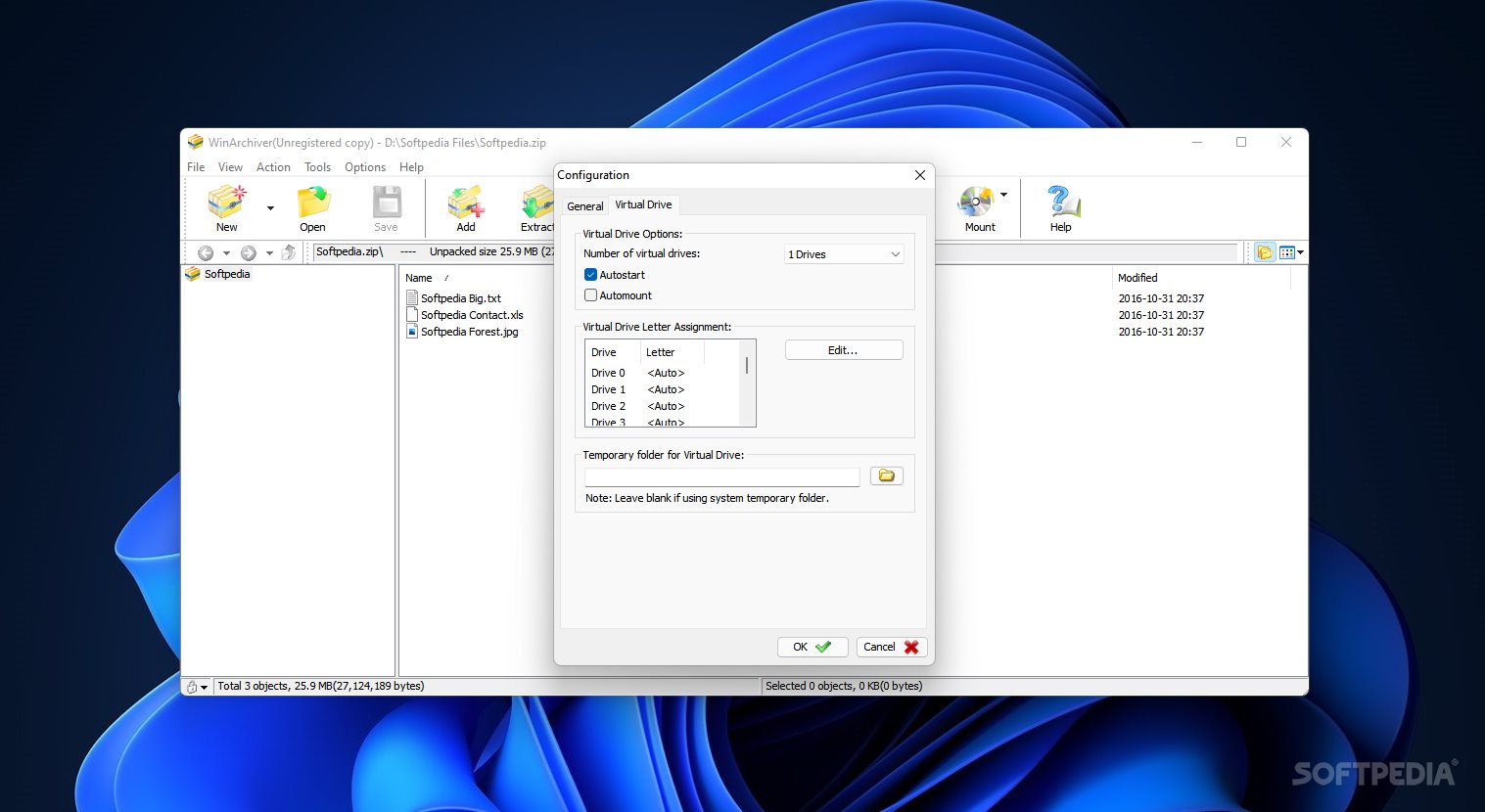
Several customization options are available through the Configuration screen. You can make file associations, alter the default temporary folder and default viewer, enable shell integration and automatic update checkups, as well as clear the opened files history. You can select the number of virtual drives and make WinArchiver automatically run and mount at Windows startup.
The program requires a low amount of CPU and system memory, has a good response time, quickly finishes a new task and includes user documentation. We have not come across any issues throughout our testing; WinArchiver did not hang, crash or pop up error dialogs. Thanks to its intuitive layout and overall simplicity, even novices users can quickly learn how to work with this app.
Download Hubs
WinArchiver is part of these download collections: Open RAR
What's new in WinArchiver 5.7:
- Support compressed image file (gz, bz, xz, and lzma format) when creating bootable USB drive.
- Some minor bug fixes.
WinArchiver 5.7
add to watchlist add to download basket send us an update REPORT- runs on:
- Windows All
- file size:
- 3.6 MB
- filename:
- winarchiver_setup.exe
- main category:
- Compression tools
- developer:
- visit homepage
calibre

7-Zip

IrfanView

Context Menu Manager

Microsoft Teams

4k Video Downloader

Zoom Client

ShareX

Bitdefender Antivirus Free

Windows Sandbox Launcher

- ShareX
- Bitdefender Antivirus Free
- Windows Sandbox Launcher
- calibre
- 7-Zip
- IrfanView
- Context Menu Manager
- Microsoft Teams
- 4k Video Downloader
- Zoom Client