
Use your USB flash drive to transfer Windows installation packages from CD or DVD to use whenever a fresh setup of the operating system is required. #Win To Flash #Windows to USB #USB installer #Transfer #Win2flash #Win2USB

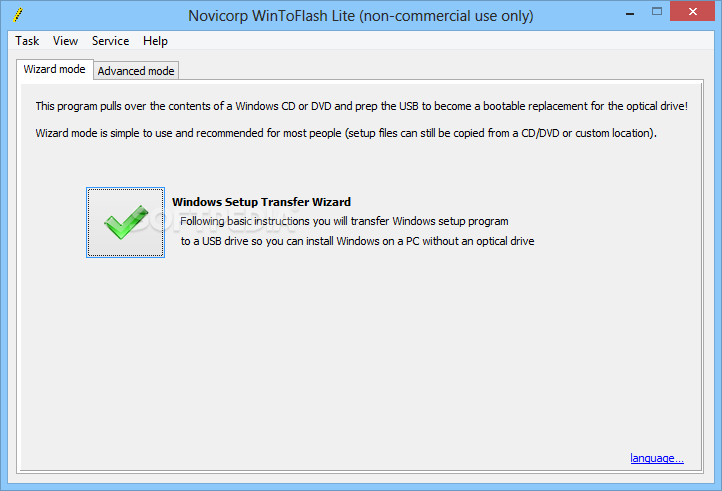
WinToFlash accomplishes an amazing task: it extracts the contents of a Windows installation and transfers it on a bootable USB drive. It can be safely stated that this prolongs the life of your Windows package, seeing as compact discs are highly sensitive, whereas USB flash drives offer you more flexibility.
Traditionally, the original editions of Windows come with a CD and utmost care is required when handling the disc. Even the tiniest scratch could affect the integrity of the content and prevent you from running a successful installation.
For this reason, it is recommended that you have a backup of the package, preferably on a device that’s more reliable and less sensitive.
This is where WinToFlash makes a difference. It seamlessly copies your Windows operating system from the CD or DVD to a USB flash drive. It features support for Windows XP/2003/Vista/2008/7/8 in all editions: Home, Professional, Media Center, Ultimate, etc.
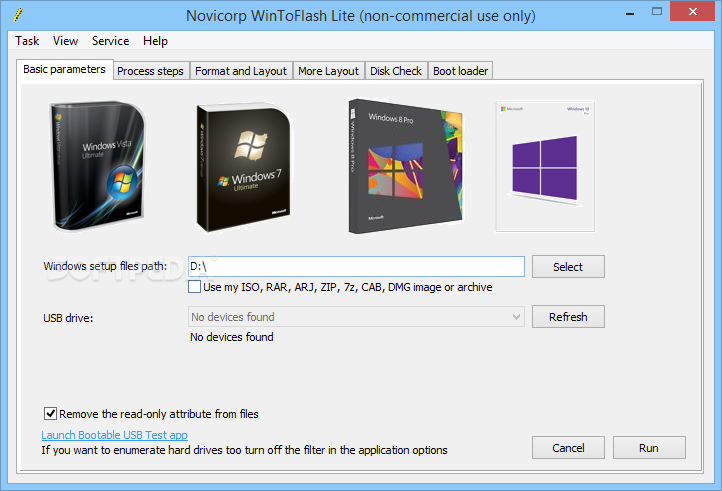
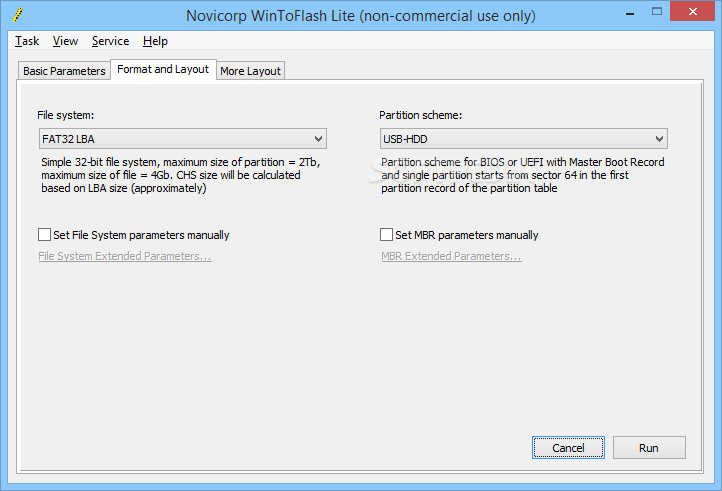
Prerequisites are simple: you need a formatted USB flash drive (you can perform this operation from within the application) and the original Windows CD/DVD.
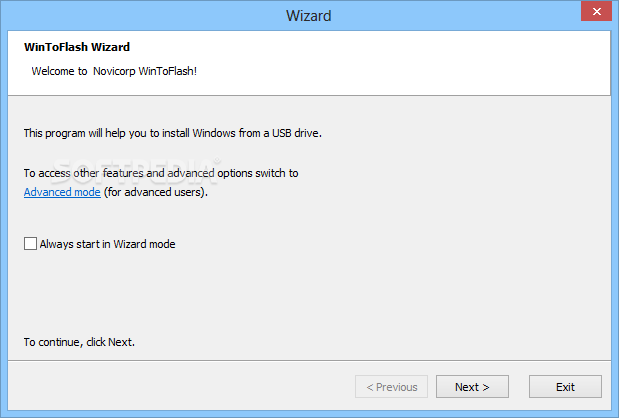
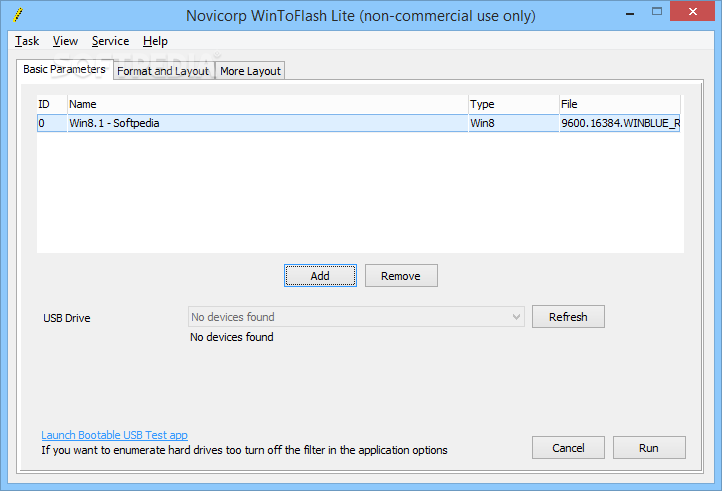
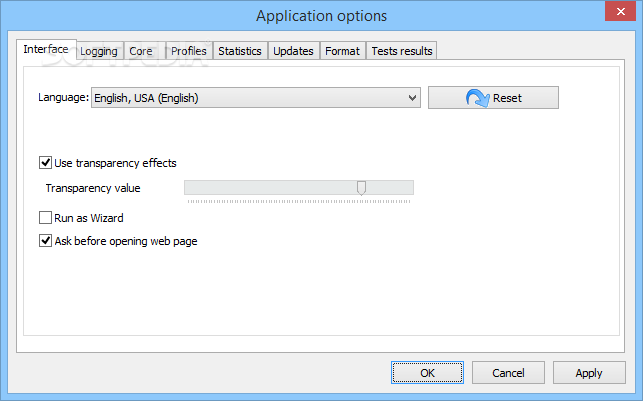
WinToFlash is very easy to use and doesn't require any kind of installation. Simply run the executable file and configure the first-time wizard in the user interface.
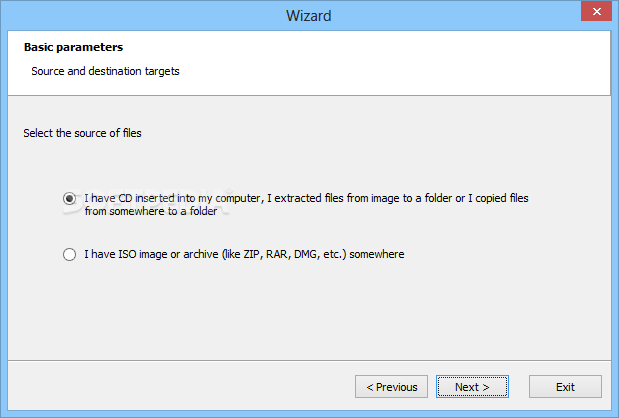
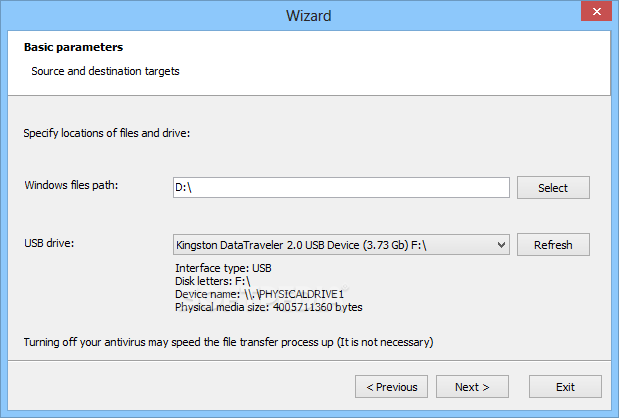
After this step is complete, you are presented with two choices. The first one includes running a wizard that guides you through the process and requires fewer steps to be completed. Basically, user efforts are reduced to choosing the source CD/DVD and the output location.
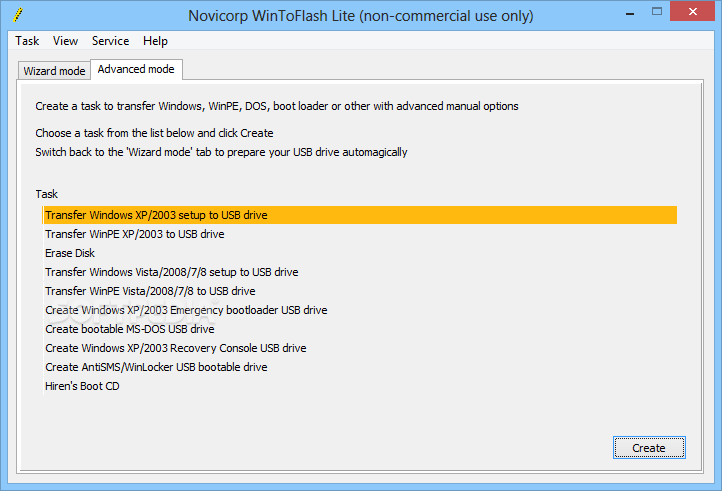
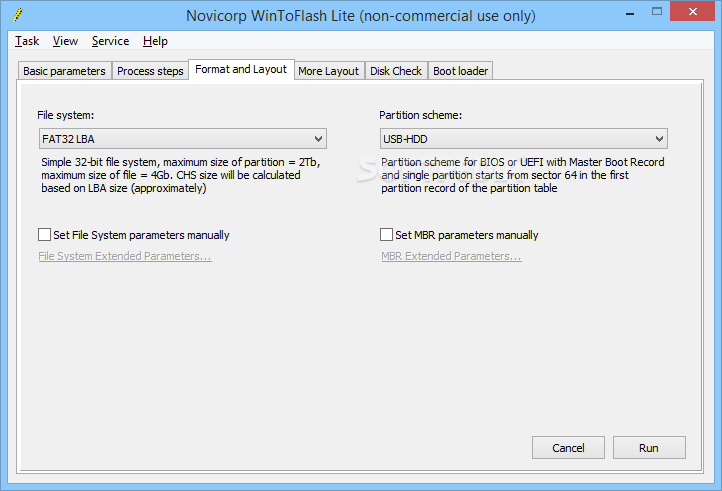
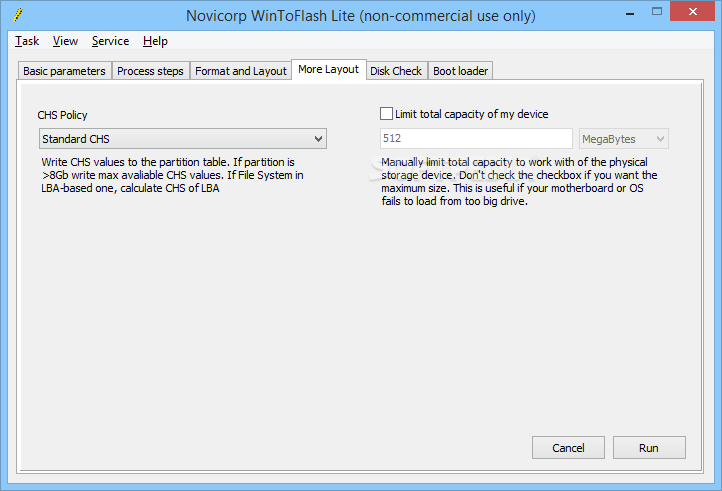
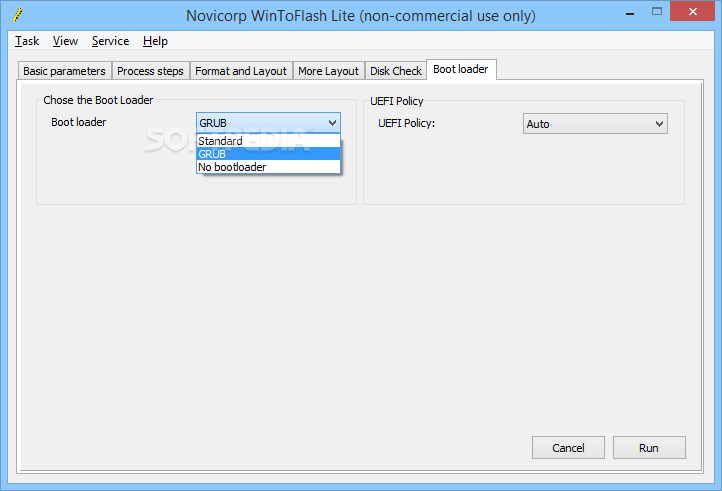
The second one sports more advanced options, allowing you to accomplish more complex tasks, such as creating an emergency bootloader, a bootable MS-Dos drive or erasing a disk.
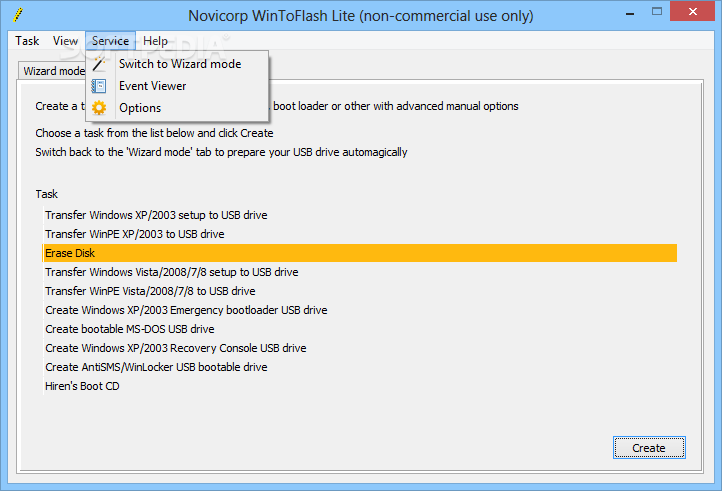
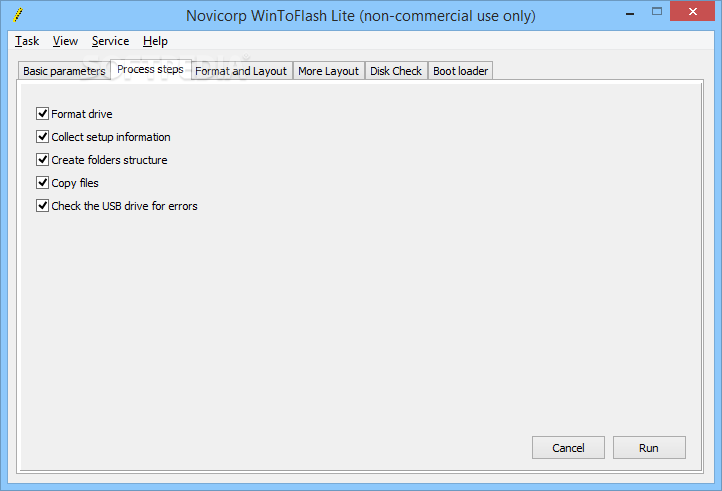
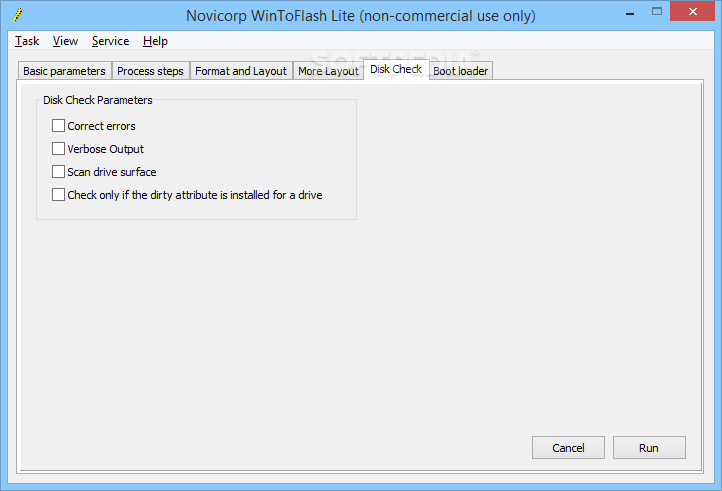
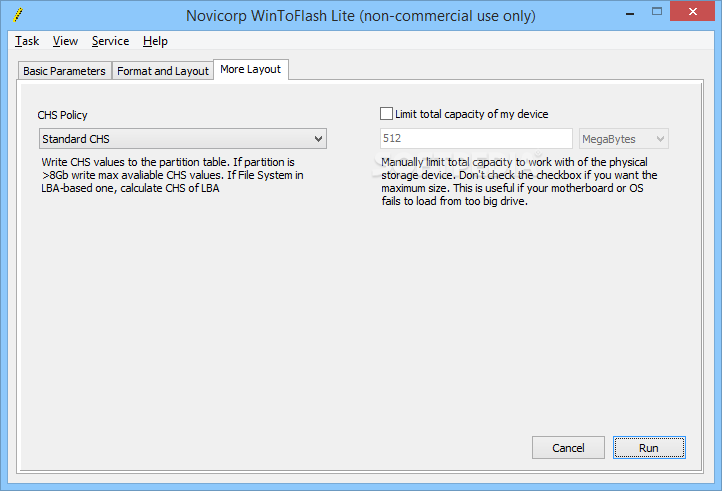
The read-only attribute can be removed from the files and you can also choose to collect system information, create a structure for folders, copy files, or check the USB drive for errors. Events can be viewed in the Service tab and multiple language packs are available. The creation of the bootable USB drive takes a decent amount of time and the result is truly satisfying.
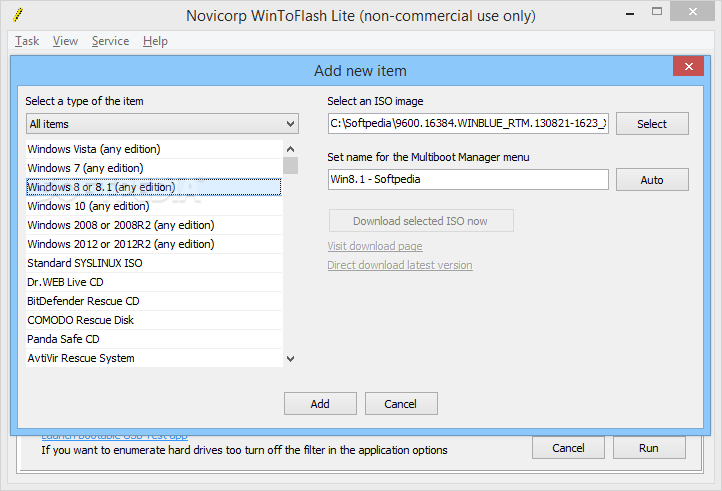
All in all, WinToFlash seems to be a breakthrough in a market where Windows installations are mostly performed from a CD/DVD drive. It minimizes the chances of losing important data, making Windows editions last a life time. It supports multiboot, meaning that you can add as many bootable items to your USB drive as you deem necessary.
Download Hubs
WinToFlash Lite is part of these download collections: Create Bootable USB
What's new in WinToFlash Lite 1.13.0000:
- Dramatically improved compatibility with Windows ISO images in the Multiboot mode. Now WinToFlash creates multiboot bootable USB from any Windows Setup ISO from Vista to 10 with any number of bootable WIM images in it
- Improved compatibility with modified Windows Setups in the Multiboot mode
- Fixed autoreboot problem in Windows Vista Setup on the multiboot bootable USB
- Added support for combined x86+x64 Windows 10 images from MediaCreationTool in the Singleboot and Wizard mode
WinToFlash Lite 1.13.0000
add to watchlist add to download basket send us an update REPORT- portable version
- Portable WinToFlash Lite
- runs on:
-
Windows 10 32/64 bit
Windows 2008
Windows 2003
Windows 8 32/64 bit
Windows 7 32/64 bit
Windows Vista 32/64 bit
Windows XP 32/64 bit - file size:
- 9.1 MB
- filename:
- Novicorp WinToFlash [The Bootable USB Creator] 1.11.0000.torrent
- main category:
- System
- developer:
- visit homepage
Context Menu Manager

Zoom Client

Bitdefender Antivirus Free

7-Zip

Microsoft Teams

4k Video Downloader

calibre

ShareX

IrfanView

Windows Sandbox Launcher

- ShareX
- IrfanView
- Windows Sandbox Launcher
- Context Menu Manager
- Zoom Client
- Bitdefender Antivirus Free
- 7-Zip
- Microsoft Teams
- 4k Video Downloader
- calibre