
Give your Vista PC the appearance of Windows 7 and the branding of Windows 8 #Theme replacement #Vista to Windows 7 #Windows 7 theme #Theme #Vista #Windows 7
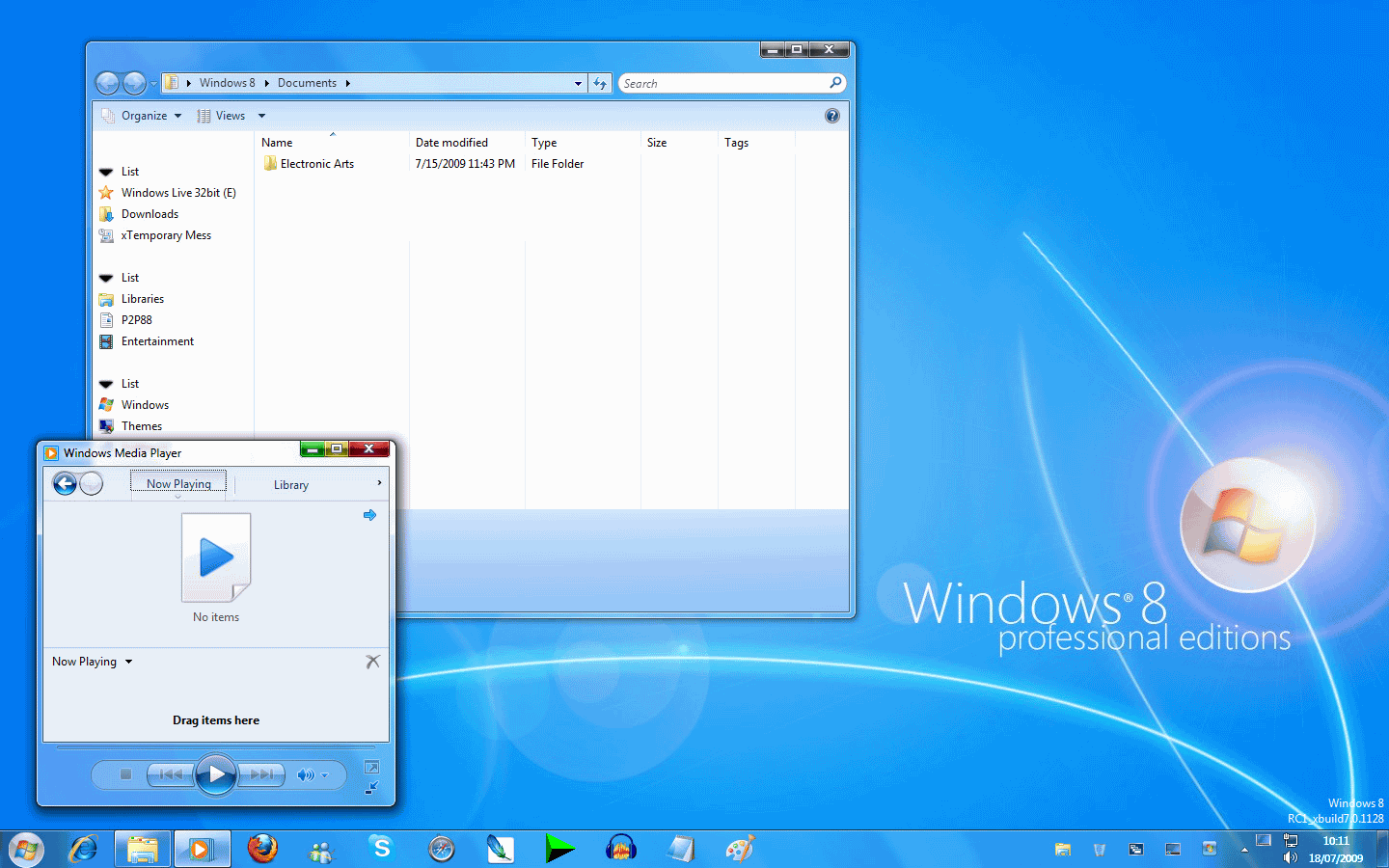
Windows 8 Professional Edition is a theme pack for Windows Vista users eager to get some of the Windows 7 GUI elements and the branding of Windows 8. It was developed for those of you that enjoy tweaking the looks of your operating system and have some experience with fan based themes installation or system files replacement.
The pack consists of five different archives, each of them containing one or more of the application's components. Even from the very beginning you should know that getting the looks of Windows 8 on your computer is quite a handful so make sure to read all the Readme files in the archives before proceeding.
Windows 8 Professional Edition changes the theme and visual style of your operating system, the login and welcome screen, the taskbar, taskbar clock, system tray icon and quick launch, just to name a few. But in order to enjoy it's full capabilities you should first install an application that allows you to add third party Windows themes, such as UxTheme Patcher for Windows Vista.
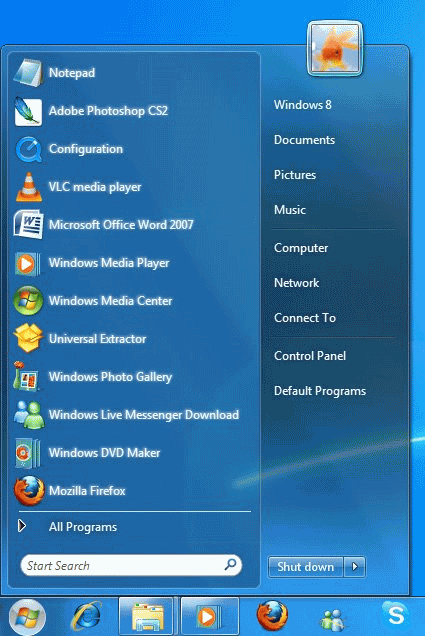
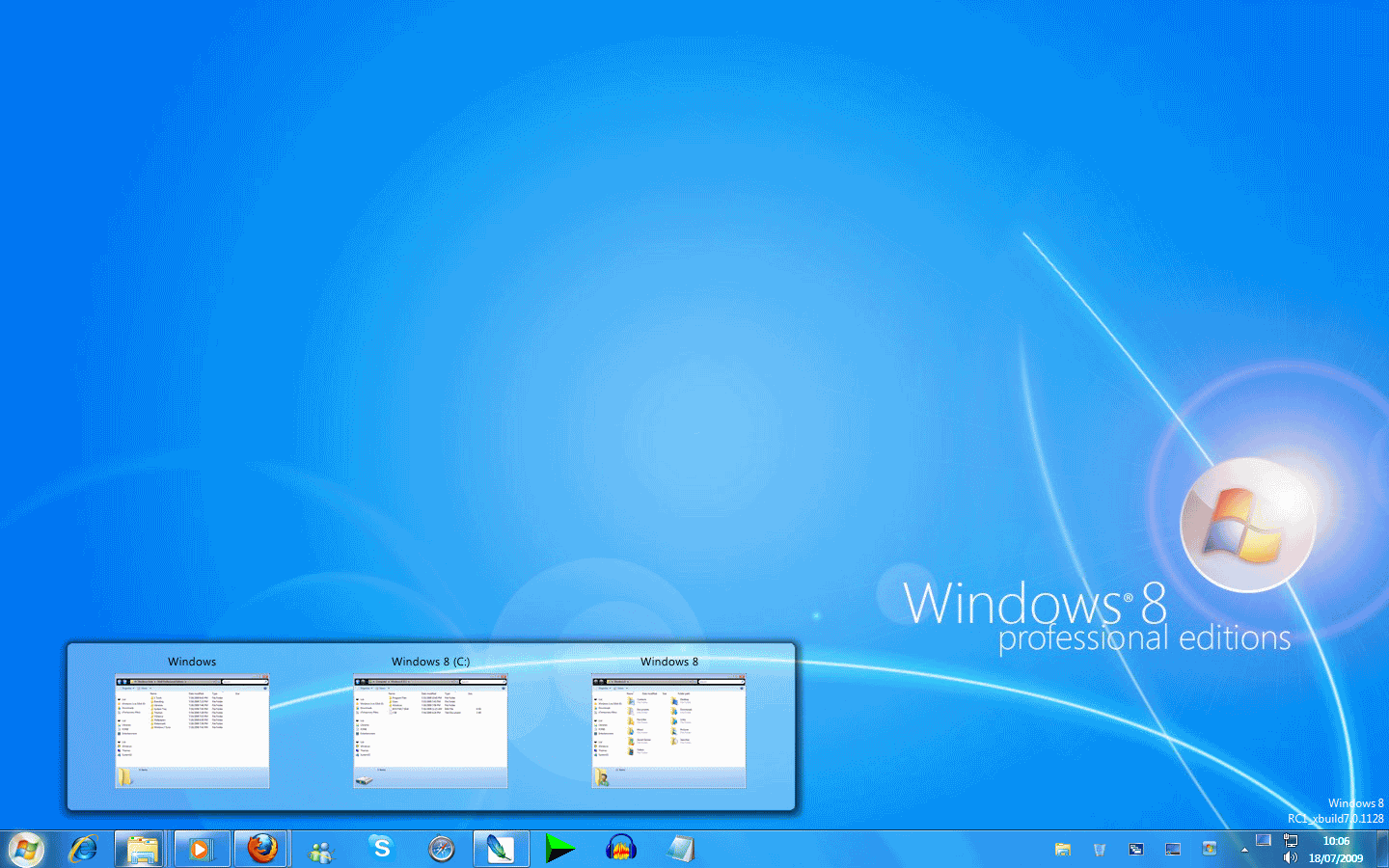
The newly added theme provides users with a set of Windows 8 wallpapers, a new start menu and an ICONIZE taksbar created with the help of ViGlance that features a quick launch near the system tray area and the newly added pick mode which enables you to use the show desktop and switch between desktops functions.
The taskbar now resembles the one in Windows 7 and replaces the taskbar text description for the opened applications with icons. Moreover it groups similar applications in the same icon and allows you to change the place of an application or pin it to the taskbar.
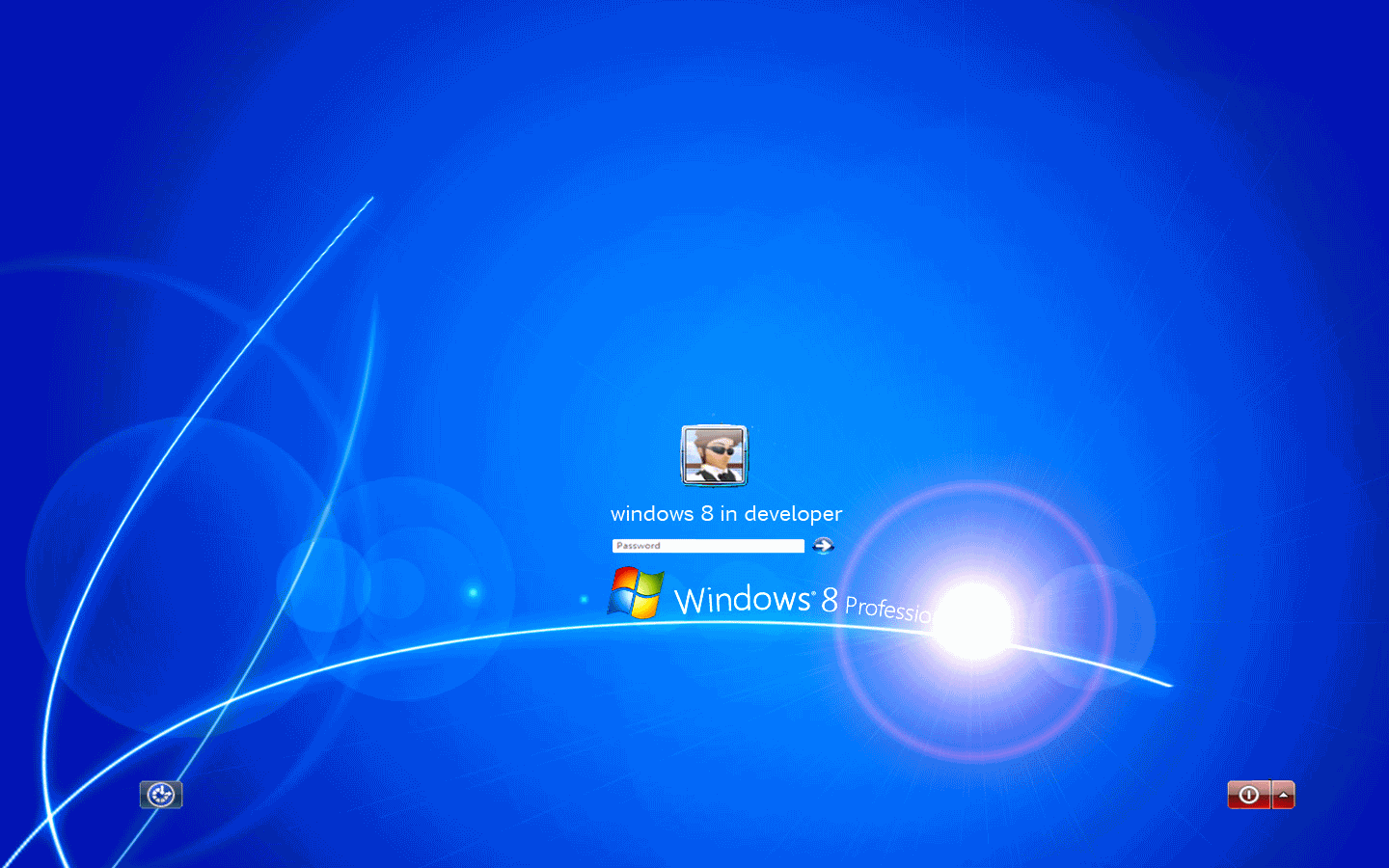
The added login and welcome screens are quite similar to Windows Vista, except for the new background image and the Windows 8 text displayed under the login area. More adjustments are made to to taskbar clock which now resembles the Windows 7 clock and features a lot more functions.
If you want to go further and change the About Windows Box or the System Properties window so that they display Windows 8 as your operating system, Windows 8 Professional Edition provides you with the tools to do that as well.
Since the application tampers with a lot of system files we strongly recommend backing up your data and creating a system restore point before using it. Also, it is a lot easier to modify the system files by using the Take Ownership registry file provided by the developer in the installation pack.
Download Hubs
Windows 8 Professional Edition is part of these download collections: OS Themes
Windows 8 Professional Edition RC1 Build 7.0.1128
add to watchlist add to download basket send us an update REPORT- runs on:
- Windows Vista
- file size:
- 1.8 MB
- filename:
- Wallpapers.rar
- main category:
- Desktop Enhancements
- developer:
- visit homepage
Windows Sandbox Launcher

Microsoft Teams

calibre

ShareX

IrfanView

4k Video Downloader

Bitdefender Antivirus Free

Context Menu Manager

7-Zip

Zoom Client

- Context Menu Manager
- 7-Zip
- Zoom Client
- Windows Sandbox Launcher
- Microsoft Teams
- calibre
- ShareX
- IrfanView
- 4k Video Downloader
- Bitdefender Antivirus Free
