
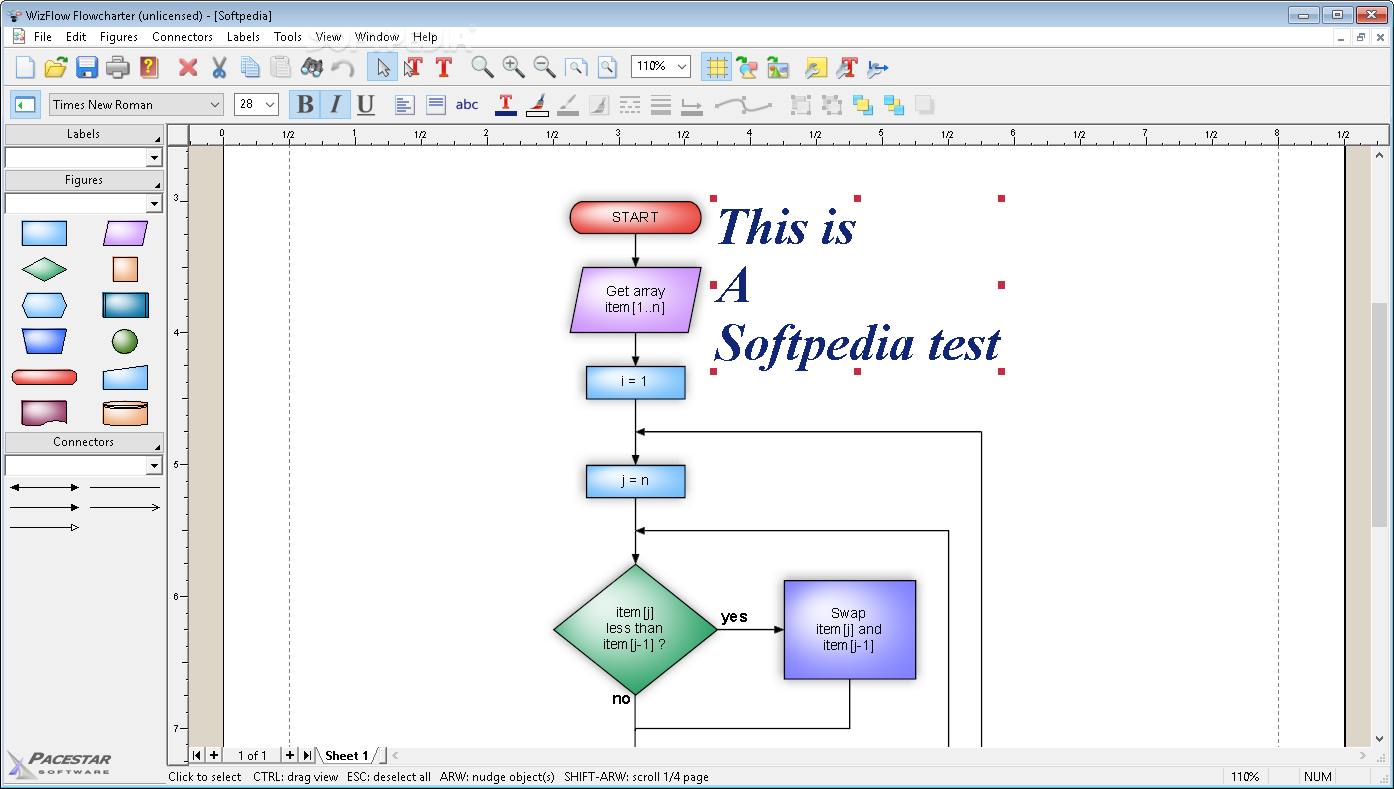
Flowcharts and diagrams are used as support for expressing an idea. This is because visualization makes problem identification and solving a lot easier, with the possibility to edit anything on the spot. Such is the case with WizFlow Flowcharter which puts a highly-intuitive workspace at your disposal to visually express your ideas and projects.
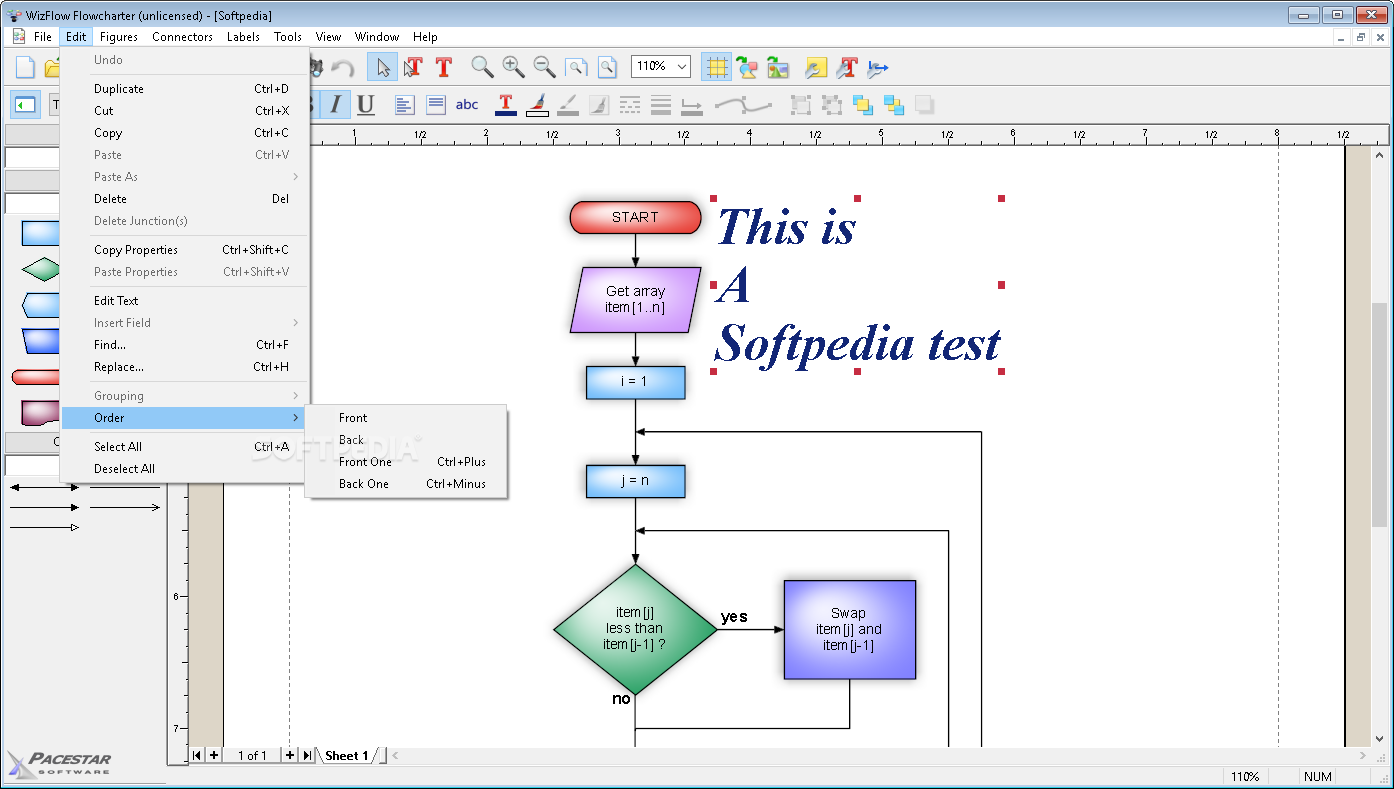
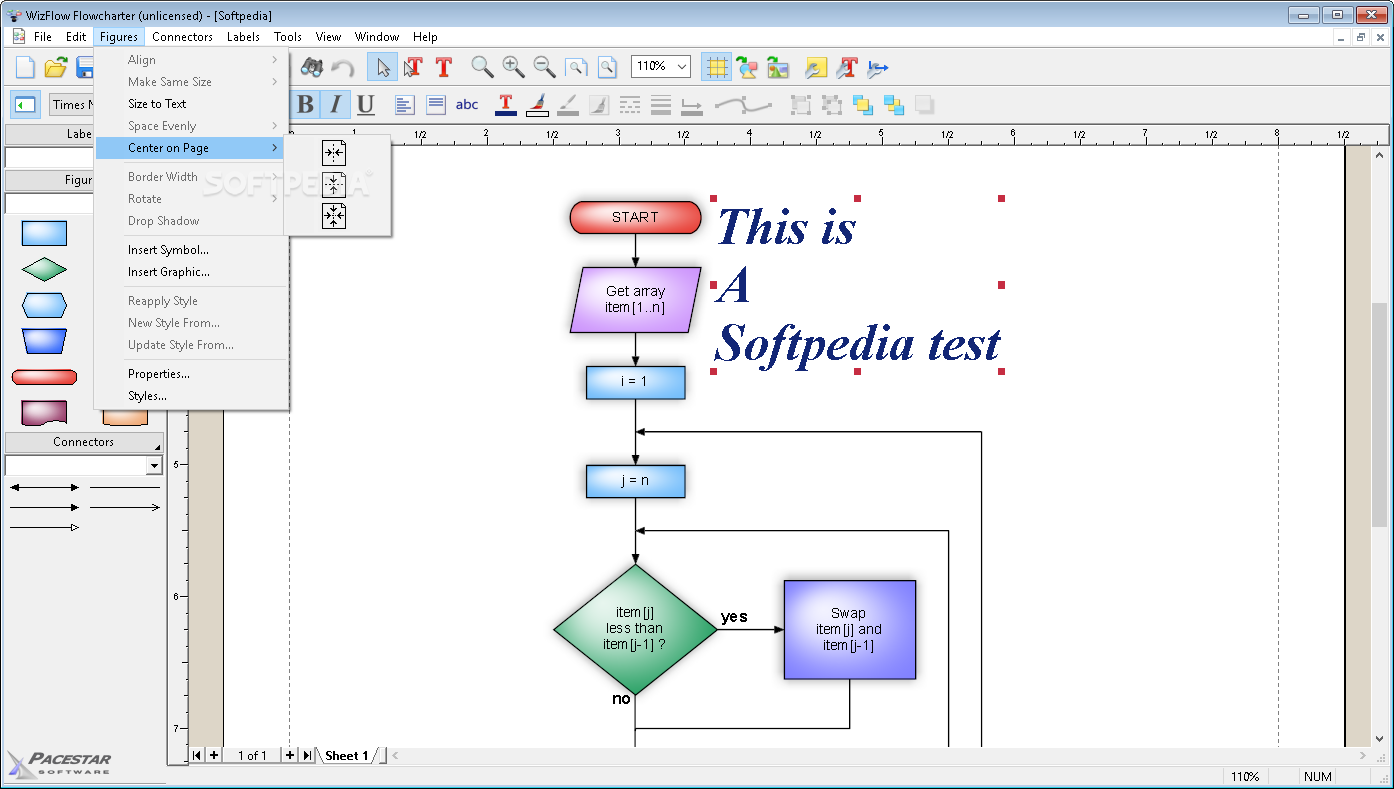
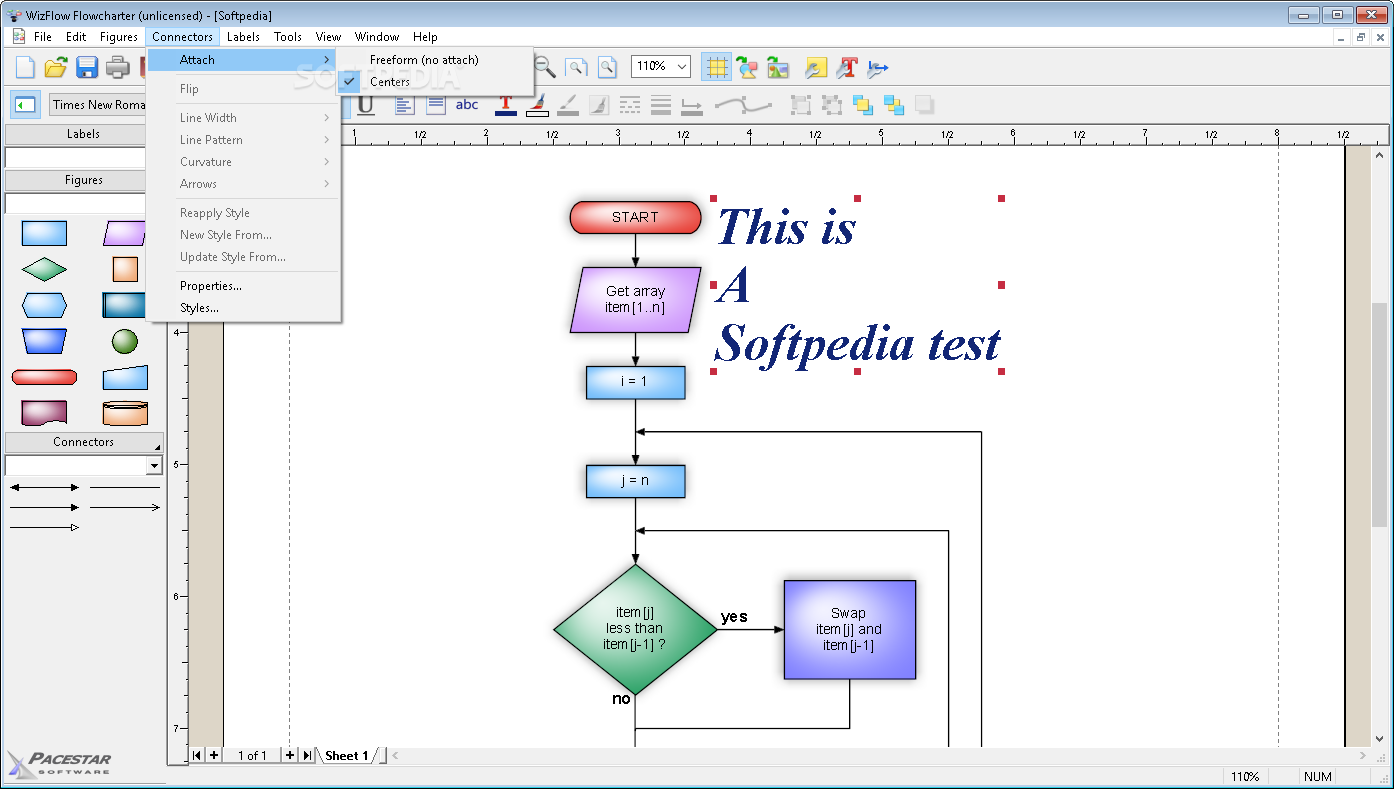
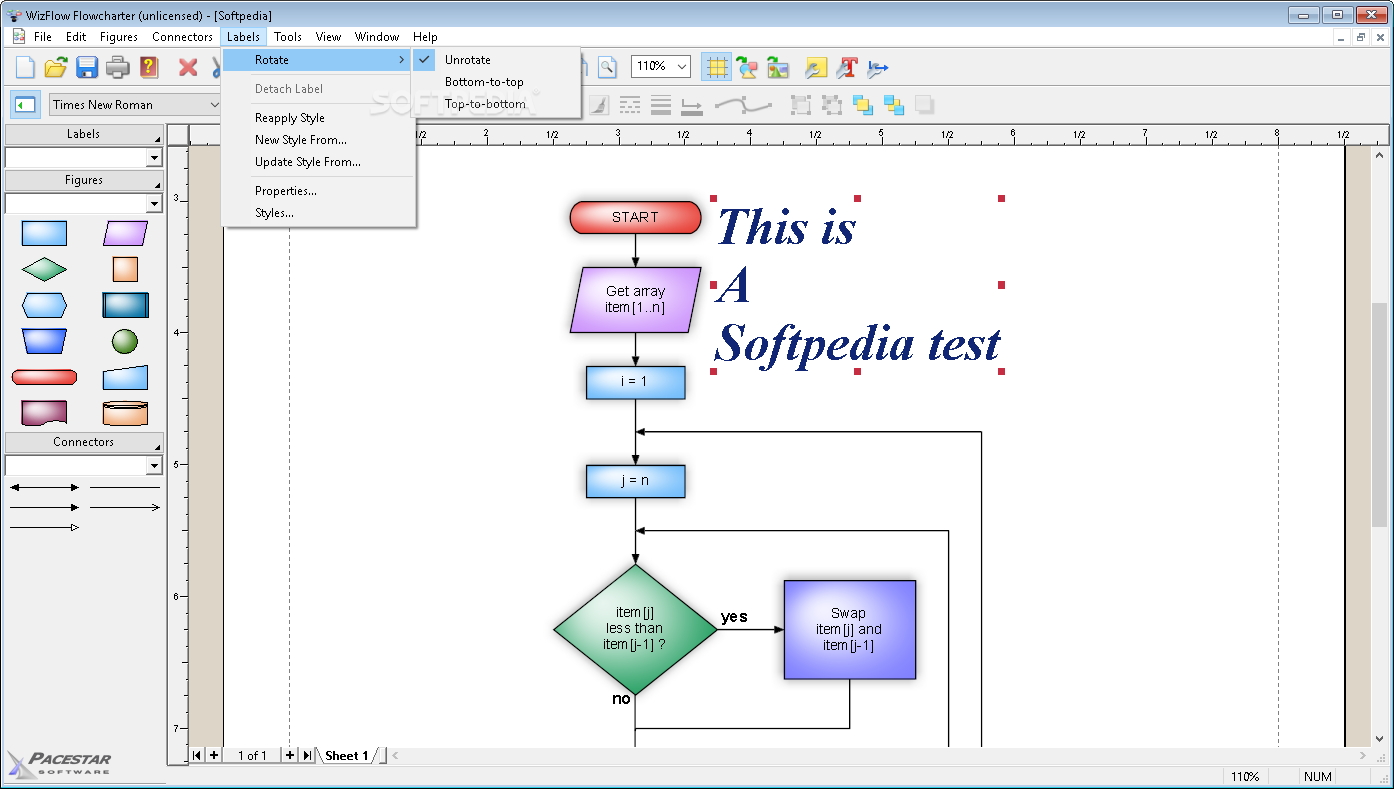
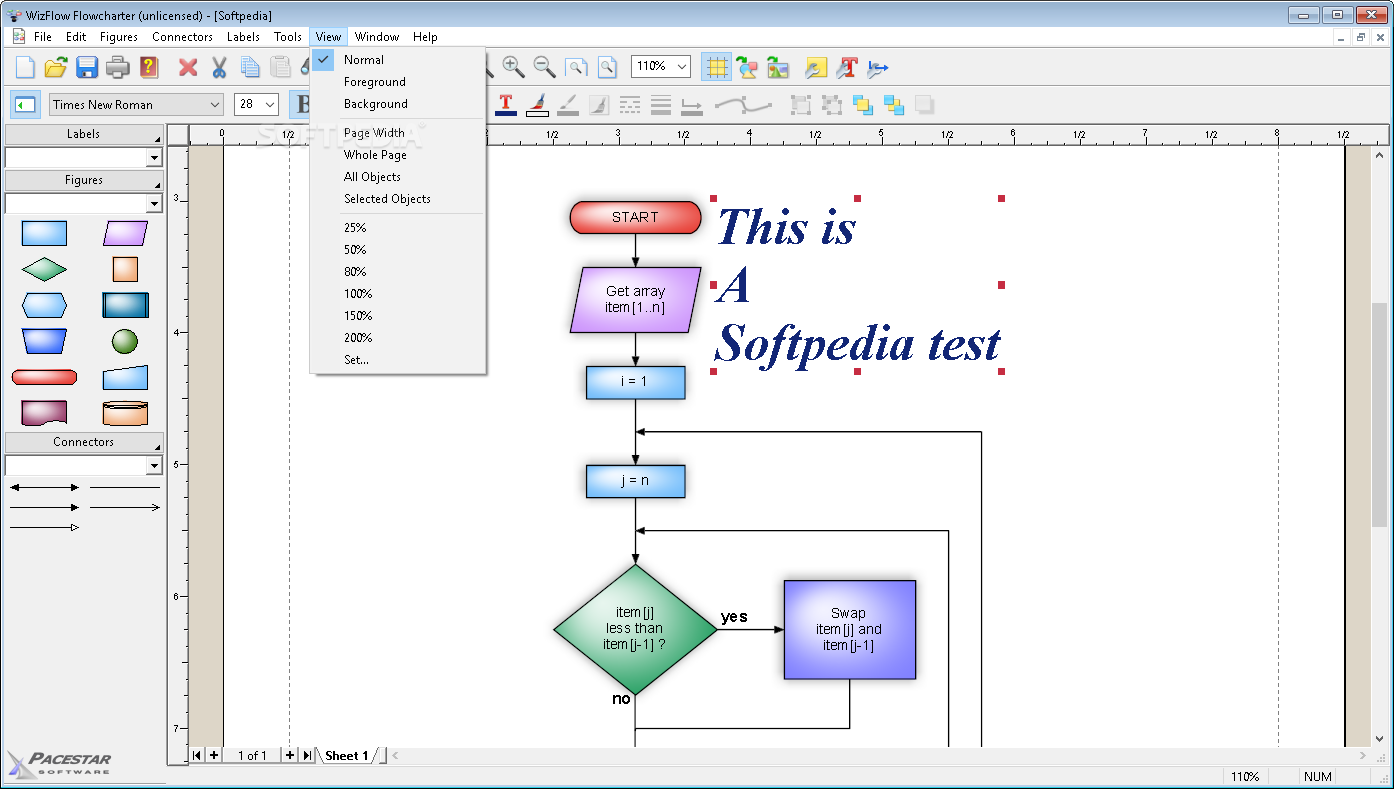
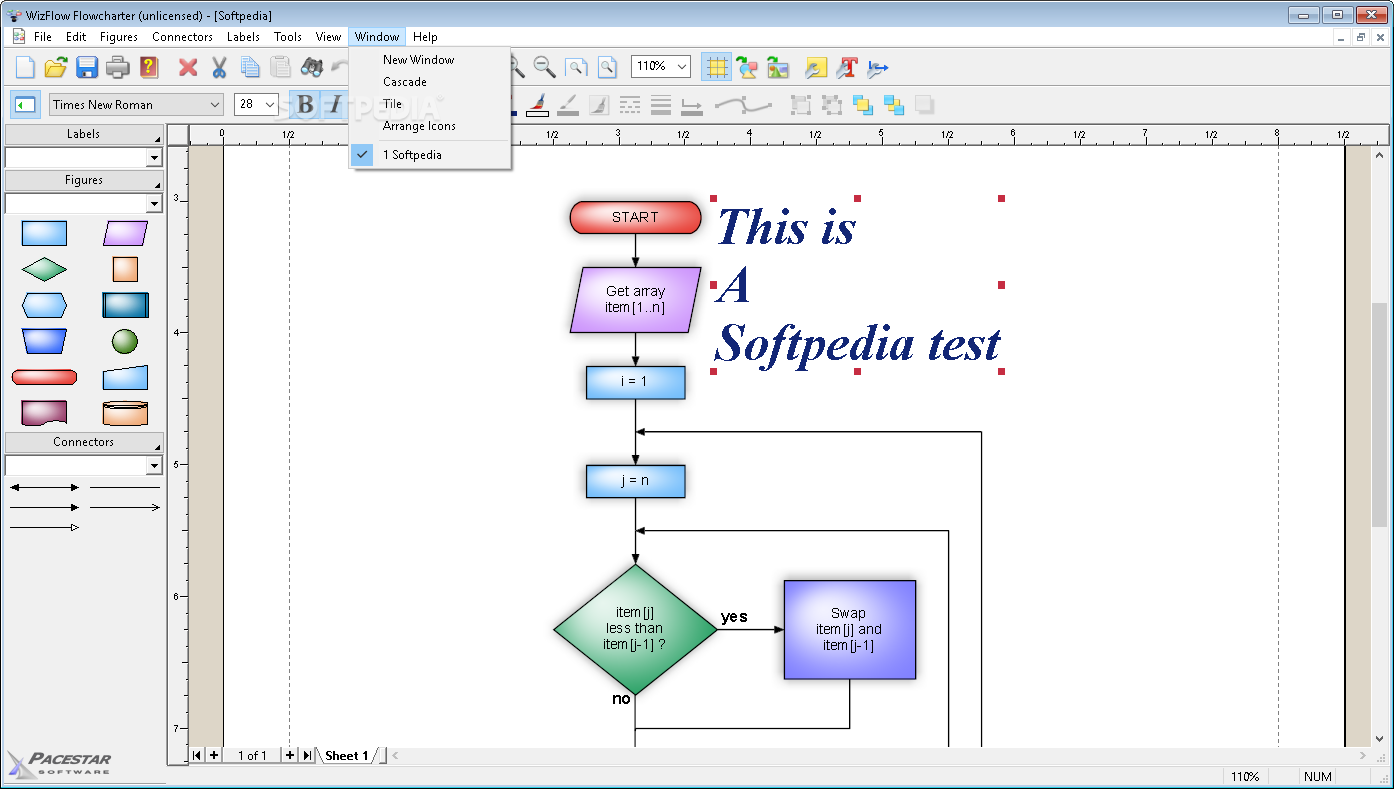
Running the application brings up what seems to be a simple interface at first, but this simplicity holds an abundance of customization options, rich content libraries and helps you quickly get on your feet. Window support allows you to simultaneously work on multiple projects. The upper toolbar holds the majority of creation and editing functions, with others accessible through the context menu.
There are several examples you can load and even use as templates. What's more, you can create general purpose designs and save them for later use. This is easily done, not only because of the intuitive interface and comprehensive controls, but also because of the stunning amount of objects you can insert and not only that, but also fully customize.
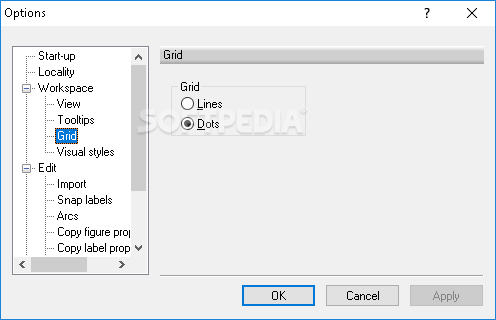
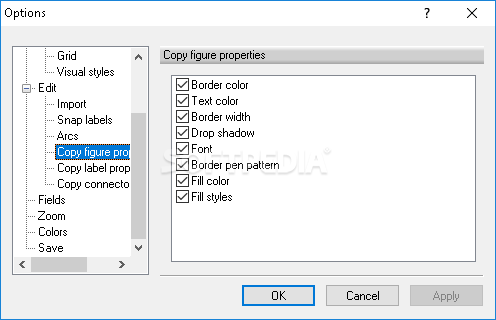
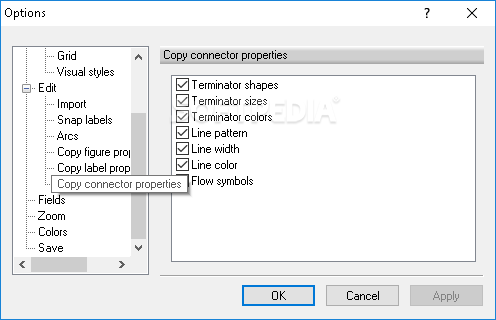
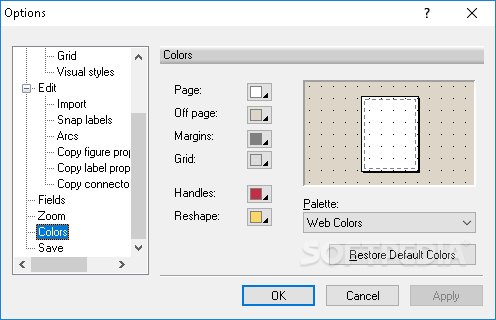
Text and connectors are amongst the other elements you work with. Various options to make identification easier or add a personal touch are at your fingertips. There's also the possibility to enable a grid and have objects snapped to it for better arrangement.
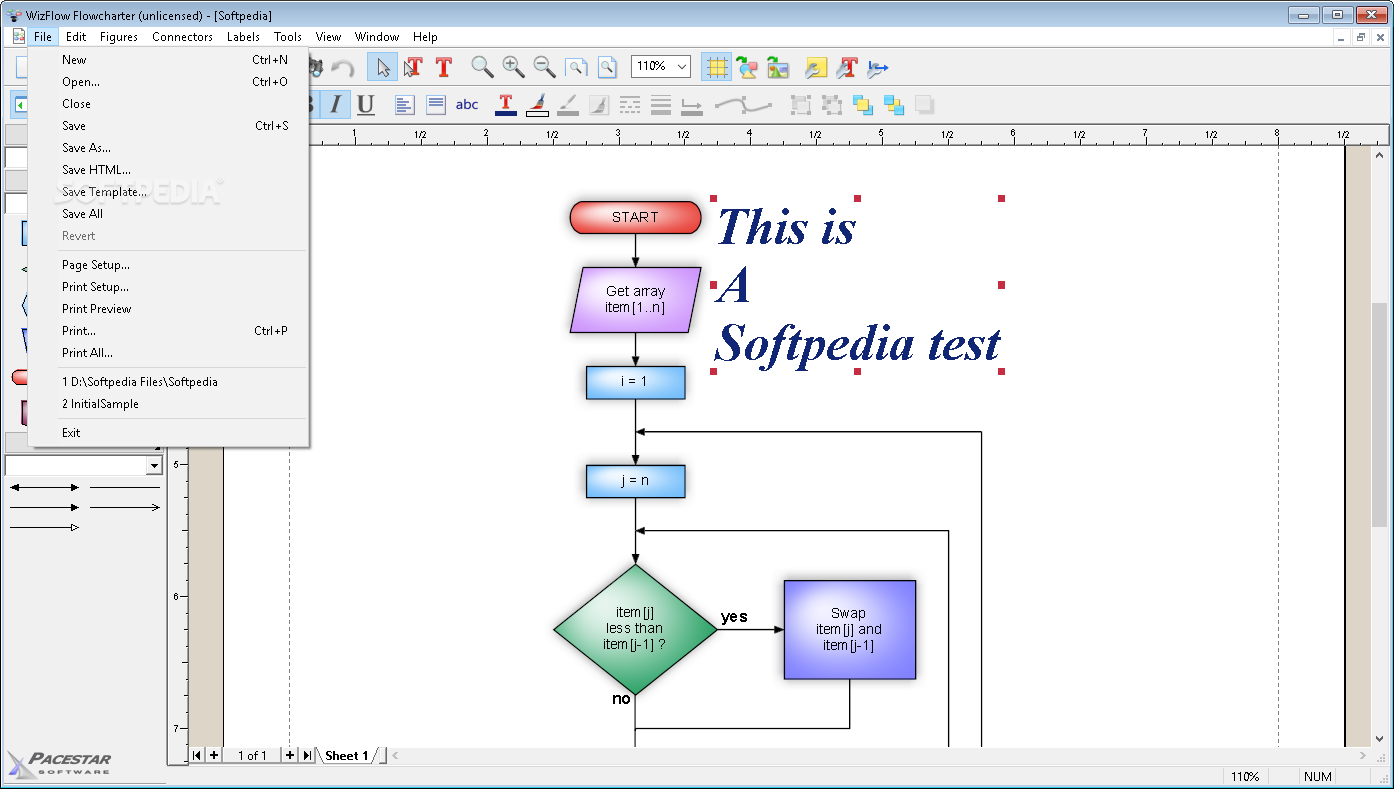
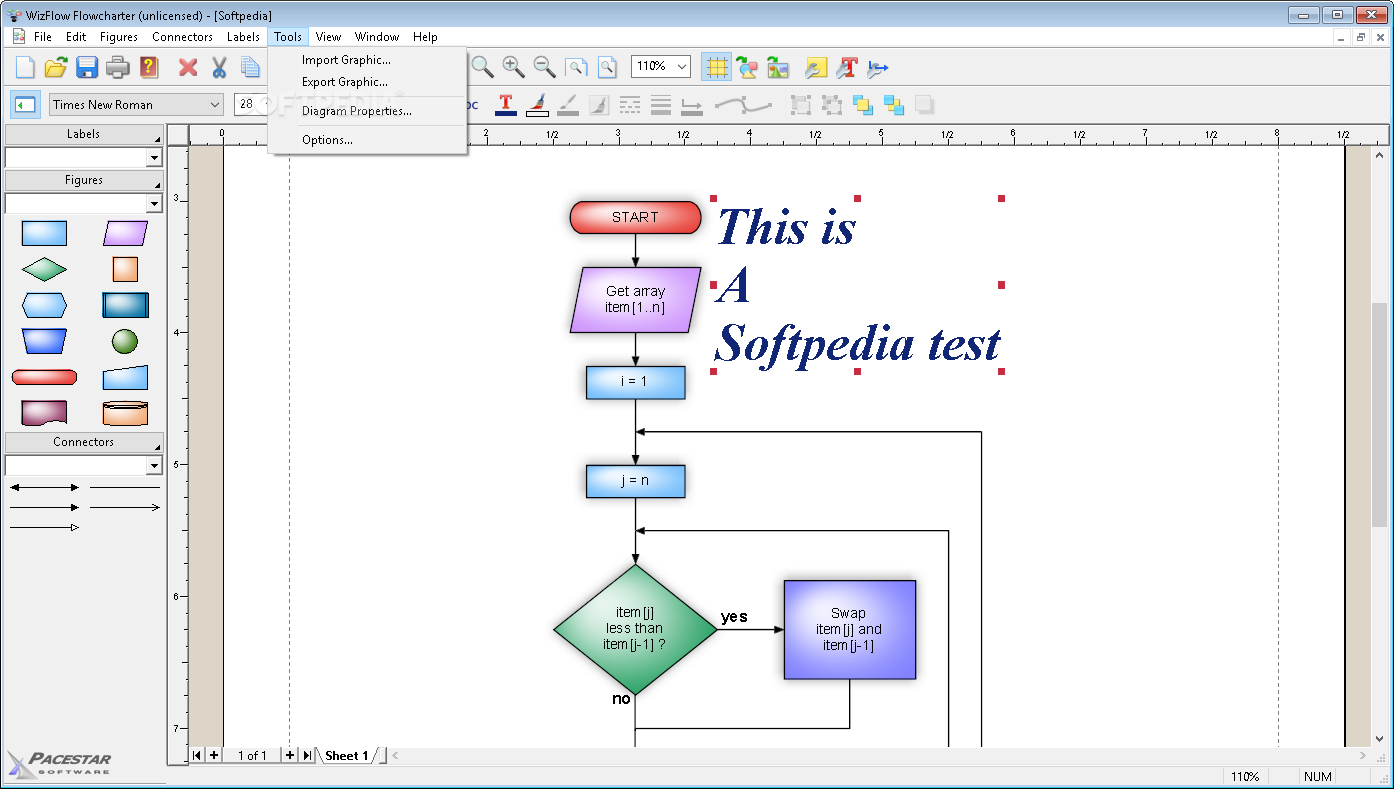
File support is yet another advantage. Import options give you the possibility to load basic shapes to which you add color and other visual tweaks. However, external resources can be used in the form of images like WMF, BMP, JPG, PNG, TIF and GIF.
Export enables you to generate the same type of image file formats. There are a few more options in this regard, such as creating a template for later use, a HTML file for online implementation, or have it directly printed on a sheet of paper.
Bottom line is that WizFlow Flowcharter is a powerful canvas filled with an abundance of utilities and customization options so your ideas can be visualized by others as well. Both beginners and experts can use it thanks to the intuitive design, while file support adds to the overall practicality, as well as flexibility, coming in handy for a large variety of domains of activity.
Filed under
What's new in WizFlow Flowcharter 7.27 Build 2197:
- Technical improvements.
- Latest version:
WizFlow Flowcharter 7.27 Build 2197
- runs on:
-
Windows 11
Windows 10 32/64 bit
Windows 8 32/64 bit
Windows 7 32/64 bit
Windows Vista 32/64 bit
Windows XP 32/64 bit - file size:
- 4.8 MB
- filename:
- wftrial.exe





- main category:
- Office tools
- developer:
- visit homepage
Microsoft Teams

4k Video Downloader

Context Menu Manager

calibre

ShareX

IrfanView

Windows Sandbox Launcher

7-Zip

Bitdefender Antivirus Free

Zoom Client

- 7-Zip
- Bitdefender Antivirus Free
- Zoom Client
- Microsoft Teams
- 4k Video Downloader
- Context Menu Manager
- calibre
- ShareX
- IrfanView
- Windows Sandbox Launcher