
With support for multiple tabs, this straightforward application lets you view images regardless of their format, as well as convert and manage them with ease #Bmp viewer #Image convertor #Convert targa #Converter #Viewer #View

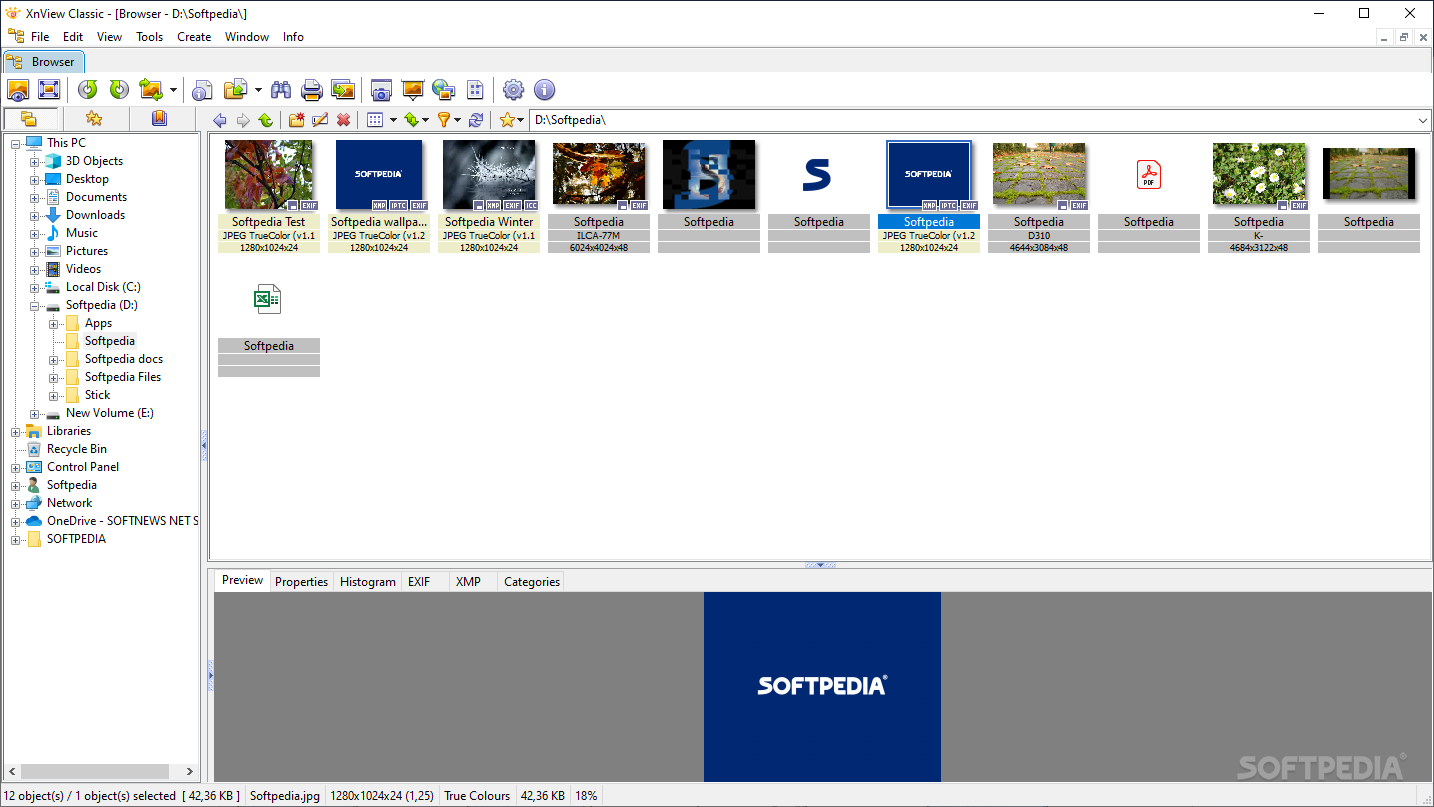
Image viewers and editors these days have an abundance that’s almost matching the diversity and variability found in image file formats, if not maybe surpass it altogether. In such circumstances, finding the right image viewer for you can be quite challenging. A classic in the world of apps that offer such functionality, featuring so many reiterations, XnView will offer users a balanced package, which aims at providing both versatility and functionality, while still retaining all-essential accessibility.
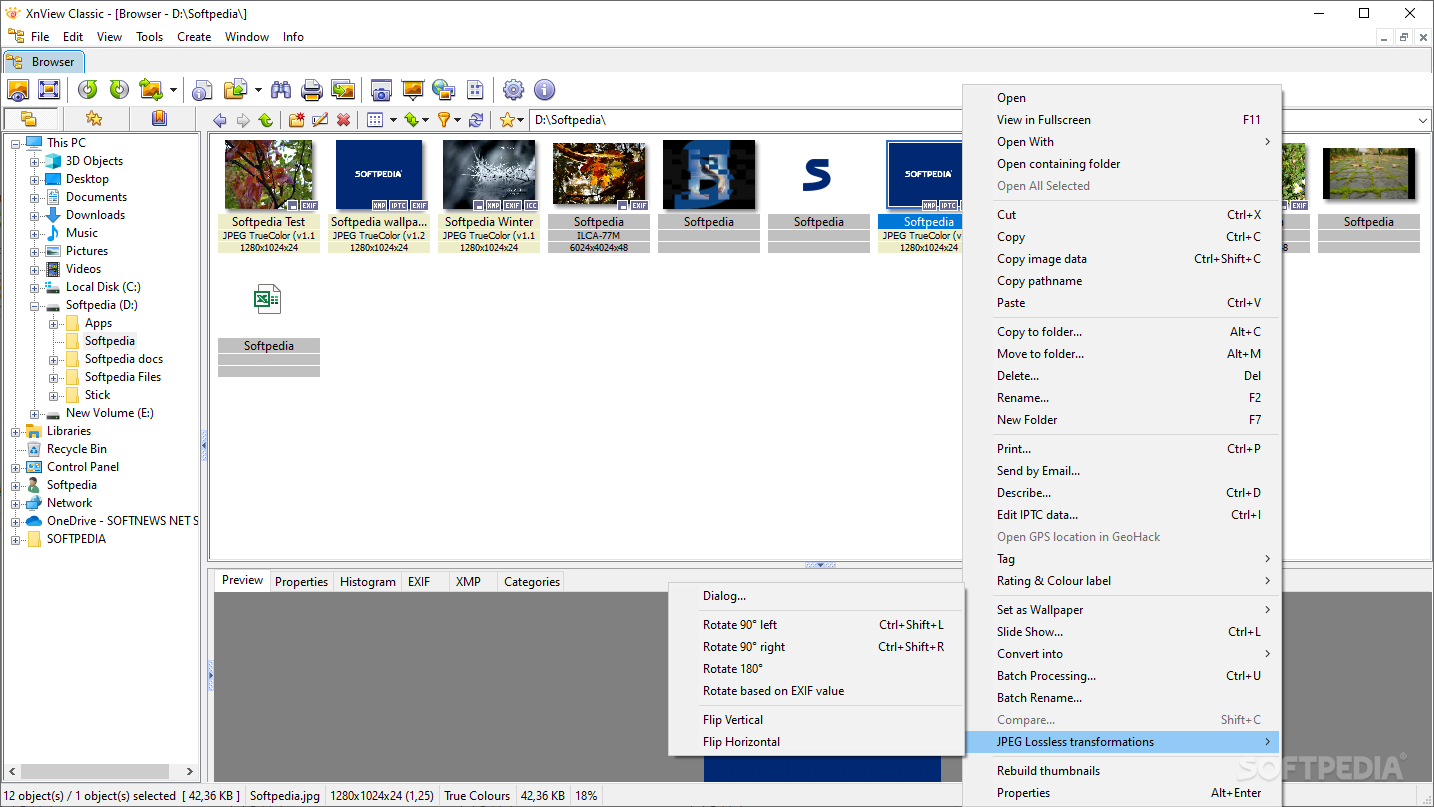
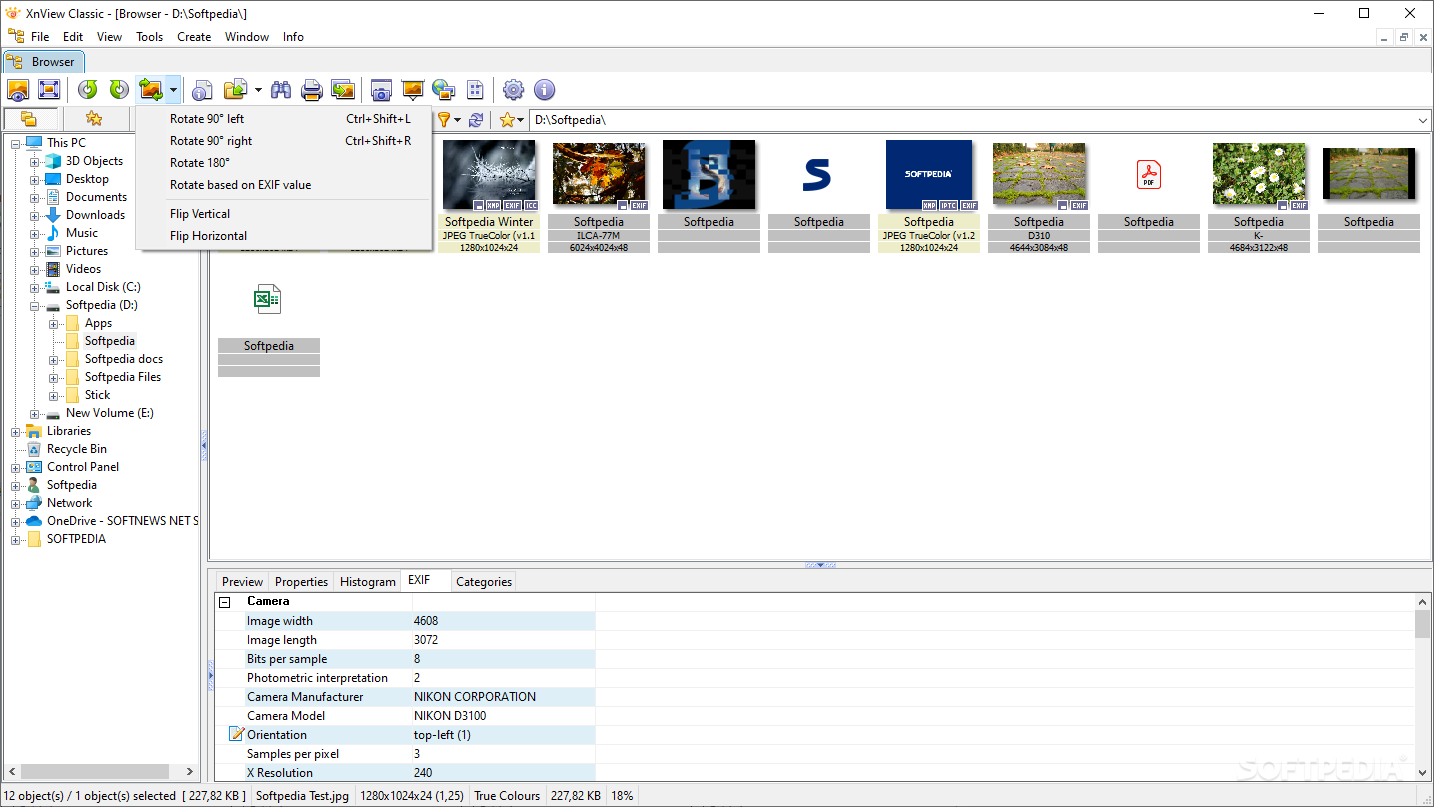
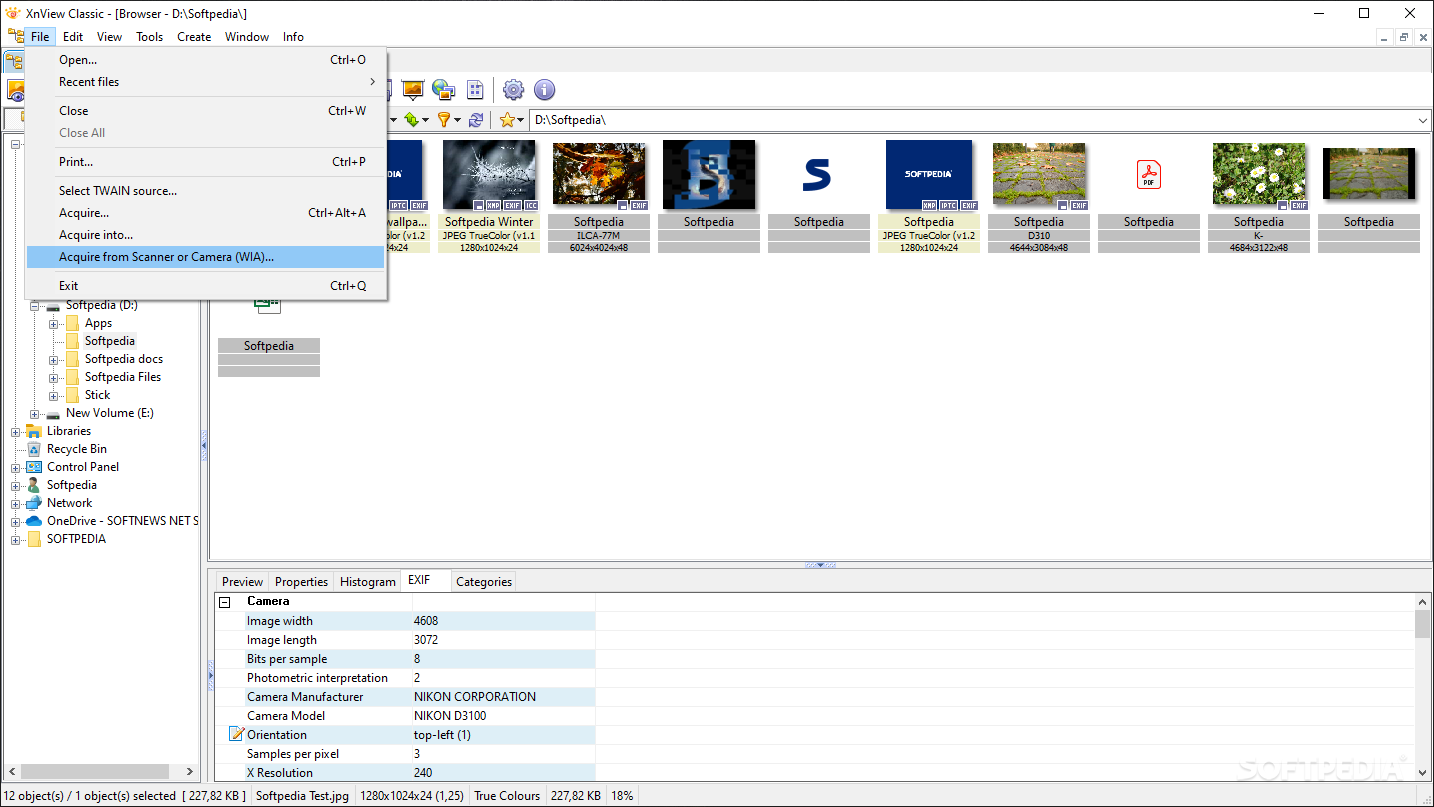
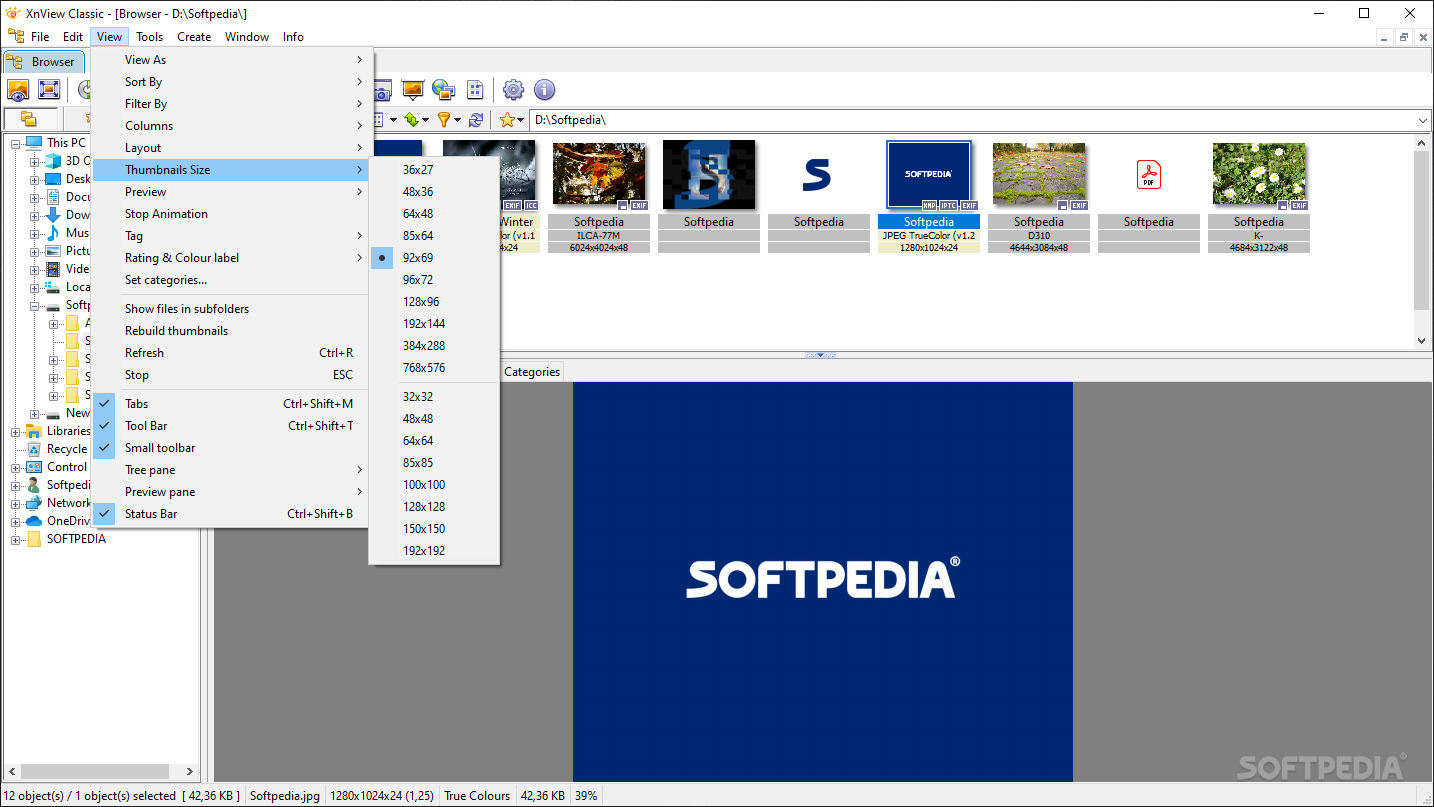
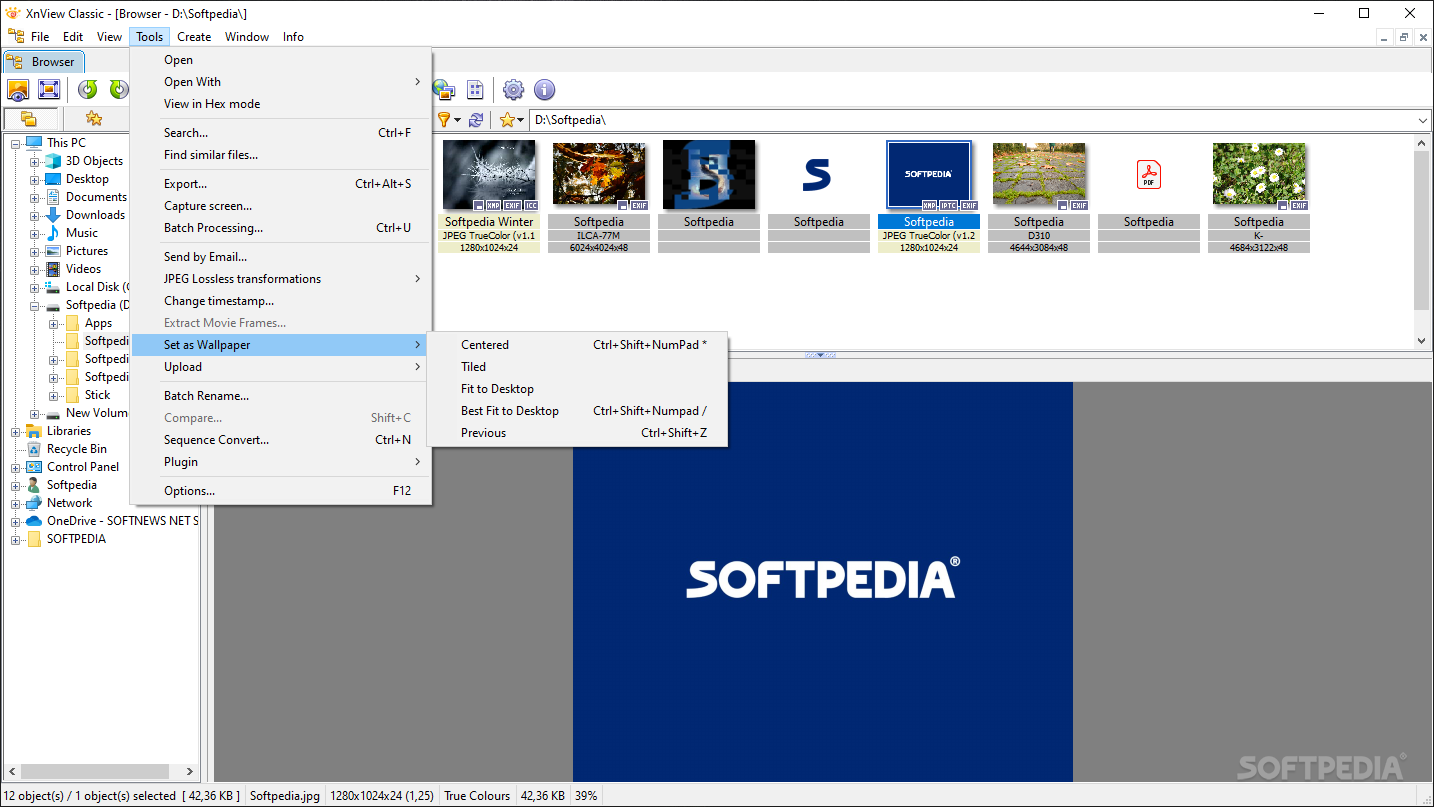
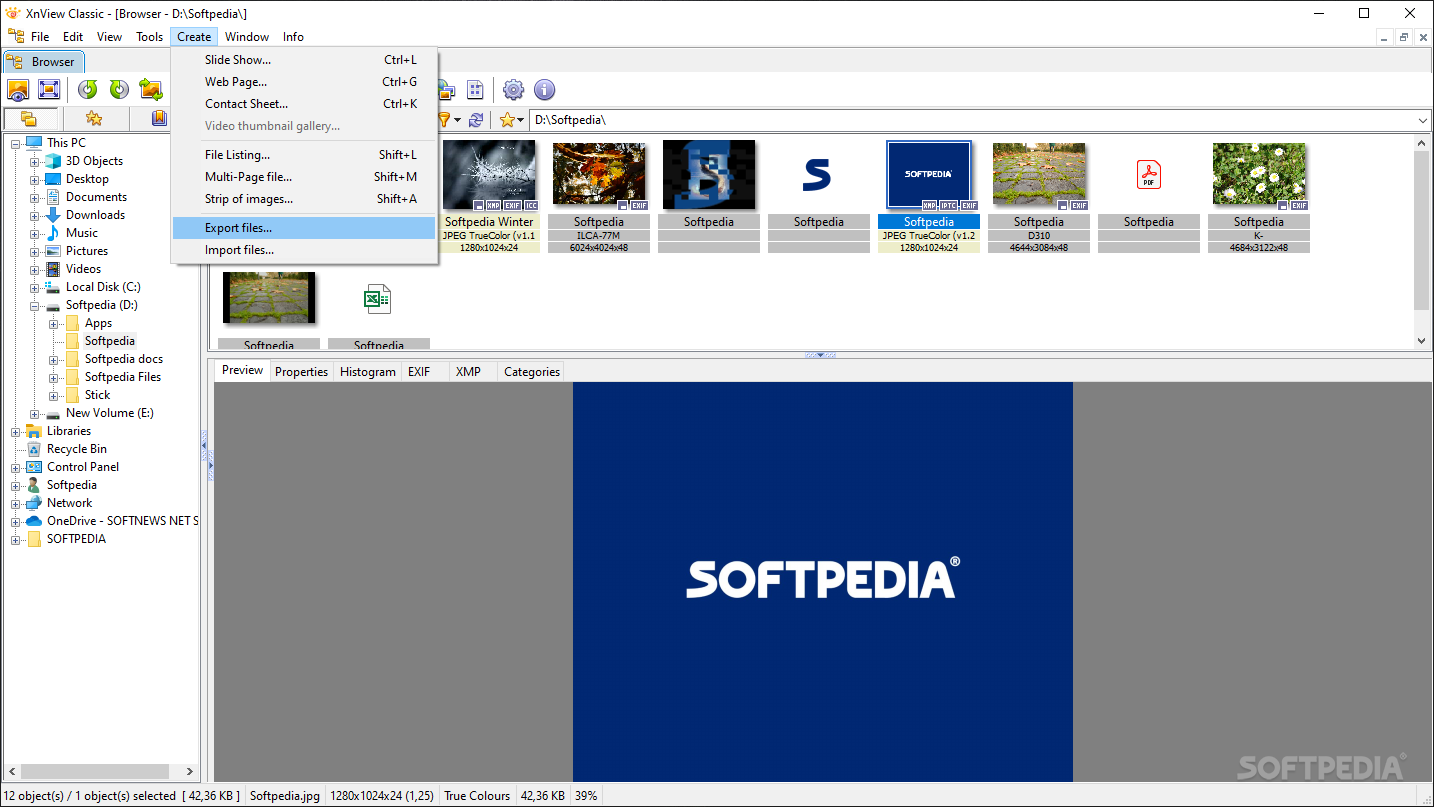
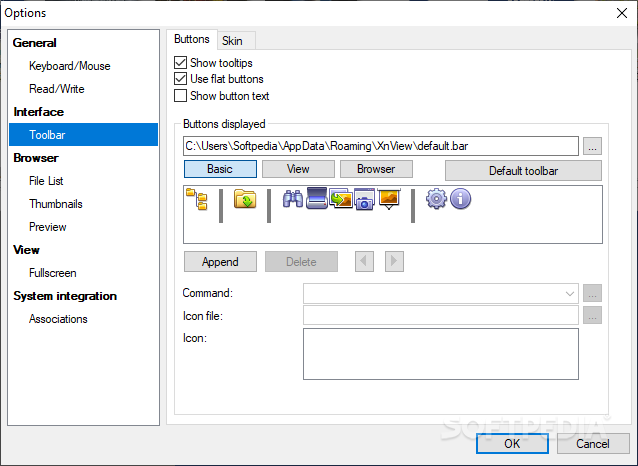
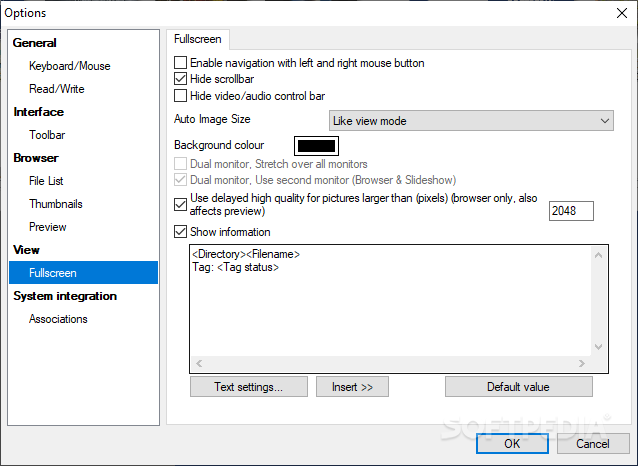
The viewer features a ribbon that is filled with various on-screen commands, corresponding to the numerous tools that are also found in the dedicated menus. We believe this to be ideal, as one will have quick access to some of the most commonly used tools, such as zooming, and rotation for instance.
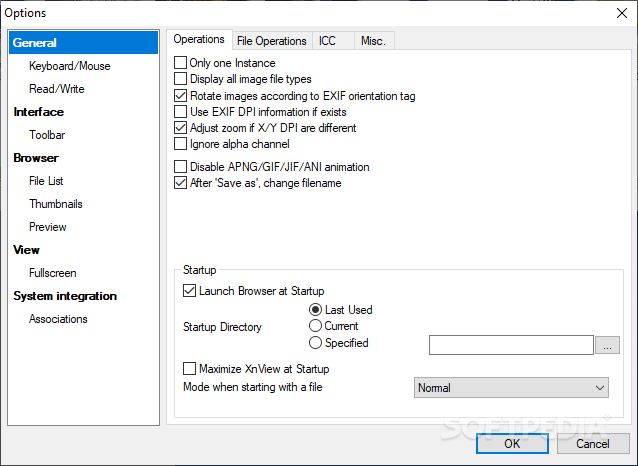
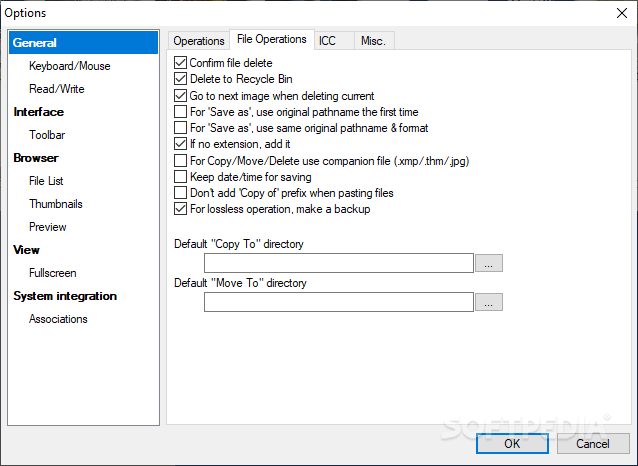
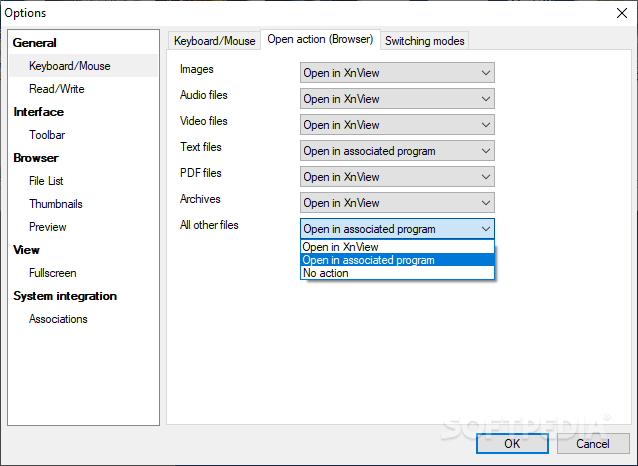
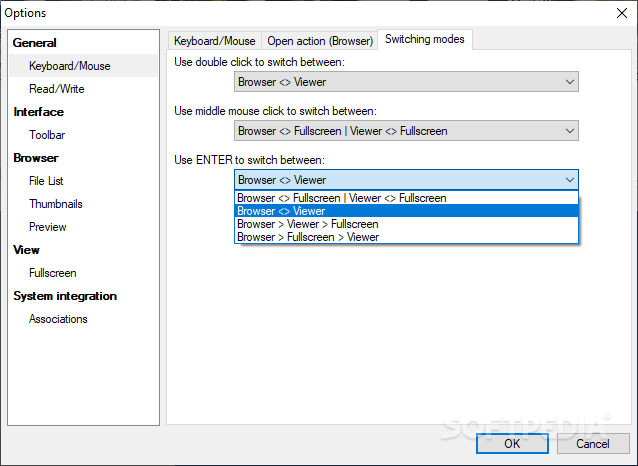
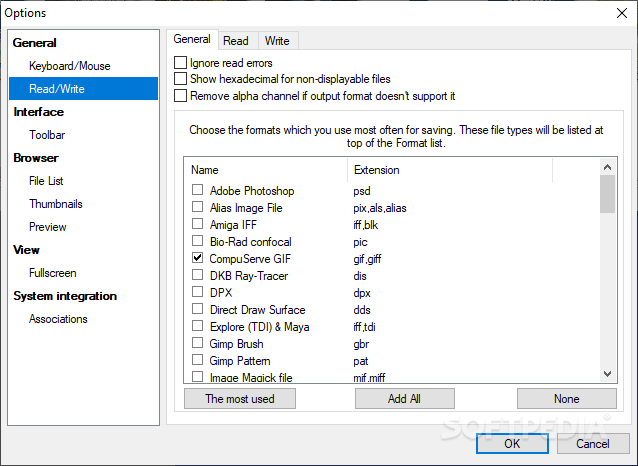
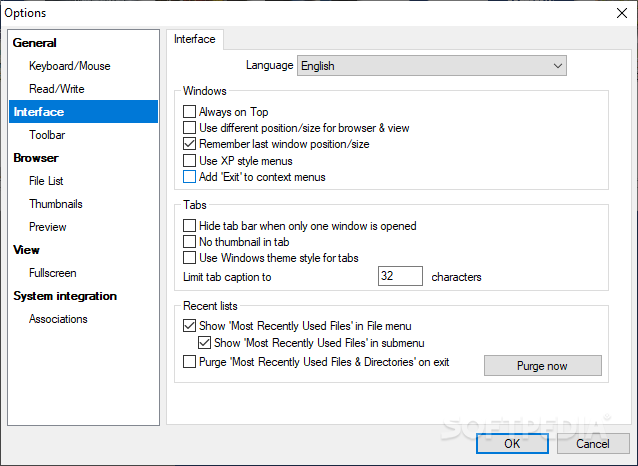
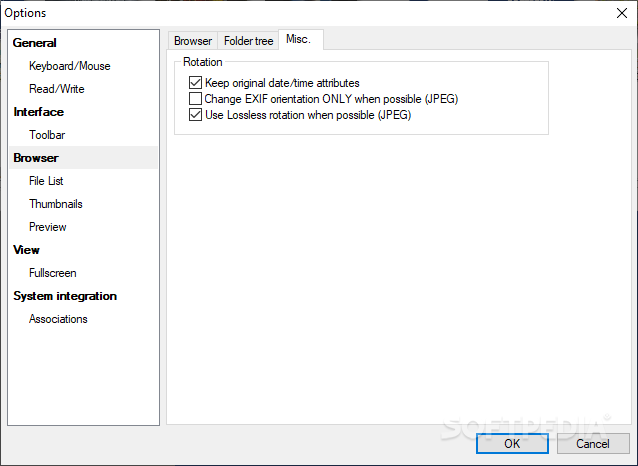
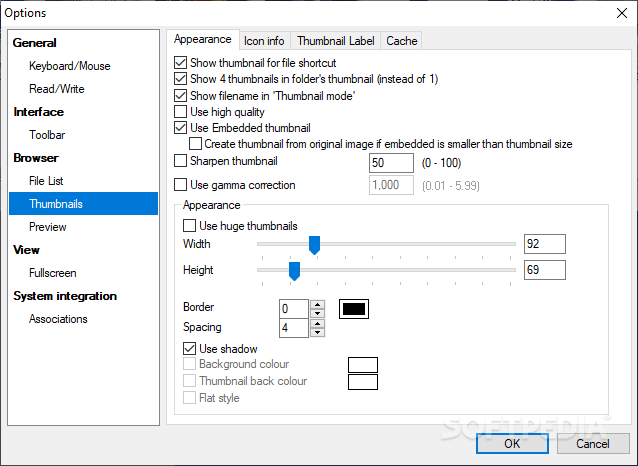
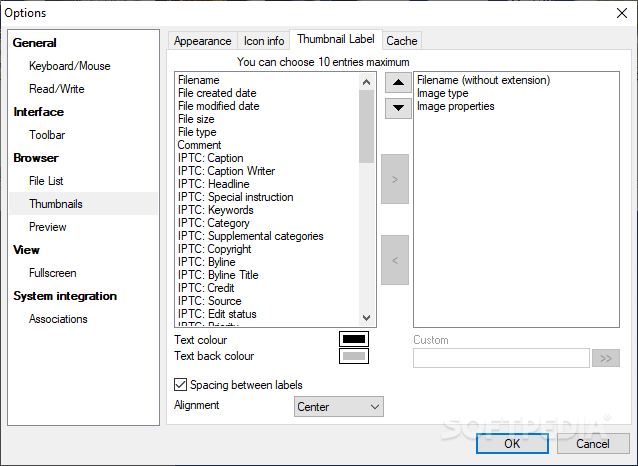
For those who really wish to tweak the interface to their own liking, there’s a couple of skins that are included, as well as numerous other buttons that can be either added or removed, making for a really custom experience.
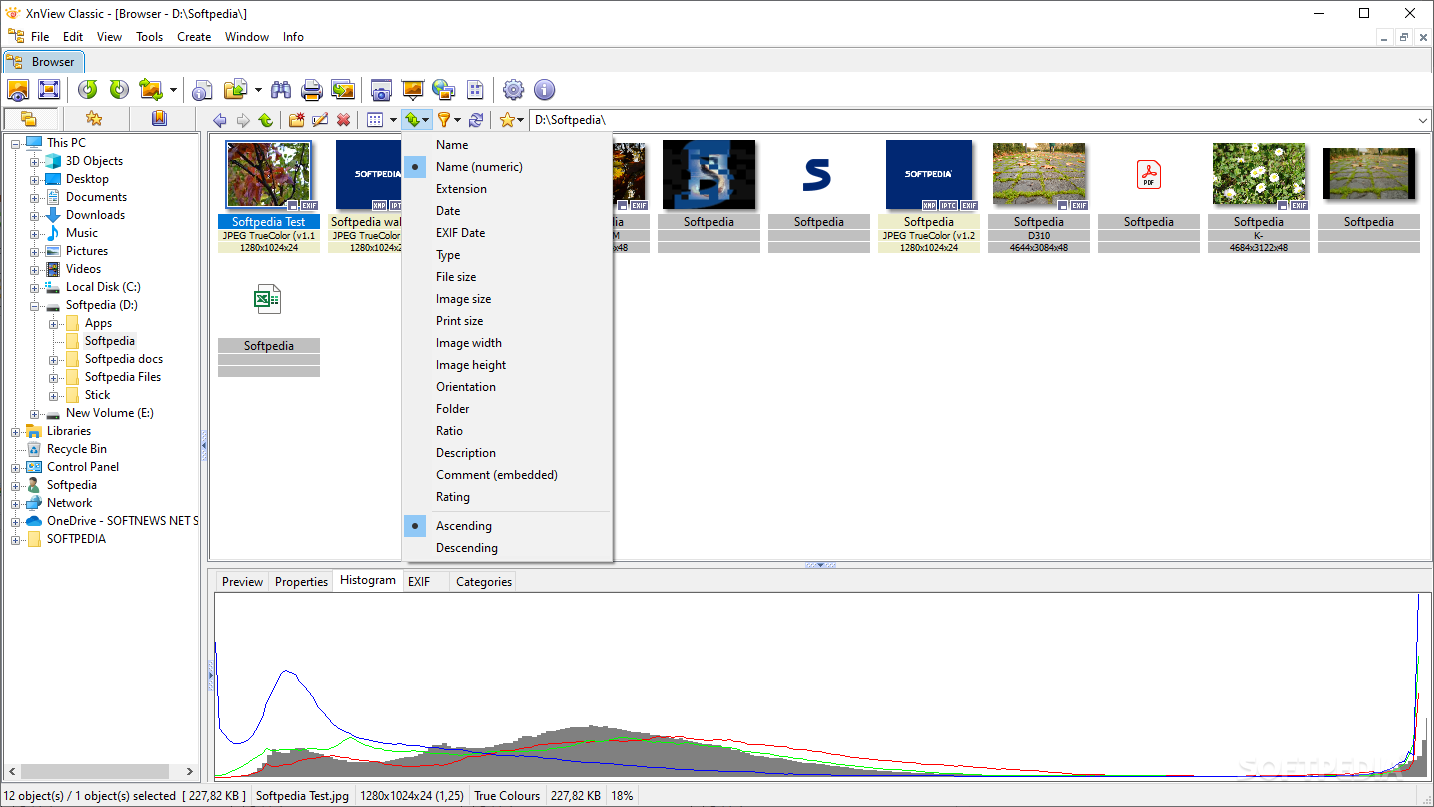
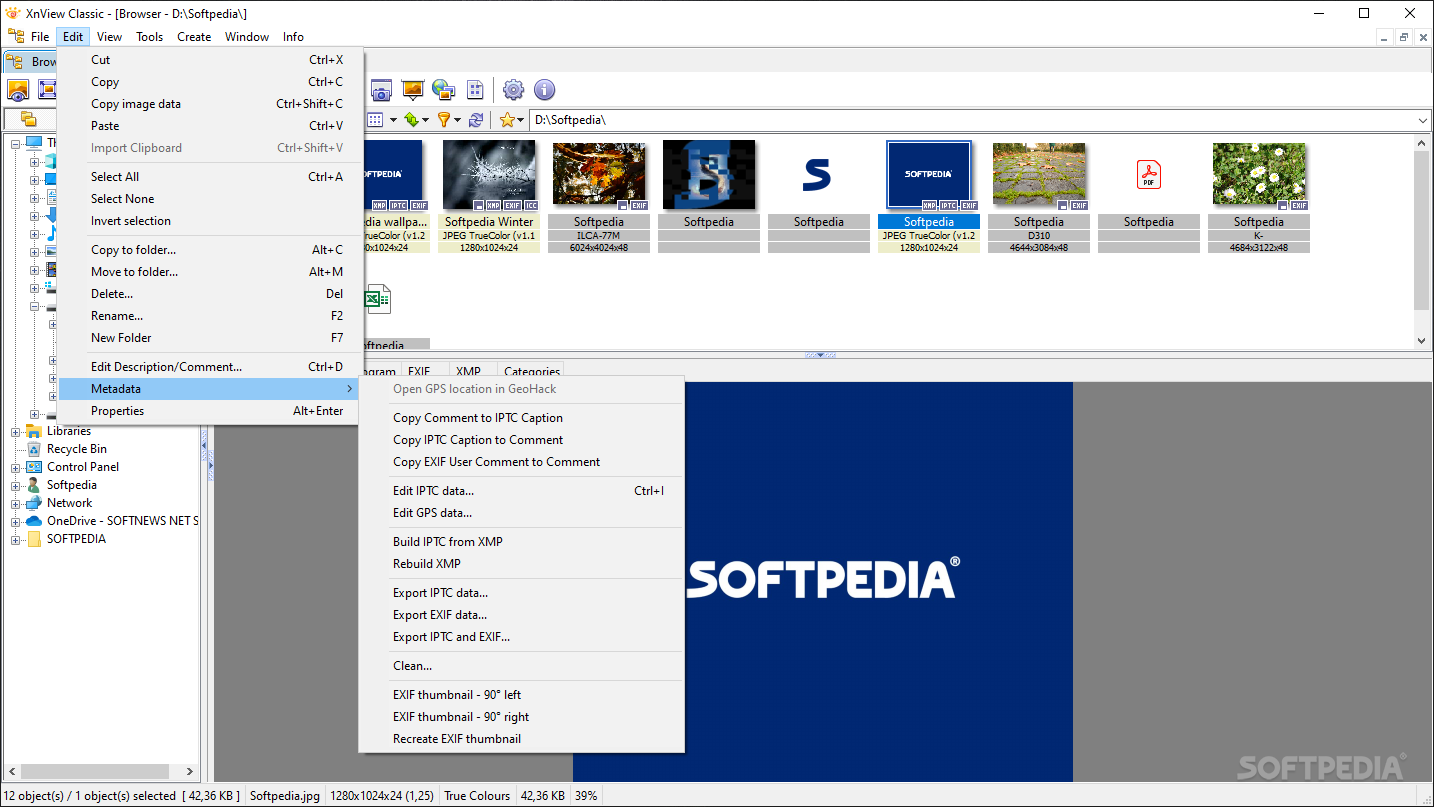
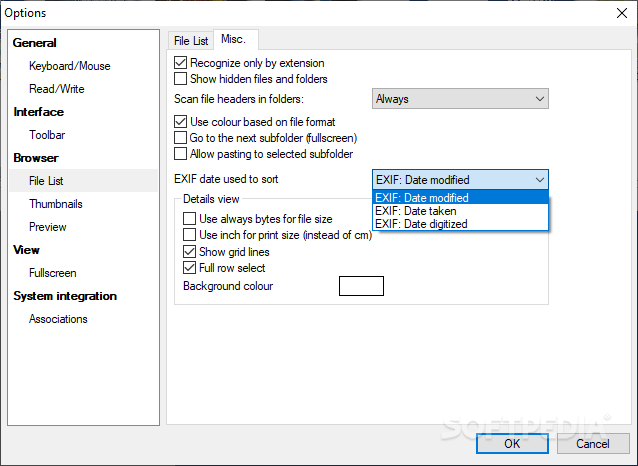
Apart from the basic features, we found XnView to really shine at the more detailed tasks. For instance, examining the loaded images offers an extensive amount of metadata, as well as a wide range of information available.
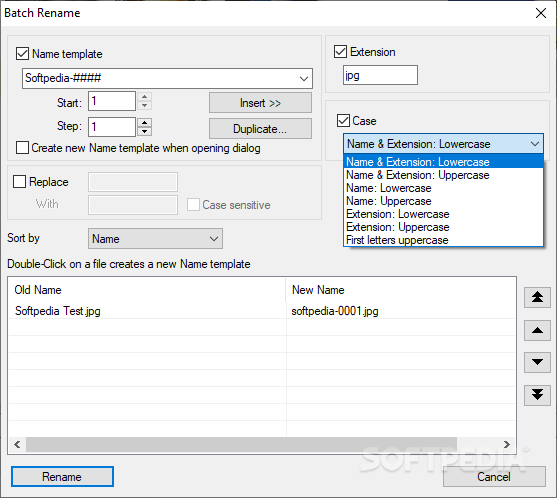
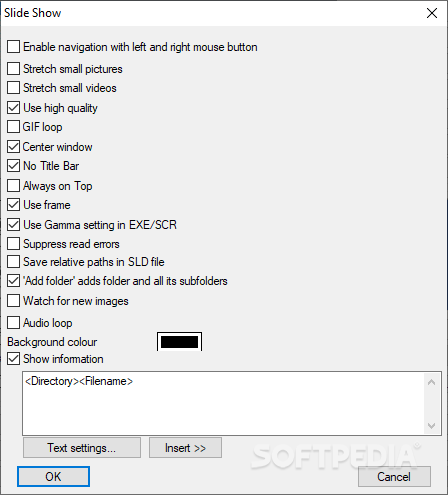
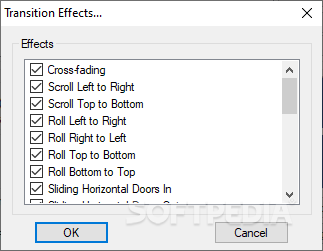
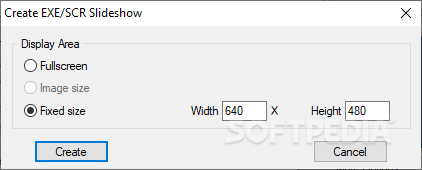
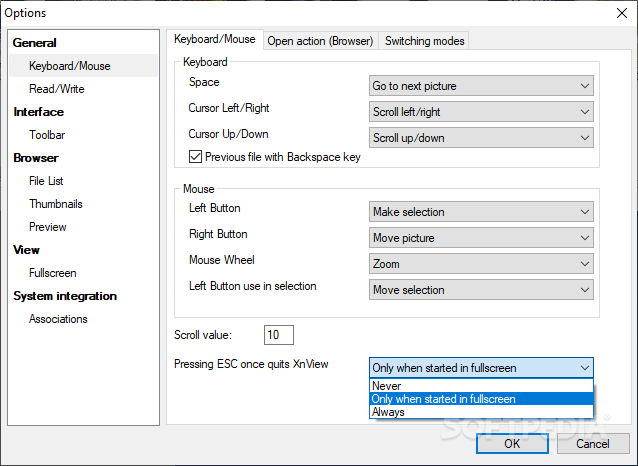
And although much importance is offered to the detailed features, attention was still maintained for other, useful, and quite commonly used tools. To that end, one will be able to run slideshows, perform minor image edits, and, what we enjoyed the most, set up a well-structured hotkey set.
While still retaining much of the “ideal” features of the classic image viewer, XnView’s game still remains on par with some of the most modern image visualizers out there, thanks to a balanced approach, which offers both functionality and versatility.
Download Hubs
XnView is part of these download collections: Open EMF, Image Resizers, Make YUV, AI Viewer
What's new in XnView 2.51.6:
- ICC
- TIFF CVE
- CVE
- NConvert: Clear
XnView 2.51.6
 Softpedia Editor's Pick
add to watchlist
add to download basket
send us an update
REPORT
Softpedia Editor's Pick
add to watchlist
add to download basket
send us an update
REPORT
- portable version
- Portable XnView
- runs on:
-
Windows 11
Windows 10 32/64 bit
Windows 8 32/64 bit
Windows 7 32/64 bit - file size:
- 20.9 MB
- filename:
- XnView-win-full.exe





- main category:
- Multimedia
- developer:
- visit homepage
calibre

Zoom Client

ShareX

Windows Sandbox Launcher

Context Menu Manager

7-Zip

4k Video Downloader

Microsoft Teams

Bitdefender Antivirus Free

IrfanView

- Microsoft Teams
- Bitdefender Antivirus Free
- IrfanView
- calibre
- Zoom Client
- ShareX
- Windows Sandbox Launcher
- Context Menu Manager
- 7-Zip
- 4k Video Downloader