

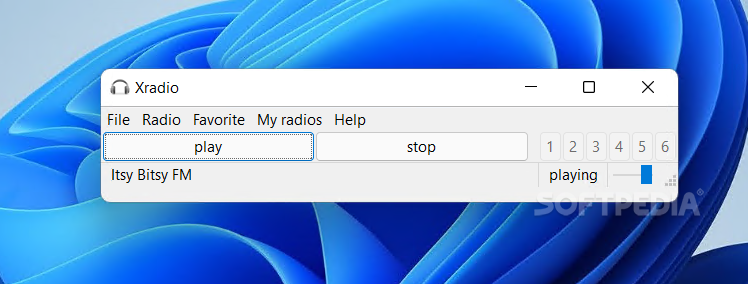
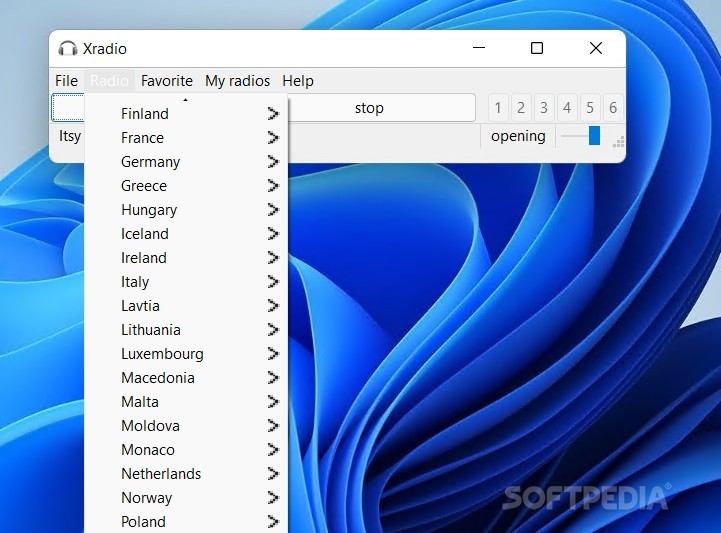
Xradio is one of those apps you might live quite well without until you actually come to use it. It doesn't feature revolutionary features, but it includes a list of radio stations you could listen to at any given time to make time pass by faster and with more style. This online radio applet provides a smooth interface for any user to access the best tunes around various countries. After all, music makes the world go round.
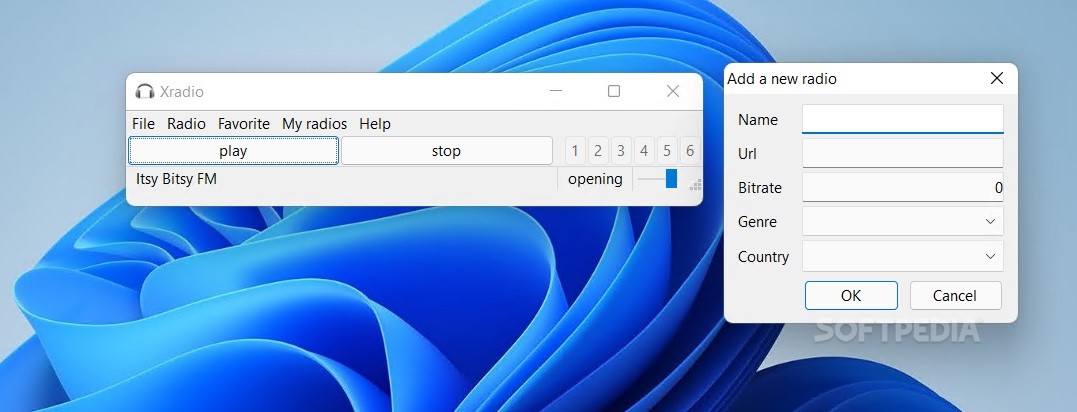
If, generally speaking, we've come to expect radio-related apps to be filled with eye candy, this application tries to break that norm by offering a small, simple, and clean interface for reaching our favorite station. There are no waves or forms that represent music beats. It's just a simple app with a list of radio stations that can be found around the world.
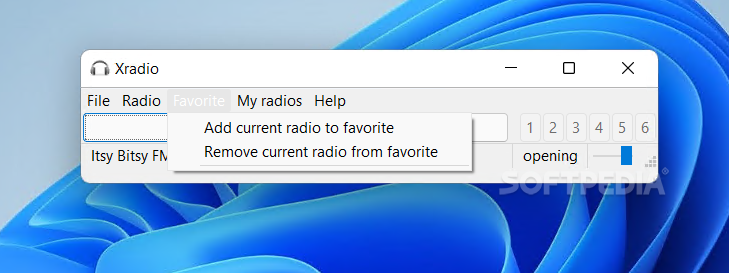
You could say you've got the whole world at your feet. There are six channels, or save positions for your favorite stations. These work the same as on your car radio. Each button saves a user-added preset. Next time, your radio stations will be easier to access.
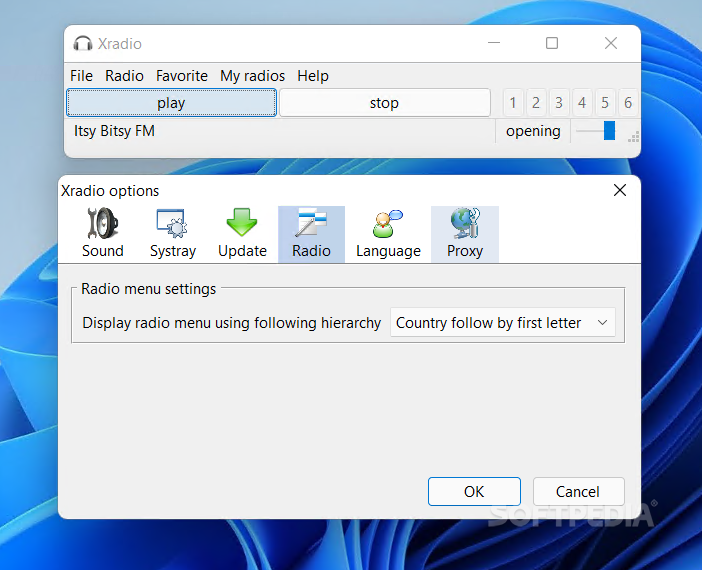
In case you thought there was no space for new additions, you should think again. Xradio allows the user to add new online radio stations. It requires one to fill in the name, URL, bitrate, genre, and country of origin for the new station. Once that's done, it will be added to the menu for easy access. The settings menu provides a way to slightly customize the user's experience. There aren't any revolutionary features, just language or update-related features that should make the individual feel a little more comfortable with the program.
Xradio is an application that will most likely feel right for music lovers. Individuals who can't really do anything without some tunes blasting in the background will fall in love with this application. Apart from the radio variety, this app also wins one over with its simplicity.
Filed under
What's new in xradio 0.7.3:
- Correct radio database update or reinstall doesn't work on vista with UAC enable
- Fix Romantic FM dead link
- Latest version:
xradio 0.7.3
- PRICE: Free
- runs on:
- Windows All
- file size:
- 11.2 MB
- filename:
- xradio_install_0.7.3.exe
- main category:
- Internet
- developer:
- visit homepage
Bitdefender Antivirus Free

Context Menu Manager

IrfanView

Zoom Client

4k Video Downloader

calibre

ShareX

Windows Sandbox Launcher

Microsoft Teams

7-Zip

- Windows Sandbox Launcher
- Microsoft Teams
- 7-Zip
- Bitdefender Antivirus Free
- Context Menu Manager
- IrfanView
- Zoom Client
- 4k Video Downloader
- calibre
- ShareX