
Push your Internet connection to the limits and cleverly organize or synchronize download processes with this powerful application #Download manager #Resume download #Download accelerator #Downloader #Accelerate #Resume
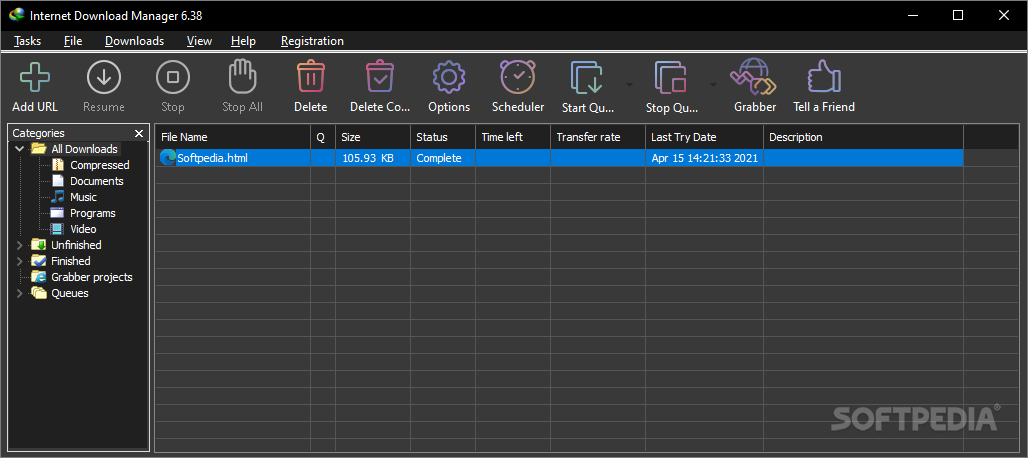
With the Internet being home to nearly all forms of documentation and entertainment, it's difficult to resist the temptation of getting ahold of a specific file, either for business or personal use. At the rate at which connection speeds are increasing, it nearly becomes a necessity to use applications such as Internet Download Manager. As the name suggests, it gives you the possibility to cleverly organize file transfers over the world wide web.
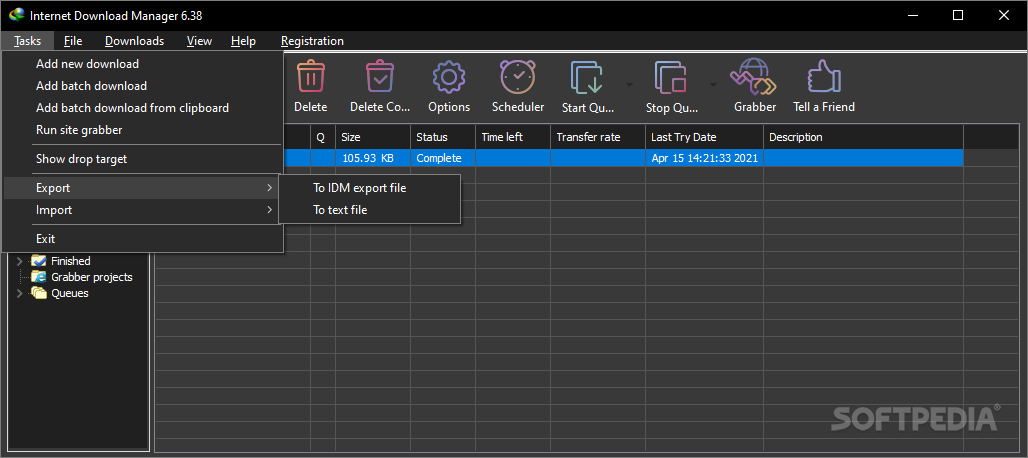
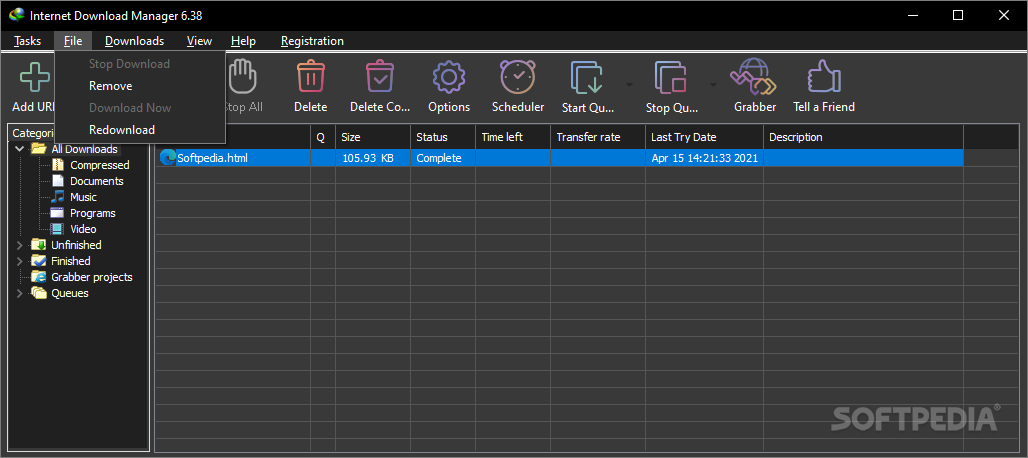
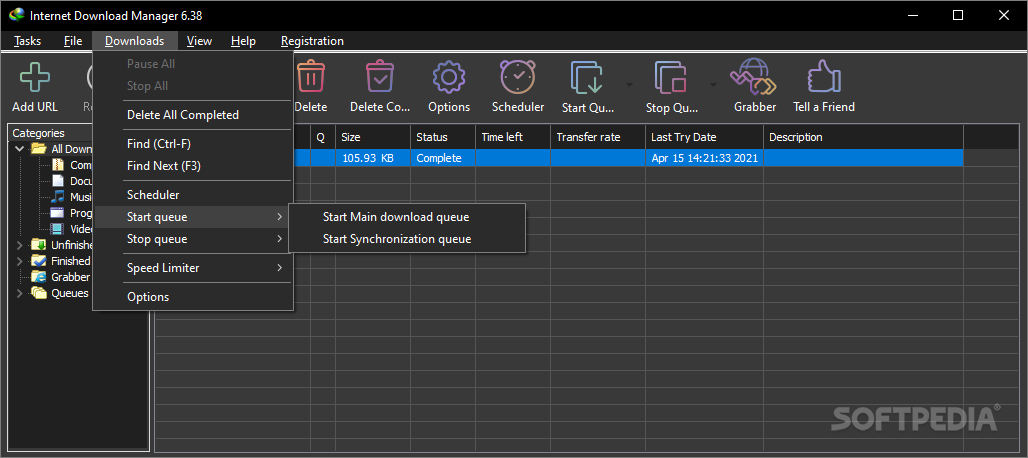
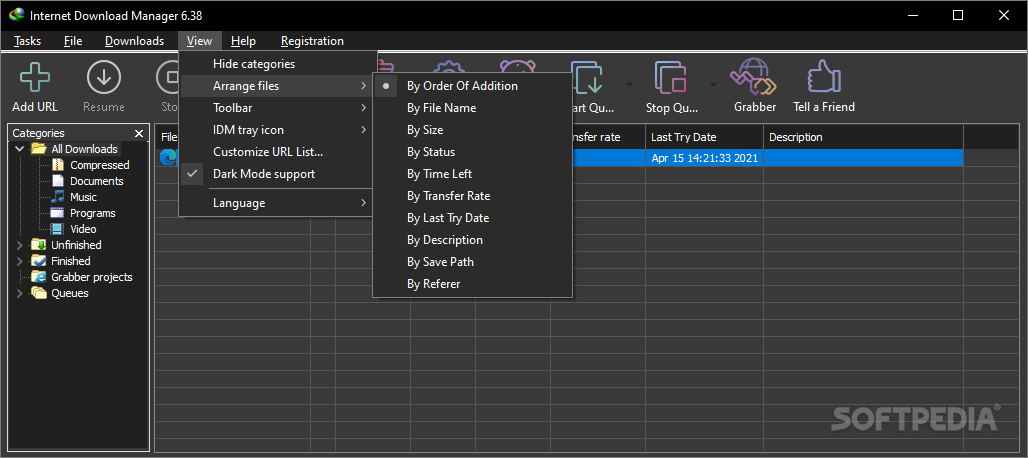
Running the application brings up a pretty intuitive interface, posing no accommodation problems. A center list is home to all files that are to be processed, while the upper toolbar gives you access to its most important features, represented by customizable icons.
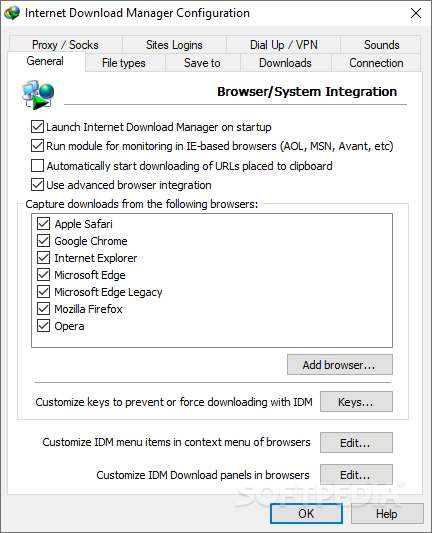
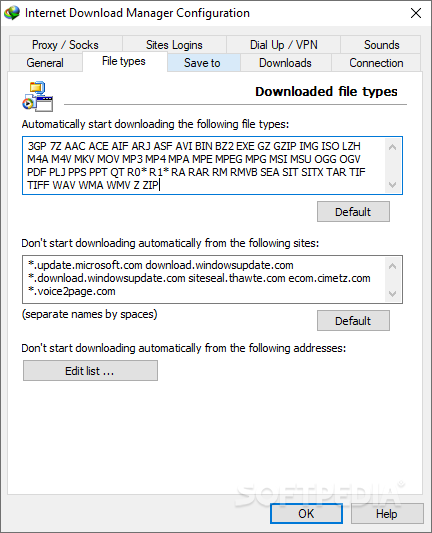
Considering you are using one of the popular web browsers like Google Chrome, Internet Explorer, Mozilla Firefox, Opera or Safari, the application automatically integrates itself to allow ease of access. Whenever possible, for example in case of videos, a small button becomes available that enables you either to start download or schedule it for later on.
You are given the possibility to include your custom web browser, in case the preferred one is not found in the default provided list.
One of the most important features, is that you are able to thoroughly set a date or period of time when downloads are processed. By populating your given list with desired web addresses, you can enable a one-time download at a given hour or date, as well as periodically in selected days. Several post-process operations are also available, such as shutting down your system or ending the download process at a specific hour.
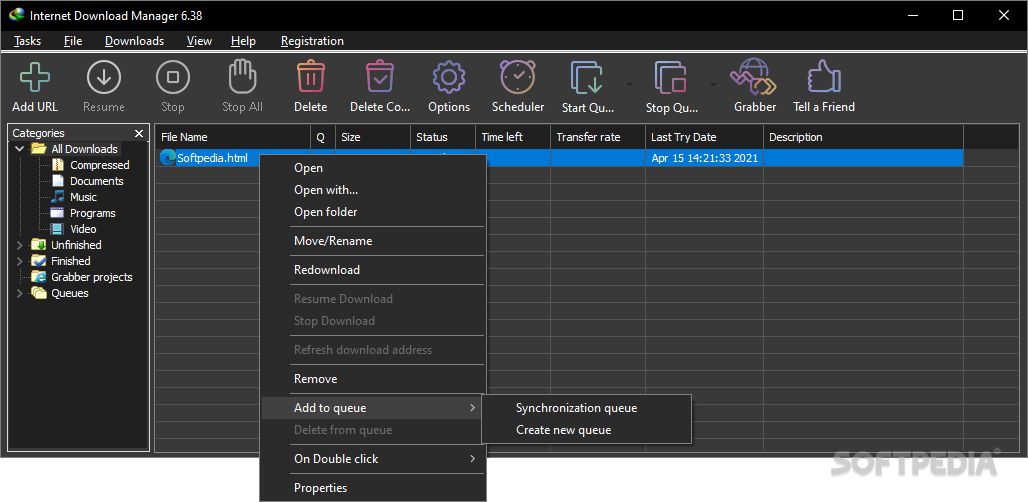
If your business implies constant file transfer, the application greatly comes in handy by offering the synchronization feature. It puts similar time settings at your disposal as the scheduler, giving you the possibility to keep important documents throughout the workspace constantly up to date.
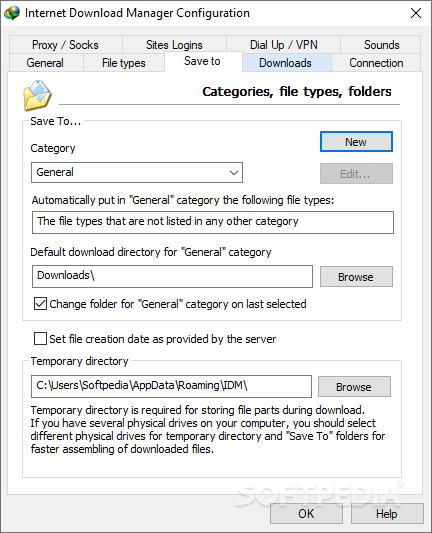
Upon downloading a file, you are asked to set an output directory, as well as the category of your desired item. Several presets like general, documents, music or videos are available, but the application poses no restrictions when it comes to customization. You are free to add or edit existing categories, as well as setting default destination folders so you are not prompted each time a download process starts.
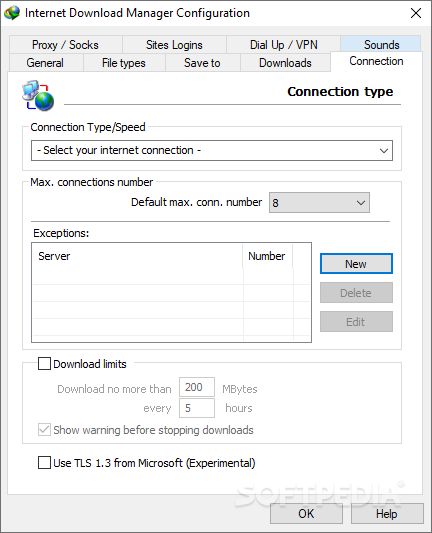
To sum it up, Internet Download Manager is a handy application to keep around, whether or not it is used for business purposes. It takes up little of your system resources, providing a large variety of useful features in return. In terms of speed, it pushes bandwidth to the limits, or uses it according to custom limits, making it definitely a keeper.
Download Hubs
Internet Download Manager (IDM) is part of these download collections: Download Manager
What's new in Internet Download Manager (IDM) 6.42 Build 10:
- Fixed the problem with a slow download speed on several web sites. Please ensure that "IDM integration module" extension has been updated to "6.42.8.2" version in your browsers
- Fixed the problem when IDM download panel was now displayed on several web sites
- Fixed the problem when IDM did not show all types of video streams on some web sites
Internet Download Manager (IDM) 6.42 Build 10
 Softpedia Editor's Pick
add to watchlist
add to download basket
send us an update
REPORT
Softpedia Editor's Pick
add to watchlist
add to download basket
send us an update
REPORT
- runs on:
-
Windows 11
Windows 10 32/64 bit
Windows 8 32/64 bit
Windows 7 32/64 bit - file size:
- 11.6 MB
- filename:
- idman642build10.exe
- main category:
- Internet
- developer:
- visit homepage
Windows Sandbox Launcher

7-Zip

4k Video Downloader

Context Menu Manager

Microsoft Teams

calibre

Zoom Client

ShareX

Bitdefender Antivirus Free

IrfanView

- ShareX
- Bitdefender Antivirus Free
- IrfanView
- Windows Sandbox Launcher
- 7-Zip
- 4k Video Downloader
- Context Menu Manager
- Microsoft Teams
- calibre
- Zoom Client