Search Perform an advanced search query SOFTPEDIA
 
SOFTPEDIA
Updated one minute ago
HomeSubmit a program for being reviewedAdvertise on our websiteGet help on surfing our websitesSend us your feedbackGet information about our XML/RSS backend and how to use itBrowse the news archiveVisit our discussion forumVizitati forumul in limba romana


Program Finder NormalFreeware onlyShareware only

TuneUp Utilities 2008 7.0.8007.0 Report spyware 

Click to download TuneUp UtilitiesTuneUp Utilities - Softpedia Pick Award (If you developed this product, click here to download your award)
View more TuneUp Utilities 2008 screenshots (12)
 Downloads: 515,296
Rating: Very Good (4.4/5) | Rated by: 1919 user(s)
Add to download basket     Send us update information
 Developer: TuneUp Software GmbH | More programs by this producer
 License: Trial , 39.99 $ to buy 
 Size / OS: 13.7 MB, Windows 2K/XP/Vista
 Last Updated: June 11th, 2008, 20:26 GMT
 Category: C: \ Tweak \ System Tweak
 Read user reviews (9) Add a review Refer to friend Subscribe
    Download TuneUp Utilities

TuneUp Utilities description
The complete tuning solution for your PC

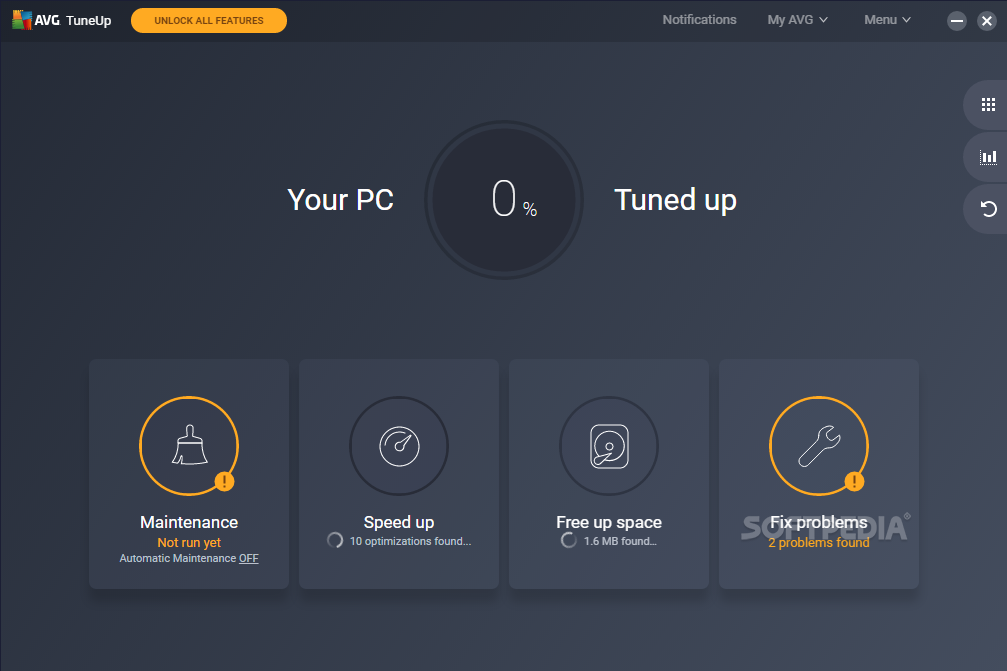
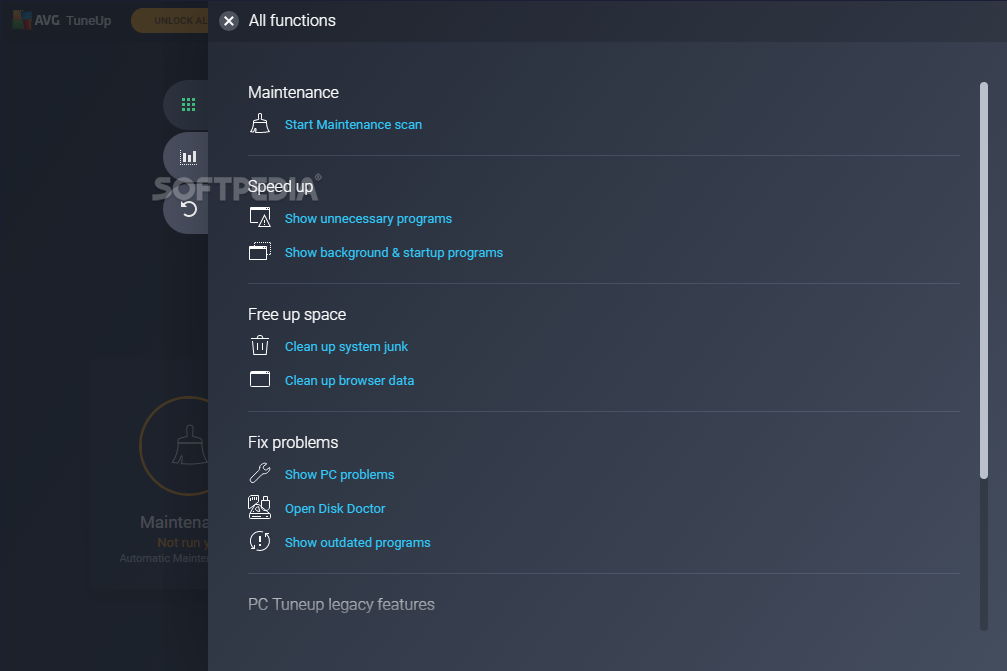
With TuneUp Utilities, your system will be faster, more comfortable and more secure. All important aspects of system configuration, security, cleanup and maintenance can be accessed through a modern graphical interface.

TuneUp Utilities will optimize the performance of your PC, solve problems and help you easily customize your computer to suit your needs.

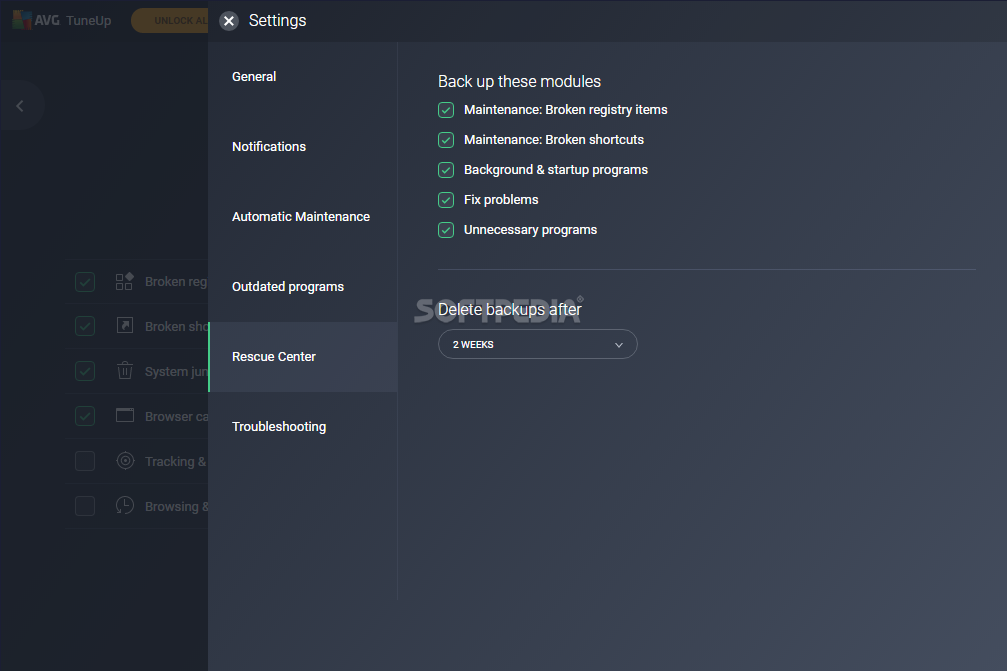
TuneUp Utilities helps both beginners and experts to make Windows meet their needs in a way that is better, easier and safer. All important system options are explained in an easy way and can be turned on or off at the click of your mouse. TuneUp Utilities will then make the necessary changes in the registry or boot files automatically. We place a high value on system stability, so that Windows won't stop working reliably. And most changes that you make can be undone in TuneUp Rescue Center - easily and safely.

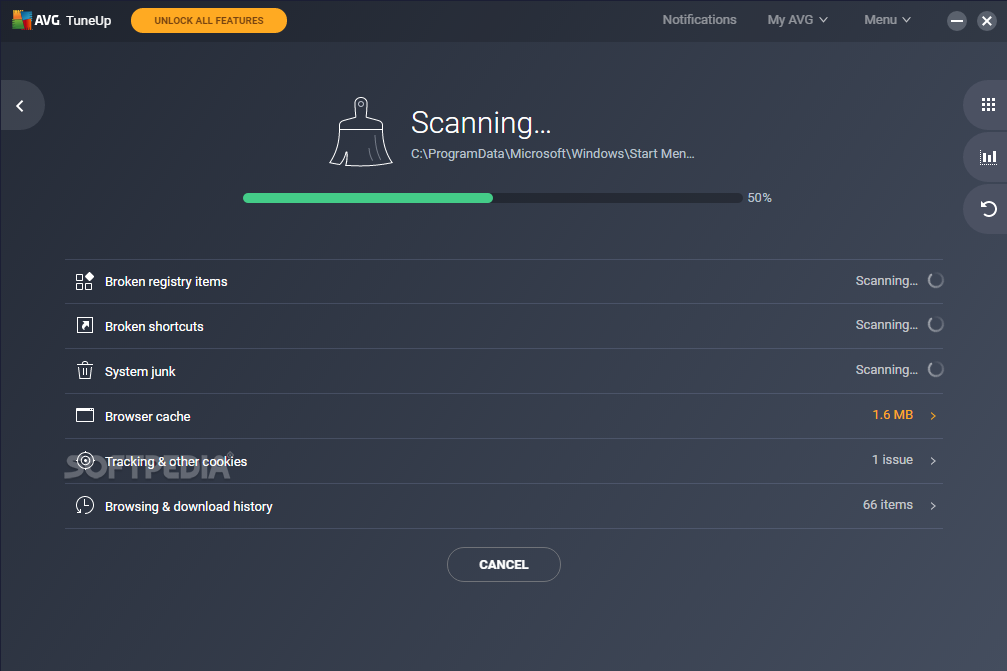
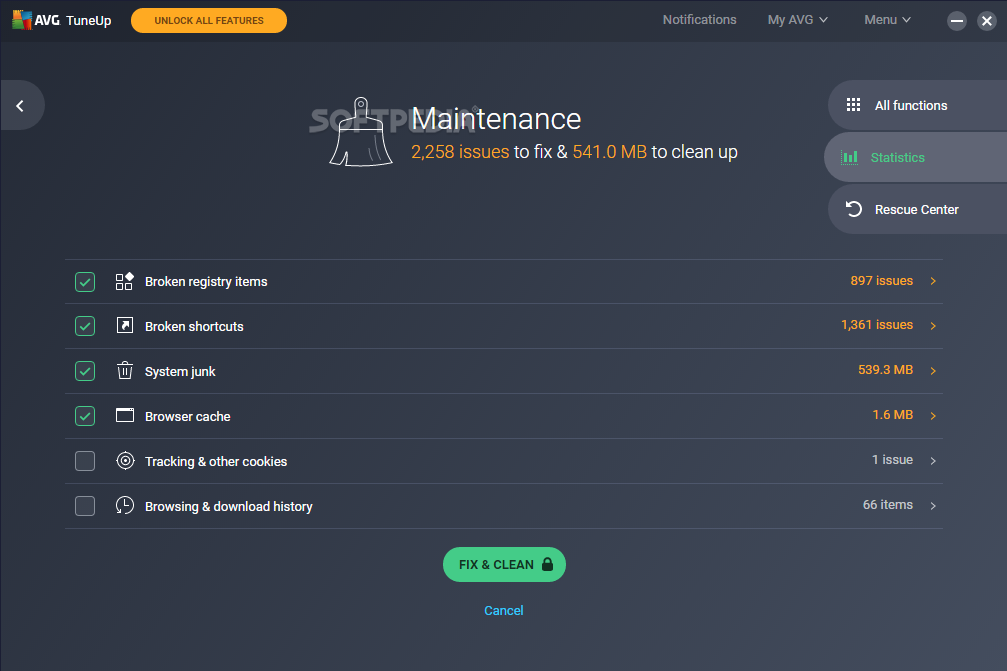
TuneUp Utilities also gives you many more options. In addition to helping you make Windows "better looking", you can also clean up and optimize your system at the click of a mouse. TuneUp Utilities 2008 will clean up unnecessary data from your hard disk and remove unnecessary entries from your registry. It can defragment your hard disk and registry and optimize your system settings to make Windows run substantially faster. Most of this maintenance is performed automatically every week by TuneUp 1-Click Maintenance.

Automatic adaptation to your operating system
When making these changes, TuneUp Utilities reaches deep into the Windows system. However, Windows has changed a great deal from version to version. Because of this, the software automatically recognizes and adapts to each supported version of Windows. This is done automatically so that you, the user, won't have to re-learn the software for each operating system version.

Here are some key features of "TuneUp Utilities":

· Increase performance
No one should have to use a Windows
system that keeps getting slower and slower over time. TuneUp Utilities 2008 includes several modules to help prevent your system from slowing down. TuneUp Drive Defrag determines the degree of fragmentation of your hard disks and reorganizes your files in an intelligent manner.

TuneUp Registry Defrag shrinks your bloated registry so that it takes up significantly less space. TuneUp StartUp Manager prevents unwanted programs from starting automatically. TuneUp System Optimizer uses various methods to improve general system performance and, most of all, your Internet speed. For systems running Windows 2000 or XP, you can also use TuneUp Memory Optimizer. This module lets you free up blocked system memory immediately, without restarting your computer.

· Free up disk space
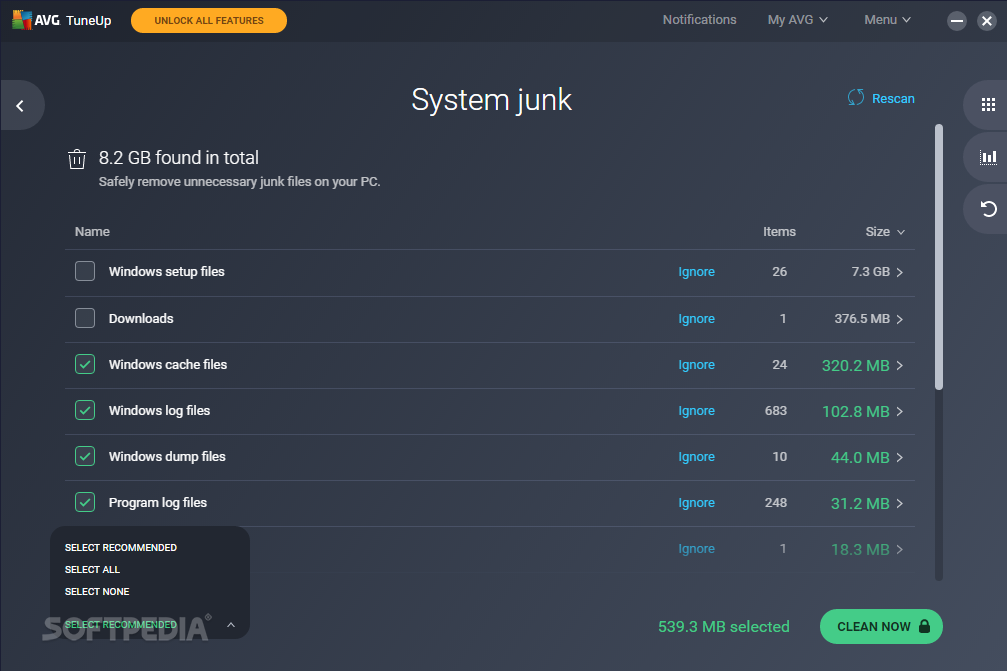
Even the biggest hard disks fill up someday. TuneUp Utilities 2008 helps you preserve disk space by searching for many types of unnecessary files that can be deleted with the user's approval. The Start Center of TuneUp Utilities 2008 now shows you how much space can be saved, even before you have started a program module.

· Maintain Windows
Windows is a dynamic system that requires regular attention from its users. Because of this, regular system maintenance should be a priority. TuneUp 1-Click Maintenance can initiate maintenance of your entire system automatically at predefined times or with a single click of your mouse. This lets you keep your system in top shape at all times. If you would like to perform detailed registry maintenance, you can use TuneUp Registry Cleaner at any time.

· Solve problems
If Windows is no longer working properly, the three modules in this category can often be helpful. TuneUp Disk Doctor examines your system disks for defects or errors in their file systems. These problems can be fixed quickly. With TuneUp Repair Wizard, you can solve a number of general computer or display problems. If you have accidentally deleted important files, you can use TuneUp Undelete for another chance to recover your files. File recovery is only possible in this case if Windows has not yet overwritten the files with other data.

· Customize Windows
Windows is not as inflexible as you may think. The modules in this category will help you to customize your Windows system at the click of a mouse. With TuneUp System Control, for example, you can easily adjust Windows and program settings and Internet options or change the behavior of the Start menu or taskbar. TuneUp Styler lets you customize the appearance of Windows.

· Additional tools
Five powerful modules are included in this category. TuneUp Uninstall Manager helps you delete programs that you are no longer using. TuneUp Process Manager manages running processes, shows a list of open files and monitors system resource usage. TuneUp Registry Editor lets you view and edit keys and values in the registry.

With TuneUp Shredder, you can permanently delete files and folders so that unauthorized users will never be able to recover them. Finally, TuneUp System Information gives every user an overview of installed hardware and software, which can be very useful before performing repairs or modifications on your computer.


Requirements:

Minimum system configuration
· 800x600 screen resolution with 256 colors
· 60 MB free disk space
· CD-ROM or DVD-ROM-Drive
· Internet Explorer 6

Recommended system configuration
· 1024x768 screen resolution with 16.7 million colors
· 100 MB free disk space
· CD-ROM or DVD-ROM drive
· Internet Explorer 6 or 7
· Internet access


Limitations:

· 30 day trial
· Nag screen


What's New in This Release:

· New module: "TuneUp Drive Defrag"
· Improved TuneUp 1-Click Maintenance
· New Start Center - even easier to use
· New area: "Free up disk space"
· New module: "TuneUp Repair Wizard"
· TuneUp System Control with even more tweaks for Vista... [ read full changelog ]


Softpedia guarantees that TuneUp Utilities 2008 7.0.8007.0 is 100% CLEAN, which means it does not contain any form of malware, including but not limited to: spyware, viruses, trojans and backdoors.

This software product was tested thoroughly and was found absolutely clean, therefore it can be installed with no concern by any computer user.

However, it should be noted that this product will be retested periodically and the award may be withdrawn, so you should check back on this page from time to time. (click here for more information)


Related downloads IT News Popular downloads New additions   Latest reviews  
Fresh UI 8.11
A fresh solution for configuring and optimizing Windows
Car Maintenance Schedule Spreadsheet 1.0
Car Maintenance Schedule Spreadsheet is a free tool that helps you to keep track of your car maintenance information
Maintenance Parts Bin 7.6.3
A system for keeping inventories of parts, that is not just limited to maintenance inventory
WinXPatch 0.2 beta 1
WinXPatch - This registry tweak utility provides an extensive range of tweaks for optimizing, enhancing and securing Window
System Inspector 1.1.546
Keep your PC running faster, cleaner, and error free
Advance Registry War 0.90
Utility to configure and personalize Windows
SystemToys 2.2
SystemToys is a program you can use to customize the behavior and appearance of your PC.
Weddle's Auto Maintenance Tracker 1.0
Vehicle maintenance and parts inventory database and organizer
Production Managers Assistant 2.2
Production Managers Assistant - detailed production recording
12G-Complete 8.0.11.4942
12G-Complete - a team of ghosts that optimizes and automates Windows

go to top Use the following code to link to this page:


Welcome!
Hello, Guest

Login if you have a Softpedia.com account.

Otherwise, register for one.

Main categories:
  • Antivirus
  • Compression tools
  • CD/DVD Tools
  • Office tools
  • Programming
  • Authoring tools
  • File managers
  • Desktop Enhancements
  • Internet
  • Network Tools
  • IPOD TOOLS
  • Mobile Phone Tools
  • Multimedia
  • Tweak
  • System
  • Security
  • Others
  • Science / CAD
  • UNIX
  • Windows Widgets
  • PORTABLE SOFTWARE

  • Week's best:
  • Adobe Media Player 1...
  • Registry Mechanic 8....
  • BitSpirit 3.3.2.263
  • AnyDVD 6.4.5.6
  • Firefox 3.0.1 / 2.0....
  • AutoCAD 2009
  • Norton AntiVirus 200...
  • Norton Internet Secu...
  • The Bat! Professiona...
  • WinRAR 3.80 Beta 3 /...
  • GMail Drive shell ex...
  • DAEMON Tools Lite 4....
  • UBCD4WIN 3.2.0
  • Adobe Reader 9.0.0 /...
  • Total Commander Ulti...
  • System Mechanic 8.0....
  • Adobe Acrobat Profes...
  • iPhone PC Suite 1.0....
  • Portable Firefox 3.0...
  • MPlayer for Windows ...
  • Vista Codec Package ...
  • Windows Live Messeng...
  • WinBubble 1.73
  • Kaspersky Anti-Virus...
  • Malware Removal Tool...
  • Royale Noir Theme fo...
  • IBM Lotus Symphony 1...
  • Adobe Dreamweaver 10...
  • Adobe Fireworks 10.0...
  • BitDefender Total Se...
  • © 2001 - 2008 Softpedia. All rights reserved.
    Softpedia™ and Softpedia™ logo are registered trademarks of SoftNews NET SRL.
    Copyright Information | Privacy Policy | Terms of Use | Contact Softpedia | Update your software | Archive