14 DAY TRIAL //
 Although there are a lot of good audio players available for Linux, it seems that Amarok has reached the top of the preferences list. And even if Amarok was developed mainly for the KDE platform, it's being used by both KDE and Gnome users. Running KDE applications in Gnome and vice versa isn't necessarily a bad thing, but could increase their loading time. Luckily, there's a relatively new media player available for Linux called Exaile. Although it's based on a different GUI toolkit (GTK+) than Amarok, it seems to be trying really hard to imitate it. Its interface and even some of its functions are pretty much identical to Amarok's. But this could only be good news for Gnome and Amarok users: they can now use a player similar to Amarok, but which will load faster and integrate nicer into Gnome? Moreover, because of their similar interfaces, users will feel right at home using either of them.
But before you can enjoy Exaile's impressive features, you'll need to install it. Hopefully, you won't bump into any problems along the way. The installation process will probably be different on every popular distribution. For instance, if you're running Fedora, you'll have to use yum to install Exaile, on Ubuntu you'll have to get the .deb package and install it using dpkg, while on other distributions, if you can't find Exaile in their repositories, you'll have to get the source package, compile and install it. However, while the package manager will also fetch the dependencies required by the package you're trying to install, this is not the case for source installation. Here, you'll have to manually download and install the required packages which aren't a few. Exaile requires Python, Python-gtk2, gstreamer, (with gstreamer-plugins-good and gstreamer-plugins-ugly for MP3 playback), Python-bus, Python-pysqlite2 and Python-mutagen, while Python-gpod, Python-gadmin, sexy-python and Python-gnome2-extras are optional requirements. You will also want to install streamripper if you want to record any shoutcast station. Exaile has also been ported for FreeBSD.
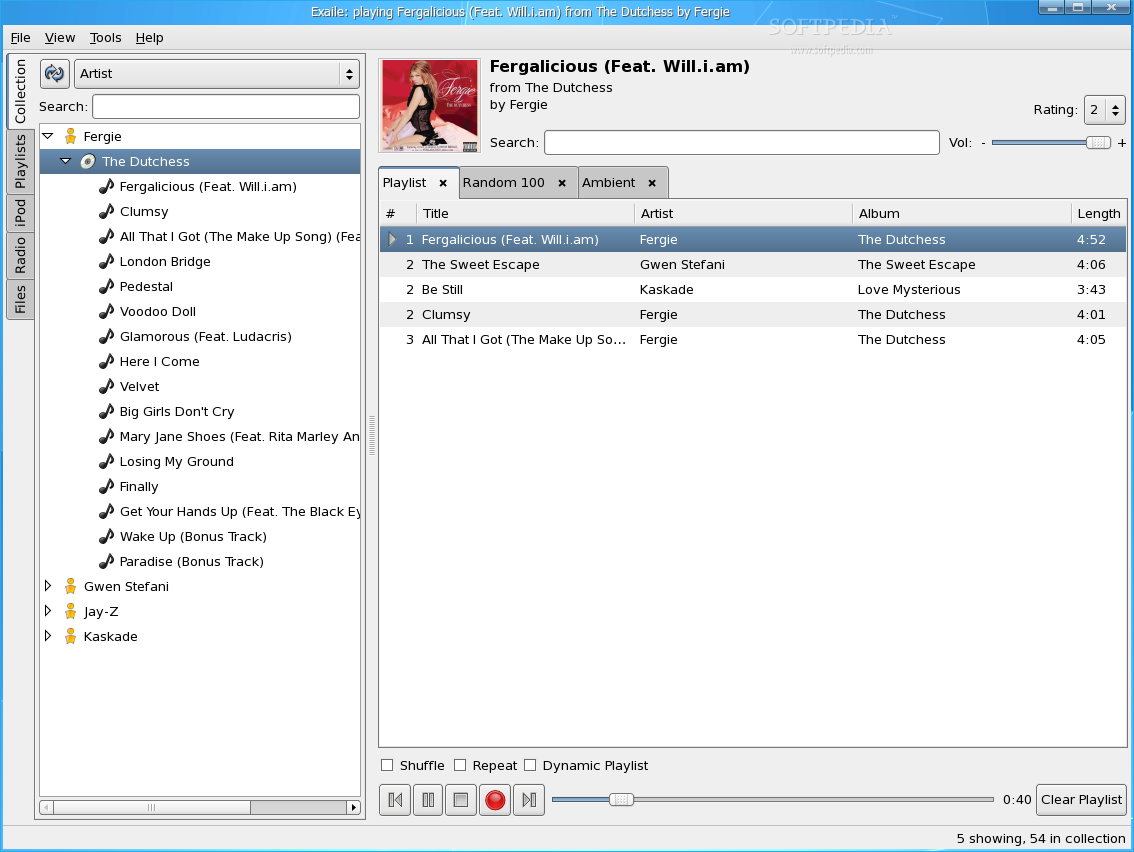
The first time you'll run Exaile, it will ask you to select the directories containing your media files. This is rather an optional step, as you can add or remove directories through the Library Manager, at any time. If you?ve selected a general directory with many subdirectories and you'd like some of them to be ignored, you can drag and drop them in the Blacklist Manager and they will automatically be ignored. Moreover, Exaile can watch for new directories using Gamin, which is a file alternation monitor.
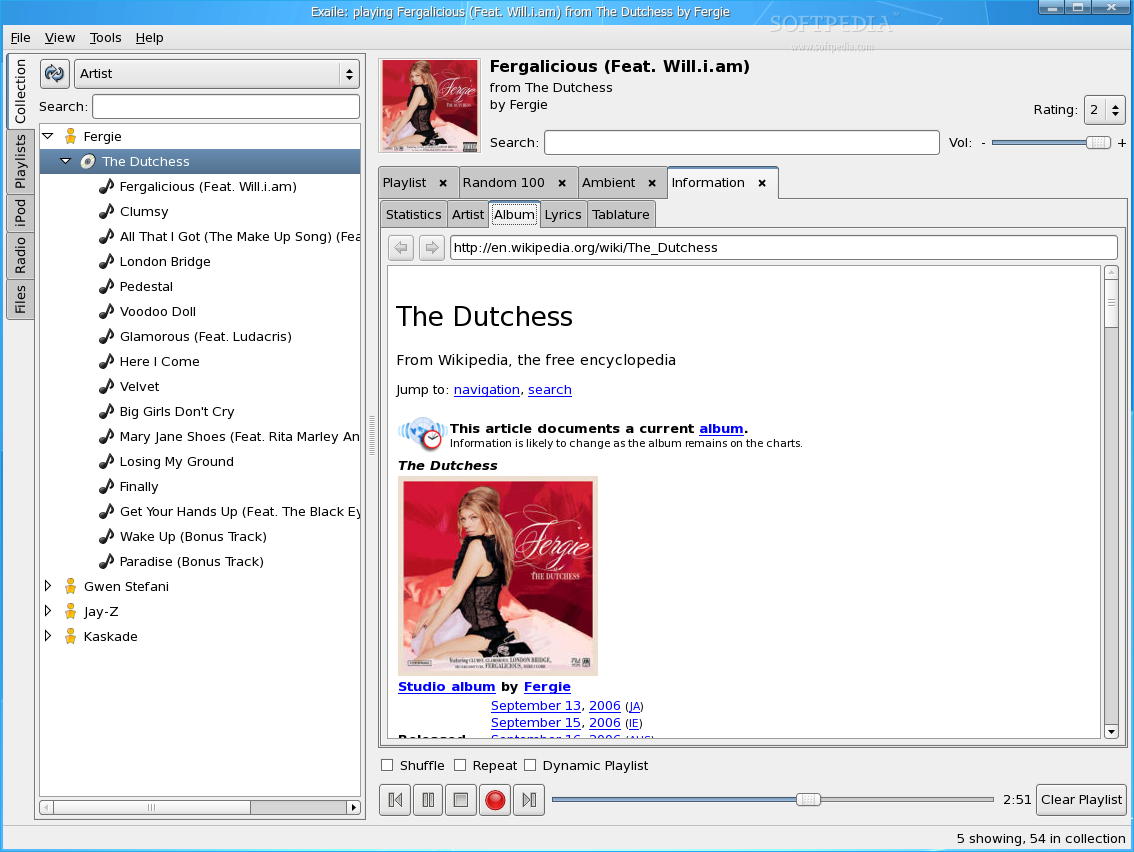
Without a doubt, Exaile will impress you with at least one of its features. Besides, most of the features you'll expect to find in a modern media player are most likely already available in Exaile. For example, Exaile uses tabbed windows that can be used either for multiple playlists, or for various information regarding a song or an album. An information tab consists of several sub-tabs: Statistics which displays data fetched from MP3's ID tag (title, artist, year, genre), Artist which will fetch data regarding the artist from wikipedia, Album, which will fetch data regarding the album also from wikipedia, Lyrics which will search the lyrc.com.ar website for artist and title keywords and will display a list of result, allowing you to choose the right one and finally, Tablature which will try to get the tablature (a form of musical notation which uses musical notes) for the current song, from the fretplay.com website. This will be a long shot, unless you're listening to classics.
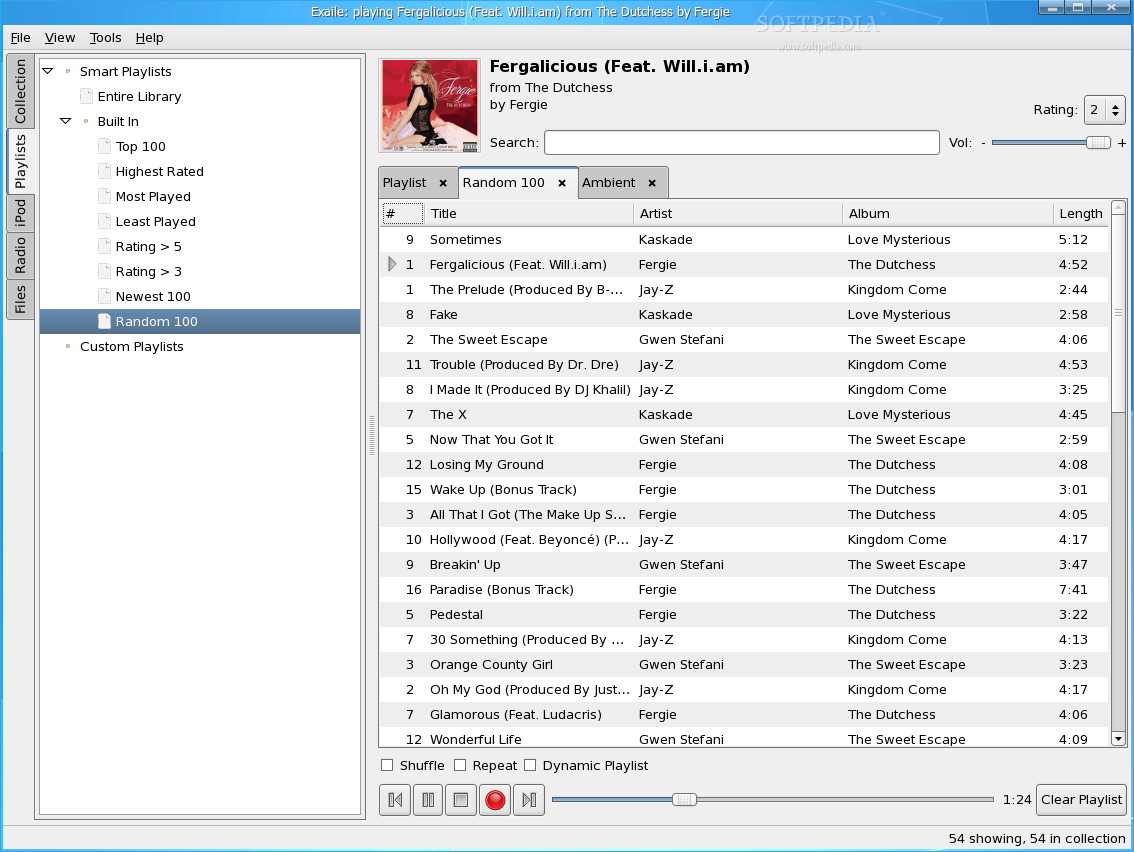
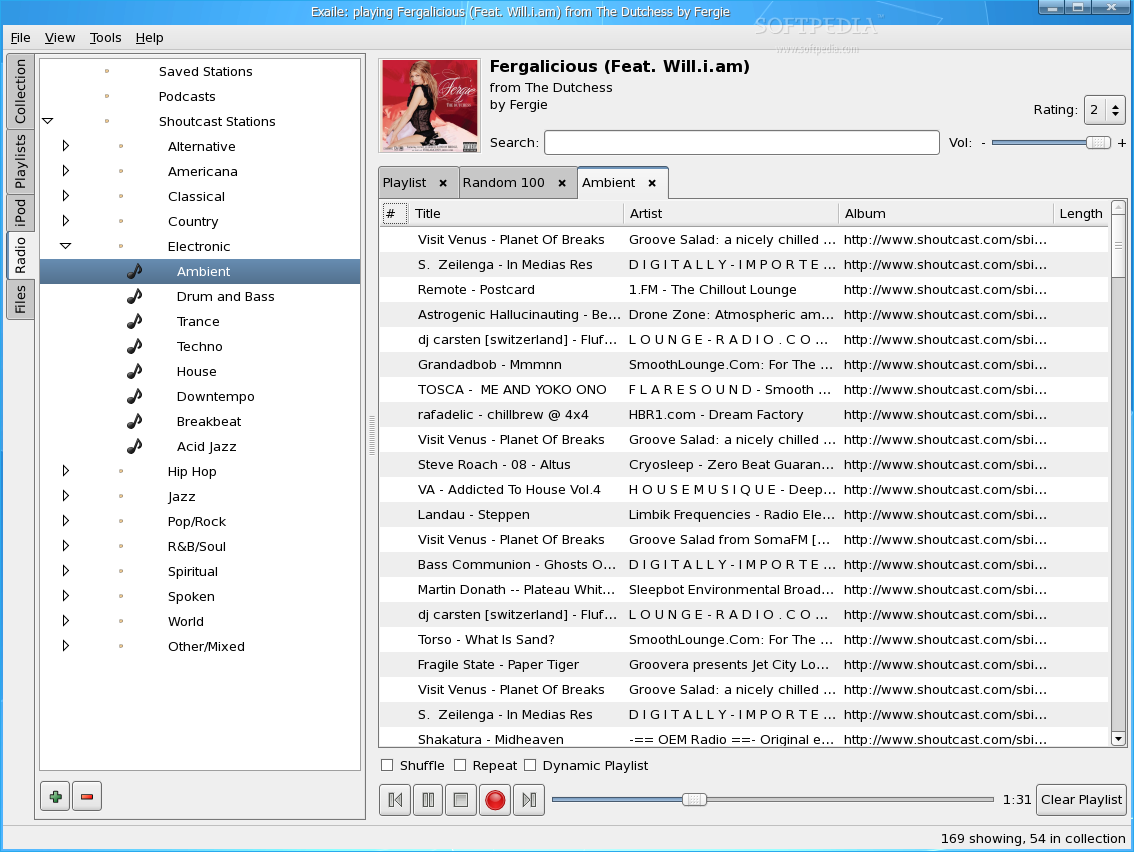
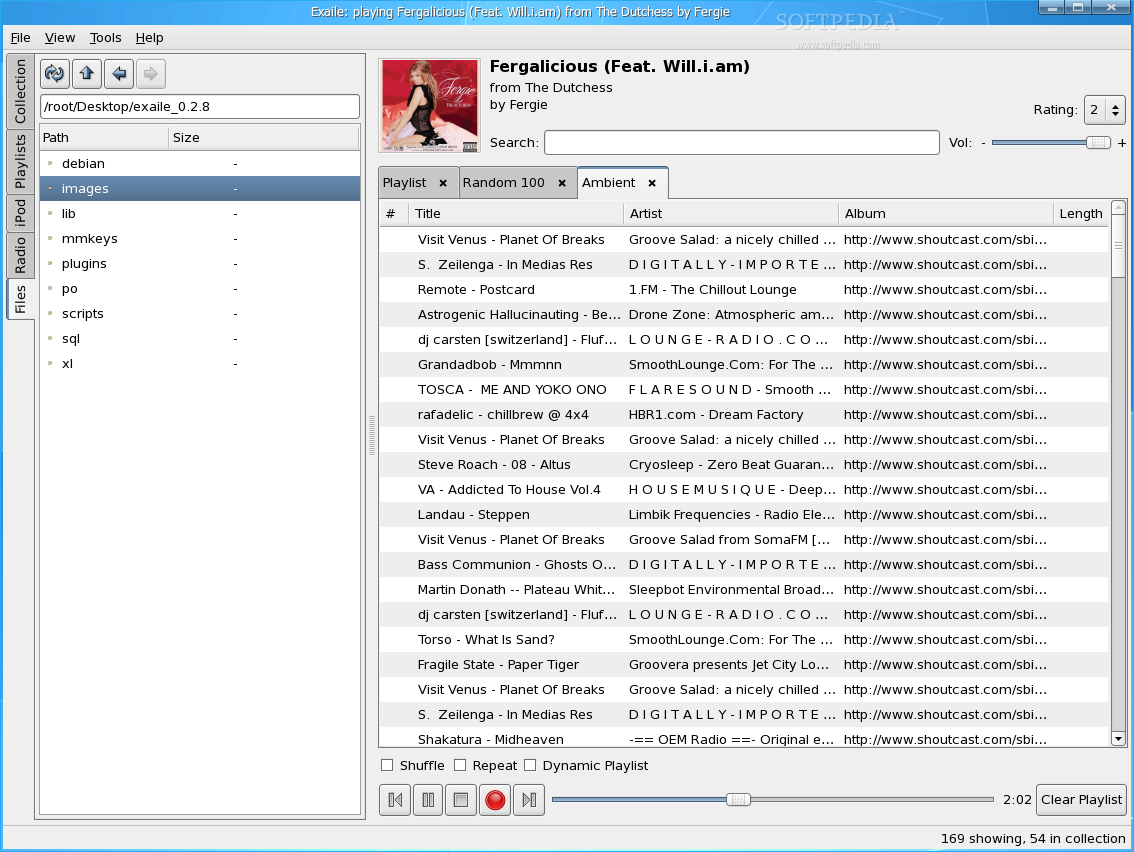
Its main window is divided into five sections. You can reach any of them through the left side tabs. The first tab, Collection, will list the albums and their files from your selected media directories. Each item listed here can be either appended to the current playlist, added to queue or black list or can be deleted. The next tab, Playlists, will list playlists sorted by various criteria: entire library, top 100, most played and so on, while the iPod tab will allow you to browse through and play media from your iPod. Next tab is called "Radio" and will list all the stations from shoutcast.com website, categorized by genre. The last tab, Files, acts like a basic file manager, which will allow you to browse through your local filesystem and append scattered media files to the current playlist.
The playlists, along with the information regarding the collection, are stored in a SQLite database, which is a lightweight database engine that doesn't require a running daemon. This type of database is powerful enough to hold a lot of files and there's no need for MySQL or PostgreSQL support. Good choice here.
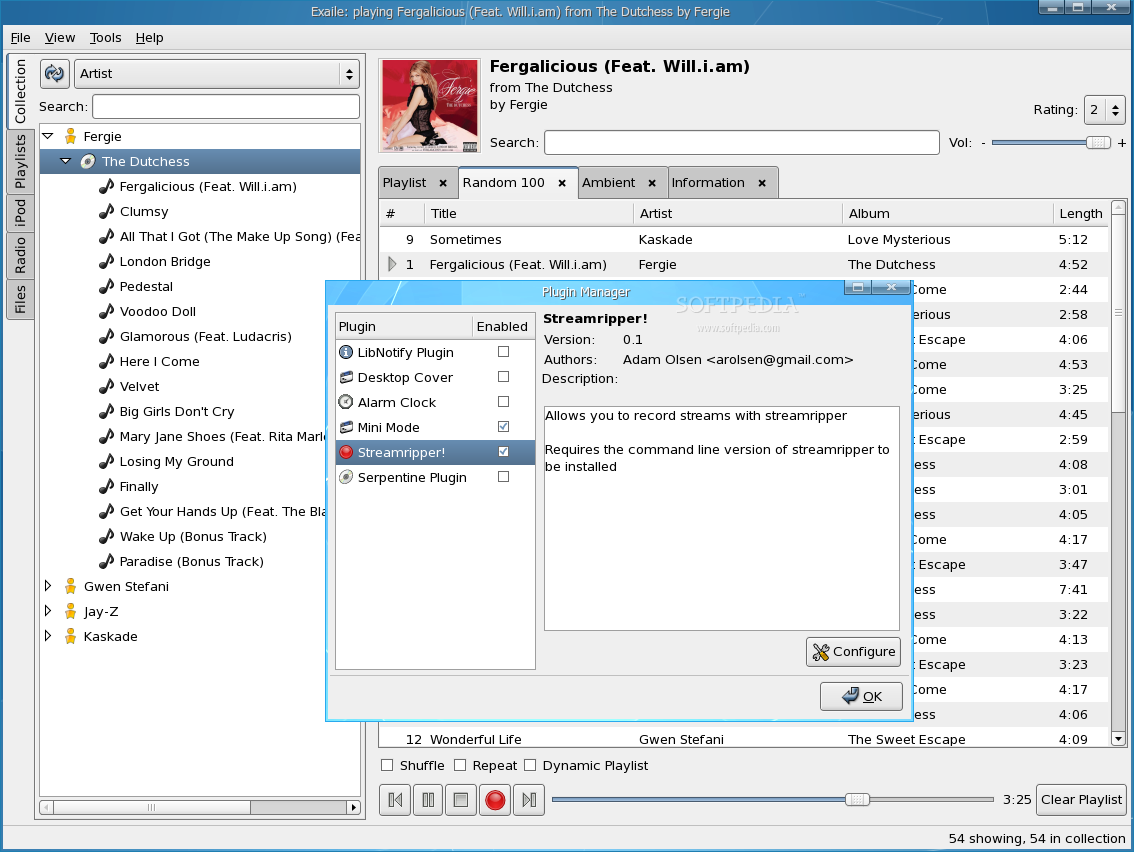
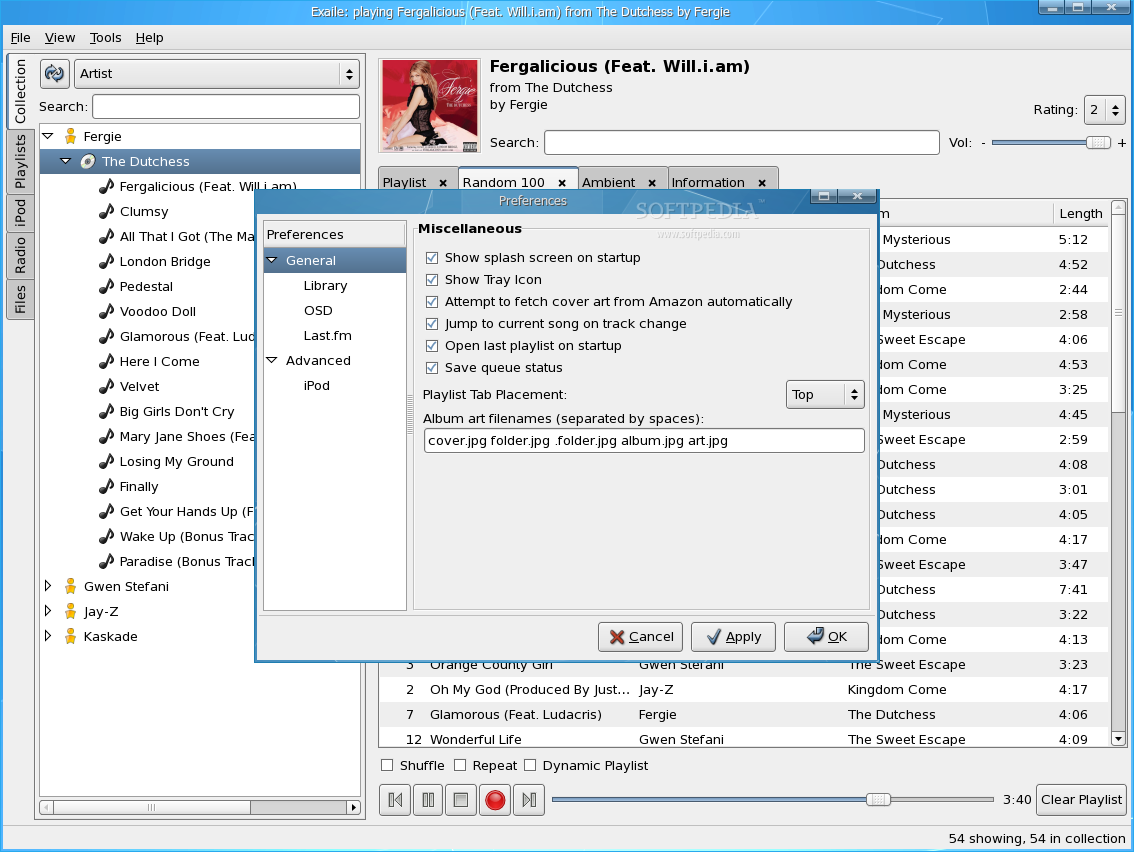
Other useful features you'll find while using Exile are its plugins and skins support, its ability to minimize to system tray, as well as its ability to fetch album covers from Amazon. It comes with a few plugins by default, which adds a twist of functionality to Exaile: LibNotify (uses libnotify to inform you when a new song starts) Desktop Cover (will display the current album's cover on the desktop) Alarm Clock (will hit the Play button at a pre-specified time) Mini Mode (will allow you to activate mini mode when pressing Ctrl + Alt + M) Streamripper (records any shoutcast station to an mp3 file on local disk - adds a REC button) Serpentine Plugin (which will open the songs from the current playlist for burning in Serpentine).
The Good
Exaile is quite an impressive media player. It will load and run flawlessly on Gnome (no problems with it on KDE either, just a little bit slower), it offers most features one would expect to find in any modern media player and also comes with a few interesting but not so popular features.
The Bad
Unfortunately, it has a lot of requirements and chances that one of them won't install, messing everything up, are rather high. Moreover, it's an application written in Python and I haven't yet met a person that can say he can flawlessly install any python application or dependency. That?s also a problem. And to make things worse, Python applications tend to run a little slower, at least when compared to ones written in C/C++.
The Truth
Overall, I'm sure Exaile will slowly become the favorite media player for many Gnome users, and why not, KDE users as well.
Check out some screenshots below: