14 DAY TRIAL //
 With every passing day, Linux is becoming a better and more viable alternative to proprietary licensed operating systems. Unfortunately, it still lacks important packages which could have helped a lot more people to change their minds and make the switch. Image viewing and manipulation has been one of them for quite some time now. Even though there are a lot of pictures viewing software packages, many have glitches and annoyances wrapped-around them. This isn't the case, however, with Gwenview.
Gwenview is an image viewer for KDE and more. It comes with a lot of features and offers the possibility to add even more through KIPI - the KDE Image Plugin Interface. Its interface, while simple and intuitive, resembles very much with other popular image viewers so if you've ever used PixiePlus, ACDSee or Xnview, then you will feel like home with this image viewer software.
Image viewing
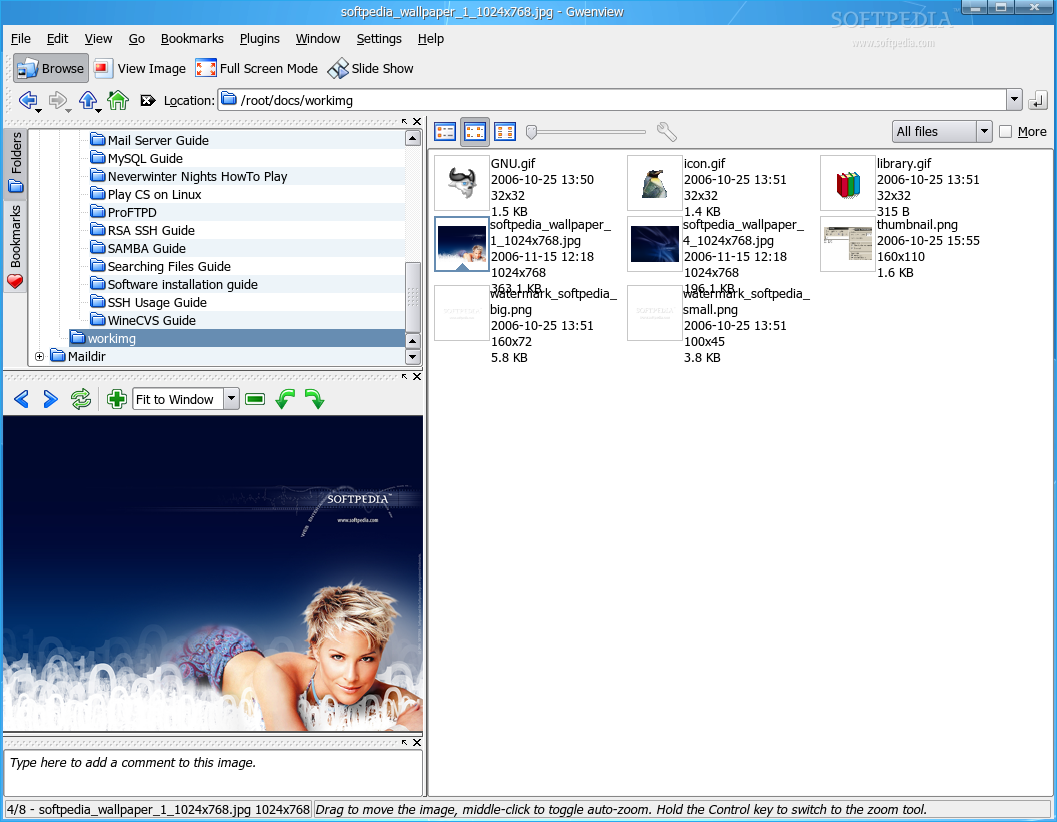
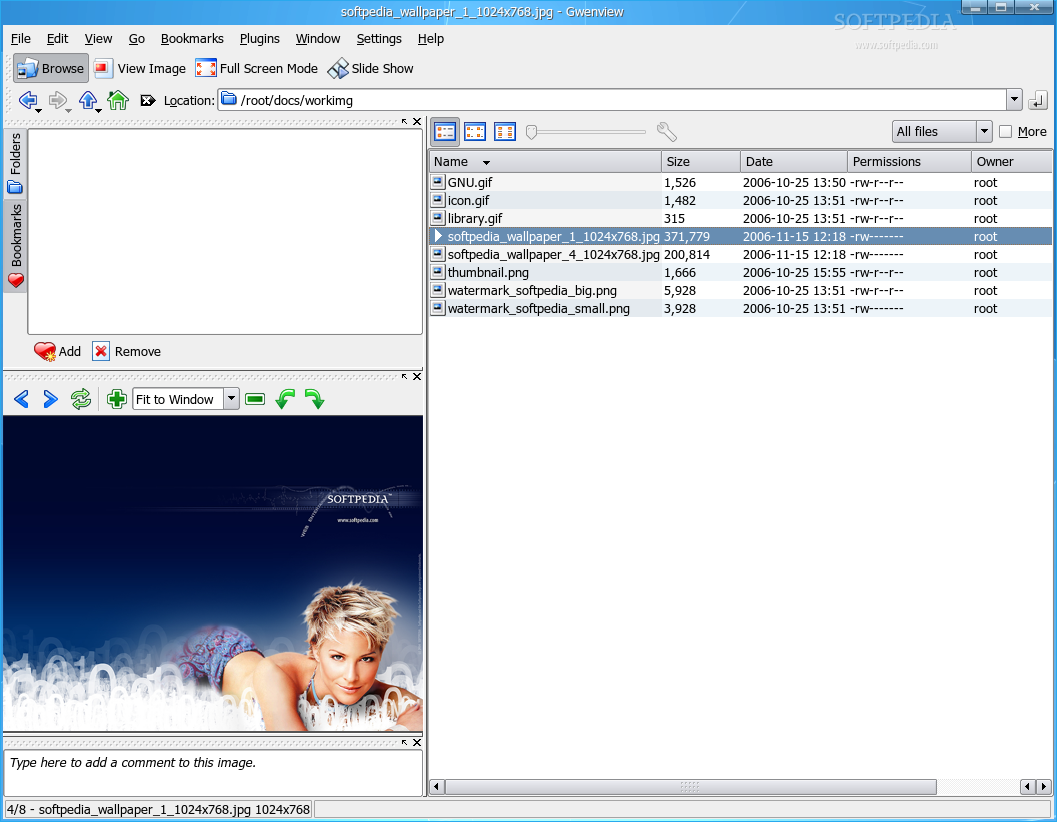
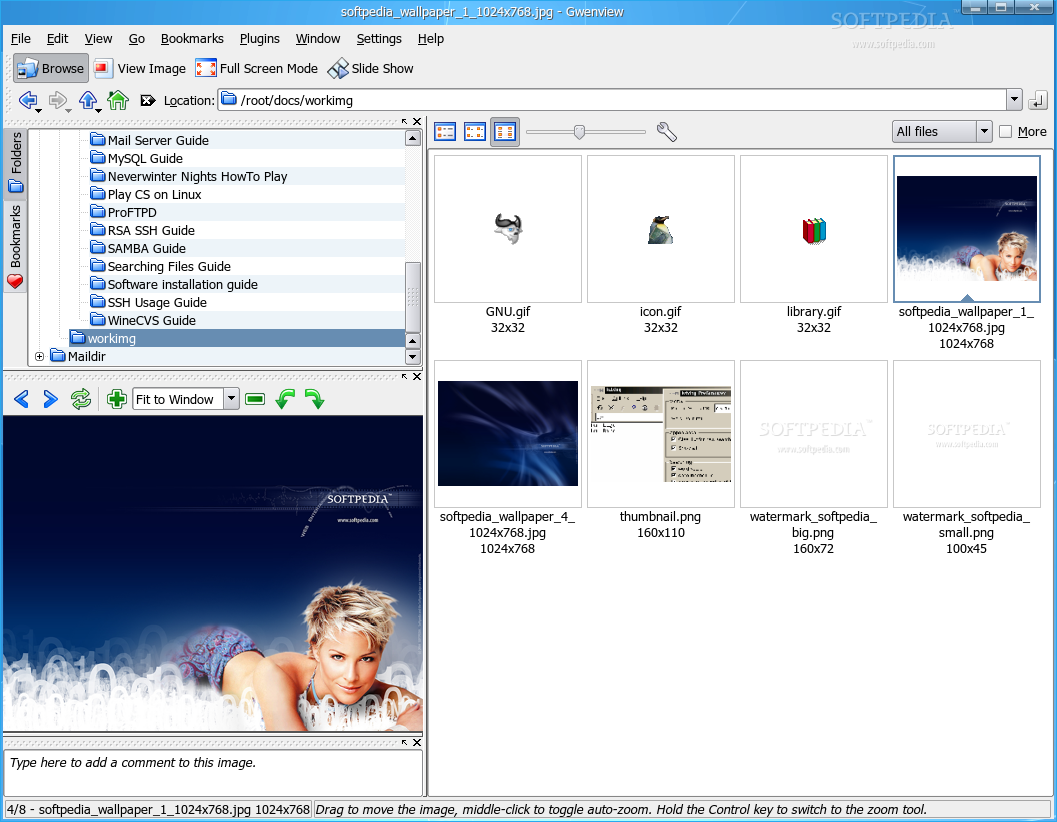
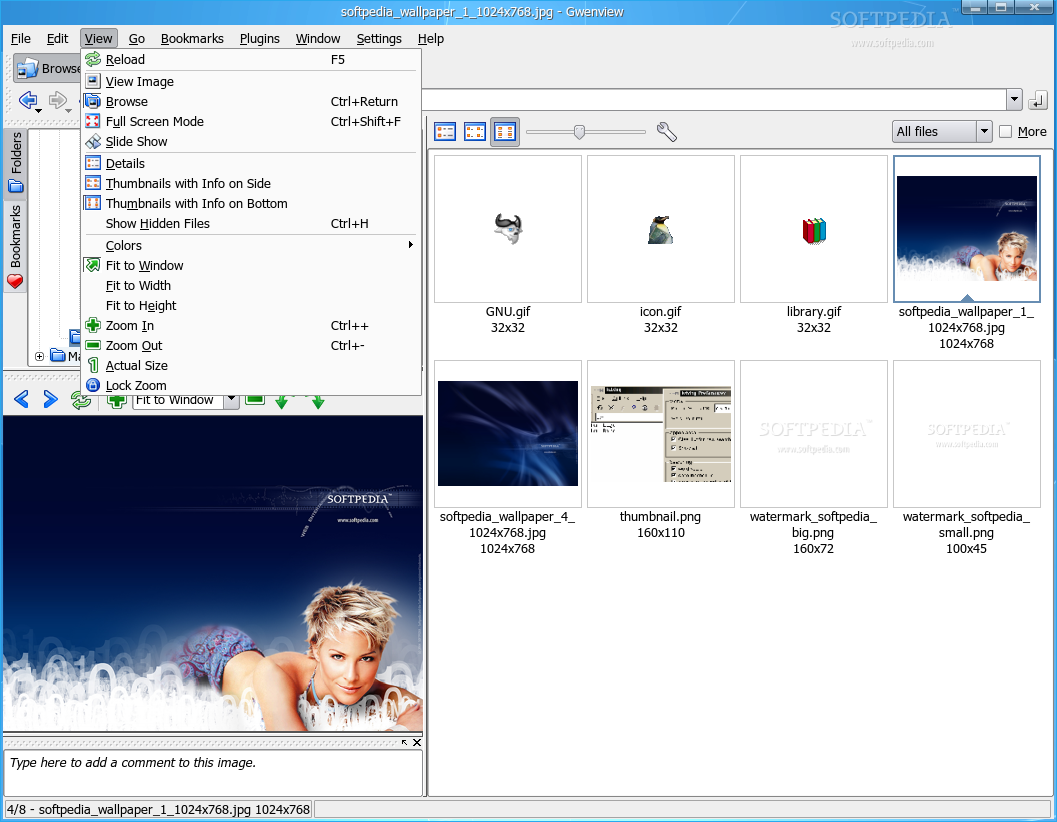
As an image viewer, Gwenview has four modes to show the pictures in a directory. The first is "Browse", which divides the screen in three sections, each with its own utility. In the upper left, you'll have a directory tree which allows you to browse through your computer and select the image directory you want. The whole right half will list the pictures (and other files) in the selected directory. The files can be listed as details, as thumbnails with info on side or as thumbnails with info on bottom, while the lower left section will show act as the image viewer, offering the image preview and tools regarding this action, such as zoom, next/previous and rotate left/right. More functions can be found in a menu which pops-up if you right click on the image.
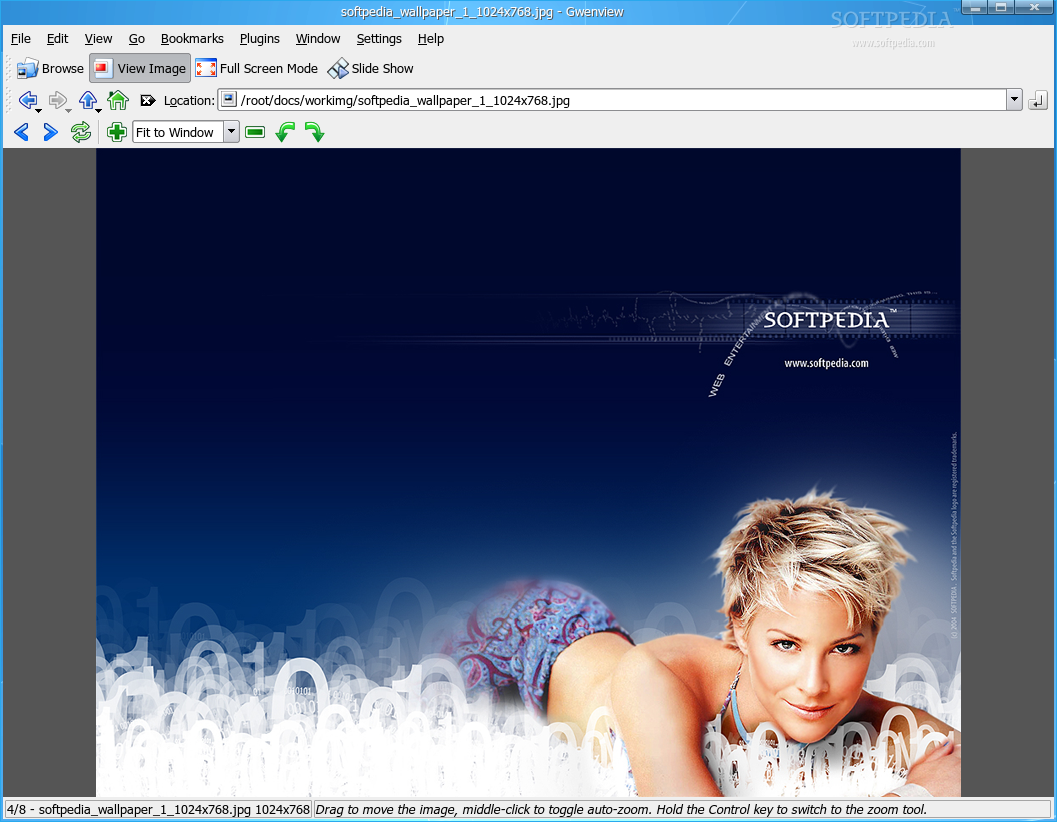
If "View Image" mode has been selected, the preview section will occupy most of the window, while there will be no directory tree or files listed. However, there will be a location bar where the image location can be typed in. The location can be a local folder, as well as a web location. The resemblance between Konqueror image viewer and Gwenview while viewing an image in full window will be astonishing.
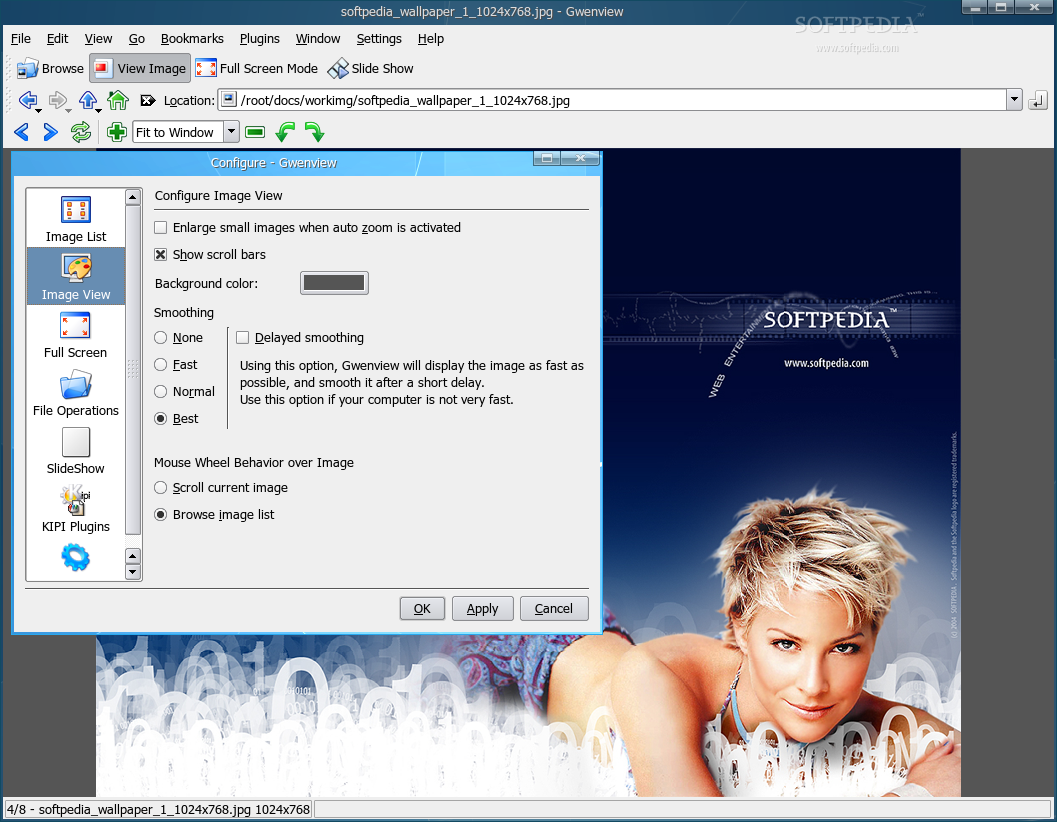
The last viewing mode is "Slide Show". I think it's obvious how this mode will show the pictures: in fullscreen, between a 10 seconds delay and eventually showing them randomly. These settings can be personalized by following the menu Settings / Configure Gwenview / SlideShow.
Gwenview supports most image formats but can also open Gimp files (*.xcf), SVG files and can even play videos. Moreover, it has a zoom lock function which allows you to keep the same zoom for all images. Another interesting feature is the ability to automatically rotate JPEG images according to their EXIF Orientation tag.
Image Manipulation
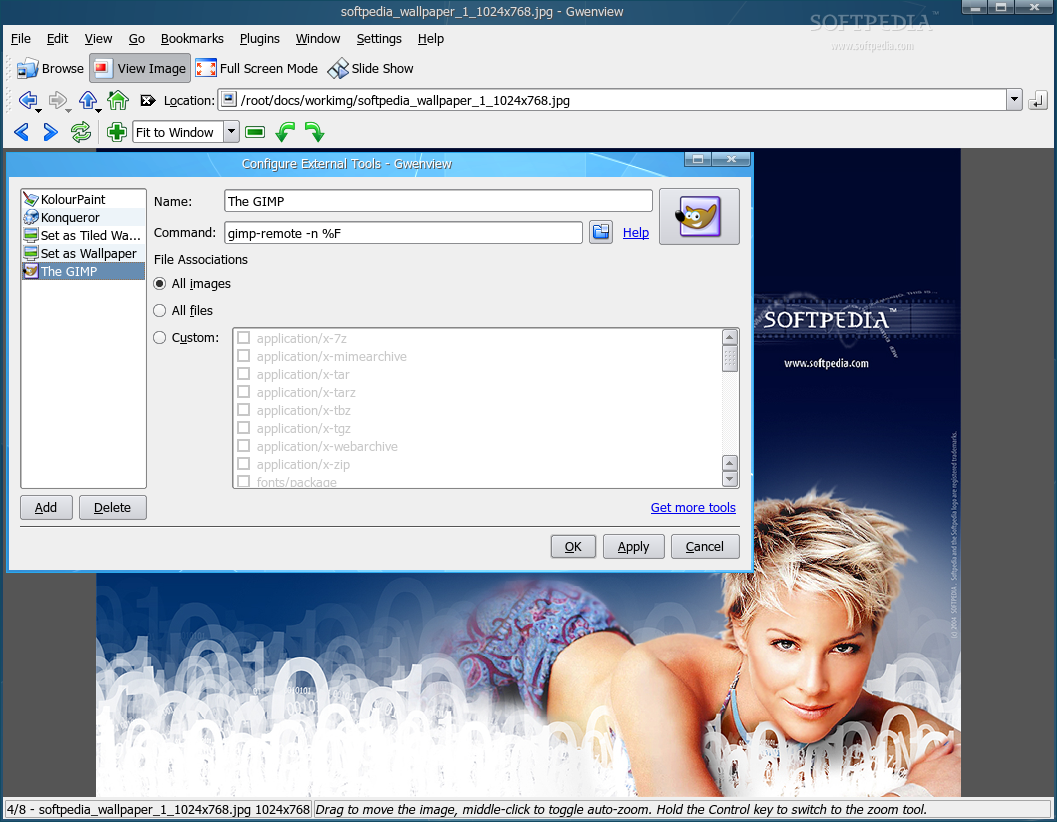
By default, Gwenview will allow you to perform most simple image manipulations such as rotate, mirror and flip. Even if you install the KIPI Plugins, it still won't be enough to replace your favorite image editor. However, Gwenview allows you to choose an external tool, such as a powerful image editor and open the image with it for more complex manipulations.
File Browser
You can easily turn Gwenview in a file browser by selecting the "Browser" mode. Basic file operations like copy, move, delete are supported. Moreover, Gwenview has drag'n'drop support and can also provide access to FTPs and Windows shares through KIO slaves (KDE Input/output programs that provide support for individual protocols like HTTP and FTP) and can easily browse through tarballs and zip files. The files can be either listed with detailed text information or with thumbnail view and simple text information, while the bookmarks can easily be shared with Konsole and KDE file dialogs.
Plugins and External Tools
Whether functions offered by default are not enough for you or you simply want your image viewer to support a lot more functions 'just in case', you can install all the KIPI plugins and external programs supported by Gwenview.
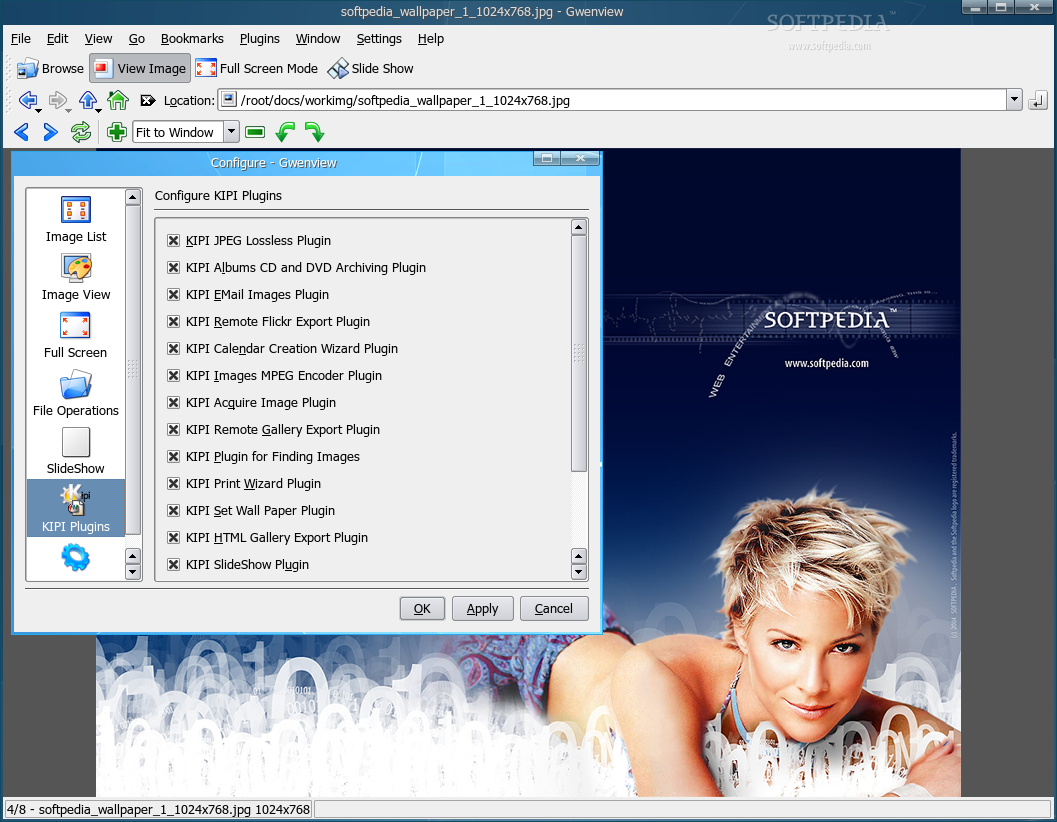
KIPI Plugins' purpose is to extend the host programs features and capabilities, while keeping a simple and intuitive interface so users can benefit from these new features without a headache. The main package is called kipi-plugins and can be easily installed using the package manager for each distribution. (For Fedora, simply type yum install kipi-plugins).
Once installed, you can choose what plugins to be enabled or not through the Settings / Configure Gwenview / KIPI Plugins menu and finally use them through the Plugins menu, once an image has been loaded. KIPI Plugins allows you to acquire images from digital camera, scanner or desktop (making a screenshot), perform mass image editing, generate a HTML gallery and a lot more.
The external tools function, however, works a little different. Here, all you have to do is define a program for a certain task and then click on that program from the Gwenview External Tools menu. Once you've done that, Gwenview will send that image to the external program and let it do all the work.
The Good
Gwenview is an image viewer for KDE which features a folder tree window and a file list and thumbnail window to provide easy navigation through your files. It has support for most image formats and can extend its functionality through KIPI Plugins.
The Bad
Bad things about Gwenview? I'm not sure it has any. Gwenview does its job as an image viewer very well but if you also want a good file browser and a great image editing software, you should use separate software packages because this one is just a file viewer with a twist and nothing more.
The Truth
Gwenview can be used as an image viewer, a file browser and an image editing software. While it does the job very well as an image viewer, it's not yet appropriate to be used for more. I've set Gwenview as my image viewer but for now, I'm still sticking to Konqueror as my file browser and Gimp as the image editing program. But who knows what future versions will it bring?
Check out some screenshots below: