14 DAY TRIAL //
 These days DVDs are very popular and banished the clunky old video tapes from the realms of video rental stores. DVD drives are no longer the expensive beasts they once were. The software to turn your everyday Linux box into a home entertainment system is becoming increasingly popular. The current review takes a look at one of the best video players available to Linux.
By default, MPlayer doesn't come with a GUI. There are a bunch of front-ends available for MPlayer and you might have thought that some of them were standalone programs when you previously encountered them but you should know that are just front-ends.
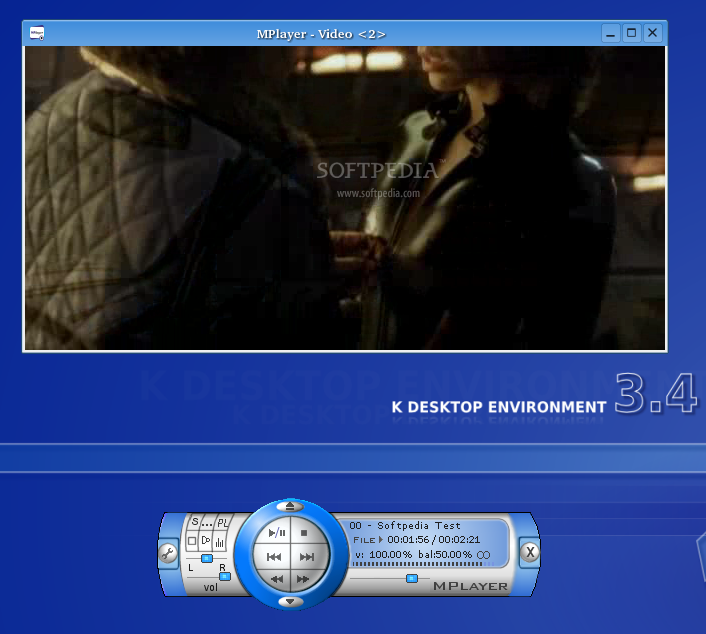
The next step after installing mplayer was to install gmplayer, because this is, sort of, the default front-end. Everybody uses one to be able to comfortably work with the player, as by itself, MPlayer is not that user-friendly. MPlayer is very versatile and supports a lot of features like an onscreen display (OSD) for status information, nice big antialiased, shaded subtitles and visual feedback for the keyboard.
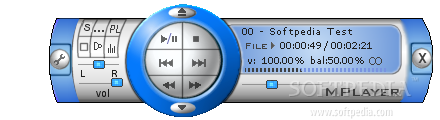
It plays almost any multimedia file you can imagine. The most common formats you can watch are VideoCD, SVCD, DVD, 3ivx, DivX 3/4/5 and even WMV! Using the right plugins, the list can go on and on. One important thing for most of us, when we like to relax watching a movie on the PC, is the looks of the software's window(s). I find the default skin of MPlayer a bit ugly and unoptimized. The good news is that you can find on the site a lot of very nice and even some wide-known skins.
The functionality
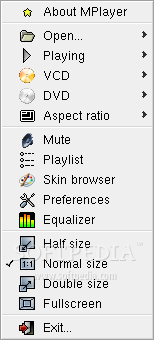
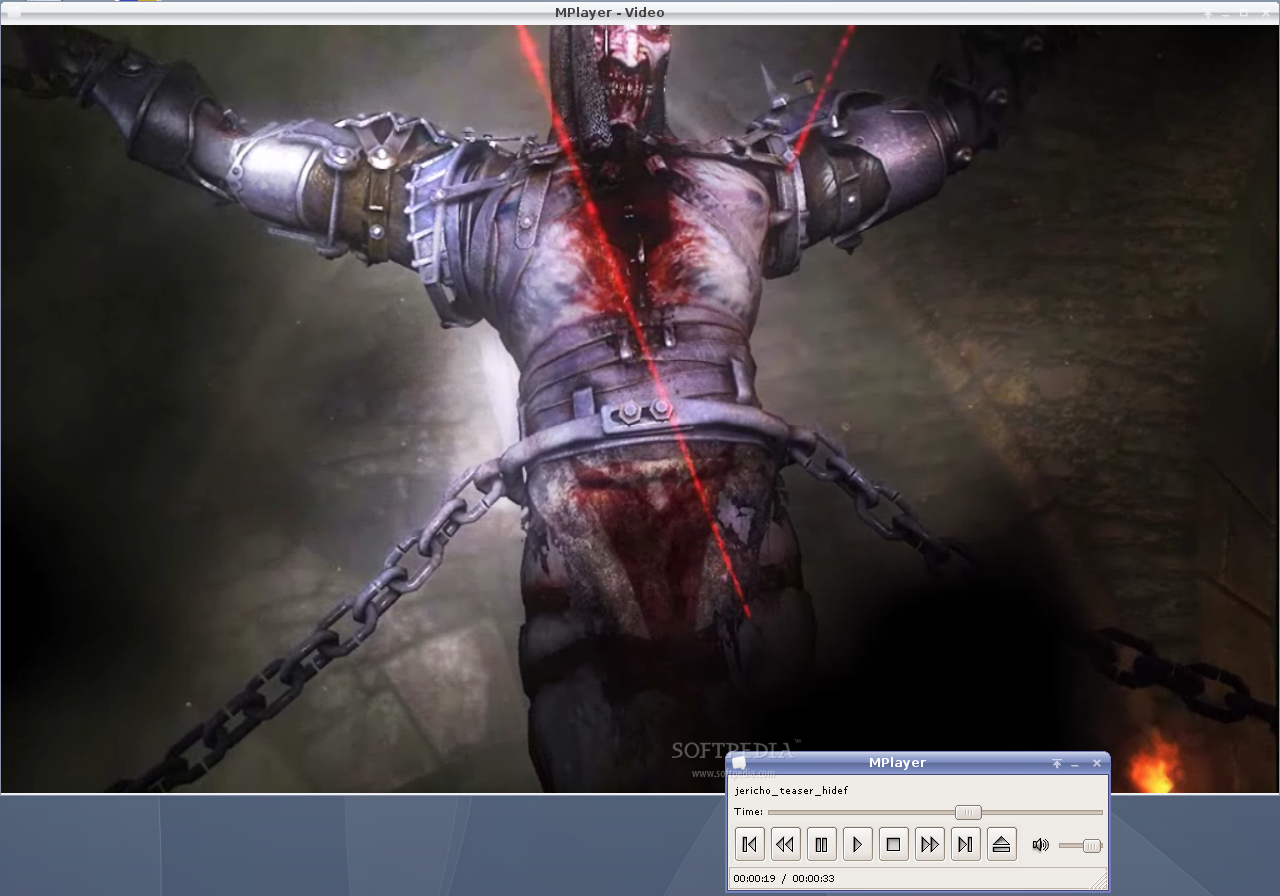
After installing gmplayer you can find a shortcut in the K or Gnome menu. When the program starts you will see that the interface is suggestive though is not very nice. Of special interest is the menu that appears when you right click the movie window. From there you can load your media, go to the preferences window, open the equalizer, browse skins and do many other actions. A nice feature that is not very common in Linux multimedia software is the possibility to play video streams, both via http and mms.
If you want to play DVDs you have to install libdvdcss, libdvdnav, libdvdplay, libdvdread. On my Fedora 4 the menu of the DVD didn't work correctly and I had to manually select the title because when the menu should have appeared the movie stopped. Another problem that I encounter with DVDs is that when I changed the subtitle or audio language, the movie started from the beginning of the chapter. I think that this second issue shouldn't bother very much because people don't just change the language in the middle of the movie.
One of the nicest things is that you can rewind the movie just using the scroll of the mouse and when you are doing that, the OSD shows the progress. You will also note that in MPlayer the movies rewind very fast. Another thing that I liked is the equalizer which works well and is particular useful for those of you who don't have a state of the art audio system.
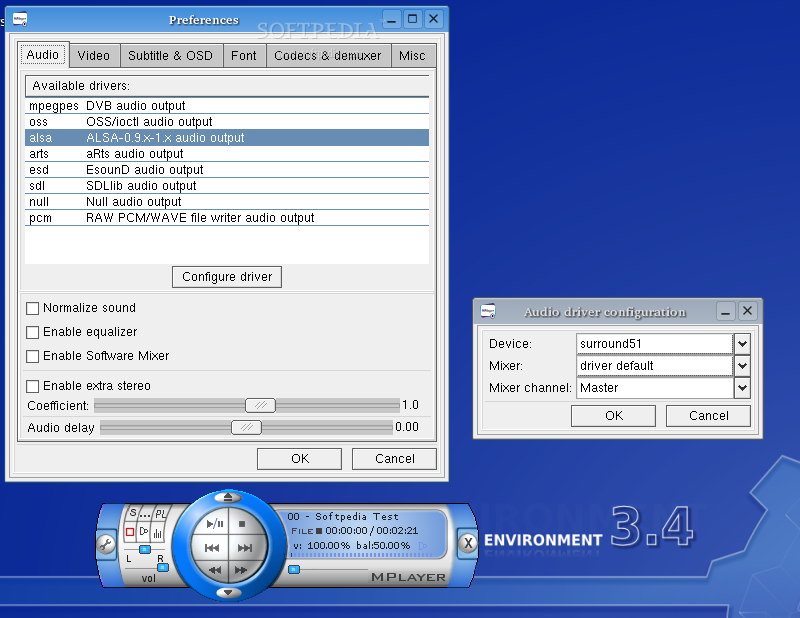
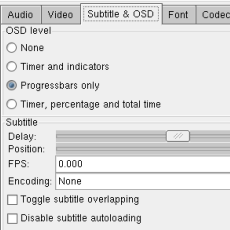
The thing that I didn't like about it is that the preferences menu is mostly for advanced users, but on the other side I liked that there are enough options to make it work if something is not just the way it should. From here you can select the audio and video drivers and also the settings for Subtitles & OSD, fonts, codecs and some other "misc" stuff. You should be careful when selecting the video driver because with a bad one the video image can be displayed incorrectly.
The Good
I like that with the gmplayer frontend and the right skin the player can look very nice and, at the same time, easily open all the media files you like. The OSD and the astonishing speed are heavy advantages for this player.
The Bad
Without proper configuration, the player looks bad and works the same as it looks. It is just not the day when everything works out of the box.
The truth
Well, there are a lot of good points to this software. Actually, I think it is the best video player for Linux so far. I recommend it over xine and VLC and I think that you can easily can use it as the main player because, as it is the most versatile video player in Linux.