14 DAY TRIAL //
 Do you love movies? Of course you do, but when you really want to enjoy your favorite movie, and the applications with which you want to watch it start to crash or don't support subtitles, or God knows what else, then you're in big trouble. What to do, what to do? MPlayer is the answer, my friends! It is the most widely used video player on Linux platforms all over the world. It has the ability to play back almost any video format out there, such as: DVD, SVCD, VCD, AVI, DIVX, XVID, ASF, WMV, RealVideo, OGG, MPEG-1/2, MOV, MP4, Matroska and many more. MPlayer can also play back most popular audio formats, such as: MP3, OGG, WMA, RealAudio.
Even if it doesn't come installed by default, MPlayer is very easy to install on popular distributions. However, after installation, you have to decide what frontend to use, because the player comes with one old and kinda ugly GUI (graphical user interface). Don't you worry about what user interface to use, 'cause there are many MPlayer GUIs out there to choose from, like KMplayer, SMPlayer, KPlayer or GNOME MPlayer.
Ubuntu users can install MPlayer by opening Synaptic Package Manager; after you did that, search for mplayer, click on it to mark it for installation and hit the Apply button. After you install MPlayer, you can find it in KMenu -> Multimedia -> MPlayer Movie Player (for KDE users) or Applications -> Sound & Video -> MPlayer (for GNOME users). MPlayer can also be installed via Automatix2 on Ubuntu or Debian systems. Come to think of it, this is the preferred method, because you can also install all the multimedia codecs you'll ever need, the desired graphical user interface and the proper Firefox mplayer plugin, at the same time.
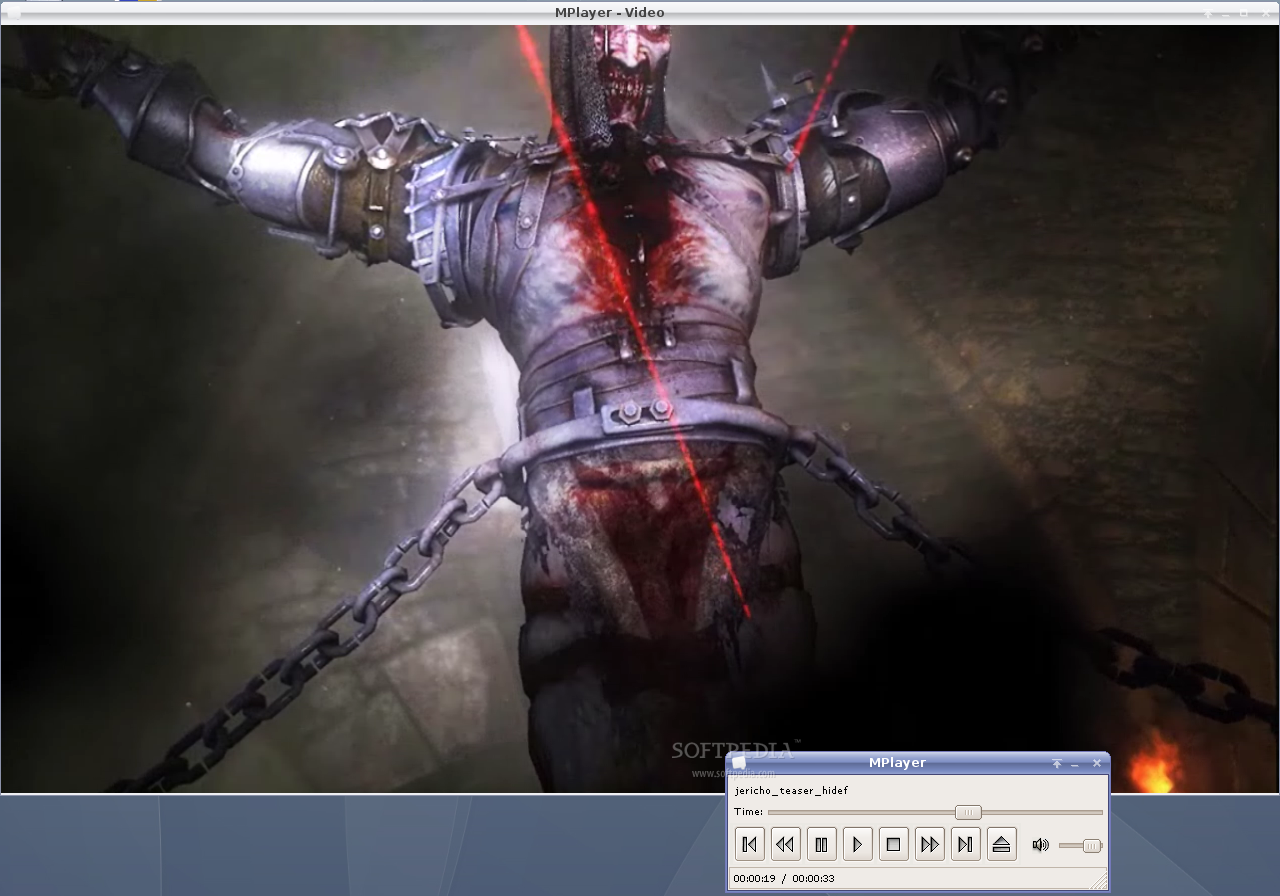
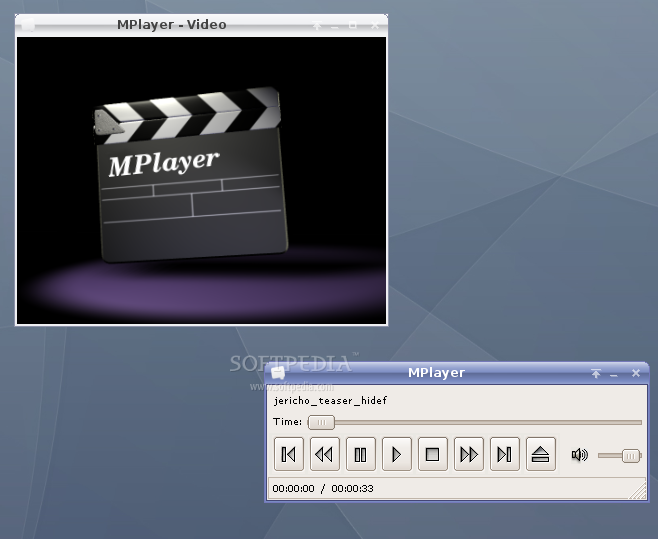
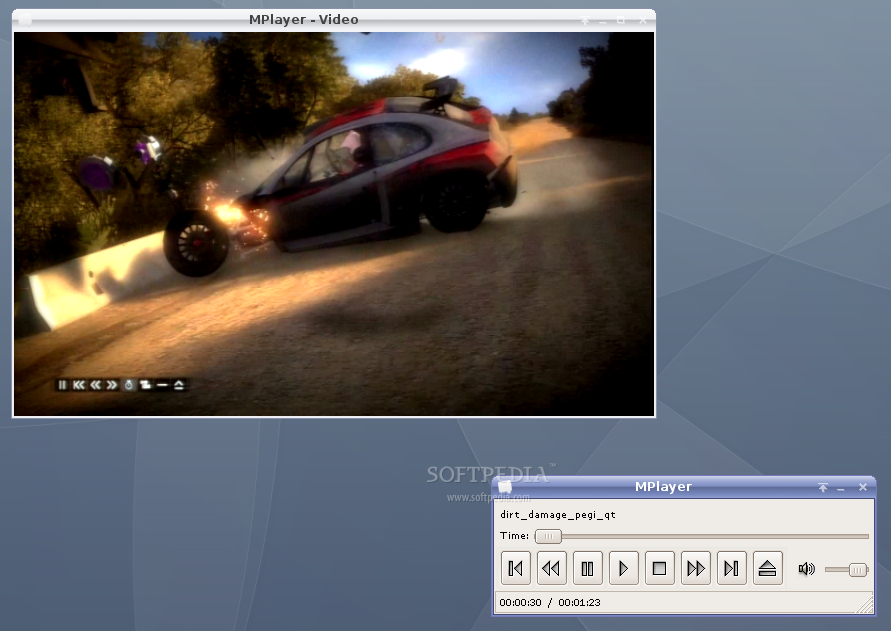
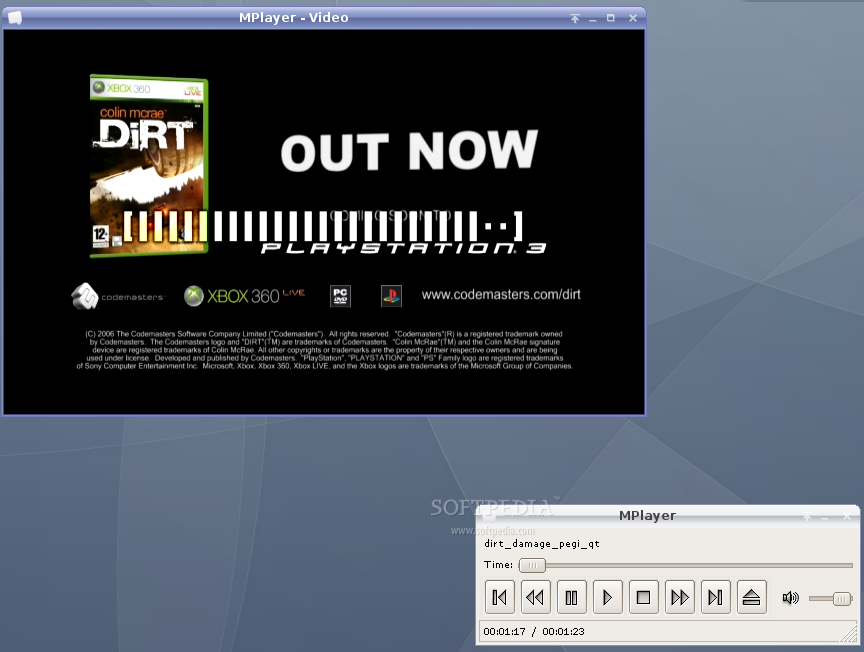
When the program starts, it will open two windows: one is the video playback window and the other one containing the player's control functions (Play, Stop, Rewind, Forward, Pause, Skip and Volume). Two windows? This is yet another handicap of the default graphical user interface, but to think of one good aspect, it's great that you can right click on both windows in order to access other advanced functions (select chapters, audio streams on DVDs, aspect ratio, load media files, load or drop subtitles) or the Preferences window.
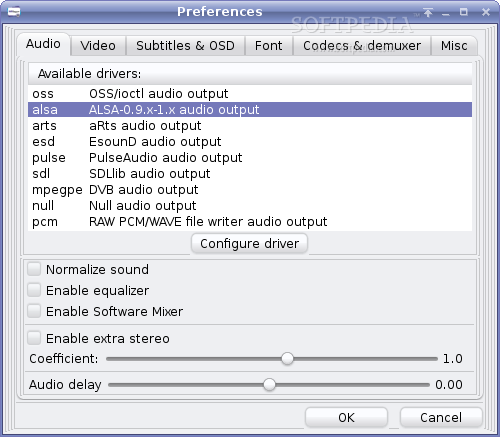
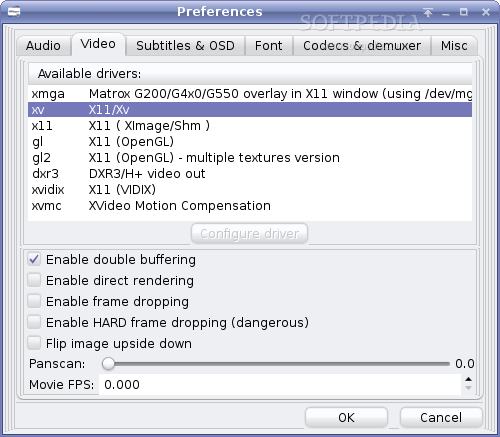
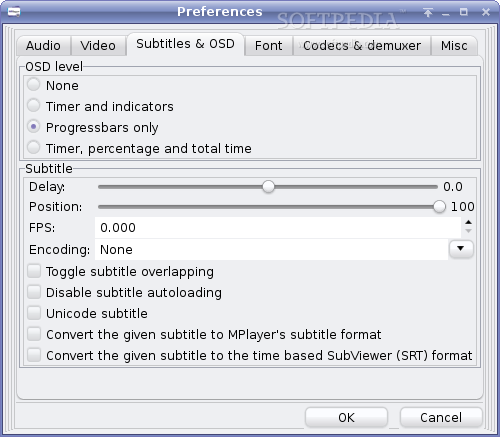
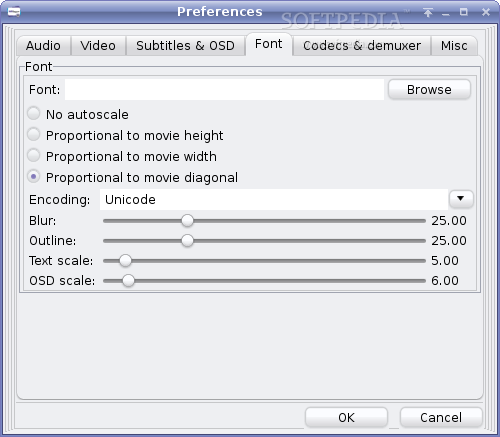
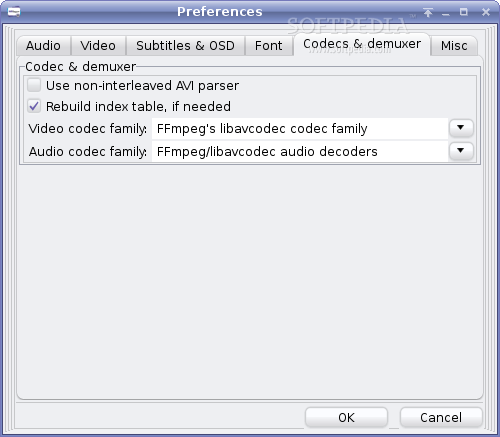
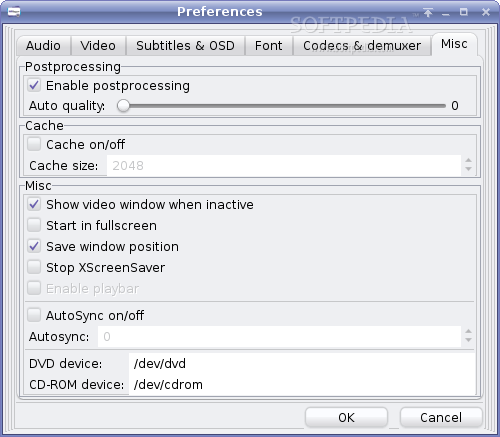
Talking about the Preferences window, when you first open it, a warning message will pop-up which lets you know that some options will take effect after you restart the player. I have to warn the new users, that the settings are mostly for advanced users, especially those from Audio and Video tabs. So, if you don't have audio and/or video, I recommend to select 'alsa' on the Audio tab and 'xv' on the Video tab. Moreover, in the Codecs & demuxer tab, it would be a very good idea to check the 'Rebuild index table, if needed' option and in the Misc tab, be sure to check the 'Enable postprocessing' option. Yet another bad thing about the default GUI is that it still keeps those old paths to the optical device drive. Therefore, if you insert a DVD-Video, SVCD (Super VideoCD) or VCD (VideoCD) and you want to play it with MPlayer, then you must find and set the correct path to the optical drive.
Seeking backward and forward through the video you're watching has never been easier than this, as MPlayer allows you to quickly search what you're looking for, just with the mouse wheel. The best part of MPlayer's seek function is that you will also have audio while searching through the video stream, function that you'll not see in many video players. Another great thing I liked about MPlayer is that it allows you to enter full screen mode, just by double clicking with your mouse on the video window. And if we're talking about controlling the MPlayer, you should know that it has a command-driven control layer which allows you to use the keyboard, mouse, joystick or a remote control (with LIRC).
MPlayer has the ability to automatically mount and play CUE/BIN images, TiVo live streams, DVB (Digital Video Broadcasting), SDP, MPST, MMS, PVR, as well as TV and Radio channels. It is also able to read popular subtitles such as MicroDVD, SubRip, OGM, SubViewer, Sami, VPlayer, RT, SSA, AQTitle, JACOsub, PJS and DVD subtitles (SPU streams, VOBsub and Closed Captions).
The Good
It's a very smart video player application, which can read many (almost all) video file formats, even the latest 720p and 1080p video streams. You can easily search back and forward through the video, with the mouse wheel. And best of all, it never crashed on my machine.
The Bad
I definitely don't like that default graphical user interface (GUI), because it's inaesthetic (even with the right skin) and old (it doesn't highlight all its functions).
The truth
I said this before, but I have to say it again: MPlayer is, was and will be the best video player Linux ever had! And most of all, with the right graphical user interface (GUI) it really rocks! I recommend this player to all Linux newbies and gurus.
Here are some snapshots of the application in action: