14 DAY TRIAL //
 Sometimes you need a tool to help you easily view and edit the GRUB boot loader, without going through text editors and changing manually system files. For this kind of stuff QGRUBEditor was created. For the beginning, the most important question is:"What is GRUB?". So let's answer it. GNU GRUB is a boot loader package that came from the GNU Project. It allows a user to have different operating systems on his computer at the same time and gives him the ability to choose between them when the computer starts. This boot-loader can also select from different kernel images available on a particular operating system's partitions and to pass boot-time parameters to these kernels. GRUB provides a simple command line interface where users can write new boot sequences, but QGrubEditor has the advantage of a graphical interface that can be run as a normal application on Linux.
After you get your hands on QGRUBEditor you should make sure you have Qt4 installed. You could verify that by typing in a console "whereis qt4". This should indicate its location, pointing out to /usr/lib/qt4, /usr/include/qt4 and /usr/share/qt4 by default. If you don't have it, you can use the "sudo apt-get install libqt4-dev" command to get it, if you're on Ubuntu. I didn't have it installed on my Ubuntu 7.04 machine, so I had to set it up using the aforementioned command. Another thing you should verify is whether you have the g++ compiler. If you don't, use "sudo apt-get install g++". Things can be very easy on Ubuntu, you only have to type one single command and... VOILA! The program or library is on your system, waiting for you to use it. After your system meets all requirements, launch a terminal and go to the folder where you've extracted QGRUBEditor. Here you should type "qmake-qt4" followed by "make" and "make install". The last command is a little bit different for the Ubuntu users, you will have to type "sudo make install" to gain root privileges, otherwise that command is useless.
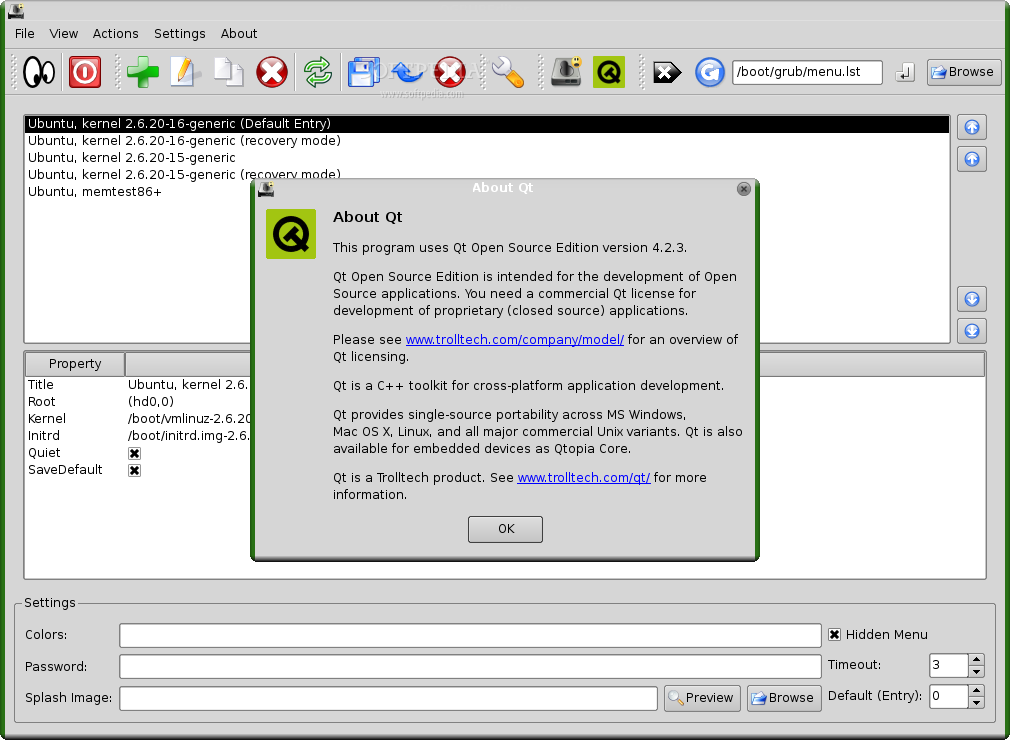
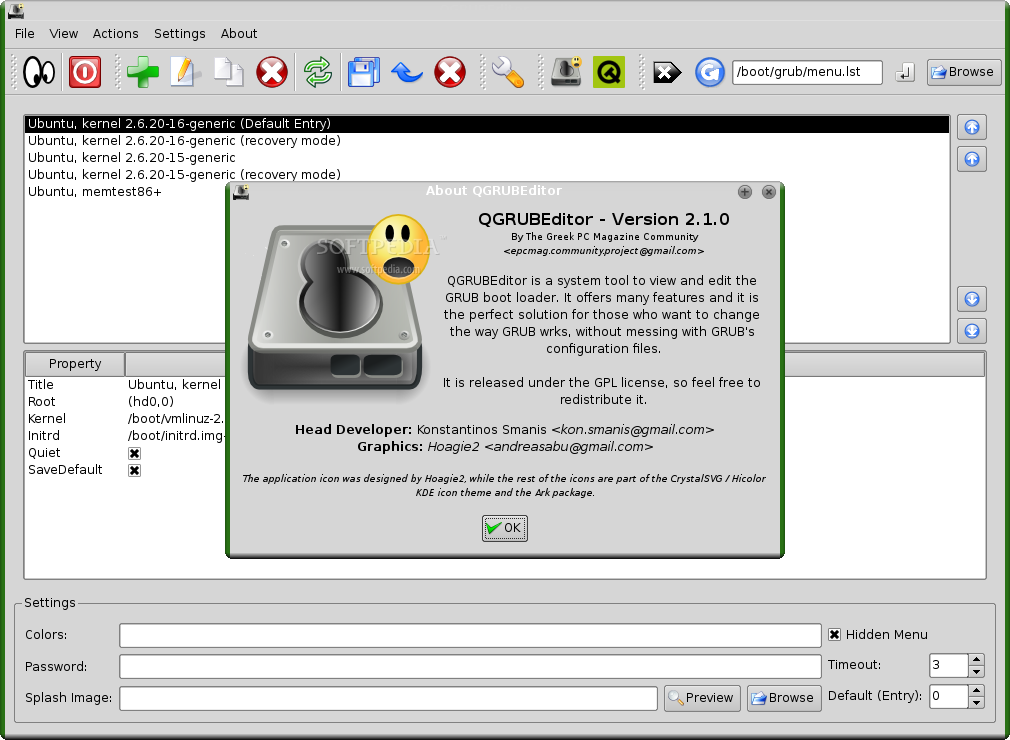
When I started the application I was asked for the admin password. This can only mean that things can get a little bit messy if you're not careful with what you change in this program. I found out afterwards that QGRUBEditor makes back-ups every time it accesses a file, to prevent data loss, giving the back-up a name that resembles the original file. After that the user can restore the back-up with no problems. Anyway, I advise you to be careful, you never know what could happen. The next thing you'll see after you're asked for the admin password will be a window splitted in two and some nice, beautiful icons. These are actually from the Crystal SVG / Hicolor KDE icon theme, the only original one is QGRUBEditor's icon.
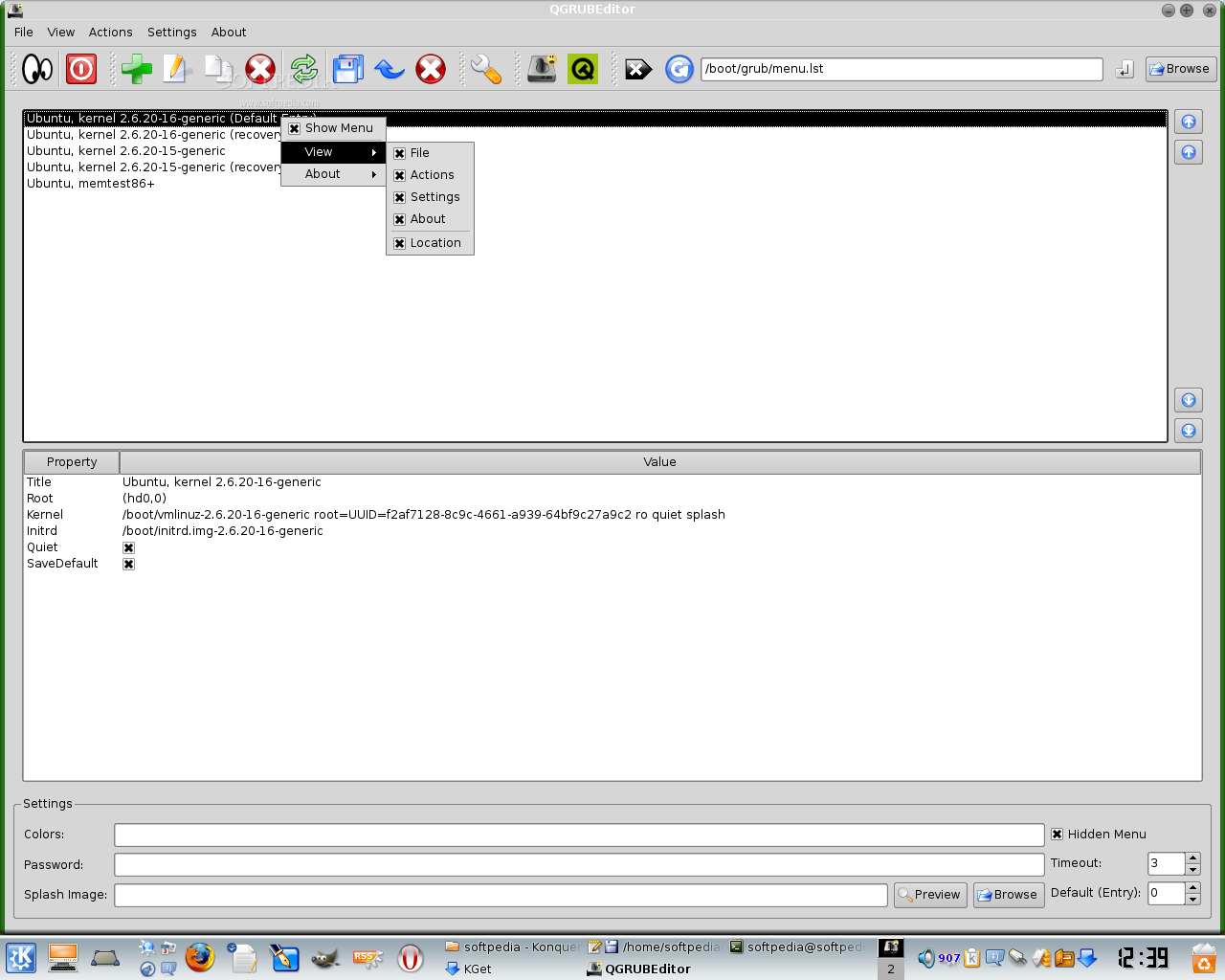
In the upper window you can find all the entries from /boot/grub/menu.lst, a file where GRUB lists every operating system installed on your computer. The default entry is highlighted with green, but you can change the color by going to "Settings", or by pressing Ctrl+S if you have another favorite color. Click on one of the entries in this list. You'll see some changes in the other panel, like the path to the kernel and its parameters, the title of the entry, etc. Under this panel you'll see the settings for the selected entry. I really like the fact that you can easily change the splash image from here and you can put a password on the booting of an operating system. Also, you can change the time until the default entry starts, calculated in seconds. I don't know exactly for what the Colors field was made, because I don't know whether you can specify the number of colors (like 256 colors, 16-bit, etc.) or it's for something else. I believe it was made for the first option, choosing the number of colors. The developers should've thought about giving explanations for every function that appeared in their program. I don't like to see beginners left aside and no help being provided with the program. The "what's this?" function is missing and the documentation provided with the package doesn't offer in-depth help.
Right clicking on an entry doesn't open a pop-up menu that contains the most important functions as I expected, it opens the "View" menu. I don't know what the use of this might be; it encumbers the work of the user and if someone wants to hide some toolbars he or she can simply go to "View" and uncheck the option related to the toolbar.
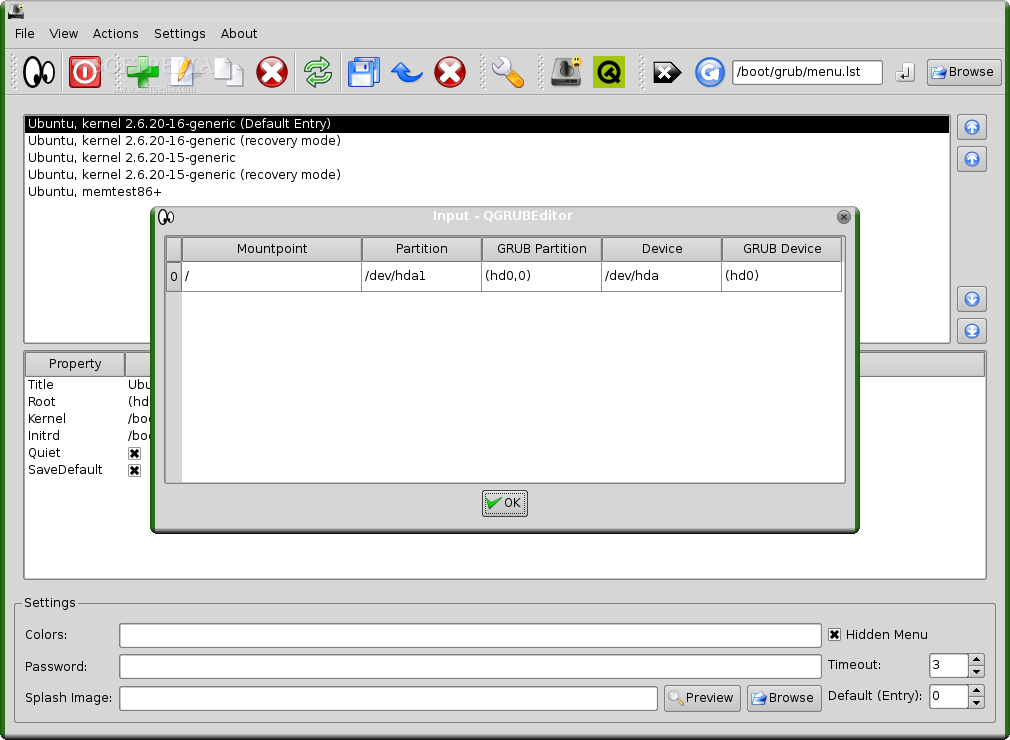
The buttons on the main interface lead to functions that are available through the drop-down menus, including all important functions and some more that don't help the user in any way (like the "About" button). In the "File" menu there are just two buttons: "View Input" and "Quit". All important functions can be accessed through keyboard shortcuts, like Ctrl+V for "View Input" or Ctrl+Q for "Quit". The "View" menu lets the user show or hide the toolbars, a good function if you don't need so many buttons on your screen.
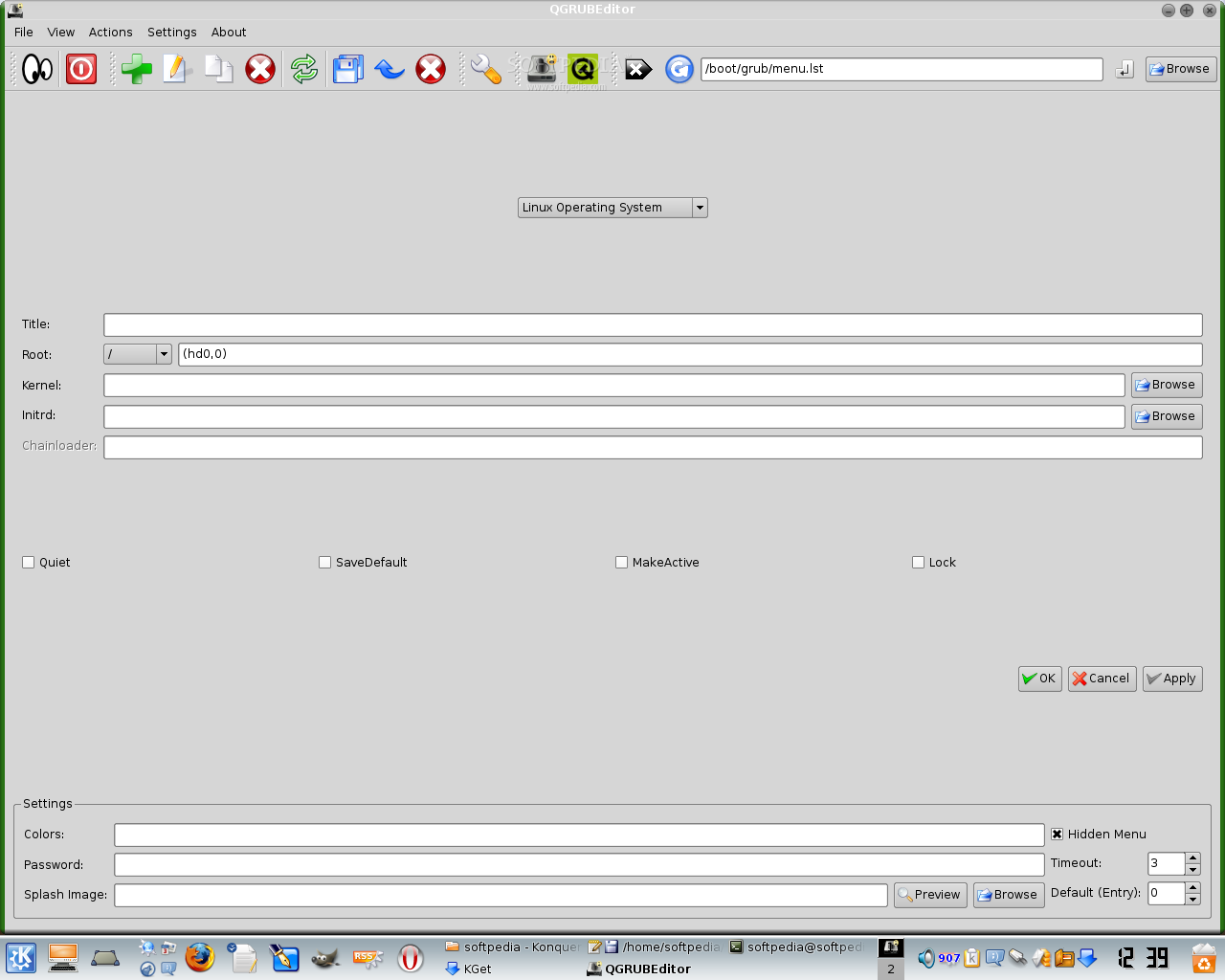
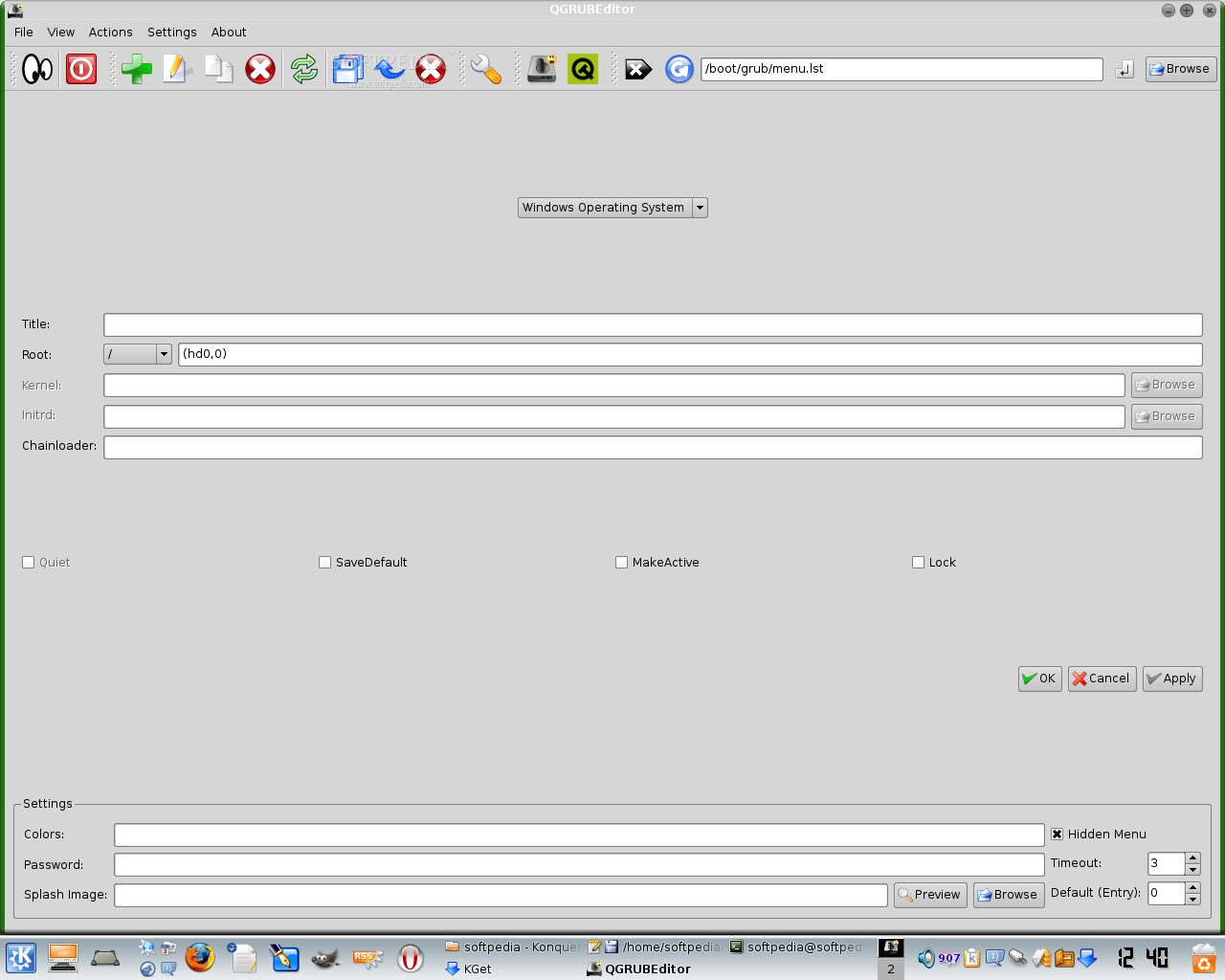
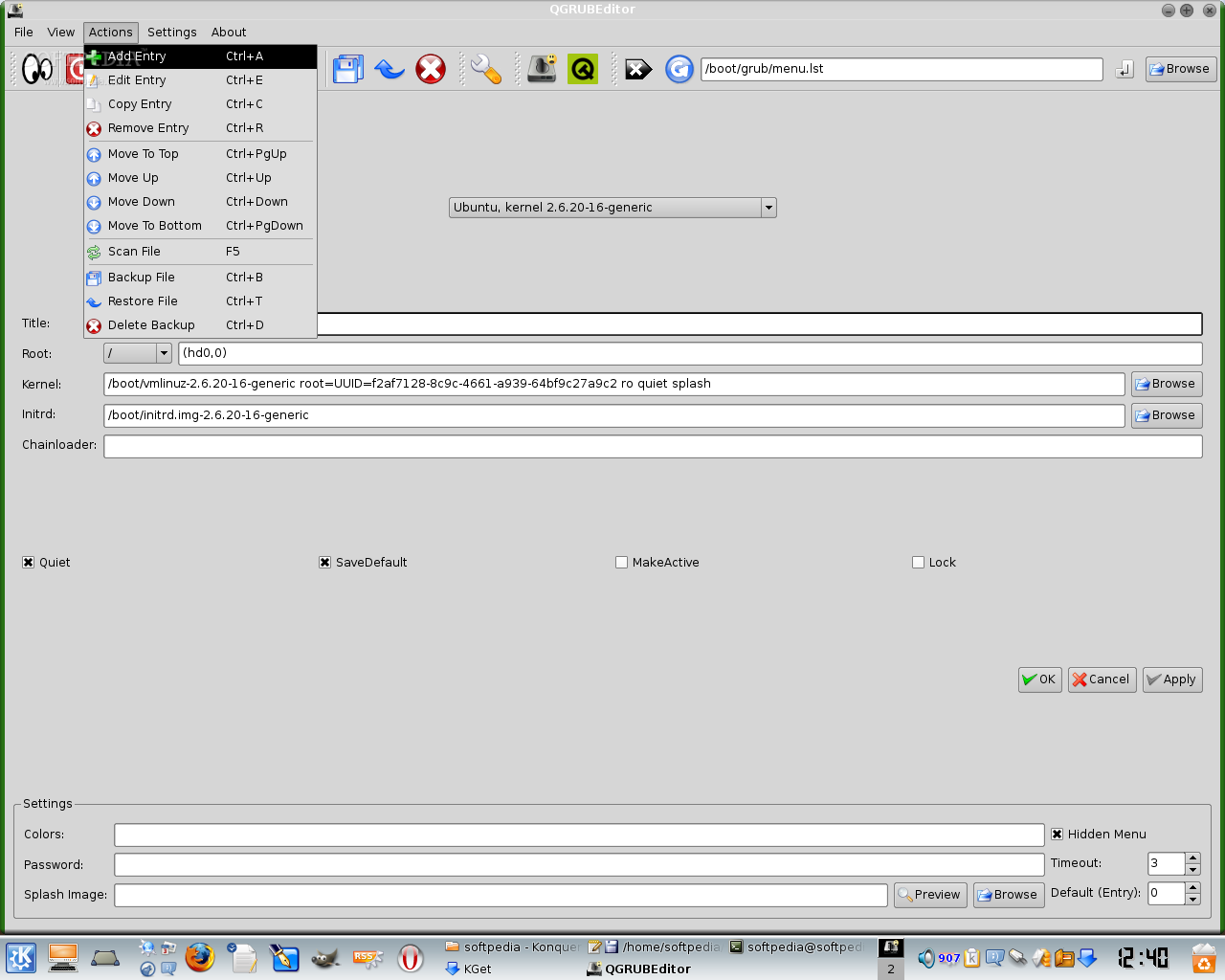
The third menu is "Actions", where you can choose from adding new entries to the /boot/grub/menu.lst file to removing entries and refreshing the list. Also, from here you can back-up and restore the files you've modified through QGRUBEditor. The deleting of back-ups is also permitted. Be careful what key combinations you use, some may differ from the normal usage.
The last one is "Settings", split in three different sections: General, Paths and Language. I always come across the same problem in the software I use: no explanations for the options! I want to know what "Smart Cropping" is. What does it do?! Does it affect the files I edited in some way? And what's the difference between the "Quick Mode" and the "Advanced Mode" of backing up/restoring/deleting files? I would really like to know these answers, but there's no help, not even a small hint.
In "Settings" --> "Paths" you will encounter the paths to menu.lst, device.map and mtab files. You can change them, if you are unsure of what you've done, where they indicated before by clicking on "Restore Default".
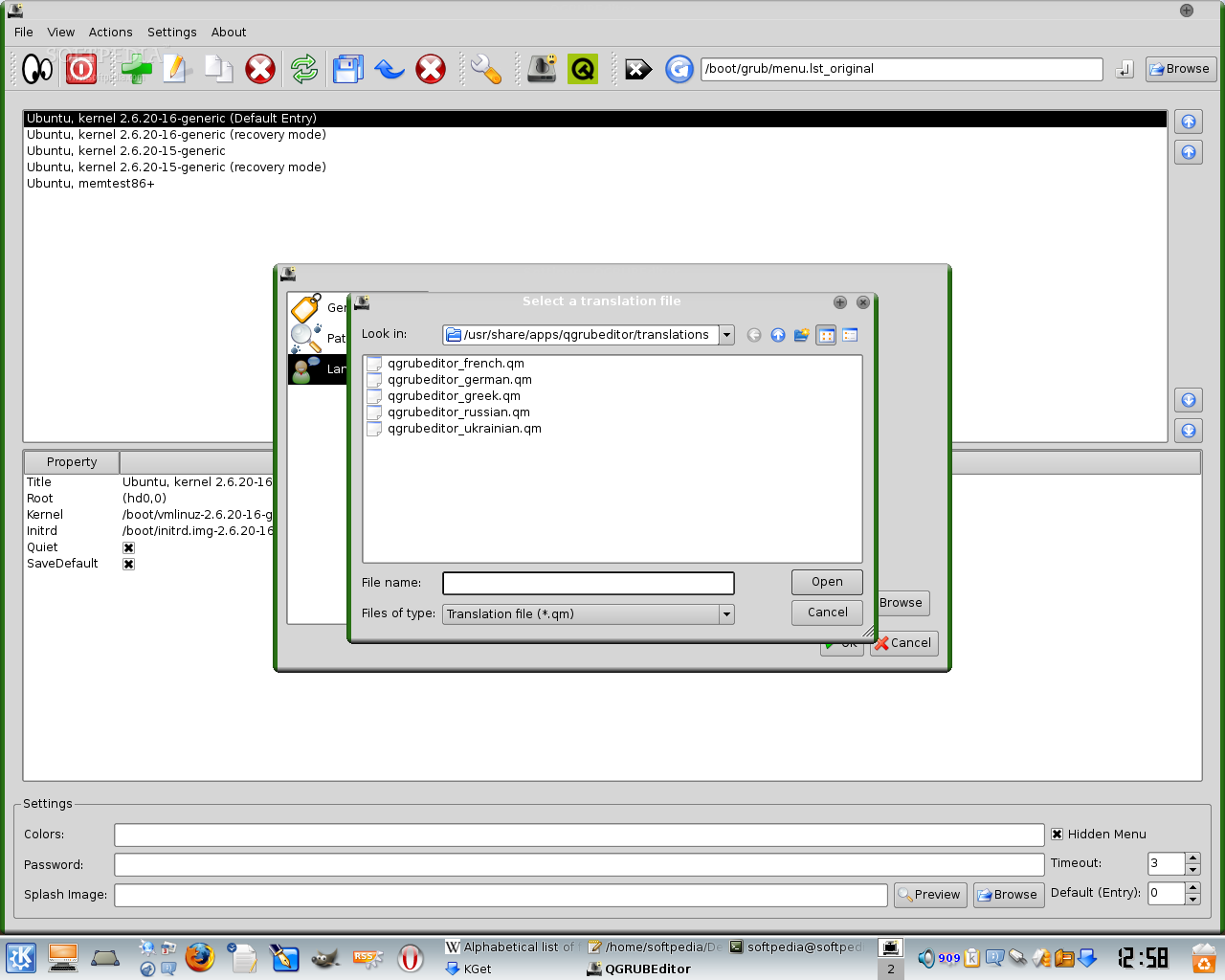
I've noticed there is an increasing community around QGRUBEditor, with members from all around the world. The proof for this statement could be the translations, like French, German, Greek, etc. You can change the program's language, but you have to restart it for the changes to take place. If you want it back in English, you'll have to leave the "Translation File Location" field empty.
The Good
QGRUBEditor's small size and intuitive interface makes it a perfect tool for administering your GRUB loader entries, changing their parameters and the way GRUB looks without getting into much detail.
The Bad
There is no help system, contextual menus are strange and don't ease the work of a user. Another aspect that I didn't like was the lack of a good documentation.
The Truth
The same actions done with this application can be performed with a text editor by changing some files. The translations are very well made and very soon we'll see more of them.
Here are some screenshots of QGRUBEditor in action: