14 DAY TRIAL //
 Ever since we were little kids we would build small houses from Lego or other plastic bricks and imagine ourselves getting inside. Our imagination was enough for that age, but as we grow older we realized there are other options to be had, Sweet Home 3D being one of them, and a free one at that.
Sweet Home 3D is one of many applications on the market that can be used to virtually design your house, without having to learn to much stuff. The main problem users face is the steep price of such applications, as it usually tends to be really high. Linux users in particular have an additional hurdle to pass. There are just a couple of software that can claim to fit into this category.
Installation
Sweet Home 3D comes in a ton of formats. The main download is provided in jnlp format (JAVA Web Start), which means users need only to have the latest Java Runtime Environment and the web downloader will do the rest.
The developers, eTeks, also offer a complete package, with JAVA bundled, and even the source package for people who want to contribute to the development of the program.
Various plug-ins are also provided on the website and even an other software called Furniture Library Editor, which can be quite useful. This application allows users to create SH3F files and edit the properties of the 3D models it contains.
eTeks also provides Sweet Home 3D Viewer which contains the files of an applet that you can upload on your web site to display the 3D view of a Sweet Home 3D file.
Usage
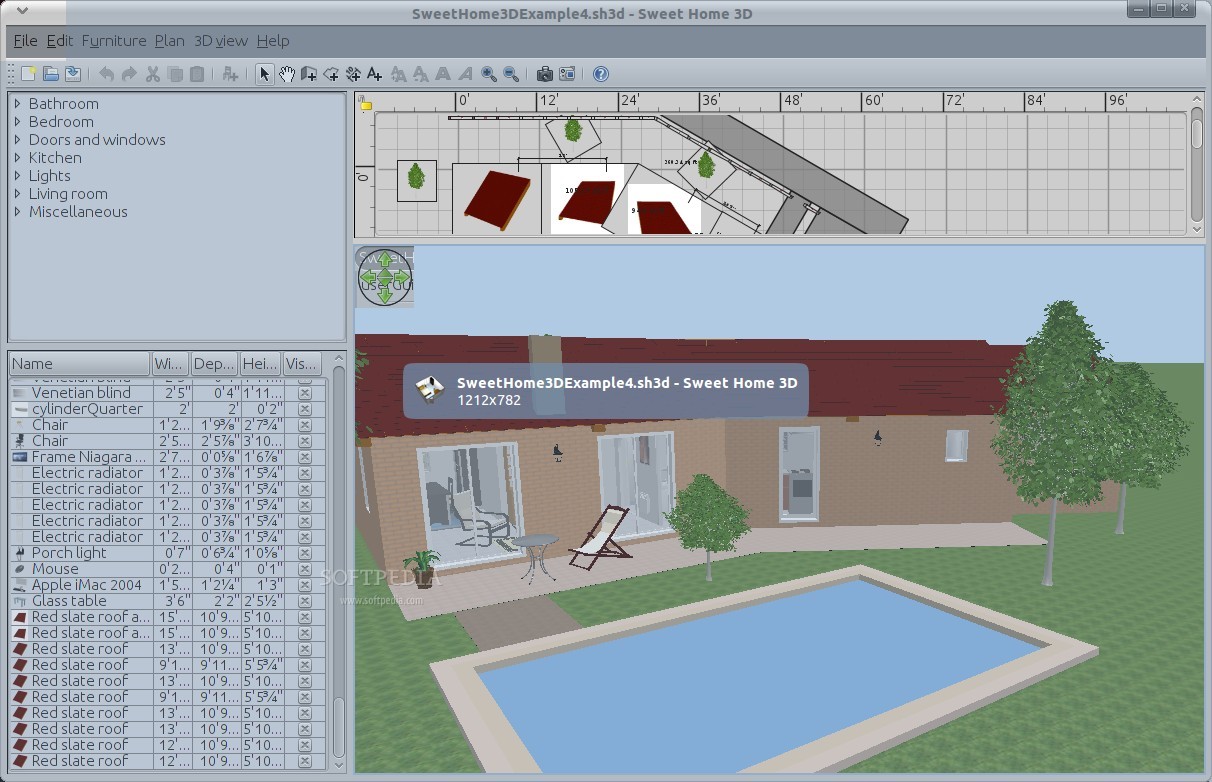
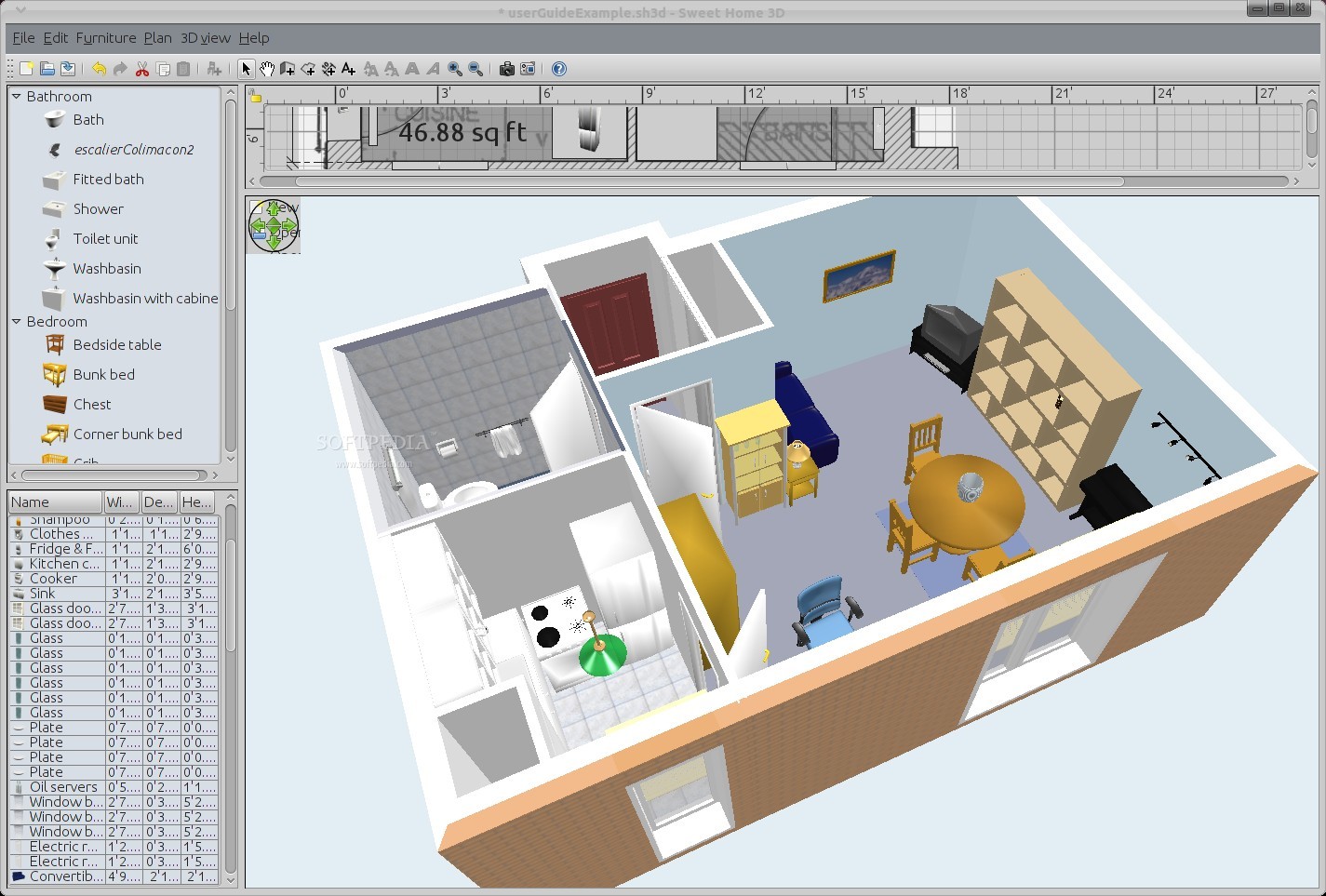
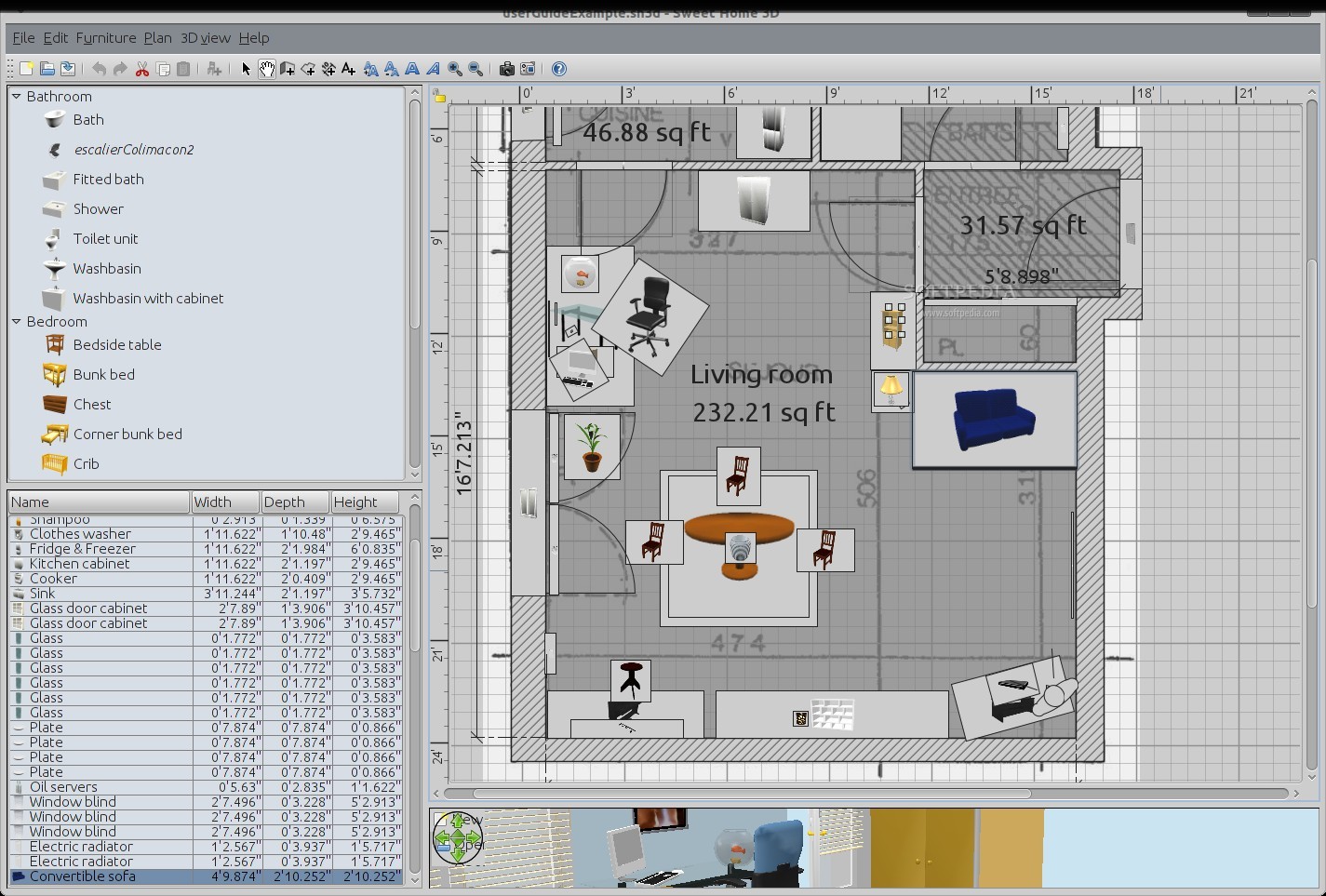
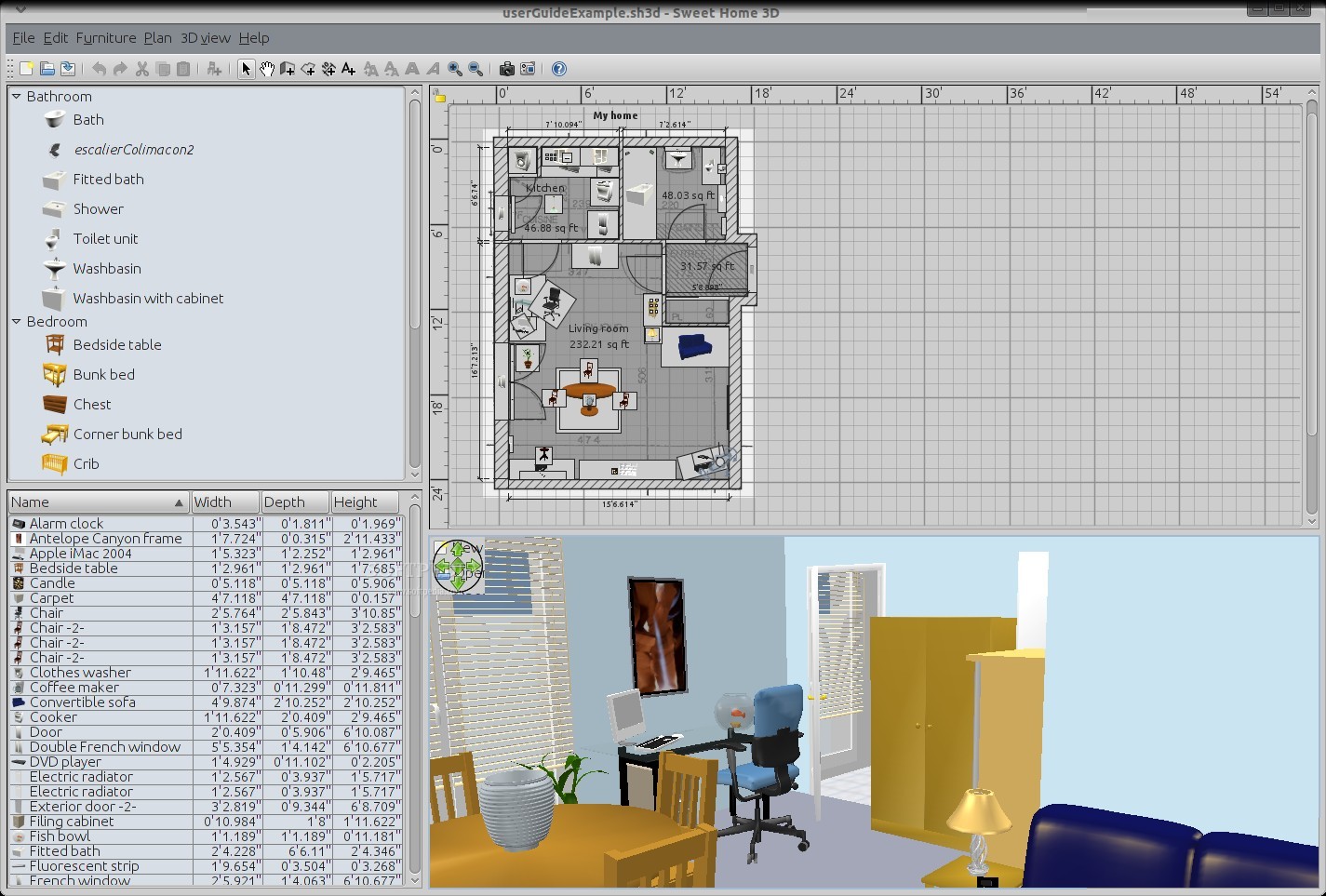
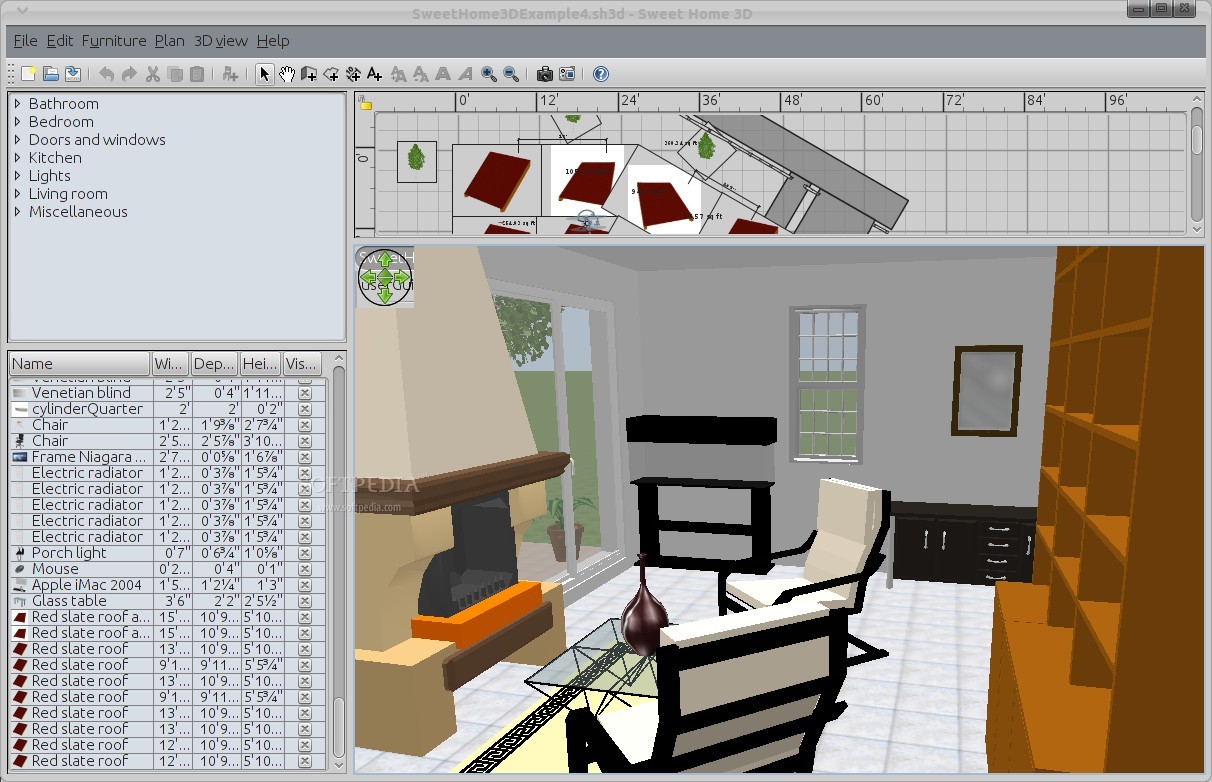
The program starts really fast and it's partitioned in four major panes. One manages the library, another one displays the parameters of the objects and textures, the third one shows a 2D grid in which all the designing takes place, and the fourth one is used to view the project in 3D and to move freely inside it.
Any project can be set-up fairly simple, in the upper right side of the program, first by dragging the wall and by defining the overall dimensions of the house. Measurements are offered in inches by default, but the metric system is also available.
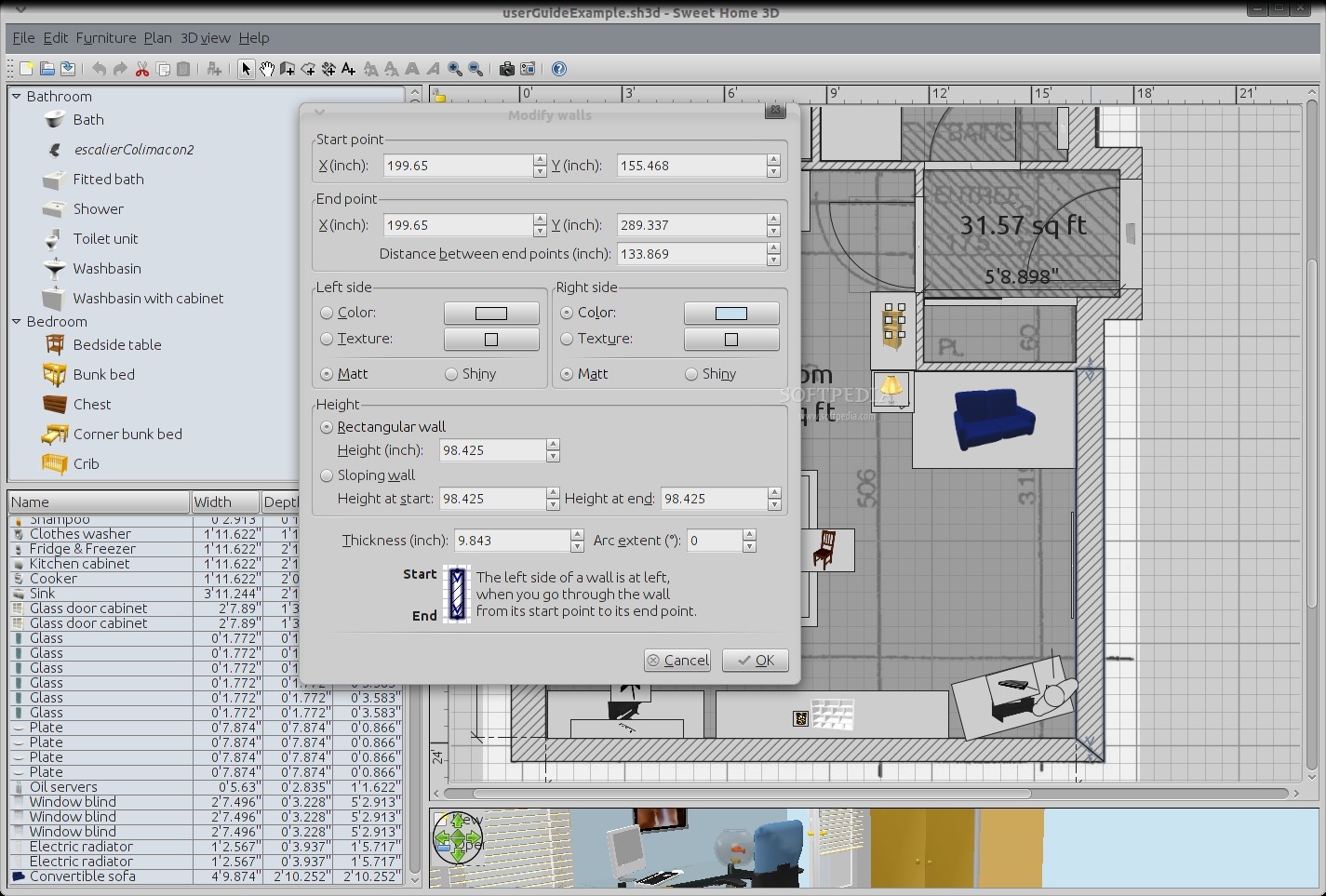
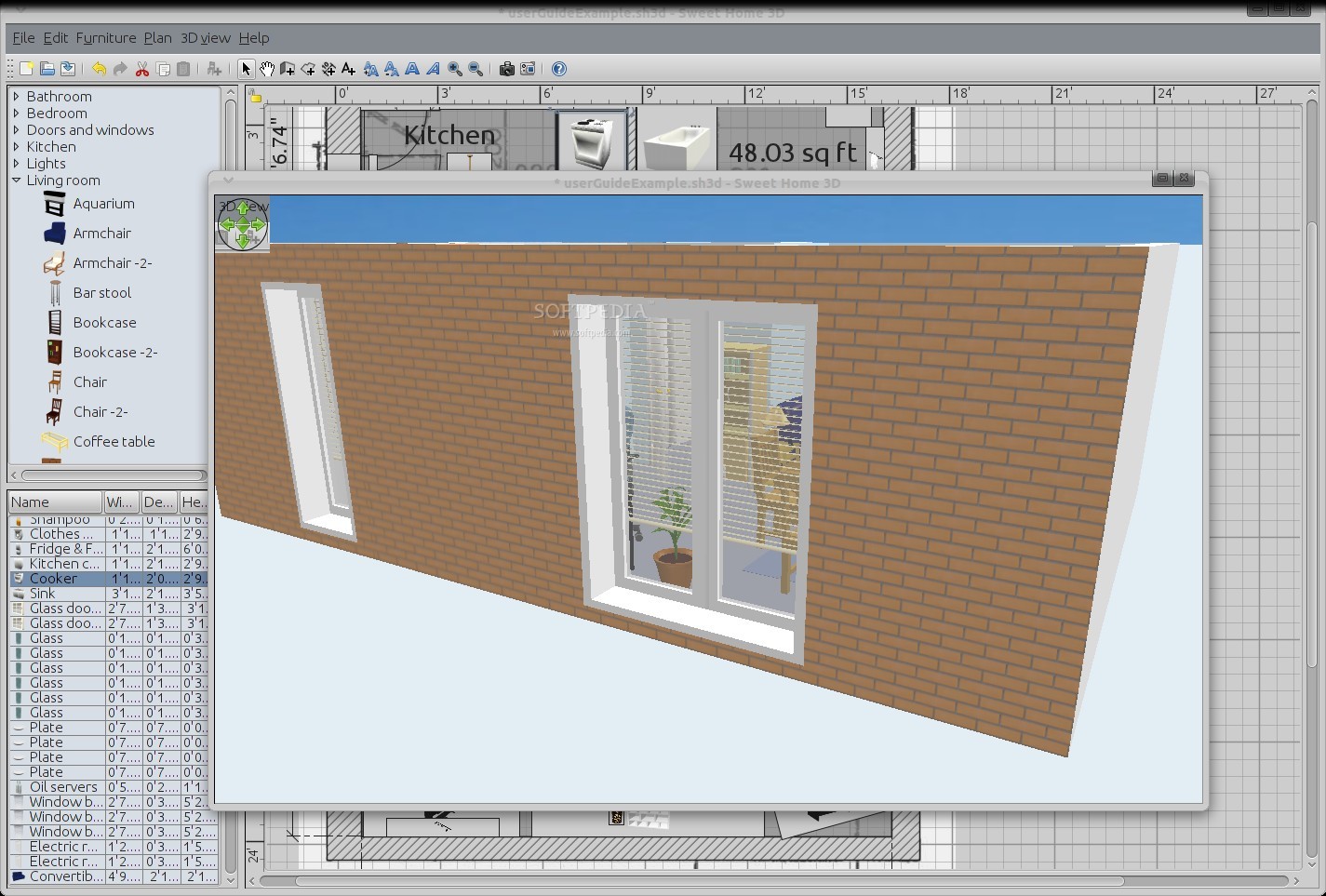
The placement of walls, furniture and other items is handled through the 2D pane and it's simple and intuitive. Every item has a set of parameters that can be adjusted as needed. The walls for example can be modified to different thicknesses, different textures and even be placed at certain angles.
Now imagine that every chair, sink, floor and even the fishtank can have their sizes modified at will, their textures changed with anything in the database and even the shininess can be altered. It's safe to say any person willing to plan a house in this software will have a wide array of options.
Sweet Home 3D can be used by someone that's not all that familiar with this type of applications, but sometimes the sheer number of options can get overwhelming. Users can get lost in micromanagement, forgetting the fact that this software can be used to build only a facsimile of the actual house and it cannot be used to actually design a home.
Even if it comes with many pieces of furniture and different other objects, Sweet Home 3D can import other files as well, as long as they are in OBJ, DAE, 3DS or LWS formats. In the library section of the official website, users will find more that 250 objects developed by third-party producers. There are links to other websites that offer even more models to import into the program.
The Bad
The software also lacks an “easy” mode for users that don't really want to get too involved in a complicated project and just need to place a few items and walls without having to tweak the parameters.
The Good
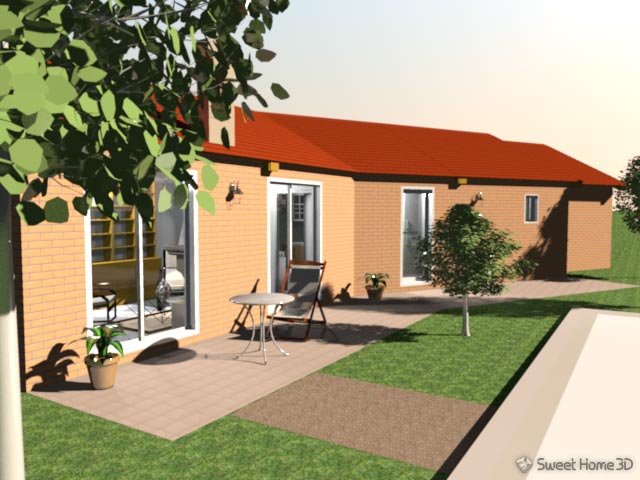
If someone actually knows what to do with this software, Sweet Home 3D provides the ability to create great looking projects. Some of the designs that can be found on the official website are a testament to this fact.