14 DAY TRIAL //
 Do you have a lot of pictures stored on your hard drive? Do you sometimes find it too hard to organize them? If so, you'll need a photo management application. One of the best applications of this type is digiKam.
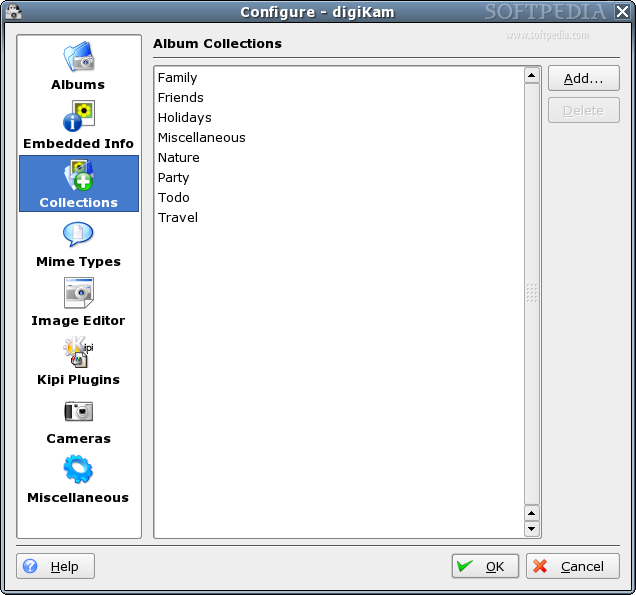
With this application, importing and managing photos is a snap. It is very advanced and its functionality will satisfy the needs of most users. digiKam can organize photos in albums, sort them by directory layout or by custom collections that you can define in digiKam or chronologically.
An interesting feature is tagging. An image can be tagged and then it can spread out across multiple folders. This feature is very useful for professionals. Another useful thing is that you can add comments for each picture. This is a very common feature but the way digiKam stores this info is somehow unique. Tags and comments are stored in a SQLite database and this makes it robust enough to be used even in professional environments. I also noticed that for each picture you can assign a rating which I think is stored in the same database, but I'm not sure.
digiKam features an easy to use camera interface from which you can preview, download and delete your images. It connects to digital cameras using gphoto2 and because of it supports serial, USB and IEEE connections. Other import capabilities include the possibility to scan images, to make screenshots and of course to import from a folder.
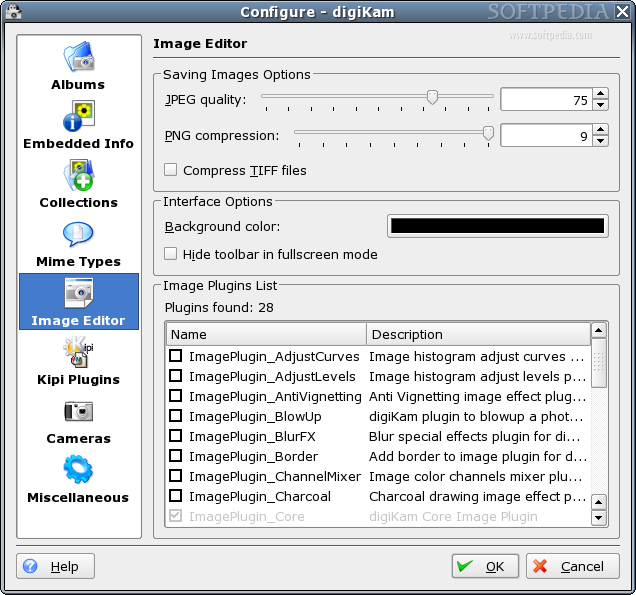
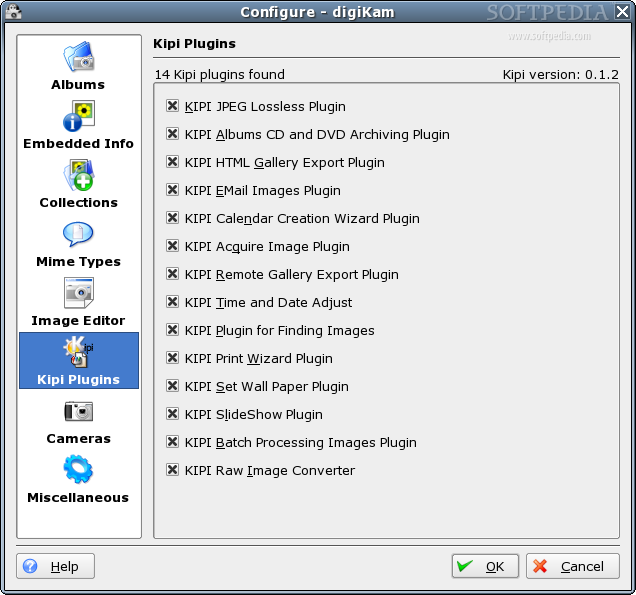
Well, digiKam surprised me when I saw how nice it behaves with importing pictures and also managed to be cool when it comes to exporting them. digiKam uses some Kipi plugins and they add a lot of functionality to this program. In case of exporting, it allows generating a nice HTML gallery. Other exporting capabilities include archiving to CD/DVD, exporting to remote gallery and exporting to a nice printing wizard. I don't quite like to export to CD/DVD because it can only export the HTML generated gallery and this way I loose some quality.
I think that Kipi (KDE Image Plugin Interface) deserves a little more attention. First of all, you should know that it is developed by the same people that created digiKam. This is good for digiKam, because all the new features that will be available in Kipi will also be available in digiKam. It is also great for the Linux community because there are several programs already that use Kipi to add powerful features to their programs.
This software supports several simple themes and I think Dreary looks pretty good. In my opinion it's much better than the default one.
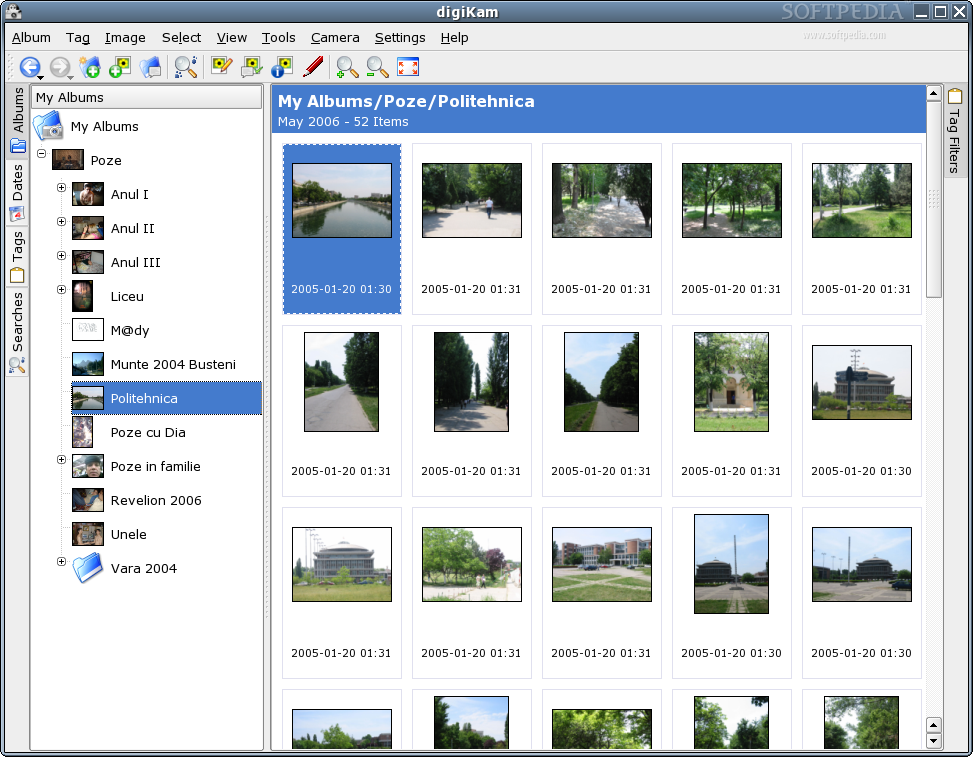
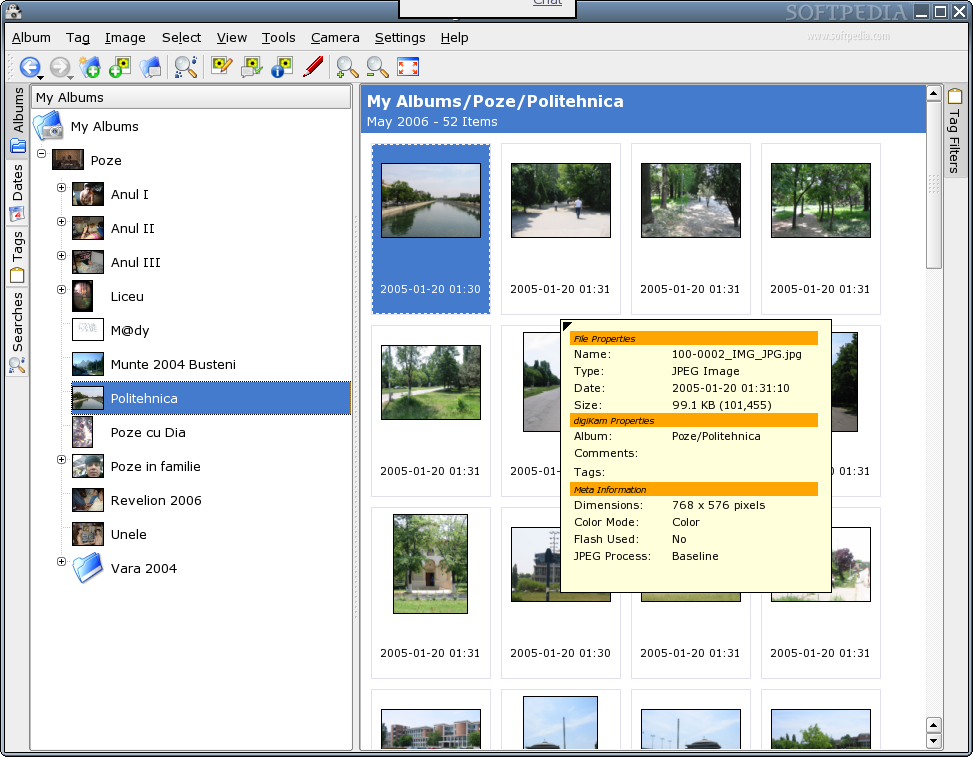
Now it's time to say a few words about the interface. Mainly, it has two panes one for navigation and another one for displaying images.
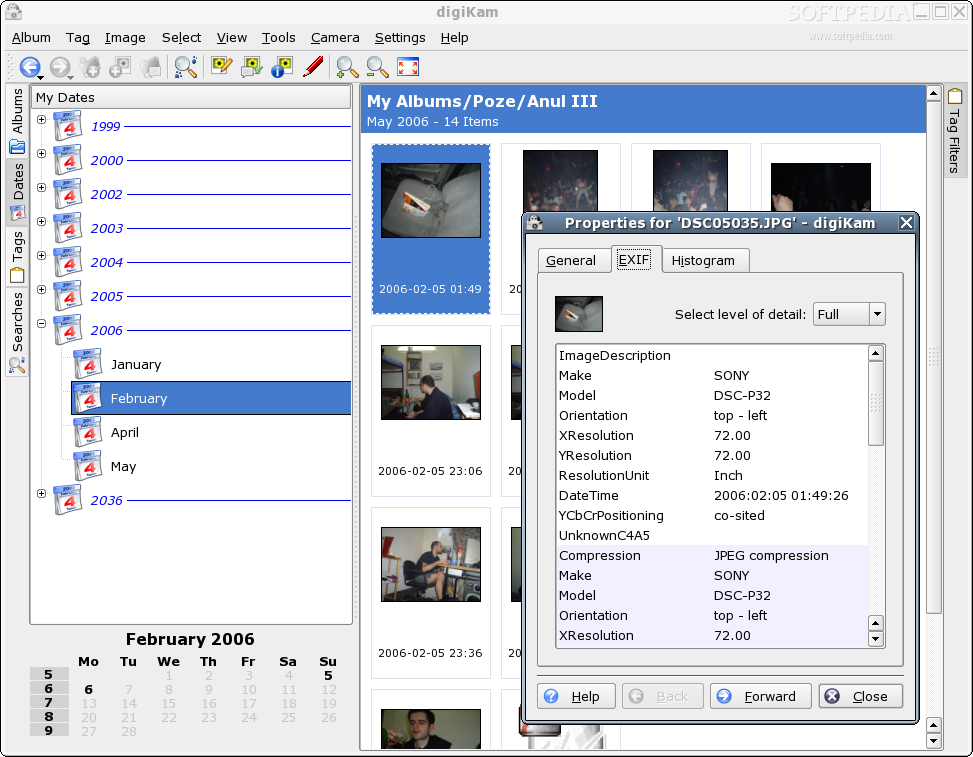
In the left of the program's window there are four tabs. They allow the selection of a navigation method. The first one is using albums. Albums can be sorted by folders, by name and by date. Creating an album is a very simple task and then you'll just have to import some pictures in it, which is also very simple. The second method is by date. The program looks at the date the picture was modified and it assumes that's its date. This works well most of the time, but I encountered a situation where some pictures were dated year 2036. This is because the camera had the date set up wrong. This can be fixed easily because digiKam supports editing several things, including the date and time. The next method of navigation is with the use of tags. They are particular useful to break the boundaries of folders. Three tags are available by default but new ones can be created very easy to fit your needs. The last navigation method is by searches. Searches are very powerful mostly when comments are available for pictures. I advise the use of comments but because time is more and more important and the volume of picture is bigger and bigger most people will ignore this advice. In this case, browsing by searches is not very useful. Maybe some other search criteria should be taken into consideration.
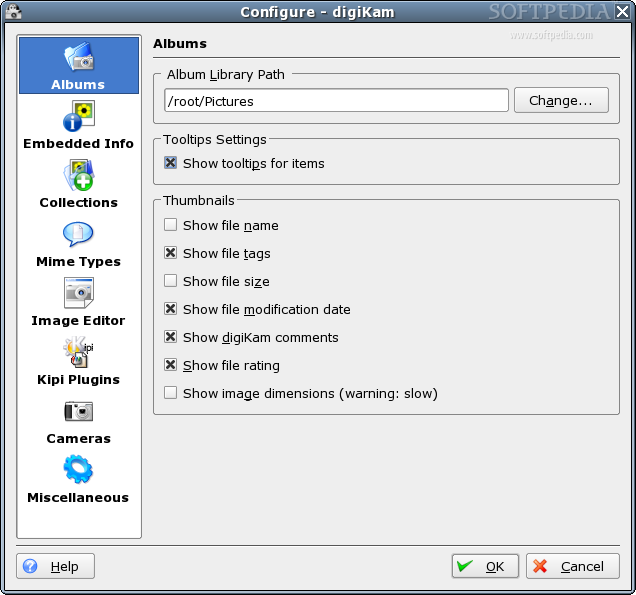
In the right part of the GUI, pictures are displayed in thumbnails. digiKam supports four different thumbnail sizes. The thumbnails are nicely framed and in each frame several other pieces of information are shown, such as the modification date, the size, comments, the rating. What gets displayed here is easily customizable from the configuration dialog. Hovering the mouse over a picture shows a tooltip with detailed information.
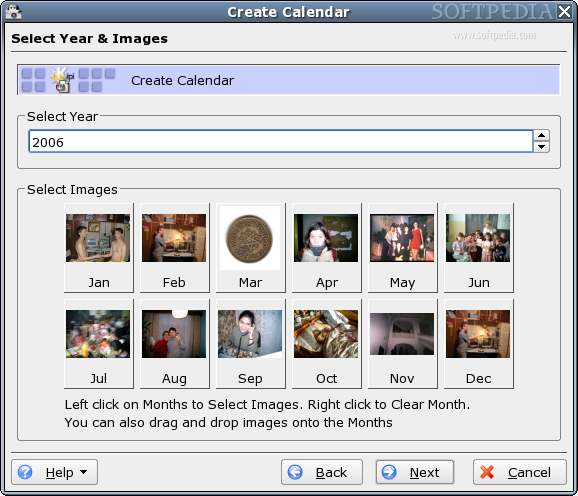
digiKam has some interesting tools and I liked the most the possibility to create a calendar. It is very easy to make your own calendar and I think this is pretty cool. The most useful tool is definitely the batch processes. They allow you to perform a certain task on several images from the albums. Resizing, renaming and others can be done now with the smallest effort ever.
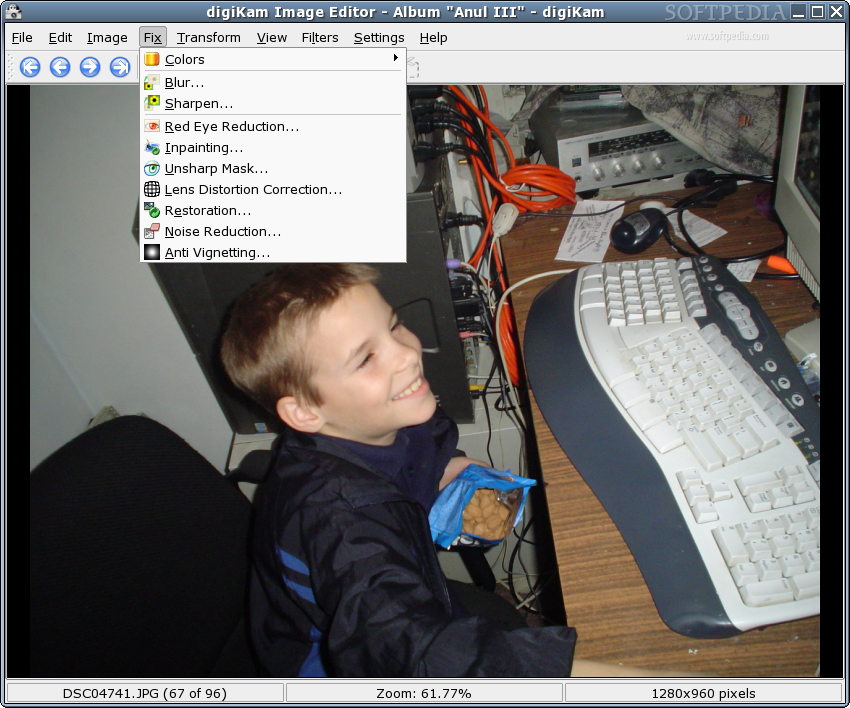
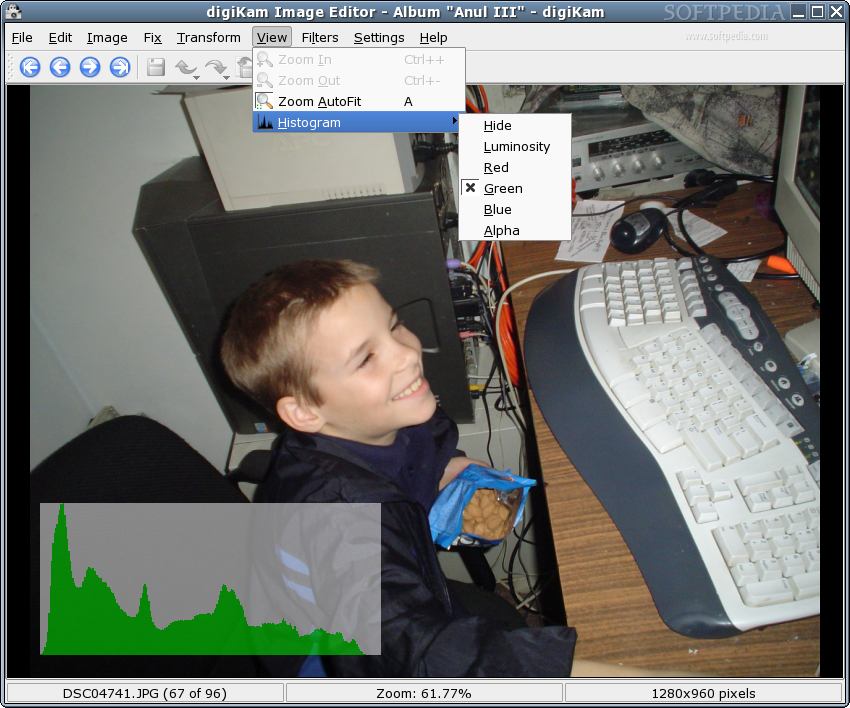
Double clicking an image opens it in an image viewer/editor. It makes use of some plugins to allow easy fixing of pictures. For this I prefer to use GIMP because it's more powerful.
The Good
Using digiKam is a snap and its features make it a really good application. Kipi plugins are of a great value for the Linux world and also for digiKam, as it tries to make the best of them. Writing the meta-data in a SQLite database makes this software very reliable.
The Bad
There isn't an easy way to export the SQLite database. You can't configure the footer for the web album.
The Truth
The truth is that digiKam is a great application and there are many reasons to give it a try if you aren't already using it. Both digiKam and Kipi are in active development so I am expecting to see interesting new eatures pretty often.
Check out some screenshots below:
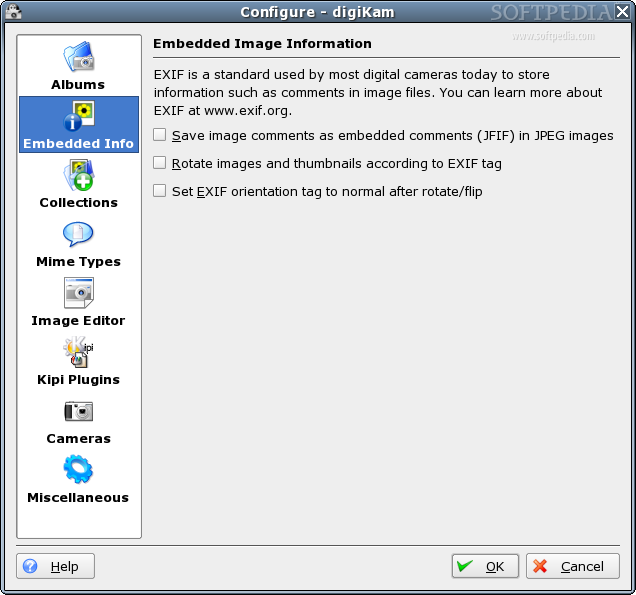
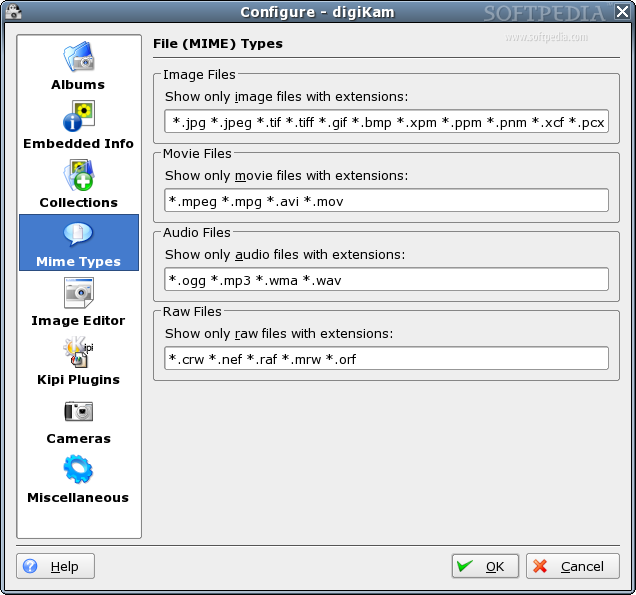
And the configuration dialog...