14 DAY TRIAL //
 A couple of months ago I wrote a review for the best twin panel file manager on the market, namely Krusader. Today I will review the second best twin panel file manager, which can actually be the best where very few system resources are available: emelFM2.
This file manager is both light and versatile. This combination makes it ideal for the use on older computers or where users just prefer to focus their resources to other tasks. The interface is simple and, in the same time, retains an amazing efficiency that still drives people to use twin panel file managers.
First of all, when you fire up the program you notice a clean interface that blends very well in the desktop environment. This happens because the program uses Gtk+ 2.6 or newer for the GUI.
Despite the fact that is very easy to use, I feel that will be liked more by users that have previously worked with a twin panel file manager. Why? Well, the bottom buttons that usually show what shortcuts are assigned to the function keys are missing and this destroys all the spirit that Norton Commander brought to PC users, back in the 80's. Using a twin panel file manager with the mouse is lame. All the function keys are usable so the people that are used to them have no reason to be worried.
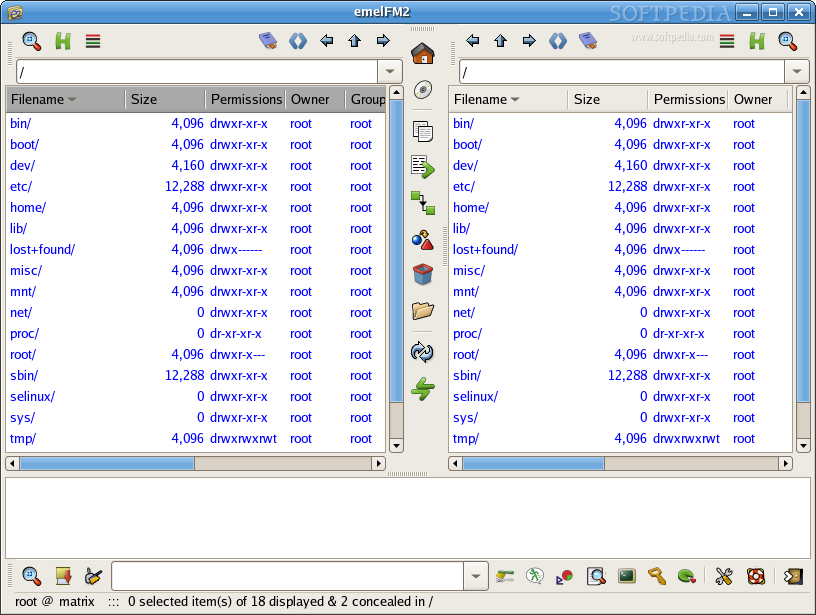
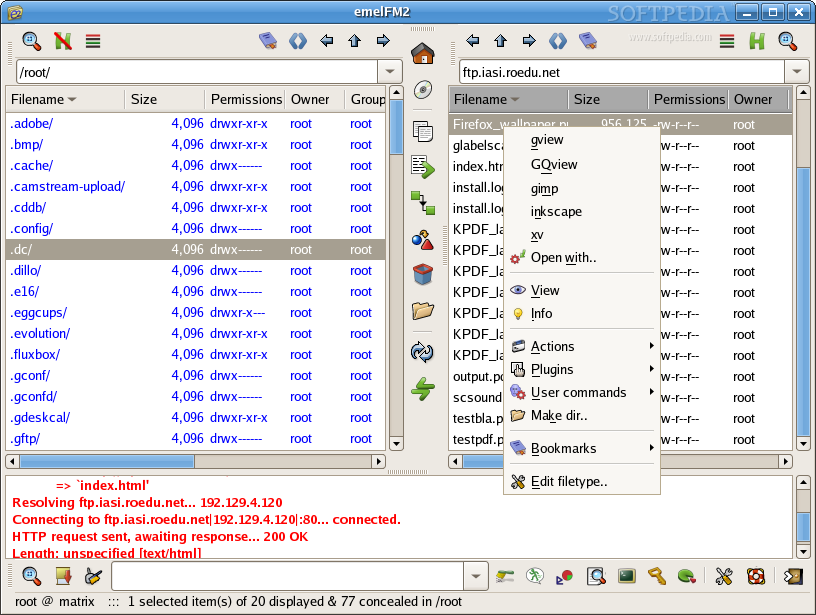
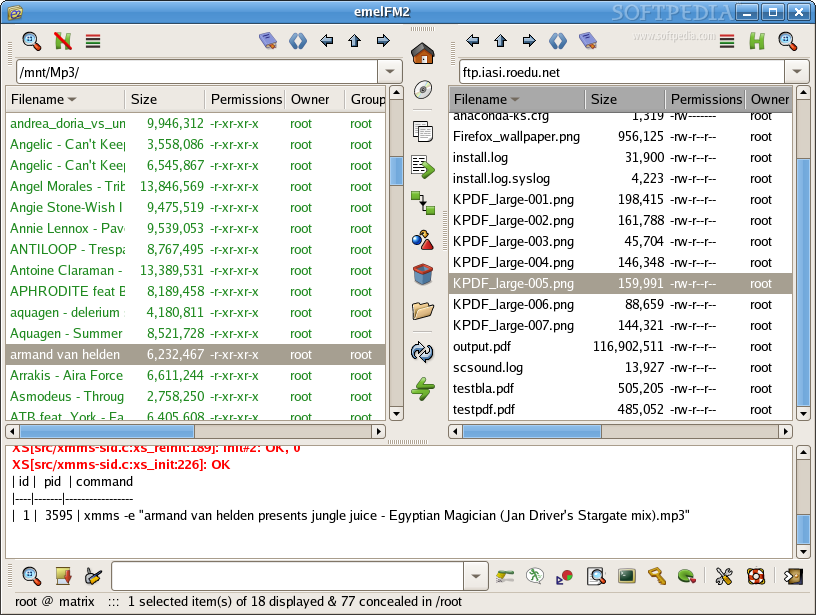
The main window is divided into three panels. The first two show the contents of the selected directory on the filesystem. The third panel can show the output of the commands executed in the command line of the program. Any two of the three panels can be resized or even hidden to allow more working space when needed.
Each of the twin panels display the names of the filenames or directories, followed by their size, permissions and other related information. The order of these columns can be changed by simply dragging and drooping them in place. Files can be arranged with a simple click. If you want to arrange them by size, just click the size tab. In the middle of the two panes are several buttons useful for most common task you can perform in this program. The icons used for this buttons are very suggestive but if you are not sure just hover with the cursor over them and tooltips will explain everything there is to know.
In emelFM2, you can set rules for the items that will be displayed in any of the panels. These rules are set using various filters witch are shown with the third button from the upper margin. With them you can easily filter by name, size, dates, or any of these combined.
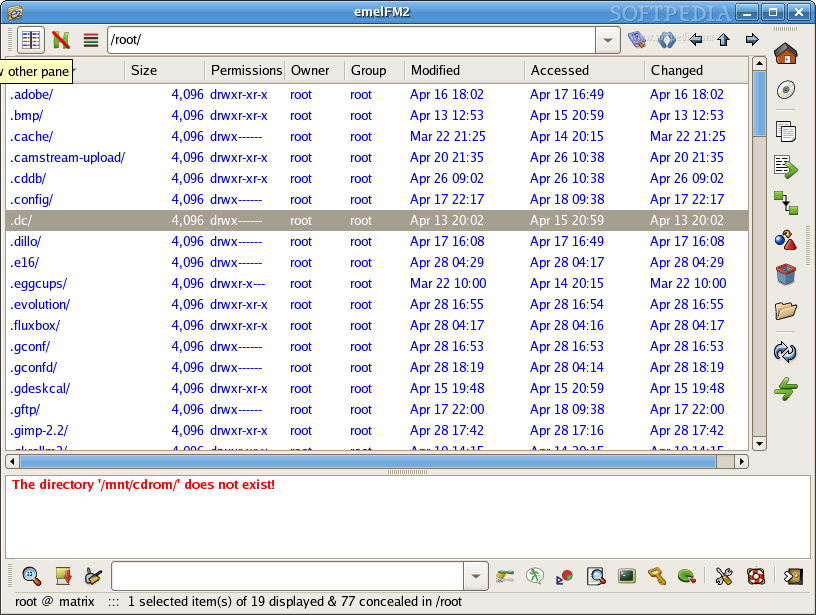
The second button from the margin can be used to display hidden files and directories. In Linux, a hidden file or directory generally gets a dot in front of the name and this way the system knows not to display it. In this files are mostly written settings for various programs. For people that often work with hidden files this small feature is really useful.
The first button from the margin can be used to hide the other panel(s). It is a faster method to drag a panel all the way to the margin to be able to see more information in the other one. This button is also available for the output panel, making it easier to work in the command line because the command line gets maximized, thus showing more output.
The output panel can be also hidden with a single click, making the best of the space available in the interface. Most of the buttons available in the toolbar built-in for the command line are just a good implementation of several basic commands. These buttons are actually handy, because using them can sometimes turn out to be faster than the use of the commands in the console.
A simple umount and mount implementation is also available. Unfortunately, it can't detect the partitions that are also available but are not mounted via fstab. Because of this, the usability of this feature is decreased.
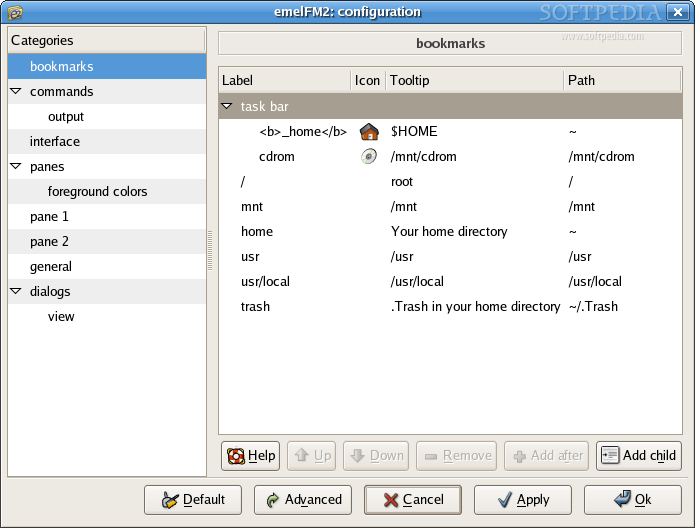
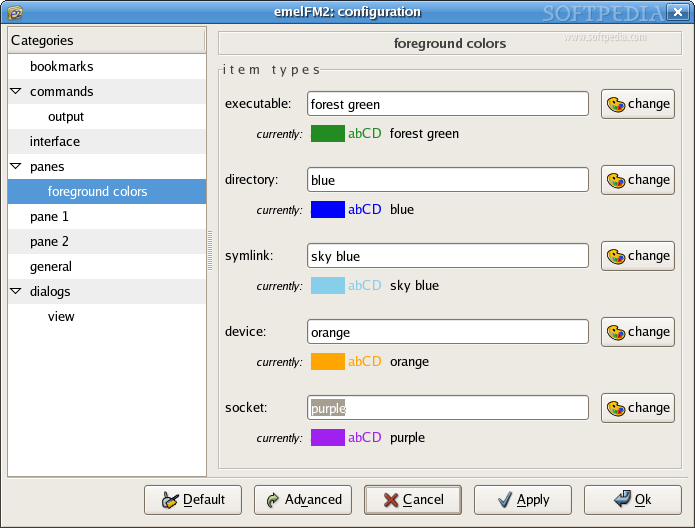
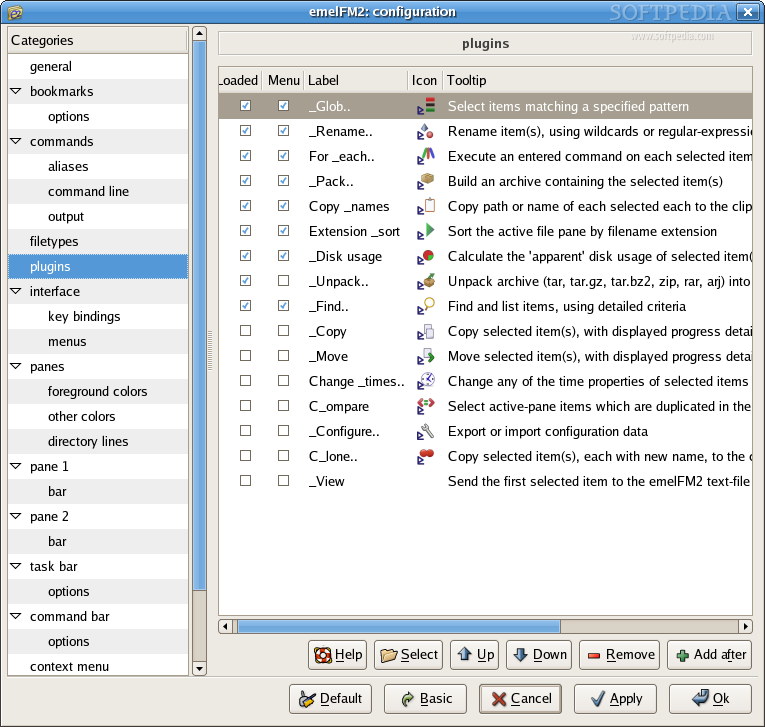
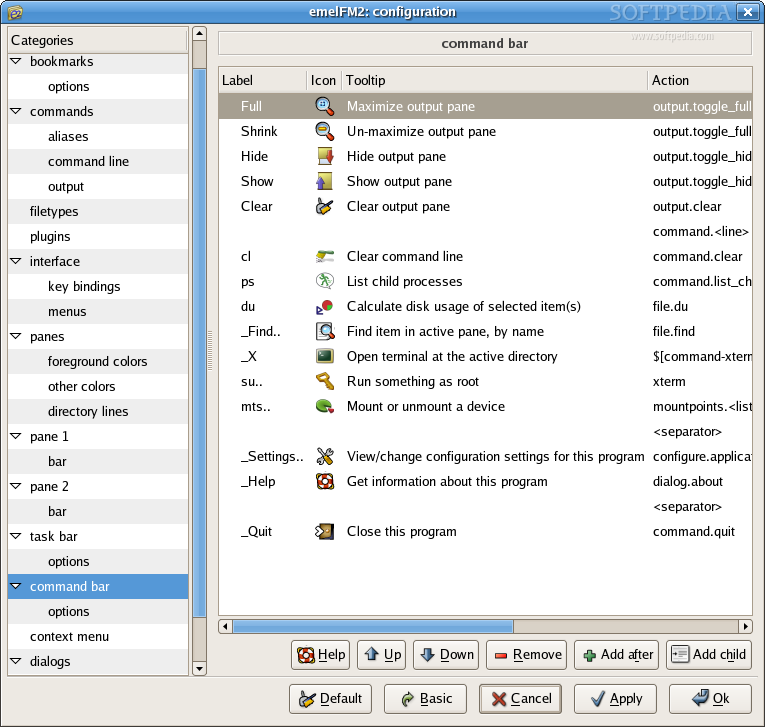
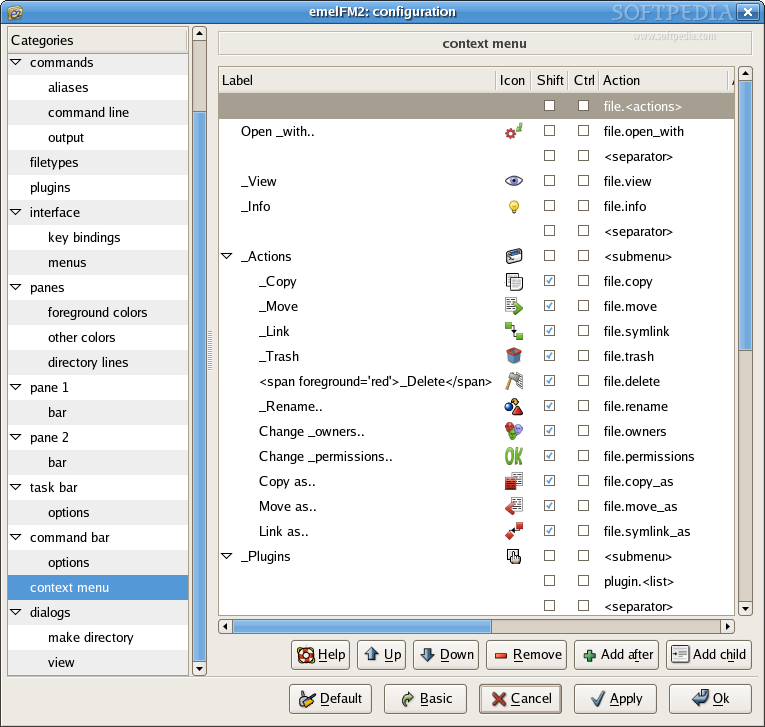
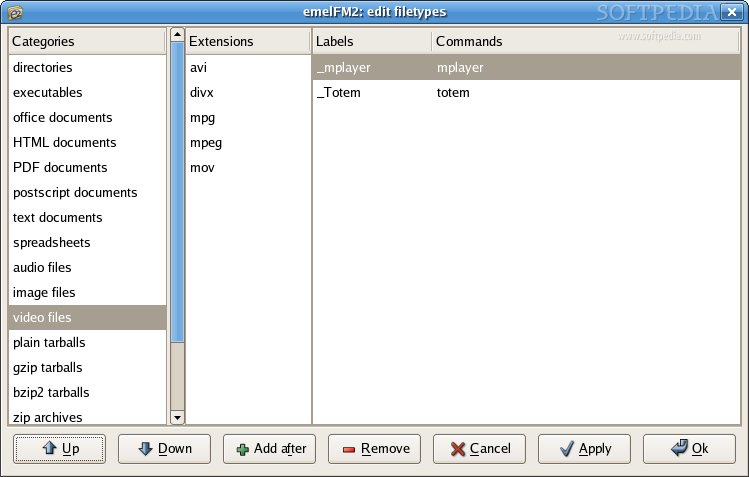
The versatility of emelFM2 comes from its configuration interface. At first, you might think that it provides a fair amount of interesting settings, but if you take a closer look and click the button which says ?Advanced?, you will be stunned. You can set virtually anything from here. You can make the program look and behave just the way you want. Any icon, font, highlighting color, key binding, command associated to a filetype and more can be fully customized.
The Good
Because this program is simple, light and very customizable, it is excellent for using on old computers, in embedded systems or where a fancy file manager like krusader is perhaps too much.
The Bad
The lack of a simple visual ?explanation? of what the function keys do might be confusing to newbies.
The Truth
This is an excellent piece of software that makes the life of many users a little easier, but I still like more to work with Midnight Commander.
Check out the screenshots below:
Screenshots of the configuration window: