14 DAY TRIAL //
 My Fedora 5 just crashed after I updated it last night. I just installed the basic applications, and at this point I realized that software that's part of the daily use of almost anyone was never reviewed.
Such software is gedit. It's the official text editor for the GNOME desktop environment and almost any ASCII file is opened with it when we use GNOME. It's a big possibility you didn't notice it because the attention was focused on the contents and not at all on the editor. I hope a review will be useful for letting you know what you can do with it.
Let's start with what I learned today about gedit. Actually, today is the first time I took a look at what it is able to do.
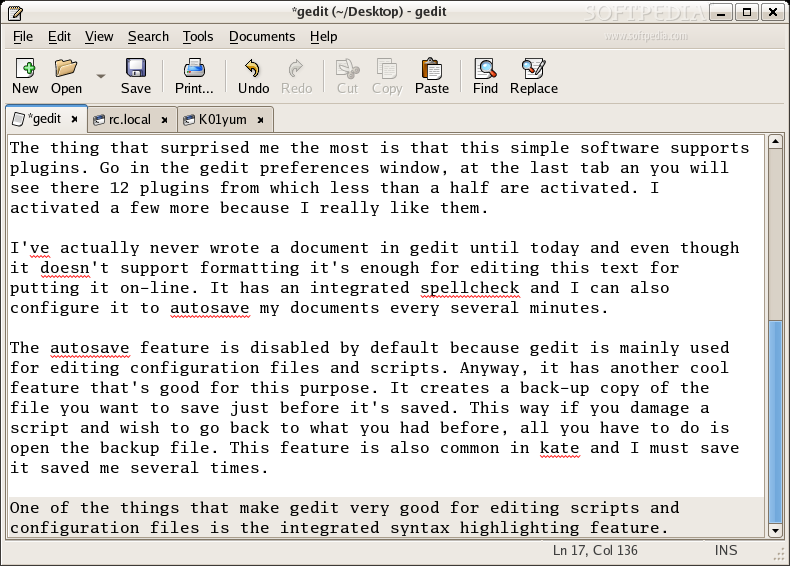
The thing that surprised me the most is that this simple software supports plugins. Go in the gedit preferences window, at the last tab and you will see there 12 plugins from which less than a half are activated. I activated a few more because I really like them.
I've actually never wrote a document in gedit until today and even though it doesn't support formatting it's enough for editing this text to put on-line. It has an integrated spellchecker and I can also configure it to autosave my documents every several minutes.
The autosave feature is disabled by default because gedit is mainly used for editing configuration files and scripts. Anyway, it has another cool feature that's good for this purpose. It creates a back-up copy of the file you want to save just before it's saved. This way, if you damage a script and wish to go back to what you had before, all you have to do is open the backup file. This feature is also common in kate and I must say it saved me several times.
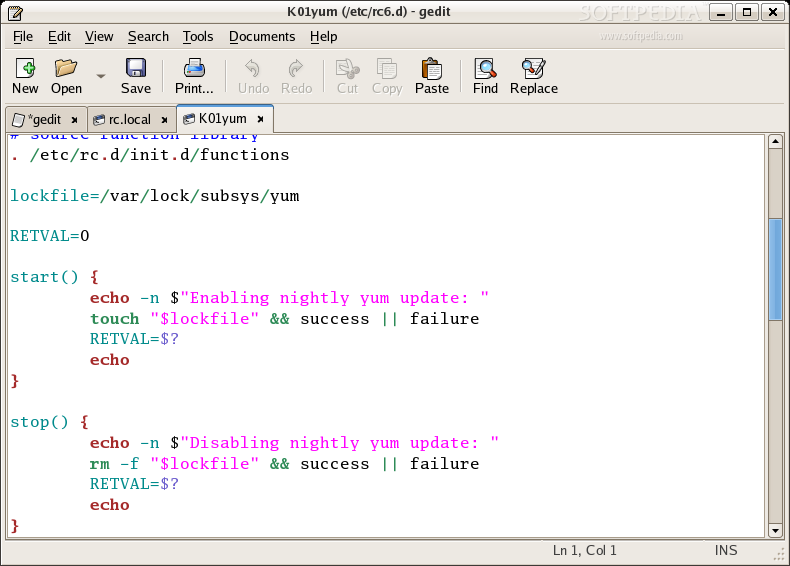
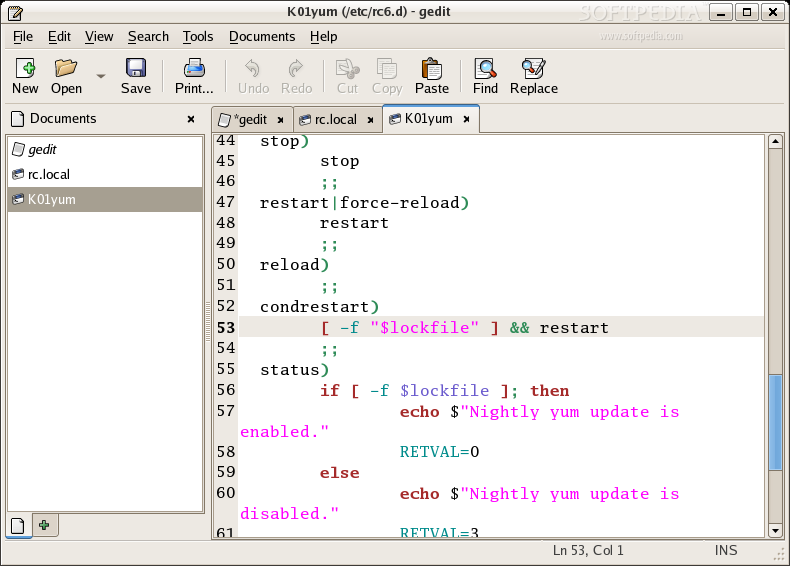
One of the things that make gedit very good for editing scripts and configuration files is the integrated syntax highlighting feature. This actually performs very well and various programming languages are supported. The programming language is automatically detected and, if you wish, you can change the colors used at highlighting for each language. Bold, italic, underline and strikeout can be used for the different elements in the language.
Another useful feature for handling large source codes is the one for displaying line numbers. This is a good addition over the "Go to Line" (Ctrl+I) feature.
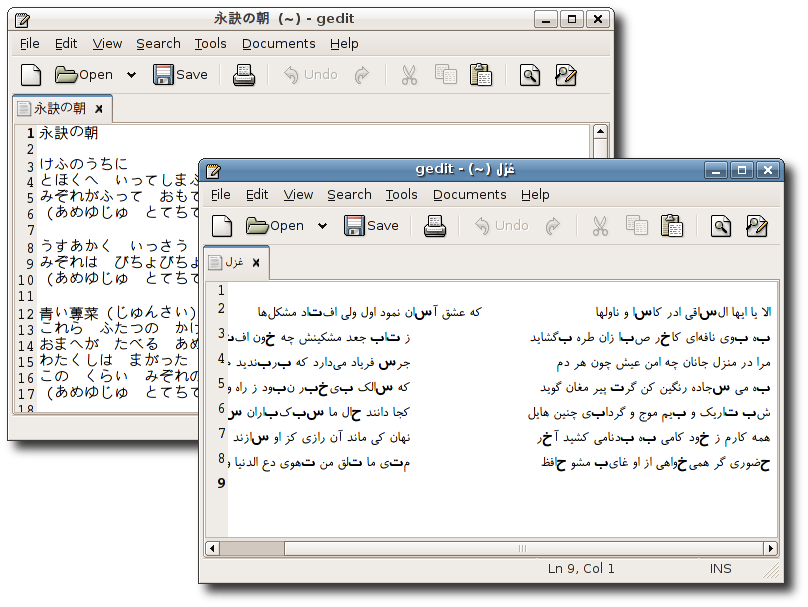
gedit has support for internationalized text and I must say I was pretty surprised when I saw that it can render Arabic characters with no problem.
A plugin that helps me keep this review an acceptable size is the document statistics. It's actually a little more because it's also able to show statistics for the selection. Information included is about how many lines, words, characters and bytes are counted.
You'll never guess what I think is the best thing about gedit! For me, the best thing is that it does all this stuff out of the box, seamlessly, allowing us to concentrate on the contents.
The Good
It's light, it's very easy to use and yet powerful enough to allow efficient usage with common tasks in Linux.
The Bad
I'd like to have the find and replaced features integrated together. Code folding is not supported and I miss it.
The Truth
The truth is that gedit is what you get by default when you use gnome. Perhaps the default editor from KDE is better, but I think this one is lighter and speed is the most important thing here. gedit definitely is up to the job and it's heavily maintained, so even better releases are to come.
The screenshots below show the program in action: