14 DAY TRIAL //
 Most of the programs that we come across will either get discarded for being useless, or get a look at because they might actually be helpful to us in doing whatever it is we do? and then there are those rare few programs that actually inspire you to do something new, something you never considered doing before. Comic Life is one such program, which, through the superb way it was made, pulls you in and makes you want to make your own comic strip.
What is it? Comic Life is a program that is designed to help you easily create comic strips. If you have never liked or read comic strips, then this is not for you since you probably won't be able to appreciate it; otherwise, read on.
While the program doesn't house writers, pencilers, inkers or colorers under the hood, it wasn't meant for that type of comic, but rather for a 'digital photo' comic strip. It will give you all the tools you need to get a panel layout, put the pictures in the layout, add the dialogue balloons and captions and even take care of the lettering for you. All this is beautifully handled through easy drag and drop, and it is the kind of program you jump straight into.
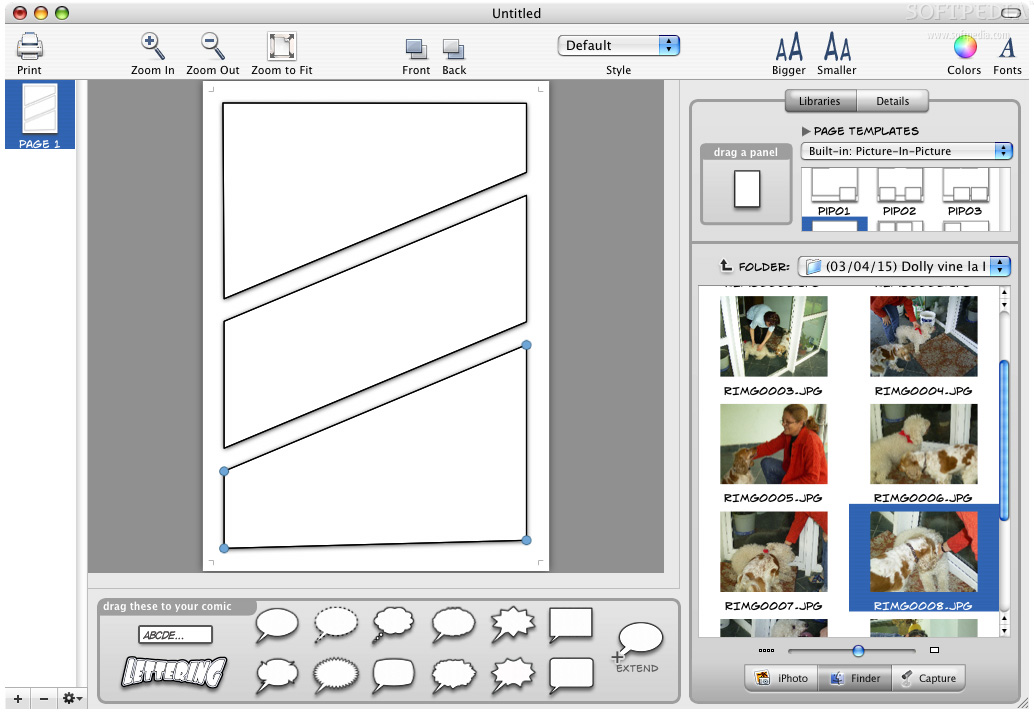
Give me a layout Traditionally, comic strips have the action spread out over multiple panels on one page. Comic Life has a large number of such panel layouts that you can simply drag and drop into a page and you're done. Of course, it lets you customize and create your own, but most of the time, you can start with one of the tens of pre-made layout and tweak it a little to get something you can work on in a matter of minutes.
Panels can have any shape but are restricted to no less than three and no more than 8 lines. Still, this leaves you with more than enough room to experiment with shapes and each panel, and indeed the entire page, can have its own style, which can either be one of the pre-defined ones or a custom one.
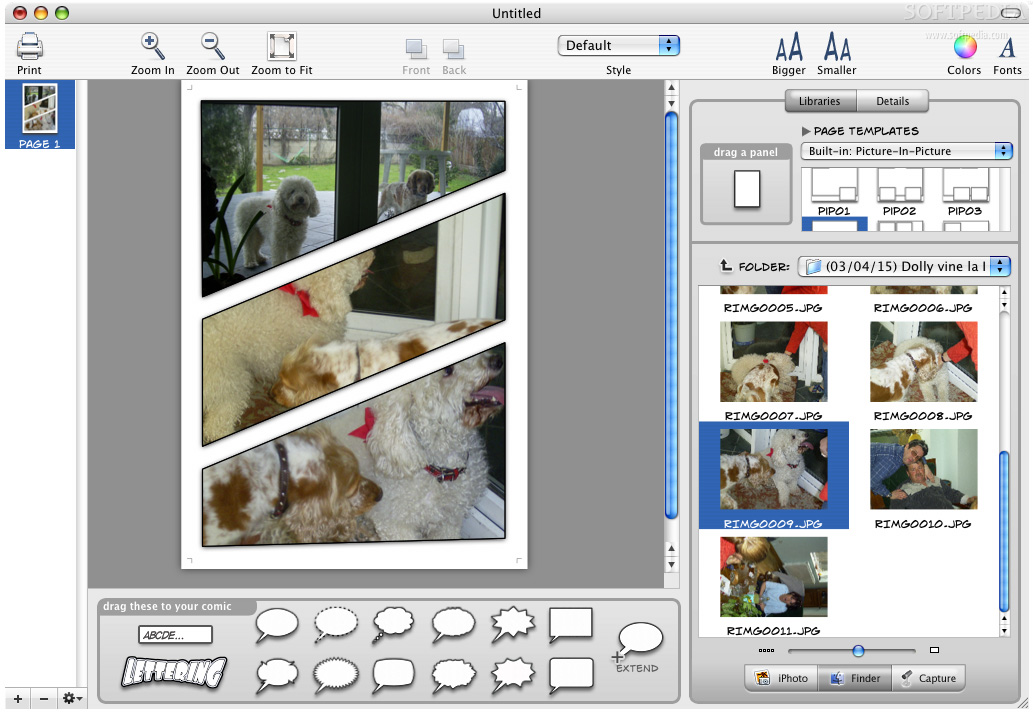
Once you have the panels ready, you can add the content to them, by simply dragging something from either iPhoto or the contents of your computer. When you drag an image onto a panel, the panel acts as a mask, meaning that it is like a 'hole' or 'window' through which, the content of the picture can be seen. This lets you easily leave just the relevant part of the image in the panel without having to worry about cutting or cropping to size. Once placed inside a panel, the image can be resized, rotated and you can even apply filters to it, much like the effects than can be obtained in Photoshop.
More than words Once the panels are in place with their content, it is usually time to add the 'words.' By words I am referring to speech bubbles, be they dialogue, thought, background noise or anything else; captions, and lettering.
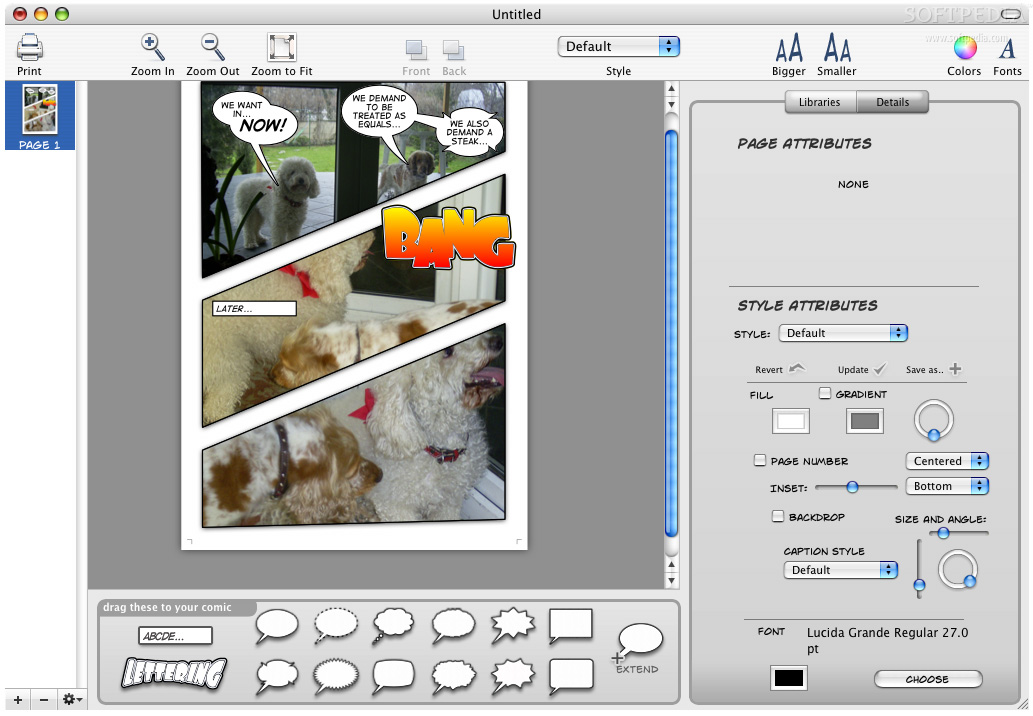
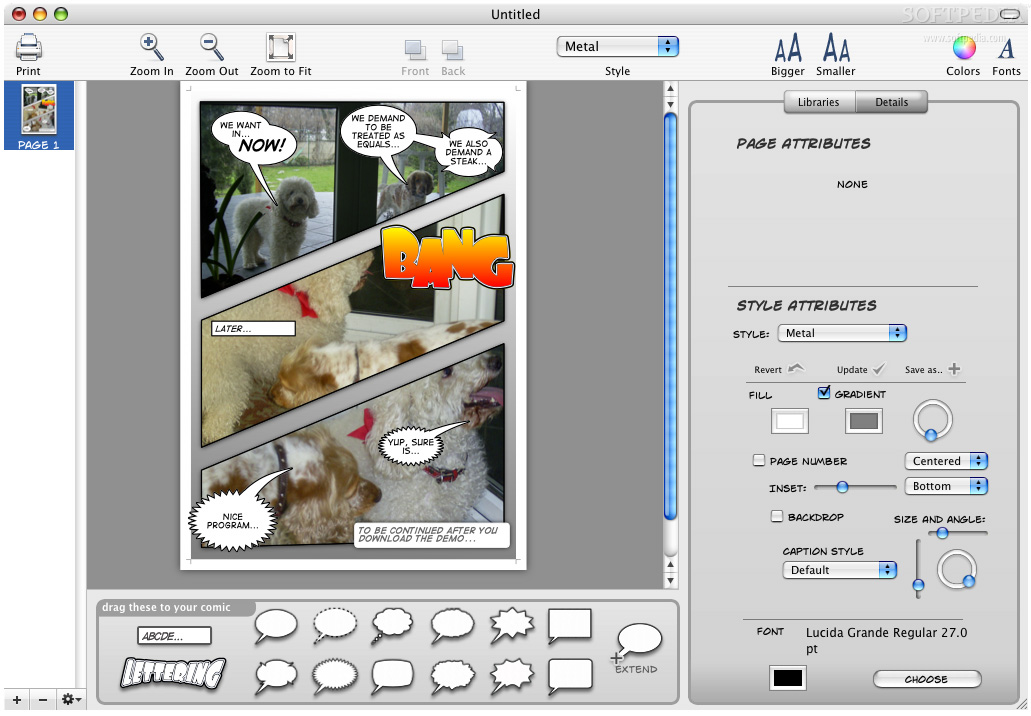
Bubbles are incredibly easy to work with. Just drag the style of bubble you want onto the page, type the text and you are done. The balloons can be resized and rotated at will, and positioning the tail is as easy as dragging it where you want it to go, because you will never have to worry about it not looking good. You can even expand the balloons so they flow from one to another. Furthermore, if two balloons overlap, the overlapping part of the outline will not be drawn, giving you a clear, natural shape that follows the contours of the text.
Captions are much simpler, since they are always square, but still, Comic Life makes it easy to work with them, just drag and type the text in.
Lettering is often what makes or breaks the audio 'action' in a comic strip. Since it's all images, comics have made use of specially drawn letters to convey sounds such as 'Bang!', 'Zap!', 'Screech', and the occasional 'Ratatatat' or 'Budda Budda'. Getting good looking lettering is a complicated process, but this program makes it a walk in the park. With just a few clicks you can adjust the horizontal and vertical spread, as well as the skewing and staggering of the lettering, and obtain great looking results. This, couple with the fact that lettering can be resized into non-square shapes, gives you a huge amount of flexibility in obtaining visually impressive 'sounds'.
All 'words' handled by the program can have one of many predefined styles and you can customize these to create your own.
Hear what you are working on One of the most interesting things about the program is the sound effects it makes as you are working. If you resize something, you will hear a rubbery stretching noise, rotate and you hear the sound of something being passed over a jittered metallic surface, drag and you can hear something being pushed around.
While this gets old after ten minutes of working with it, initially it is a great laugh, and only adds to the atmosphere of the program.
The Good Makes it easy and fun to create a very good-looking comic strip. It's the kind of software that you just want to work in.
The Bad Can be a bit of a resource hog and if you want to work on many pages at a time it can get slow.
The Truth A great program for comic lovers that have always wanted to try and make their own. A great piece of software that is simply fun to work with? even if you are just messing around.
Here are some screenshots, click to enlarge: