14 DAY TRIAL //
 Although you never forget your true love, you must admit that with the constant development of the gaming industry, you sometimes find yourself in the situation of realizing how much you loved a game two years ago even if it now seems to be ancient history. The worse part is when you also discover that you have misplaced the CD, borrowed it and never got it back and so on. In the end, you find yourself mourning for games that are not available on the market anymore or spending perfectly good money on games that you already own.
Since we have all learned our lesson on how many new and entertaining games can be released in a relatively short period of time, I believe a good game organizer is in order to be present on every game addict’s computer. Game Hunter is an efficient solution to this problem, allowing you to organize your games on categories, from the first CD you have ever owned to the most recent that you haven’t even bought yet.
The Looks
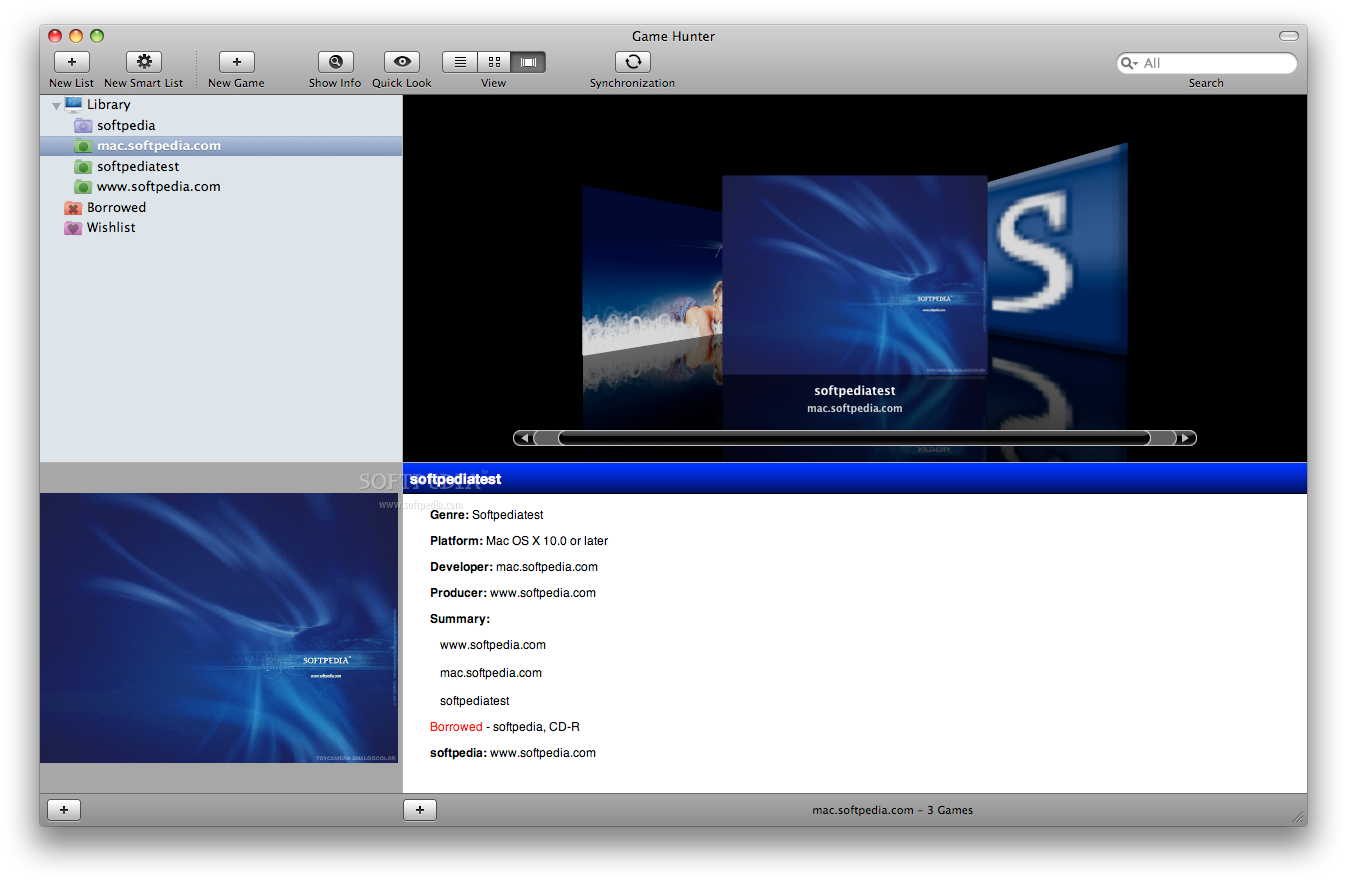
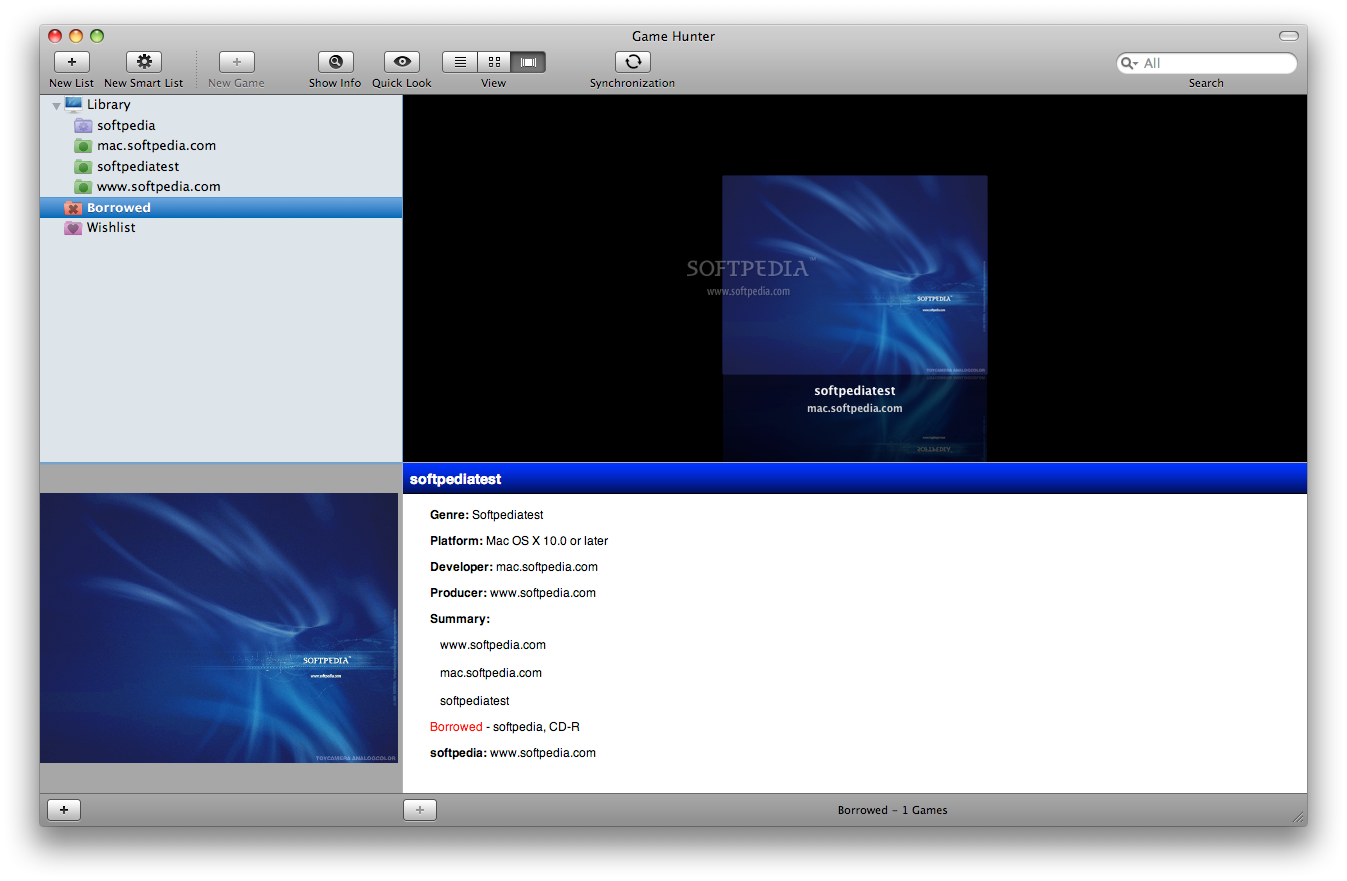
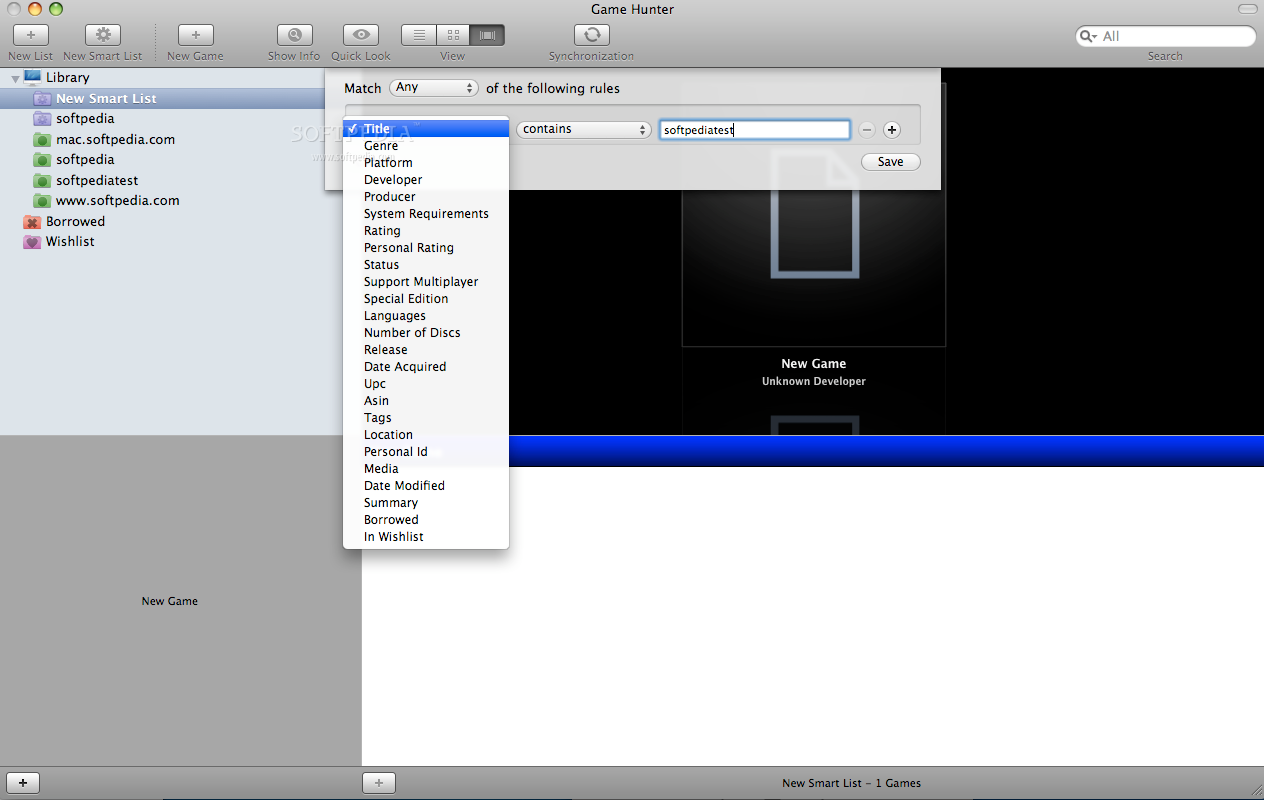
The organizer interface is very clean and offers easy access to all the features. The main window is comprised of four different areas. On the left part, you will be able to easily browse through the library and access the Smart Lists. By default, Game Hunter provides two already defined smart lists, Borrowed and Wishlist, but, at any time, you can create new ones using a custom sorting criterion.
On the right side, you can see all the games included in a certain folder and a short description on the bottom of the window. On the top of the main window, you can choose one of the viewing modes: list, icon or slideshow. In order to easily recognize the game content, the application also displays the game cover in the left lower corner of the main window.
The Works
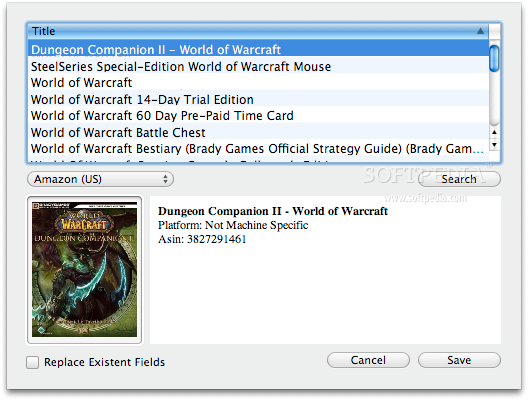
Each time you add a new title to your database, you can input the information yourself or use the Autocomplete function available on the bottom of the New Game window, and go online in order to find the Amazon or Internet Bookshop entry for that game. If you choose to do it manually, you must thoroughly complete the four panels included in the window.
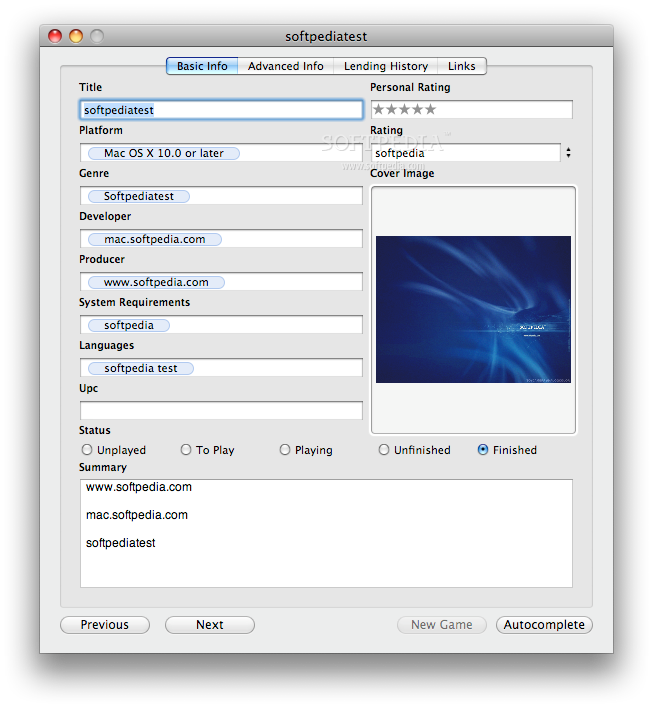
The first panel is designed to store general information like the title, platform, genre, developer, producer, system requirements, language, the Universal Product Code and a game summary. For each entry, you can specify the status (unplayed, to play, playing, unfinished, finished), your personal rating, and choose to upload the cover image.
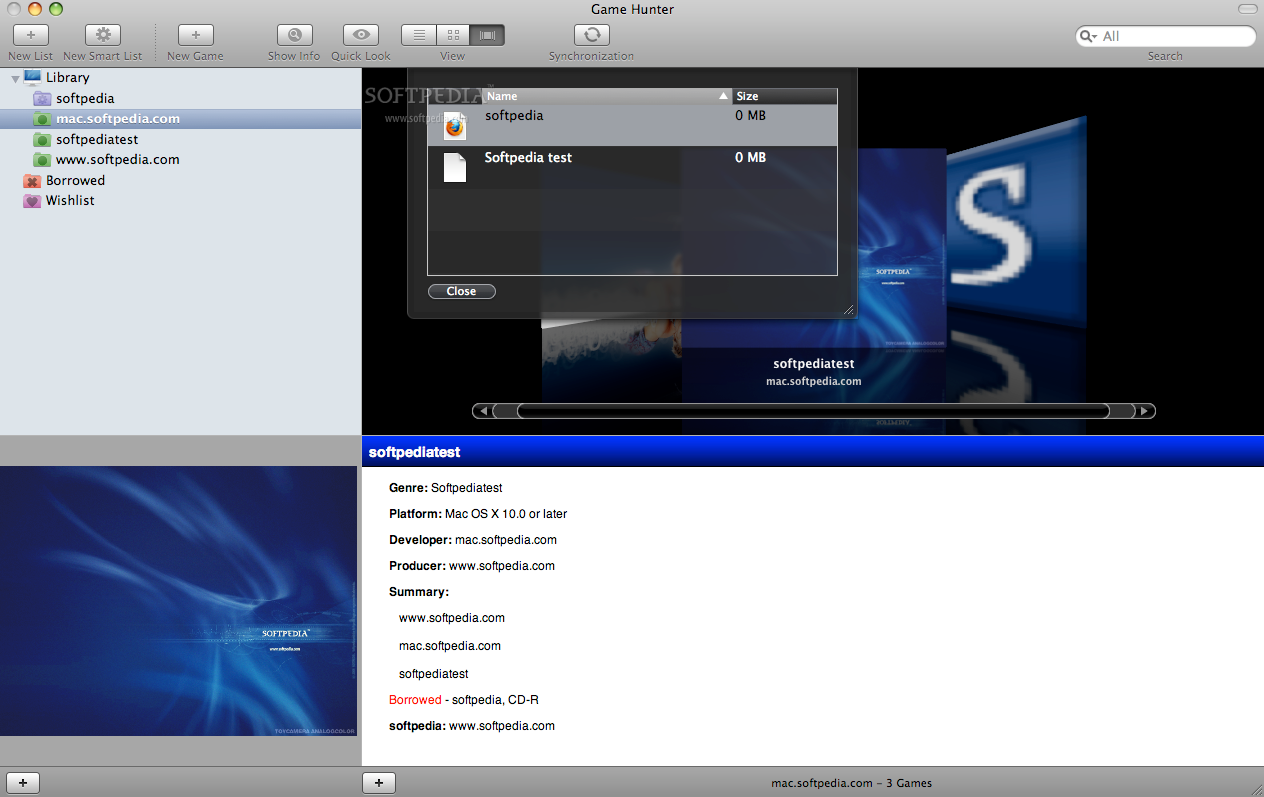
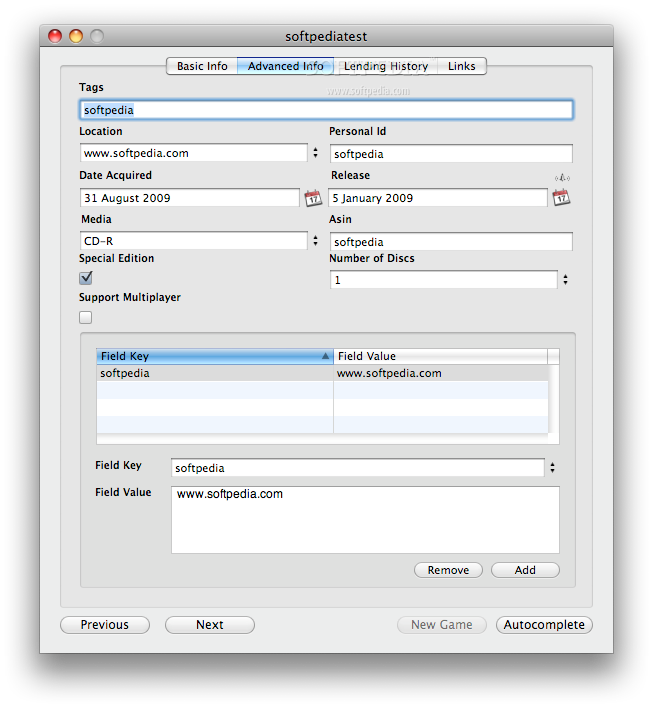
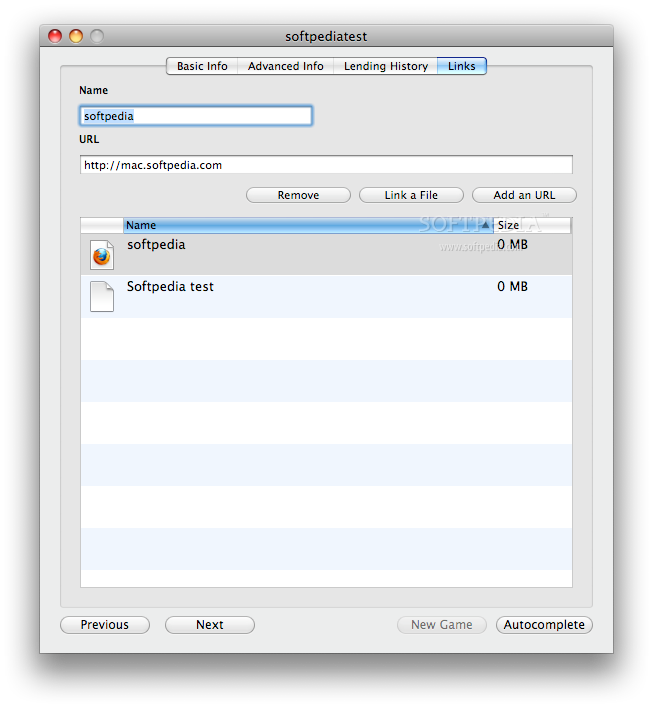
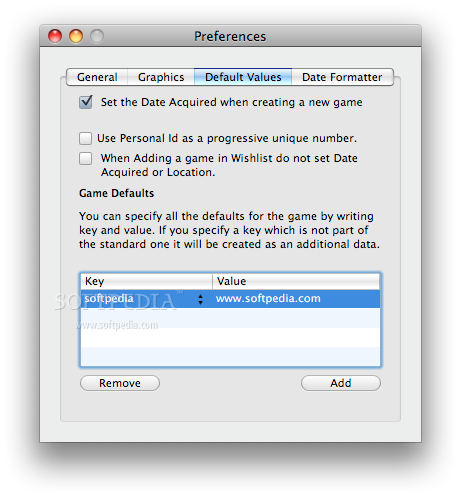
The Advanced panel is comprised of the tags that you want to set for that particular entry, the date when it was acquired, the media type, the number of discs, the personal ID, the release date and the ASIN number. The personal ID can be a progressive unique number if you select this option from the Preferences panel. You can specify if the game is a special edition and if it is able to support multiplayer sessions and the actual location. To complete the game information, you can go to the Links panel and attach URLs or actual files.
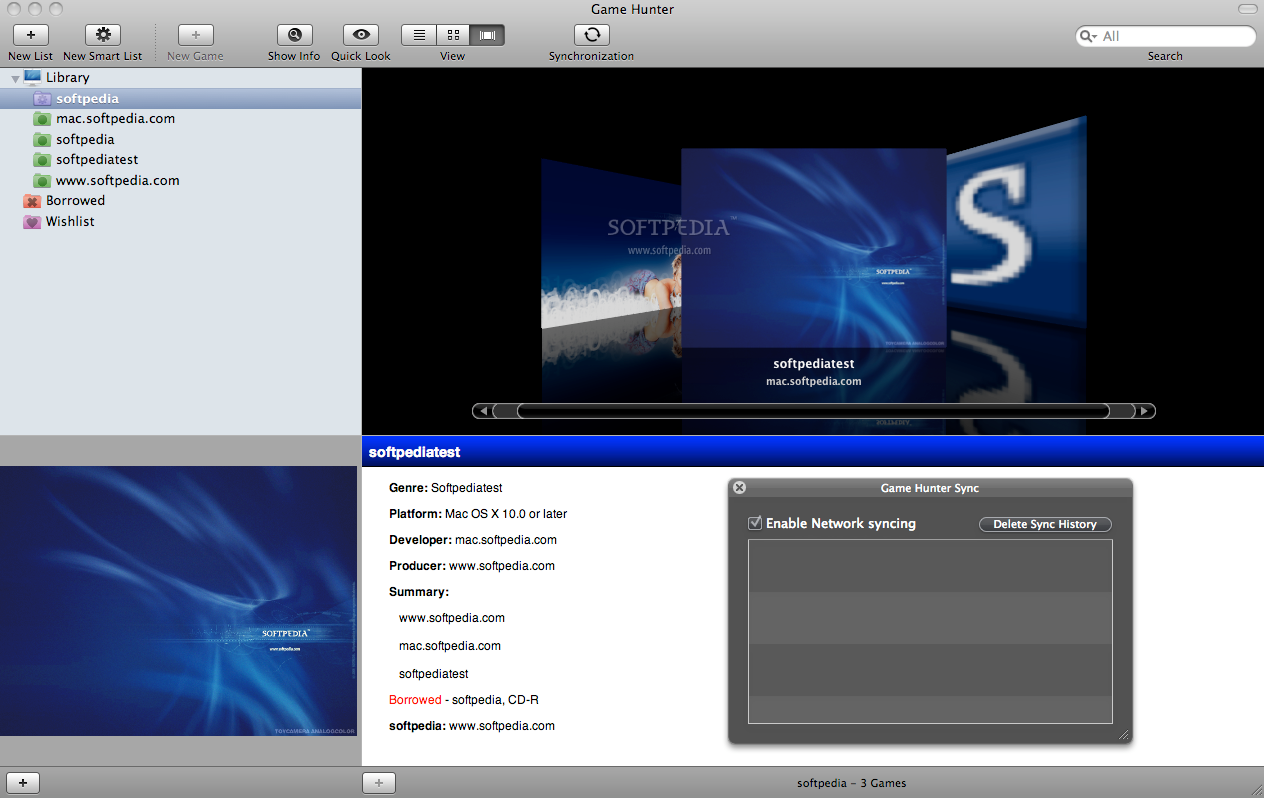
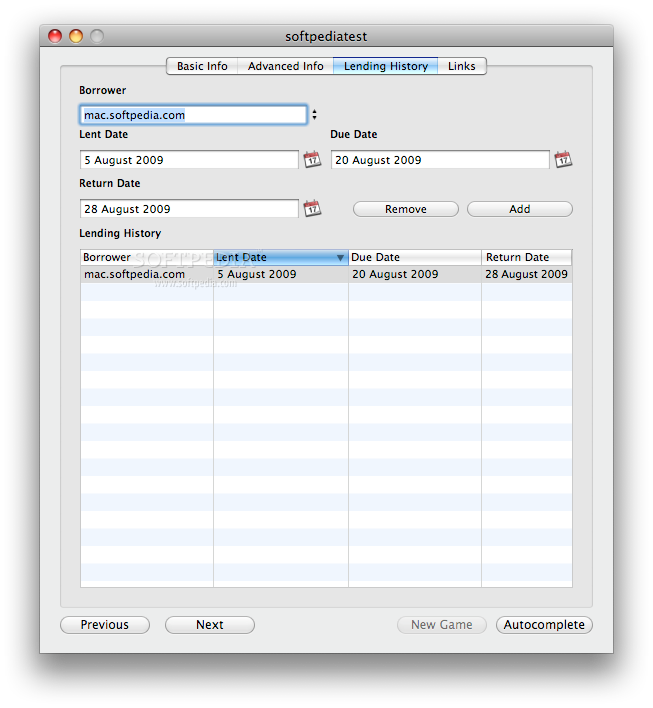
If you like borrowing your games, you have the possibility to keep track of each disc in the Lending panel. Each lent item will automatically appear in the Borrowed smart list but you will also be able to see the entire lending history in this panel. The window can be easily accessed by pressing the Show Details button present on the top of the main window, allowing you to edit the entire game information at any time. The same area permits you to access the syncing feature through the Synchronization button.
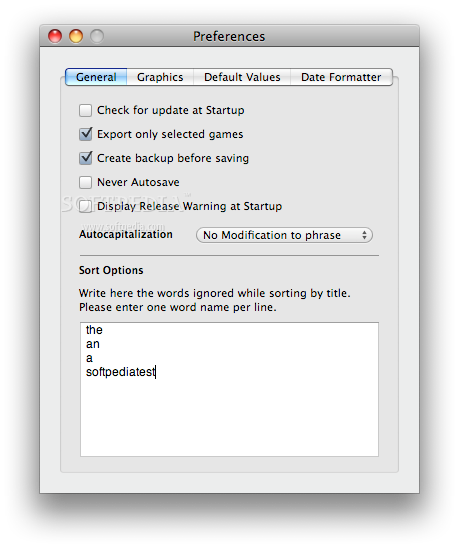
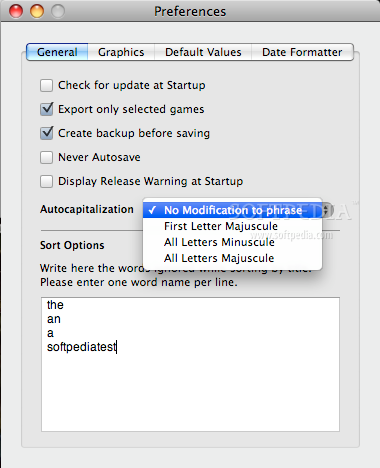
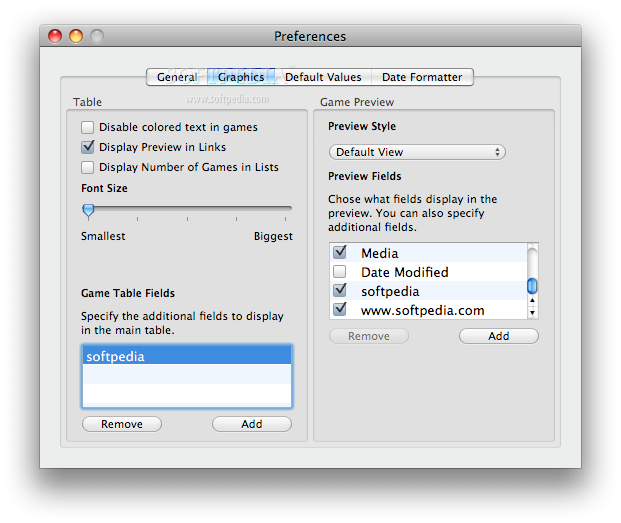
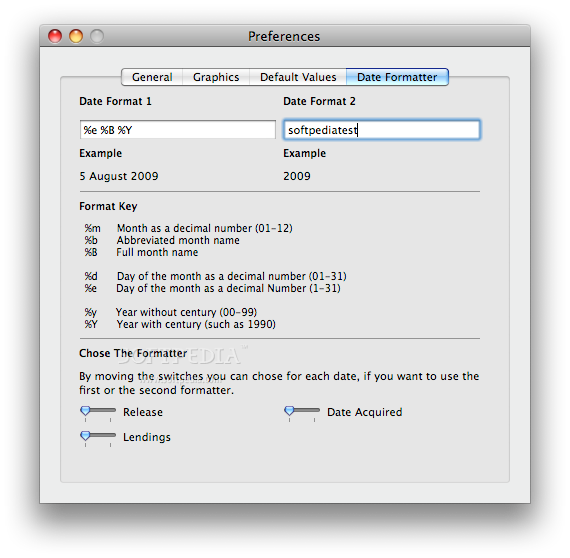
The interface appearance can be customized from the Graphics panel in the Preferences window. You can adjust usual things like the font size and the preview style but you may also choose which fields should be displayed in the preview. A very important feature that can be found in the Preferences window is the possibility to set the words that should be ignored in the sorting process. The Game Hunter preferences allow you to change many other default values and you should explore them on your own to see which options better suit your needs.
The Good
The Bad
The Truth
Here are some snapshots of the application in action: