14 DAY TRIAL //
 Have you ever found yourself curious regarding the intricacies of a great Flash movie, about the approach taken by the project developer and the tricks used to get a certain effect? SWF Decompiler is the perfect tool to have around if you want to have all the elements of any Flash document revealed. Not to mention that it is a great tool in case you “temporarily misplace” the FLA or FLEX files of your own projects.
Basically SWF Decompiler is able to scan the .swf file and display a preview of the project, the resources used and specific information about each element. You can simply browse the document contents or choose to export the resources in several file formats or convert the entire file to FLA or FLEX. All this is happening in a very simple and well organized window.
The Looks
The interface is very clean and focused on efficient space management. At the top of the window the button bar provides easy access to most of the features: export to FLA or FLEX, export resources, display movie information, see the source code, export multiple files at once or take a snapshot.
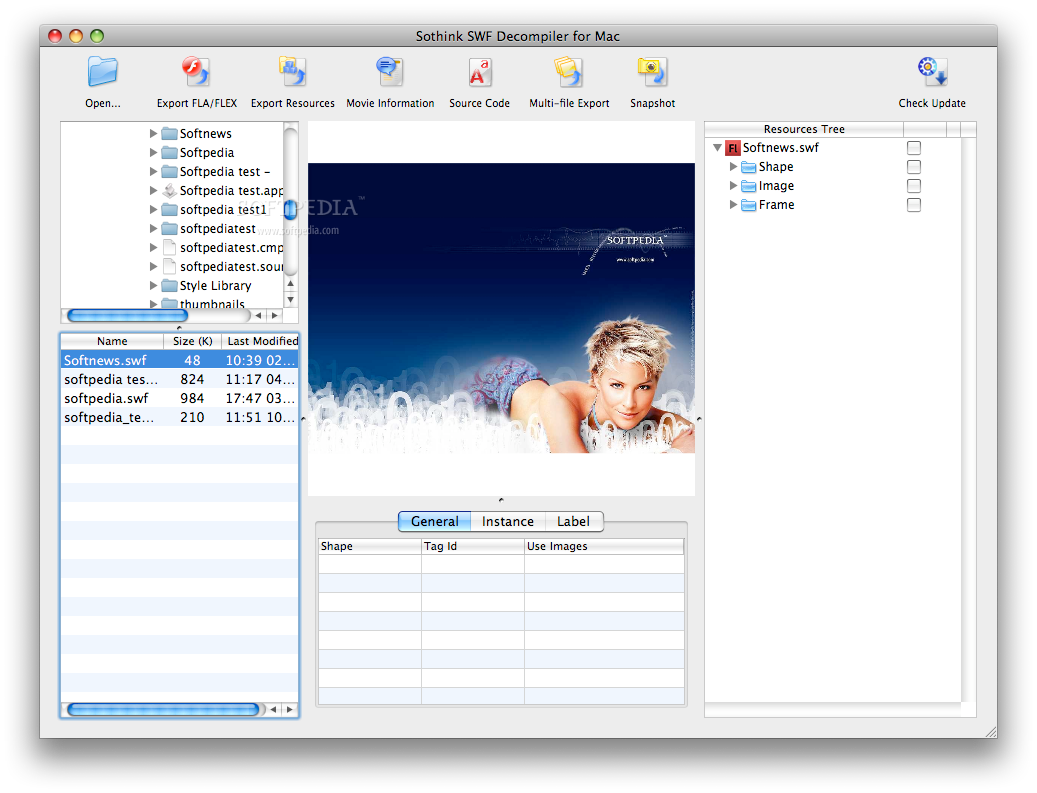
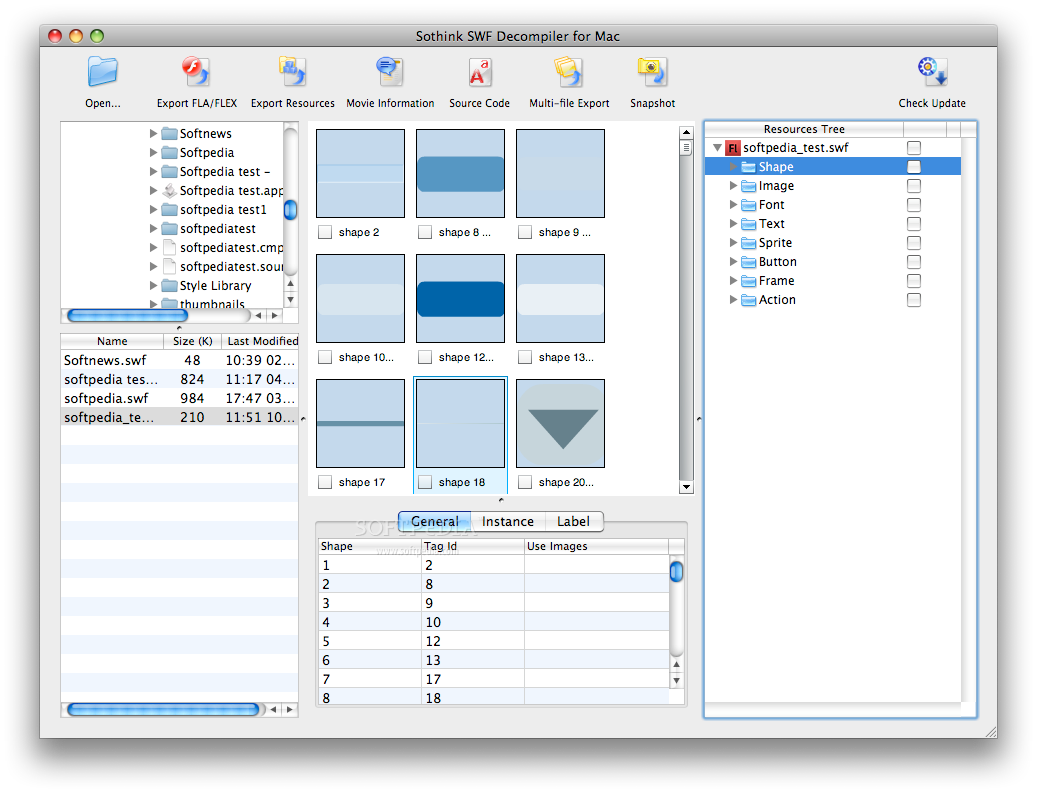
The main window comprises six separate areas with well established purposes. On the upper left side you will be able to easily browse your drive content in order to find the .swf files, although you can also use the Open button from the button bar. Once you selected a folder you will be able to see the contained .swf files in the window right under. The browsing method is quite efficient and gives you the possibility to easily switch between projects.
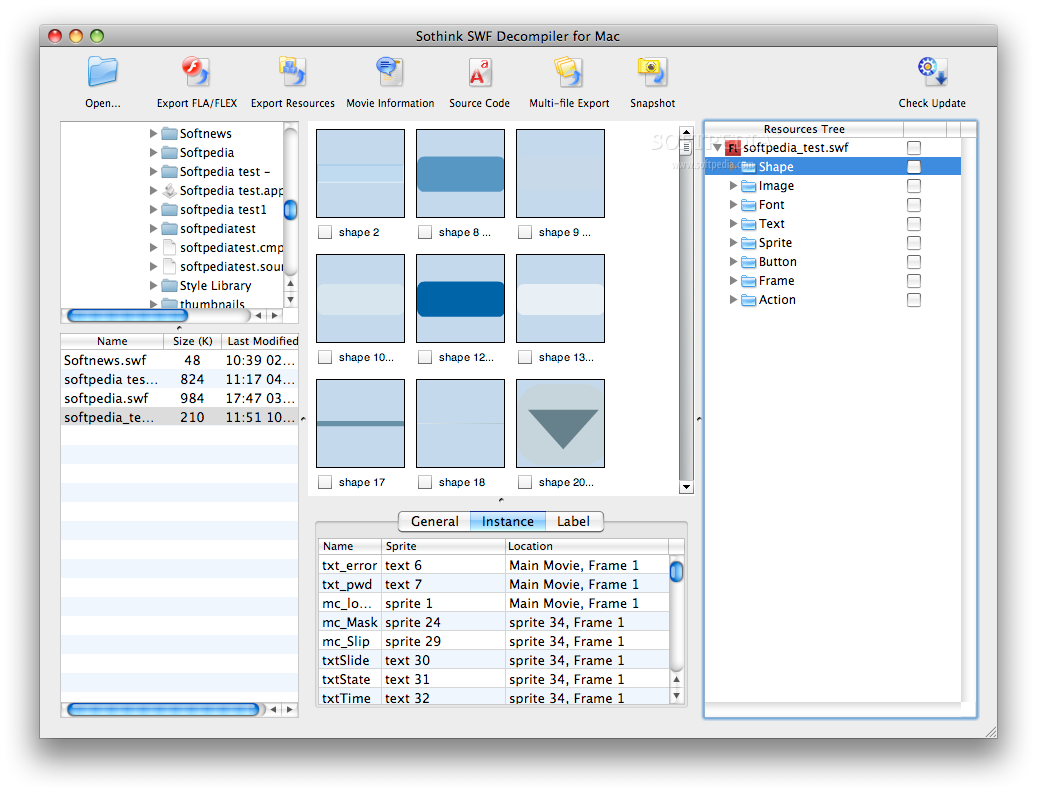
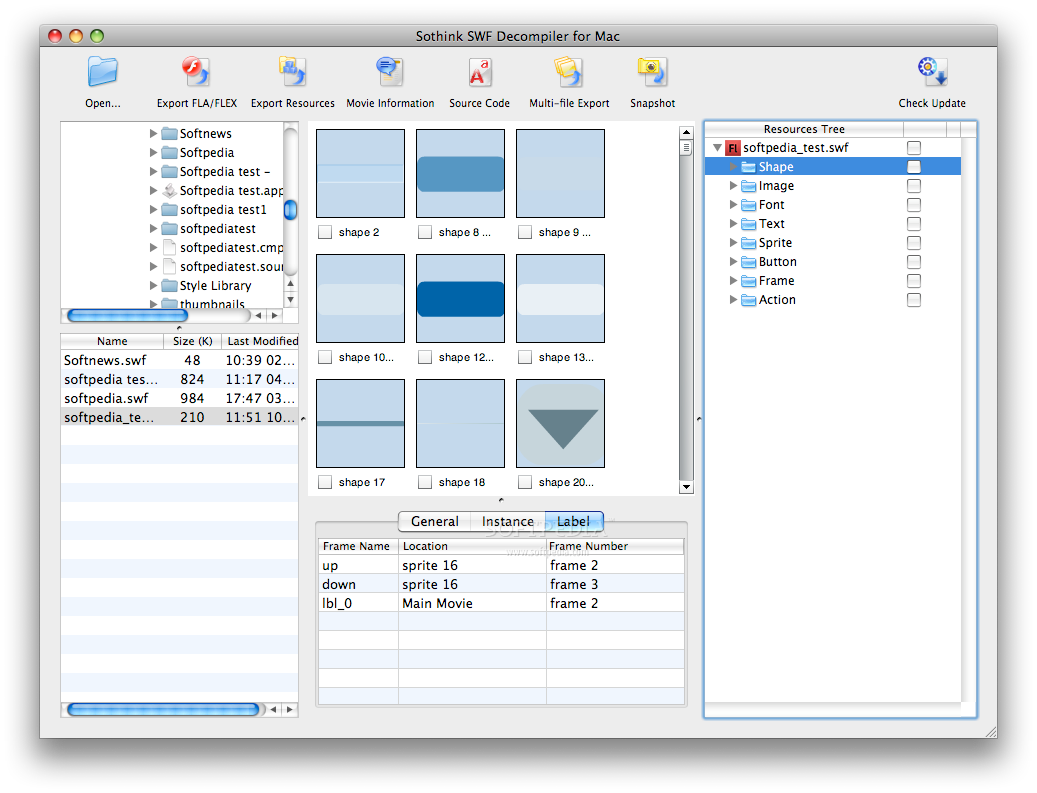
If you want to explore the content of the .swf all you have to do is select it in the second window and you will automatically be able to see a preview in the middle and the resources available on the right. Every time you want to know more about an item from the resource tree, underline the object and take a look under the preview window. This way you will be able to see general information, the instance and the label. Meanwhile, the preview window will display a thumbnail image if the selected item has a graphic representation.
The Works
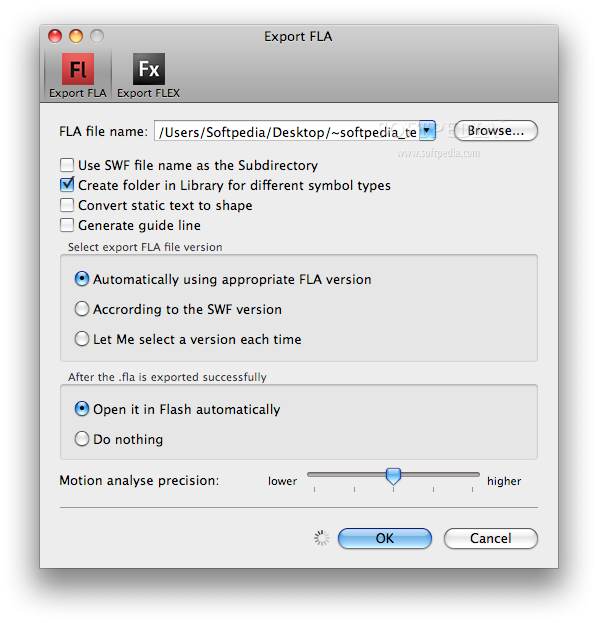
If you need to convert or extract the resources from the currently selected .swf file the process is extremely simple. All you have to do is press the Export FLA/FLEX button and specify the output name. Still, for each format you can make your own settings.
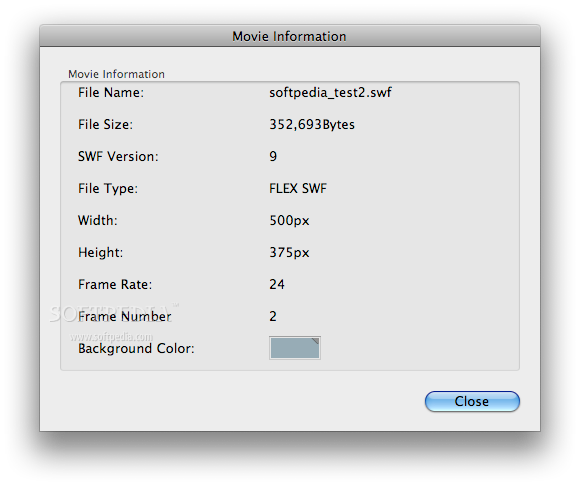
For the files converted to FLA format you can choose to use the SWF file name as the subdirectory, create a different folder in the Library for different symbol types, convert static text to shape and generate a guide line. When it comes to the file version you can set it automatically using the appropriate FLA version, according to the SWF version or specify it manually for each file. If you want to know the current SWF version you can access the Movie Information window. The same area will also display the file size, type, width, height, frame rate, frame number and background color. The FLA settings panel also allows you to specify the application behavior when the conversion is complete and the motion analyze precision.
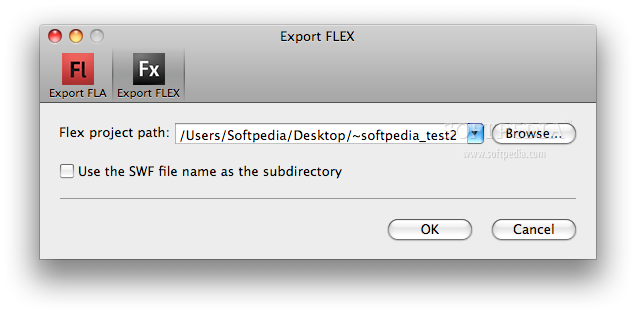
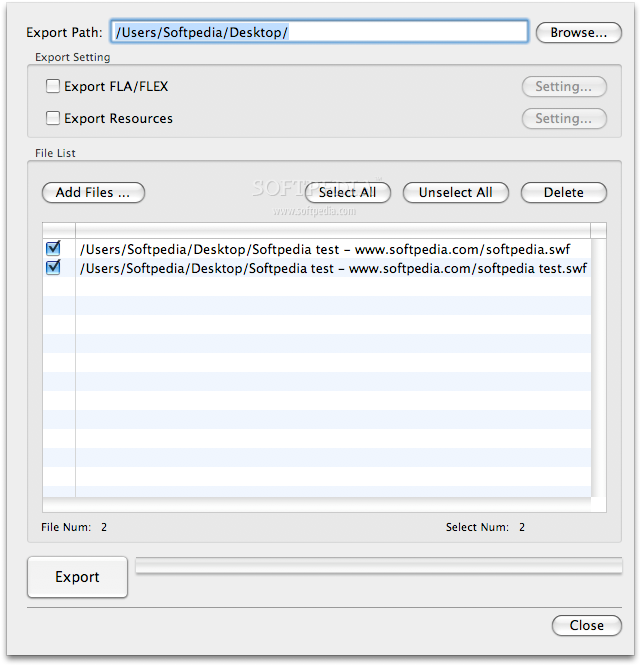
For FLEX projects you can establish the project path and also choose to use the SWF file name as the subdirectory. The same settings can be made through the batch exporting window where you must also specify the export path and add the .swf files you want to convert.
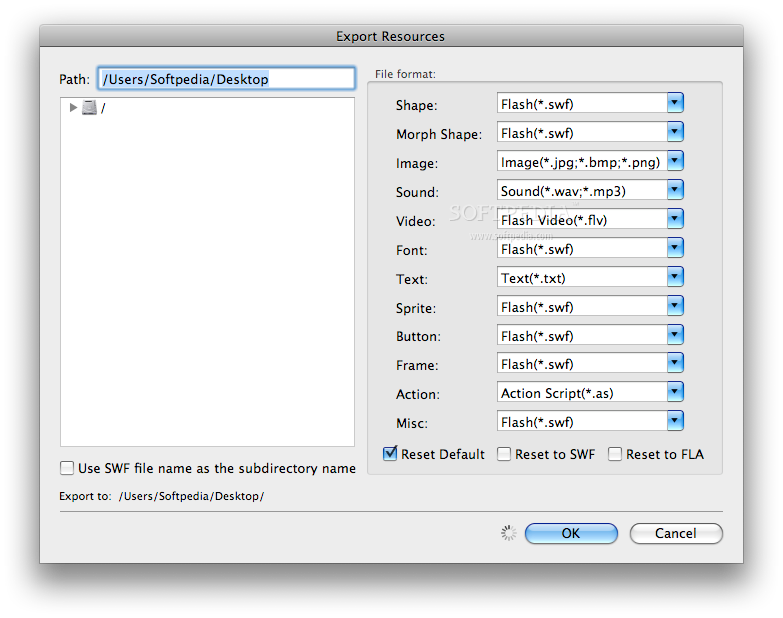
Extracting the resource files is just as easy but you must make sure you have selected the desired items in the resource tree. Next you must press the Export Resources button, set the export location and specify the file format for each item type. You can see the available formats for each object type by pressing the arrow next to each item.
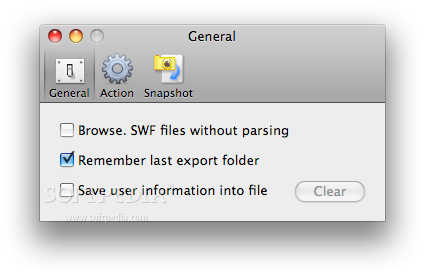
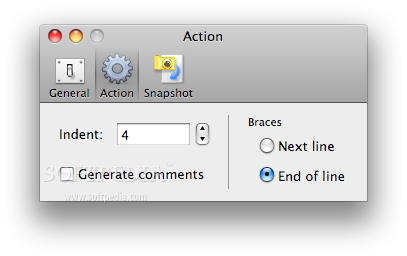
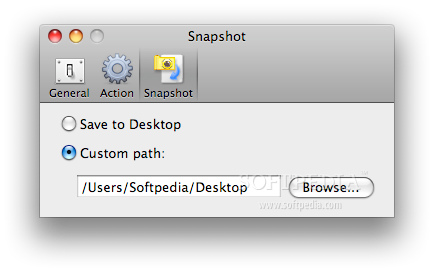
More customization options are available in the Preferences window where you can choose to browse the .swf files without parsing, remember the last export folder, customize the display of the source code, set the location of the user information and the snapshot output folder.
Still, if you have questions about compatibility issues or you cannot understand the way in which a certain feature works, SWF Decompiler also provides a very exhaustive help document that thoroughly explains each of its elements.
Being focused on the user, the application is offering to redirect you to the Sothink SWF Catcher webpage. SWF Catcher is a free Firefox add-on that will help you download Flash content. The add-on represents a separate download and the installation is not mandatory. The message is displayed when you launch the application but you have the possibility to choose to never see it again.
The Good
The Bad
The Truth
Here are some snapshots of the application in action: