14 DAY TRIAL //
 iGetter is a download manager that has been around for a long time, and as can be expected with shareware programs that have stood the test of time, it has become a feature packed, user oriented package.
This program supports all the basic features that you would expect, from resuming downloads to multiple segments, multiple protocols (HTTP and FTP as well as HTTPS and FTP over SSL implicitly and explicitly). But iGetter doesn't stop here, unlike other programs that are content to let you start pause and resume downloads, this one takes it one step further.
Working Inside The Program
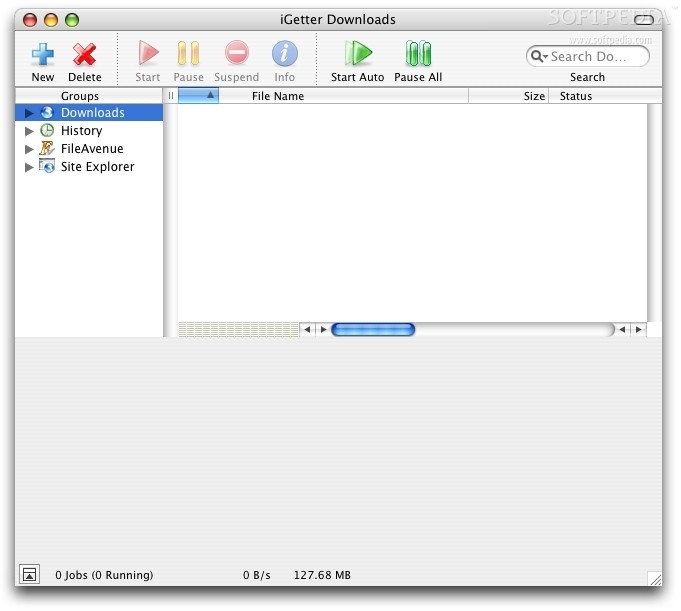
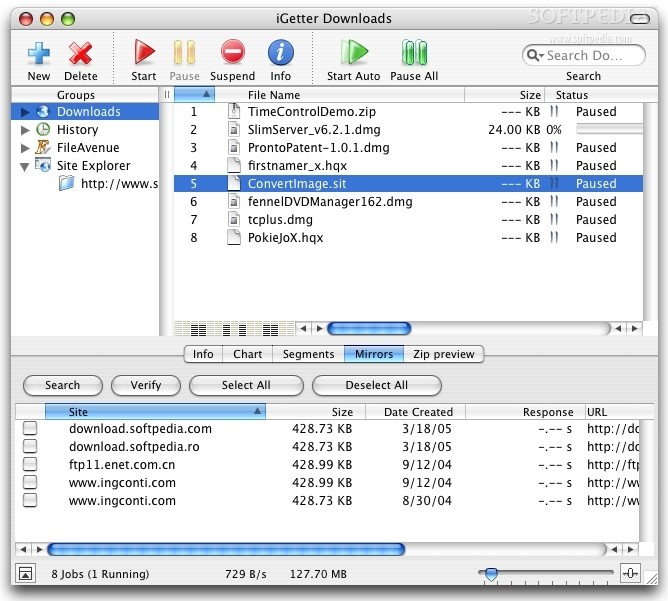
The minute you launch it you can tell that this application was built for the Mac. The main window is conveniently laid out, giving you the screen real estate where you need it. The big, intuitive buttons in the toolbar cover the most used functions, and besides the current download queue, iGetter also has a history listing as well as full integration with fileavenue.net and a built in Site Explorer.
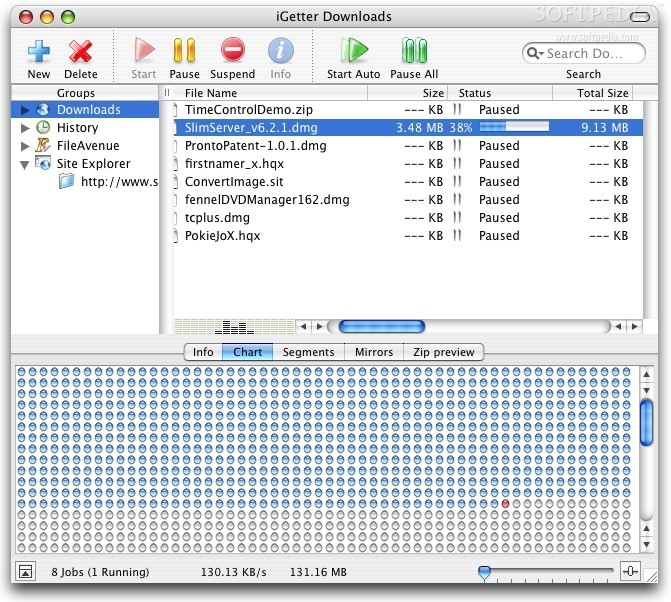
Both the Download Queue and the Download history offer a subdirectory system in which you can sort downloads by the location where they were downloaded, the file type as well as the status (in the case of current downloads) or date (in the case of downloads that are already finished).
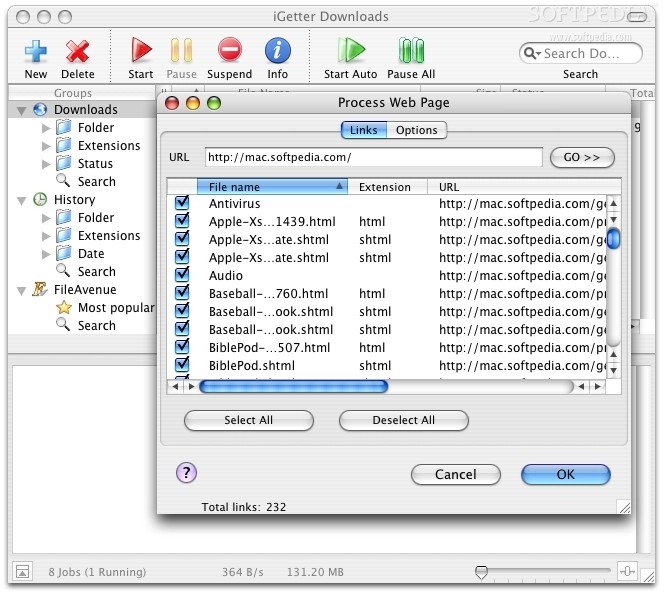
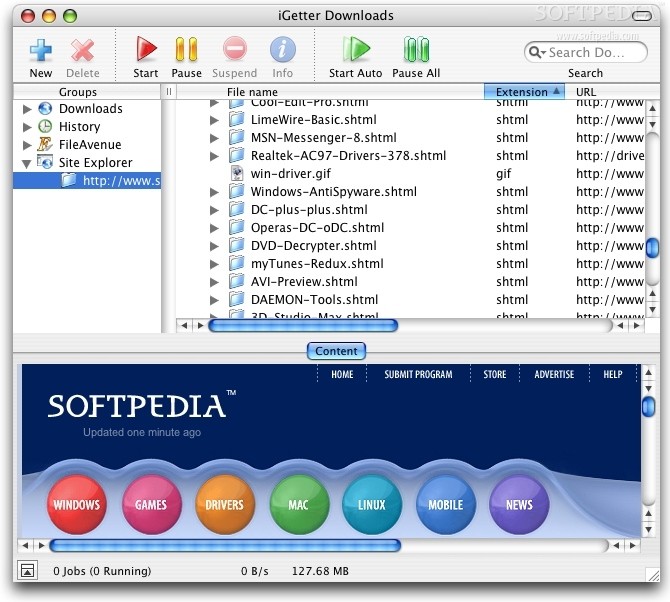
The built in Site Explorer allows you to browse a site directly from within iGetter, in parallel to the directory tree with all the site contents so you can easily single out and download those pesky things like CSS or javascript files. The same Site Explorer can be used to browse FTP sites and downloading a file is as easy and dragging it to the download queue.
Working Outside The Program
But this is all in program, and while iGetter can be used for browsing, it is in no way a replacement for a web browser. At this point I must confess that I was a bit worried after reading a few user reports that complained about an incompatibility with the contextual menus in Safari. But having spent some time browsing in Safari and downloading with iGetter, I have not encountered any problems even after relaunching the programs a few times.
The contextual menus are functional and you can either save a certain file or process an entire page for links, in a manner very similar to the Site Explorer but without the visual feedback. One problem I did notice though is that it does skip certain file types and lets Safari handle them. This can be particularly nasty when you want to get a big file that is hiding behind some PHP script.
For the drag and drop enthusiast, there is a tiny floating window with the iGetter logo that you can enable and drag items onto, or you can opt for its clipboard monitoring functions that allow it to process any URL present in the clipboard. All in all it does give you all the options you need for getting that file inside the download queue.
Download When It Is Most Convenient
Once your files are actually inside the queue, you have a heap of options to help you download the way it suits you best. You can limit the download speed so that it doesn't hog the bandwidth and set up automatic download so that the downloads are scheduled for periods of low traffic or when you are away from the computer. iGetter can also detect the status of your Internet connection, connect the computer to the net in order to start the downloads and disconnect, and even shut it down after they are finished.
Very Nice Features, Unique to iGetter
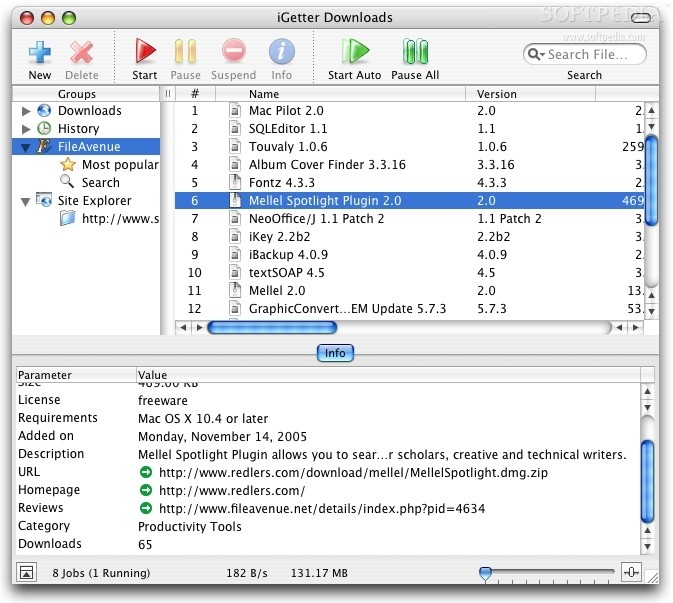
FileAvenue.net is a web service that is fully integrated with iGetter. From within the program itself you can search or browse the most popular files from the web download library. You can even see the license, price and a small description of the item right there in the main screen. Moreover, there is a Mirror Search function available.
If you choose to participate in Mirror Search, whenever you download a file, the file details and URL are sent anonymously to the FileAvenue server so that it can be shared with other users. On the receiving end, you can choose to search for mirrors for any file in your download queue and iGetter will look to see if that item has been downloaded from any other locations other than the one you are currently downloading from and allow you to choose whether you want that location to be treated as a mirror.
The Good
Everything is very well thought out with plenty of great features. Individual downloads are very easy to organize and find, even if you have hundreds... Perfect for those with a compulsive download syndrome.
The Bad
It fails to assimilate certain file types, leaving them to be handled by Safari, which can be a real pain if they are hidden behind PHP scripts.
The Truth
A very nice download manager with all the bells and whistles. It has every feature you could ask for and a few unique ones, all packed up in a great interface. One of the best programs at what it does.
Here are some screengrabs of iGetter in action, click to enlarge: