14 DAY TRIAL //
 With the much awaited iPhone launch day upon us, I thought it might be appropriate to review something a little different. While iPhone applications are not really Mac applications as such, and a little out of my field, there is one iPhone application that anyone interested in the iPhone should check out. Whether you are a developer, curious to get an idea of what your favorite websites would look like on the little device's browser, or just interested to see what iPhone specific sites look like, you will need iPhoney. This is especially true for those living outside the United States who will have to wait quite a while until Apple's little gadget becomes available.
What it does iPhoney is a iPhone preview application. It provides a pixel-accurate iPhone browsing simulation to let you get an idea of what the web would look like in the palm of your hands. Especially valuable to developers or those that want to check out third party iPhone applications before they decide to buy one, this application is also a lot of fun.
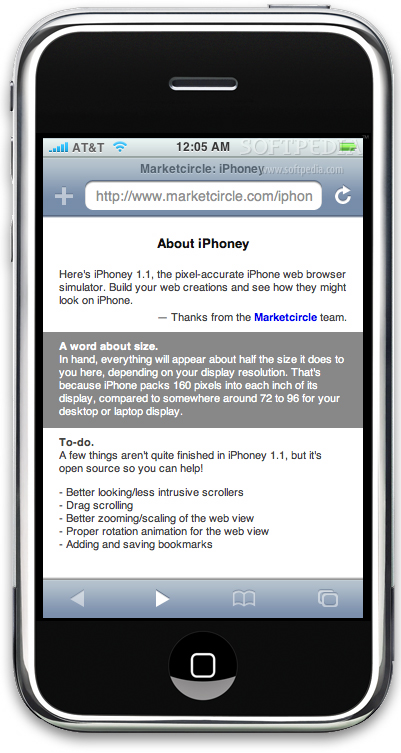
Working with it The first thing you notice about iPhoney is that it looks just like an iPhone. The developers have taken great care to provide a pixel-accurate display and an appropriately sized iPhone shape to house it. Despite being a window on your desktop, iPhoney manages to actually 'feel' like an iPhone.
The second thing some of you might notice is how big the iPhoney window is. It's huge, compared to what the size of an iPhone actually is. This is because the program is pixel-accurate, and while the iPhone screen has a DPI of 160, your display probably varies between 72 and 96. So, while the iPhoney display might look huge, it is actually very accurate of what would be seen on an iPhone screen.
In terms of functionality, iPhoney can be described as an iPhone shaped browser. It uses the Safari WebKit innards, so it should display everything as it would be seen in both Safari and iPhone. The main reason to use it is to see what the web looks like from an iPhone screen. To do this, iPhoney has a few features that you won't find in most browsers.
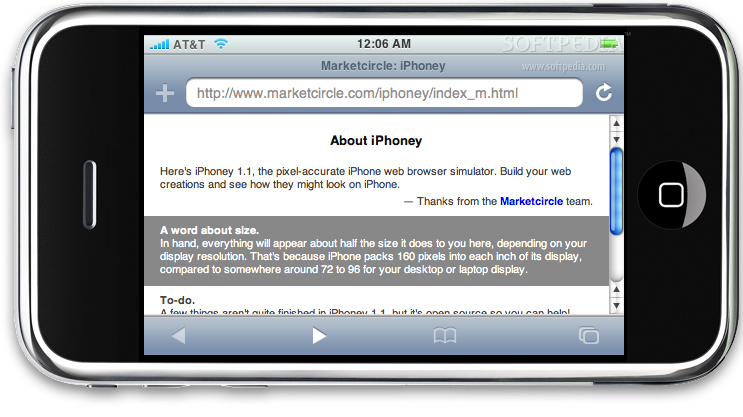
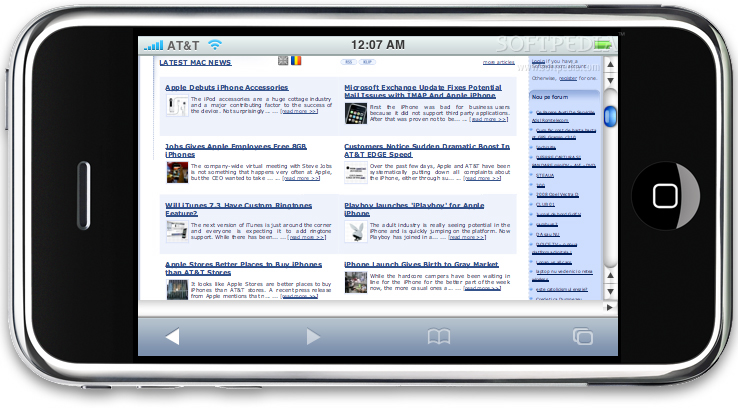
The first is the ability to rotate the display, and see how things look both in perspective and portrait mode. Besides this, iPhoney also has the option of automatically scaling the content to fit. These options are invaluable to developers outside the United States who will have a hard time getting their hands on the real thing any time soon. The display also includes the toolbar at the bottom of the screen and an address bar that can be hidden, at the same size that they can be found on the iPhone. This allows for proper judging of viewable areas in all conditions and better designing of interfaces.
Another key feature is the ability of iPhoney to alternate between posing as Safari and posing as an iPhone. Some sites have already begun preparing special sections, designed for the iPhone which will restrict access to using normal web browsers. With this, you can fool them into letting you take a peek. Last but not least, iPhoney lets you turn off all plugins not supported by the iPhone with a simple click, so you can see exactly what will be displayed and what will not.
Issues As good as the iPhoney is, there are still some issue with it. While these will no doubt be remedied over time, they can be quite annoying for the time being.
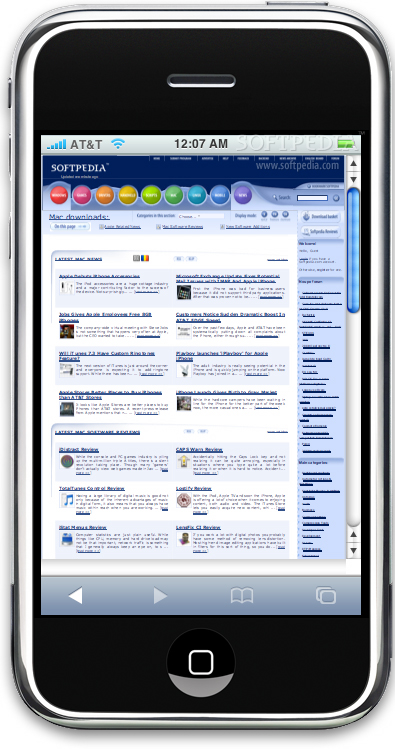
The first and foremost of these is the issue of the scroll bars. The iPhone does not have scroll bars. It has scroll indicators that appear while you are dragging the page around, but it does not have actual scroll bars. Unfortunately, iPhoney has scrollbars, and they eat precious space out of the already limited display size. Some sites that have a lot of scrollable areas will see huge reductions in screen real estate used for content simply because of the scroll bars everywhere. Even more annoying is when you get scroll bars that you can't scroll because the page actually fits without them being necessary.
Another issue is with the scaling of the web view. When enabled, this option will often scale down content that does not need it. Despite the content being capable of fitting properly in the view, it will be resized to match the page you were previously viewing when using the Forward and Back buttons.
The Good
A must have tool for iPhone developers, and a fun curiosity for the rest of us. If you don't have an iPhone in your hands right now, iPhoney is the next best thing.
The Bad
Still has some desktop browser leftovers that can be annoying, such as the scroll bars.
The Truth
iPhoney is shaping up really well for such a new program. For those who develop for the iPhone but don't already have the actual device, it is simply invaluable. While there are still some issues, the developers are quite aware of them, and are inviting anyone who wants to help to join, as the application is open source.
Here are some screenshots, click to enlarge: