14 DAY TRIAL //
 A notepad next to the phone or on your desk can be invaluable for keeping track of all kinds of information. From random tidbits, phone messages, to do lists, phone numbers and just about anything else that might need to be written down in a hurry. Since a computer is likely already on your desk, it is only a logical replacement to a traditional notepad, offering a great many advantages over the pen and paper alternative. While in theory you can type out a quick note in just about any application and copy-paste it later to any text document, a dedicated application is by far the better choice. Despite traditional notepads being all the same thing, apart from the size and number of pages, note taking applications vary wildly each with its own approach and features that you won't likely see in other places and myNotes is no exception to this rule.
What it does myNotes is a note taking application that specializes in information flexibility. While it does offer a way to organize your notes, a fast search and multiple formatting options, it excels at getting that information to where it is needed. Besides an export function, it also has great printing features as well as tight Address Book integration making it perfect for people who need to send their notes out.
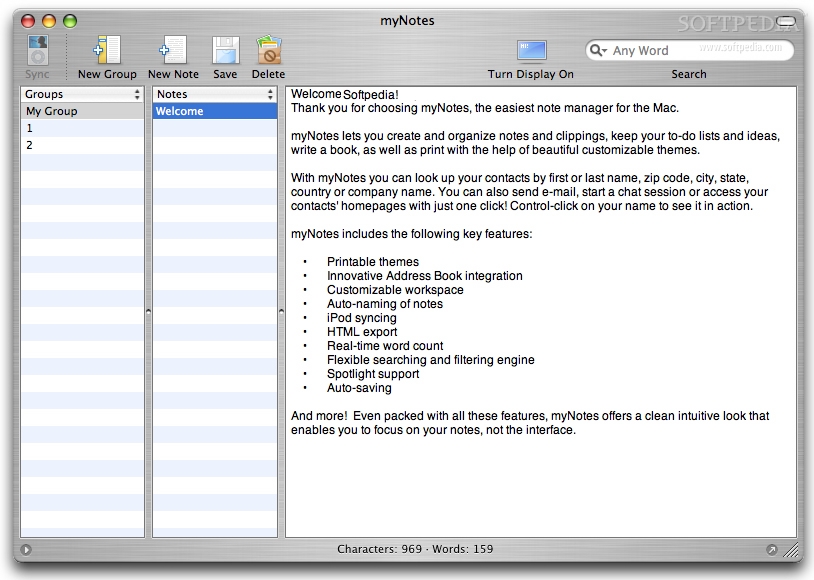
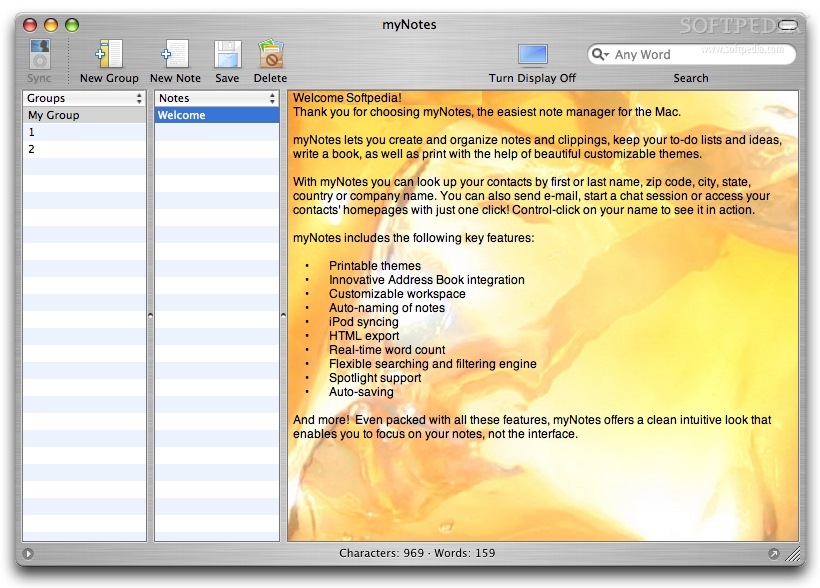
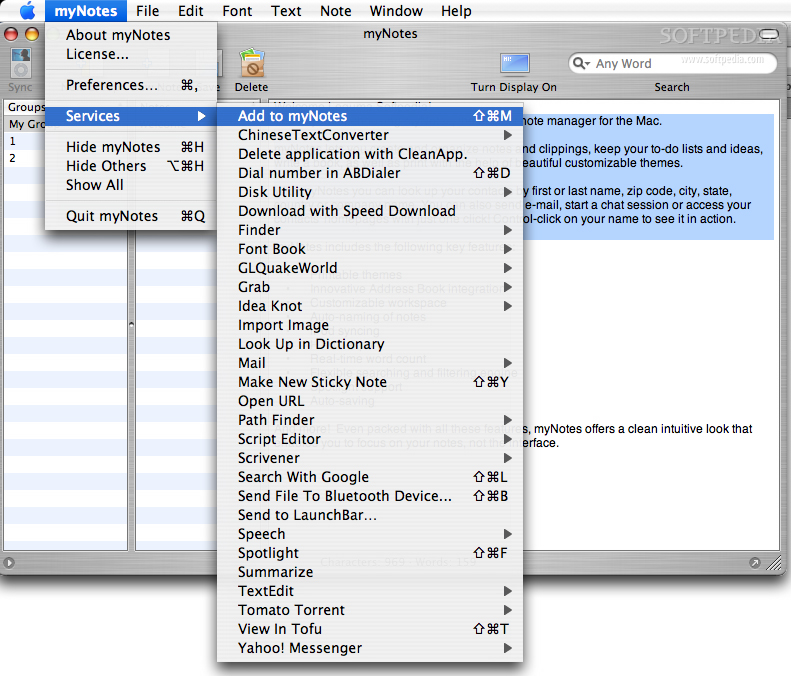
Working with it In terms of note taking, myNotes is very straight-up. Notes are basically text documents that behave like TextEdit documents and which can contain just about any information you might need. You can create notes from within the application, by using the toolbar or keyboard shortcuts, but you can also take notes without leaving the application you were in. Through a universal keyboard shortcut, myNotes makes use of the Services in order to turn the currently selected text into a note, everything being taken care of in the background.
Since adding any number of notes without ever cleaning up can result in a big mess, myNotes gives you the option to manage your notes and categorize them accordingly. Other applications give you a lot of options and flexibility here, but myNotes keeps things simple and basic? you create groups, into which you can place your notes. You cannot have subgroups and each note can only belong to a single group, both significant limitations, but this keeps things relatively clean and simple. Anther option that is often seen but not present here is that of labels. The only real ways to distinguish between notes are names and creation dates. Both the groups and the notes themselves can be sorted according to these two criteria, either in ascending or descending order.
Searching is also a bit wonky, despite being both fast and functional. Whenever you type something in the search box, the application will change the background of the groups that contain hits to a yellow color. However, inside the groups themselves only notes that contain hits will be shown, all others instantly becoming hidden. Last but not least, despite the groups having yellow highlights, the actual strings you search for will be highlighted in gray within the notes, making them very hard to see. The lack of consistency can be quite annoying, especially when you forget you have a search active and are wondering where that note that you are looking for is.
Information on the go Despite myNotes being a mixed bag so far, when it comes to getting the information within it from one place to another, it really shines.
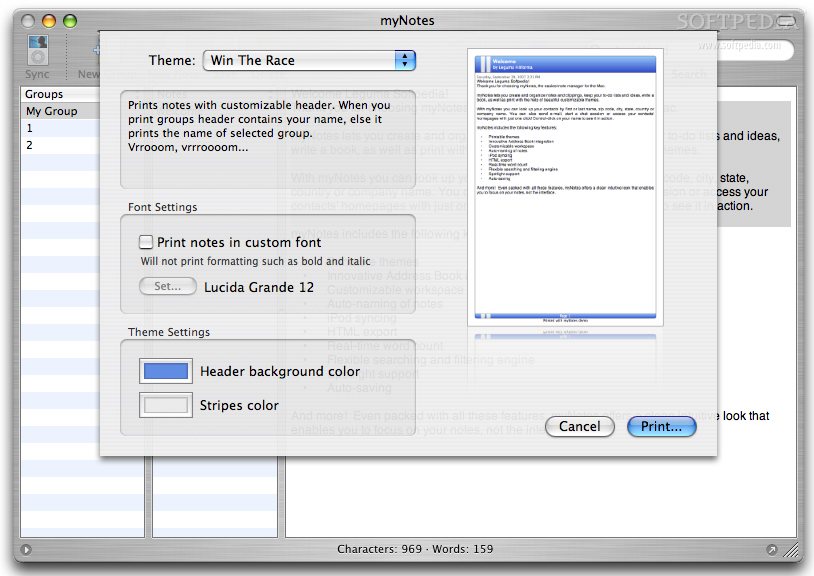
Printing is truly amazing, far beyond what other note taking applications offer. Besides the clean layout with the title, author and date at the top, the application also offers various styles. While these styles are just cosmetic, they do an excellent job at making the printed note stand out and look like more than just another text printout. The various styles provided range in look and feel and can also be tweaked depending on your needs.
The Address Book integration is just as good. Type in the first or last name of any of your contacts and any matches will show up in the contextual menu. From here you can mail, visit their website or start a conversation with them over iChat. It may not seem like much, but being able to cut corners and quickly access a means of communication with the person in your note can end up saving a lot of time.
The Good Excellent for people that often need their notes outside their computer. Makes it incredibly easy to print or send the information to someone else.
The Bad Note organizing is very simplistic and the search filtering is a bit wonky.
The Truth While myNotes may not have too many options when it comes to organizing notes, this can actually be an advantage for those who don't need to organize a lot and only want the bare bones. This application is perfectly suited for volatile information, as it makes it easy to get notes in and out, but keeping them for extended period can become overwhelming.
Here are some screenshots, click to enlarge: