14 DAY TRIAL //
 Want it Done Right?
You've had the same screensaver for the past two years. You are somewhat tired of seeing that Microsoft seal awkwardly flapping and moseying around your screen. At the same time you're really not interested on what's on the net because it's pretty much all the same. Like the saying goes, if you want something done right, you gotta do it yourself. Well, now you can, with the 2Flyer Screensaver Builder.
Features
This little nifty tool offers you the chance to make a variety of different types of screensavers. You're able to choose from four completely different types of wallpapers.
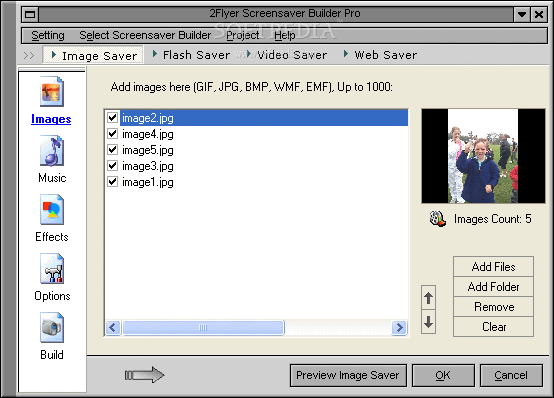
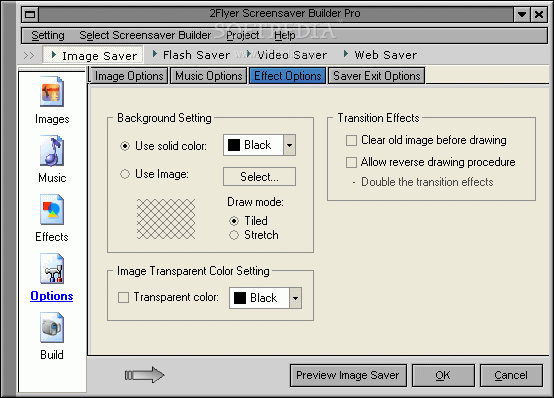
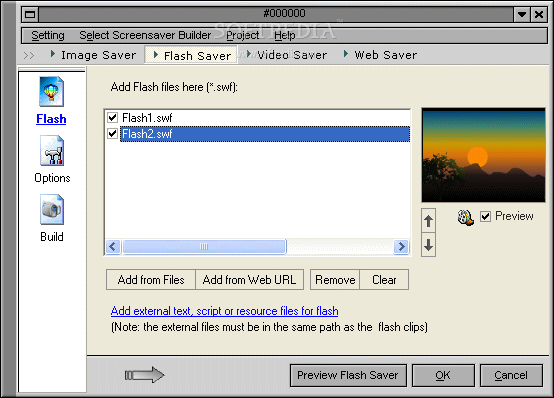
Right from the start I noticed a nicely laid out interface that was simple and with an intuitive design. It's divided into two basic windows. The options are on the left window, while your middle window lets you add images/files and test out your projects. You start any project with a click on one of four basic building icons on top of your main window.
Your first and most basic screensaver builder is your typical image saver. Here you can compile pictures and accompany them with music, adding some cool effects while their transition from one to the next. This saver lets you add up to one thousand images for one project.
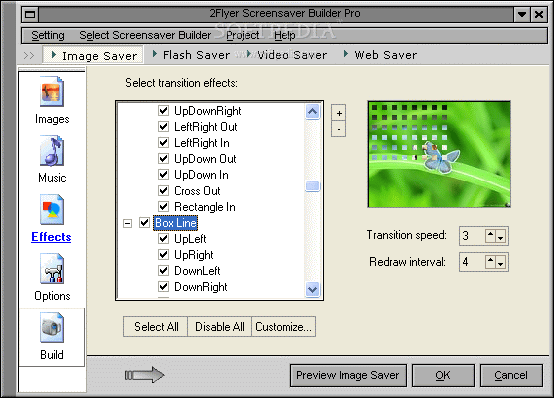
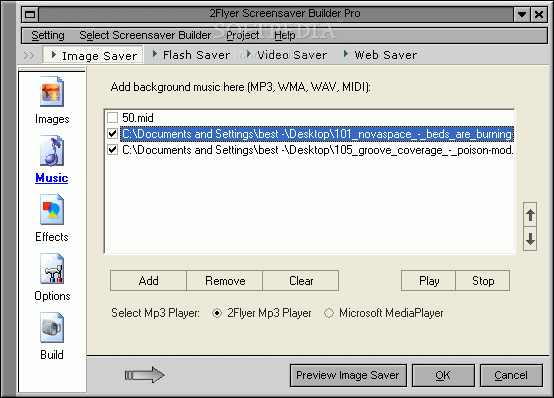
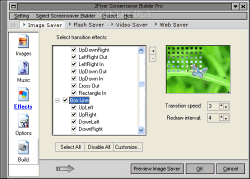
It reads JPG, GIF, BMP or PNG, TIF, SGI... (basically most image files). As for the music, you can add MP3, WMA, WAV or MID file types to the mix. As for effects, well, you have over two hundred ninety transitional effects.
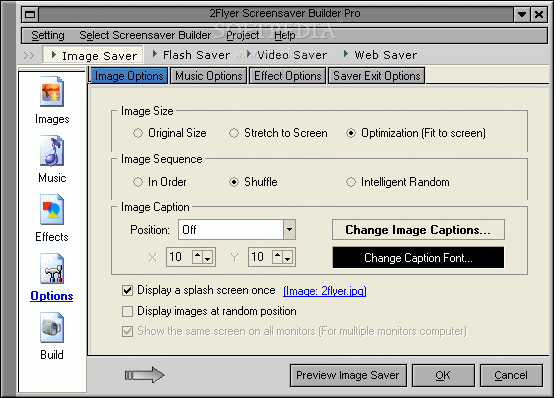
I think that this is the key feature that makes 2Flyer better than most of the other screensaver builders. You can arc, cross wipe, cross, splash, blind, corner, dissolve, shred, rotate, push up, push down, extend, stretch or alternate if you so desire. Basically, you have a lot of effects options to work with if you so choose. You can also stretch your picture's original size or optimize it to fit your screen.
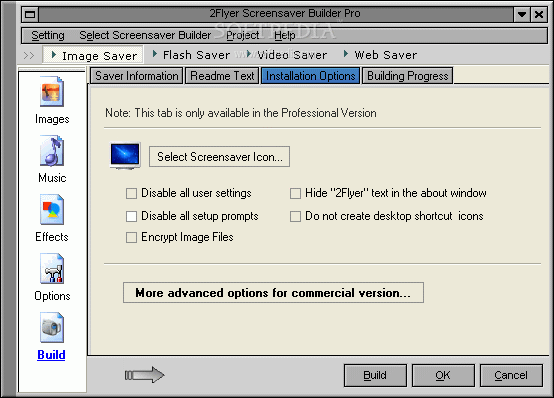
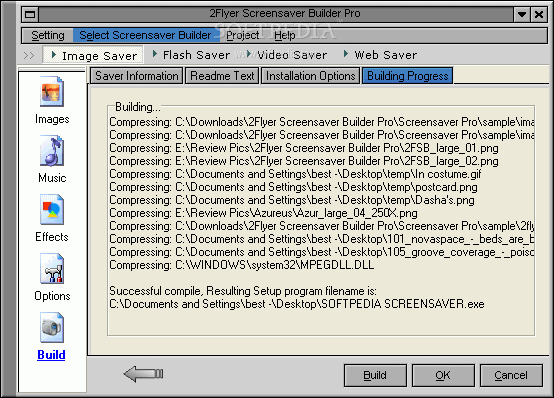
After I had everything in order, I went ahead and started building my newly formed screensaver. I was given three options: build an .EXE file, build standard screensaver file (.SRC), or build an .EXE slideshow file. All three were built, installed and worked like clockwork. There's even an uninstall option that works perfectly as well.
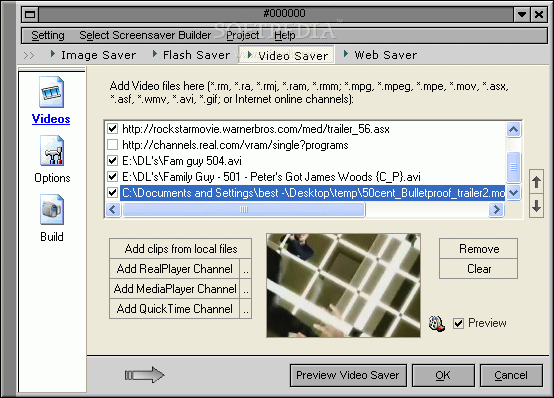
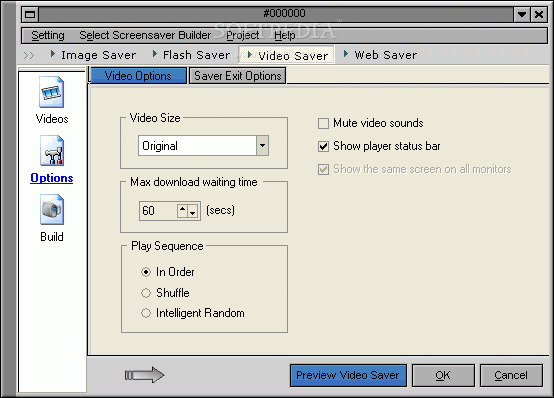
I then went on to try every single type of screensaver and everyone from the flash builder, to the video, to the websaver and all were as easy to make as the imaging one.
Some Slight Annoyances
Some options that I'd like to see for the future include a setting that lets me control how long the image lasts on screen before switching. I'd also like them to include Shift-Selecting. When I add about fifty songs to a playlist and I have to go through and delete each one with a mouse click, it gets annoying after I've clicked ten times. Let me just hit shift and select a list of them to be deleted.
For the video saver, I'm going to have to recommend to people that they make sure to not have the preview option selected because it will automatically start playing the associated file without giving many controls (you have to right-click to see what controls you do have).
The Good
2Flyer makes it incredibly easy for you to create your own screensavers. The GUI is intuitive, its simple design makes it easy to use and it lets you create four different types of savers.
The Bad
A Shift-select would be great for choosing a greater number of songs at once when removing them.
The Truth
This is your chance to put together a screensaver that you'd be proud of. If you're tired of looking at the same thing day in and day out or just want to personalize your computer, this is your chance to do just that. Starting and finishing screensaver projects has just gotten easier.
Check out some screenshots below.