14 DAY TRIAL //
 Few weeks ago, while surfing the ocean of knowledge (WWW), I found an interesting article on writing. It was said that the first writing system is believed to have been invented both in Sumer (a region in Asia) and Egypt in the late 4th millennium BC. Ever since, improving writing and written form has been a main concern for most civilizations. Around year 1450 a German innovator assembled the first movable type printing. This was a major discovery; since then, millions of books were printed for us to become more enlightened and informed. The typing machine is the invention that made possible a professional way of writing and became the basis for our standard keyboard layout. But what's the use of a keyboard in writing without a proper software to transpose our thoughts into digital characters.
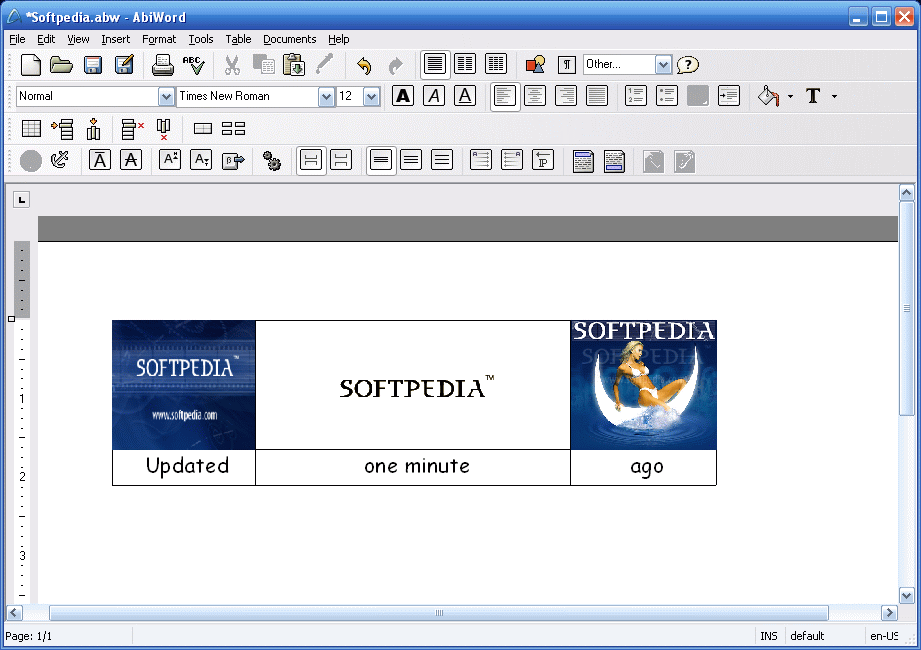
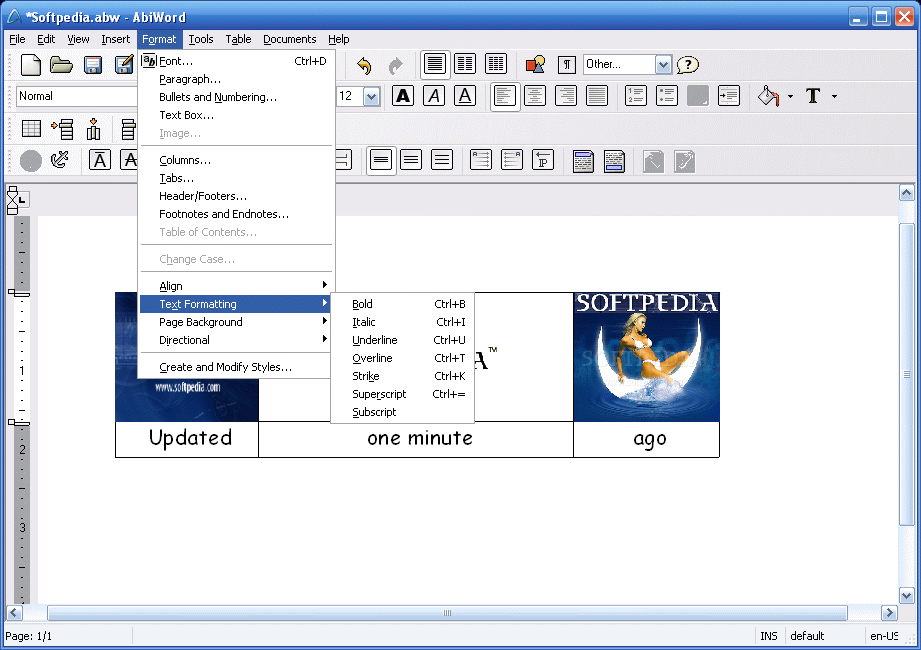
Along Microsoft Office's Word and the freeware software designed by OpenOffice.org, AbiWord proves to be a real competitor. As the developers confess on their homepage, "AbiWord started as a cathedral, but has become more like a bazaar" because it was conceived in an IRC chat channel, #abiword and now it is a world wide developing project. Released in April 2002, during Microsoft's 'war" against free softwares, this word processor, as Andrew Leonard (Salon.com) said, "it's not about making oodles of bucks, it's not even about being the best". It is the result of many smart and enthusiastic people that are doing it for fun, this apparently being the main reason for their success. As you first open it, and it opens faster than OpenOffice.org Writer, you become easily accommodated with its common looks. The application isn't as catchy and featured as the latest versions of Ms Word, but it has all the main features as any capable text editor.
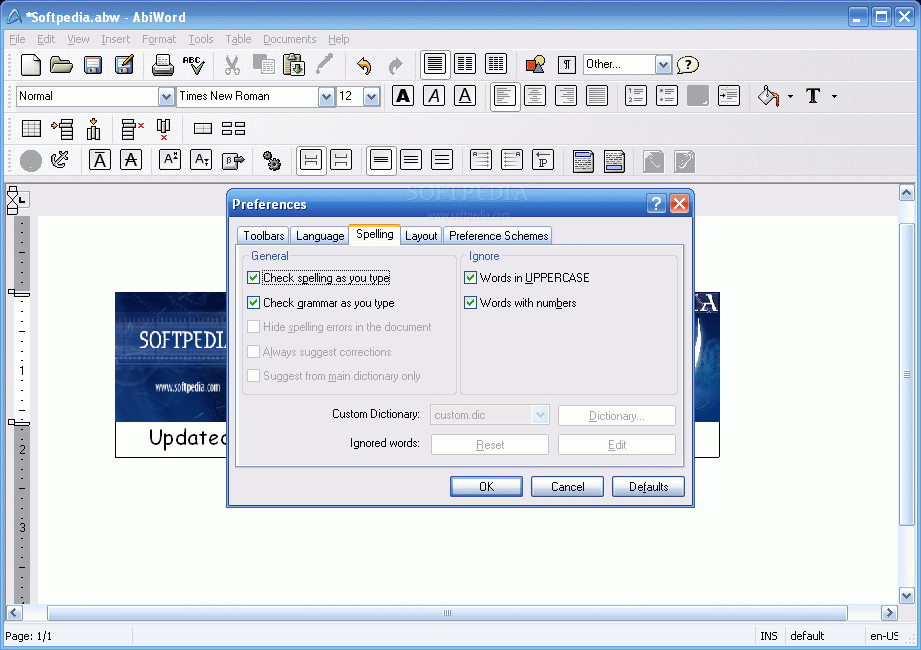
When I meant not as well equipped I surely wasn't talking about important features. I mean it doesn't have that annoying paper clip that should help you in case you are in trouble, but it has Grammar and Spelling check which, to my surprise, works as accurate as its Microsoft equivalent except for correct options for grammar mistakes.
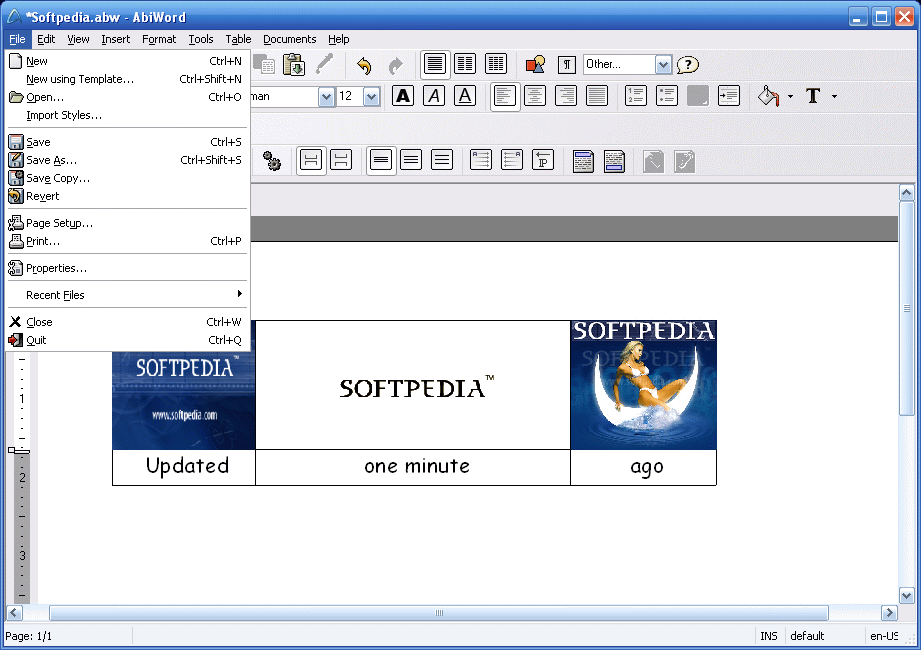
AbiWord as a "stock" application is able to open and work with, except for its own formats, Microsoft Word's .doc and .rtf files, HTML 4.0 and XHTML 1.0 files for your texts to be easily read by web browsers and .gzip files, a native AbiWord format, which are a compressed form of a usual .abw/.awt file. Most of Abyword's imports and exports are plug-ins and one can make use of them by accessing the Download section from the producer's official homepage. Among these plug-ins there are OpenOffice.org, Palm Document, Applix Word and Word Perfect documents.
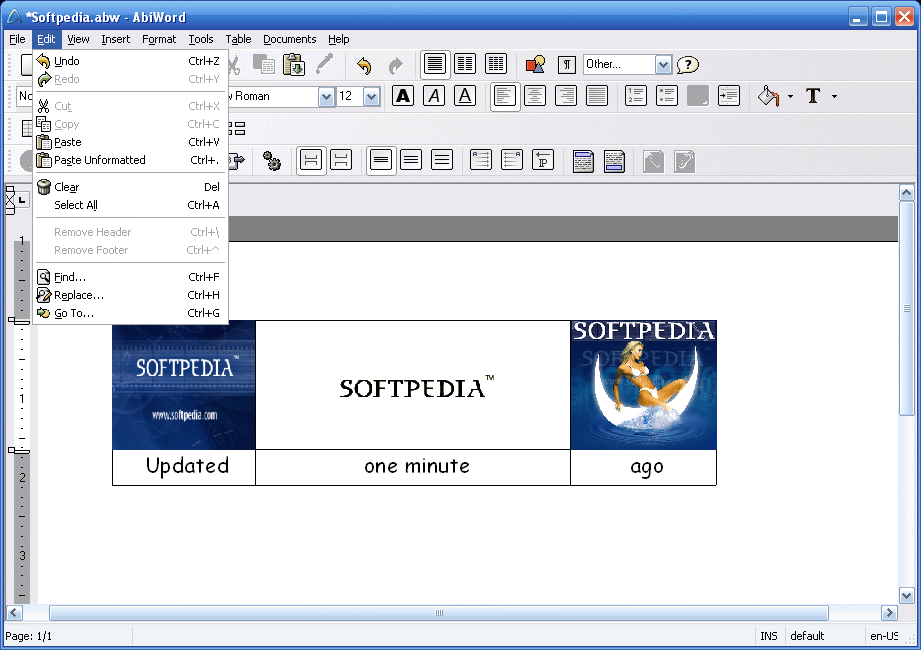
The Drag-And-Drop feature is so smart that you could play with it all day. It is not an unusual feature but what makes it so special is that you can actually see where the text is going to be situated and you can easily realize how good it fits.
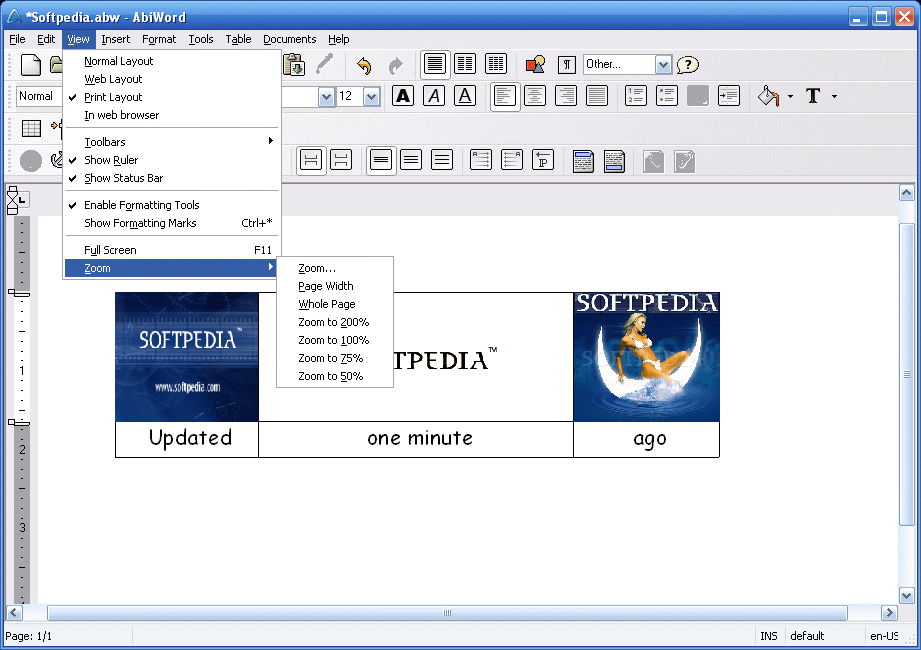
The View tab presents for types of displaying your document. You can choose from Normal, Web and Print layout the last one being set as default. I was telling you about four types. Well, the In Web Browser layout is extremely useful for it shows you what your document will look like if saved as a web page. The command first opens the HTML Export Options dialog so that you can select how to save the file. It then saves a temporary copy and opens it in your default browser.
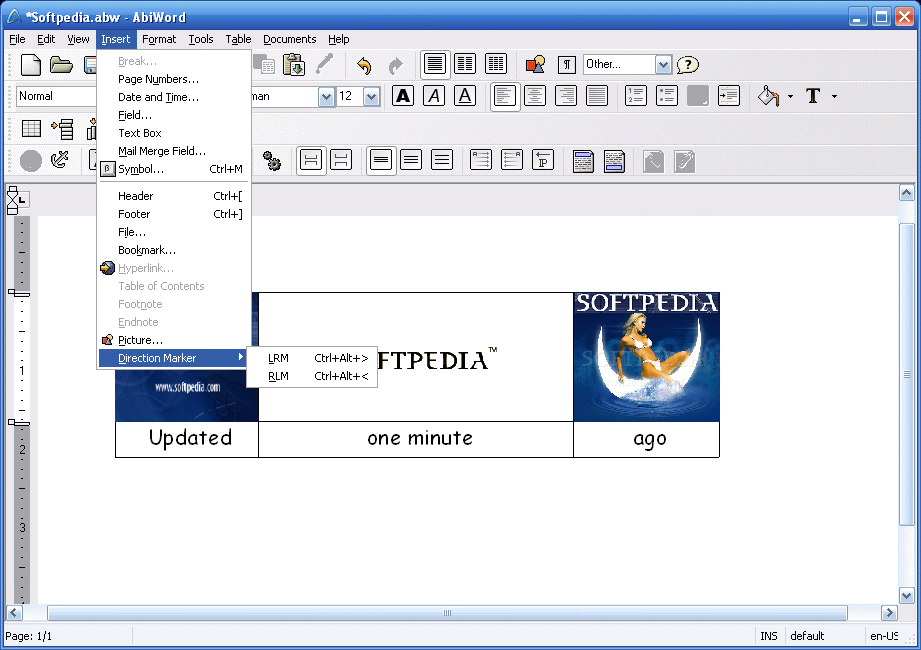
If you are aiming at a multiple-pages document, AbiWord outfaces this task also. It can insert Page Numbers, Foot/Endnotes, Date and Time, a lot of common and special Symbols and of course Pictures. What is important for this last option is that you can rename, describe and place a picture anywhere in, behind or beside the text. Bookmarks and Hyperlinks have also features that help you improve your project.
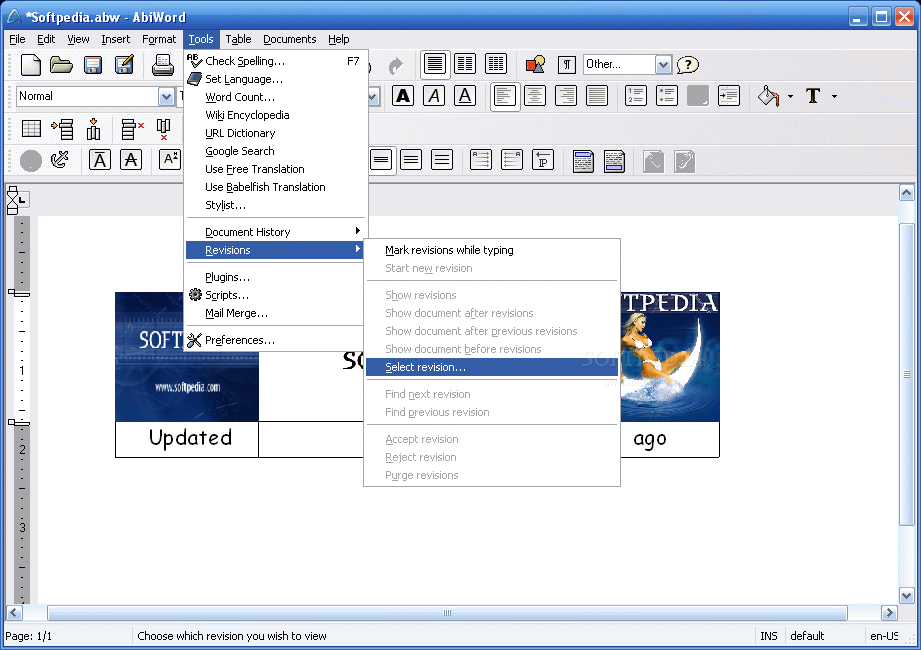
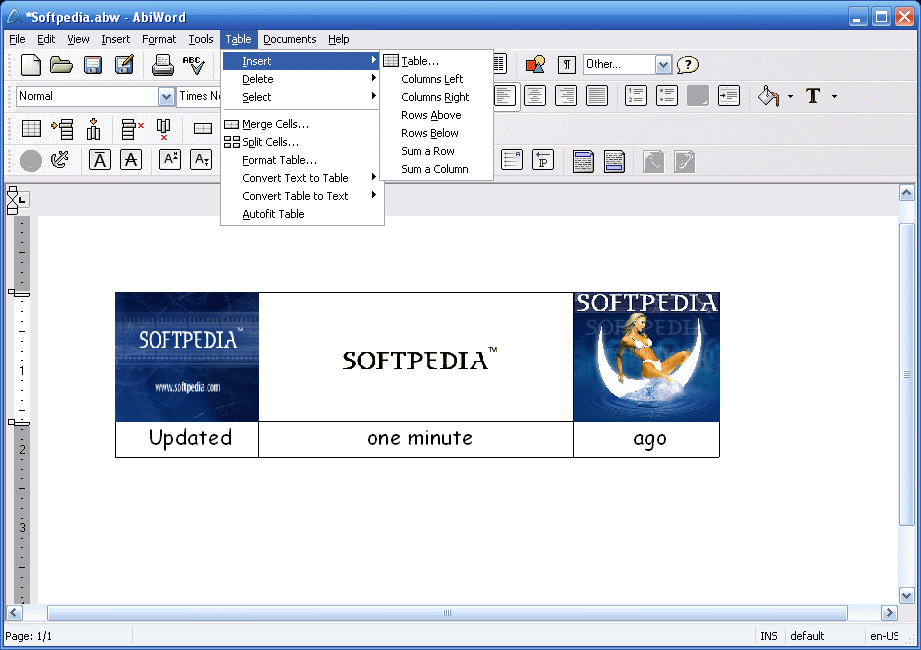
Just as a selfless friend, AbiWord freely guides you through the whole making of your document providing you with the most unique options and solutions, for its only purpose is your constant comfort and final satisfaction. And speaking of solutions, if you want to Google-find a word or a phrase you just have to select the word and in the Tools tab you will find the Google Search option which leads you, helped by your default browser, to the answer. The Wiki Encyclopedia, the wonder-well of knowledge is another way to provide you with an answer. Also, if you are in trouble with translating a word, AbiWord provides you with a series of connections to multiple dictionaries such as Babelfish or URL Dictionary (Dict.org - a web page with links to over 50 different possible answers to your problem). Making a Table has never been more fun. Rows, Columns, Cells merged or not are extremely familiar with AbiWord for no custom made table is difficult enough for this application.
It is amazing how great this program works, how helpful and well equipped it is and, at the same time, it is disturbing that all these are for free. Don't get me wrong. My only problem is why applications such as Microsoft Word are so expensive. Of course it is part of an entire suite but this is not an excuse. I can only appreciate the AbiWord project, their work (even if to some it may appear as stealing) and their constant fight to support the idea that Freeware doesn't mean useless and it surely doesn't imply shallowness. Looking forward to AbiOffice.
The Good
A software I am proud to speak of and use, with plenty of features and unique ways to help you create and edit different types of documents.
The Bad
It needs working on features and looks although some may find them deepened enough.
The Truth
It needs improvements in looks and features but it is going the right way for an ideal Word editor.
Here are some snapshots of the application in action: