14 DAY TRIAL //
 I bet you have a DVD collection you are proud of. But have you ever taken the time to create a database to store all those blockbusters? Most of the users have adopted softwares like WhereIsIt?, EMBD or MyDVDs to keep track of them. Keeping them in order and with all the necessary details is of course very important as thus you can be confident on your selection of the movie on a romantic evening or when the guys are coming over just to pass the time.
In the early days creating a movie database in an Excel worksheet worked miracles, but it was still a plain Excel sheet, with no images and no personal touch. Time has passed and new solutions like the ones mentioned above have emerged.
All My Movies is a software from the same category which proposes a new approach to managing the DVDs in your collection and, most importantly, sets new standards in creating a database. Working with the application is as simple clicking here and there. The information can be appended automatically from websites such as IMDb or you can add it manually.
The trial version allows a 30 day use with almost no restrictions, save the fact that you cannot create your own database. But don't worry as you can test the software on the default file that comes with three movies appended already just to give you a tease on the abilities All My Movies has.
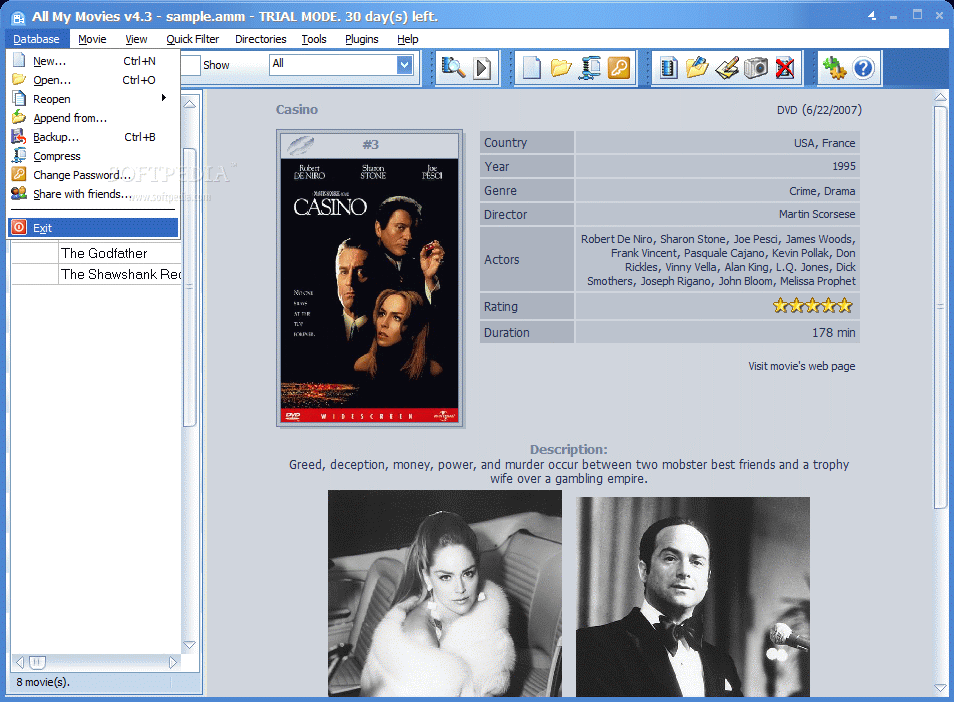
Just like the majority of all the DVD database creating softwares nowadays, All My Movies adds the big movie poster or DVD cover to the information of the movie together with useful details like the year of release, genre, director, actors, rating (both IMDb rating and MPAA). But the most important contingent is the description or synopsis of the movie. This is the biggest hint on what's the movie all about.
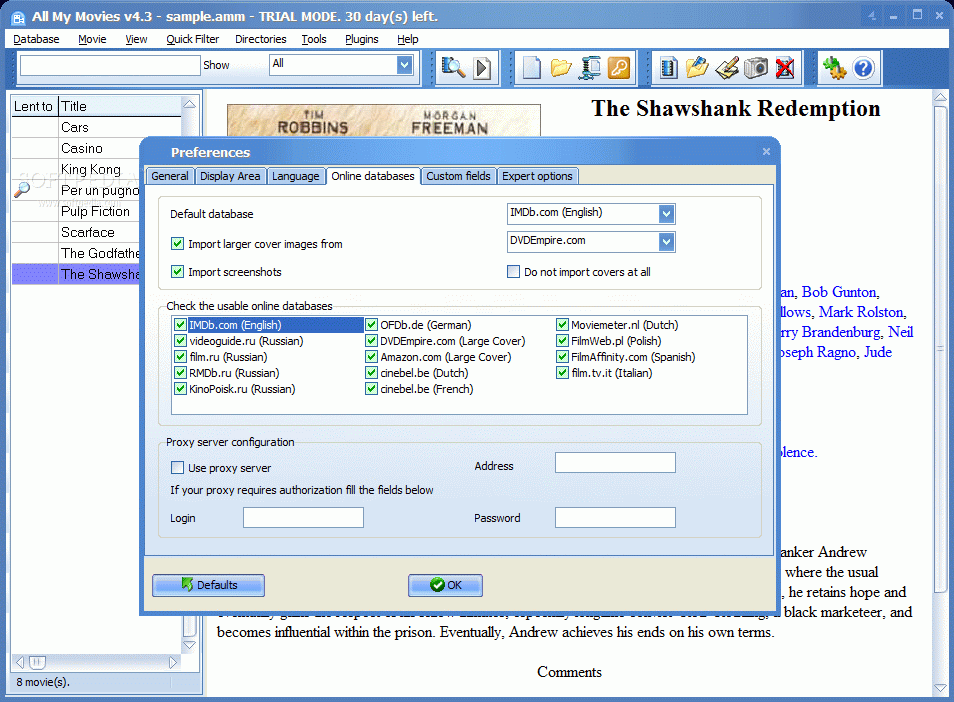
All these details are automatically appended from one of the fifteen movie information specialized websites. IMDb is doming on top of them, but locations like Amazon or DVDEmpire are also available for your choice.
When the database is too large and takes a lot of space you can choose to compress. No detail will be eliminated and you will get to view the movie details just as before. No need to do this operation a couple of times in order to get the maximum shrink as the application does a very good job from the first attempt.
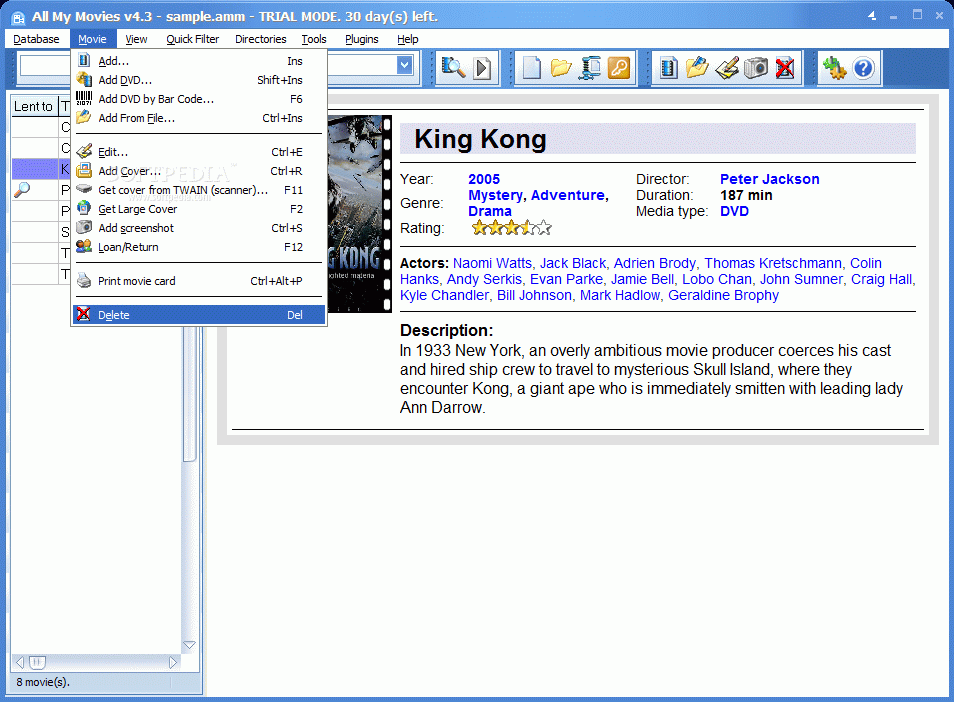
Adding movies to the database can be performed in two ways: either from the DVD unit of the computer or manually adding an item. It seems that the software could not recognize any of the four DVDs I fed to the DVD unit and in all cases I ended up manually typing in the title of the movie. But that is a small price to pay when you get all the other details automatically.
However, I suggest you check the details as there may be some slips from part of the movie databases included in the application. In my case the connection to IMDb did not work and DVDEmpire fed me a different DVD cover for a movie. All the other details were accurate but that Chinese movie cover just did not fit with my Casino needs.
Anyway, the problem can be fixed if you have the cover stored on your computer as you can simply load it into All MY Movies. If you have additional screenshots representative for the movie it would be a good idea to add them to the movie page.
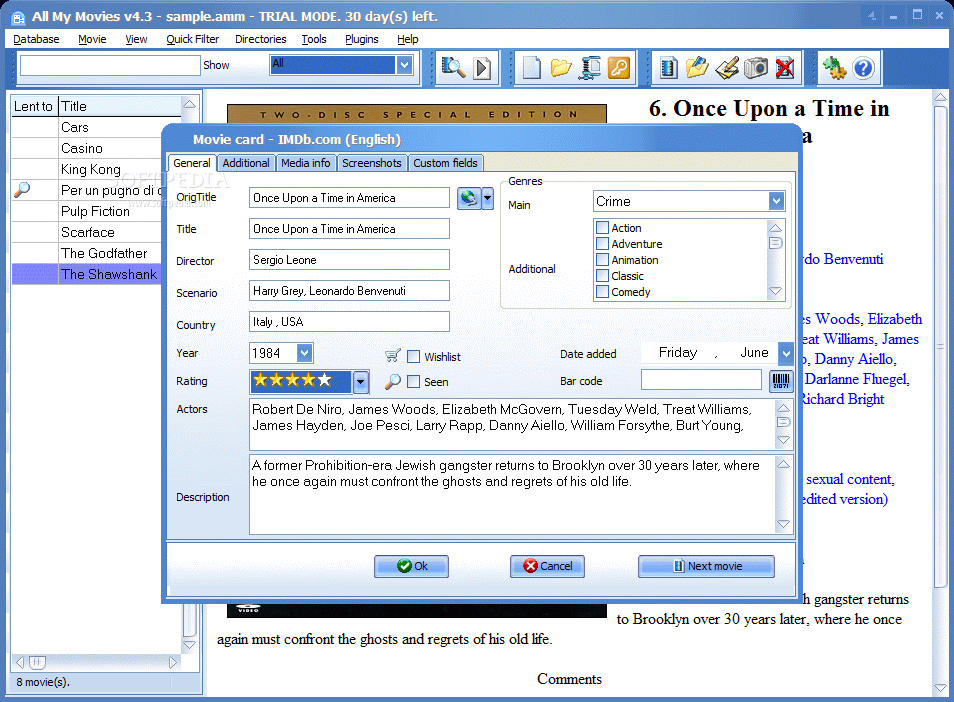
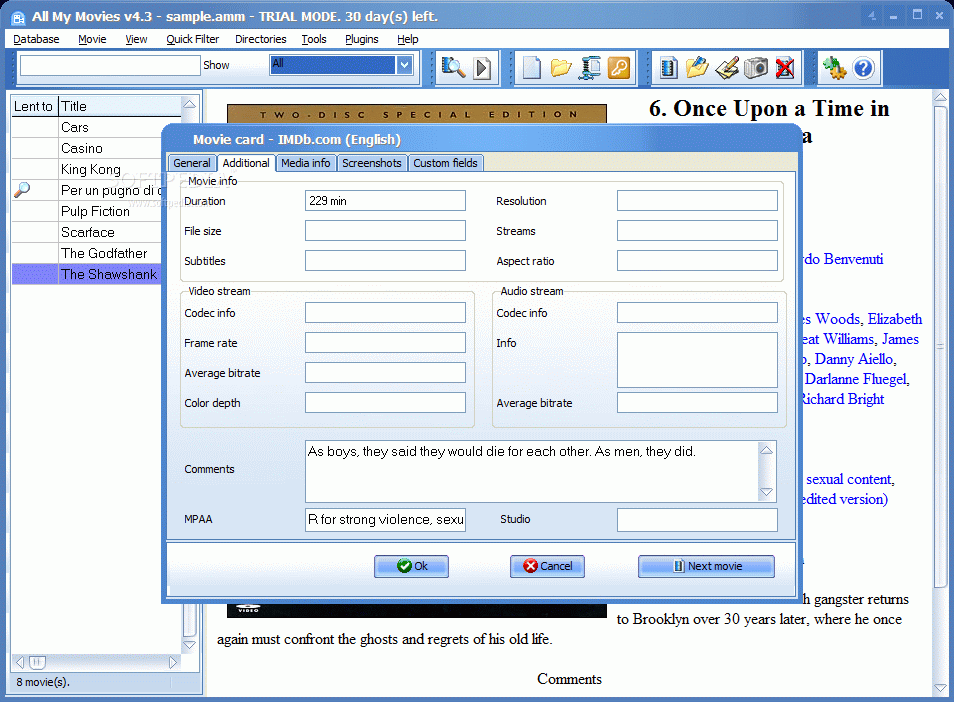
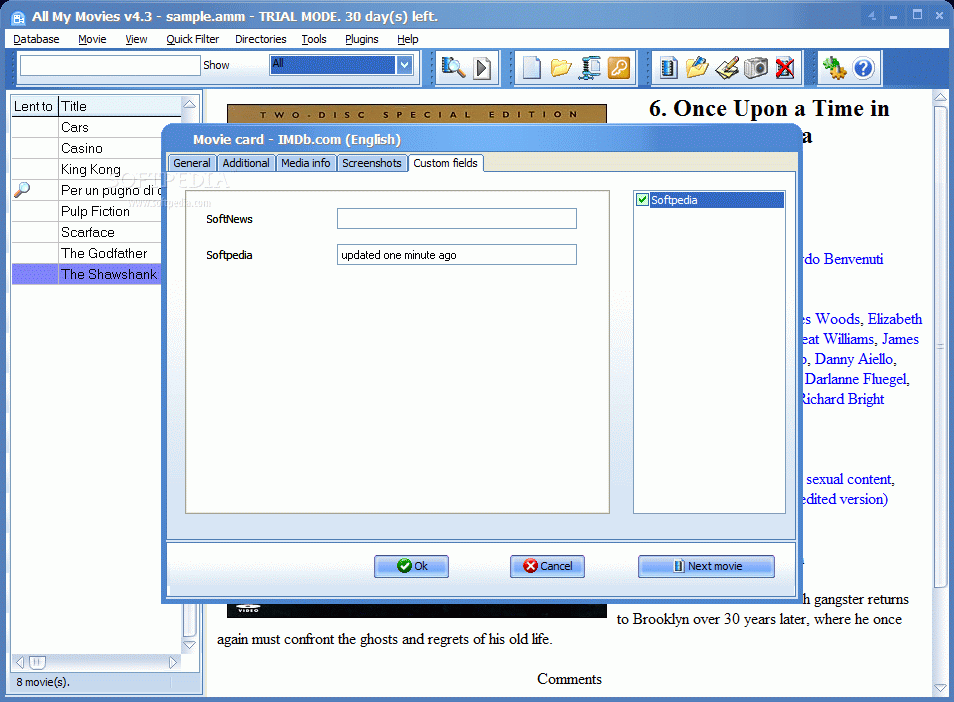
Editing a movie record is quite easy given that the majority of the information is appended almost out of the blue. The movie card is composed of four tabs, all containing info on the item (genre, actors, release year, rating, date of the addition, description, time duration, file size, codec info, video stream, resolution, bitrate, comments, movie number and screenshots). There must be some manual information to be appended to the movie and these are the custom details for the file in your possession.
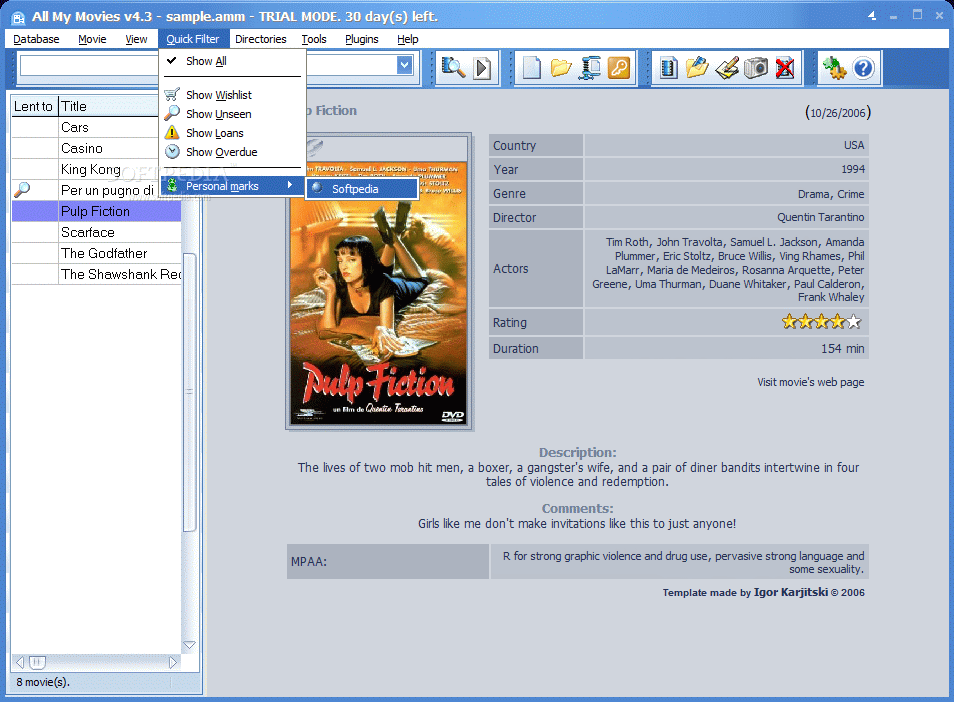
A very interesting aspect is that you can protect all your movie databases with a password so that no one can mess around with it. And when you have a huge database the search option simply seems like divine intervention. This little tool lets you search for the desired movie by imposing several conditions (search for title, director, scenario, actor, comments, media, country, etc.) to decrease the number of "suspects".
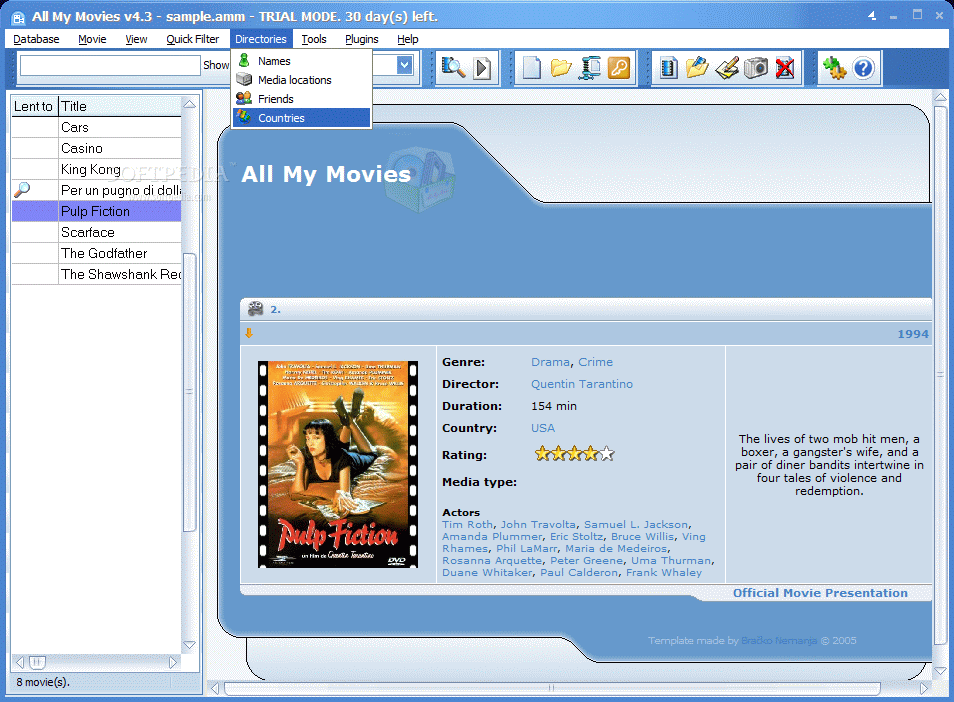
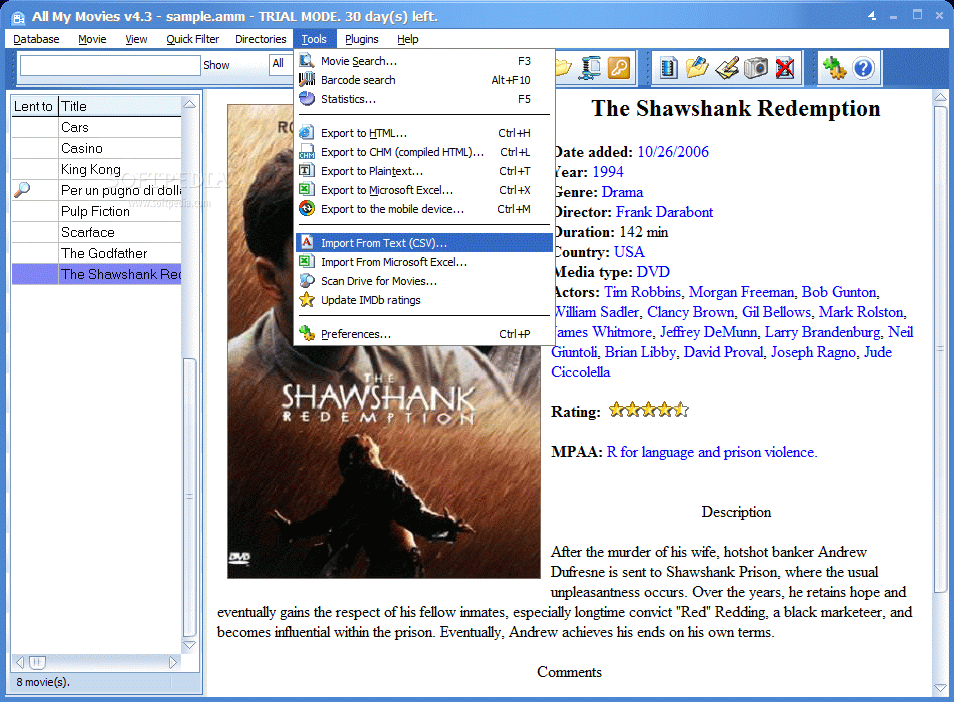
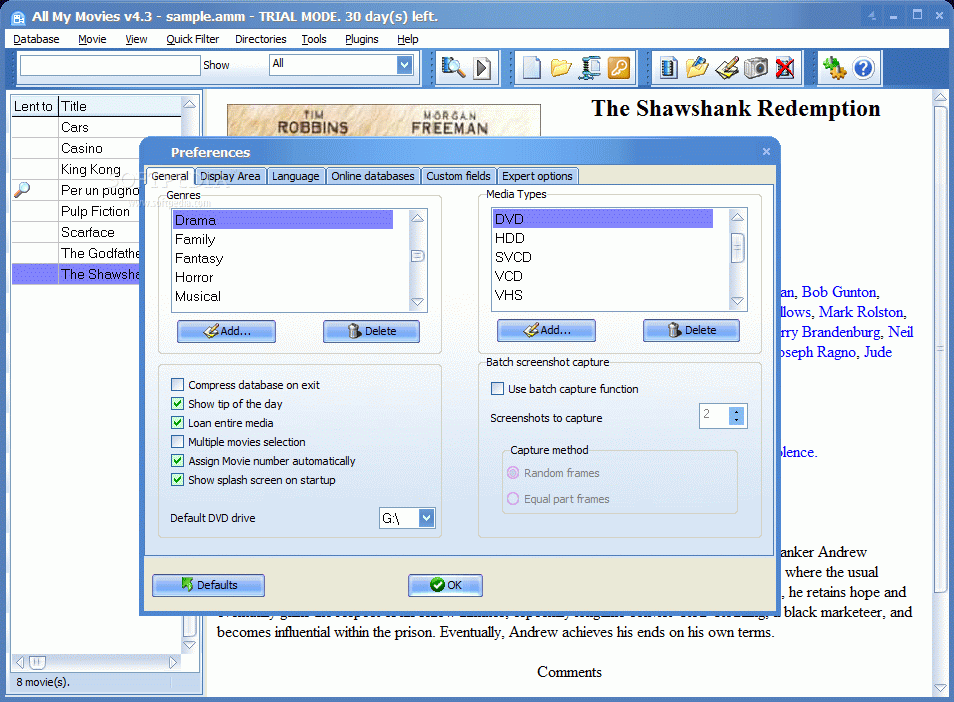
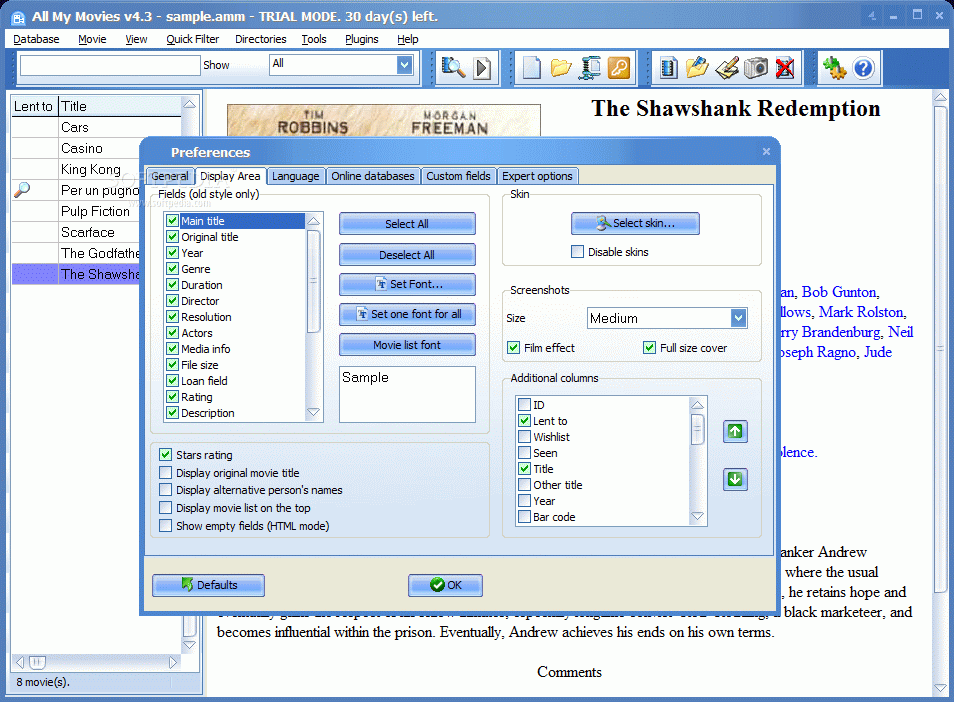
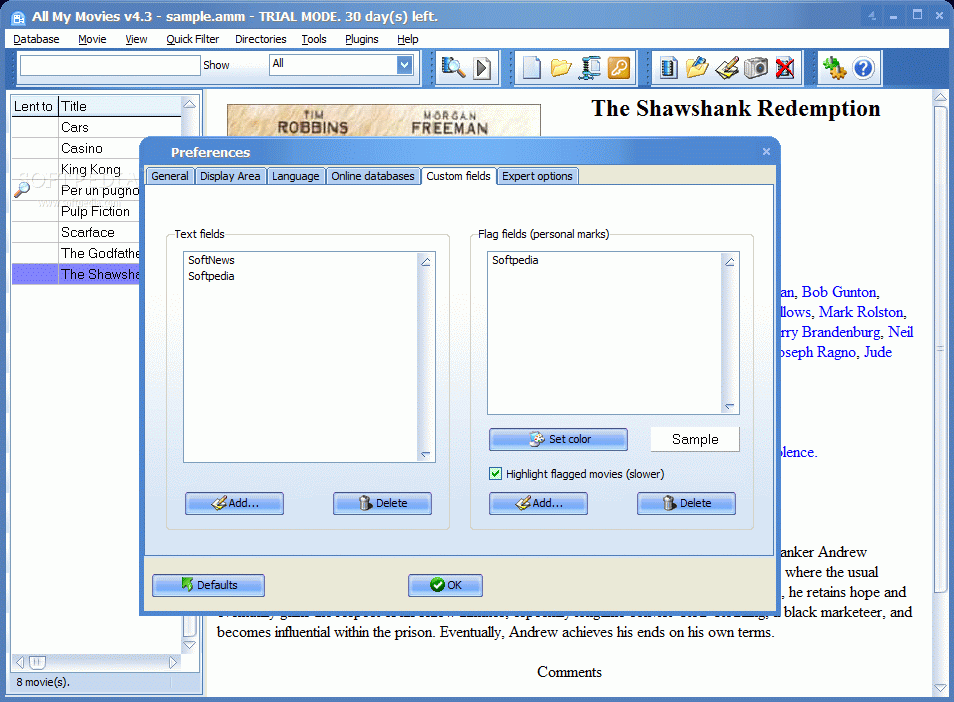
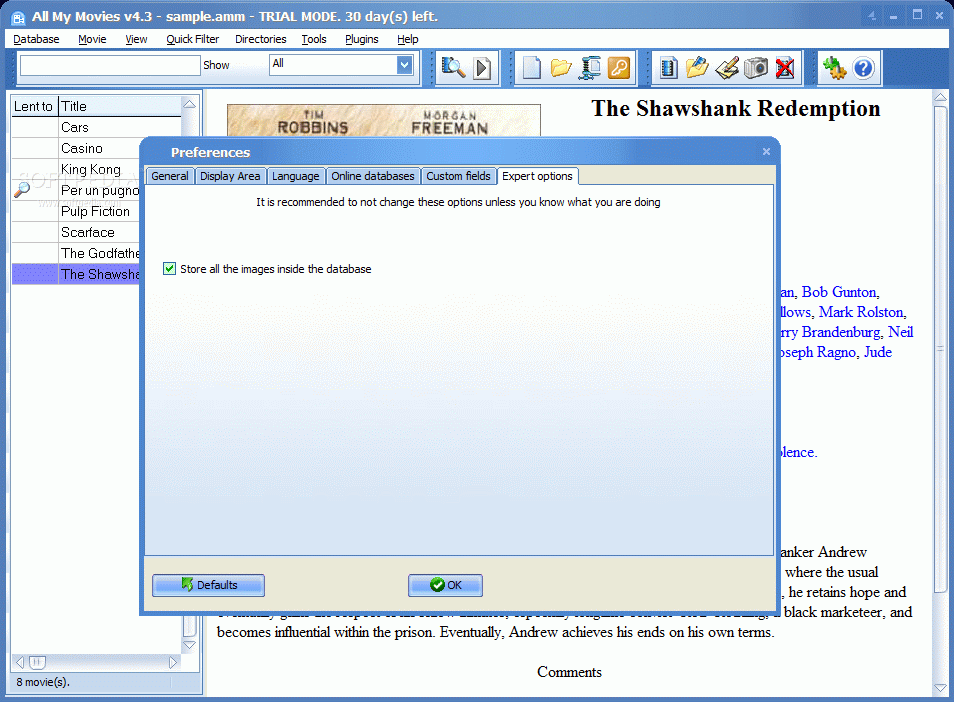
Going into the Preferences of the application you can add more genres, media types, configure it to automatically compress the database on exit, or to disable the splash screen on startup, select the fields to be displayed in the movie card, set the font for each field name, choose the skin (some pretty nice choices there) or select the online movie databases to search for movie details. Custom Fields option brought a new tab in Movie Card dialog, containing the two fields I added.
Another cool feature is the Lend To one. This allows you to store the name of the friend you have lant a movie to. Also, you can set a number of days to wait for him to return it, or else. When a movie is checked as lent it will be appended a warning sign. This way you know what is missing from the database and who has the item.
The Good
The application comes in very handy with its automatic retrieval of movie information. Manipulating the movie database is nice and comfy.
The databases can be exported to HTML, CHM, TXT, XLS or to a mobile device so that when you want to give someone the list of your movies you can be sure that there is no way not to be able to read it.
The Bad
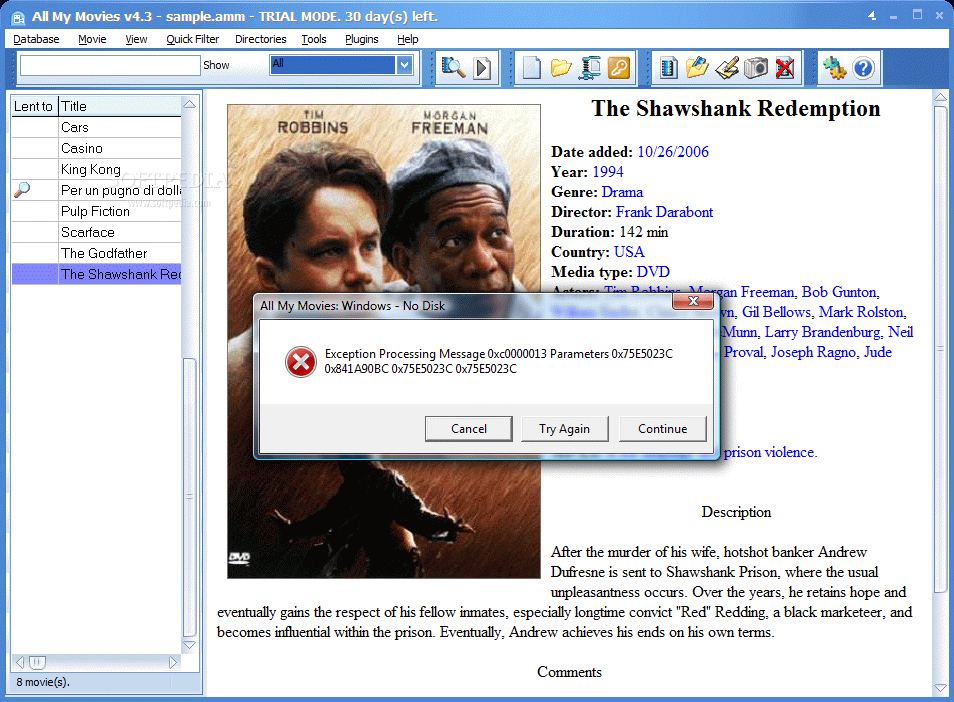
There were a few errors during the testing, but no crash.
The price is kind of steep for me. I mean the options are great, but you cannot append new online movie databases and the errors displayed are quite nagging.
The Truth
Quite a piece of software. It contains all the options for an average user to feel comfortable and that is all you need. Give it a try and see how you get along with it.
Here are some snapshots of the application in action: