 14 DAY TRIAL //
 Blu-ray and 3D are the two concepts most popular these days when it comes to video, and not many players come with full support for these technologies. TotalMedia Theatre from ArcSoft embraces both of them and aims to deliver cinema-like experiences on your computer.
The requirements necessary to take full advantage of the benefits are not to be ignored, since you need a pricey station, rigged with plenty of RAM, powerful CPU and a hefty GPU, in order to meet the recommended hardware. With $99 (€99) on the tag, the price of the application is not too low, either.
Installing the program should be no problem regardless of your computer skills. Looks may not seem impressive, but the clean interface that docks the settings even when the application window is downsized to smaller dimensions, thus maximizing the video space, is definitely a great idea.
TotalMedia Theatre is not jam-packed with options and possibilities; instead it makes available cool menus capable of very neat tricks. These are located in the upper part of the interface and offer you the chance to switch between different predefined viewing modes or to tweak up the sound, as well as activate SimHD, which is a pretty impressive feature.
SimHD (high definition simulation) is ArcSoft’s way to deal with standard definition video and improve on its quality automatically,in real-time. In tech terms, at the root of it is the upscaling technology that relies on GPU power (NVIDIA CUDA and ATI Stream) to carry out the job and balance GPU and CPU usage.
In layman terms, the regular standard video will be rendered more vividly, and with increased sharpness. Provided you have the required hardware you will be able to see this as content is played.
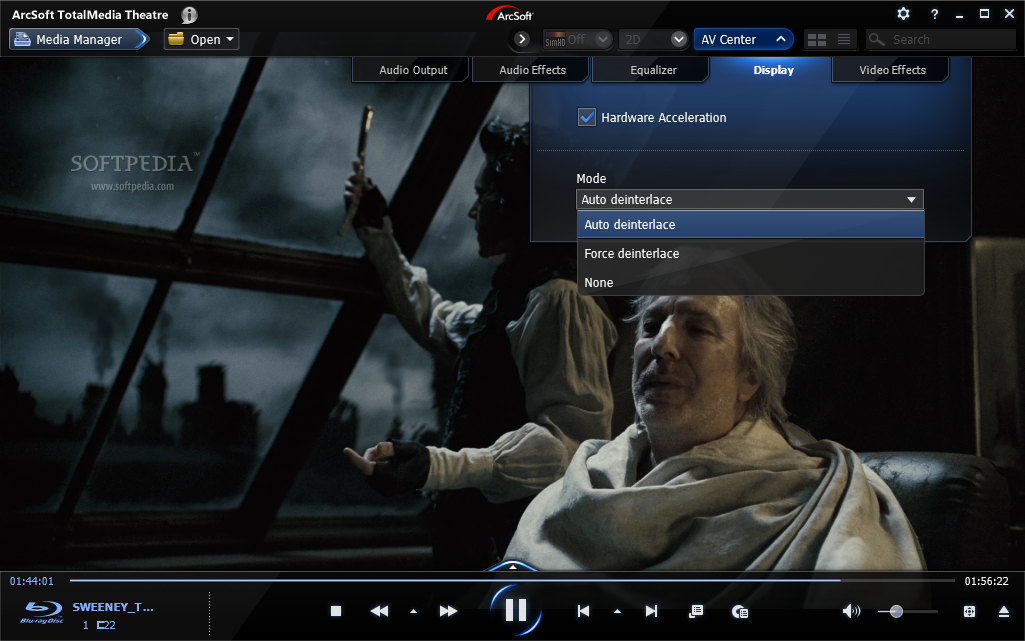
You can choose the hardware you want to process the standard video and crisp it up a few notches. However, the default, recommended choice is the GPU. The options in the menu permit you to turn up sharpness, enable dynamic lighting, adjust denoise and smoothness level.
There is also the possibility to pick from three different display modes, and witness the difference in full screen, in split screen or as two separate screens. However, during our latest tests we were not able to turn on SimHD and we saw it grayed out for all types of video we tried (DVD, MP4, AVI, MOV, MPG); you can witness the power of SimHD in the images in our previous review of the application.
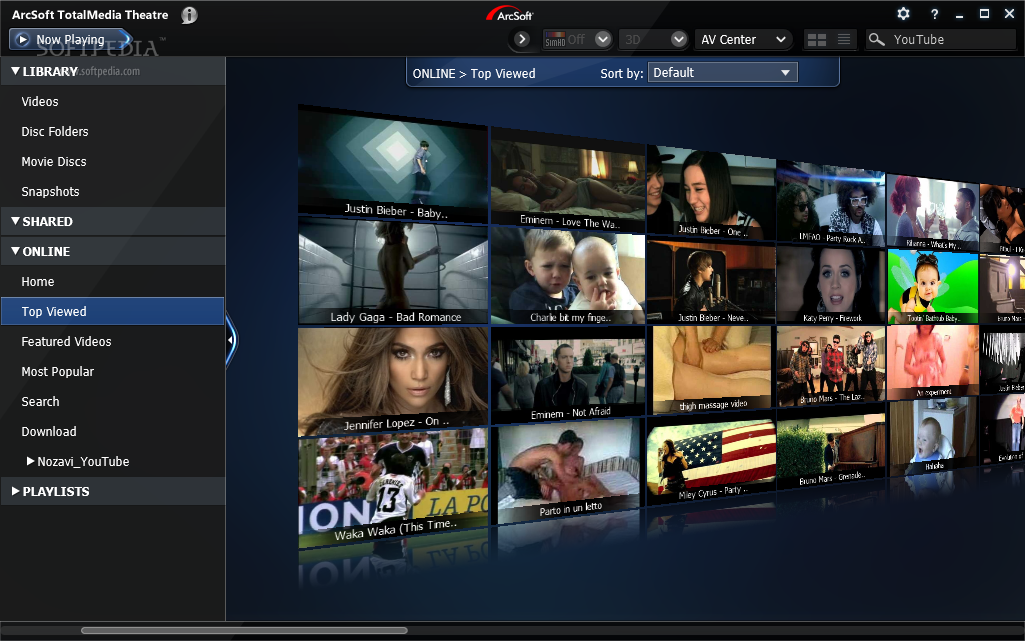
Managing the content run through the application is done easily, through the Media Manager, which is docked to the left side of the main window when no video is playing. All items are organized in several sections, which include local content and online clips. You can also create playlists with local content.
As far as online media is concerned, TotalMedia Theatre supports YouTube video service, but not 100%. Currently, it is not capable to stream the video; when you try to play Google video, you’ll be displayed a message saying that the video format is not supported. However, the developer assured us that both this issue and the downloading clips will be remedied in the next version of the program.
Playing Blu-ray discs seems to be the main feature in TotalMedia Theatre. In our case we were able to enjoy the videos with no problems. Navigating back and forth is smooth and, although some discs do not support mouse input, we were able to go through the menus either by using the keyboard or by means of the solution provided by ArcSoft: a digital menu control system.
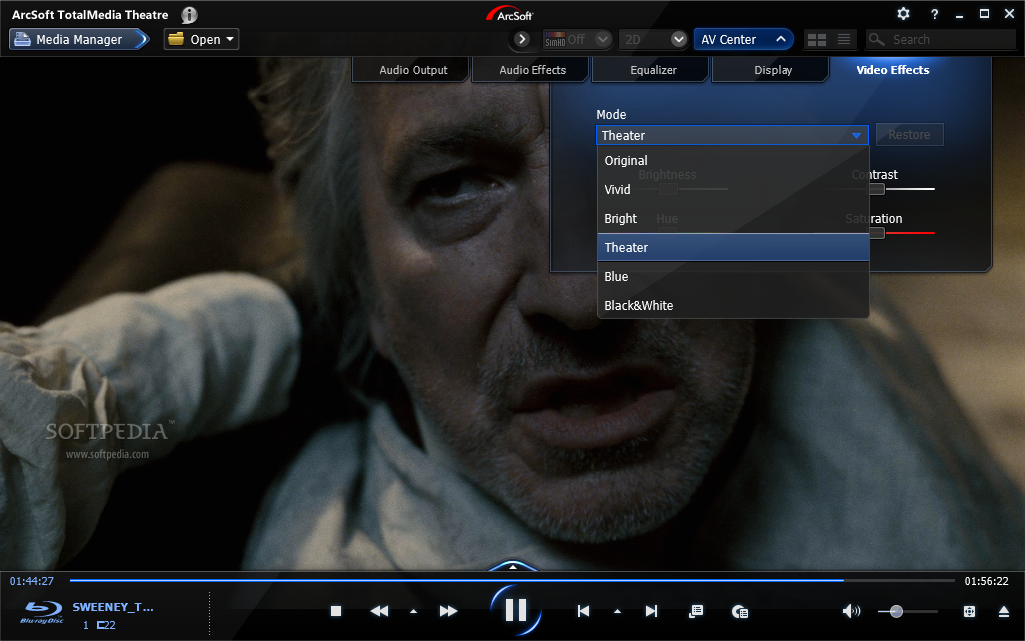
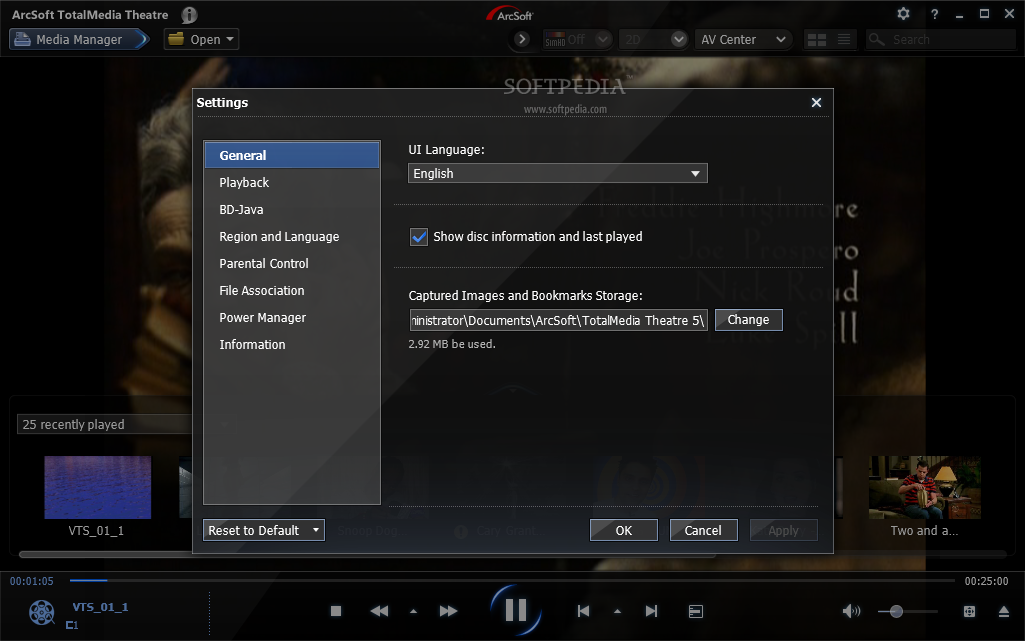
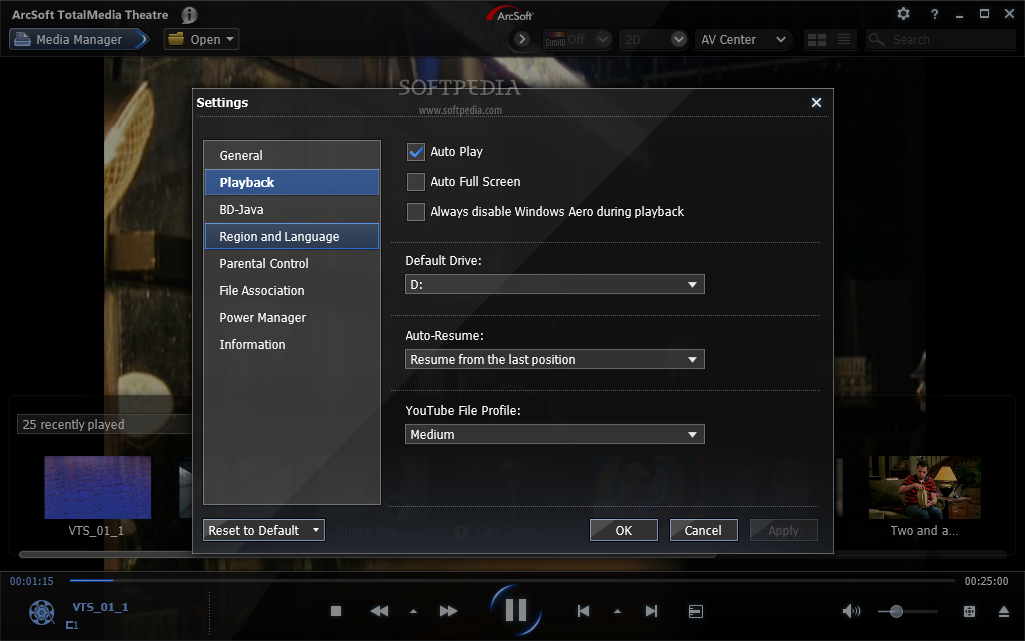
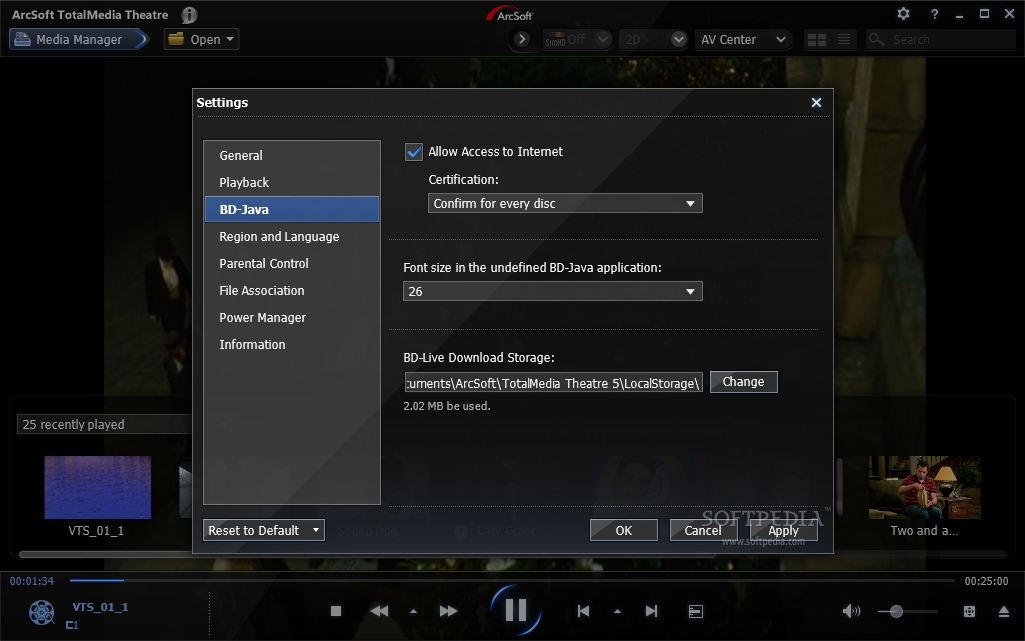
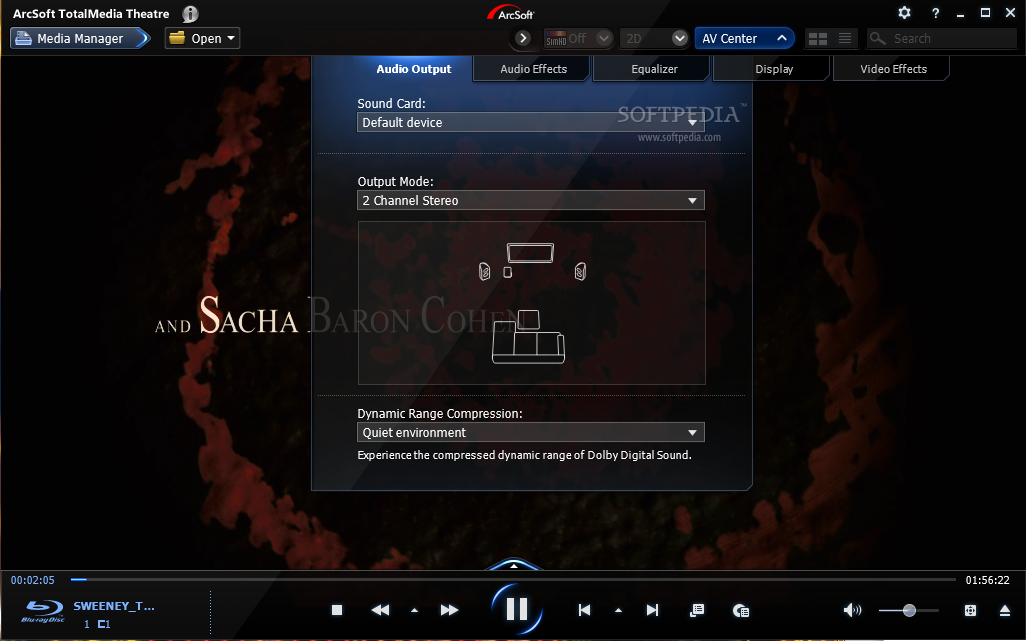
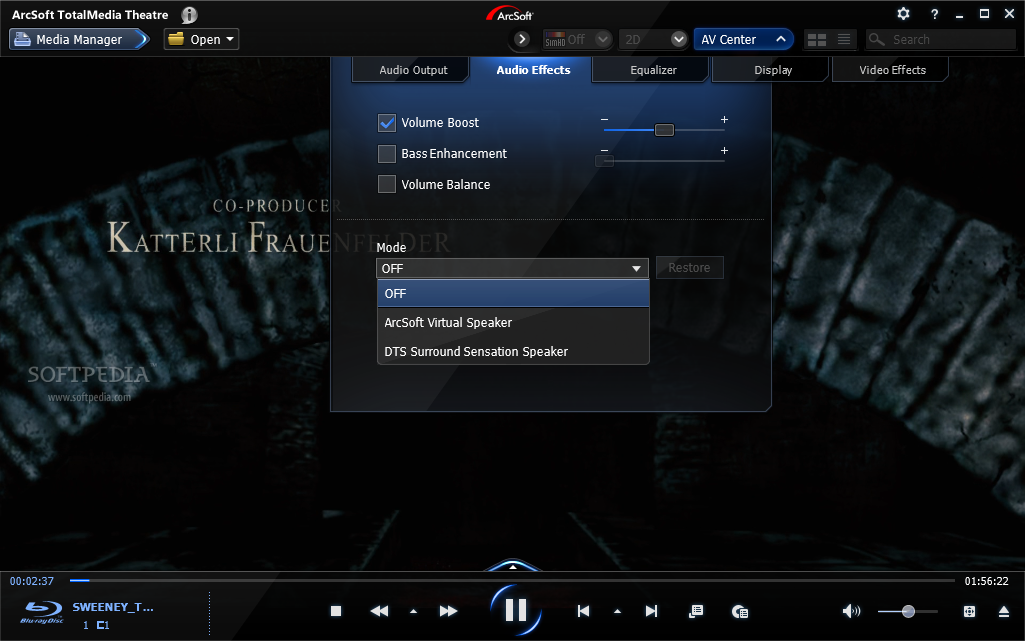
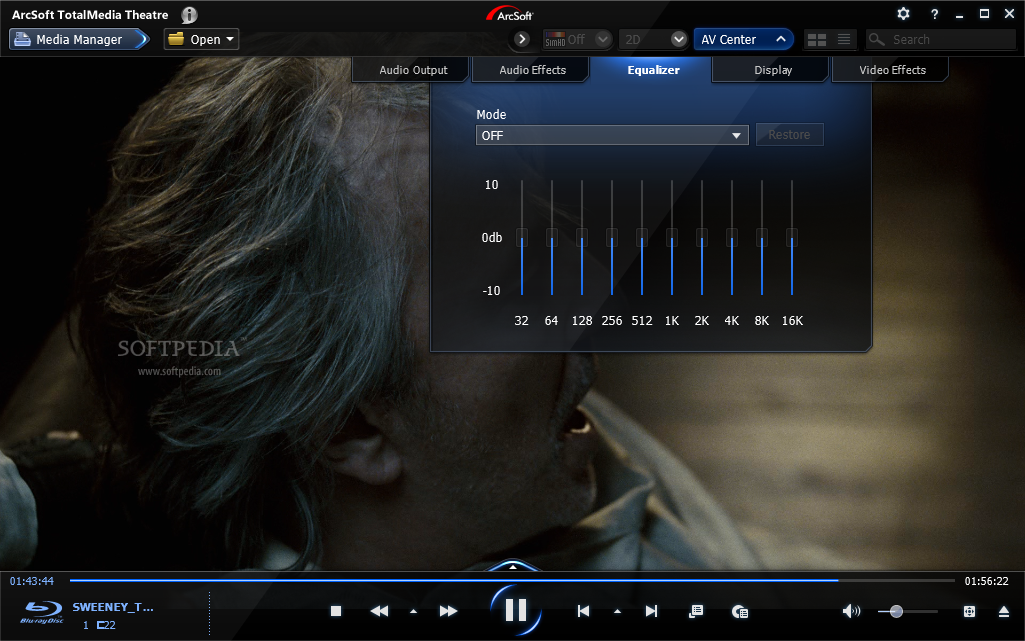
The audio/video center really has plenty predefined options both for the average users and the advanced ones, in terms of audio and video effects. You can boost volume, play with bass or choose one of the presets in the 10-band equalizer, which also features some modes of its own.
Video effects come in a pack of 5 (Vivid, Bright, Blue, Black&White and Theatre), but you can toy around with the levels of brightness, contrast, hue and saturation.
Although we were very thrilled with the way it handles Blu-ray discs, our trouble with TotalMedia Theatre was not over. We put to the test the parental controls of the application and noticed that they would not be enforced upon setting the maximum restriction. We were able to play movies rated NC-17 although parental controls were set for general audiences.
Also, in the case of media files (and the app supports all the popular ones and then some) making the transition from fullscreen to normal screen and vice-versa was not smooth at all, and the video stopped only to start again thanks to the auto-resume function; the shortcut would not work at all times, either.
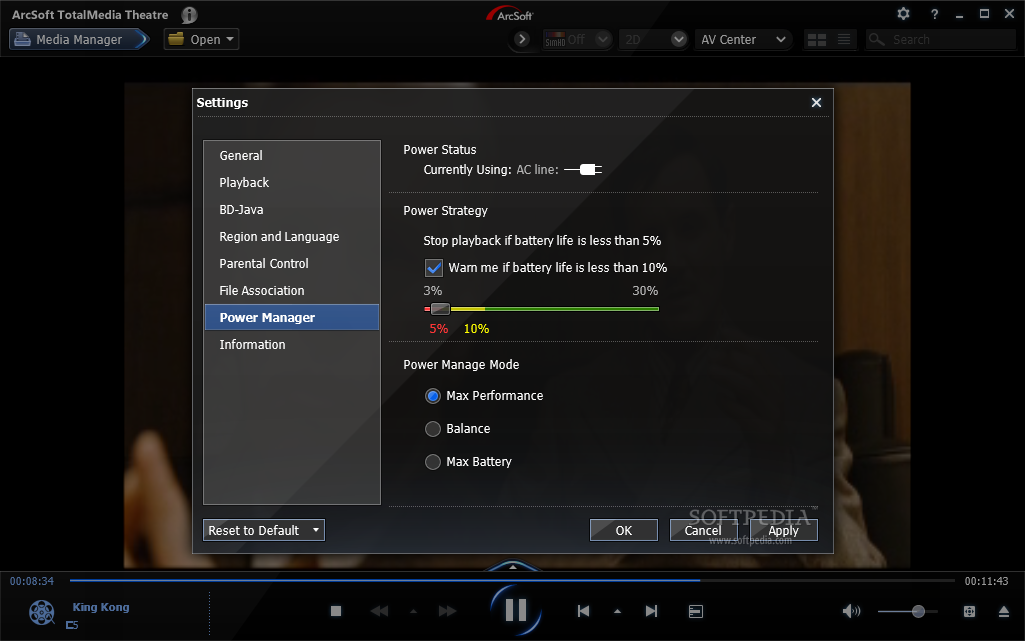
On the upside, it comes with great power management options, which can end video playing if the battery on your laptop is under a specific threshold. Additionally, it will give you warnings that the device is running on low battery.
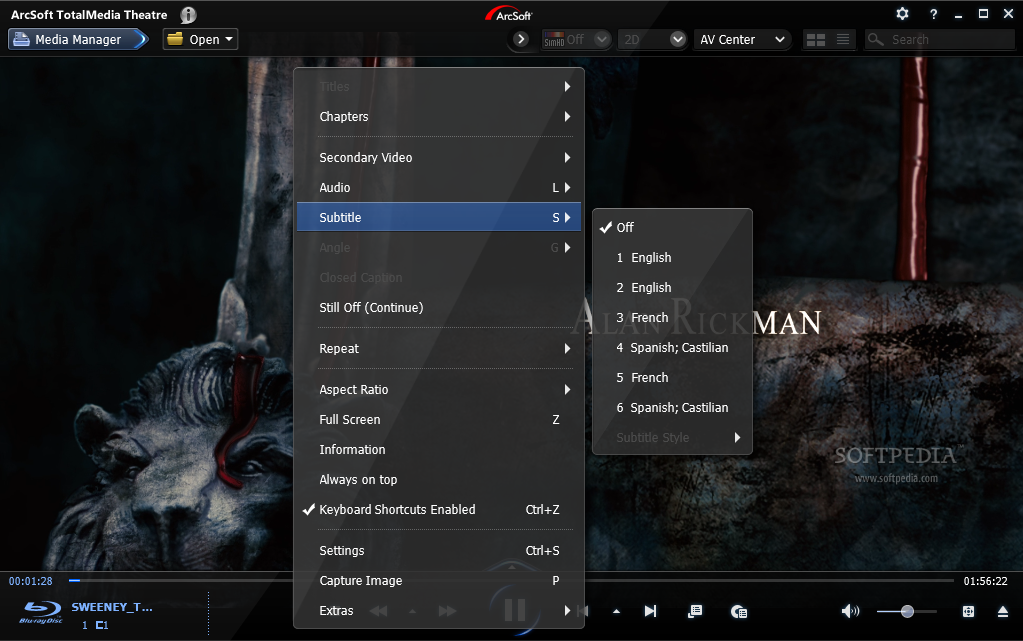
If you do not like the default position of the subtitles, you can move them wherever you want on the screen (but you can’t rotate them) by simply dragging and dropping them to the desired position.
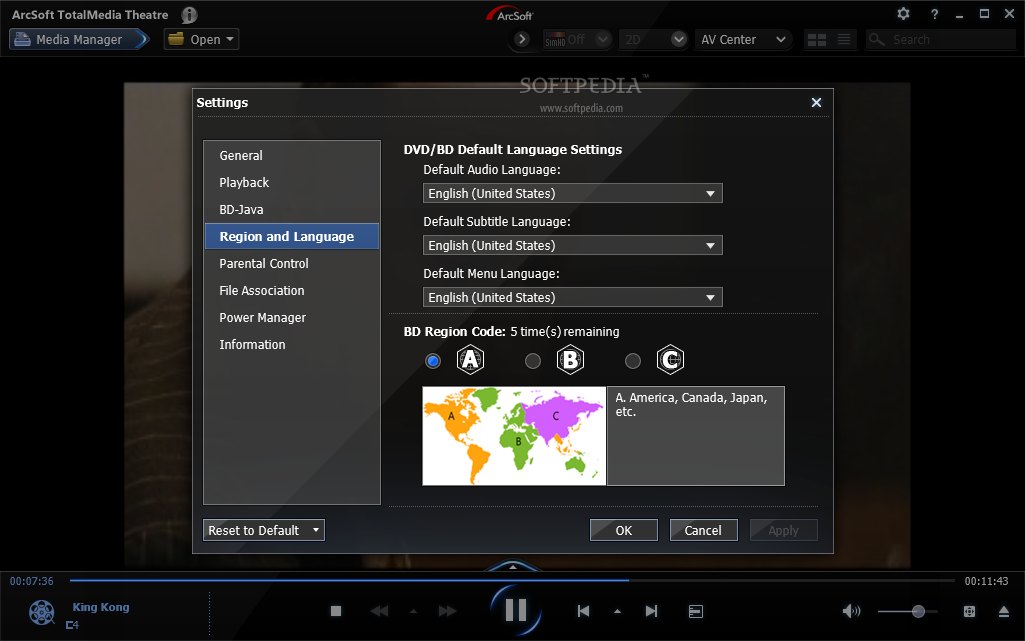
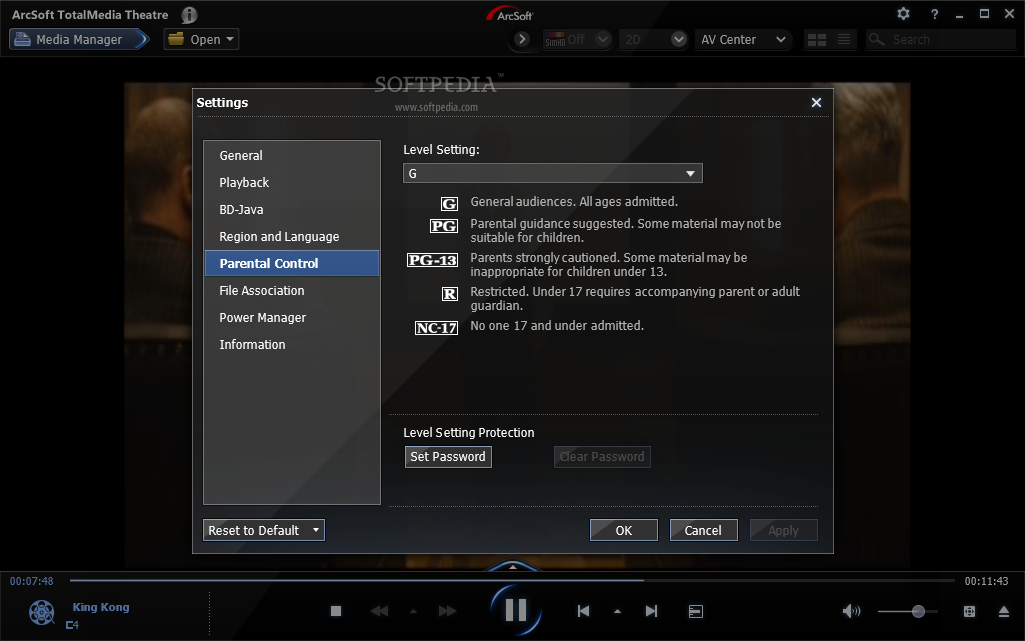
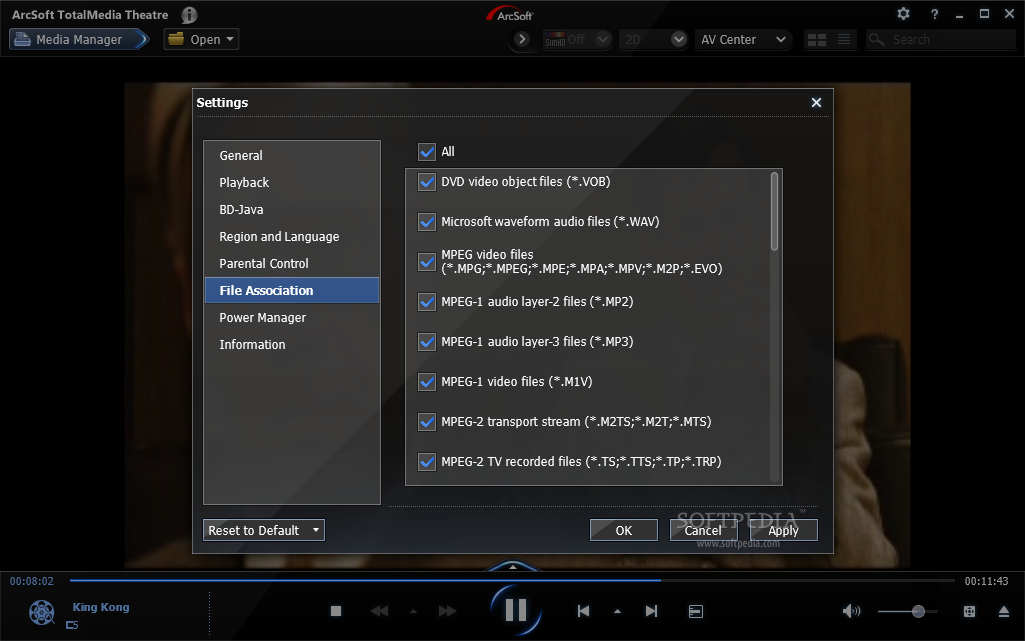
AV Center shows impressive features, with plenty of modes and effects to choose from, at the same time giving you the opportunity to tweak the settings to your own needs. On the upside, playing Blu-ray discs and tweaking the audio and video greatly enhanced the video experience. Working with the program is simple as every option is intuitive.
The Good
The Bad
The Truth
