14 DAY TRIAL //
 After having Ashampoo AntiSpyWare here, now it's the time for the hot antivirus solution from Ashampoo released at the end of last week. The name of this software solution to the virus menace is Ashampoo AntiVirus, and if you used the antispyware tool from Ashampoo, then this one is going to be a joyride.
The first public version of this antivirus is labeled 1.0 and comes as a 10 days trial that can be extended to a month if you register to receive a free code from Ashampoo. The installation kit has exactly 12MB in size and the setup process is as easy as possible to complete. Once you finish the setup process, you have to reboot your computer before using the program for the first time. Now, let's start diggin'!
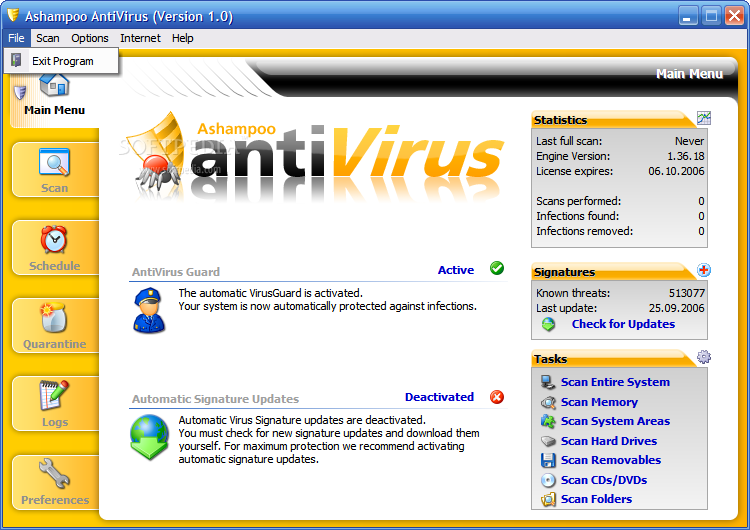
If you have seen the antispyware tool from Ashampoo, then you also know the looks of the antivirus. The interface I see here is not skinnable, but other than that, it looks like the antispyware - a menu bar and six major areas - Main Menu, Scan, Schedule, Quarantine, Report and Preferences. As usual, I'll take you through each of these areas and tell you some things about them.
The Main Menu area is used to get information about the program's previous activity, update status and for starting various tasks. The real time protection, called AntiVirus Guard, can be enabled and disabled here with a single mouse click. The daily automatic updates can be enabled or disabled and you can also start different scanning tasks here. The number of viruses currently recognized by the program and the date of the last update can also be found out inside the Main Menu, as well as the number of scans performed, engine version number, amount of infections found and removed.
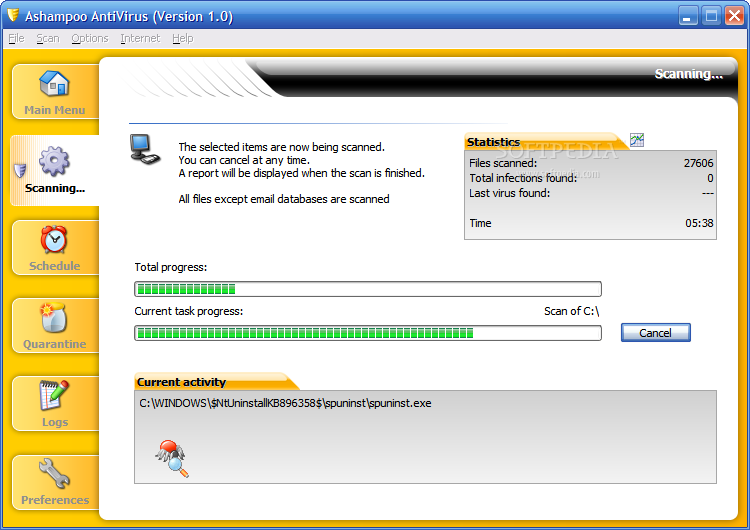
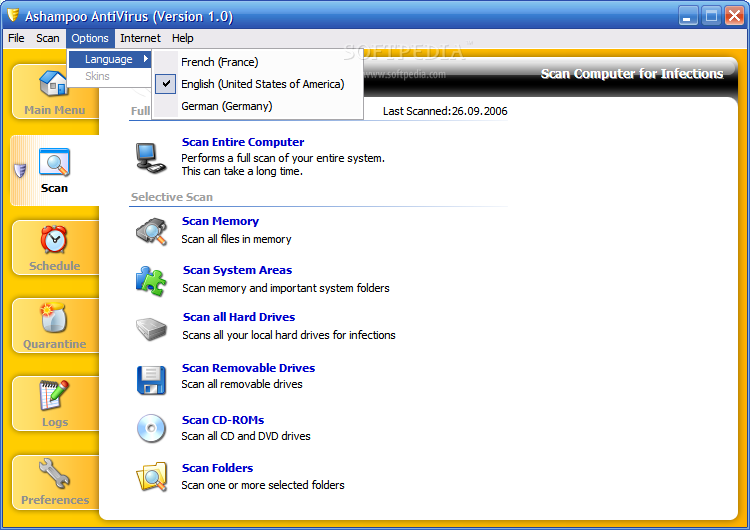
Next, as usual, we find the Scan area. There is a full system scan mode available and six selective scan modes - memory, system areas, all hard drives, scan removable drives, CD-ROMs and custom folders scan. The same problem that I had with the antispyware occurred here - the scan process was pretty boring, but if you schedule your full system scan for the night time, you shouldn't care much about that.
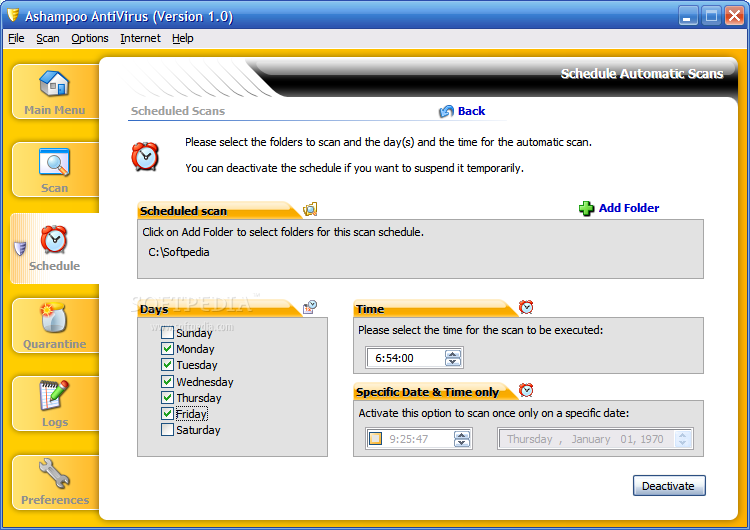
The next area is, naturally, Schedule. There's nothing special to say about it, and I can't expect more from such a feature than to do its job.
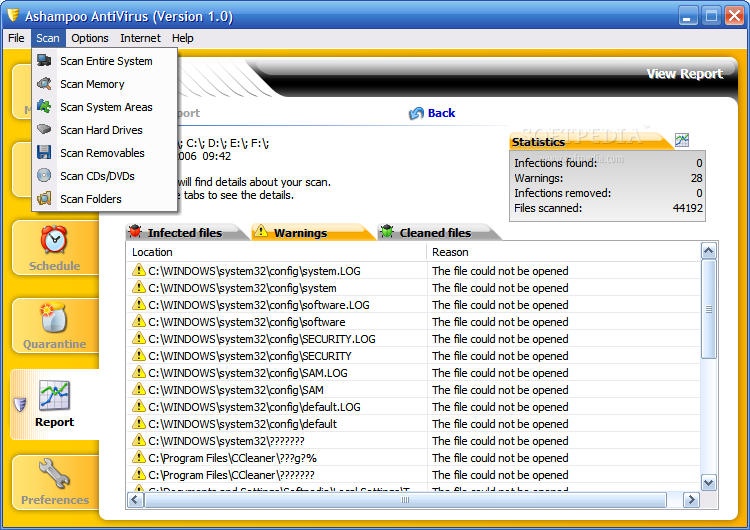
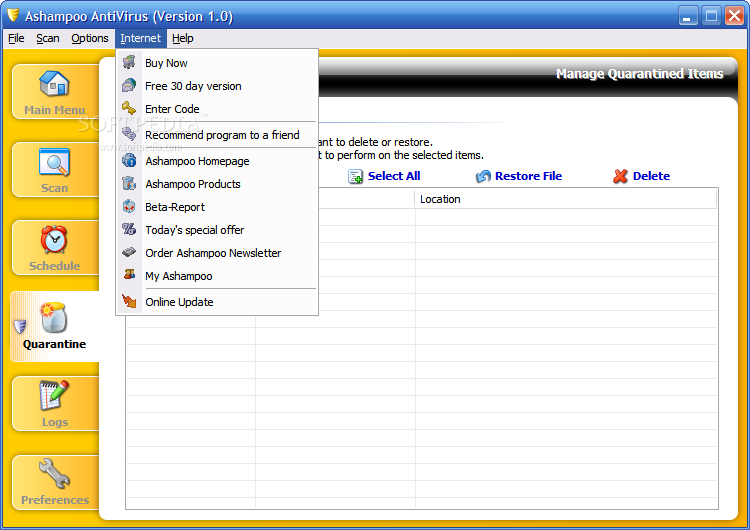
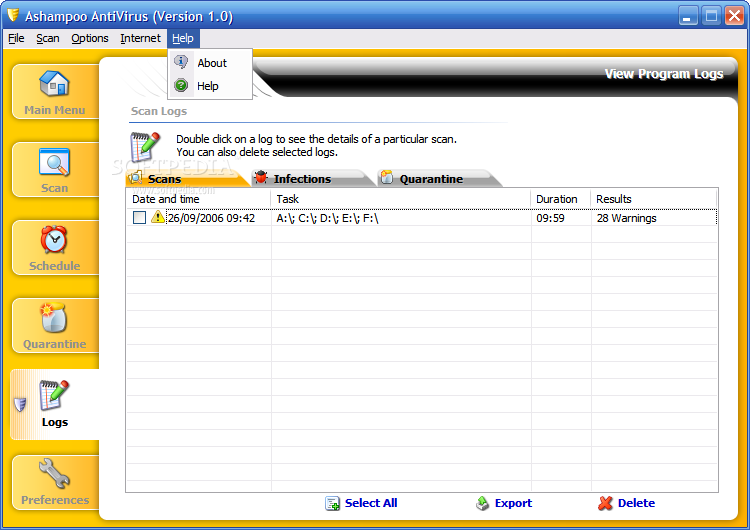
Quarantine and Logs are the next two areas that I like to see clear of any data, and the reason should be obvious...Anyway, you don't have any reason to worry about their functionality, everything's just fine here.
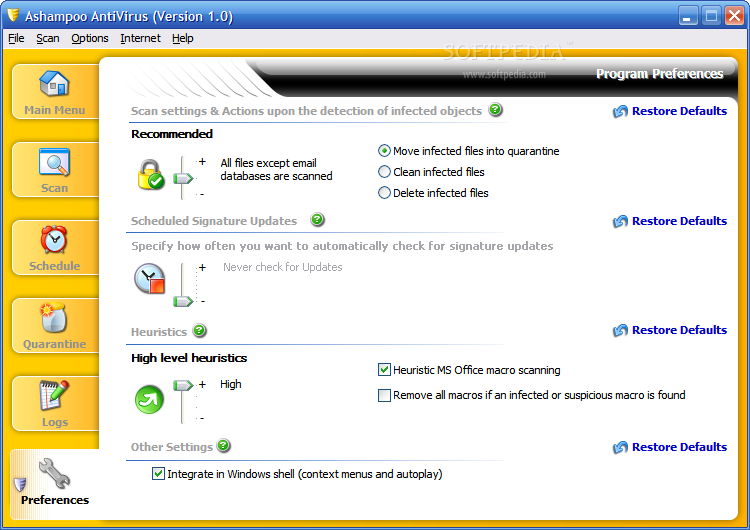
This program's Preferences area has a single screen with settings very easy to understand for everybody that allow you to choose scan, updates and heuristics options.
These being said, you should find out that the number of threats recognized by this program is 513368...and rising, of course. Let's jump to the conclusions now, shall we?
The Good
AntiVirus is another program holding the Ashampoo banner - good looking, very easy to use and with enough features to help you get the job done.
The Bad
Again, it seems strange to have such a large amount of signatures available, while the competition has about half of it...
The Truth
I don't know exactly what to say, but this is a program worth checking, just like any other Ashampoo application. I will get back to Avira's AntiVir now, but I will also add Ashampoo AntiVirus to my hall of fame without any regret.
Here are some snapshots of the application in action: