14 DAY TRIAL //
 Good burning softwares were until not a very long time ago limited to Nero suite. Everybody was burning discs with Nero Express. Nero Burning Rom was generally used by more advanced users. However, more and more burning programs have been created and now, due to Nero's loaded suite, users are looking for lighter applications to do the disc burning with.
My favorite burning software is Ashampoo's Burning Studio as it provides all the options I need, works fast and clean, and comes with a very nice price tag. But looking for something better is the key to progress. And it also allows you to overburn CDs and DVDs.
Cheetah DVD Burner also comes pretty cheap, only $25 on the price tag. As the name says, the application is designed to burn DVD discs. Cheetah is not a program for the experts to use as there are no advanced options to work with and the interface is simple enough to suit any beginner trying to burn a disc.
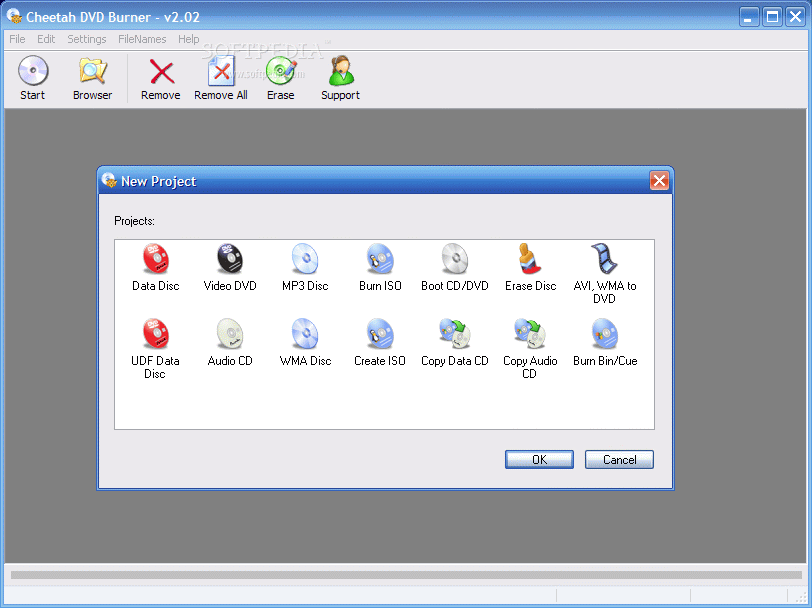
The looks are quite simple and every task can be carried out only by using the icons in the toolbar. This makes the menu bar unserviceable as the same options are available here as well. The weaponry mounted on this program include creating data disc, video DVD, MP3 disc, burning ISO images, creating boot CD/DVD, erasing the disc, burning AVI or WMA to DVD, creating an Audio CD, a WMA disc, creating ISO images, copying data CD from one drive to another, copying Audio CD and burning BIN/CUE.
Start is the key to beginning any of the processes supported by Cheetah DVD Burner. The online Help will guide you step by step through all the paces that need to be taken to successfully go through the desired operation.
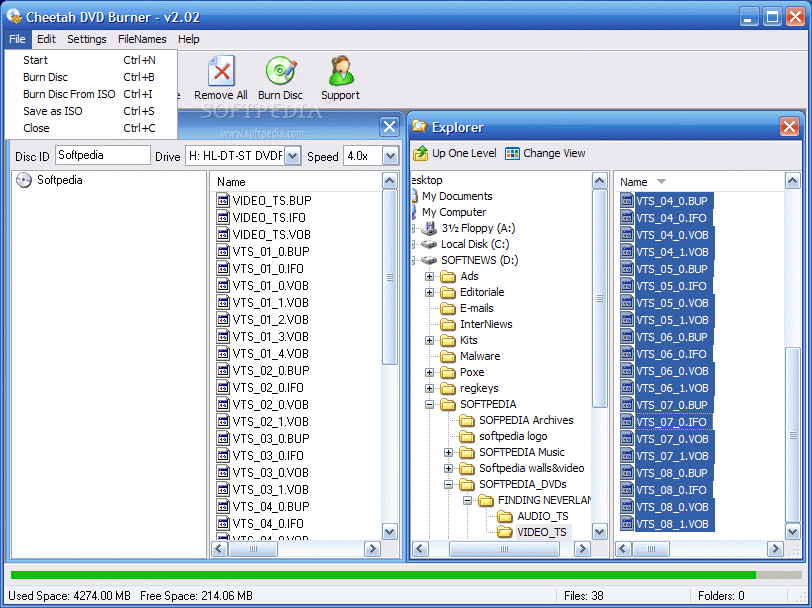
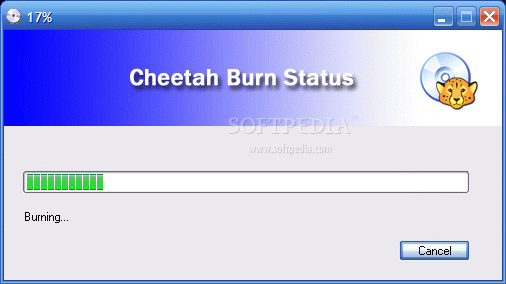
Most of the operations are completed in three easy to go through steps. First, you have to choose the option to carry out the task, next is adding the data and the final step allows the user to select the burning speed and start the operation.
A very good feature Cheetah is providing is the copying of the data from one disc to another. If you have two writing devices you can copy the data very easily. Copying the data on the hard disk is done by choosing the source drive and defining the path to the temporary folder for the software to work with. Leaving the target drive with no disc inserted will ensure the copying on the hard disk.
Choosing to create an ISO file redirects you to selecting the data disc option in the Start and save the file as ISO from the File menu. My conclusion regarding this icon is that it is totally useless as Data Disc covers the task.
Cheetah fails to provide a BluRay disc writing option. Considering the ascension of the new disc format and the image quality it offers I expected the feature to be already included in most of the DVD burners on the market.
The erasing option is as flexible as in any other similar softwares and gives you the chance of either erasing the TOC (Table of Contents) of the disc (quick erase) or perform a full erase of the disc (all the data will be lost and prone not to be recovered).
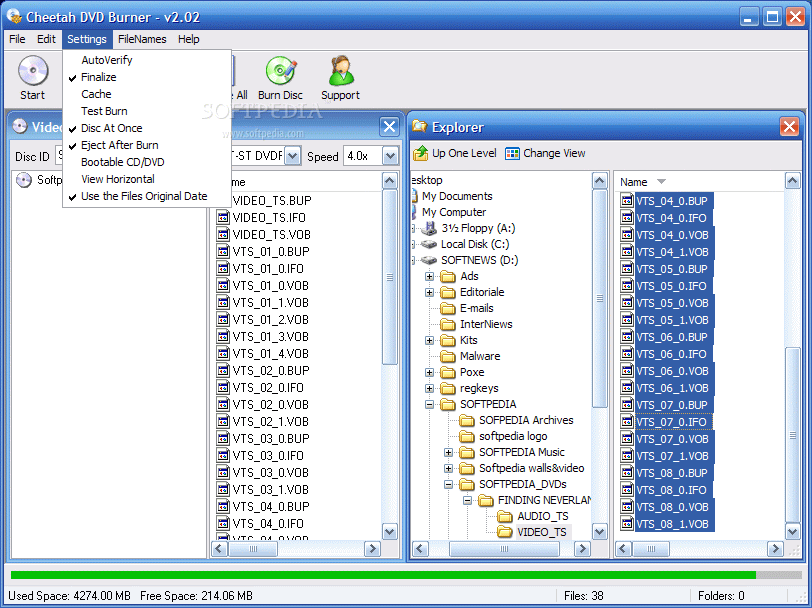
When it comes to the settings of the software, the user can choose the disc to be verified after the burning is over. Also, finalizing the session is possible as well as testing the burn. To keep track of the burning date, you can deselect the "Use the Files Original Date" option and the added date will be that of the burning.
The Good
Cheetah DVD burning contains all the options an average user would need. The interface is simple and easy to handle. If by any chance you are having trouble using the program, the online Help menu comes to the rescue explaining all the details and guiding you.
The Bad
The lack of burning a BluRay disc option will develop into a major drawback once these discs and burning devices become more accessible.
Also, splitting the data disc (which covers burning of any kind of regular file) and giving the impression that there are more options available, along with providing a data copying option are not much of an advantage for more experienced users and not even for average ones.
The Truth
The list is consistent enough for a beginner. However, a closer look from an advanced computer user will reveal that some of the tasks can be carried with some of the already listed options. An MP3 disc can be created by simply using the Data Disc option, copying a Data CD is carried by Windows Explorer or any other file manager quite successfully. Also, for burning ISO there are freeware applications specially designed to do this.
All in all, Cheetah DVD burner will successfully complete any task supported and crashes or problems are not part of the application's features.
Here are some snapshots of the application in action: