14 DAY TRIAL //
 Remember Partition Magic? Well, it's been a while since Symantec bought it from Power Quest and turned it into commercialware (i.e. you can no longer download it unless you buy it) without adding any improvements to it. It must have been one of the best partition managers out there and its legend will continue.
However, there are plenty solutions on the market for disk partitioning and one of them comes under the form of Easeus Partition Manager Server, a $149 application designed exclusively for disk slicing and dicing to your taste, painlessly and comfortably.
From the first glance at the interface, the application reminded me of Partition Magic and the ease of use involved in the process of disk partitioning. Although most of the users are reluctant to slicing the disk, Easeus Partition Manager Server makes all this look like a child's play as it comes with an intuitive interface that features all the options within comfortable reach.
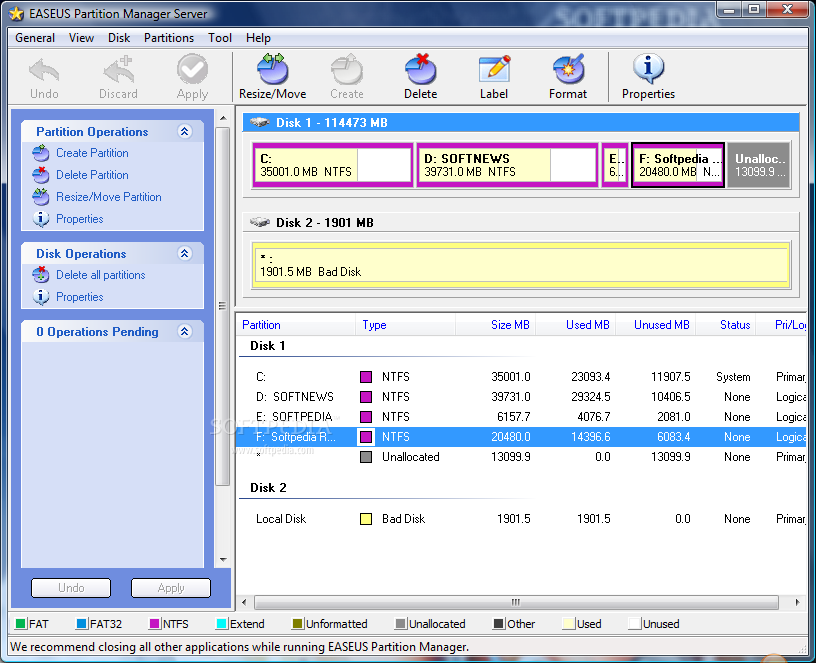
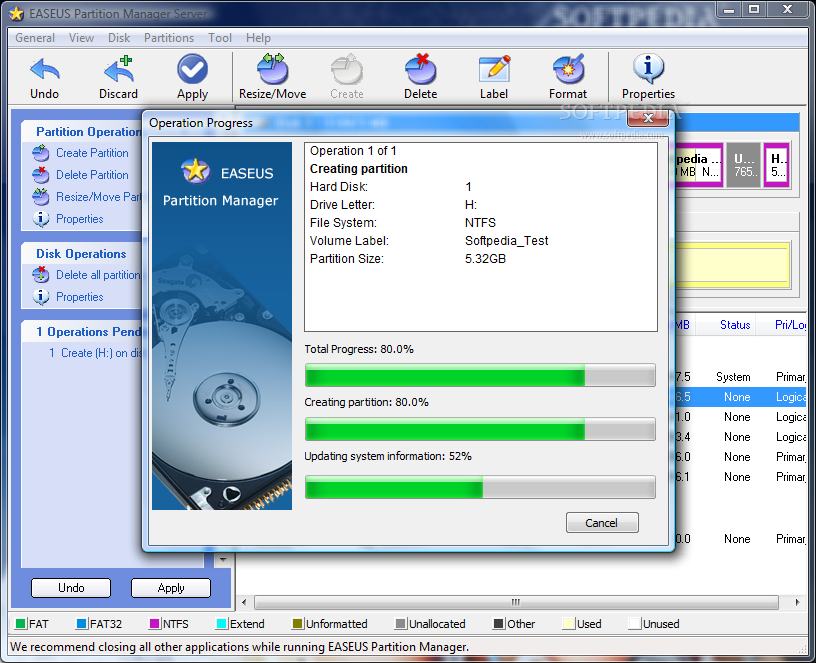
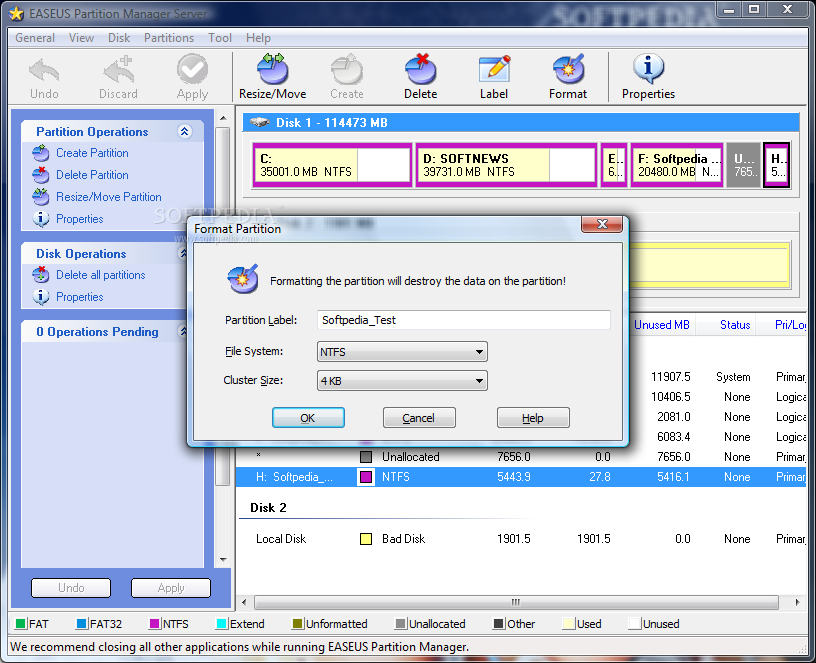
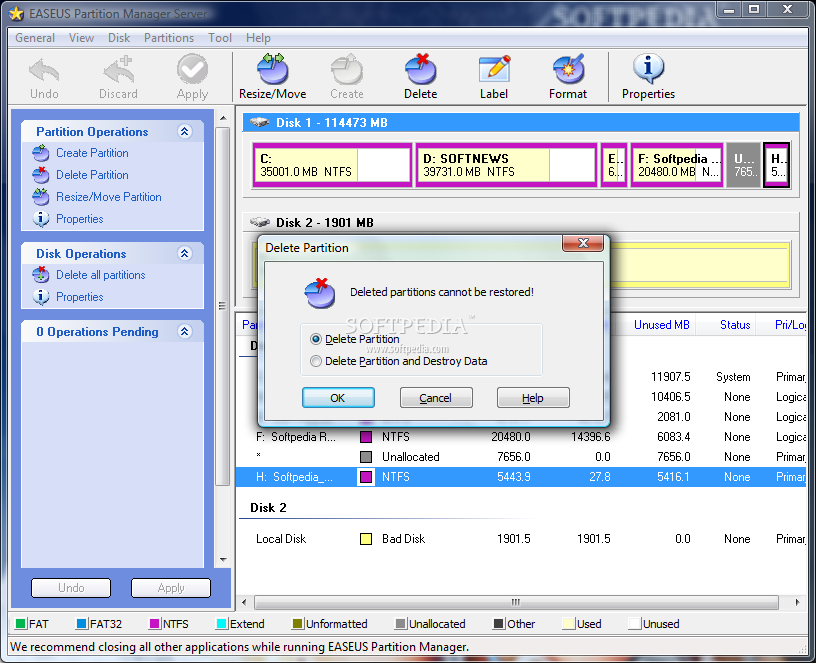
The main window of the program displays a map of all the drives and disks available to the system, at the same time providing useful information on the type of the partition, as well as the amount of occupied and free space. Sporting an Explorer-like interface, Easeus Partition Manager Server lists all the partition and disk operations useable for the selected item in the left hand side, as well as pending operations.
Despite the simple looks, EPMS (Easeus Partition Manager Server) provides a set of powerful features such as resizing drives, creating new ones, labeling, formatting, checking for bad sectors and fixing errors (via Windows CHDISK function) or creating bootable disks (CD only as DVD is not supported). If you were used to doing most of these operations accompanied by a system reboot, forget the old ways because this app can apply the changes on the spot.
However, we did encounter some problems during our testing on Vista and the software did alert of the need to reboot the system in order to complete all pending operations, but this happened only because there were files opened from the drives involved in the operation. On the upside, on XP it worked just fine even if it had more than one procedure to handle.
One extremely important feature of the application is that it can resize partitions even if they are populated with data, without creating any problems and keeping the files intact. The app is designed to work with any type of Windows file system, from FAT12, FAT16 and FAT32 to NTFS, but the limitation for the size of hard disks supported is set to 1TB. And considering that data storage devices keep increasing in capacity, it would be a great idea to adapt the software to the new conditions. On the upside, Easeus Partition Manager Server can handle up to 32 hard disks, which makes it a good choice for server systems.
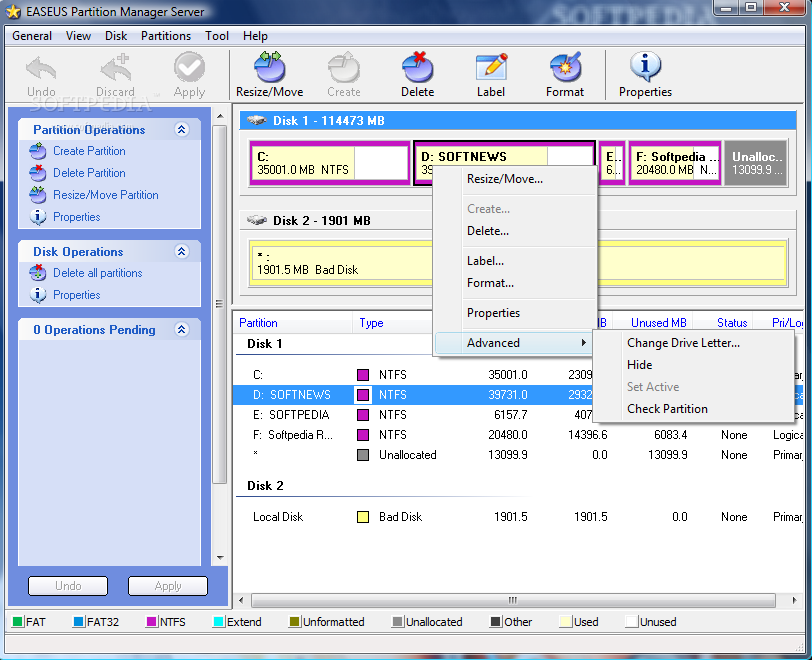
Working with the application should be piece of cake regardless of your computer skills. It is actually a matter of right clicking on the desired partition and choosing one of the options available. You can resize drives (shrink or enlarge) according to the unallocated space available near them. In order to set the new size, all you have to do is either drag it from one side of the drive map or, if a more accurate size is needed, you can type in the value in MB yourself.
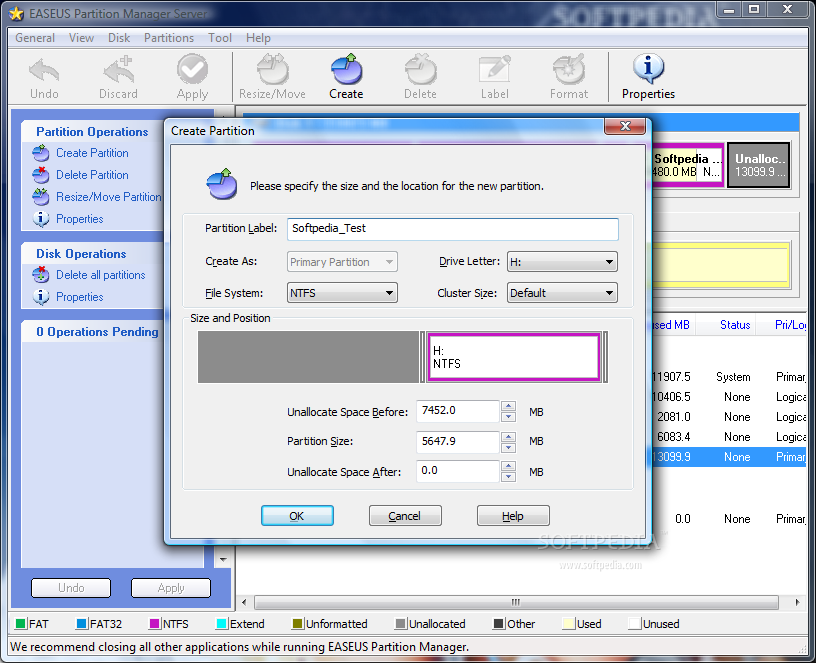
A very clever option is the possibility of moving a partition someplace else on the physical disk so that you can distribute the unallocated space to other drives as well (simply play with the values for unallocated space before and after). An easier way to do this is by simply clicking the partition and sliding it through the unallocated space.
But Easeus Partition Manager Server can be used for a little more than organizing your partitions on the disk and formatting or labeling them. You can also use the software to hide drives from view. Hidden drives will not be visible (or accessible) from Windows OS even if you boot in Safe Mode, but under Linux the data on them is completely unprotected from prying eyes.
Still, in the Advanced section of the application you can run a bad sector test to see if everything is A-OK or call on Windows CHDISK utility to check for errors on disk and fix them. This section also gives you the possibility to change a drive letter, but this can also be easily achieved directly from Windows, be it XP or Vista.
All in all, the application does a great job if run on XP as it offers a handful of options for partitioning your disks as well as a comfortable, straightforward and easy to use interface. Used on Vista, however, Easeus Partition Manager Server is not as necessary as this Windows environment brings its own artillery to deal with disk partitioning and almost all the options are included. Nevertheless, Easeus Partition Manager Server has the edge thanks to its support of up to 32 1TB disks. This feature makes it stand out from the crowd and dots all the i's and crosses all the t's when used on servers.
It works fast and few are the cases where it needs to reboot in order to successfully complete the job(s) at hand.
The Good
Starting with the interface and finishing with the way it runs, Easeus Partition Manager Server makes for a great partition manager, easy to handle and responsible.
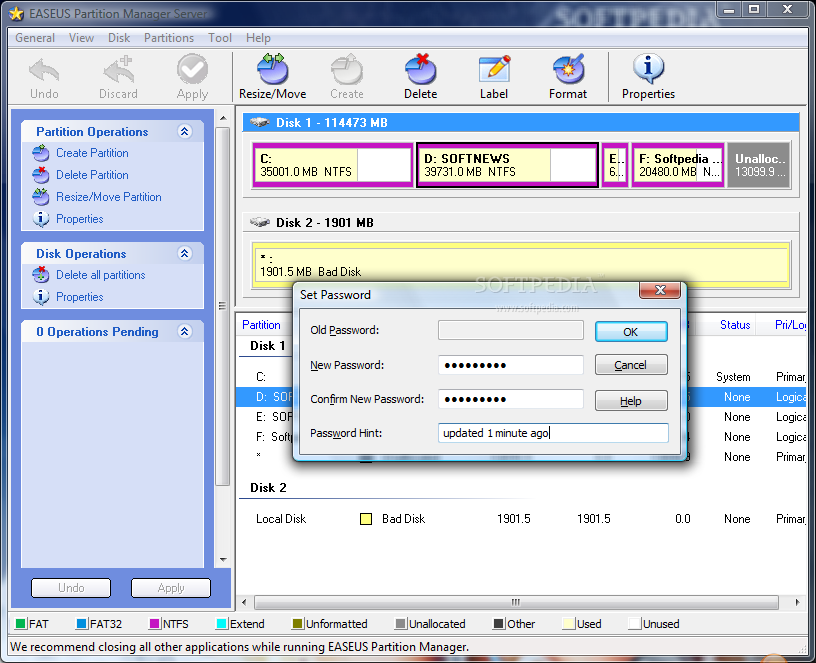
Protecting your settings with a password so that unauthorized persons can't mess around with the drives can be easily done.
Once you hide a drive from view all the data on it becomes inaccessible until you restore visibility.
The Bad
Although the design of the interface could not have been any simpler, I could not help noticing the striking resemblance to Partition Magic which seems to have set a standard developers feel comfortable reproducing.
The application is designed for server use and should be able to handle disks with a capacity larger than 1TB.
I wish its arsenal of features also included options for backing up and restoring data, just to give the users the possibility to prevent an aftermath should anything go wrong during an operation.
The Truth
If you are still fearful about resizing your drives or moving them to a different location on the disk in order to joggle with the unallocated space and distribute it evenly, then Easeus Partition Manager Server should lift all the haze and give you the necessary confidence for the job.
For home use it is expensive and if you are running Vista then it is truly redundant as the operating system brings its own disk slice-and-dice solution which works like a charm. But if you are looking at large hard disks then Easeus Partition Manager Server proves to be a handy choice.
Here are some snapshots of the application in action: