 14 DAY TRIAL //
 Although still at an early version, EaseUS Todo Backup Home managed to impose itself as a respectable backup application, filled with features generally reserved for paid products.
It evolved from a simple solution designed mainly for the beginner and average user to a full-blown backup alternative that can be used by more seasoned user for more complex scenarios.
Version 3 of the application brings in some important features, making it compete even with paid products of the same feather. This edition sports differential backup jobs, support for dynamic volumes, Exchange and SQL Server database.
However, while these are great additions, what the average user will appreciate most is the fact that restarting the computer after installing Todo Backup is no longer required. The layout has not been changed one bit, but the design suffered some minor changes compared to the previous edition.
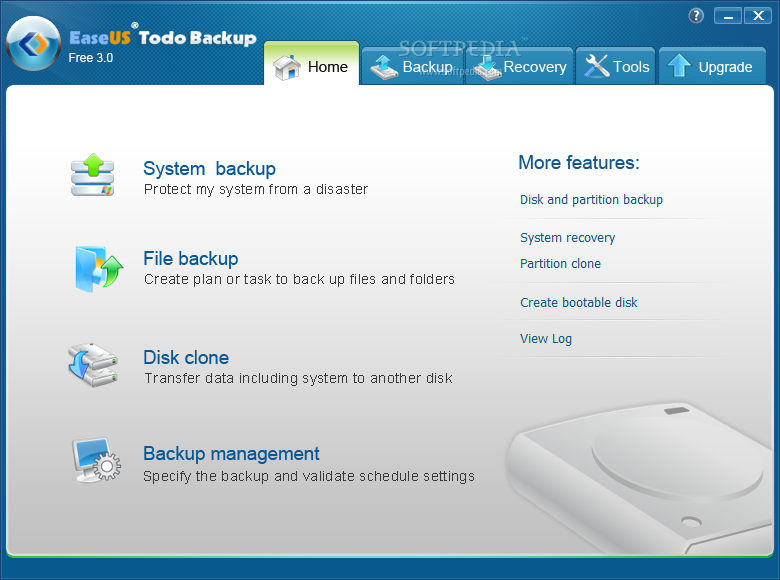
During our testing we had no problem with the installation procedure except for the fact that it took longer to complete than expected. The interface has remained as simple as it has always been, with easy to use menus available in the upper part of the application window.
The control center of the application is under “Home” menu. Here you’ll find all the options available in the application as far as backing up data is concerned. However, during our tests not all the entries worked.
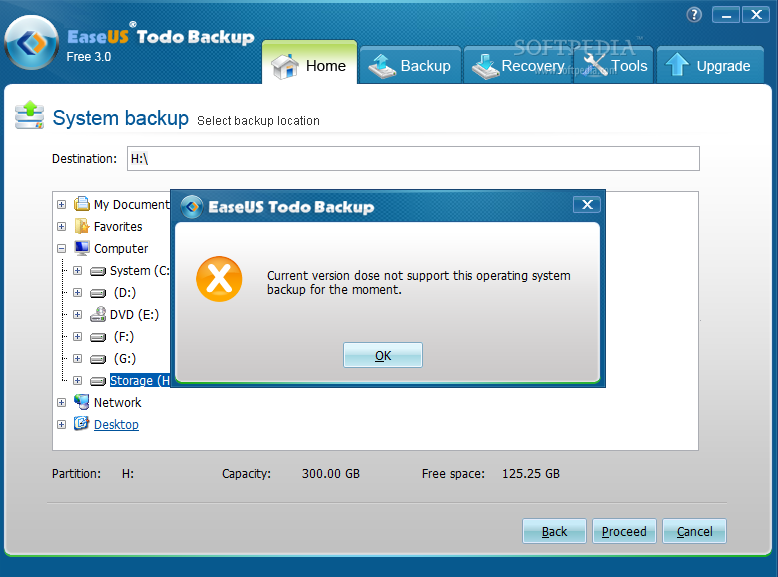
For instance, “System backup” option issued a warning saying that Todo Backup cannot currently backup our operating system, Windows 7. The only choice we were left with was to completely abort the procedure.
On the upside, we had no trouble creating a schedule for backing up files and folders and even entire drives and disks. In the case of the first two the task was not a challenge at all, since files and folders can be saved quite easily; but in the case of drives and disks the application actually creates images of the stored data.
What this means is that you can back-up the system drive, restore it to a different hard disk and boot up with no problems; a sector-by sector job would take more space, but ensure that every piece of information is included in the resulting backup image.
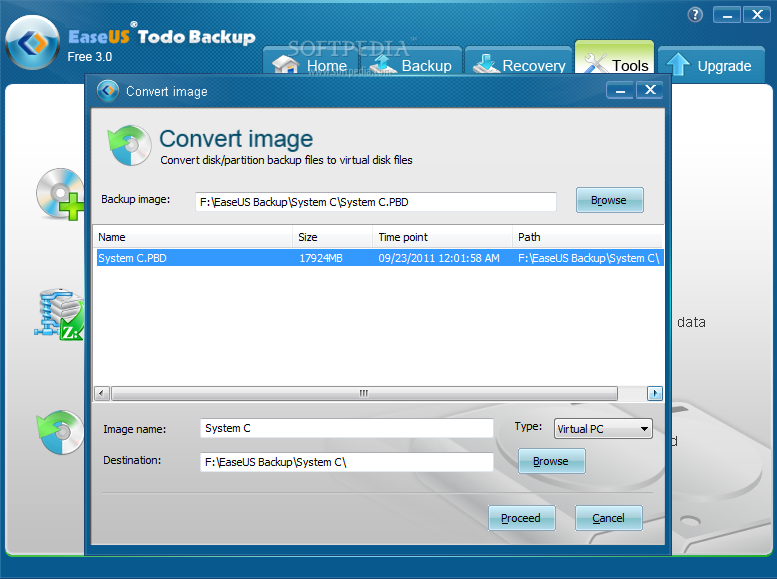
Additionally, with the app’s ability to convert the backup image to a virtual disk (VMWare or Virtual PC), you can easily turn it to VHD and boot from it in Windows 7. Our attempt at doing this resulted in utter success.
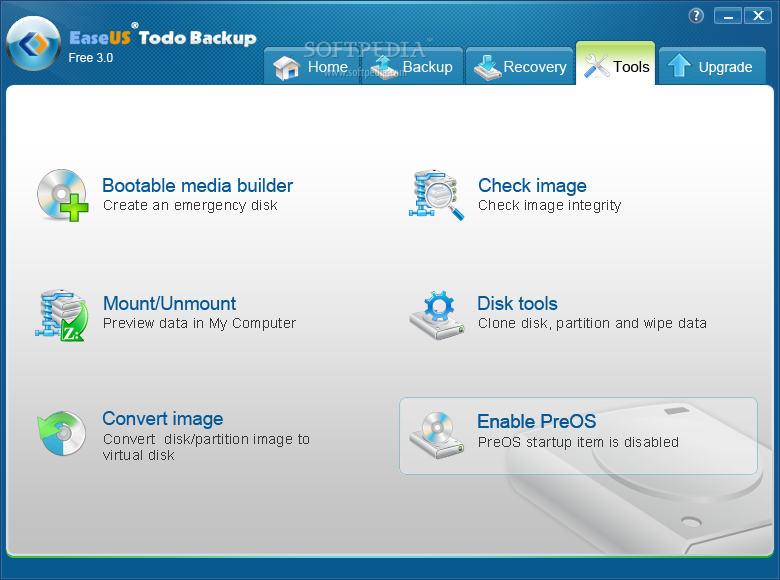
Still on the upside, if you check the “Tools” section of the interface you’ll find that EaseUs Todo Backup can mount the backup files it creates as virtual drives, so that you can view their content in Windows Explorer. The drives are read only, but this does not stop you from copying files, should you need it.
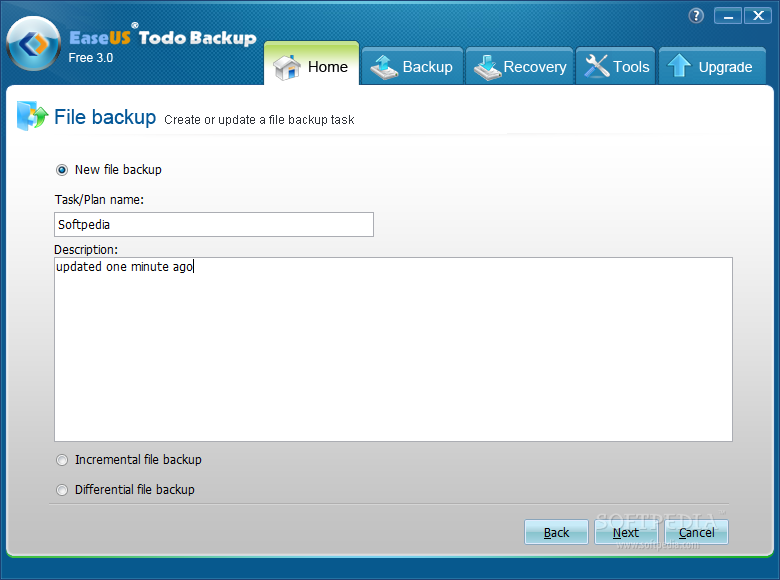
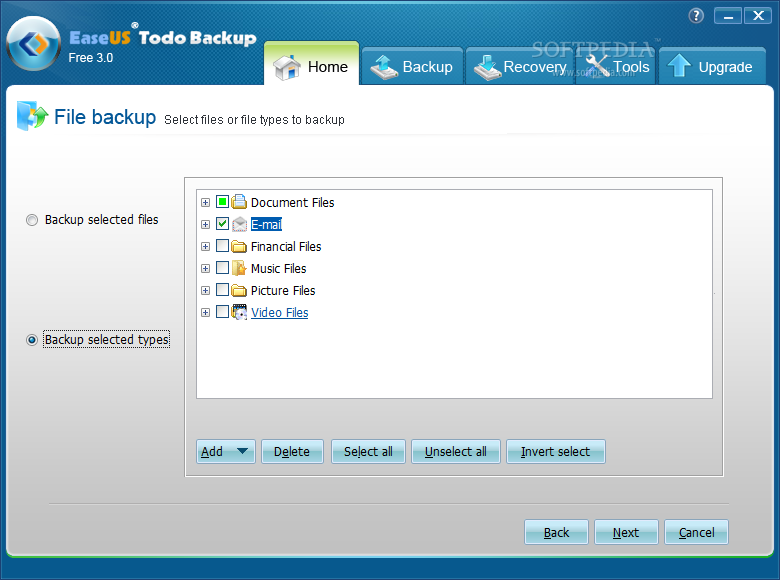
Creating a backup job is a walk in the park, even for the less experienced users. You are guided step by step until everything is set up the way you want it.
Even if task scheduling function is generally included in paid backup products, Todo Backup Home has it activates, allowing you to program the jobs for the most convenient times. Also, support for both incremental and differential backup types ensures that you capture all the surplus data since the time of a full backup.
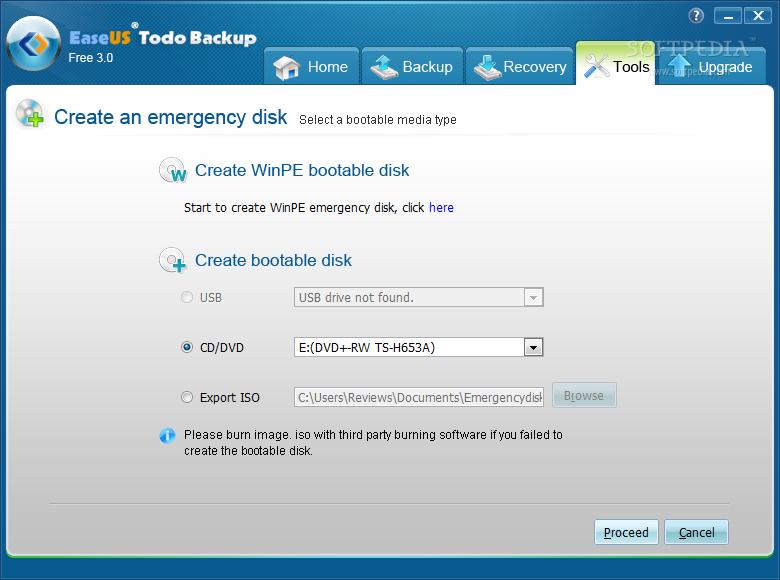
The toolbox present in the application includes a bootable media builder, whose purpose is to create an emergency disk you can boot from in order to access the program’s functions offline. Well, our experience was quite unfortunate as we were unsuccessful at creating either a bootable USB drive or a CD/DVD.
But we did manage to create the disk since Todo Backup can export the bootable ISO file. As such, we proceeded to burning it to a disc which worked like a charm. When running from the emergency disk the app only makes available data restoration function.
Besides the possibility to create an emergency disk the program also features the choice to run an integrity check on the backup files.
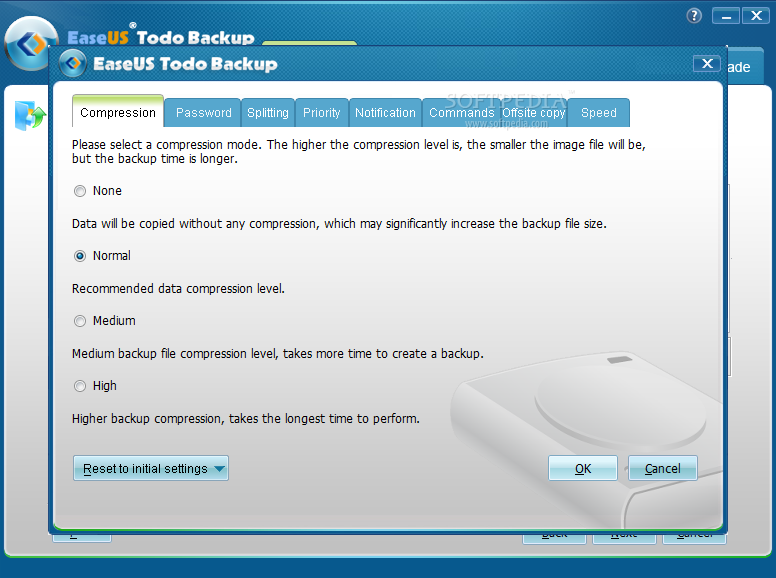
Despite the limitations it comes with and the malfunctions we experienced, EaseUS Todo Backup Home imposes a high standard for free backup solutions. The set of options available for creating a backup file is impressive, and comparable to what paid products offer. You can adjust the compression level of the resulting file, choose to encrypt it, split it into several pieces, or select offsite copy for storage location.
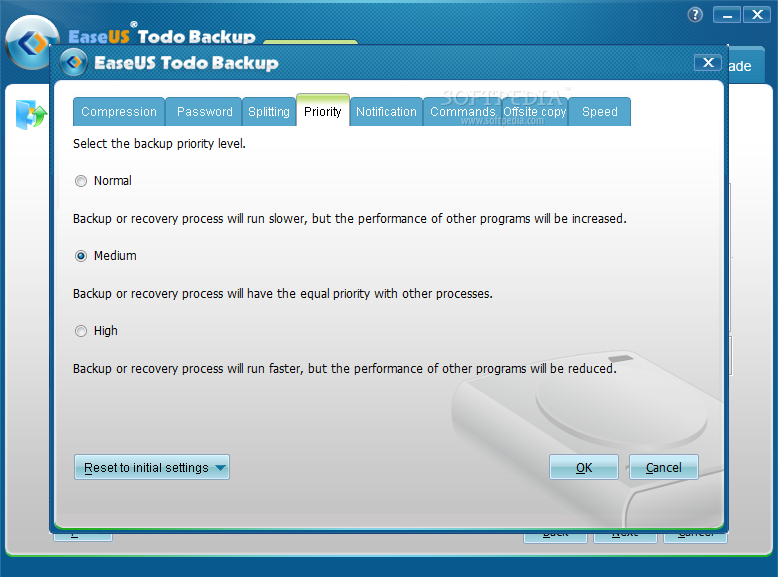
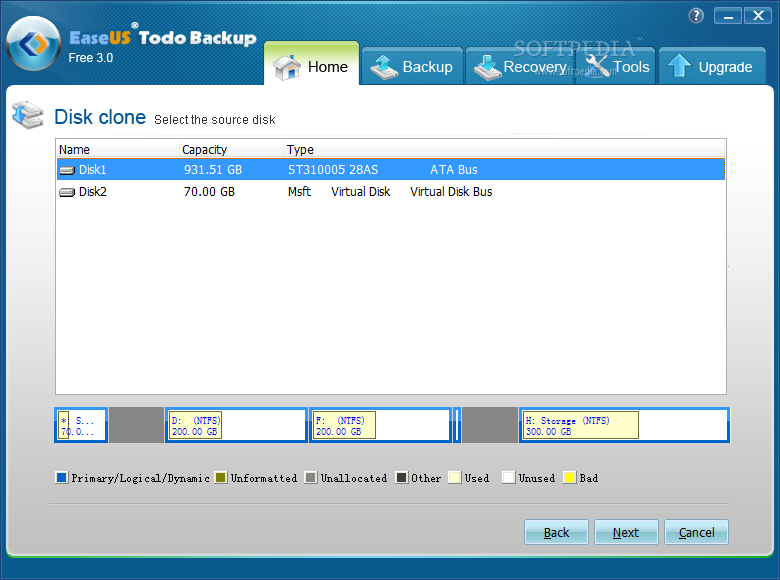
Cloning a disk to a different storage device is an active feature, even if the application is free of charge. Also, you can program it to run backup jobs at the most convenient times and set the process to lower priority so it does not interfere with your work on the computer. It sports integrity check function for the backup files, which can be mounted as virtual drives in Windows Explorer. However, there are still features to attend to as not all of them work properly and some don't work at all; fortunately, none of the really important ones are on the malfunctioning list.
The Good
The Bad
The Truth
