 14 DAY TRIAL //
 Smart Security is the most comprehensive computer security solution ESET offers home users. It is designed to make of your PC a malware-free environment, and prevent threats from nesting in the system. Additional security layers include spam filtering, firewall protection and parental controls.
The bundle comes with a classic installation process many of its competitors have dropped in favor of a simpler, streamlined procedure. Prior to getting the suite on the system, you have to go through a multi-step pre-configuration wizard for automatic updates system, detecting potentially unwanted apps and firewall.
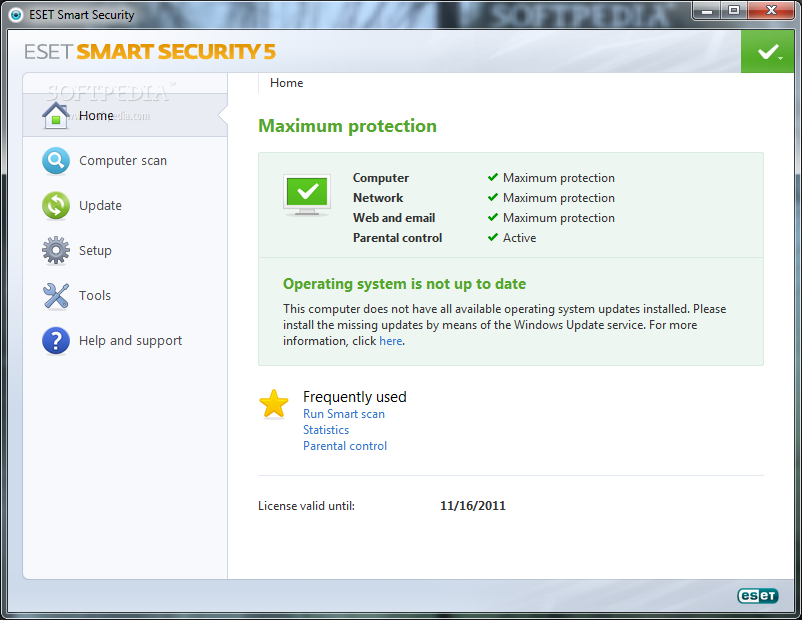
ESET preserved the interface layout for its security suite, with menus running down in the left hand part of the screen. The main application window offers an overall view of the protection currently enforced on your system, and allows access to the controls of each protection layer.
Scanning the system is pretty fast and with low impact on system resources. On our test computer, the average CPU level stabilized around 30%, while RAM usage peaked at about 85MB.
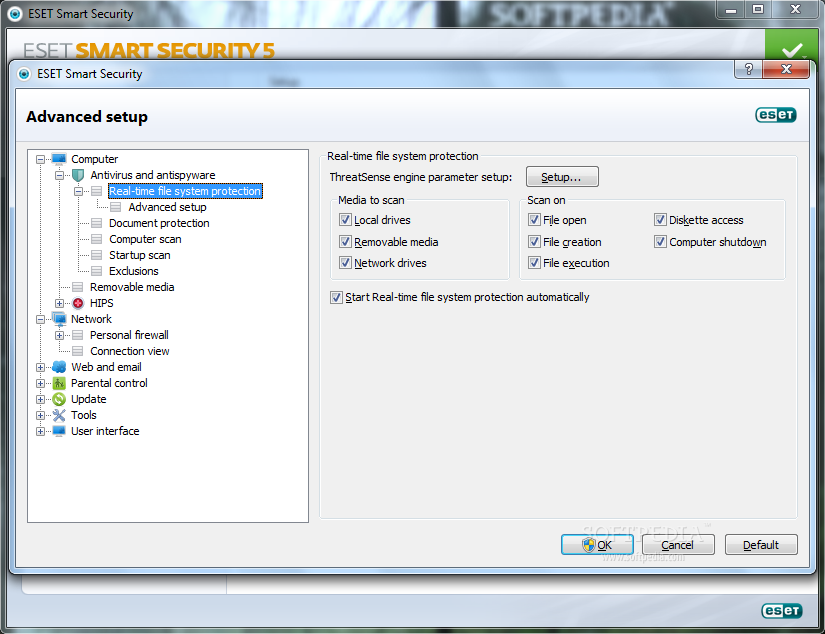
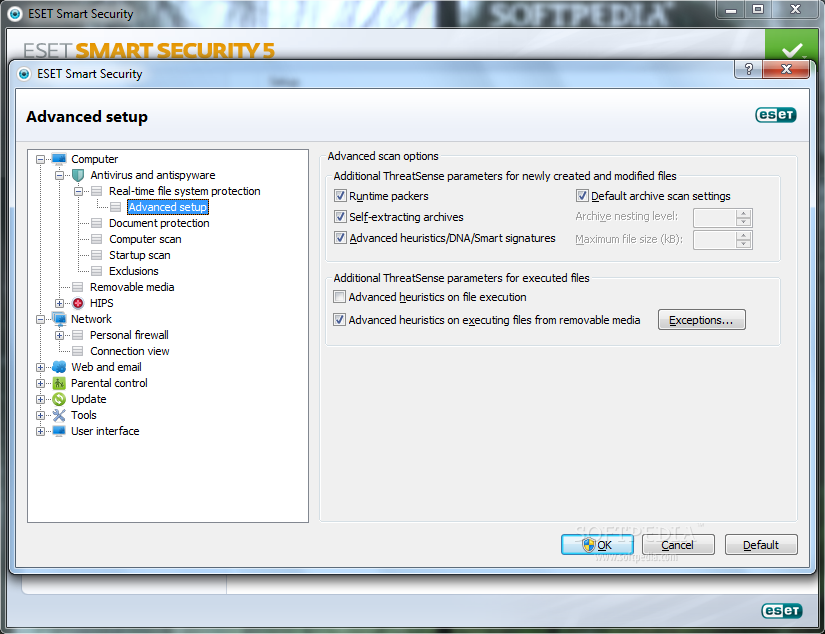
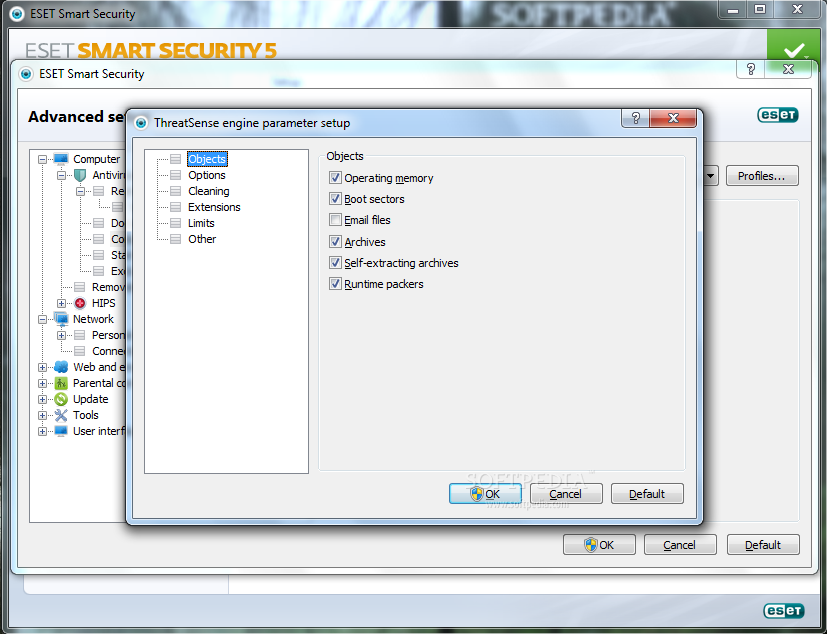
The package features 3 predefined scan profiles (smart, context menu and in-depth); but you can create a custom one, which allows you to configure ThreatSense engine (advanced heuristics) to check specific objects with all detection technologies at its disposal. You can also define a different cleaning mode.
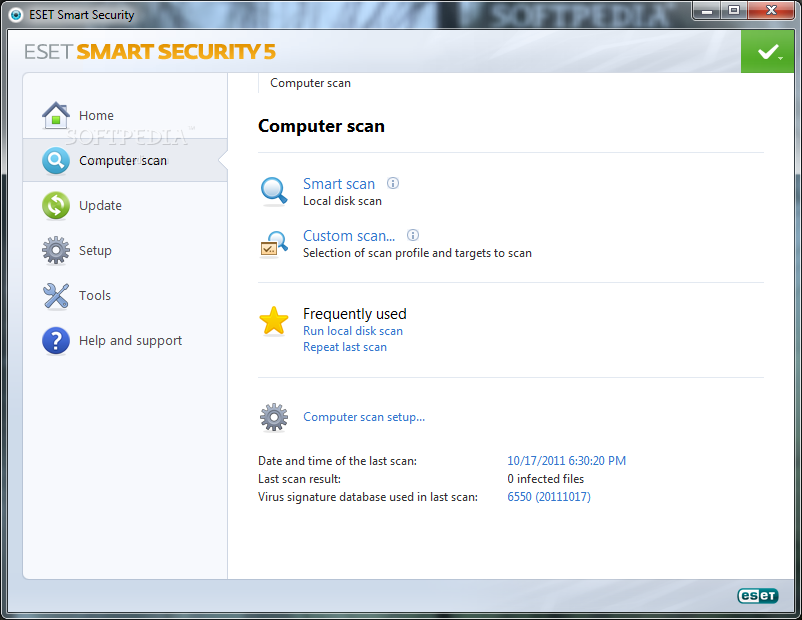
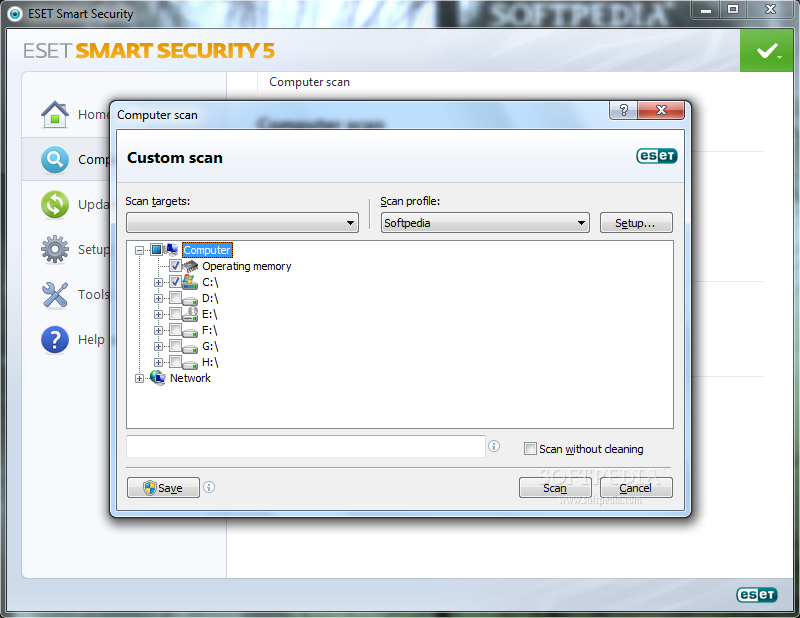
During our on-demand tests, we used the same batch of 371 mean threats as in the case of BitDefender Internet Security 2012 and Emsisoft Anti-Malware. Results came in fast and showed that 28 samples were not removed from the system, which gave a detection and elimination rate of 92.4%.
We also tried to pipe into our test system some threats stored online. Some of them got through and we even managed to run one without ESET Smart Security raising the flag. However, it was caught eventually, and eliminated after rebooting the system.
The firewall integrated in the bundle did a fair job when faced against various leak tests. It failed to keep us safe against dropping threats in “system32” folder and against modification of the operating system object in memory, which is a more elaborate technique, but it managed to prevent injection of malicious code into another process.
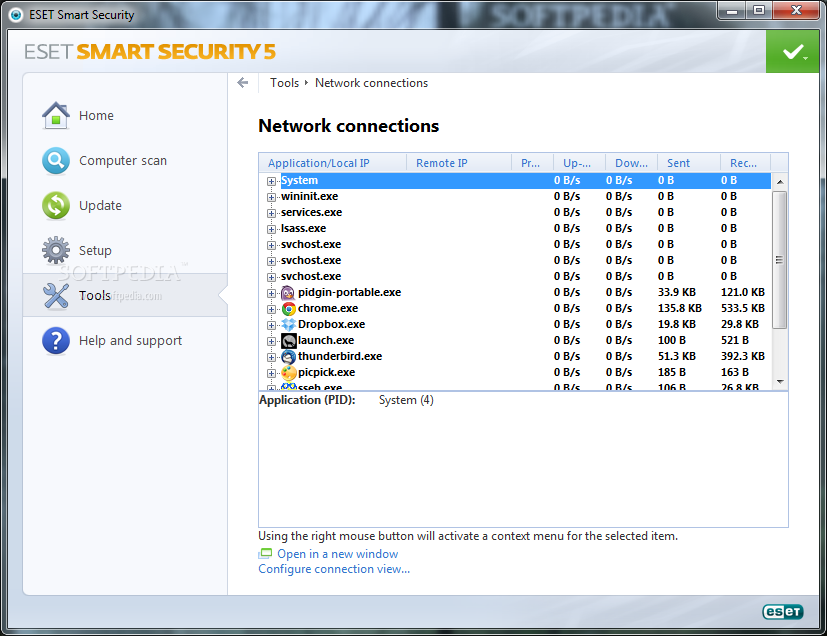
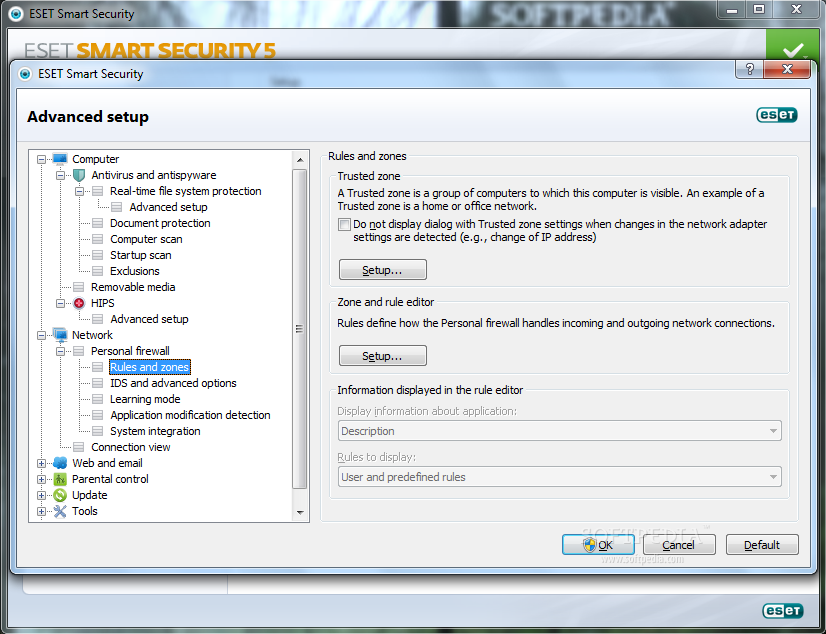
Unlike firewalls in other suites, this one does not take decisions based on an internal database of trusted processes. In automatic mode, it simply acknowledges all outbound traffic as safe and blocks incoming.
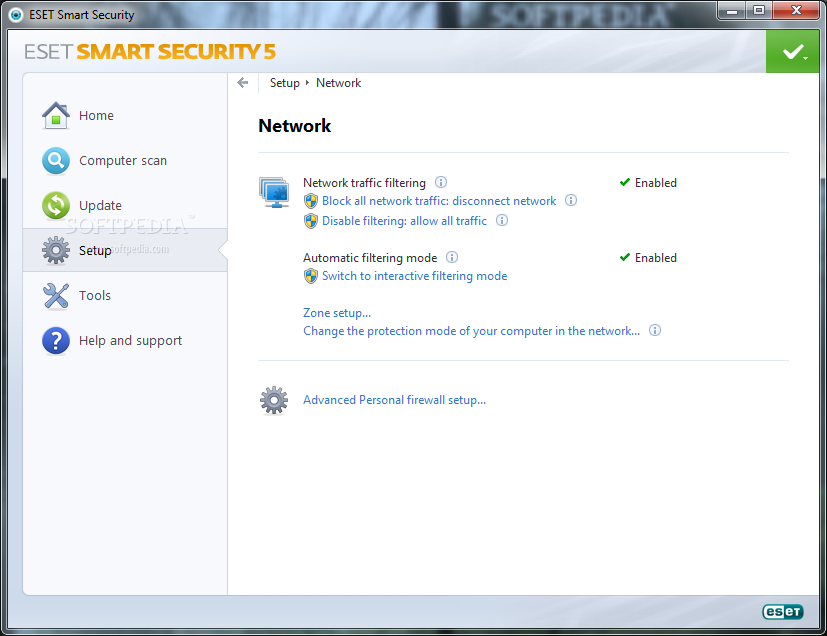
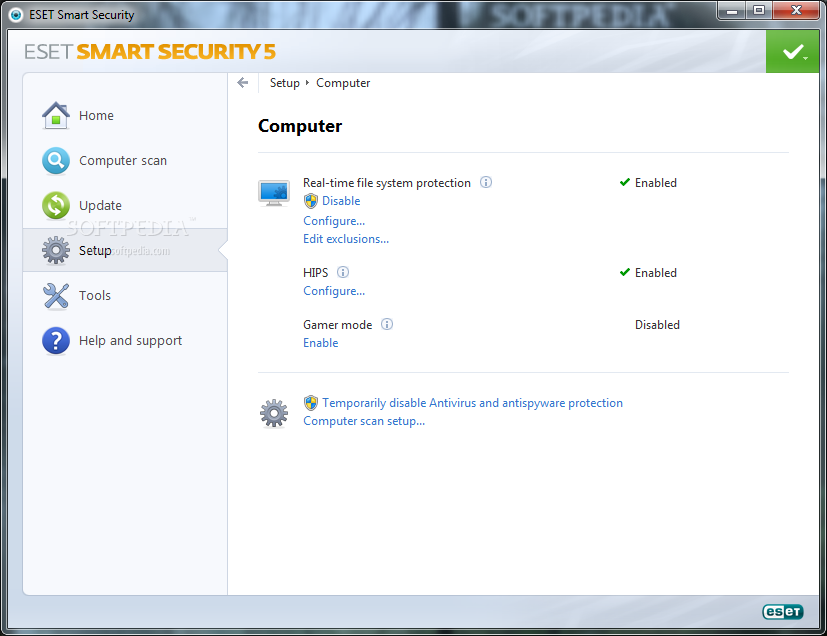
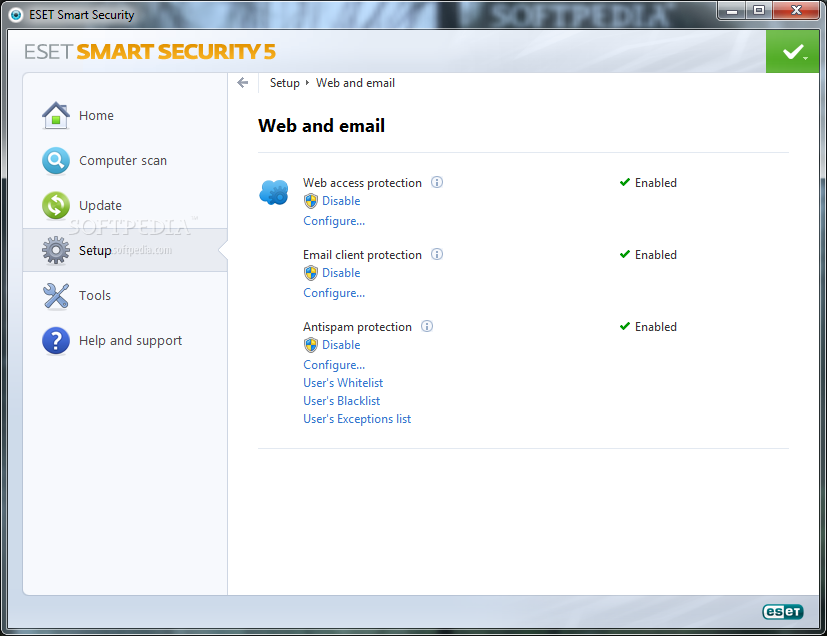
It also features classic filtering modes, based on user-defined rules. If a program’s activity is not defined by a rule then it will ask the user for an action. This approach is full of pop-ups, therefore undesirable by most users.
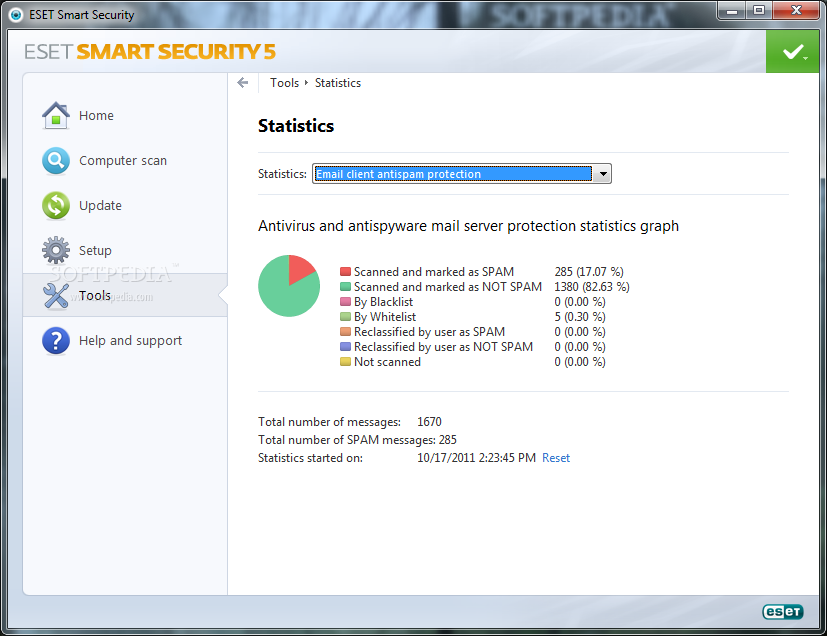
Anti-spam protection is not one of the finest we’ve seen, but it is not at all shabby, either. Very few invalid messages reached our inbox and we only saw a couple of newsletters dumped in the junk folder.
The module integrates with Microsoft Outlook, Outlook Express, Windows Mail, Windows Live mail and Mozilla Thunderbird (portable version, too), which makes for a pretty wide coverage, although there are other good solutions that could have been taken into consideration.
We noticed a perfectly integrated ESET menu in Outlook 2010, which lets you re-scan messages, re-classify an entry, as well as create lists of spammers and trusted addresses. By default, all spam is marked as such in the subject (you can change the label to whatever you want) and can be automatically moved to a folder of your choice. Infected mail gets marked as well and the subject line will begin with [virus %VIRUSNAME%].
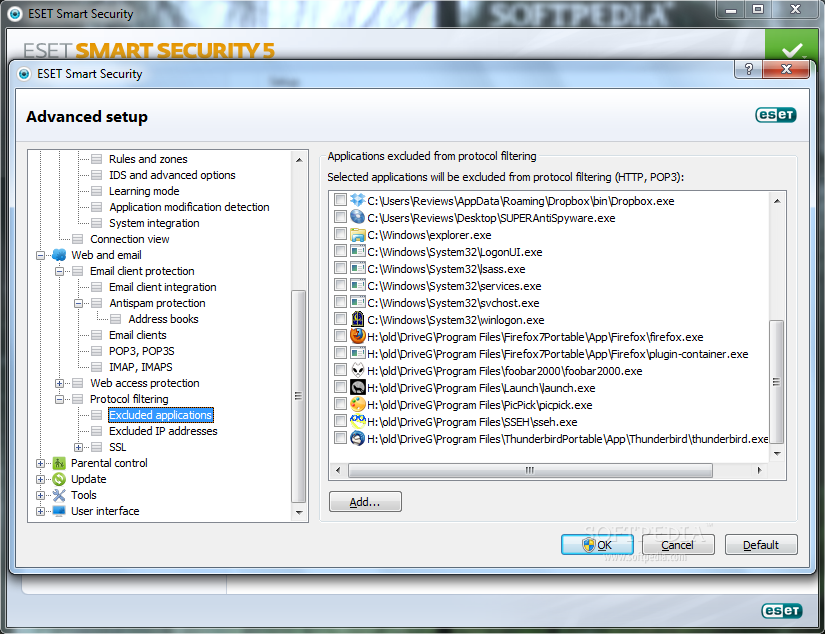
ESET Smart Security can be configured to check encrypted communication through POP3S and IMAPS email protocols as well as HTTPS. This is available in the advanced configuration panel.
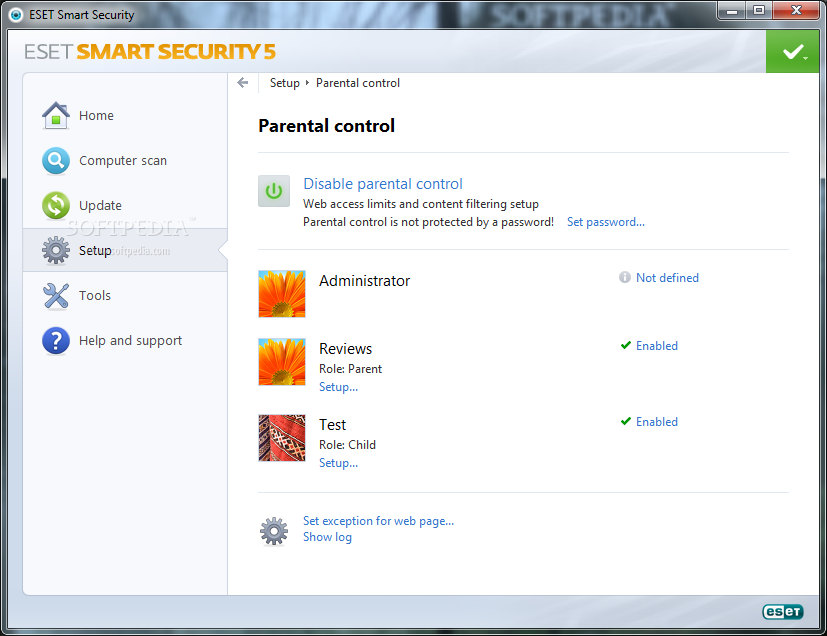
Parental controls are available in the suite, albeit in a limited form. They lack the flexibility we’ve seen in other security bundles, and are restricted to filtering web content and web pages.
There are predefined profiles to choose from (child, teenager and parent), which can be applied to existing Windows accounts. The rigidity of this configuration does not allow you to impose application-level restrictions or schedule access to the Internet.
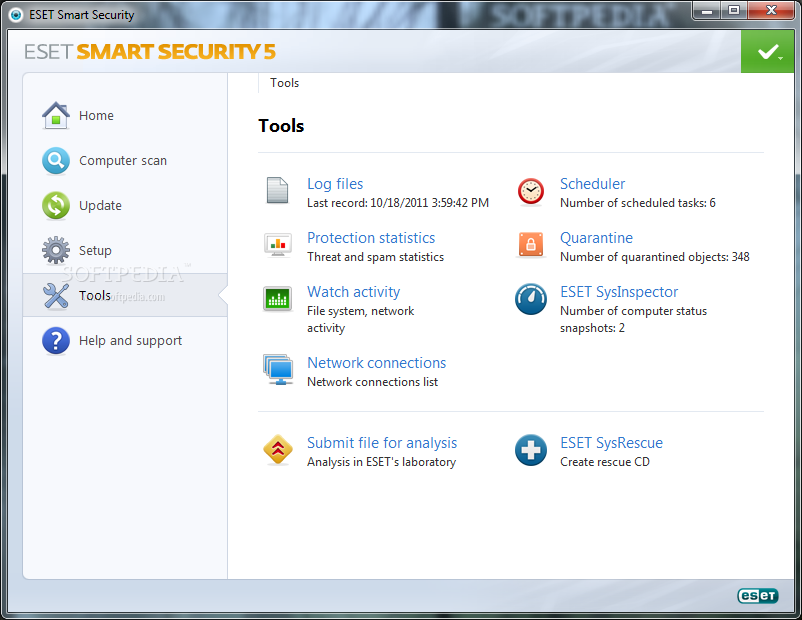
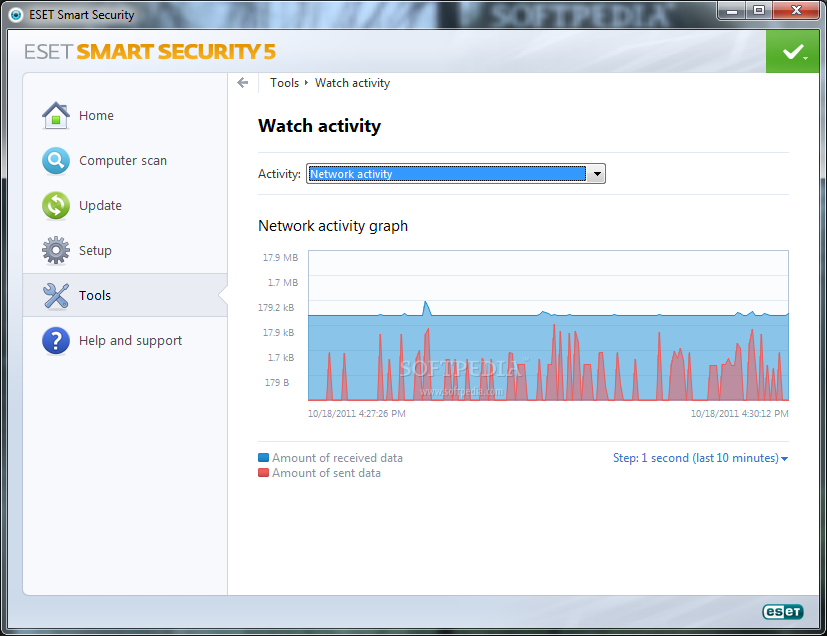
If you move into the “Tools” section, you’ll find real-time monitors for file system and network activity, and statistics for processed threats and spam. Quarantined items and the scheduler are also available in this panel.
However, this is also the place to access SysInspector, an application designed to take a snapshot of your system, which includes details about installed programs and drivers, registry entries and network connections. It is a very useful instrument to get at the root of suspicious system behavior, which may be an indication of malware infection.
The tool can compare two snapshots and show the modifications that occurred between them: files added, removed or replaced and risk status for each entry.
ESET Smart Security offers the possibility to create a rescue disc you can use to clean up the system when it becomes unbootable. On the downside, the procedure requires Windows AIK installed in order to be carried out.
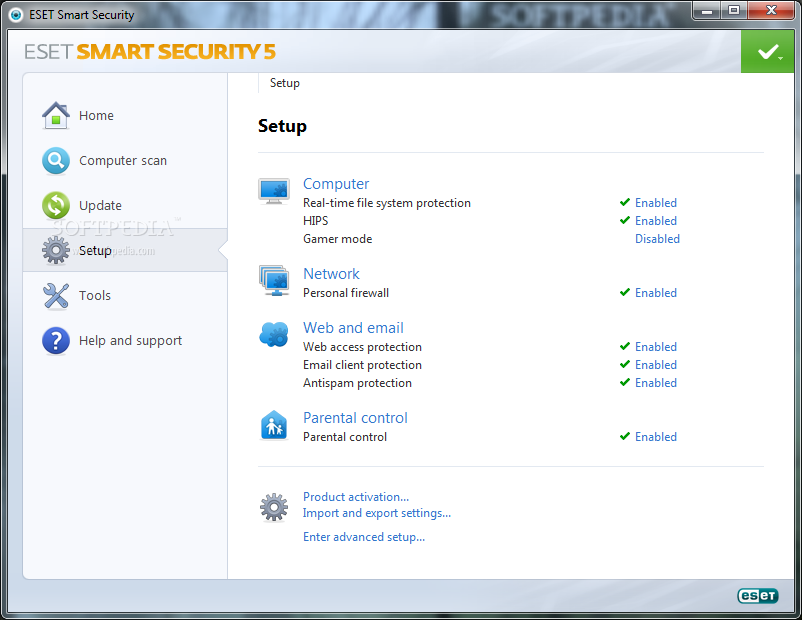
Although the bundle can be configured pretty much from the main interface, in some cases, you have to dive right into the advanced setup screen. Options are not complicated but require more in-depth knowledge of how connections and defense systems work on your computer.
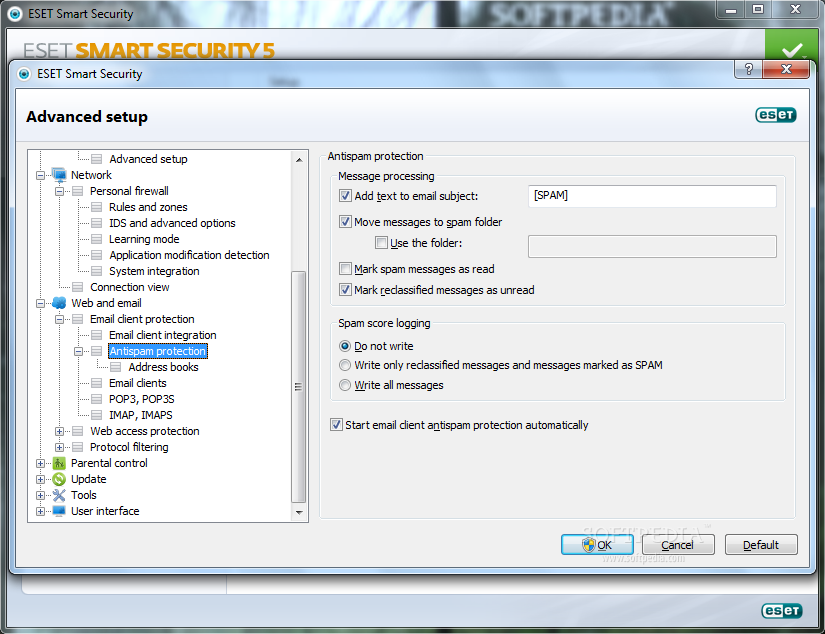
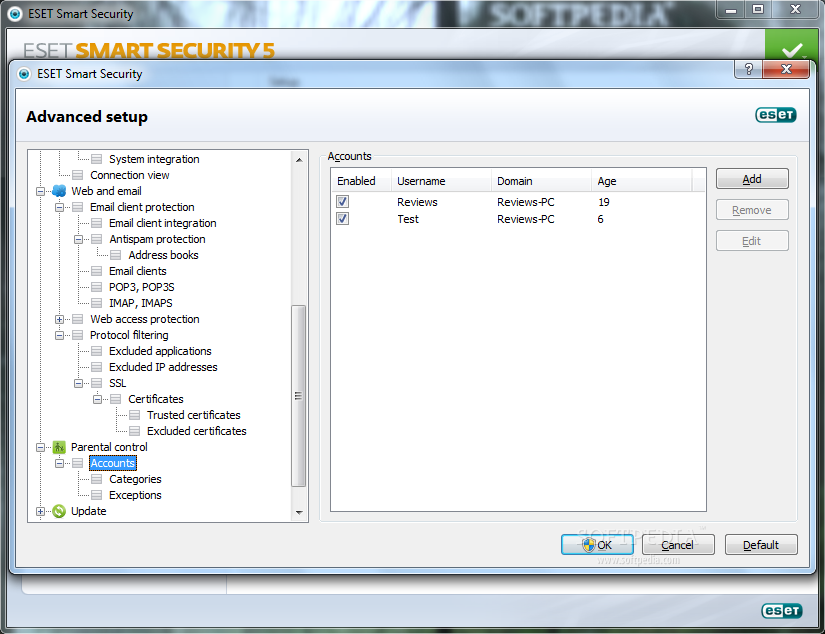
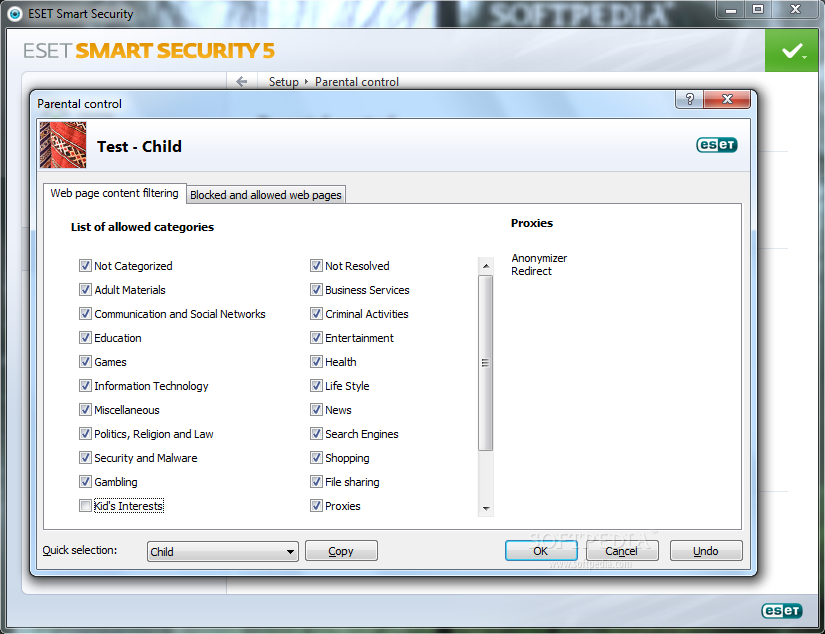
Antispam protection was pretty good and managed to keep most of the good mail in our inbox, with only a few newsletters being mismanaged. It integrates in most popular email clients and allows you to reclassify messages. Parental controls are not as flexible and option-rich as in other suites, and are based on the accounts available on Windows.
The Good
The Bad
The Truth
