14 DAY TRIAL //
 People are getting more and more annoyed by the fact that they cannot copy their original audio CDs on their computer.
Why am I saying that? Take a look at how many softwares for ripping music are there on the market. The hysteria began with ripping audio CDs into the most popular audio format (.mp3). But the quality of the files wasn't enough, so a bunch of audio codecs were quickly developed (my favorites are FLAC - Free Lossless Audio Codec and Monkey's audio - .ape).
In order to satisfy the customers, the developers have adapted their CD ripping softwares to also convert the audio files into different formats. Some of the softwares have resisted time and technology and continue to sell on the market.
One of these softwares is Easy CD-DA Extractor. It has reached its 10th version and comes prepared for the worst. It is developed by Poikosoft and, as you might have expected, it is offered as a trial version for 30 days. The full version costs $39,95.
These being said, let us proceed to the analysis. The installation file is only 7MB in size. The .exe file will install the program with all its four components. This is not only an extractor, but also an audio file format converter, audio CD creator and an MP3/WMA CD creator. So it is four in one.
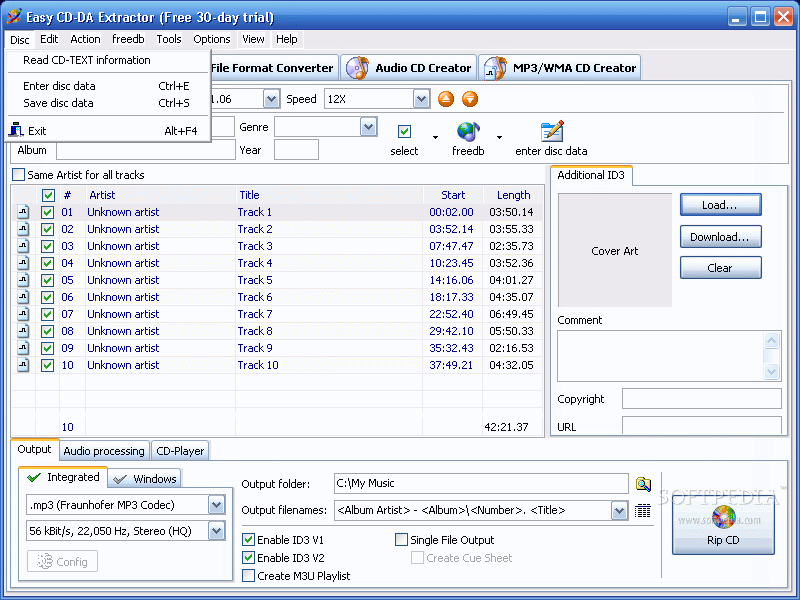
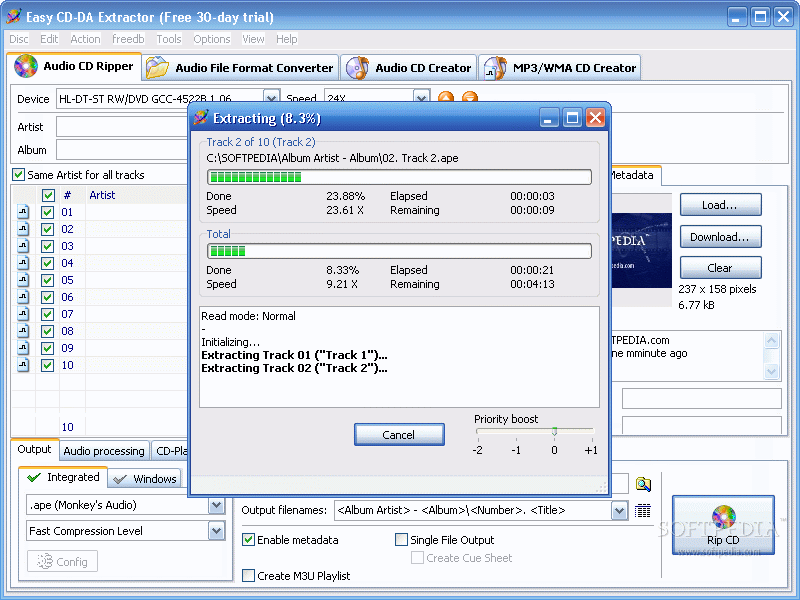
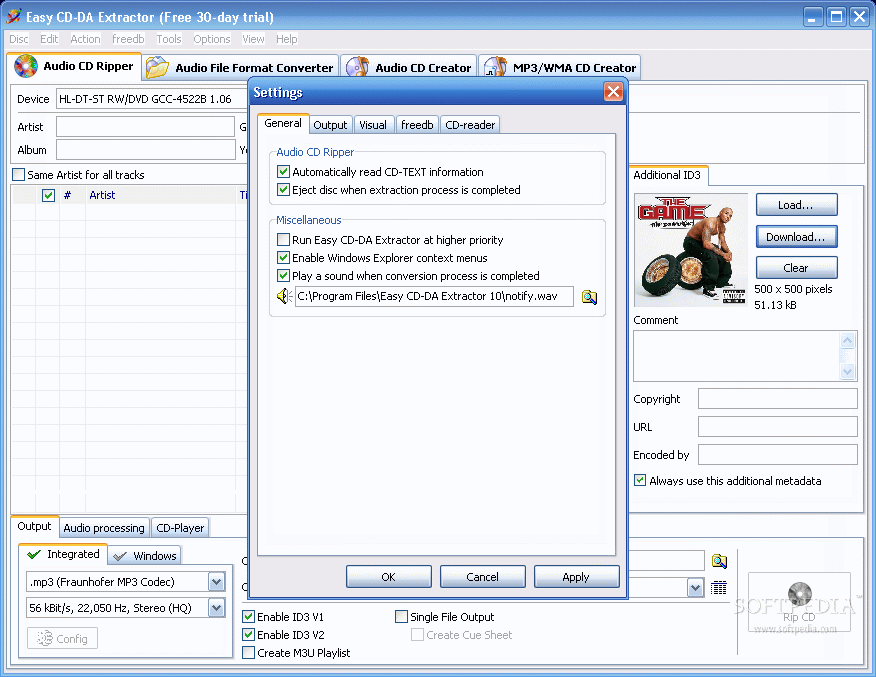
The interface displays all four above mentioned tools in tabs. The first one, as it is normal, is the oldest of the tools, the audio CD ripper. If you have used this tool before you will notice that the features are familiar. But you know that the small things make the difference.
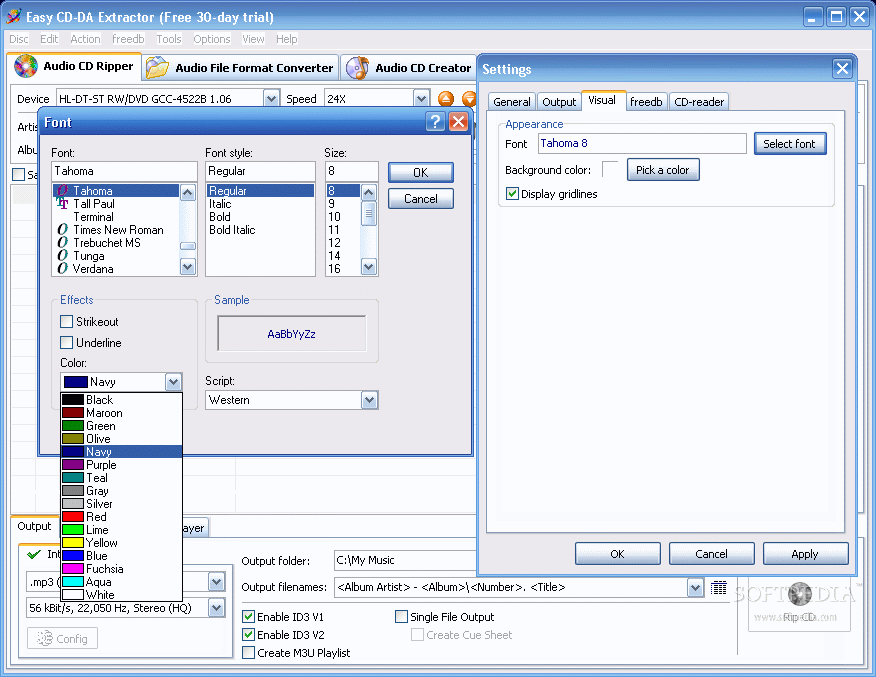
There are no major changes since the last version. The most visible elements are in the audio processing option (the peak level and the RMS power), the interface, and in the integrated support for cover art data.
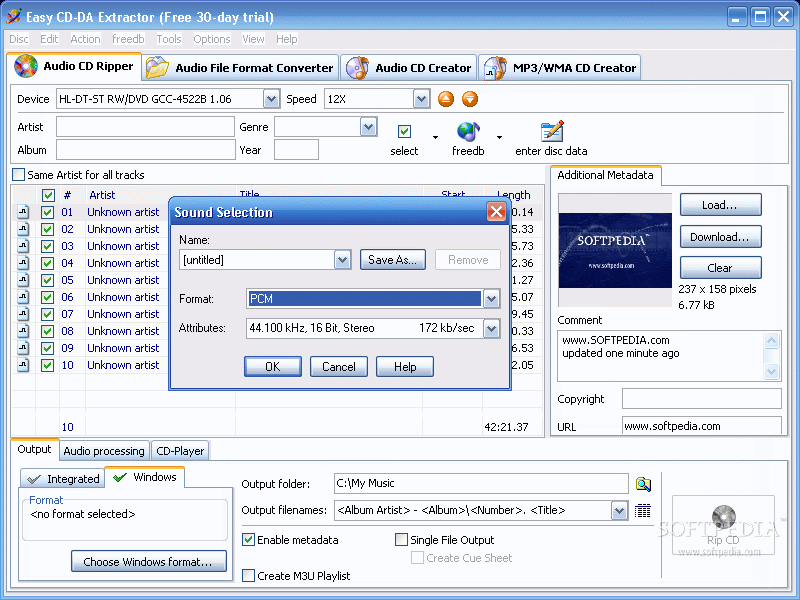
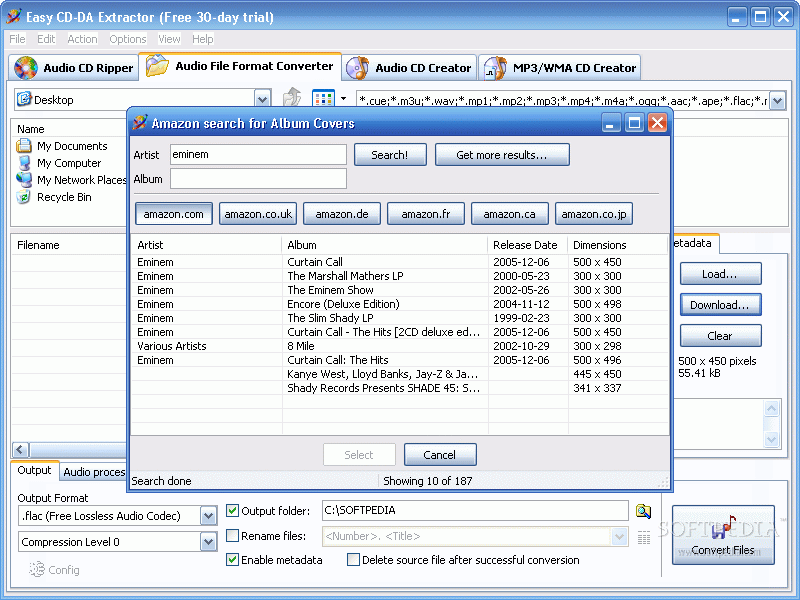
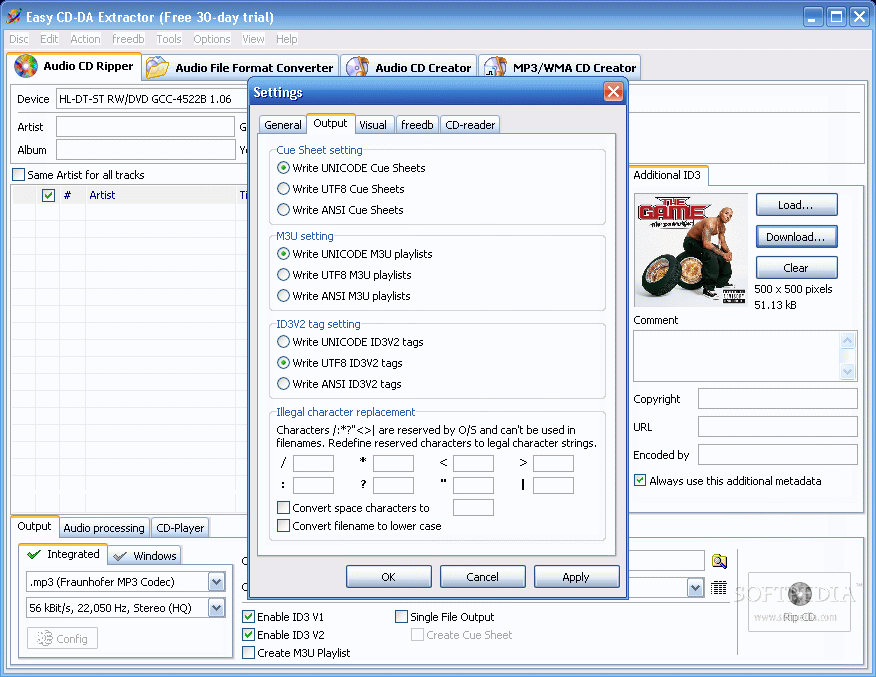
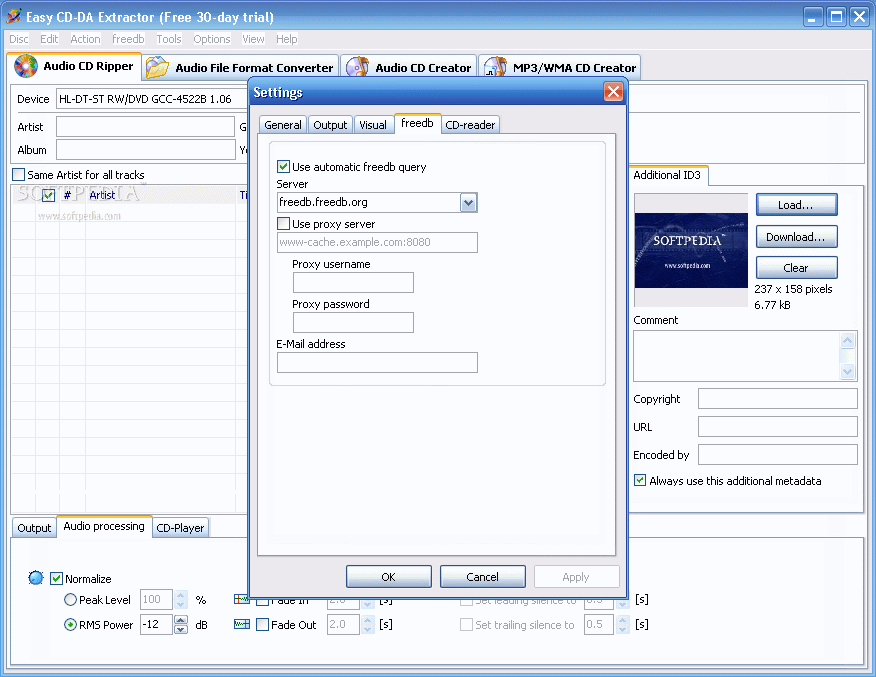
The Additional Metadata window in the right allows the user to download albums' pictures. In the lower part of the application window you have the output option that is pumped up with audio file formats (.ape, .flac, .aac, .m4a, .mpc, .3gp, .3g2, .wma, .wav, .ogg, .mp4, .mp3, .aiff). In audio processing the user will encounter and make the settings for normalization (peak level and RMS power). Here the user can adjust the volume level.
For a more accurate normalization, you should use the RMS Power feature, which adjusts the volume based on the actual volume. The recommended levels are -10 db for speech and -12 db for music. Another very useful feature is the "delete leading and trailing silence". By checking this option, you can add or remove the silence from the beginning or the end of the songs.
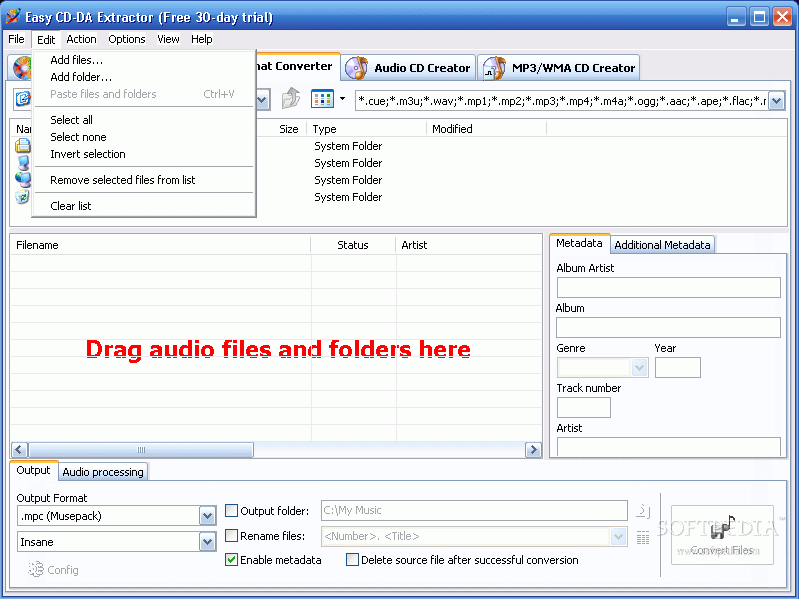
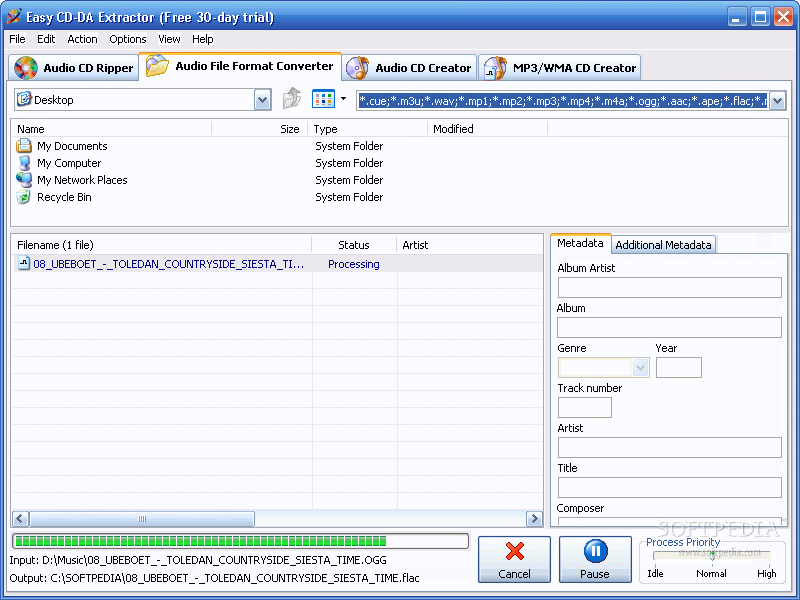
The "Audio File Format Converter" is very easy to use and allows the user to enter, change or add metadata of the files. You just have to add the audio files, select the output format, make the settings for normalization of the audio and press the big "Convert Files" button.
I must confess that I have my doubts about the quality of the sound when converting from a lossy file format to a lossless one (e.g. .mp3 to .flac or .ape). The resulted file will be a .flac or .ape, but it will not have the same audio quality as when you rip an audio CD directly into a lossless format.
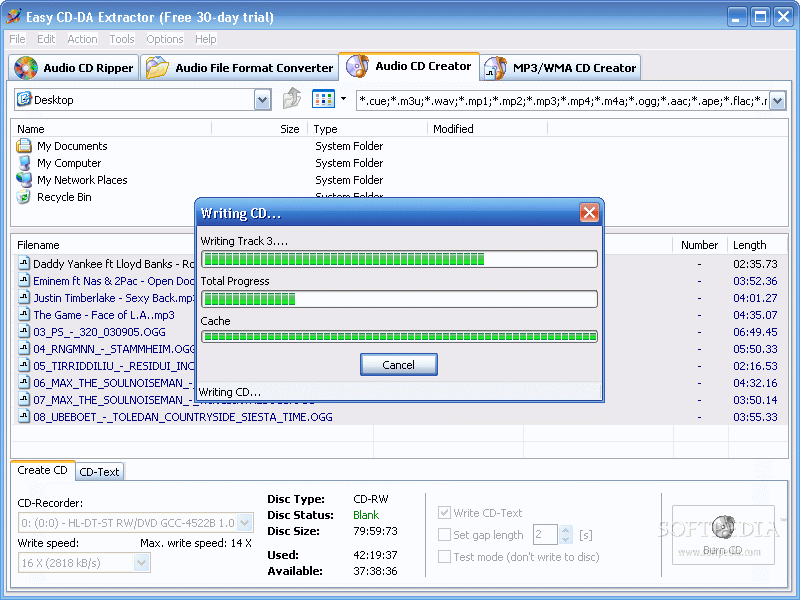
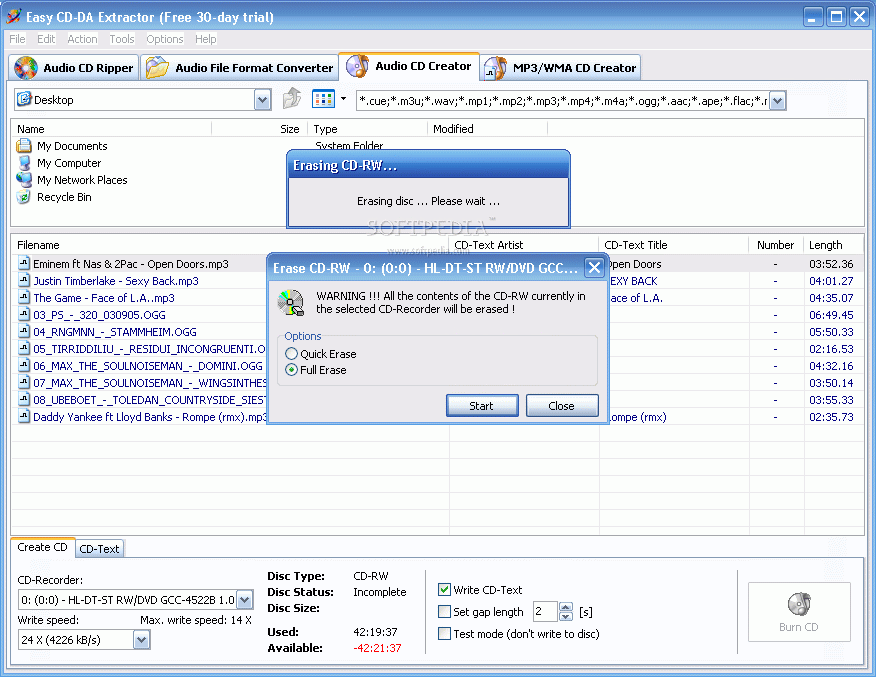
Creating an Audio CD with Easy CD-DA Extractor is not worth mentioning at all, as there is not much to say. The software does its job very fast and easy. If you want to write CD-text, you have to enable the "Write CD-Text" option so that the CD-player can show the track titles.
The "MP3/WMA CD Creator" works the same way as the "Audio CD Creator"; the difference is that with this option the user can make .wma or .mp3 discs. It converts all the supported files to .wma and .mp3. All you have to do is drag the files into the window and set the write speed.
The Good
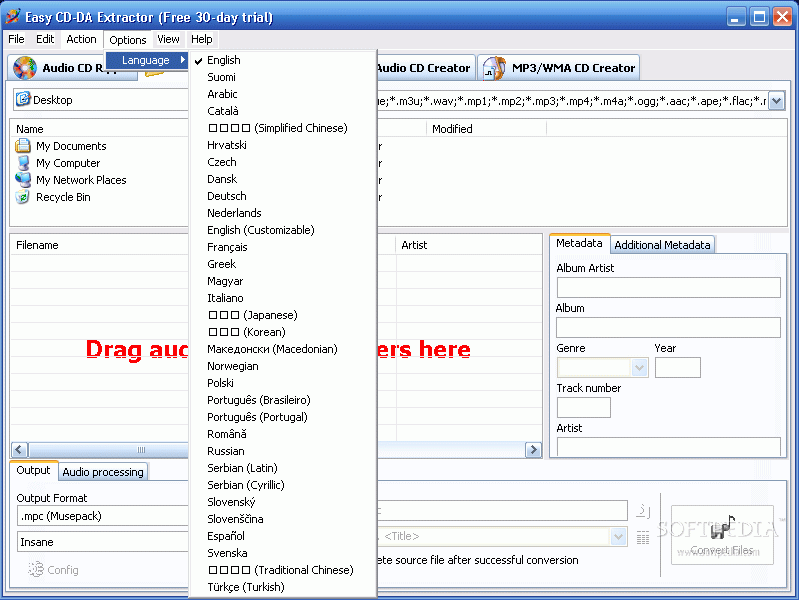
The software does its job very good and very fast. All the four options included require the same skill level. Every beginner can start ripping even if s/he has never done it before. The Help menu is extremely useful, as it provides a description of the audio file formats supported by the software. It also offers information on the supported input and output audio files.
The Bad
Well, I had some problems with writing and ripping an audio CD in the sense that it did not work. But I blame only the CD for that. As soon as I changed it, the software became very obedient.
The Truth
The software is a good investment ($39.95). You will find it extremely easy to use and the results will sure be unexpected, in the pleasant sense. I use it and it has never failed me. I was especially impressed by the speed of converting or ripping. I suggest you check the Help menu to see the audio codecs and the supported audio file formats.
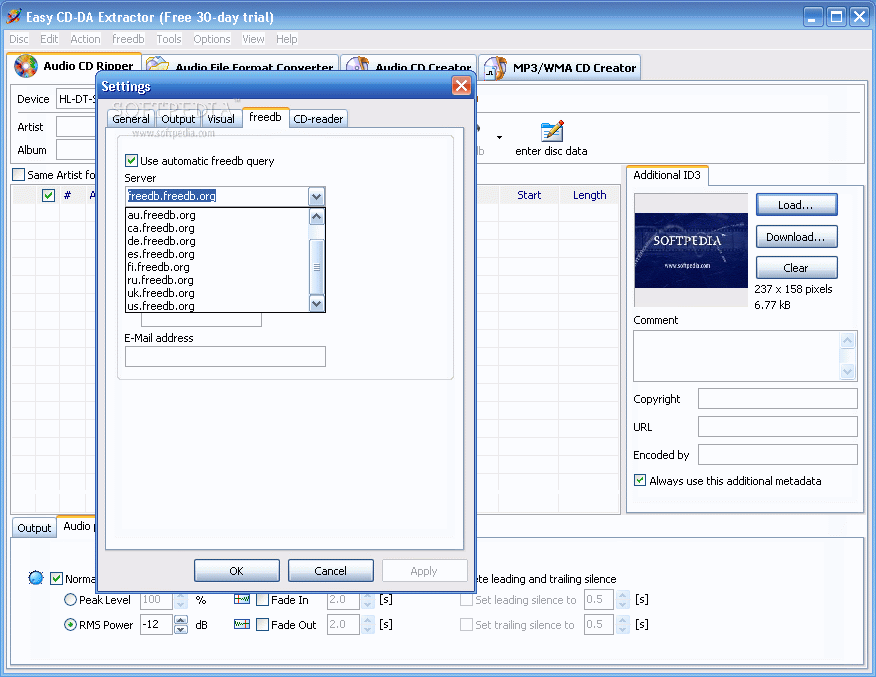
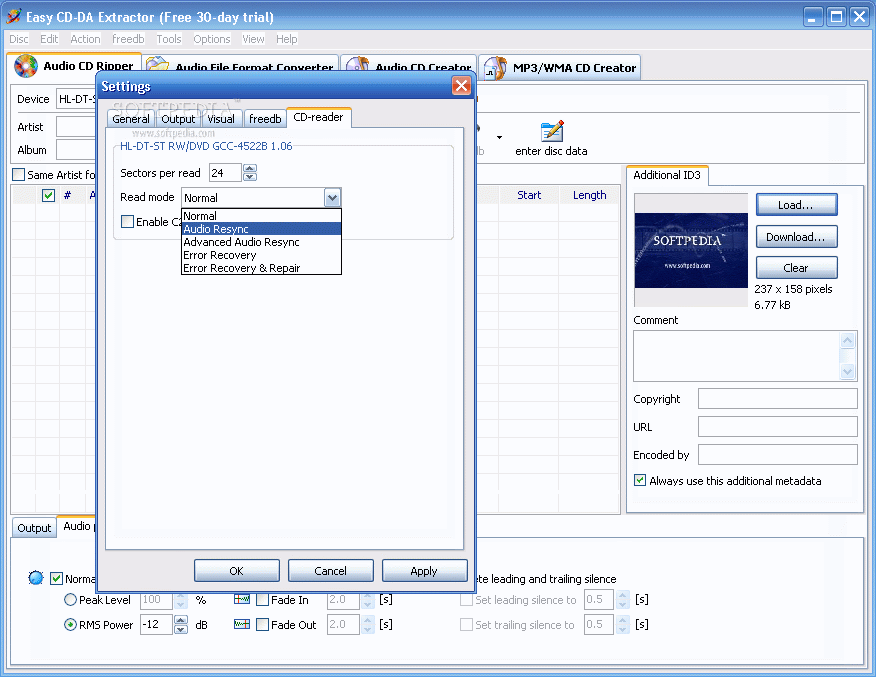
Here are some snapshots of the application in action: