 14 DAY TRIAL //
 Free video converters are easy to find nowadays. And most of the recent freebies come with pretty awesome features and flexibility worthy of a paid product. Freemake Video Converter, although released relatively recently has raised the interest of the users through its clean, easy to use interface as well as video conversion options fitting the latest standards.
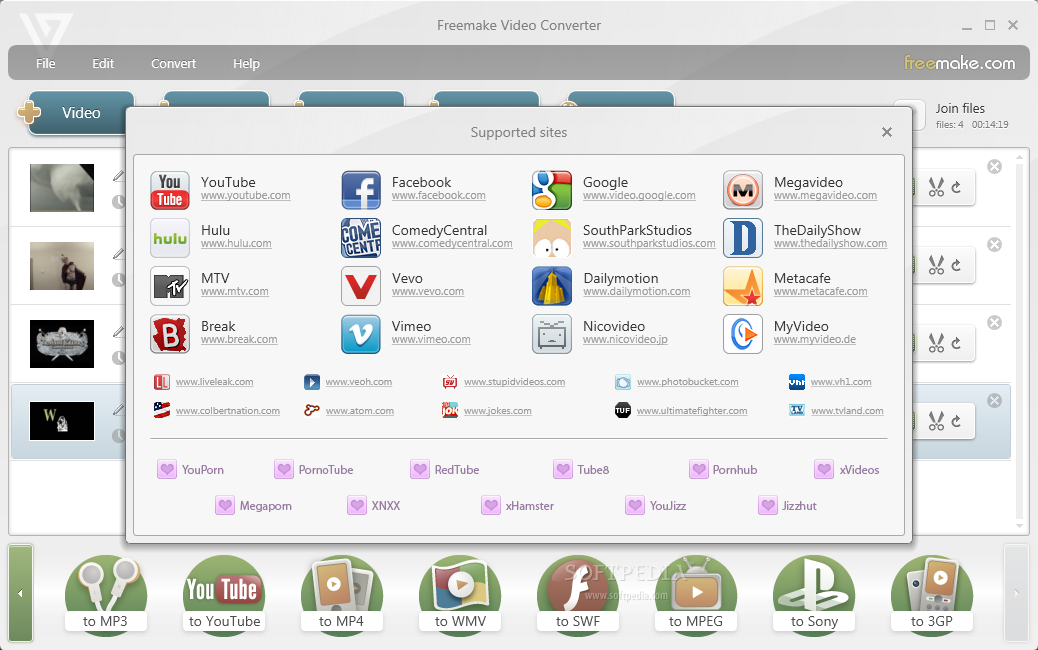
Since our first review of the application the developers added a set of new features in the application, which now comes with support for Blu-ray and the ability to import and convert online videos from more than 40 web sites. Furthermore, Freemake Video Converter packs a new photo slideshow manager that allows better handling of the images: you can shuffle them, enable panorama view and auto-rotation function.
The latest edition of the software does not sport different looks as the initial design of the interface already meets the comfort standards of the average user. So the video conversion options are still lined up in the lower part of the application window while the types of jobs are available in the upper part. The traditional menus are also in the upper part of the screen, but you will not have to access them too often once you configure the program.
To make it easier to use, the developer added browser integration in this version for Mozilla Firefox and Google Chrome. The plugin is available in the right upper part of the browser window and you can uninstall it at any time from the navigation program. Its purpose is to offer an easy way to download clips from the supported video websites and convert them to the desired format.
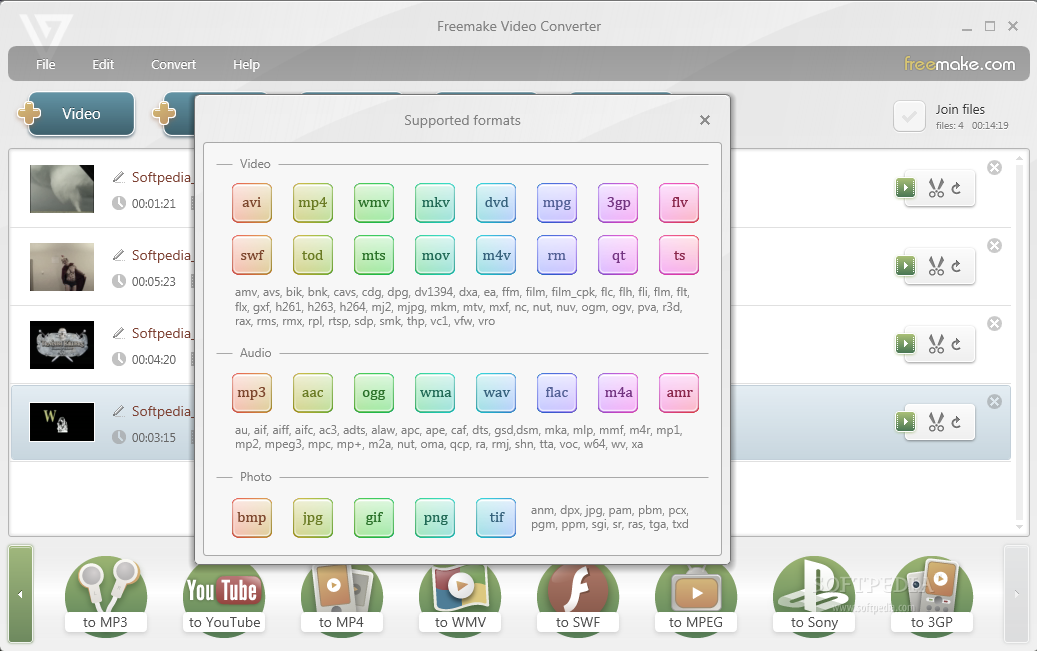
The set of conversion formats supported is not too extensive, but includes all the popular file types, from AVI, MKV or MOV to MP4, WMV, SWF, MPEG and 3GP. You can also use the application to extract the audio out of a video and store it in MP3 format.
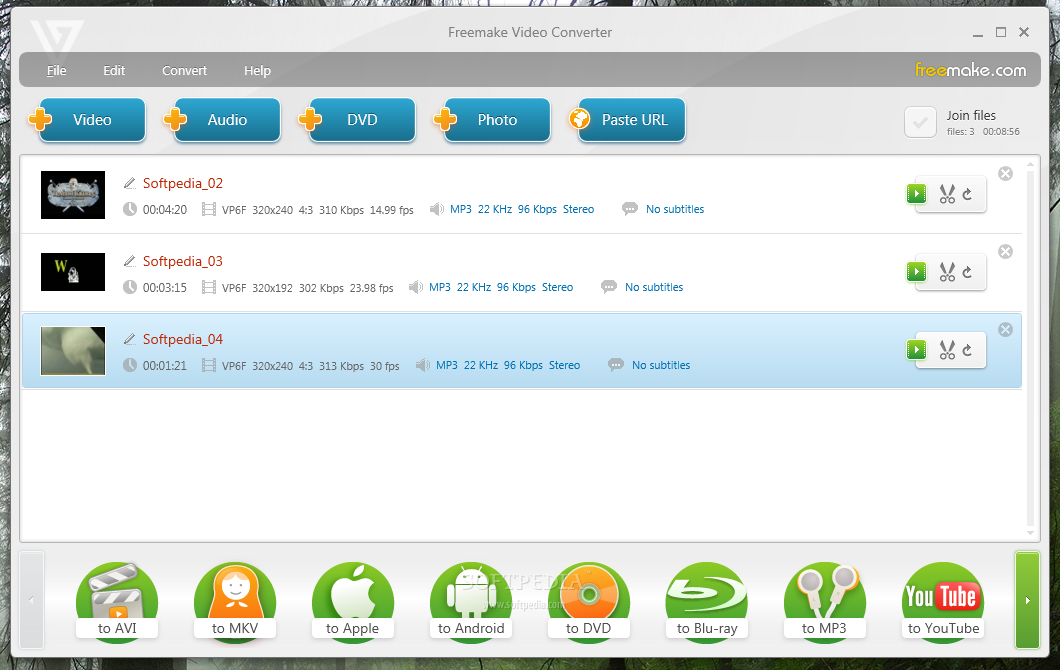
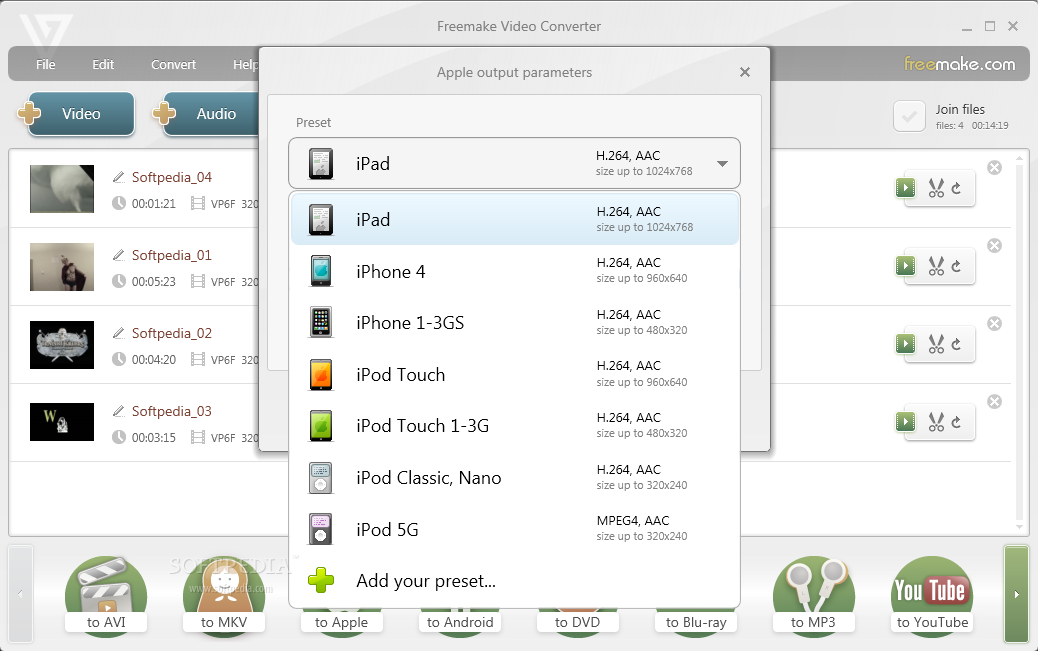
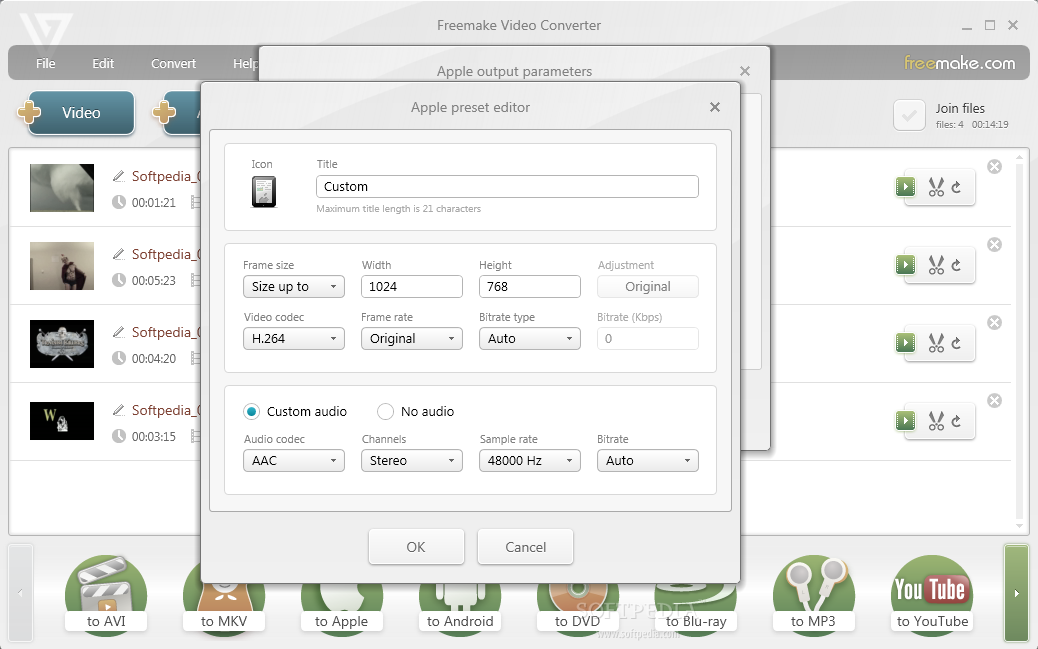
For each of the conversion choices provided Freemake Video Converter provides various presets that fit different quality levels. You can enrich the list with your own preset if what the app offers does not fit your needs. Also, you are given the opportunity to bend the conversion settings in what concerns framerate, video processing codec (MPEG4/2/1, H.264, H.263, XviD, VC1, WMV3), resolution, bitrate. In the case of audio the options include codec (AAC, MP3, WMA, AMR, FLAC), channels, sample rate and bitrate. Codec choices are available in accordance with the conversion job you pick.
We noticed that the program already has the best configuration laid out for you, so any further adjustment from your part should generally refer to resolution.
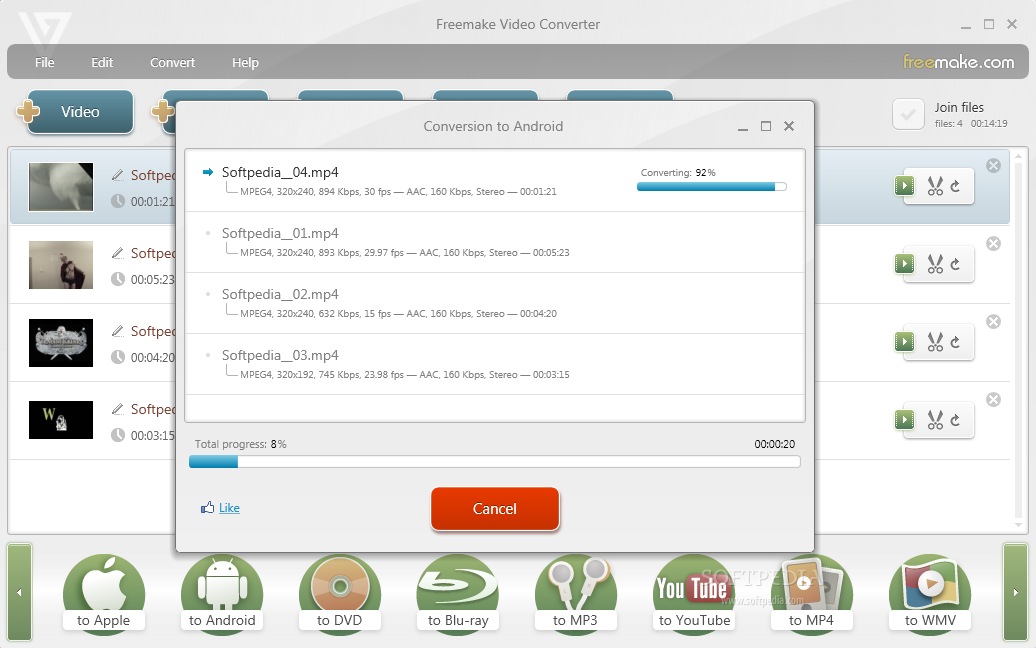
The presets available for each of the jobs in the lower part of the screen make it really easy to adapt the conversion parameters for specific quality or rendering device. In the case of Apple the pre-configured options can output video ready for iPad, iPhone and iPod (Touch, Classic and Nano). Sony devices you can prepare video for are PSP and PS3. There are presets for Android devices as well. For these you get to make your pick based on the resolution supported by the device.
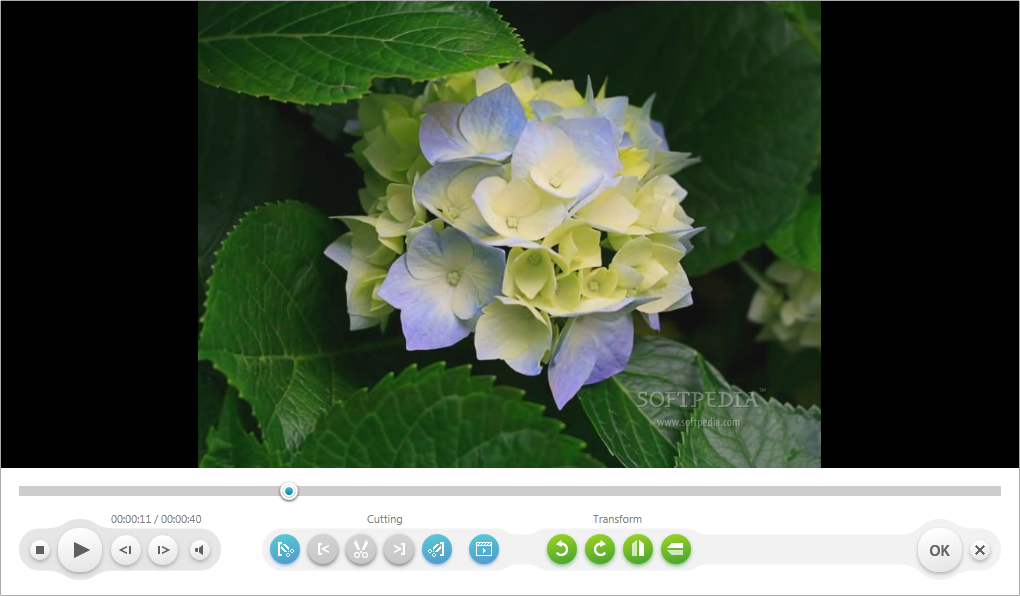
Changing video format and extracting audio are not the only tricks in Freemake Video Converter’s bag. The application can be used to trim and join video as well as flip (horizontally and vertically) it or rotate it.
Eliminating parts of the video is a straightforward job that does not require any training. You simply set the beginning and end of the cut and then proceed to cutting the selected part out. Navigation through the movie can be done with the help of keyboard left/right arrows.
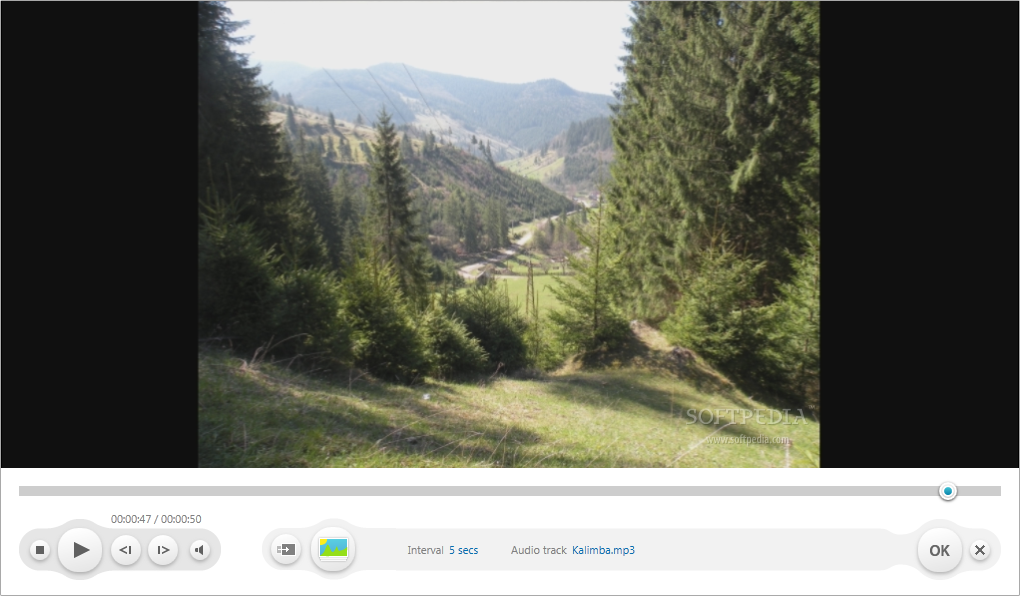
Video handling editing features extend further, to the point that you can replace the audio in the movie with whatever soundtrack you want. Adding an audio track is especially handy in the slideshow creation process.
Customization options for the slideshow include shuffling all the pictures, setting the slide interval and providing an audio track. Unfortunately you are not provided slide effects or transitions, but hopefully these will be added in future versions.
Video is not all Freemake Video Converter can handle. It can also play audio files. The pitfall is that this activity is extremely CPU intensive and the playing is choppy regardless of the format you try. We expected some editing functions in this area as well, but we have to wait for a different version that will probably add some basic tools.
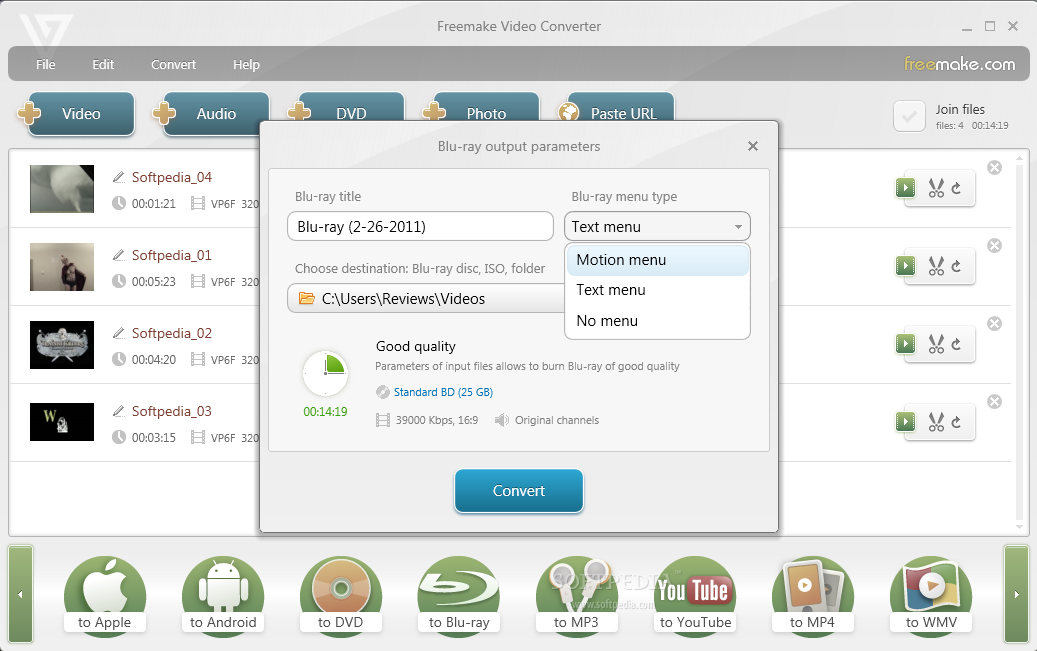
Making Blu-rays with the application is just as easy as in the case of DVD-Video, if not easier because there are fewer options at your disposal. You can choose between a text menu and a motion one and the disc type you want to burn the data to after all specific files have been created (you can also store them as ISO).
For creating a DVD you benefit from a slightly richer set of options. There is one more menu at your disposal and you also get to set the aspect ratio and the DVD standard.
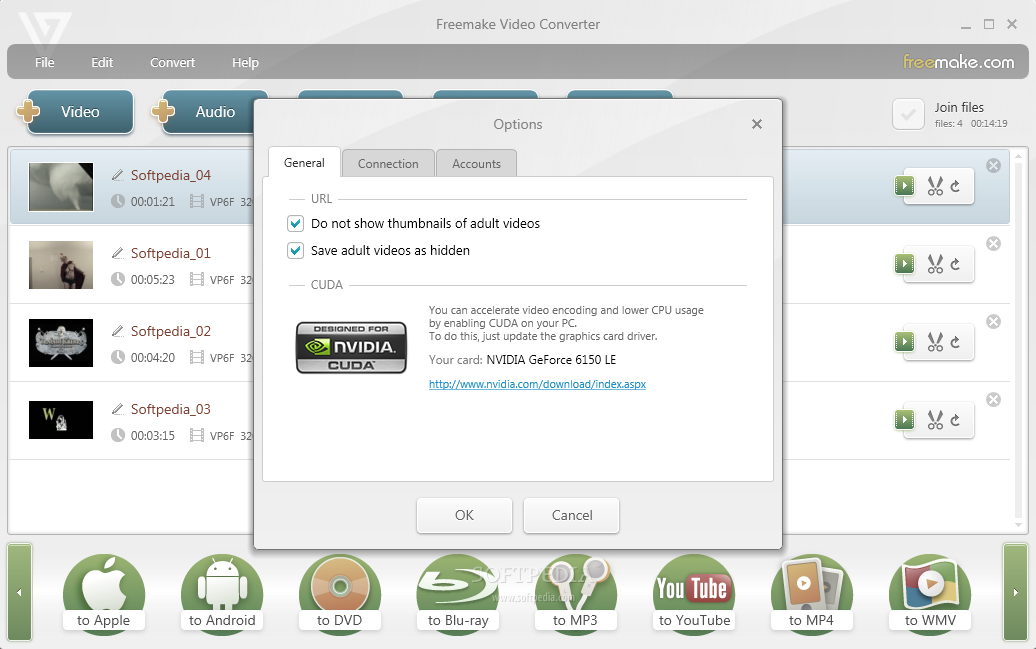
System resources used during the conversion procedure are significant unless you use the program on a machine that is not CUDA-enabled. During our tests an average of 70% CPU was recorded on such a system. However, putting the GPU to work will drop the stress to a great extent.
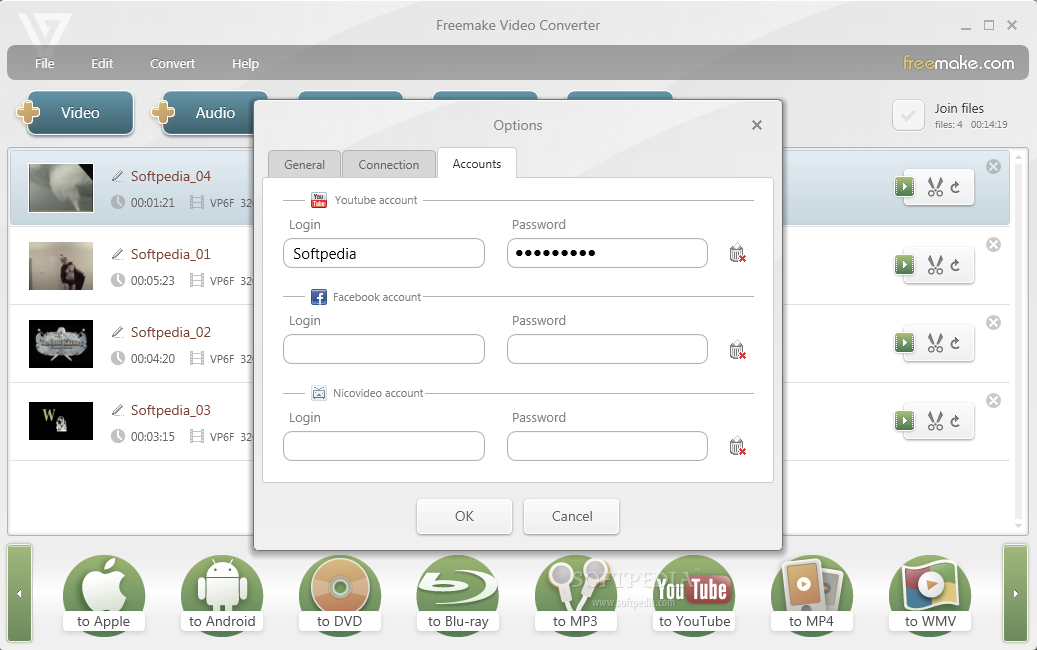
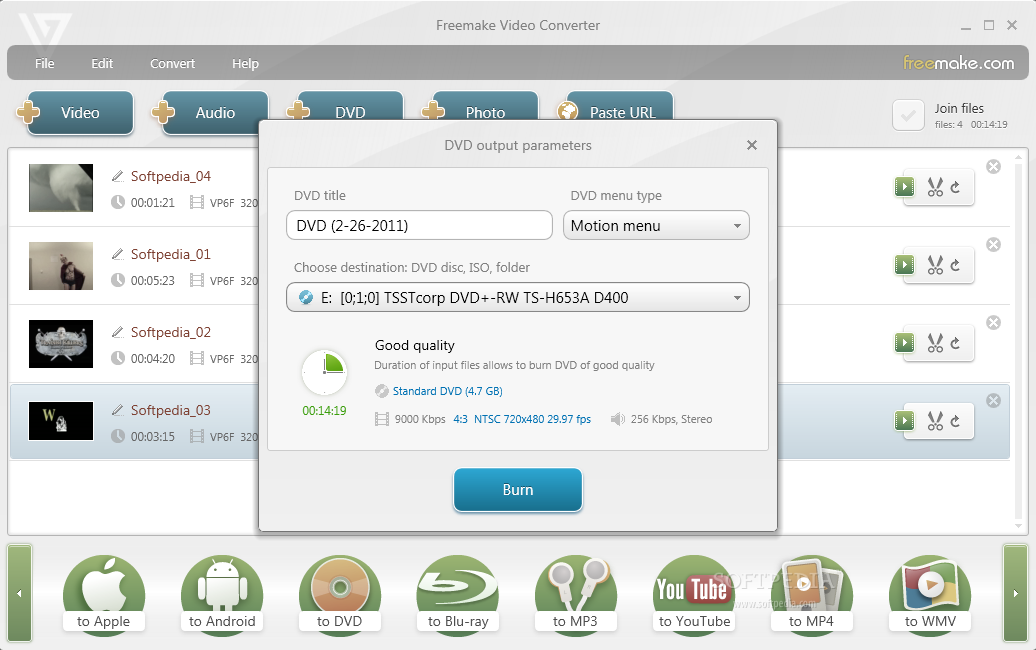
The application can be used to quickly upload video to YouTube or create slideshows playing an audio track of your choice. Blu-ray and DVD support allows you to create videos with text or motion menus. Trimming and joining videos are also among the supported operations. You cannot define the temporary folders for processing the video and system drive is used as the default location.
The Good
The Bad
The Truth
