14 DAY TRIAL //
 Why buy greeting cards for all the important events in your life (Thanksgiving, Christmas, Easter, New Year, Valentine's Day, birthdays) when you can create them yourself. With Greeting Card Studio you will never run out of ideas and create unique greeting cards for every occasion.
Indeed, there are online services that offer various customization options and for a very short amount of money. Why use the same templates everybody uses when you could create a card from scratch with an original idea?
Some may consider that creating an e-card from scratch involves some effort, but if you are simply looking for a funny and original way of saying Happy Holiday, you just need to explore all the options you've got and let your creative side do the rest.
Greeting Card Studio is the application that can help you create beautiful greeting cards. As the name suggests, this tool is designed with the sole purpose of helping you create your own greeting cards for various events.
The price for the unrestricted version of the application is 29$, but you can also test it to see if it fits your needs. The trial version allows you to use it 30 times and has several restricted functions apart from the full version (printing is disabled as well as the Greetings tab).
The interface is not the most appealing feature of the program and it looks rather old but it helps you get the job done. To start making your own greeting cards you can choose from two options: create one from scratch or use a template to start your work.
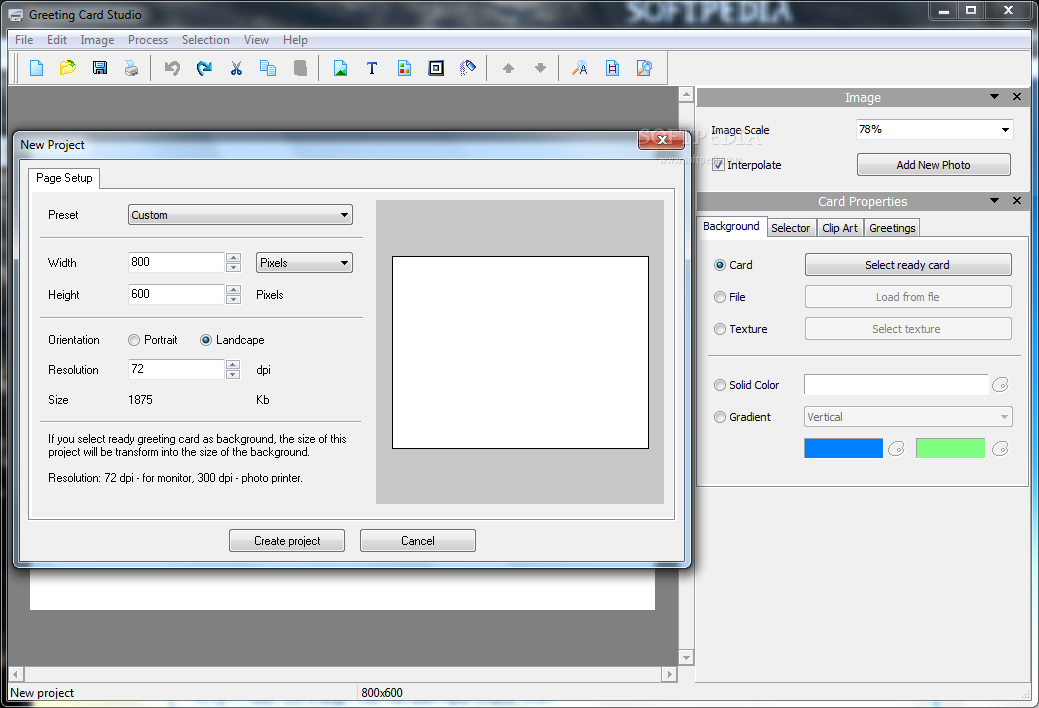
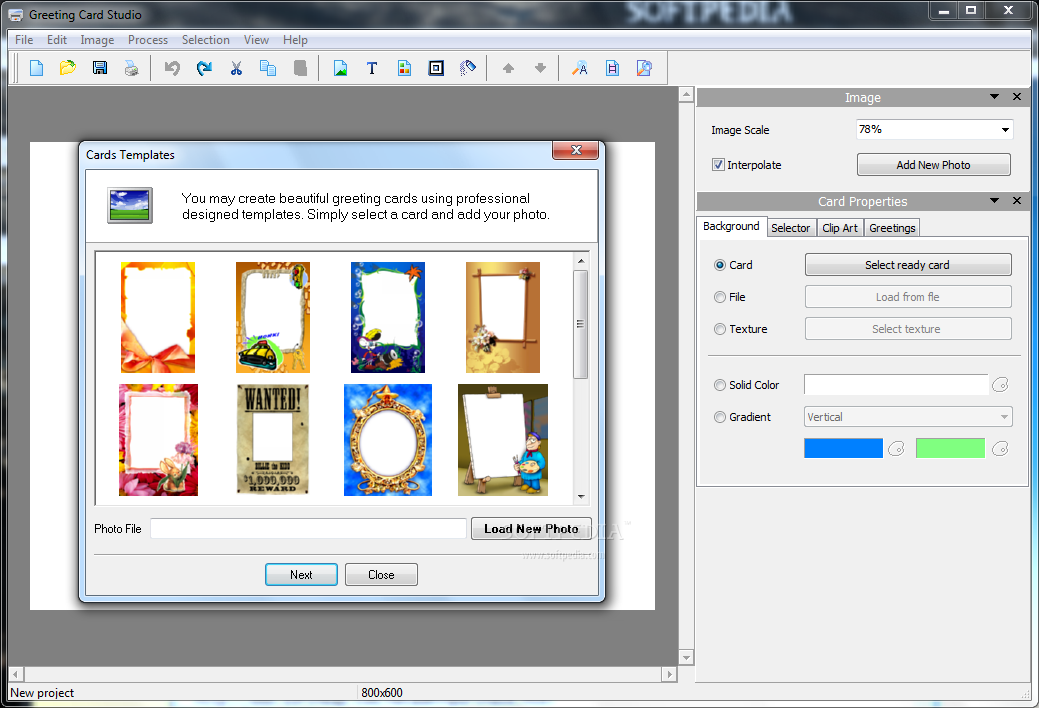
Although these two options should be displayed in a single window for quick access, or when you press the New button, this is not the case of Greeting Card Studio. Pressing the New button will open a new window that allows you to create a new blank card. To start using a template you have to access the File menu and choose Create Card Using Templates.
This is confusing for casual computer users and can get rather annoying even for experts. Depending on the choice you make, you will either have to select the template that suites best with the style of the greeting card or choose from different presets of blank cards.
Templates come in various shapes and flavors from Wanted posters to flowers, mirrors, ribbon, even a painter and its canvas all waiting your creative ideas.
Either way, the same ease of use is available, as Greeting Card Studio offers great flexibility in customizing the card, as well as a bunch of effects to yield originality and good taste.
Unfortunately, the templates don't cover a lot of events and are rather limited offering you the possibility to choose between 16 of them. Users can choose the size of the card from the beginning of the project but only when they create a new project.
You can select one of the 11 standards available or you can customize the width, height, orientation and resolution. If you select a pre made greeting card as background, the size of your project will become the size of the background.
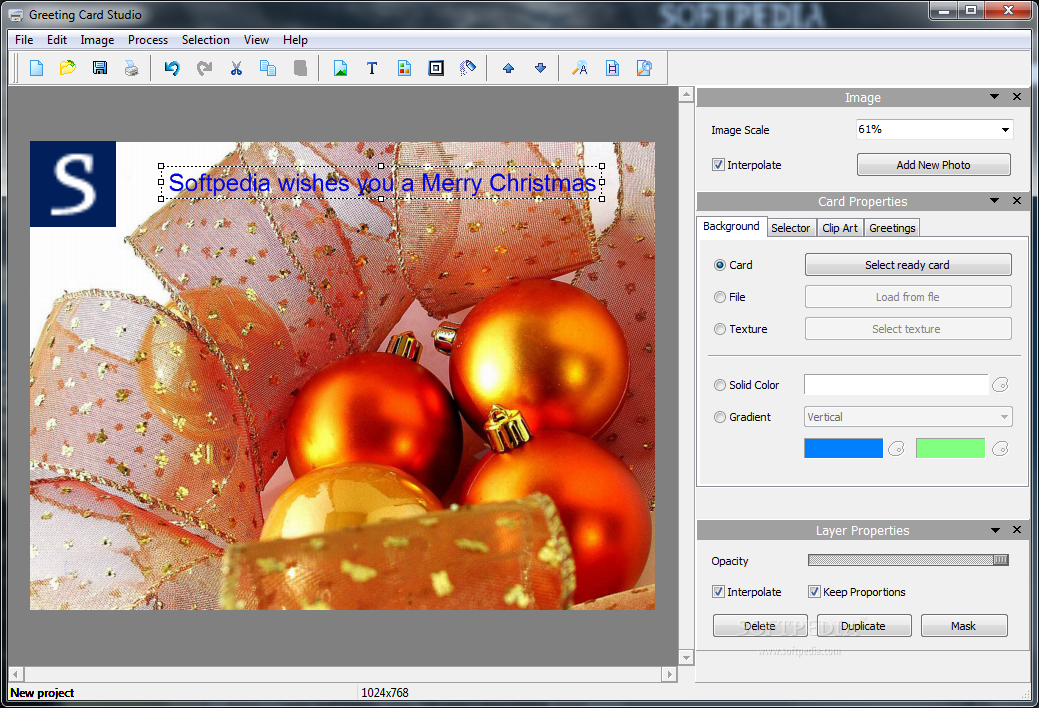
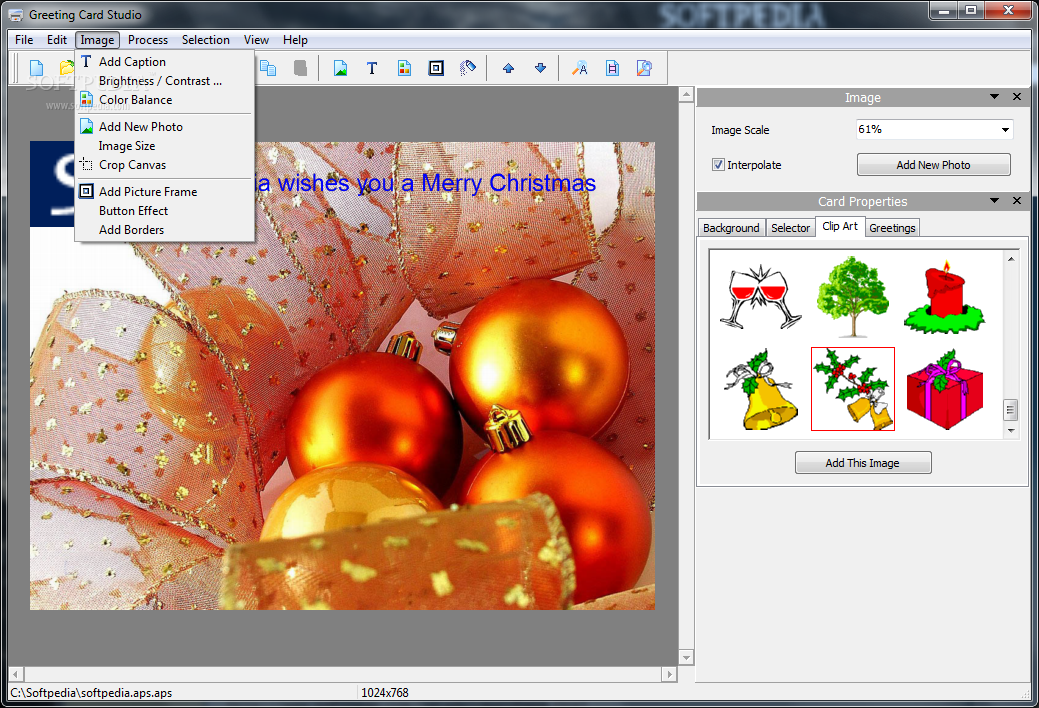
The right side panel is the place where the magic starts. From here, the program allows you to choose between 5 types of backgrounds for your card (pre made cards, an image you like, a texture, a solid color or a gradient).
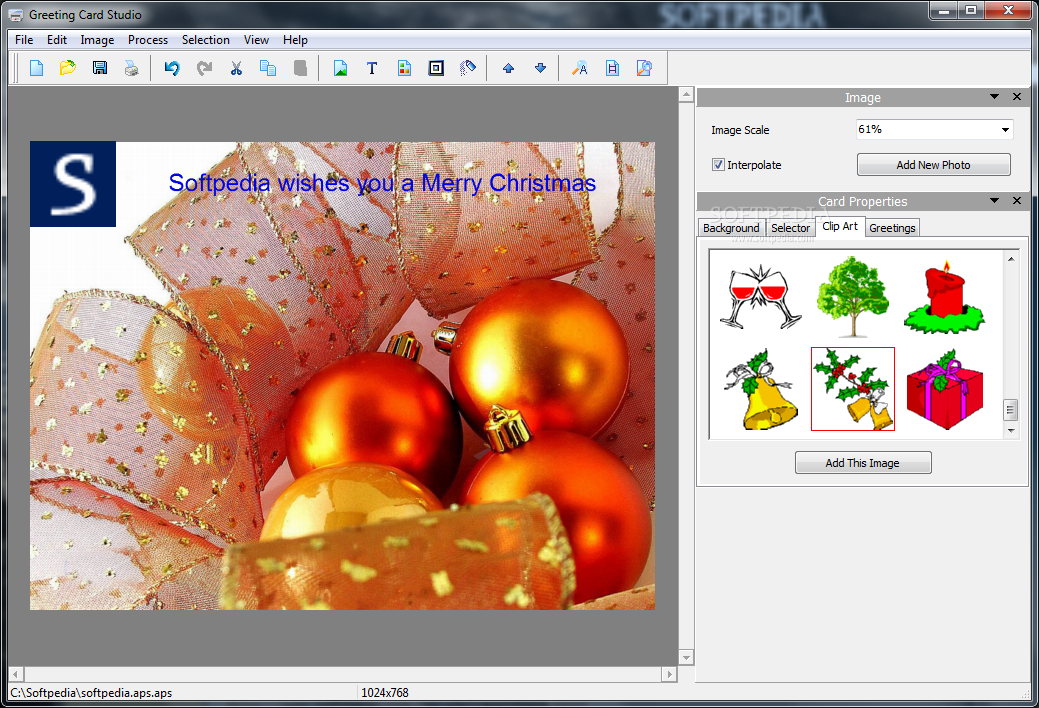
You can also add a special layer and various clip art images that can be customized and will make your greeting card look better. If you run short of greetings ideas, Greeting Card Studio comes to your aid with various season greetings ready to use (unfortunately, these are not available in the trial version).
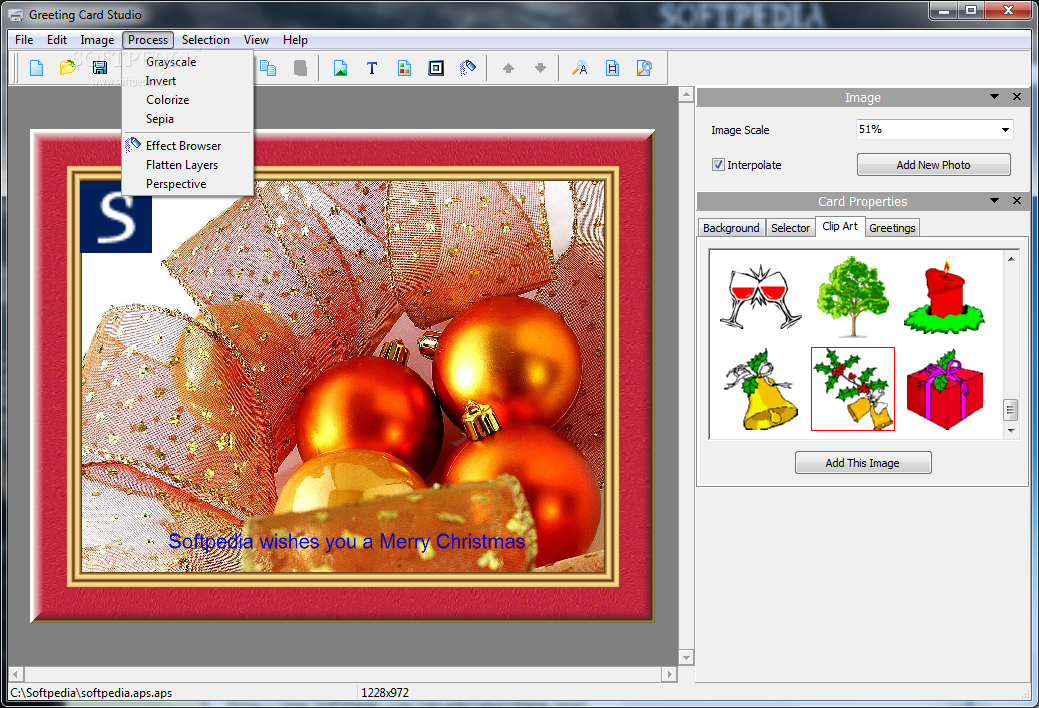
If you want to add a frame to your greeting card, a set of 34 frames is at your disposal, ready to be filled by any image you like. They go from simple to complex and come in different shapes and sizes. Take a peek at the available masks if these are not to your taste.
Masks are new layers of different shapes that can be applied to your images and will give them a nice finishing touch. The 18 masks come in various flavors and will add a nice touch to your greeting card.
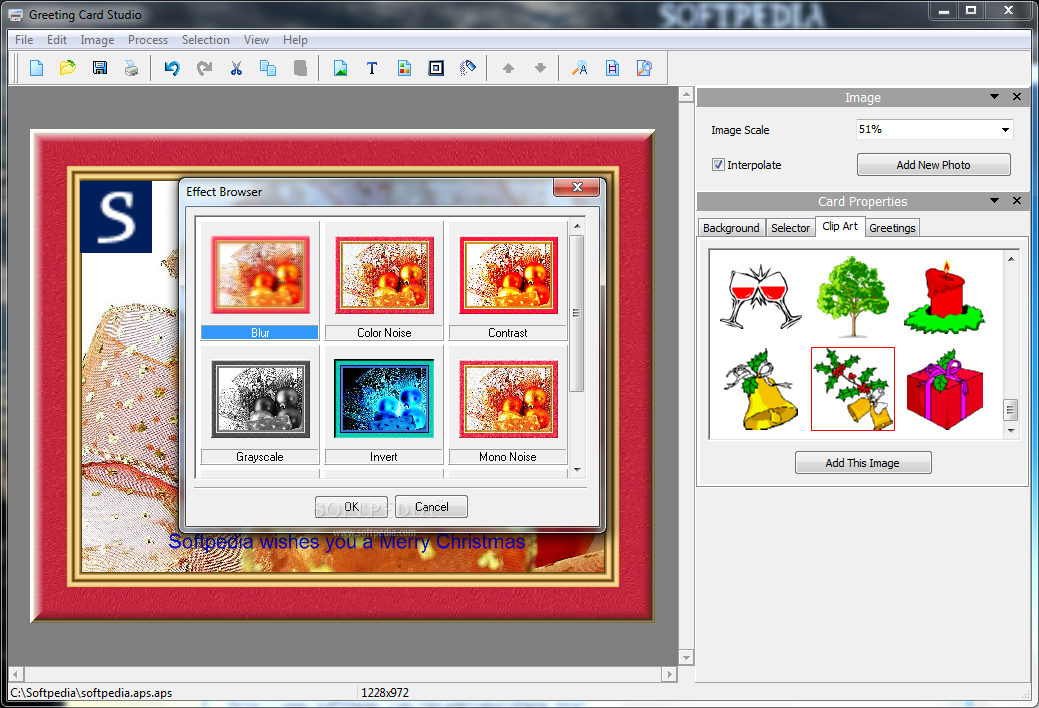
Effects can make your images look better, offering choices from Blur, Color Noise, Contrast, Grayscale and Invert to Mono Noise, Mosaic, Spray and Wave. Text, on the other hand, will add personality to your greeting cards whether they are meant for friends or family.
To send the cards all you need to do is print them. Unfortunately the application features only a rudimentary print option with no preview or other specific features. Additional alternatives are saving the image into a supported standard (BMP, JPG, GIF, PNG and TIF).
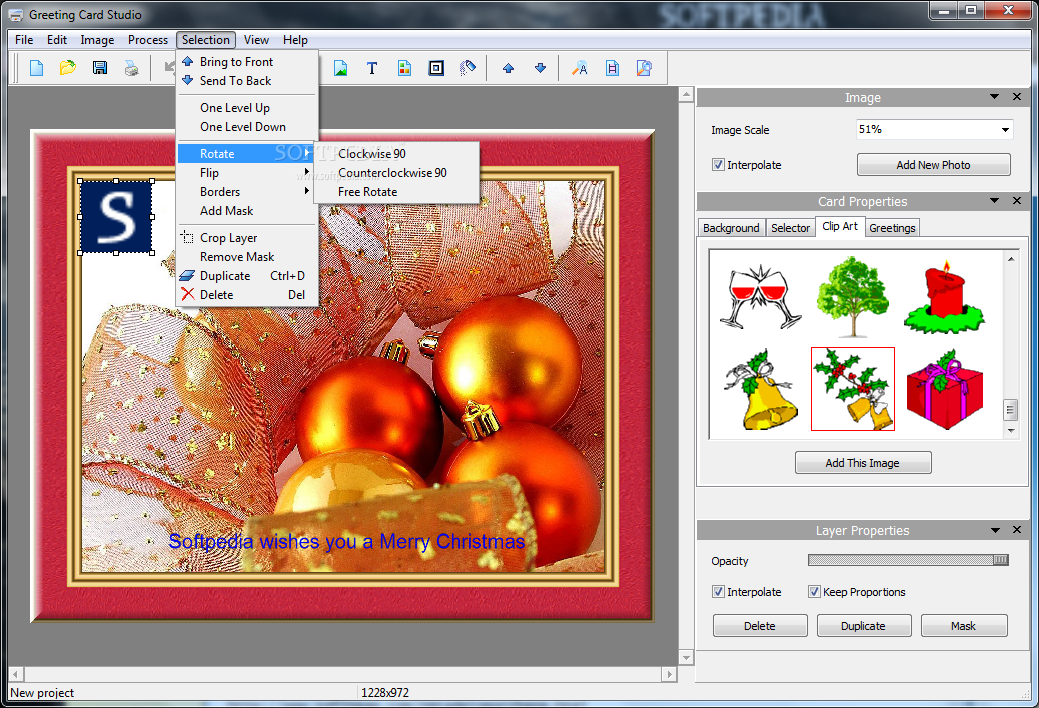
All options are carefully arranged and easy to access, regardless of the selected menu. Right clicking the elements in the interface opens a list of choices from where you can move the layer behind or on top of other items.
Overall the application is very easy to use, but has many drawbacks that need to be fixed as soon as possible. Greeting Card Studio does a good job with helping you create personalized greeting cards with minimum of effort.
If you lack inspiration the program comes with various templates and greeting messages to use in your creation. Also you can quickly print or save them in a standard image format. Editing a caption can also be troublesome, as we didn't find a way to edit the text, we inserted without duplicating it and deleting the previous one. The same goes for any Selector you might use, as you can't change the attributes of that layer no matter how hard you try. A wider range of masks and effects could make Greeting Card Studio more versatile, and provide endless possibilities to create any greeting card that comes into your mind. The printing options are rather limited and don't offer a preview of your work before printing. The price is a little high and does not justify the application features and usability. Here are some snapshots of the application in action:
The Good
The Bad
The Truth